
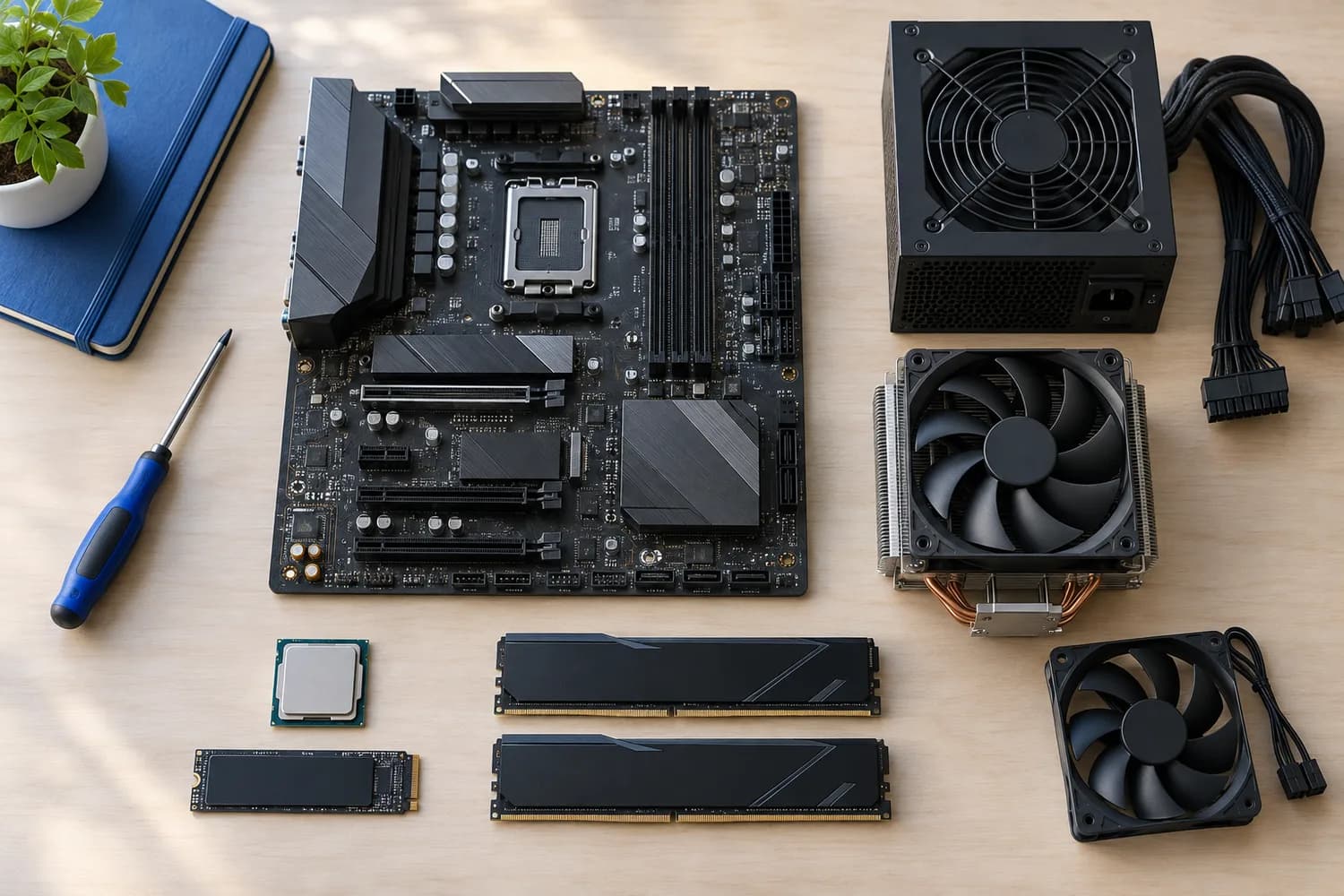
Components
A practical checklist for choosing PC components
What each part is responsible for, and the support lists, slot configurations and clearances to check for each one.
8 min read
The guide library
Research-based starting points for real build and upgrade decisions. Product recommendations appear only after their evidence and compatibility notes have been reviewed.
Components
What each part is responsible for, and the support lists, slot configurations and clearances to check for each one.
8 min read
Components
Confirm form factor, case length and the exact connectors your motherboard and graphics card require.
5 min read
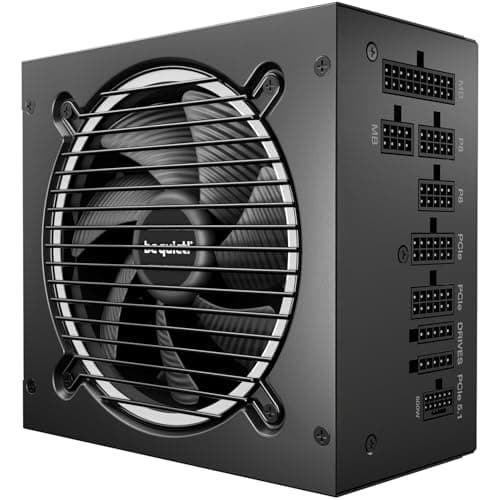
Components · Buying Guide
Compare connector counts, unit depth and measured noise before you choose. Wattage is rarely what rules a unit out.
10 min read
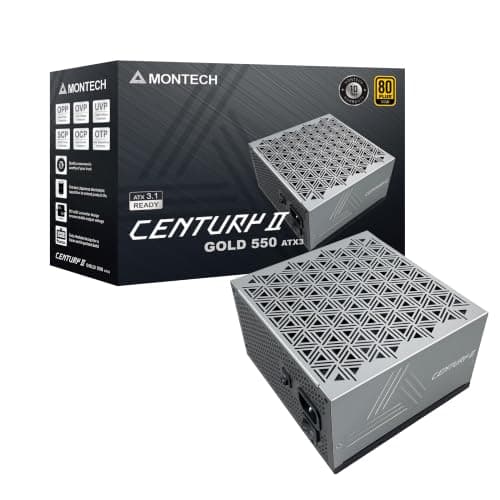
Components · Buying Guide
Compare warranty length and cabling on low-wattage units, and check whether 550W leaves room for your next graphics card.
10 min read
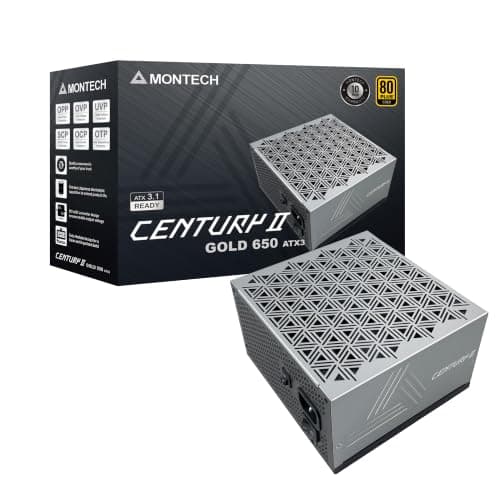
Components · Buying Guide
Check your card's power sockets and the warranty term; at 650W those separate the good units from the merely cheap ones.
11 min read
Components · Buying Guide
Compare listed PCIe connectors and fan design; at 750W, several units cost the same but differ in what they include.
11 min read
Components · Buying Guide
Compare 12V-2x6 cables, PCIe connectors and unit length; at 1000W these decide fit more than efficiency does.
11 min read
Components · Buying Guide
Check whether you really need 1200W, then compare fan design and warranty; at this level, length and cables also matter.
11 min read
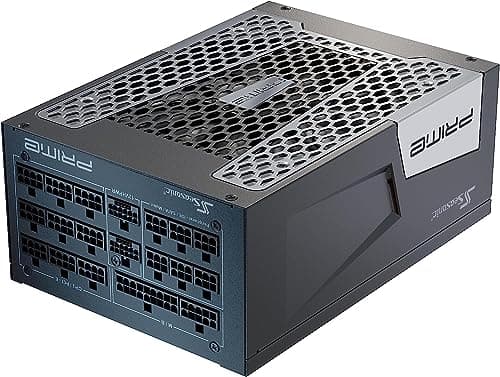
Components · Buying Guide
Check your total GPU and CPU load and your case's PSU length limit before comparing; these units are large and expensive.
11 min read
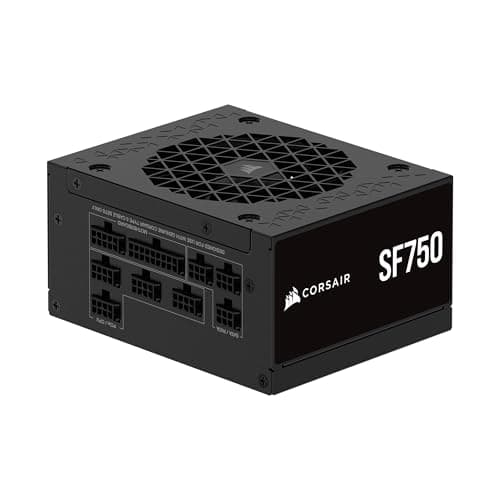
Components · Buying Guide
Check whether your case takes SFX or SFX-L, then compare fan size; small fans work harder under load.
11 min read
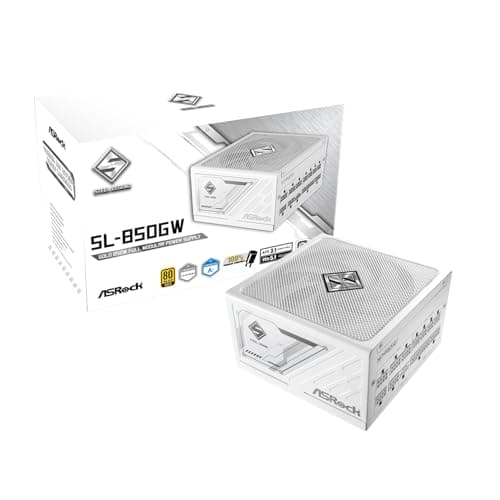
Components · Buying Guide
Check that the cables are white too, then pick the wattage your card needs; color options narrow the field quickly.
11 min read
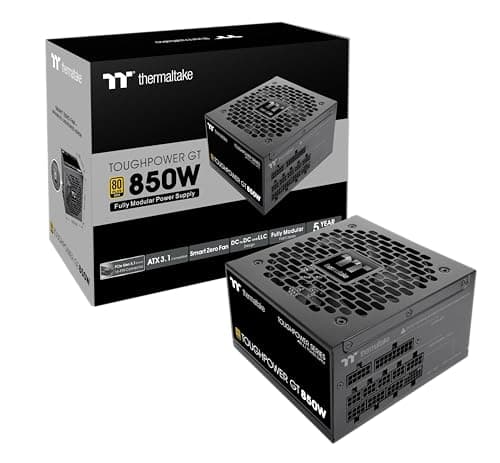
Components · Buying Guide
Compare certification, warranty and fan mode; budget units cut costs in different places.
11 min read
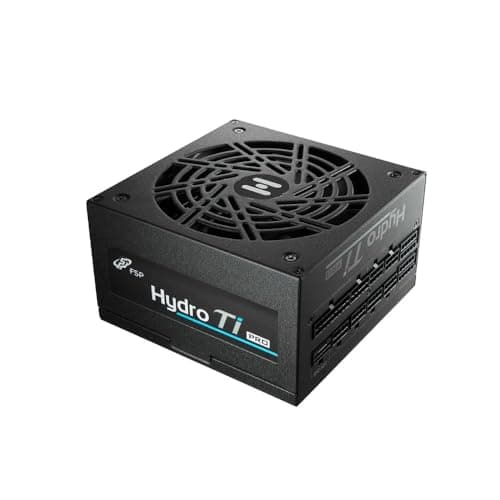
Components · Buying Guide
Check which certification a unit carries and whether it has a noise rating; high efficiency pays off most under long loads.
11 min read
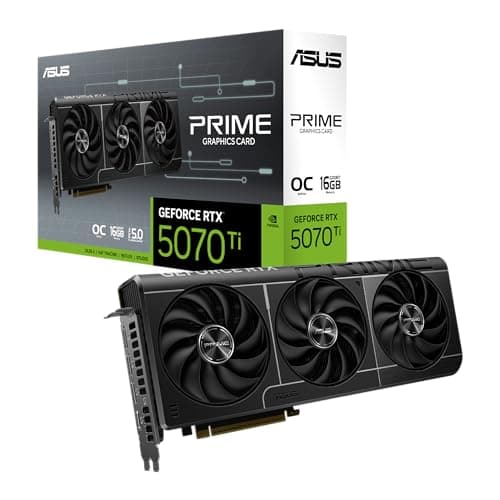
Components · Buying Guide
Every RTX 5070 Ti uses the same GPU; compare length, slot width and cooling to find the one that fits your case.
12 min read
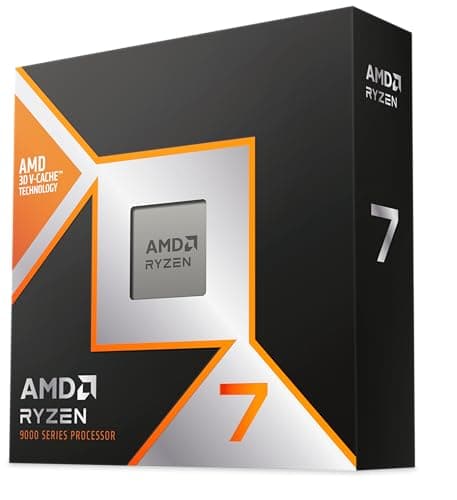
Components · Buying Guide
Check the socket and the cooler first; cache size matters more for games than core count.
12 min read
Components · Buying Guide
Decide between AM5 and an AM4 upgrade first, then choose how much X3D cache your games can use.
12 min read
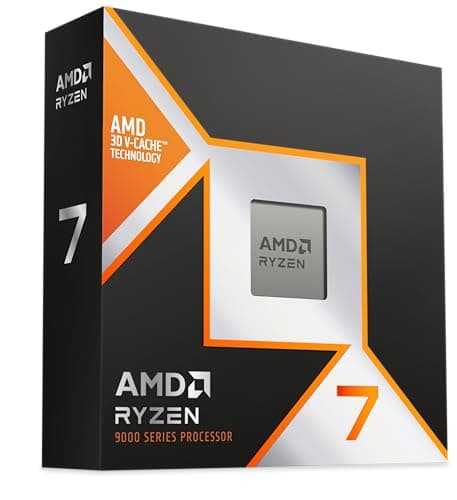
Components · Buying Guide
At 240Hz in esports titles the CPU is usually the limit; cache and clock speed decide how close you get.
12 min read
Components · Buying Guide
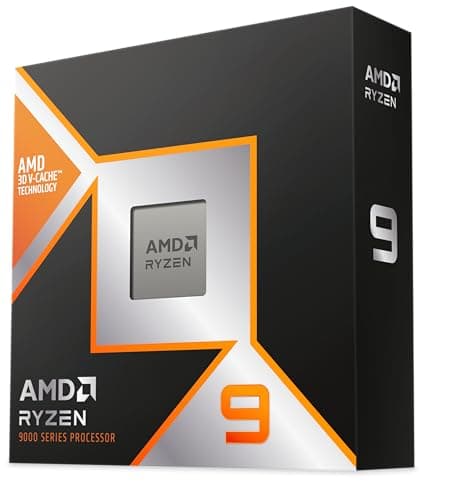
If your graphics card handles encoding, you need fewer cores than you think; count threads only for CPU encoding.
12 min read
Components · Buying Guide
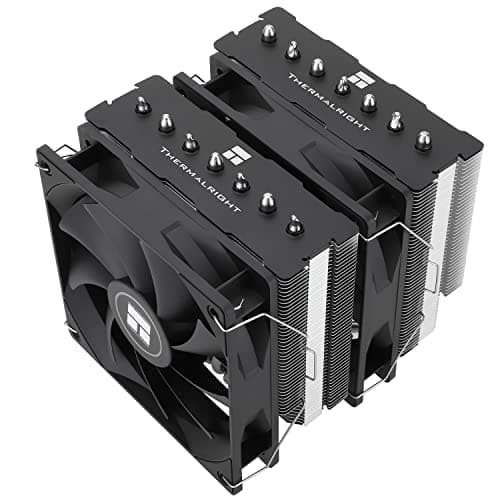
Measure your case's cooler height limit and your RAM height before comparing heat pipes.
12 min read
Components · Buying Guide
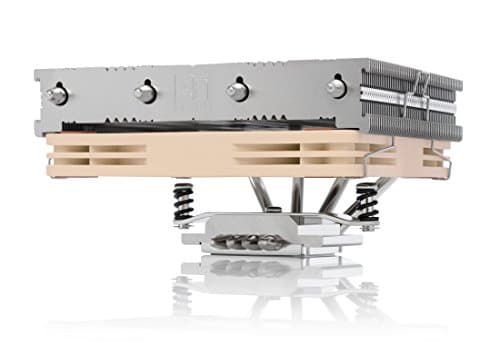
Your case's cooler height limit decides the shortlist; match the fan size to your CPU's power rating.
12 min read
Components · Buying Guide
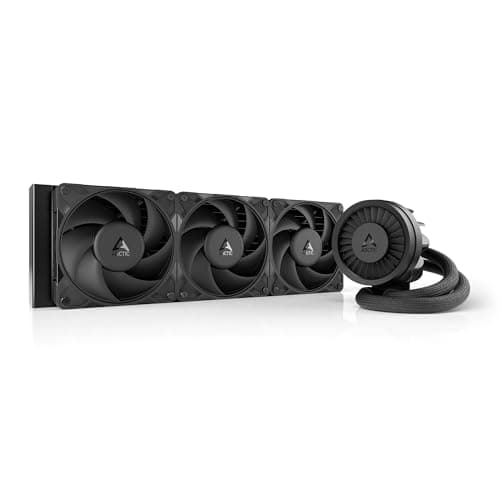
Confirm your case takes a 360mm radiator at the top or front before comparing pumps and screens.
12 min read
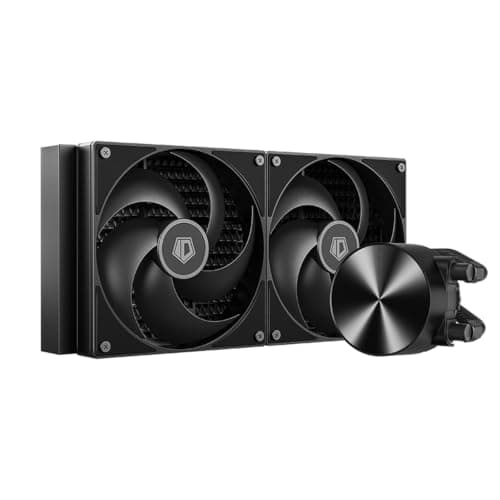
Components · Buying Guide
A 280mm radiator needs 140mm fan mounts; check your case before weighing screens and software.
12 min read
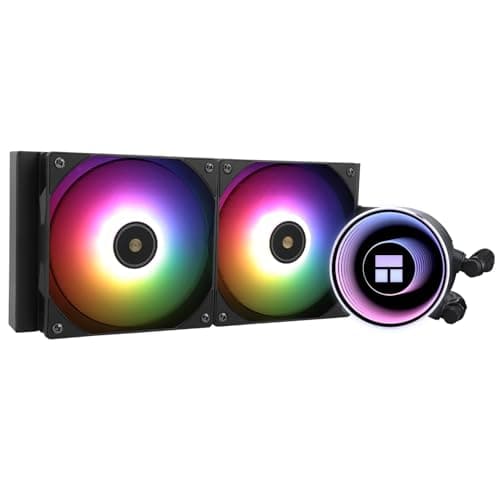
Components · Buying Guide
A 240mm radiator fits most cases; check socket support and how many fan headers the cooler needs.
12 min read
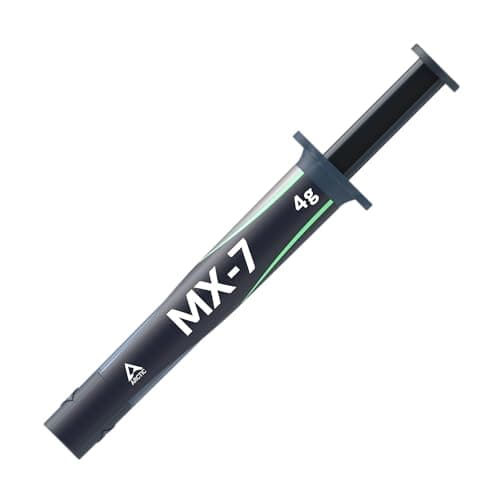
Components · Buying Guide
Good pastes differ by a few degrees; durability and a non-conductive formula matter more than headline figures.
13 min read
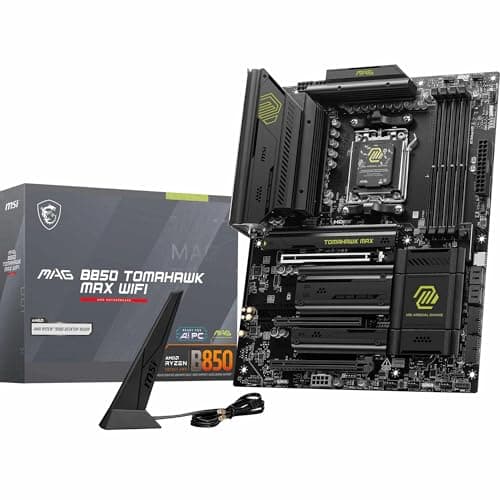
Components · Buying Guide
Pick the socket for your CPU first; then count M.2 slots and check networking rather than chasing chipset names.
12 min read
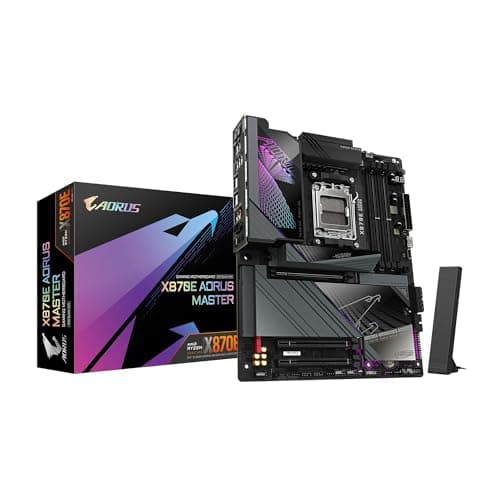
Components · Buying Guide
X870E buys expansion, not speed; check you need the extra M.2 slots and USB4 before paying for it.
12 min read
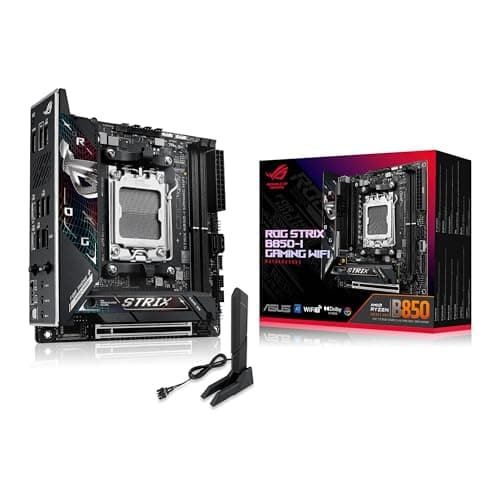
Components · Buying Guide
Mini-ITX leaves one PCIe slot and two memory slots; choose on networking and M.2 layout.
12 min read
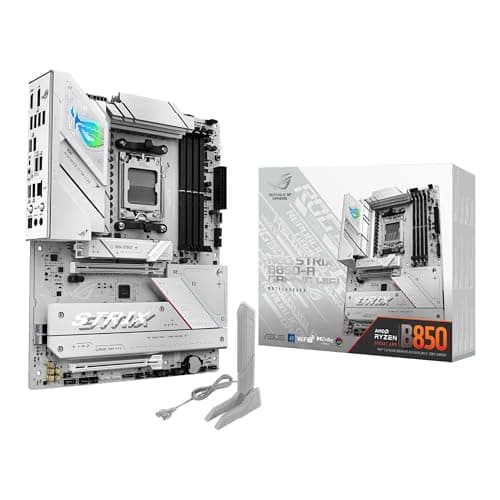
Components · Buying Guide
An eight-core X3D chip does not need a flagship board; spend on the features you will use.
12 min read
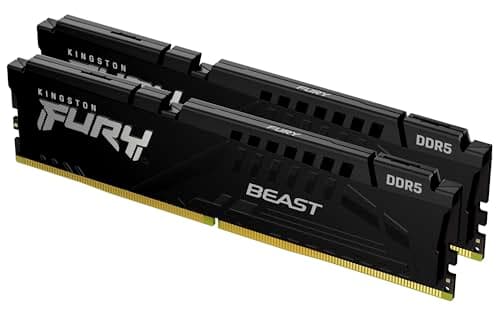
Components · Buying Guide
32GB of DDR5-6000 CL30 in two sticks covers most gaming builds; check EXPO or XMP for your platform.
12 min read
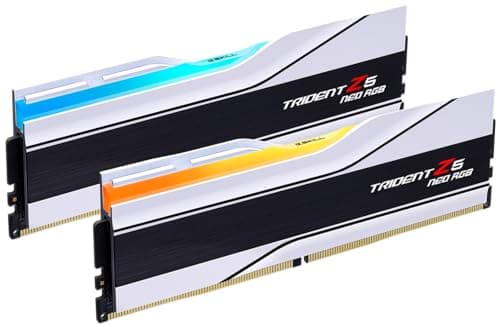
Components · Buying Guide
Stay at DDR5-6000 with an EXPO profile; tighter timings matter less on an X3D chip with 96MB of cache.
12 min read
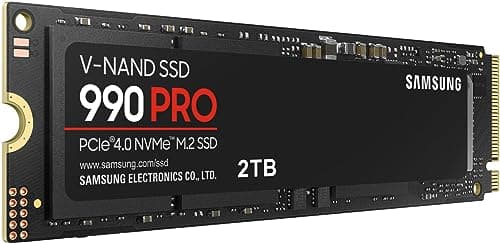
Components · Buying Guide
A fast PCIe 4.0 drive loads games about as quickly as PCIe 5.0; spend on capacity first.
12 min read
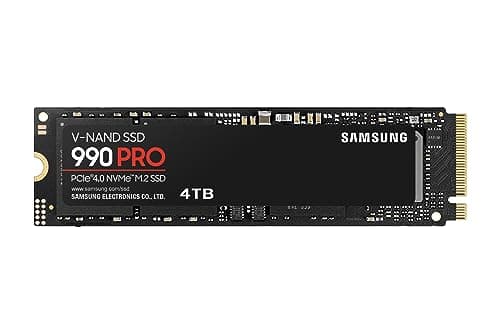
Components · Buying Guide
At 4TB, endurance and price per terabyte matter as much as peak speed.
12 min read
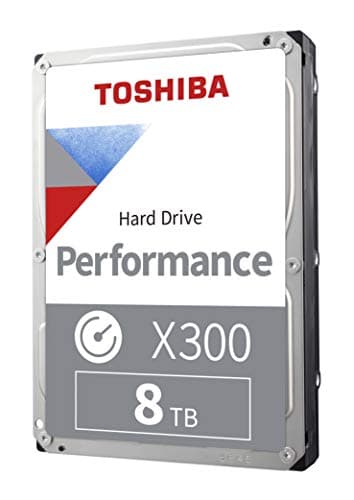
Components · Buying Guide
Keep current games on an SSD; a hard drive suits the backlog, recordings and backups.
11 min read
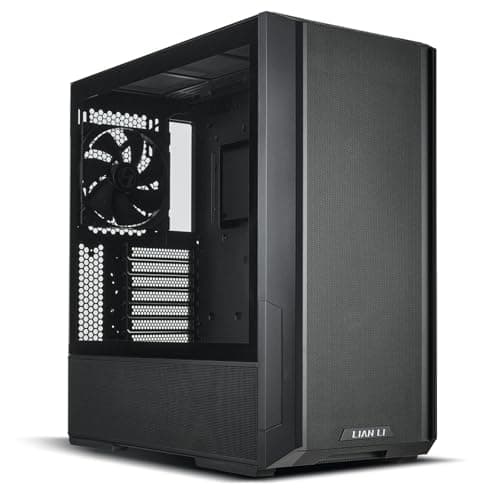
Components · Buying Guide
Check GPU length and radiator positions first; included fans decide how much more you spend.
12 min read
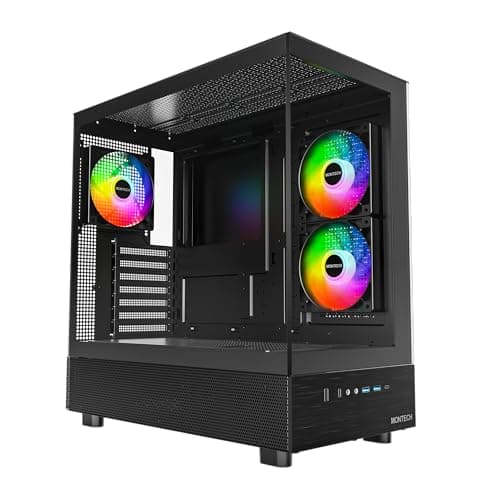
Components · Buying Guide
Count the fans in the box: a cheap case with none can cost more once it is ready to use.
12 min read
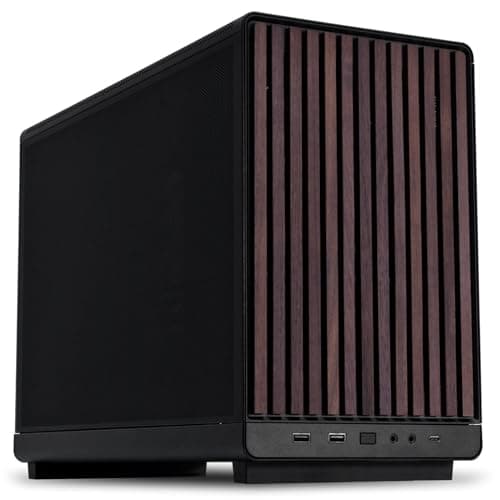
Components · Buying Guide
Micro-ATX cases now take full-length graphics cards; check the PSU format and radiator position first.
12 min read
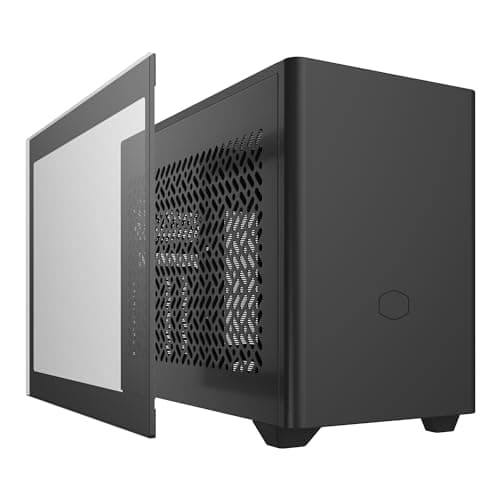
Components · Buying Guide
In small cases, cooler height and the power supply format decide the build before the GPU does.
12 min read
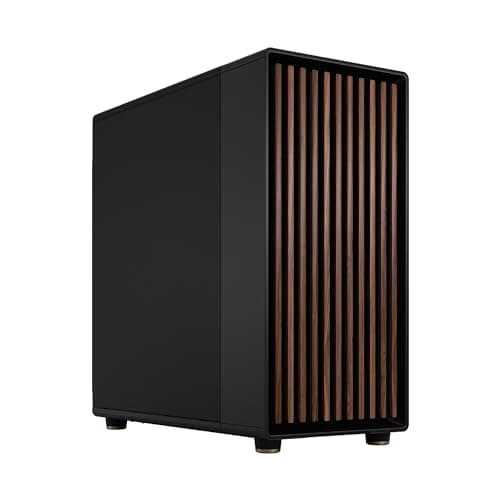
Components · Buying Guide
Only buy a full tower if you need several large radiators, an E-ATX board or many drives.
12 min read
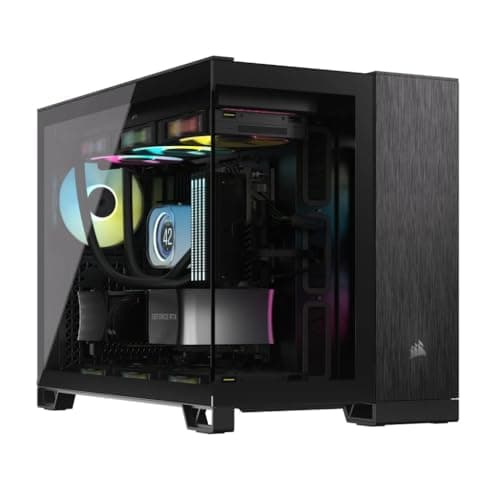
Components · Buying Guide
Cube cases trade height for width; check desk depth and motherboard support before you buy.
12 min read
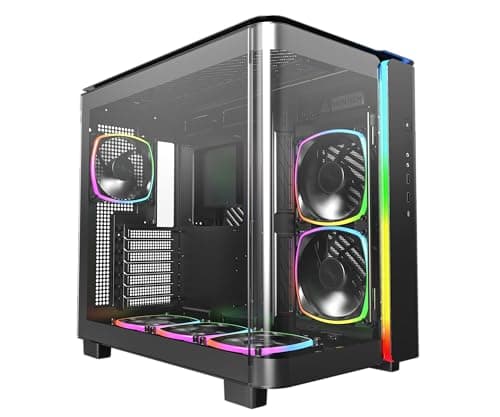
Components · Buying Guide
A glass front needs another way in for air; check the side and bottom intake before the looks.
12 min read
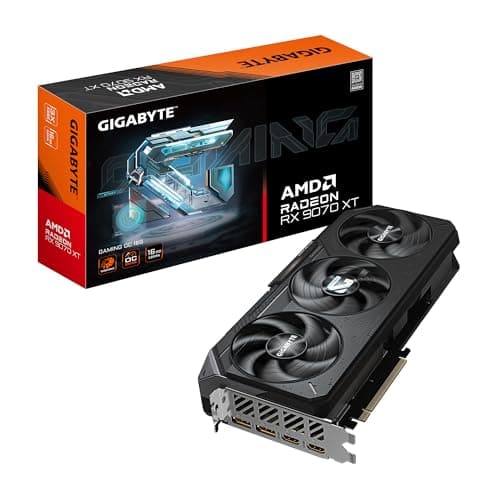
Components · Buying Guide
Start with your monitor and budget, then check VRAM, card length and the power plug your PSU must supply.
12 min read
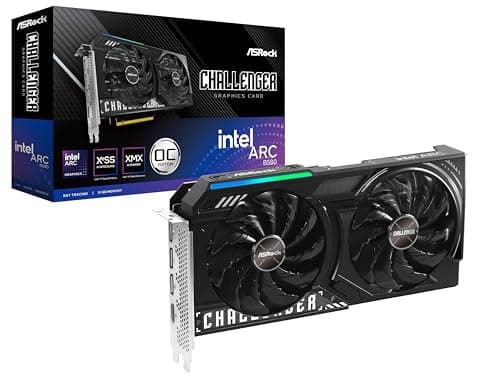
Components · Buying Guide
At this price, memory varies from 8GB to 12GB; check VRAM before clock speeds.
12 min read
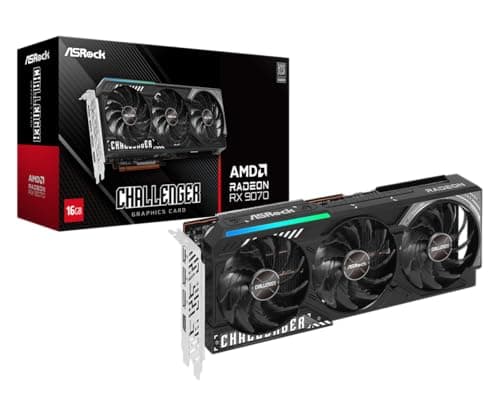
Components · Buying Guide
1440p is where 12GB to 16GB of VRAM starts to matter; check the power plugs too.
12 min read
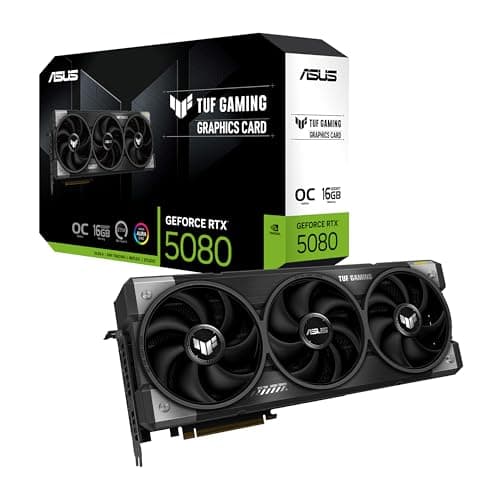
Components · Buying Guide
4K cards are large and power-hungry; measure your case and check the 16-pin cable before you buy.
12 min read
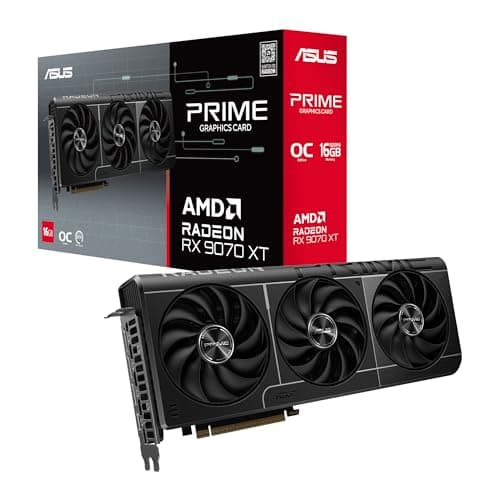
Components · Buying Guide
Radeon cards use standard 8-pin plugs here; check how many your PSU has spare.
12 min read
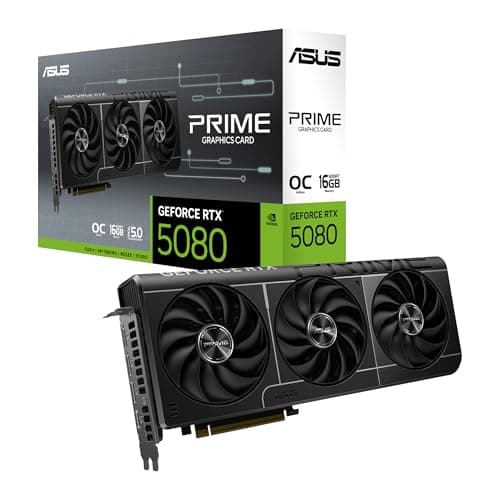
Components · Buying Guide
Every card here supports DLSS 4; the choice comes down to memory, size and budget.
12 min read
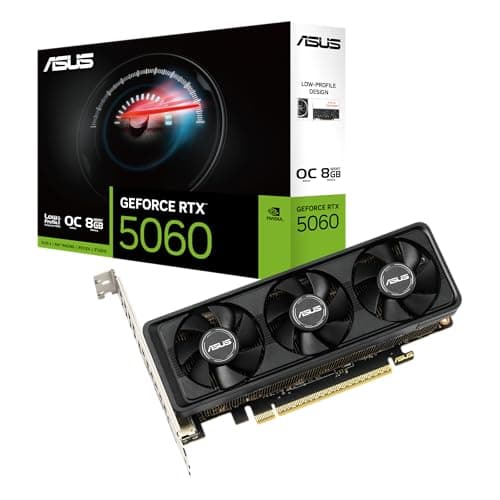
Components · Buying Guide
Check the bracket, the slot width and whether your PSU has an 8-pin cable before buying.
11 min read
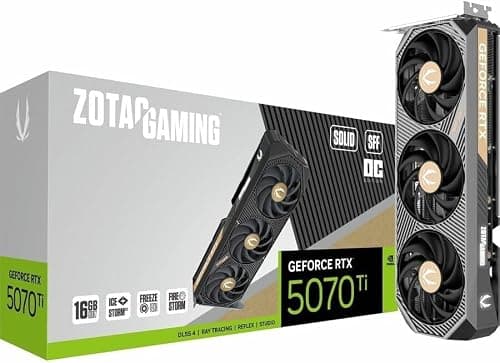
Components · Buying Guide
SFF-Ready is a size guideline; still check length and slot width against your case.
12 min read
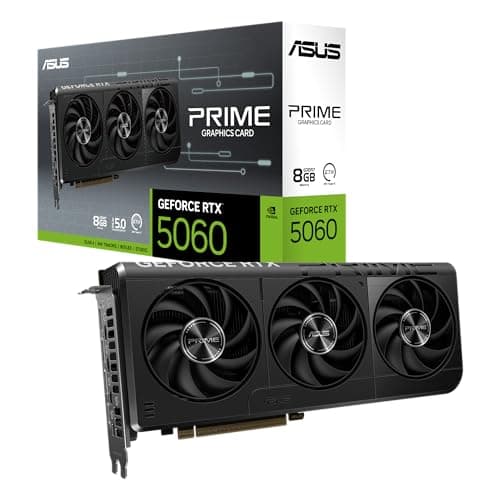
Components · Buying Guide
At 1080p, an 8GB card can work well; match the card to your monitor's refresh rate.
12 min read
Components · Buying Guide
A fast gaming CPU deserves a card that keeps up; plan PSU wattage for both together.
12 min read
Components · Buying Guide
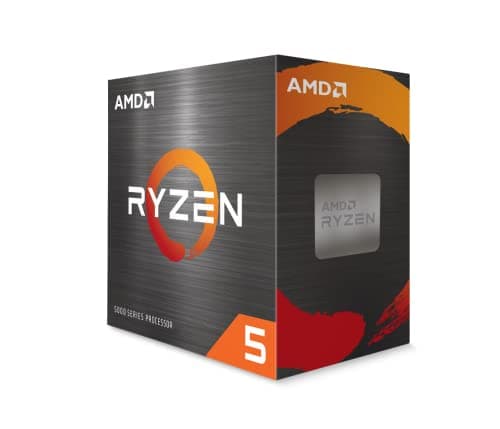
The platform decides more of the total cost than the chip: check board and memory prices before choosing.
13 min read
Components · Buying Guide
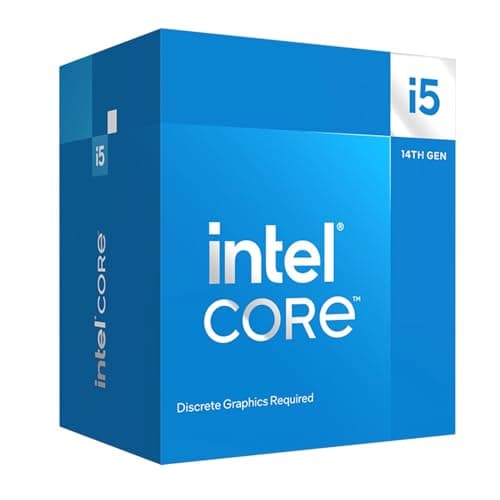
Choose the socket first: LGA1700 keeps DDR4 and cheap boards, LGA1851 is DDR5-only.
12 min read
Components · Buying Guide
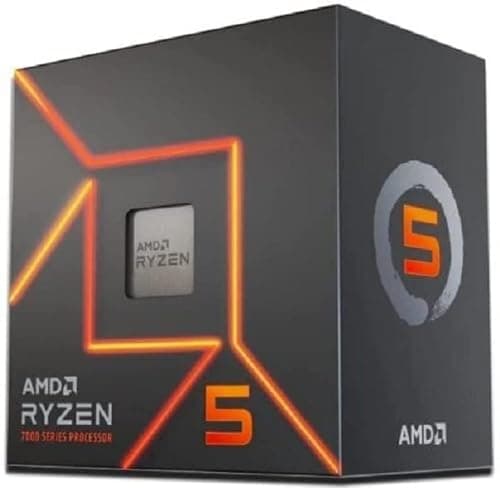
AM4 chips keep DDR4 builds cheap; AM5 chips cost more up front but leave room for a later CPU upgrade.
12 min read
Components · Buying Guide
At 1080p the CPU sets the frame-rate ceiling more often; cache and clock speed matter more than core count.
12 min read
Components · Buying Guide
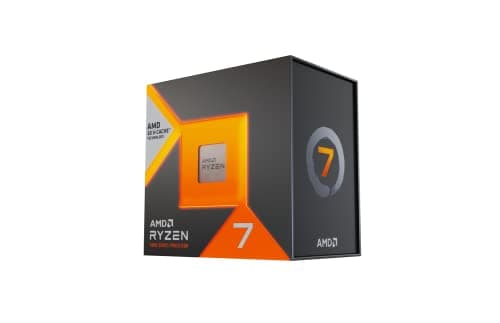
At 1440p the graphics card does more of the work; spend on the CPU only as far as your refresh rate needs.
12 min read
Components · Buying Guide
At 4K the graphics card is almost always the limit; buy extra CPU cores only if you also create or stream.
12 min read
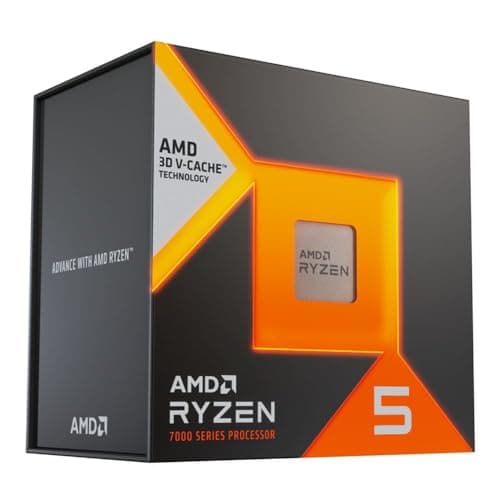
Components · Buying Guide
An RTX 4070 is a 1440p card; a six- or eight-core chip with plenty of cache is enough.
12 min read
Components · Buying Guide
An RX 6750 XT suits 1080p and 1440p; a six-core chip keeps it busy without draining the budget.
12 min read
Components · Buying Guide
Match the chip to the workload first: cache for games, cores for rendering, bundled coolers for budgets.
13 min read
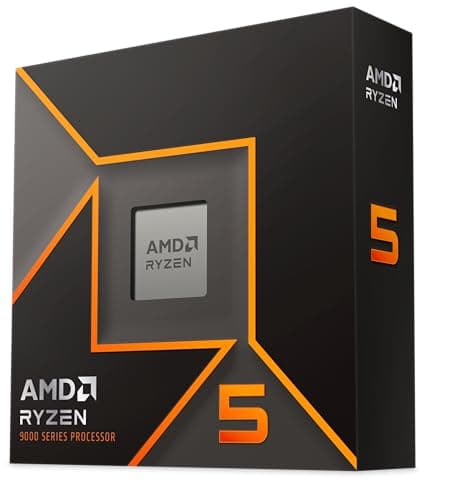
Components · Buying Guide
Under $200 you choose between a newer socket and cheaper memory; check both before the chip.
13 min read
Components · Buying Guide
Under $300 you pick between cache for games and extra cores for work.
13 min read
Components · Buying Guide
Under $400 you can buy AMD's 96MB gaming cache or a twelve-plus-core chip for work, rarely both.
13 min read
Components · Buying Guide
Under $500 you can buy the fastest gaming cache or sixteen cores; decide which workload comes first.
12 min read
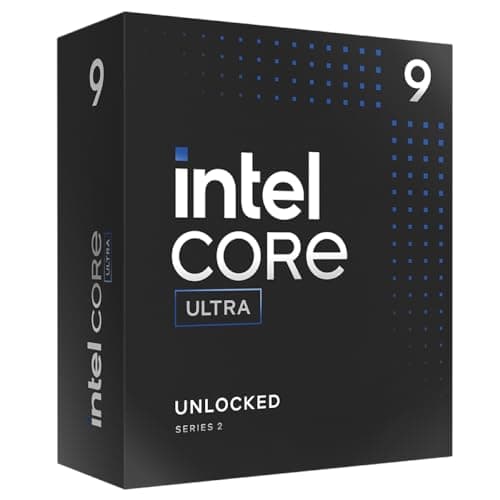
Components · Buying Guide
LGA1700 keeps DDR4 and older boards; LGA1851 is newer and DDR5-only. Both need strong cooling.
12 min read
Components · Buying Guide
For games alone, eight X3D cores are enough; more cores pay off only for work.
12 min read
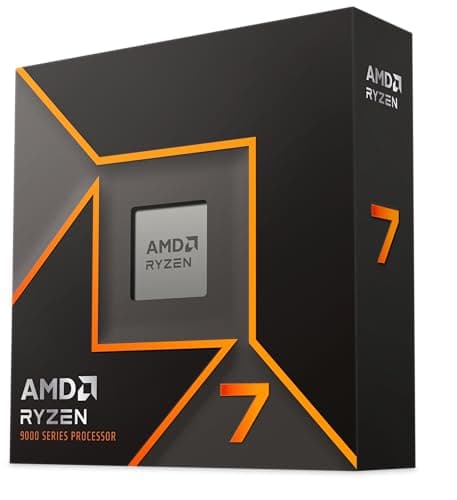
Components · Buying Guide
The 65W chips run cool on modest coolers; the X-series chips need more cooling for small gains.
13 min read
Components · Buying Guide
The 13600K draws well above its base rating under load; a dual tower is the practical minimum.
12 min read
Components · Buying Guide
Sixteen cores at a 120W rating heat up in long renders; a 360mm AIO keeps fan noise down.
12 min read
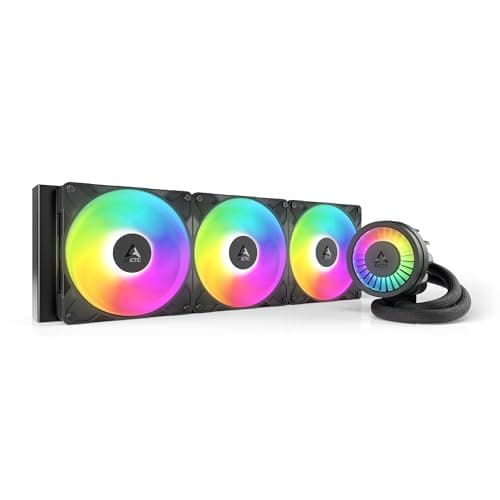
Components · Buying Guide
The 13900K can exceed what any cooler removes at stock limits; a large AIO reduces how often it throttles.
12 min read
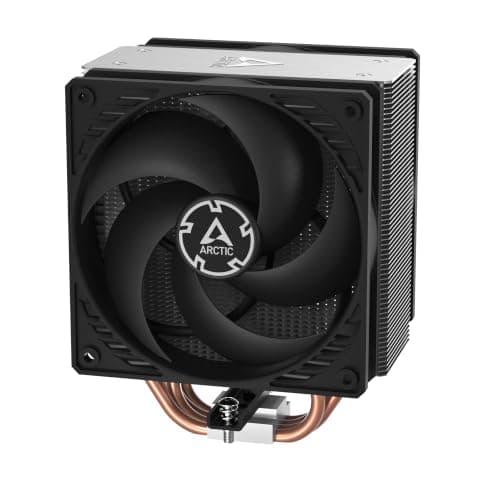
Components · Buying Guide
A locked 65W chip needs only a single tower; spend on quiet fans, not more heat pipes.
12 min read
Components · Buying Guide
The 9600X ships without a cooler; a single tower is enough at its default 65W.
12 min read
Components · Buying Guide
The 7800X3D draws modest power in games; a good dual tower keeps it cool and quiet.
12 min read
Components · Buying Guide
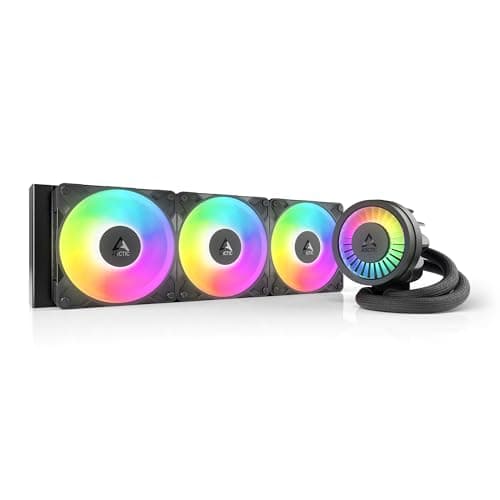
Twelve cores under a long load benefit from a 360mm radiator; budget units now cost little more than air.
12 min read
Components · Buying Guide
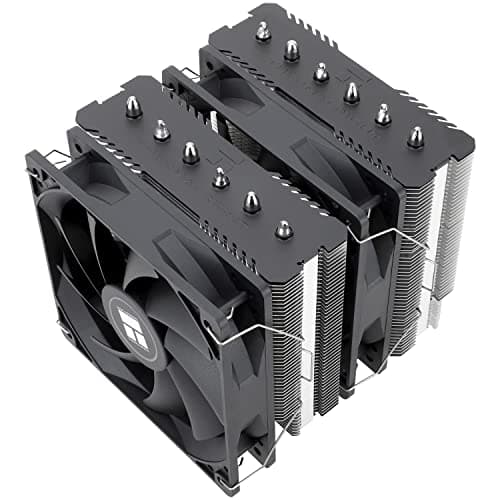
A 240mm AIO handles a stock 14600K; pick a 360mm unit if you plan to overclock.
12 min read
Components · Buying Guide
The 7600X is designed to run hot and boost until it hits its limit; a dual tower keeps it quieter.
12 min read
Components · Buying Guide
The 13700K draws well over 200W at stock limits; a 360mm AIO is the sensible baseline.
12 min read
Components · Buying Guide
At 65W the 9700X needs little; plan for more only if you enable AMD's power boost.
12 min read
Components · Buying Guide
Overclocking adds heat at the CPU and at the board's power stages; cool both.
12 min read
Components · Buying Guide
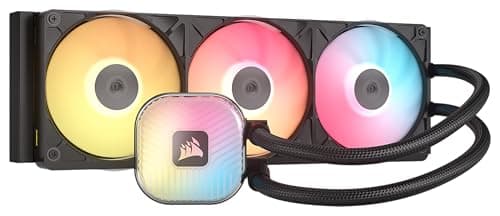
Under $150 you can buy a 360mm radiator; the price differences buy lighting, software and cabling.
13 min read
Components · Buying Guide
Between $150 and $200 you are mostly paying for a pump screen or a cleaner cable layout.
13 min read
Components · Buying Guide
Above $200 you mostly buy a bigger screen; the 420mm ARCTIC shows cooling itself costs far less.
12 min read
Components · Buying Guide
Check which software controls the lighting before you buy; mixing ecosystems means more apps.
13 min read
Components · Buying Guide
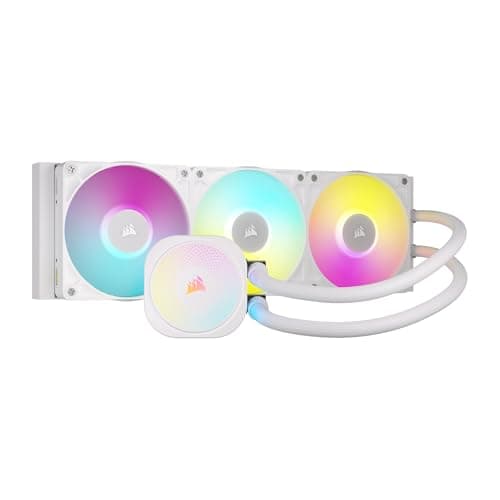
Check that the tubes, fans and pump cap are all white; some white editions keep black parts.
13 min read
Components · Buying Guide
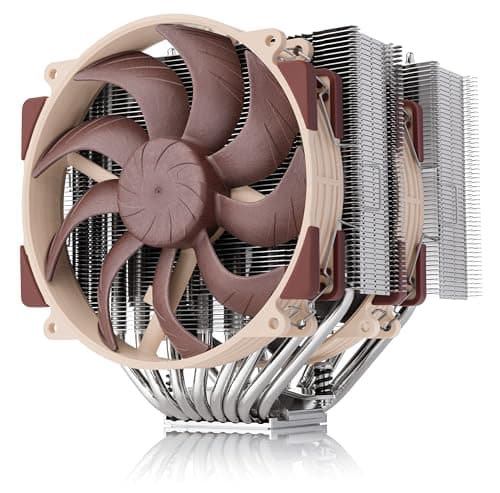
The best air cooler is the one that fits: check case height and RAM clearance before heat pipes.
13 min read
Components · Buying Guide
Every AM5 board runs every AM5 Ryzen; the chipset and price decide slots, ports and power delivery.
12 min read
Components · Buying Guide
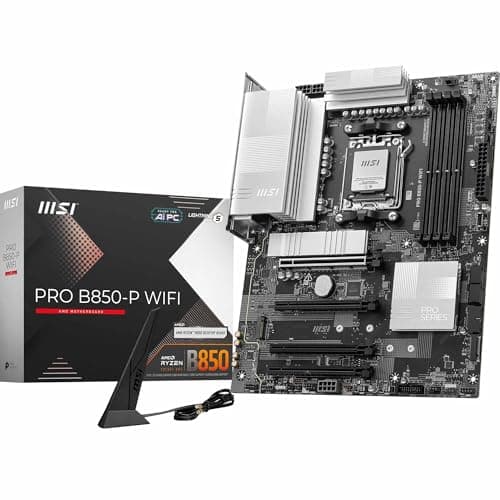
Cheap AM5 boards run a Ryzen 5 or 7 fine; check M.2 slots, Wi-Fi and BIOS Flashback before you save.
12 min read
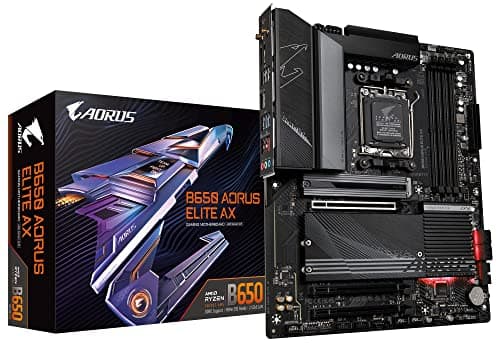
Components · Buying Guide
B650 is still a sound AM5 chipset; compare power stages, M.2 count and whether a board has BIOS Flashback.
12 min read
Components · Buying Guide
B850 brings a PCIe 5.0 M.2 slot to mid-range AM5; compare networking and warranty before chasing extras.
13 min read
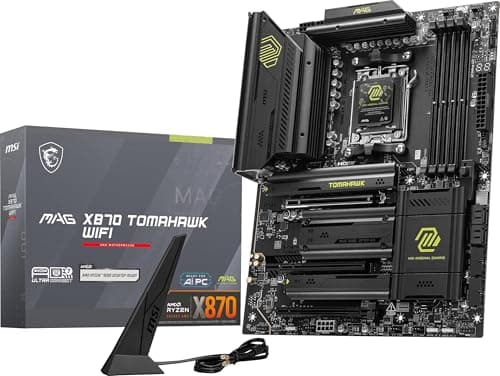
Components · Buying Guide
Every X870 board has USB4 and Wi-Fi 7; the differences are M.2 count, LAN speed and power stages.
13 min read
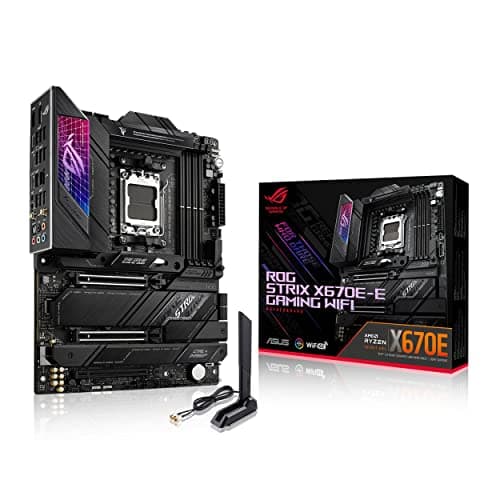
Components · Buying Guide
X670E still offers PCIe 5.0 lanes and strong power; compare its price against X870E before buying.
12 min read
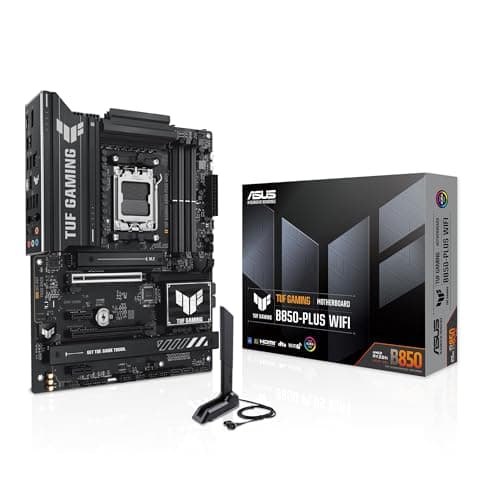
Components · Buying Guide
ASUS spans budget TUF boards to ROG Strix; match the tier to your Ryzen chip and ports.
12 min read
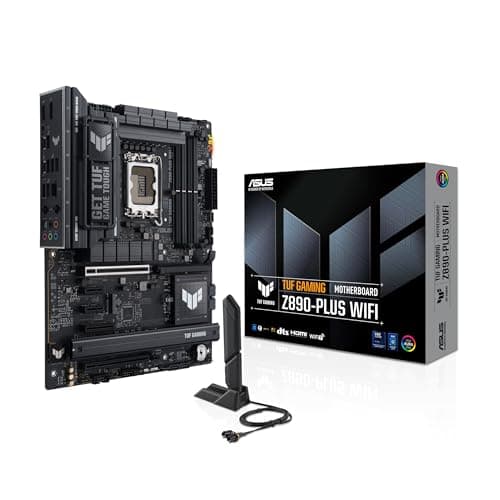
Components · Buying Guide
Match the socket first, LGA1851 or LGA1700, then pick the ASUS tier for your ports and power needs.
12 min read
Components · Buying Guide
ASUS covers every size and socket; start from your CPU and case, then compare tiers.
12 min read
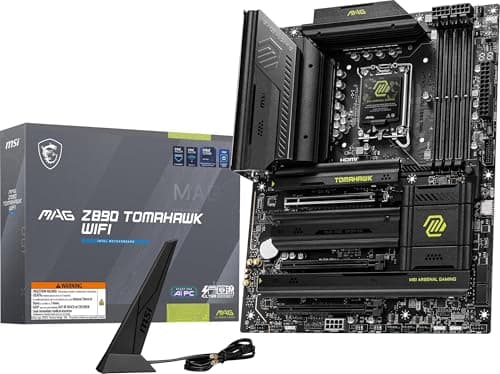
Components · Buying Guide
Z890 boards all take Core Ultra 200S; compare M.2 count, LAN speed and Thunderbolt before power stages.
13 min read
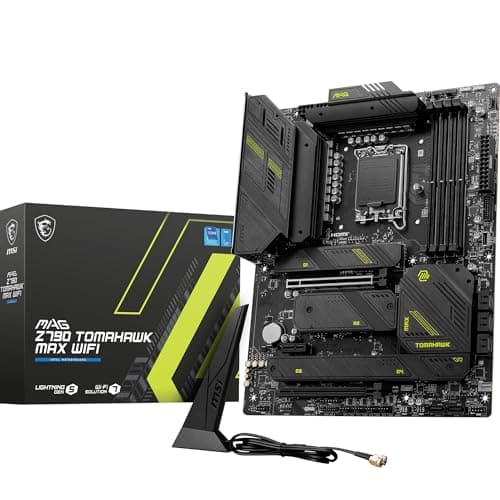
Components · Buying Guide
Z790 lets you tune a K-series chip; compare power stages and M.2 count, and update the BIOS first.
13 min read
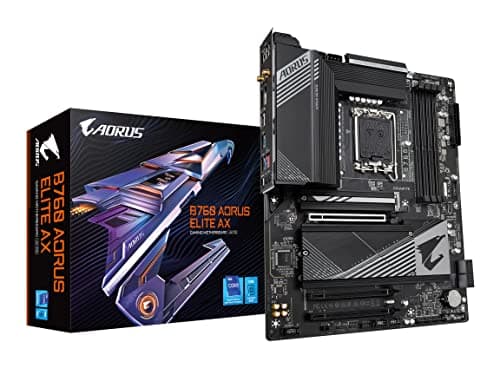
Components · Buying Guide
B760 suits locked Core i5 and i7 chips; check DDR4 or DDR5 and the M.2 count first.
12 min read
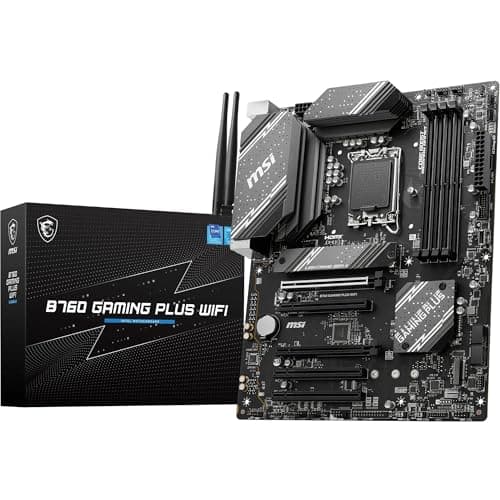
Components · Buying Guide
The cheapest Intel boards run a Core i5 fine; decide between DDR4 and DDR5 before anything else.
12 min read
Components · Buying Guide
14th Gen runs on Z790 and B760; update the BIOS first and match power stages to your chip.
12 min read
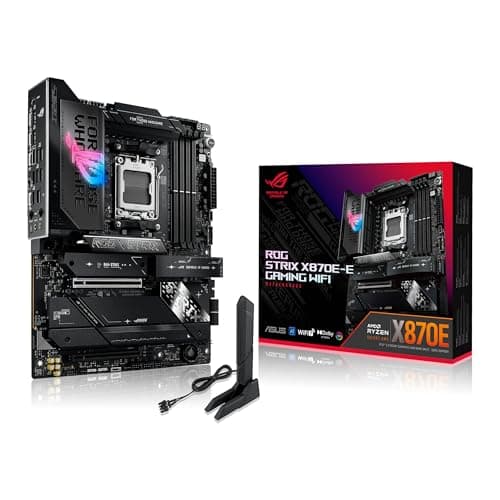
Components · Buying Guide
A 16-core chip rewards strong power stages; prioritise the VRM layout, then storage and ports.
12 min read
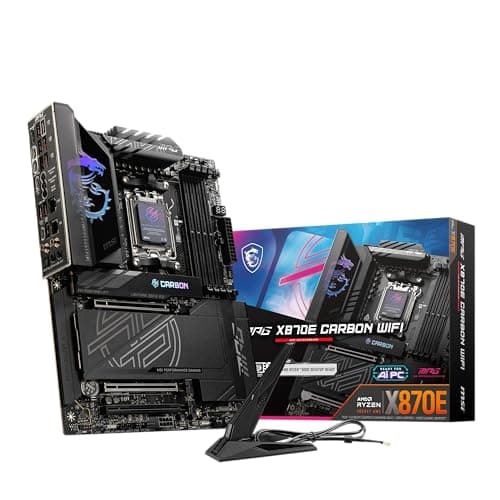
Components · Buying Guide
The 7950X3D mixes gaming and work; pick a board with enough M.2 slots and ports for both.
12 min read
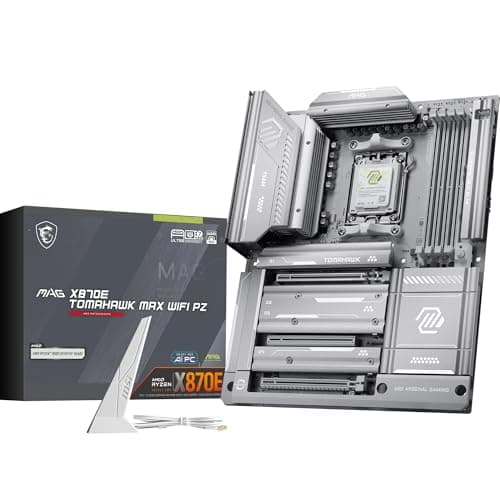
Components · Buying Guide
The 7900X3D runs cooler than a 7950X; a mid-range board with good networking covers it.
12 min read
Components · Buying Guide
The 7800X3D is an efficient eight-core; a B850 or B650 board is plenty, so spend the savings on the GPU.
12 min read
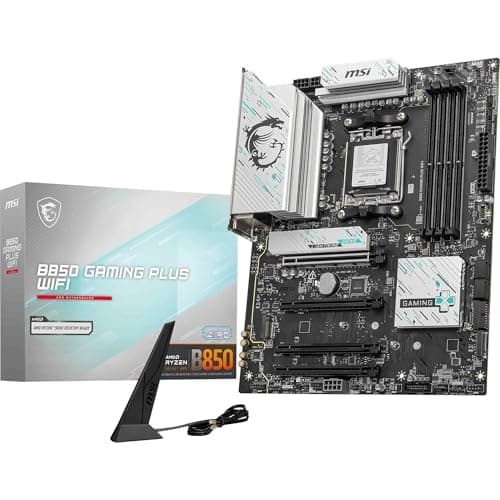
Components · Buying Guide
The 7700X runs well on a mid-range board; compare M.2 slots and networking over power stages.
12 min read
Components · Buying Guide
A six-core 7600X needs no premium board; save on the board and keep a PCIe 5.0 M.2 slot if you can.
12 min read
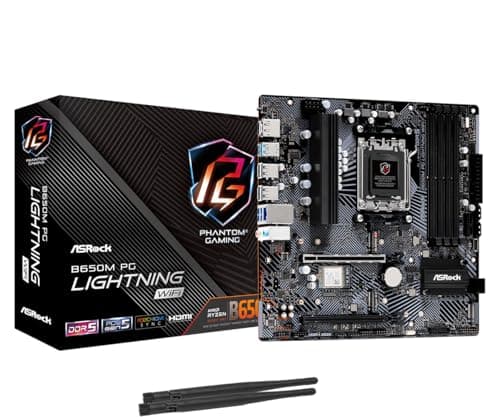
Components · Buying Guide
The 65W 7600 runs on the cheapest AM5 boards; choose by Wi-Fi, M.2 slots and case size.
12 min read
Components · Buying Guide
A locked 13400F cannot overclock, so a B760 board is all it needs; pick DDR4 or DDR5 first.
12 min read
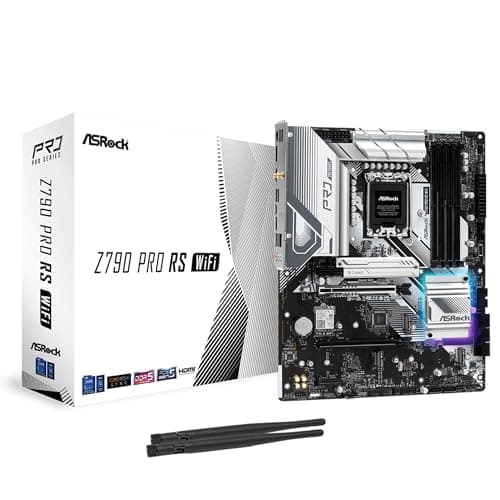
Components · Buying Guide
Z790 unlocks overclocking on the 13600K; a B760 board runs it at stock for less.
12 min read
Components · Buying Guide
Update the BIOS for 14th Gen first; then Z790 for tuning or B760 for stock settings.
12 min read
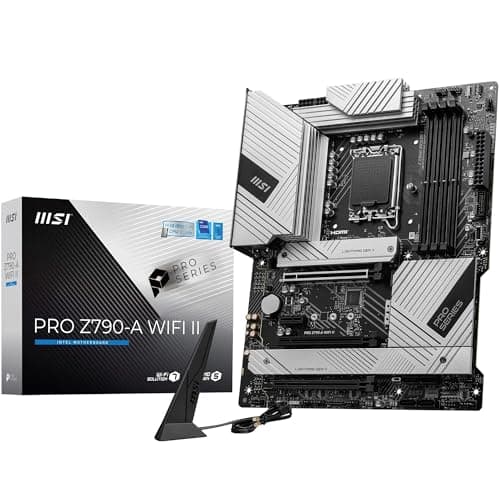
Components · Buying Guide
A Core i7 draws far more than an i5 under load; favour boards with a strong listed power layout.
12 min read
Components · Buying Guide
The 14700K has 20 cores; pick a Z790 board with a strong power layout and update the BIOS first.
12 min read
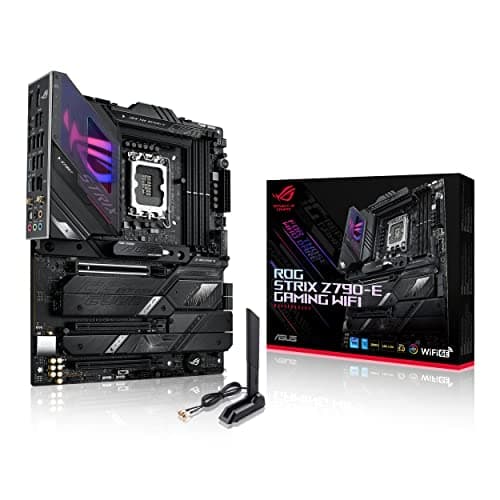
Components · Buying Guide
A Core i9 needs strong power stages and the latest BIOS microcode; start there.
12 min read
Components · Buying Guide
The 14900K is the hungriest LGA1700 chip; pick strong power stages and apply Intel's latest BIOS.
12 min read
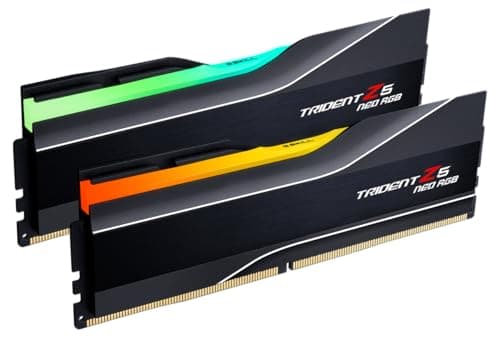
Components · Buying Guide
6000MT/s CL30 suits most DDR5 builds; go faster only on Intel boards that list support.
12 min read
Components · Buying Guide
Match the memory type to your board first; then choose capacity, speed and height.
12 min read
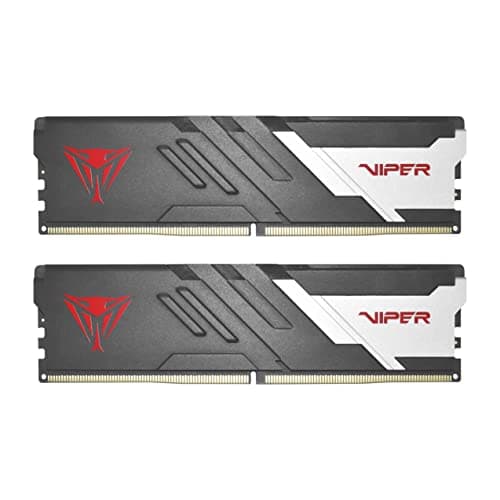
Components · Buying Guide
16GB still runs most games; pick a 6000MT/s kit with a profile so it runs at speed.
11 min read
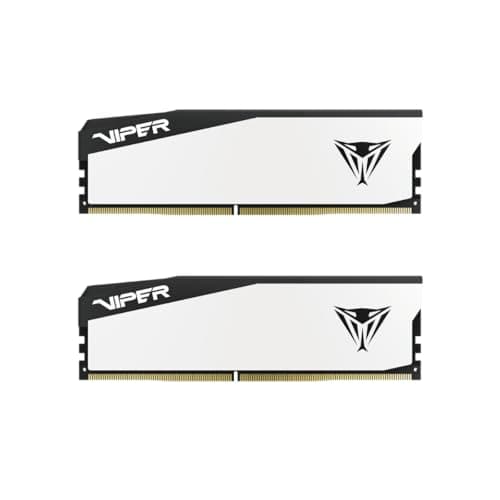
Components · Buying Guide
Budget kits save most by dropping lighting, not speed; check the timing and profile.
12 min read
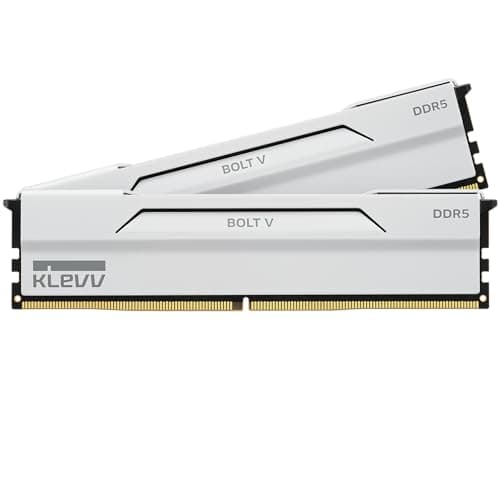
Components · Buying Guide
White kits match the fastest black ones; choose between plain and RGB, then check timings.
12 min read
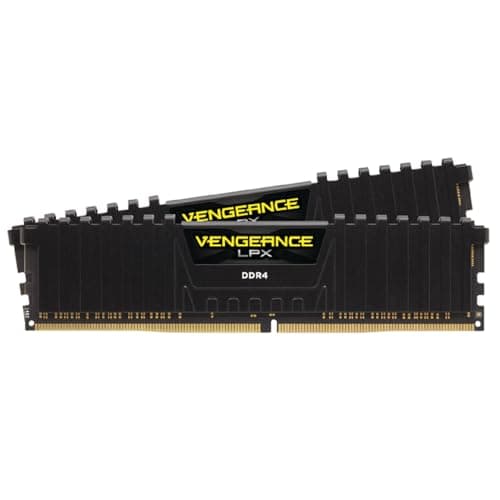
Components · Buying Guide
DDR4 fits AM4 and DDR4 Intel boards only; 3200 CL16 or 3600 CL18 covers most of them.
13 min read
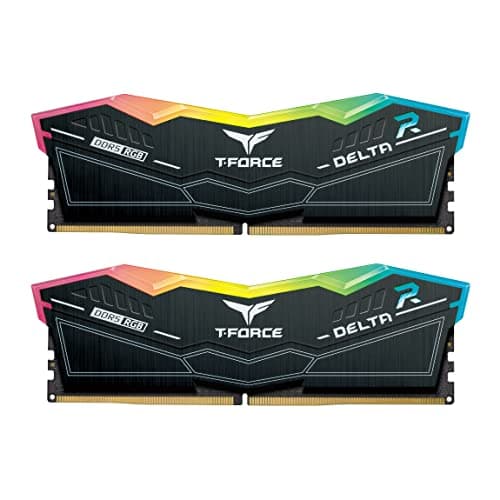
Components · Buying Guide
The 13900K handles fast DDR5 on Z790; check your board's support list above 6400MT/s.
12 min read
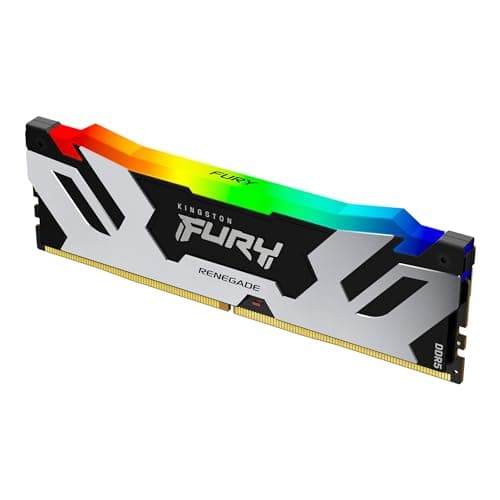
Components · Buying Guide
A 13600K gains little past 6400MT/s; a 6000 or 6400 kit with XMP is the sensible buy.
12 min read
Components · Buying Guide
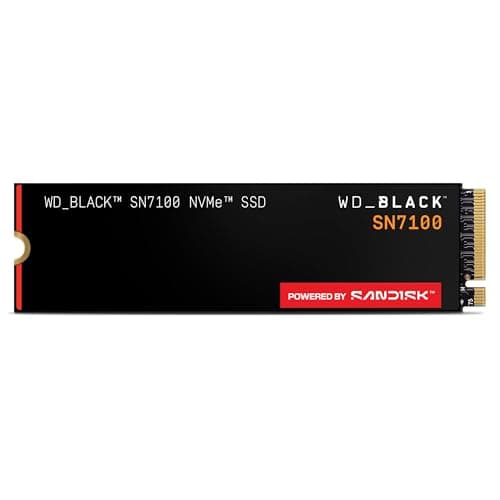
A 2TB Gen4 drive suits most builds; Gen5 only helps with a Gen5 M.2 slot and big file copies.
12 min read
Components · Buying Guide
2TB Gen4 drives are close on speed; compare DRAM, warranty and price.
12 min read
Components · Buying Guide
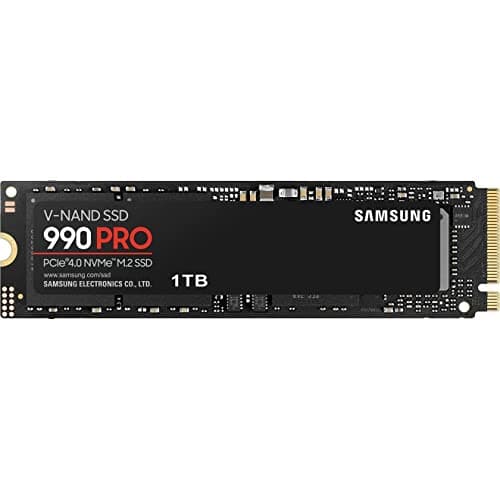
A 1TB Gen4 drive suits a boot drive or a light game library; compare price per speed.
12 min read
Components · Buying Guide
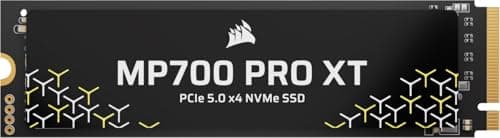
Corsair's MP700 drives need a Gen5 slot; the MP600 range suits every current board.
12 min read
Components · Buying Guide
An RTX 5090 exposes CPU limits even at 1440p; cache-heavy X3D chips keep it fed.
12 min read
Components · Buying Guide
An RTX 5080 wants an eight-core chip with a large cache; more cores only help if you also create.
12 min read
Components · Buying Guide
The RTX 5070 Ti is a high-refresh 1440p card; an eight-core X3D chip is the ideal, a six-core X3D chip the value route.
12 min read
Components · Buying Guide
An RTX 5070 is a 1440p card; six or eight cores and a good cache are all it needs from the CPU.
12 min read
Components · Buying Guide
An RTX 5060 Ti is a 1080p and entry 1440p card; a six-core chip keeps it busy.
12 min read
Components · Buying Guide
The RX 9070 XT is an upper mid-range card; an X3D chip lets it reach its full frame rate at 1440p.
12 min read
Components · Buying Guide
The RX 9060 XT is a budget card; a six-core chip with a bundled cooler is the sensible match.
12 min read
Components · Buying Guide
The RX 7600 and 7600 XT share a chip, so they need the same budget six-core CPU.
12 min read
Components · Buying Guide
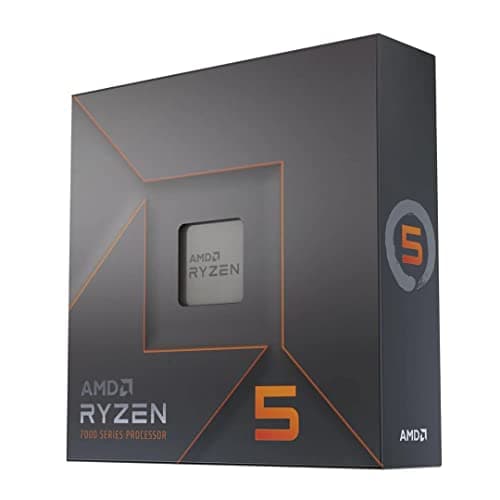
The RX 7700 XT is a 1440p card; six fast cores match it, eight help if you stream.
12 min read
Components · Buying Guide
The RX 7800 XT is a 1440p card with 16GB; a six- or eight-core chip with a big cache suits it best.
12 min read
Components · Buying Guide
The RX 7900 XT is a high-end card with 20GB; an eight-core chip with a large cache matches it.
12 min read
Components · Buying Guide
The RX 7900 XTX is AMD's 24GB flagship; an X3D chip is the natural partner.
12 min read
Components · Buying Guide
The RTX 4060 is a 1080p card; the cheapest six-core chips are well matched to it.
12 min read
Components · Buying Guide
The RTX 4060 Ti targets high-refresh 1080p; a current six-core chip is the right match.
12 min read
Components · Buying Guide
The RTX 4070 Super is a strong 1440p card; a cache-heavy six- or eight-core chip suits it.
12 min read
Components · Buying Guide
The 4070 Ti and Ti Super differ in memory, not CPU needs; an eight-core X3D chip suits both.
12 min read
Components · Buying Guide
The RTX 4080 and 4080 Super need the same CPU: eight cores and a big cache, or more cores if you create.
12 min read
Components · Buying Guide
The RTX 5090 Founders Edition is 304mm, but partner cards run far longer; aim for 400mm of GPU room.
12 min read
Components · Buying Guide
RTX 4090 partner cards are long and often 3.5 slots or thicker; leave room for the 16-pin cable bend too.
12 min read
Components · Buying Guide
RTX 5080 cards run from 304mm to 357mm; match the case to the card you choose.
12 min read
Components · Buying Guide
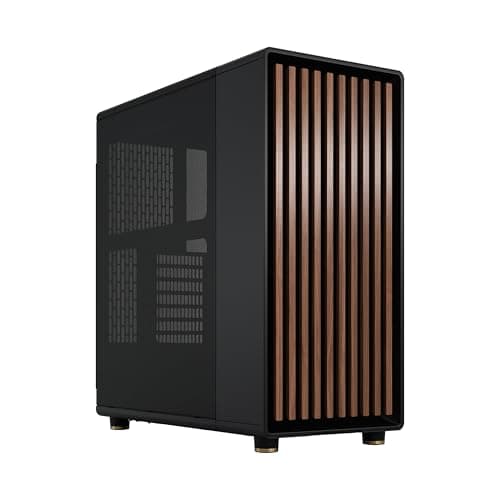
An RTX 4080 fits most mid-towers; the choice is about style, size and airflow.
12 min read
Components · Buying Guide
Most RX 7900 XTX partner cards are about 320mm; mid-towers and even some small cases take them.
12 min read
Components · Buying Guide
RTX 5070 Ti cards range from 306mm to 338mm; nearly any case here takes them.
12 min read
Components · Buying Guide
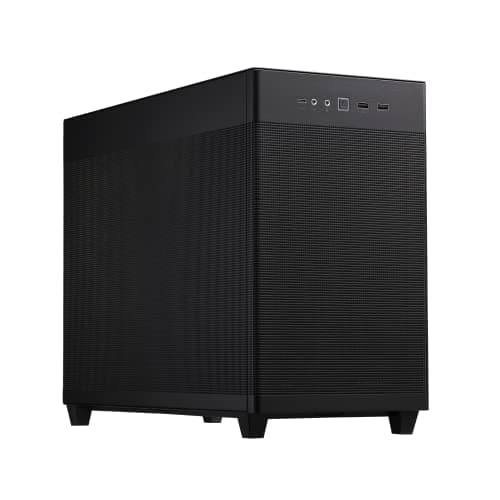
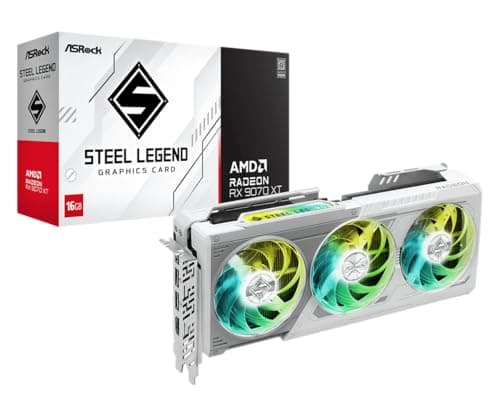
RX 9070 XT cards such as ASRock's Steel Legend are about 300mm; most cases fit them.
12 min read
Components · Buying Guide
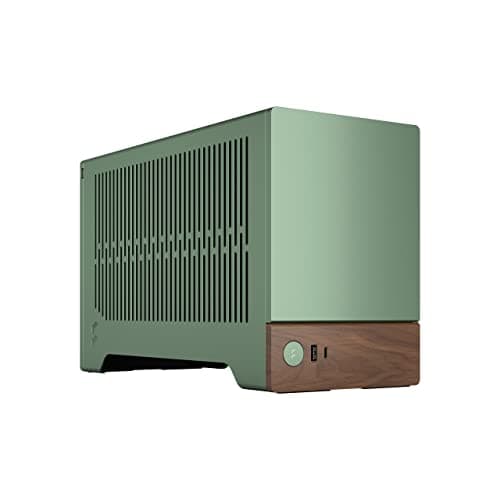
The RTX 5070 is compact enough for most Mini-ITX cases; check cooler height and PSU format too.
12 min read
Components · Buying Guide
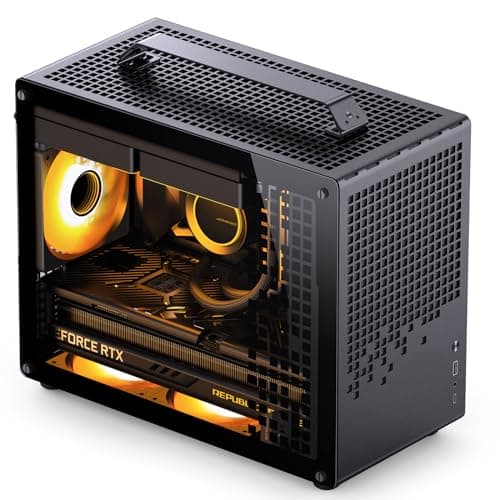
Triple-fan RTX 4070 Ti cards fit most Micro-ATX cases; compare layout and cooling instead.
12 min read
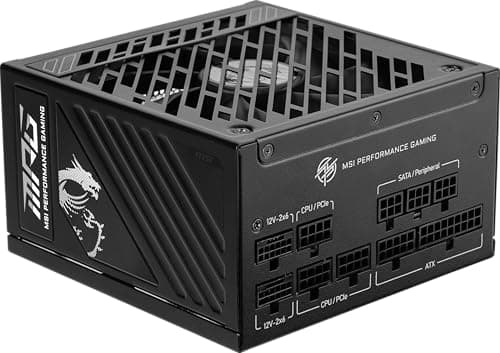
Components · Buying Guide
NVIDIA recommends 1000W for the RTX 5090; every unit here meets it with a native 12V-2x6 cable.
12 min read
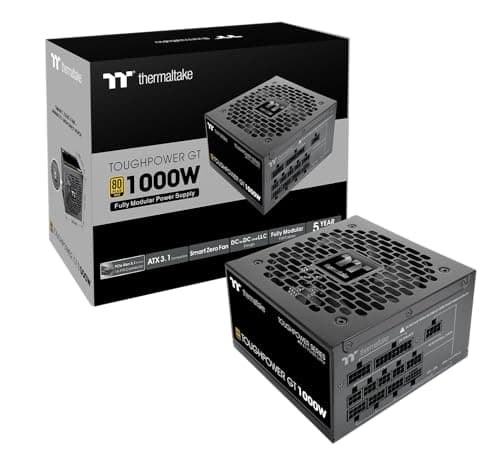
Components · Buying Guide
NVIDIA recommends 850W for the RTX 4090; 1000W leaves room for a high-power CPU.
12 min read
Components · Buying Guide
NVIDIA recommends 850W for the RTX 5080; these units meet it with a native 16-pin cable.
12 min read
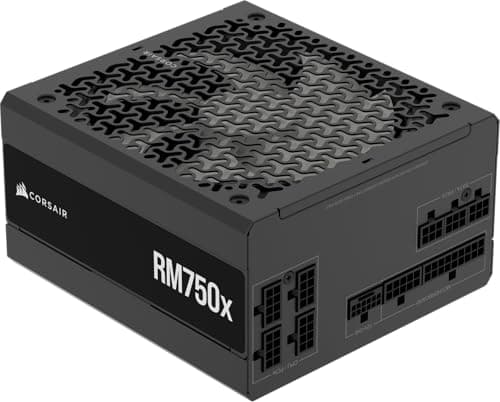
Components · Buying Guide
NVIDIA recommends 750W for the RTX 4080 and 4080 Super; 850W adds room for a hungry CPU.
12 min read
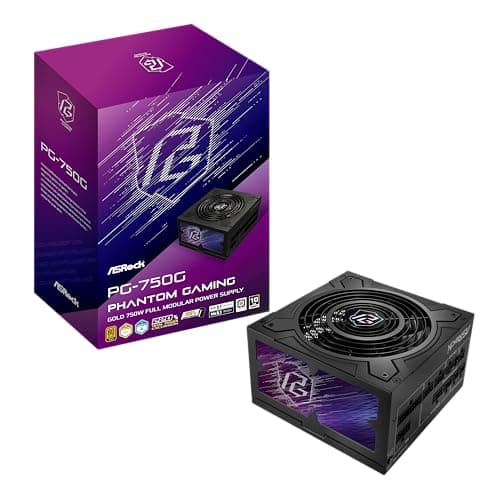
Components · Buying Guide
NVIDIA recommends 750W for the RTX 5070 Ti; these units add a native 16-pin cable.
12 min read
Components · Buying Guide
NVIDIA recommends 700W for the RTX 4070 Ti and Ti Super; a 750W unit covers both.
12 min read
Components · Buying Guide
NVIDIA recommends 650W for the RTX 5070; these units add a native 16-pin cable.
12 min read
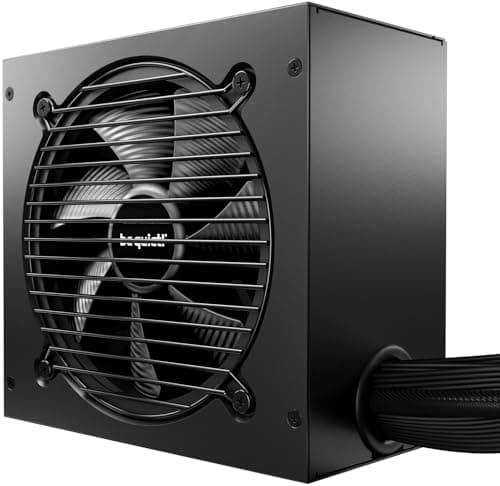
Components · Buying Guide
NVIDIA recommends 650W for the RTX 4070 and 4070 Super; many cards use a 16-pin plug.
12 min read
Components · Buying Guide
NVIDIA recommends 550W for the RTX 4060 and 4060 Ti; a good 550W or 650W unit is enough.
12 min read
Components · Buying Guide
AMD recommends 800W for the RX 7900 XTX; partner cards use two or three 8-pin plugs.
12 min read
Components · Buying Guide
AMD recommends 750W for the RX 7900 XT, which uses two 8-pin plugs on most cards.
12 min read
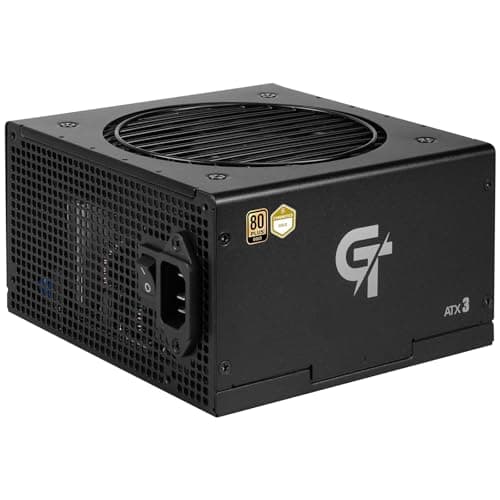
Components · Buying Guide
AMD recommends 700W for the RX 7800 XT; a 750W unit with two 8-pin cables is enough.
12 min read
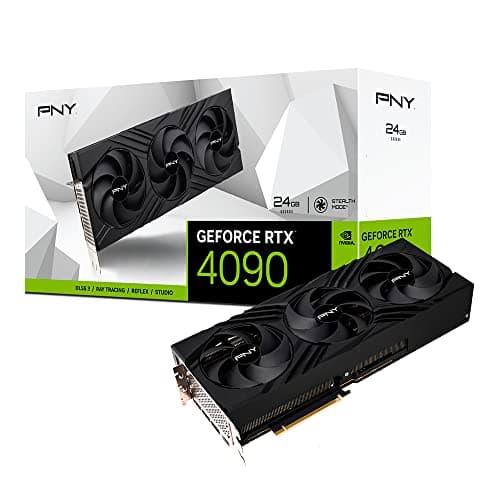
Components · Buying Guide
Every RTX 4090 shares a GPU and 24GB of memory; cooler size and slot width decide which one fits.
12 min read
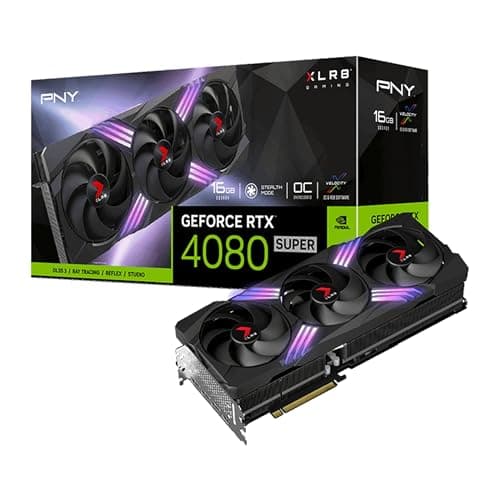
Components · Buying Guide
All RTX 4080 Super cards share 16GB and the same GPU; clocks, coolers and extras separate them.
12 min read
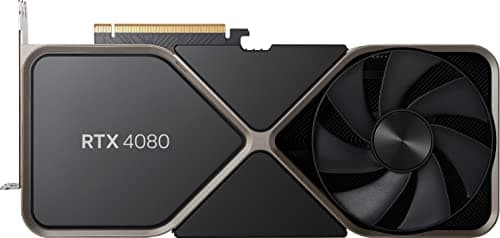
Components · Buying Guide
Few original RTX 4080 cards remain on sale; compare them with the 4080 Super before you buy.
11 min read
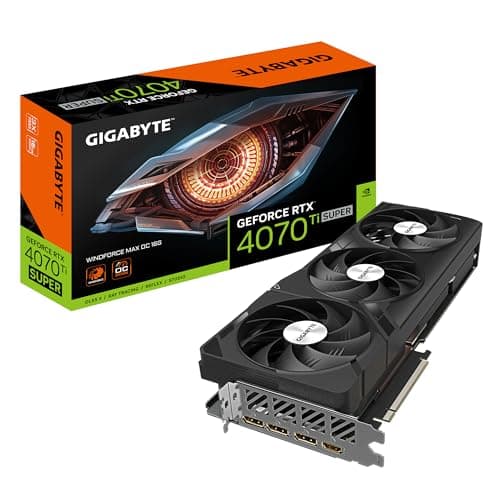
Components · Buying Guide
The 4070 Ti Super adds 16GB over the 4070 Ti; compare coolers, outputs and prices between models.
12 min read
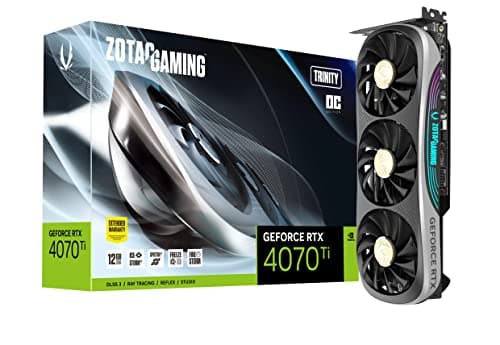
Components · Buying Guide
Several RTX 4070 Ti cards sold at the same price; clock speed and cooler design separate them.
12 min read
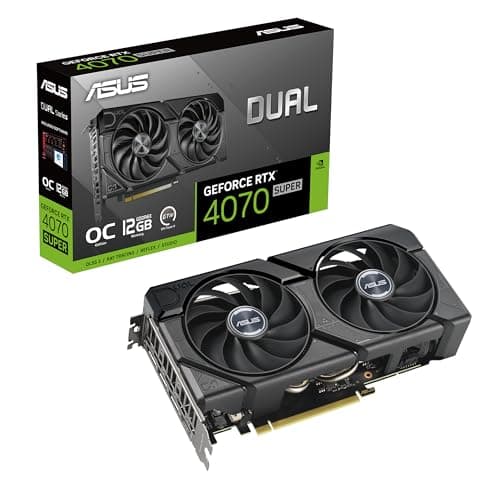
Components · Buying Guide
The RTX 4070 Super comes in compact and full-size versions; measure your case first.
11 min read
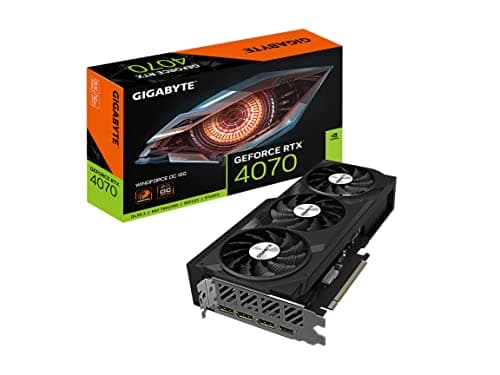
Components · Buying Guide
Some RTX 4070 cards use GDDR6 instead of GDDR6X; check the listing before you buy.
11 min read
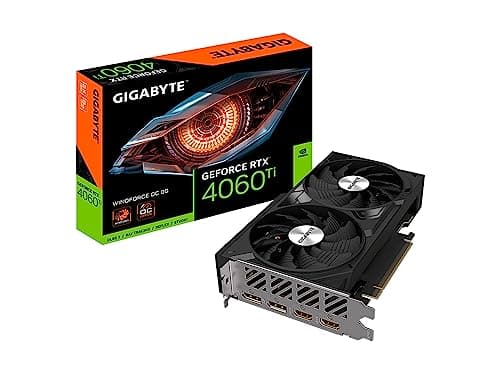
Components · Buying Guide
The 8GB RTX 4060 Ti is a 1080p card; compare coolers and prices, and mind texture settings.
12 min read
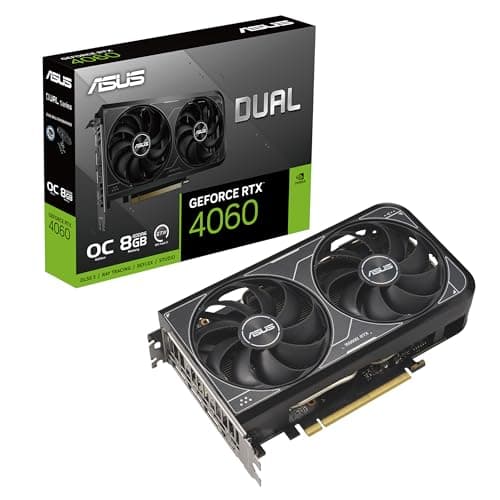
Components · Buying Guide
The RTX 4060 comes in low-profile and white versions; pick by case and style first.
11 min read
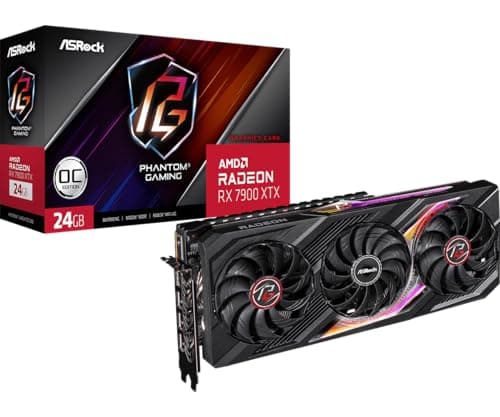
Components · Buying Guide
RX 7900 XTX cards run 313mm to 320mm long; check thickness and PSU guidance too.
11 min read
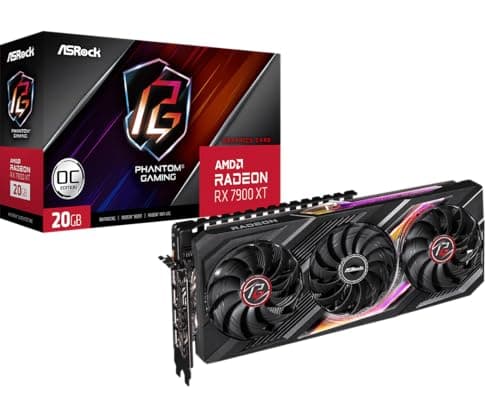
Components · Buying Guide
The RX 7900 XT has 20GB; compare output layouts, card sizes and prices before choosing.
12 min read
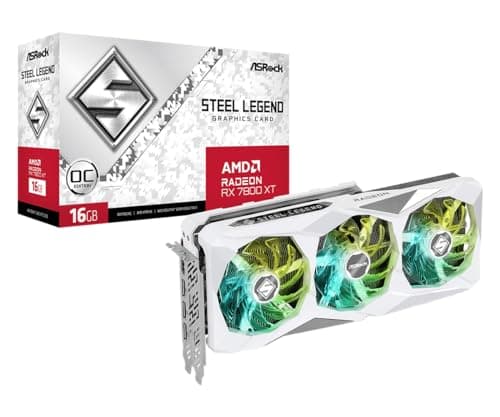
Components · Buying Guide
RX 7800 XT cards range from 260mm to 320mm; measure your case before choosing.
12 min read
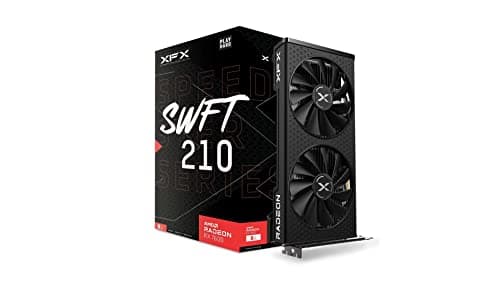
Components · Buying Guide
The RX 7600 XT doubles memory to 16GB on the same chip; decide whether you need it.
12 min read
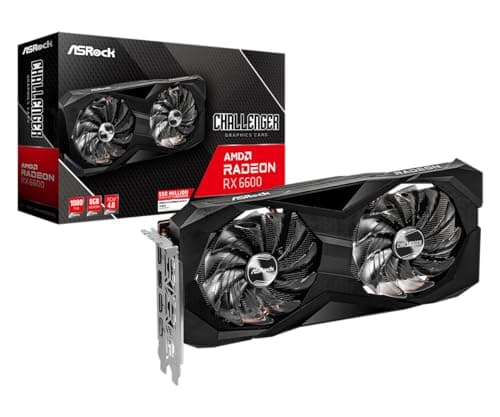
Components · Buying Guide
Under $250, memory size and power needs vary a lot; check both before you buy.
11 min read
Components · Buying Guide
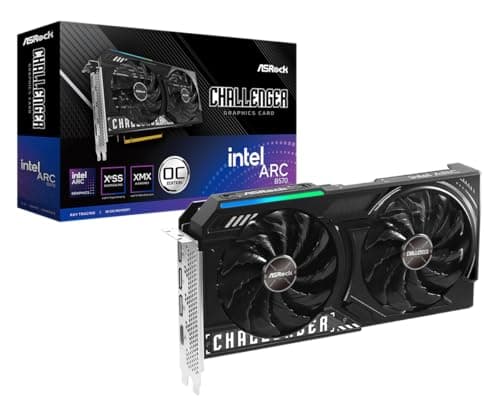
Up to $300, a 10GB Arc B570 enters the picture alongside older 8GB cards.
12 min read
Components · Buying Guide
Under $400, the 12GB Arc B580 stands out on memory; the 8GB cards compete on features.
12 min read
Components · Buying Guide
Under $450, most cards have 8GB; choose by cooler, size and features.
12 min read
Components · Buying Guide
Under $500, a 16GB RX 7800 XT competes with newer 8GB cards; memory decides for 1440p.
12 min read
Components · Buying Guide
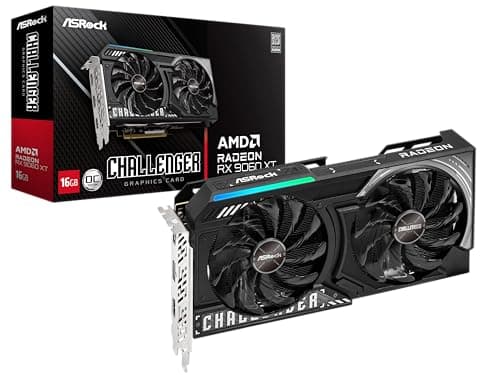
Under $600, 16GB becomes standard; compare card size and power instead.
12 min read
Components · Buying Guide
Under $700, 16GB RX 9070 cards and a 20GB RX 7900 XT compete with 12GB RTX 4070s.
12 min read
Components · Buying Guide
Under $800, the RX 9070 XT leads on memory and speed; the RTX 5070 is the NVIDIA option.
12 min read
Components · Buying Guide
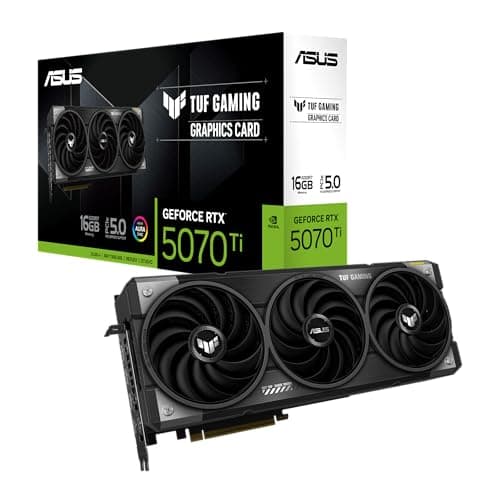
ASUS sells the same GPU under several lines; the line decides size, cooling and extras.
12 min read
Components · Buying Guide
Zotac sells only GeForce cards; its Solid, Twin Edge and Trinity lines differ in size.
12 min read
Components · Buying Guide
Bethesda recommends an RTX 2080 or RX 6800 XT; these current cards clear that bar.
12 min read
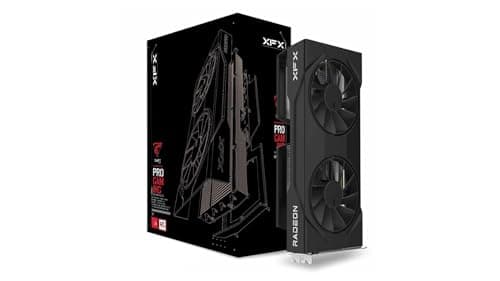
Components · Buying Guide
Larian recommends an RTX 2060 Super or RX 5700 XT with 8GB; most current mid-range cards clear it.
12 min read
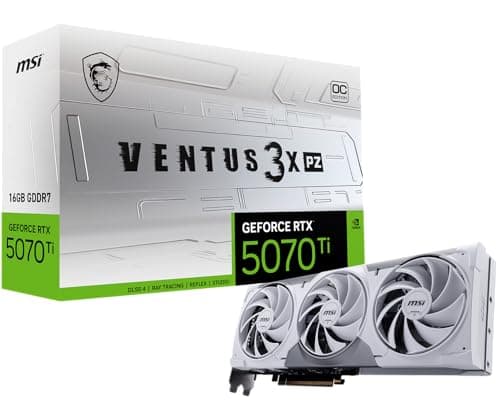
Components · Buying Guide
Activision's requirements change with each release; these cards suit high-refresh play in current titles.
12 min read
Components · Buying Guide
At 1440p and 240Hz an RTX 4080 Super often waits on the CPU; the X3D chips close that gap.
12 min read
Components · Buying Guide
An RTX 4070 Ti Super rarely needs a flagship CPU; a fast eight-core chip keeps it busy.
12 min read
Components · Buying Guide
The RX 7600 XT's 16GB of memory suits a longer-lived build; pick a platform with an upgrade path.
12 min read
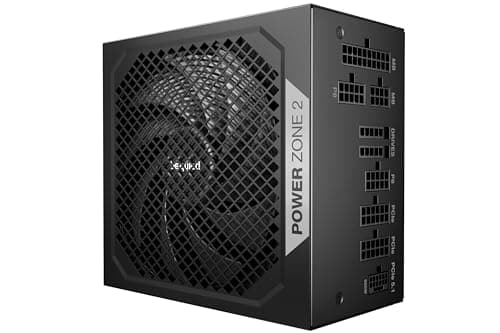
Components · Buying Guide
NVIDIA recommends 750W for the RTX 4080 Super; 850W covers a hungry CPU as well.
12 min read
Components · Buying Guide
NVIDIA recommends 700W for the RTX 4070 Ti Super; a 750W unit with a native 16-pin cable fits.
12 min read
Components · Buying Guide
NVIDIA recommends 650W for the RTX 4070 Super; most partner cards use a 16-pin plug.
12 min read
Components · Buying Guide
NVIDIA recommends 550W for the RTX 4060 Ti; a 650W or 750W unit leaves room for the next card.
12 min read
Components · Buying Guide
Under $200 the differences are size, included fans and how much glass you want.
12 min read
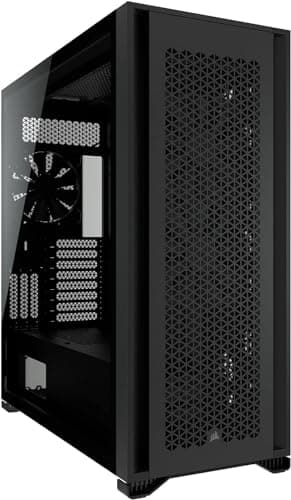
Components · Buying Guide
Spending up to $300 buys space: 420mm radiators, larger fans and bigger boards.
12 min read
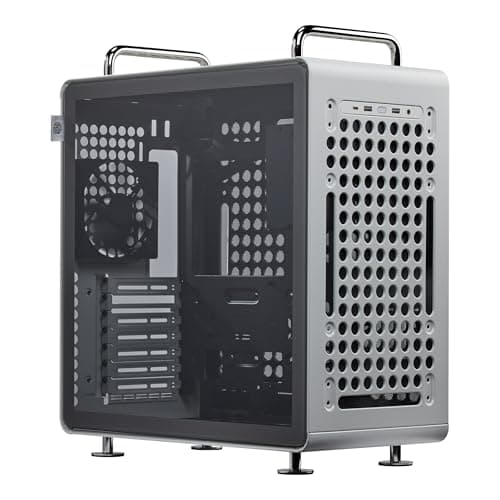
Components · Buying Guide
Cooler Master's range covers Mini-ITX to E-ATX; the QUBE line adds handles and flexible layouts.
12 min read
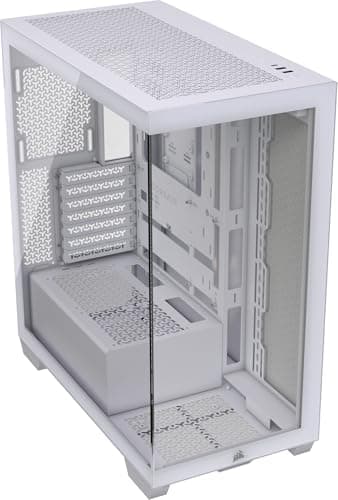
Components · Buying Guide
Corsair's range runs from mesh budget towers to full-glass and full-tower models.
12 min read
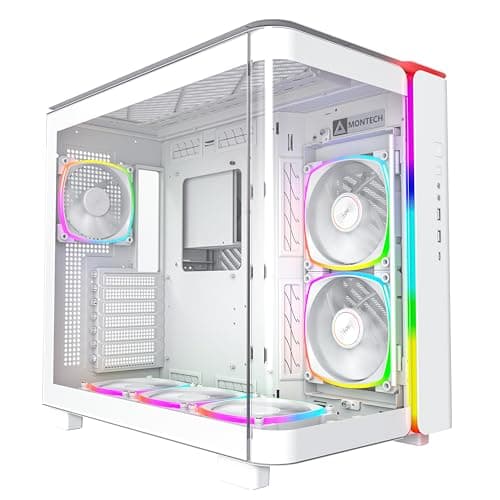
Components · Buying Guide
Check how the lighting is controlled; a 5V ARGB header or an included controller matters.
12 min read
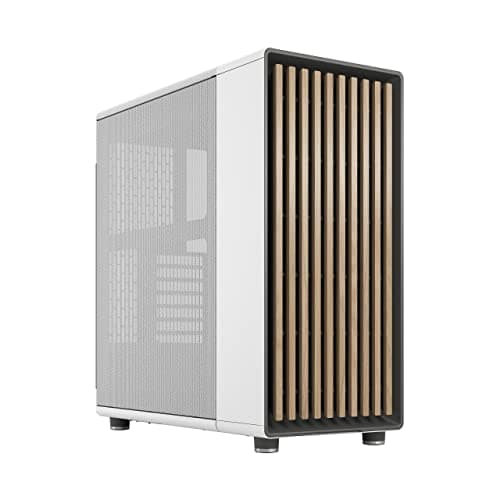
Components · Buying Guide
A white build needs white parts inside too; check which fans come in white.
12 min read
Components · Buying Guide
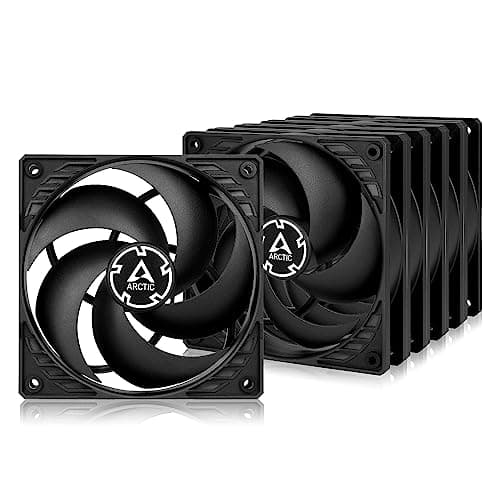
Buy pressure for radiators and filters, airflow for open mesh, and compare cost per fan.
13 min read
Components · Buying Guide
Gold is the default tier for gaming PCs; warranty and connectors separate the units.
12 min read
Components · Buying Guide
Platinum saves a little power and heat; in small cases it can also mean quieter fans.
12 min read
Components · Buying Guide
Size the wattage to your GPU maker's guidance, then compare connectors and warranty.
12 min read
Components · Buying Guide
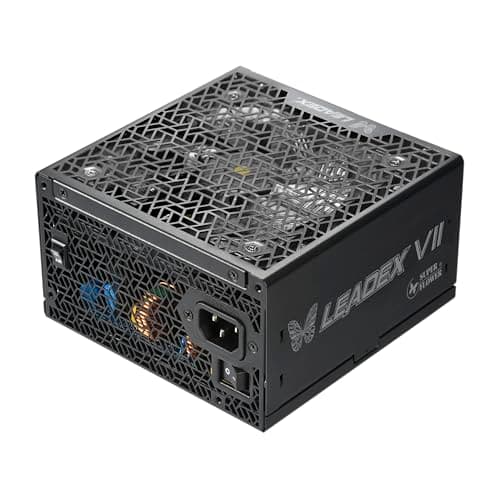
Up to $200 buys 1200W to 1600W or Platinum efficiency in a small SFX body.
12 min read
Components · Buying Guide
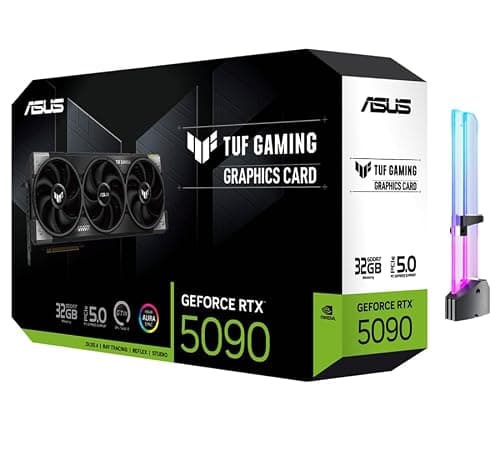
At 4K, 16GB of VRAM is the floor we set; check case length and the 16-pin connector first.
12 min read
Components · Buying Guide
Ada cards still sell new; one model per tier, with the VRAM each tier carries.
13 min read
Components · Buying Guide
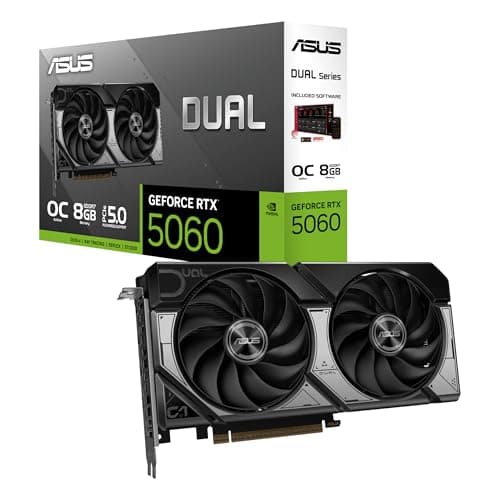
Esports shooters run on modest cards; spend the difference on a high-refresh monitor.
11 min read
Components · Buying Guide
A first card should fit your PSU; each pick here lists its connector and VRAM.
12 min read
Components · Buying Guide
Flagship cards need flagship power supplies and cases; check both before you order.
12 min read
Components · Buying Guide
Value is VRAM and tier per dollar; these five lead their price brackets at the time of writing.
12 min read
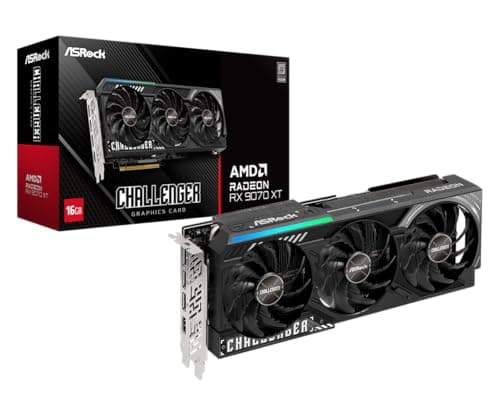
Components · Buying Guide
Start with your monitor's resolution; each card here is matched to one.
12 min read
Components · Buying Guide
At 1440p, 12GB is the practical minimum; these five carry 12GB to 16GB.
12 min read
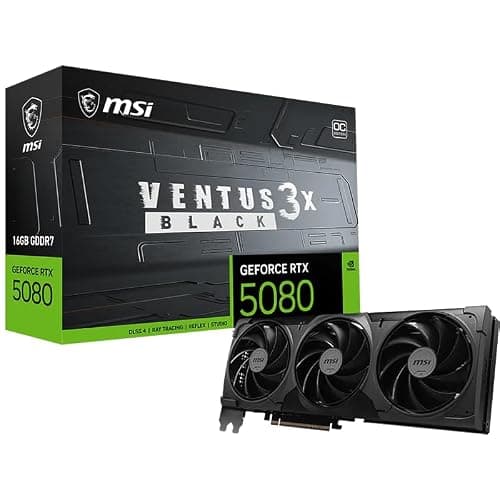
Components · Buying Guide
Every pick encodes AV1 in hardware; VRAM decides how much headroom the game keeps.
12 min read
Components · Buying Guide
One card per price step, so you can see what each extra $100 to $200 buys.
12 min read
Components · Buying Guide
Check your PSU's wattage and connectors first; the right upgrade is the one your PC can power.
12 min read
Components · Buying Guide
One card per tier across all three makers, with VRAM and size side by side.
12 min read
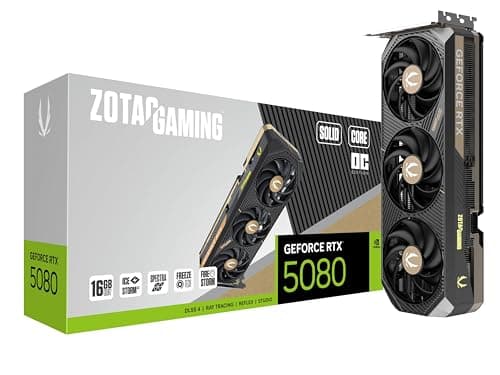
Components · Buying Guide
Desktop cards vary in thickness; a 2.5-slot cooler fits most mid-towers without trouble.
12 min read
Components · Buying Guide
High-end cards need the case and PSU to match; the size and power notes come first.
12 min read
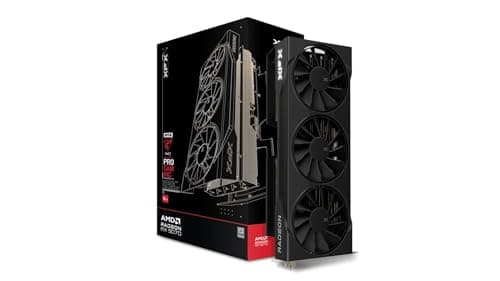
Components · Buying Guide
Mid-range is where 1440p lives; 12GB is the minimum here and three picks carry 16GB.
12 min read
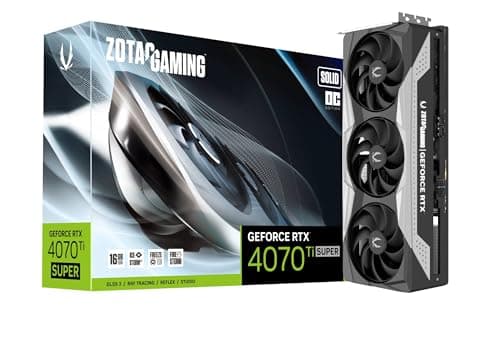
Components · Buying Guide
Same chip, same 16GB; the differences are clocks, cooler size and price.
11 min read
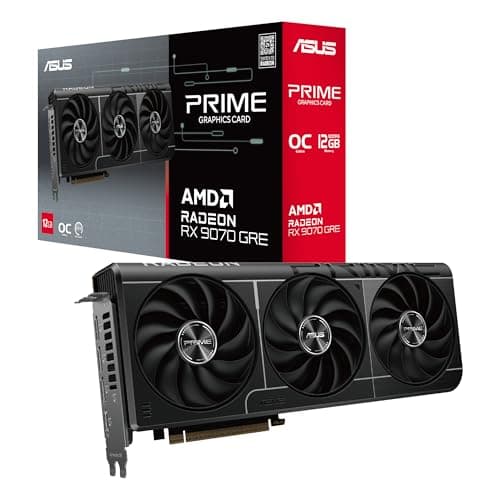
Components · Buying Guide
Value picks under $630 at the time of writing; the RX 9070 GRE sits at the top.
12 min read
Components · Buying Guide
Match the card to your monitor and PSU; five picks from 1080p up to 4K.
12 min read
Components · Buying Guide
AM5 chips share one socket; cache is the spec that separates gaming picks.
12 min read
Components · Buying Guide
Twelve cores or more for work; large cache for games. The X3D Ryzen 9s do both.
12 min read
Components · Buying Guide
Four sockets, six picks; start with the socket your board already has.
12 min read
Components · Buying Guide
Forum favorites, checked against spec sheets: cache, cores and platform, not upvotes.
12 min read
Components · Buying Guide
Eight cores is the comfortable middle for a gaming desktop; these five start there.
12 min read
Components · Buying Guide
Flagship chips run hot; plan a 360mm AIO or a large tower for the Intel picks.
12 min read
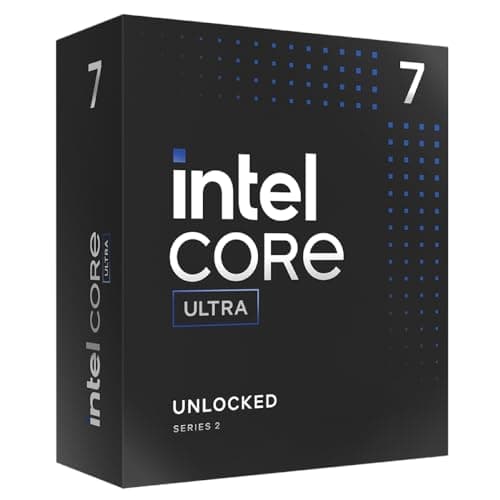
Components · Buying Guide
LGA1851 for new builds, LGA1700 for upgrades that keep DDR4; seven picks across both.
13 min read
Components · Buying Guide
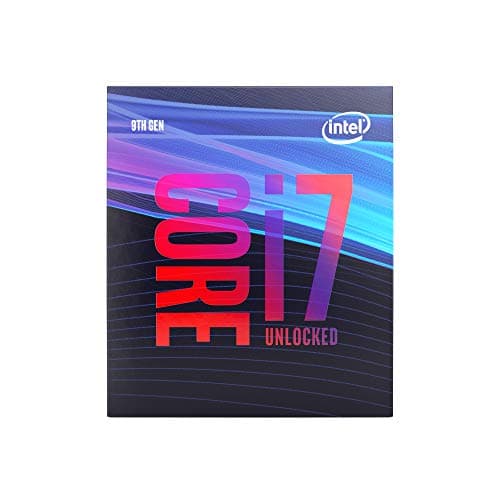
These chips fit Z370, Z390, B365 and similar boards only; check your chipset and BIOS first.
12 min read
Components · Buying Guide
Budget builds should spend on the graphics card; these chips keep the CPU cost low.
12 min read
Components · Buying Guide
Most gaming PCs spend $175 to $350 on the CPU; six picks in that range.
12 min read
Components · Buying Guide
All six cores; cache, socket and the boxed cooler are what separate them.
13 min read
Components · Buying Guide
Three X3D chips lead; the non-X3D picks cost less when the graphics card is the limit.
12 min read
Components · Buying Guide
All seven carry 3D V-Cache; eight-core chips suit gaming, twelve and sixteen suit mixed work.
13 min read
Components · Buying Guide
Pick the socket first, then count M.2 slots; all five here have Wi-Fi 7.
12 min read
Components · Buying Guide
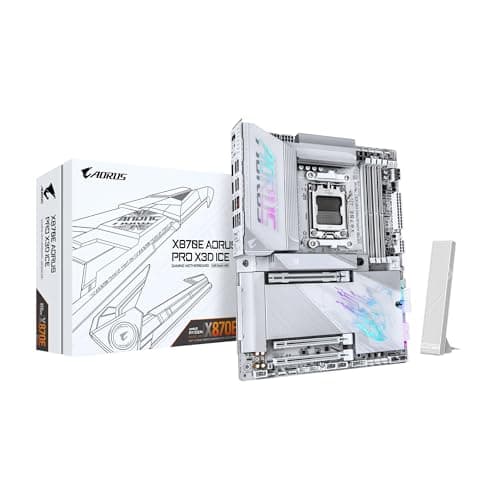
Spend on the board only as far as your CPU needs; six picks across three sockets.
12 min read
Components · Buying Guide
A desktop board lives for years; check rear USB, Ethernet speed and spare M.2 slots.
12 min read
Components · Buying Guide
32GB at 6000MT/s suits most gaming builds; CAS latency separates the kits.
12 min read
Components · Buying Guide
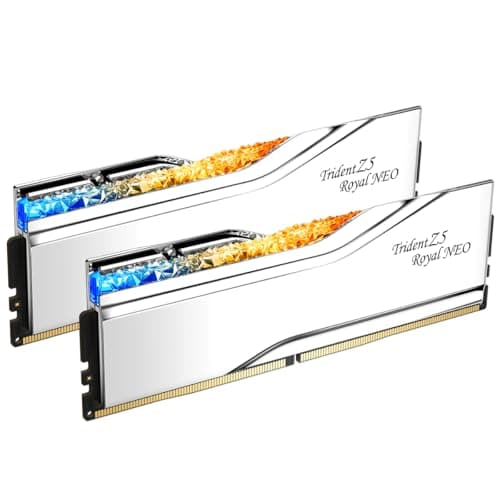
Same speed, same capacity; latency, voltage and lighting separate these five.
12 min read
Components · Buying Guide
2TB fits a large game library; PCIe 5.0 only helps if your board has a Gen5 slot.
12 min read
Components · Buying Guide
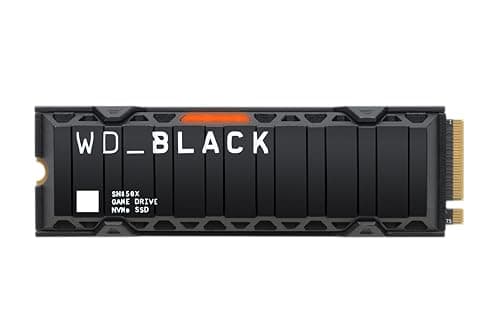
Only buy a heatsink drive if your board lacks an M.2 shield; check the height first.
11 min read
Components · Buying Guide
Load times depend on the game as much as the drive; a good PCIe 4.0 drive covers most builds.
12 min read
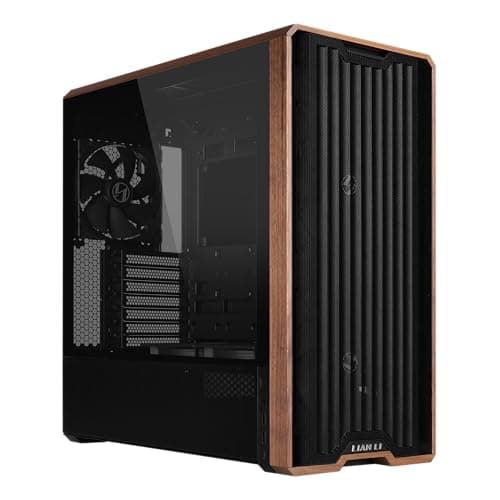
Components · Buying Guide
Included fans save money; check GPU length and radiator support before you buy.
12 min read
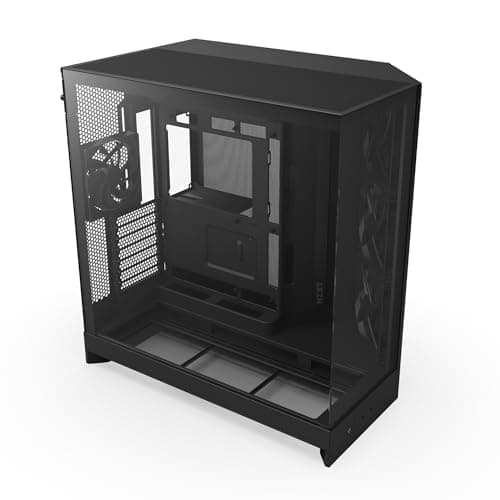
Components · Buying Guide
Glass-sided casings look best with good airflow behind them; check radiator support first.
12 min read
Components · Buying Guide
Bigger chassis make room for 420mm radiators and E-ATX boards; check your desk space too.
12 min read
Components · Buying Guide
Front USB-C, three fans and room for a 392mm card: the checklist for a first gaming build.
12 min read
Components · Buying Guide
Every pick fits a 360mm radiator; GPU clearance and style separate them.
12 min read
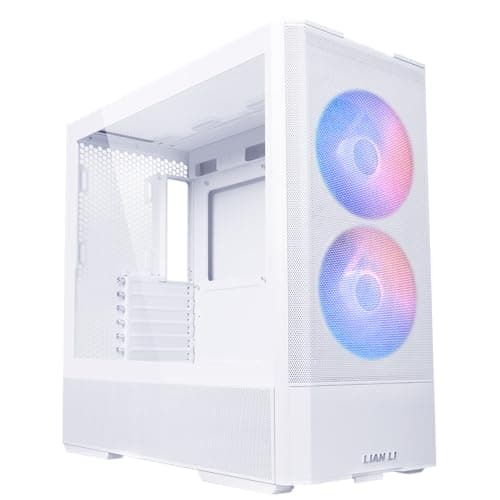
Components · Buying Guide
White cases show dust but suit white parts; check GPU length and fans in the box.
12 min read
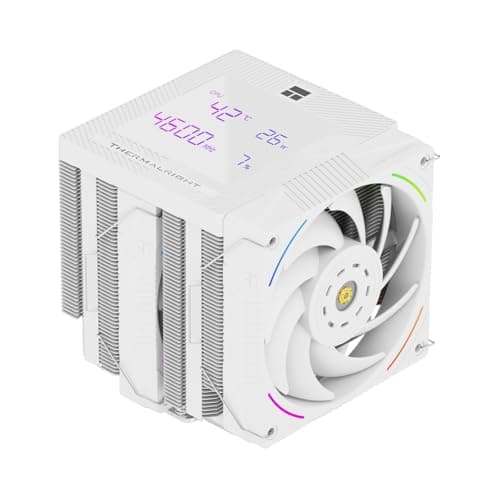
Components · Buying Guide
A good air cooler handles most gaming CPUs; check height against your case first.
12 min read
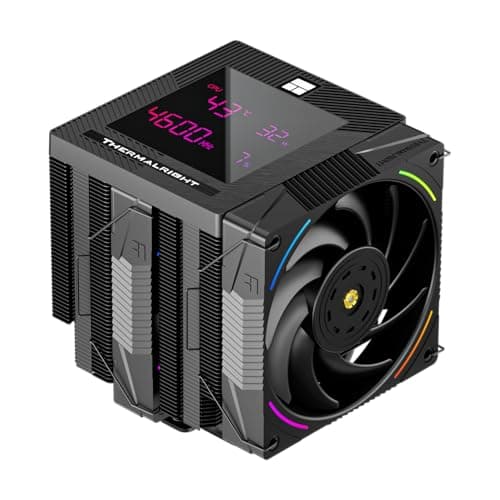
Components · Buying Guide
Dual-tower coolers suit hot chips; single towers fit more cases. Five picks across both.
12 min read
Components · Buying Guide
Match the radiator to the CPU's heat and your case's mounts; six picks from 240 to 420mm.
12 min read
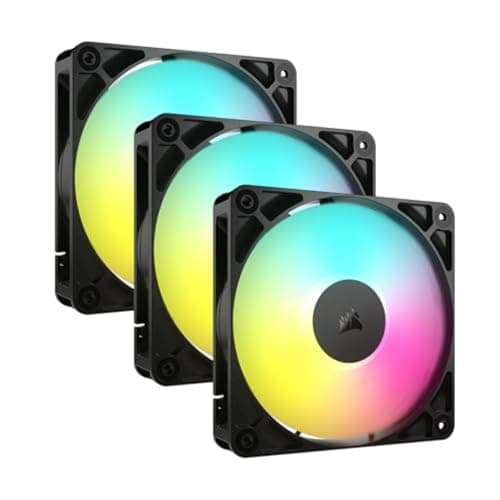
Components · Buying Guide
ARGB packs differ most in wiring; daisy-chained fans save headers and cable clutter.
12 min read
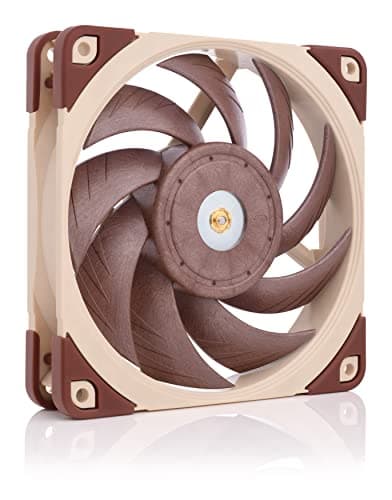
Components · Buying Guide
Unlit single fans let you replace a noisy one or fill a radiator without paying for RGB.
12 min read
Components · Buying Guide
Size the PSU to your graphics card's recommendation; every pick here has a 12V-2x6 cable.
12 min read
Components · Buying Guide
Short cases need shallow units; high-end cards need a 12V-2x6 cable. Five picks for both.
12 min read
Components · Buying Guide
A good PSU lists its efficiency, warranty and connectors clearly; these five do.
12 min read
Components · Buying Guide
From a 650W white unit to 1200W Platinum; size the PSU to your whole system.
12 min read
Components · Buying Guide
Fully modular units make cable routing easier; five picks from 650W to 1000W.
12 min read
Components · Buying Guide
Count connectors as well as watts; the 1600W pick has two 12V-2x6 and eight 8-pin cables.
12 min read
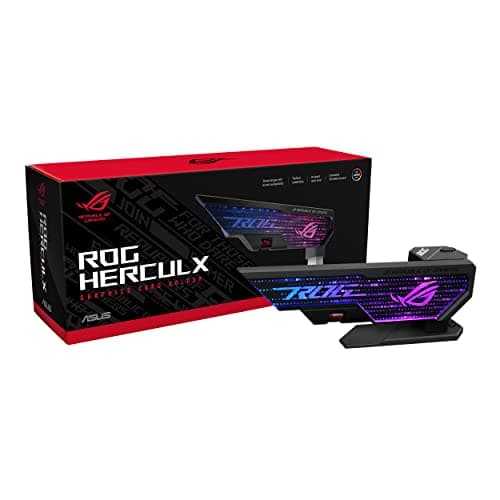
Components · Buying Guide
Measure the gap under your card first; then pick a stand, slot bar or fan-mount brace.
13 min read
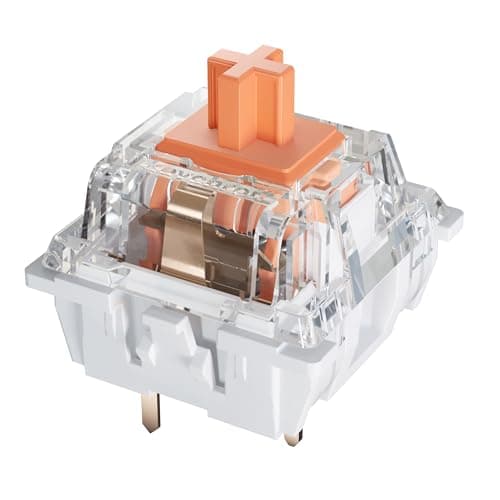
Components · Buying Guide
Silent switches dampen the bottom-out and return. These six differ in force, feel and pack size.
12 min read
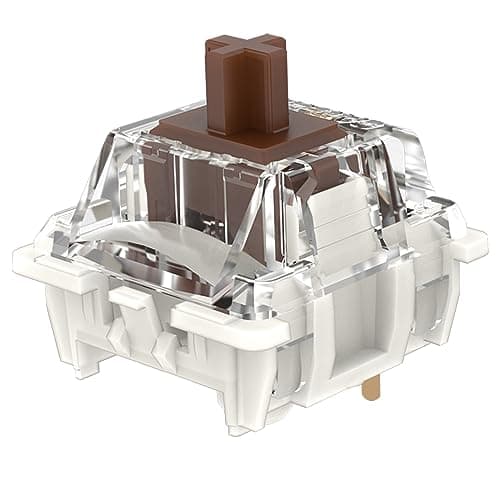
Components · Buying Guide
Tactile switches range from light and subtle to heavy and pronounced. These six span that range.
12 min read
Components · Buying Guide
On a budget, the platform, a boxed cooler and integrated graphics can matter as much as the chip.
12 min read
Components · Buying Guide
Large L3 cache is the spec that separates gaming CPUs today; the X3D chips lead on it.
12 min read
Components · Buying Guide
A good gaming CPU needs enough cache and cores for the card, not a flagship badge.
11 min read
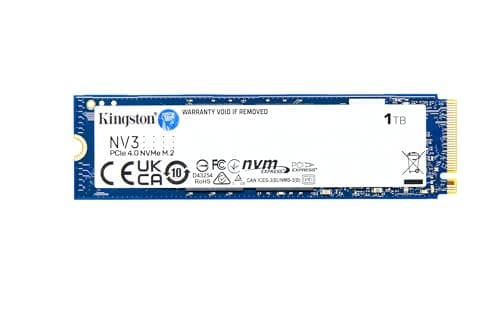
Components · Buying Guide
An operating system drive needs fast random access more than huge capacity; 1TB to 2TB leaves room for apps.
12 min read
Components · Buying Guide
An NVMe SSD is the biggest speed upgrade for an older PC.
12 min read
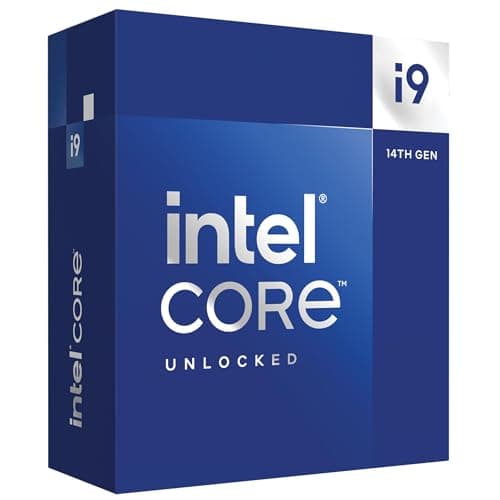
Components · Buying Guide
Intel's gaming CPUs span LGA1700 and LGA1851 boards.
12 min read
Components · Buying Guide
AMD's Ryzen range covers AM4 upgrades and AM5 new builds.
12 min read
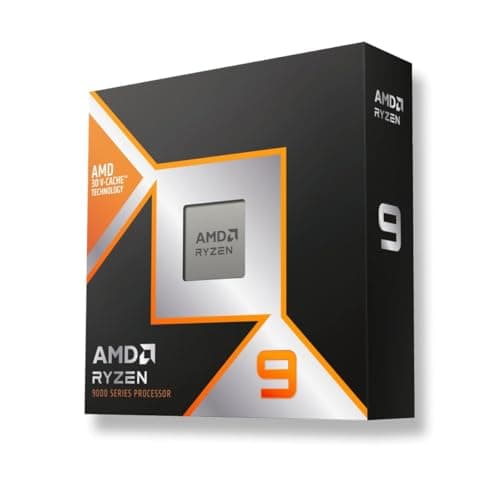
Components · Buying Guide
For gaming, AMD's X3D chips add extra cache that helps frame rates in many games.
12 min read
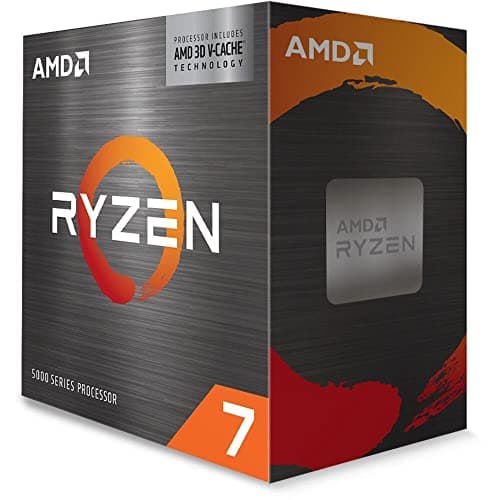
Components · Buying Guide
An AM4 CPU upgrade keeps your motherboard and DDR4 memory.
11 min read
Components · Buying Guide
A gaming CPU should keep up with your graphics card at your target frame rate.
12 min read
Components · Buying Guide
The Ryzen 7 9800X3D fits any AM5 board; B650, B850, X670E and X870 boards all support it after a BIOS update.
12 min read
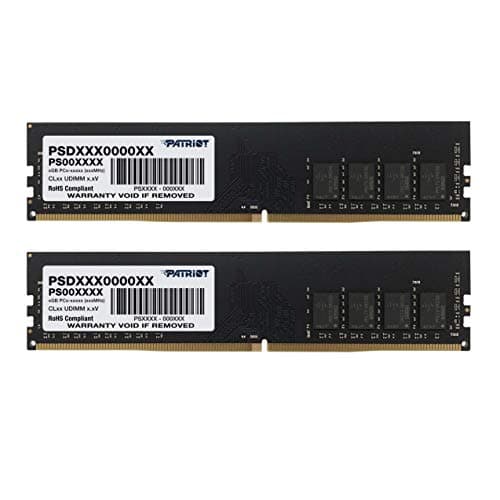
Components · Buying Guide
DDR4 memory suits AM4 and older Intel boards.
12 min read
Components · Buying Guide
16GB runs most games; a two-stick kit runs in dual channel for better performance.
12 min read
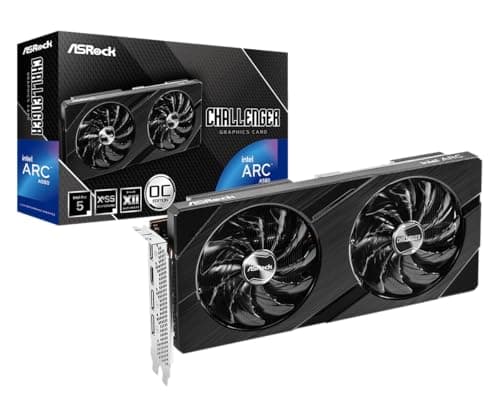
Components · Buying Guide
Under $350, a graphics card targets 1080p gaming.
11 min read
Components · Buying Guide
NVIDIA's RTX cards add DLSS upscaling and strong ray tracing.
12 min read
Components · Buying Guide
The graphics card decides gaming performance more than any other part.
12 min read
Components · Buying Guide
AMD's Radeon cards offer generous VRAM for the money and FSR upscaling.
12 min read
Components · Buying Guide
A gaming graphics card should match your resolution and budget.
12 min read
Components · Buying Guide
For gaming, the GPU is the part to spend on first.
12 min read
Components · Buying Guide
The current generation brings RTX 50-series, Radeon RX 9000 and Intel Arc B-series cards.
12 min read
Components · Buying Guide
1080p gaming needs a mid-range card with 8GB to 12GB of VRAM.
12 min read
Components · Buying Guide
1440p is comfortable with 12GB to 16GB of VRAM.
12 min read
Components · Buying Guide
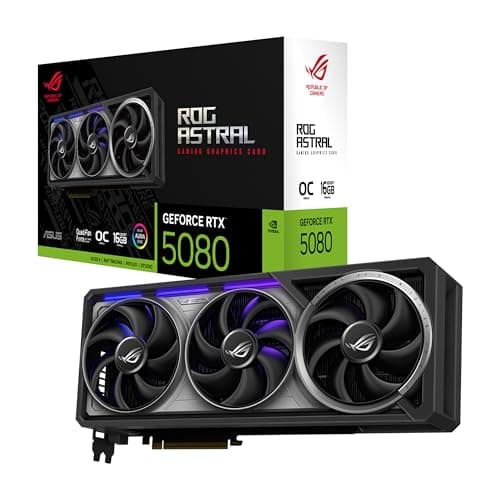
A graphics card for a PC has to fit the case as well as the budget.
12 min read
Components · Buying Guide
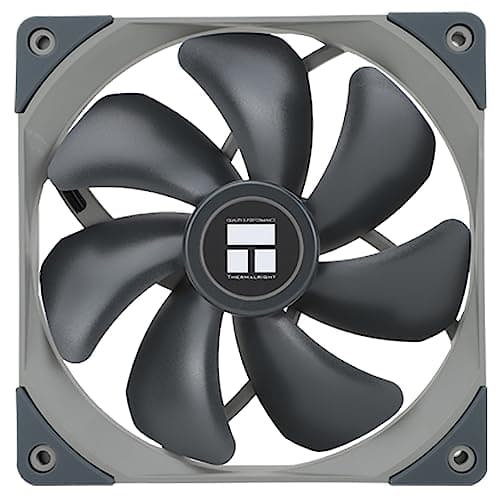
A 140mm fan moves more air at a lower speed than a 120mm fan, which keeps noise down.
12 min read
Components · Buying Guide
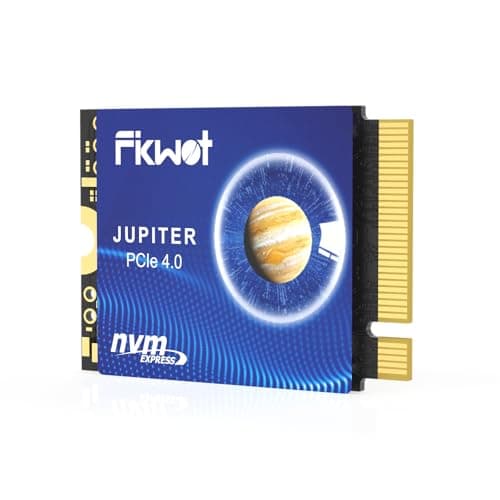
The Steam Deck and similar handhelds take the short M.2 2230 SSD size.
11 min read
Components · Buying Guide
A budget NVMe SSD is still several times faster than SATA.
12 min read
Components · Buying Guide
A 4TB NVMe SSD holds a large game library in one slot.
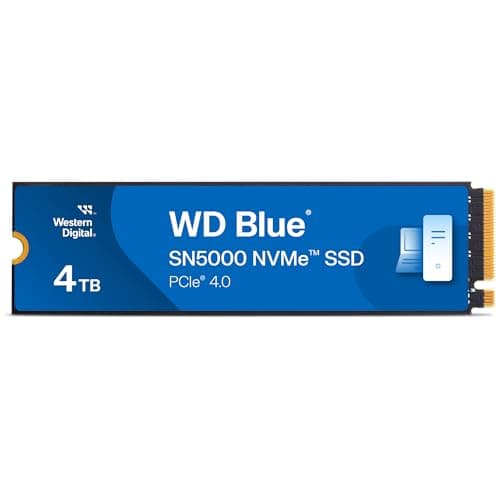
11 min read
Components · Buying Guide
The PS5's expansion slot takes a PCIe 4.0 M.2 SSD, and Sony recommends a heatsink.
12 min read
Components · Buying Guide
PCIe 5.0 SSDs double the sequential speed of Gen4 drives on a supported M.2 slot.
12 min read
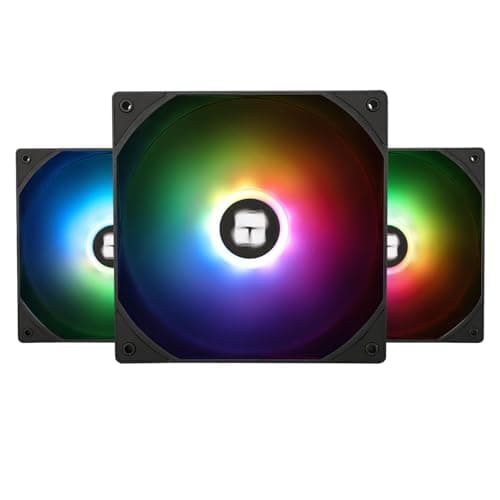
Components · Buying Guide
A three-pack fills a case front or a 360mm radiator in one purchase.
12 min read
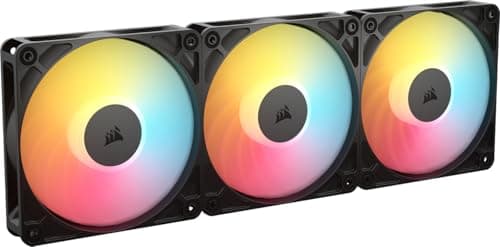
Components · Buying Guide
Static pressure pushes air through radiators and dense filters.
12 min read
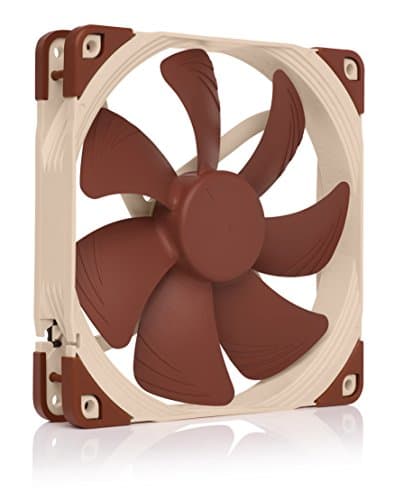
Components · Buying Guide
Quiet fans balance airflow against noise.
11 min read
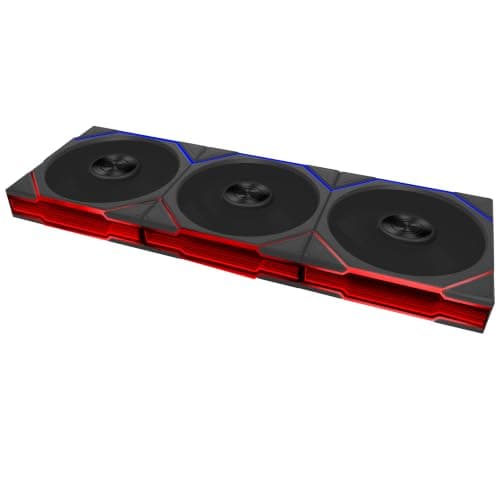
Components · Buying Guide
ARGB fans have individually addressable LEDs that sync with the motherboard.
12 min read
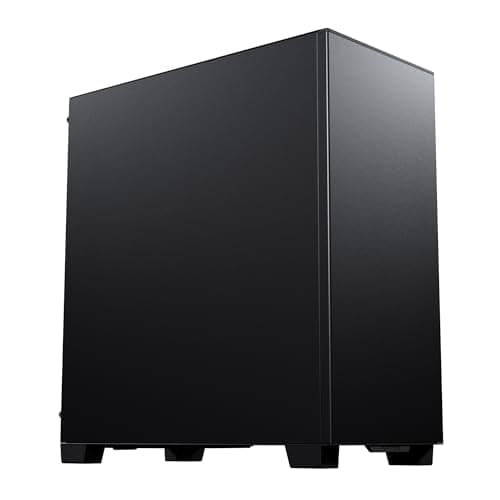
Components · Buying Guide
Phanteks makes airflow and showcase cases from the XT to the NV series.
12 min read
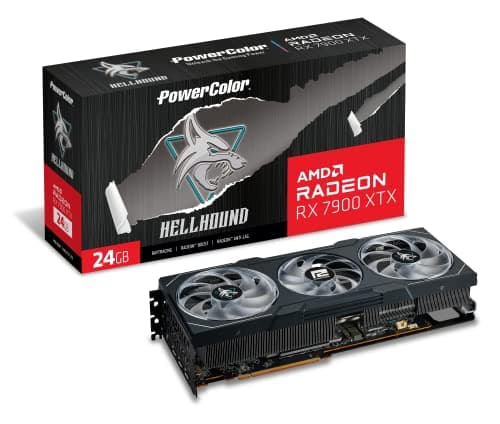
Components · Buying Guide
PowerColor builds only AMD Radeon cards, from Hellhound to Red Devil.
11 min read
Components · Buying Guide
PNY builds NVIDIA GeForce cards, including compact and XLR8 models.
12 min read
Components · Buying Guide
Data work in Python, R or a local database spreads across threads and leans on memory capacity.
12 min read
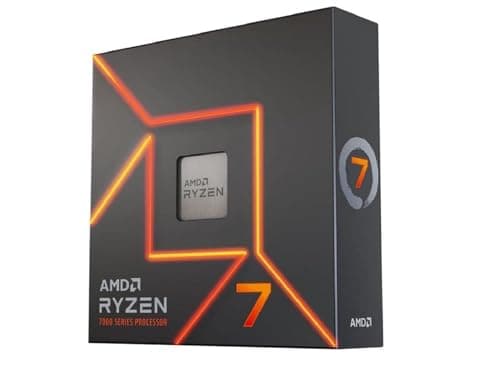
Components · Buying Guide
Game development mixes shader and code compiles, which use every core, with editor work in Unreal or Unity that rewards high clocks.
12 min read
Components · Buying Guide
Video production uses many cores for exports and effects, and an integrated GPU adds a second hardware encoder in some editors.
11 min read
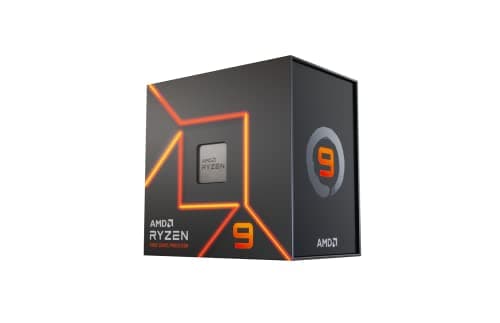
Components · Buying Guide
Photoshop, Illustrator and Figma are mostly lightly threaded, so boost clock matters more than core count.
12 min read
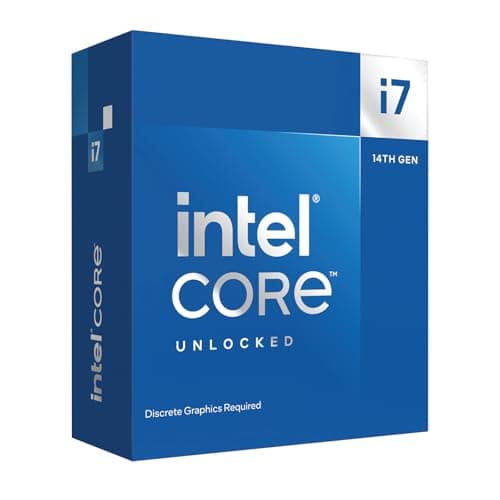
Components · Buying Guide
Developers compile, run containers and keep an IDE, browser and local services open at once, which rewards thread count.
12 min read
Components · Buying Guide
A home office PC needs integrated graphics so you can skip a graphics card, and a 65W rating keeps the cooler small and quiet.
12 min read
Components · Buying Guide
Long renders, simulations and batch jobs keep a CPU at full load for hours.
11 min read
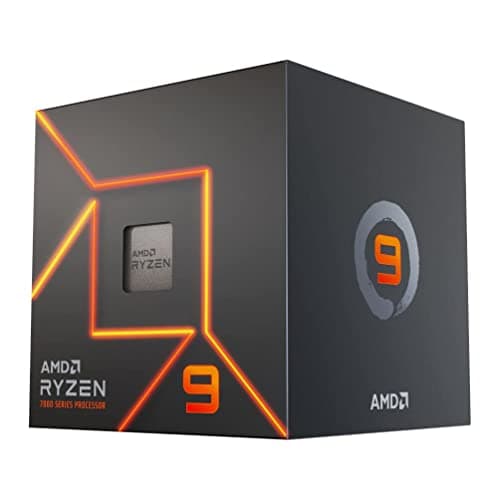
Components · Buying Guide
A low rated power means less heat, a smaller cooler and a quieter PC.
12 min read
Components · Buying Guide
High boost clocks help lightly threaded apps and many games.
11 min read
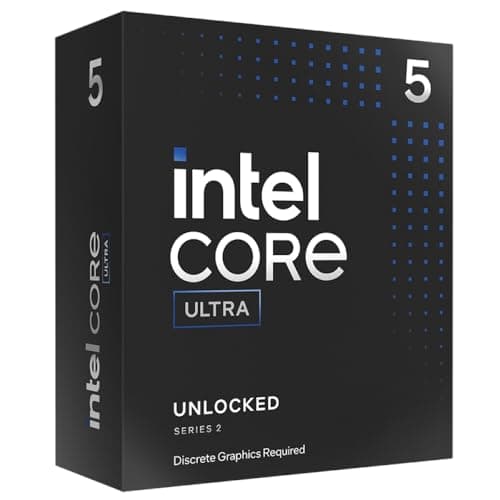
Components · Buying Guide
Intel's K and KF chips have unlocked multipliers for manual overclocking.
12 min read
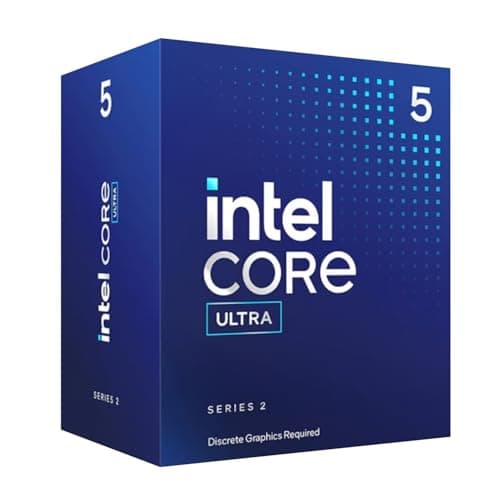
Components · Buying Guide
AM5 and LGA1851 processors provide PCIe 5.0 lanes for a graphics card and an M.2 SSD, depending on the motherboard.
12 min read
Components · Buying Guide
A large L3 cache keeps more game and application data close to the cores, which steadies frame times and reduces stalls.
12 min read
Components · Buying Guide
Sixteen cores or more suits rendering, compiling and heavy multitasking.
11 min read
Components · Buying Guide
Between about $330 and $800 you reach the fastest desktop chips for gaming and work.
12 min read
Components · Buying Guide
A desktop workstation chip needs many threads for rendering and simulation and a large cache for big datasets.
11 min read
Components · Buying Guide
Music production needs strong per-core speed for low buffer sizes and enough cores for many plugins.
11 min read
Components · Buying Guide
VR games must hold 90fps or more, and CPU spikes cause dropped frames.
11 min read
Components · Buying Guide
Most CAD modelling runs on one or two threads, while rendering uses them all.
12 min read
Components · Buying Guide
Cyberpunk 2077 loads the CPU heavily in crowded districts and with path tracing.
11 min read
Components · Buying Guide
Baldur's Gate 3 is CPU-bound in Act 3's city, where many characters are active at once.
12 min read
Components · Buying Guide
The Arc B580 needs Resizable BAR and is more sensitive to CPU speed than rival cards.
12 min read
Components · Buying Guide
The RTX 5060 is a 1080p card, so a mid-range six- or eight-core CPU is enough.
12 min read
Components · Buying Guide
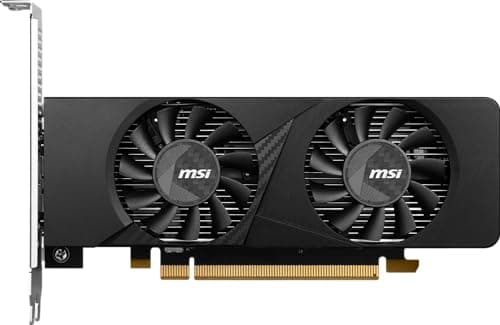
Small cases limit card length, thickness and airflow.
12 min read
Components · Buying Guide
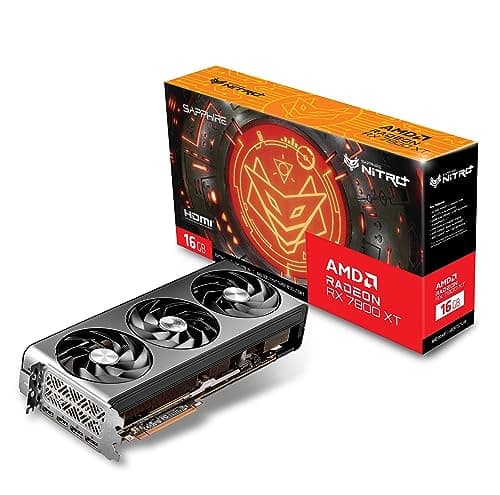
Thicker coolers move the same heat with slower fans, which usually means less noise.
12 min read
Components · Buying Guide
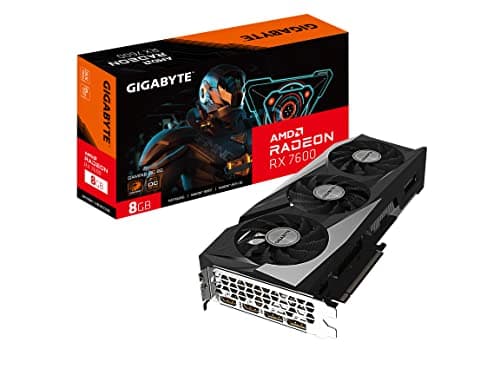
Card lighting is cosmetic, so the choice should still start with the GPU, cooler size and power connector.
12 min read
Components · Buying Guide
A home office card mainly adds display outputs and hardware video decoding for calls and several monitors.
12 min read
Components · Buying Guide
Large renders, simulations and local AI models need video memory first.
12 min read
Components · Buying Guide
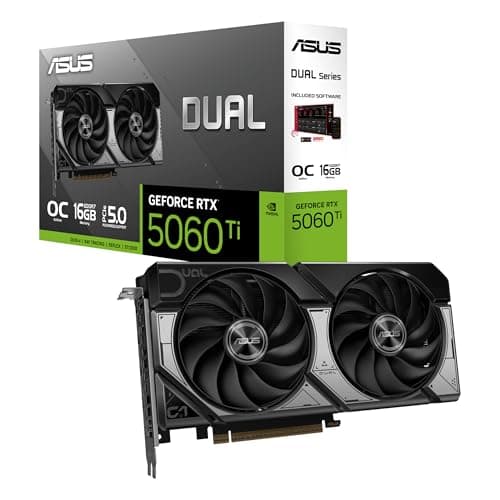
NVIDIA's NVENC and NVDEC engines are widely supported in editors, and 16GB of VRAM helps with 4K timelines and effects.
12 min read
Components · Buying Guide
Design apps use the GPU for canvas acceleration and AI features, and extra VRAM helps with large files.
12 min read
Components · Buying Guide
These are the fastest consumer cards for 4K gaming and heavy creative work.
12 min read
Components · Buying Guide
The RTX 50 series adds GDDR7 memory on most models and DLSS 4 multi-frame generation.
12 min read
Components · Buying Guide
24GB of VRAM suits large AI models, heavy 3D scenes and 4K textures.
11 min read
Components · Buying Guide
16GB of VRAM is the comfortable amount for 1440p gaming with high textures.
12 min read
Components · Buying Guide
12GB of VRAM covers 1080p and most 1440p games at high settings.
12 min read
Components · Buying Guide
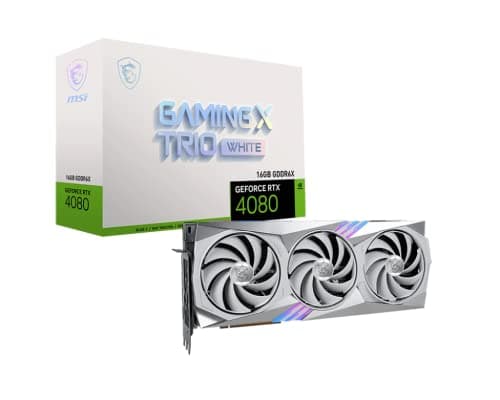
Between $1,200 and $2,000 you get RTX 5080, RTX 4080 Super and fast RTX 5070 Ti cards.
12 min read
Components · Buying Guide
Between $400 and $600, cards target 1080p and 1440p gaming.
12 min read
Components · Buying Guide
Under $300, a graphics card targets 1080p gaming at medium to high settings.
11 min read
Components · Buying Guide
Esports titles run well on mid-range cards, and the priority is high frame rates at 1080p.
11 min read
Components · Buying Guide
Apex Legends players usually aim for 1440p at a high refresh rate.
12 min read
Components · Buying Guide
League of Legends is light on the GPU, so a budget card already runs it at a high refresh rate.
12 min read
Components · Buying Guide
Roblox runs on modest hardware, but some experiences push detail and players count.
12 min read
Components · Buying Guide
Busy VRChat instances fill video memory with avatars and worlds.
12 min read
Components · Buying Guide
ARK: Survival Ascended uses Unreal Engine 5 and is one of the most demanding games around.
12 min read
Components · Buying Guide
The i5-14600K has enough per-core speed for mid- to upper-mid cards.
12 min read
Components · Buying Guide
The Core Ultra 5 245K pairs well with mid-range cards for 1440p.
12 min read
Components · Buying Guide
The Core Ultra 7 265K has the speed to drive upper-mid cards at 1440p and 4K.
12 min read
Components · Buying Guide
A Core Ultra 9 285K build usually targets 4K or heavy creative work.
12 min read
Components · Buying Guide
The Ryzen 5 7600X suits 1080p and 1440p cards.
12 min read
Components · Buying Guide
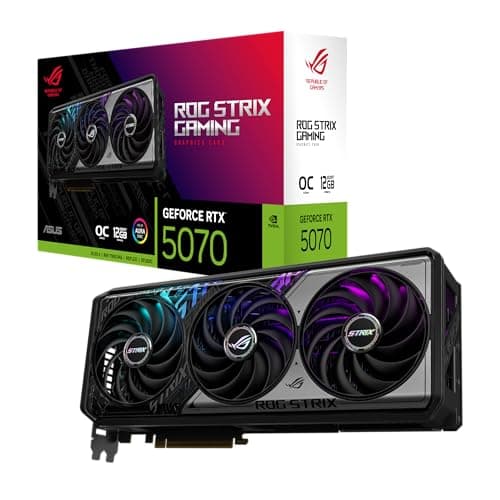
The Ryzen 5 9600X can drive mid-range cards at 1440p.
12 min read
Components · Buying Guide
The Ryzen 7 9700X pairs well with upper-mid cards for 1440p.
12 min read
Components · Buying Guide
The Ryzen 9 9900X3D combines cache for gaming with 12 cores for work.
12 min read
Components · Buying Guide
The Ryzen 9 9950X3D is a top-end chip, so the GPU sets the limit.
12 min read
Components · Buying Guide
Faster wired networking and USB4 move large files between PCs, NAS boxes and drives.
12 min read
Components · Buying Guide
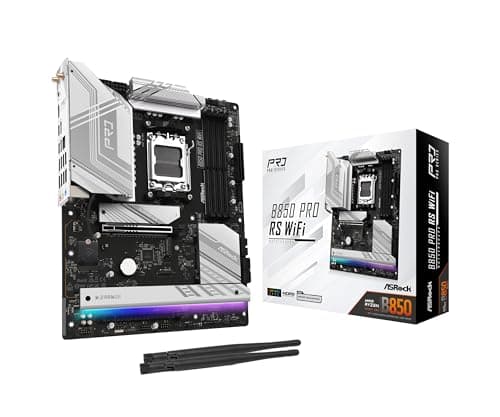
Game projects grow quickly, so M.2 slots for separate engine, project and cache drives help.
12 min read
Components · Buying Guide
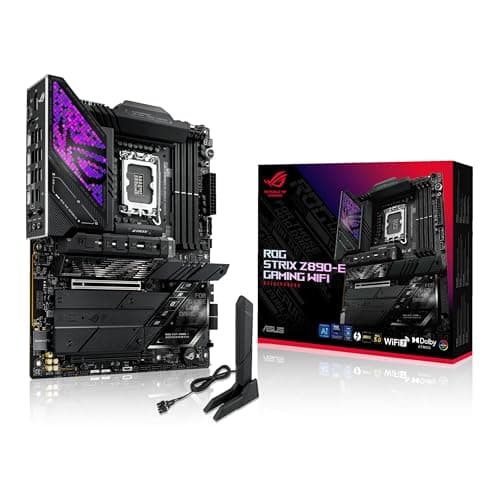
Long full-load work needs a strong power delivery and room for storage.
12 min read
Components · Buying Guide
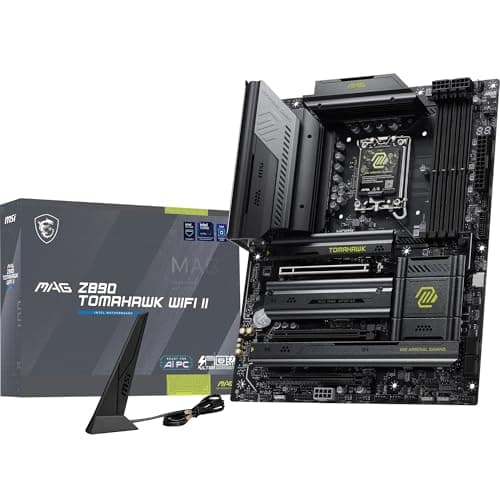
Local machine learning needs a full-speed x16 slot, fast storage for datasets and quick networking.
12 min read
Components · Buying Guide
A developer workstation benefits from fast Wi-Fi, 2.5GbE or better and room for several SSDs.
12 min read
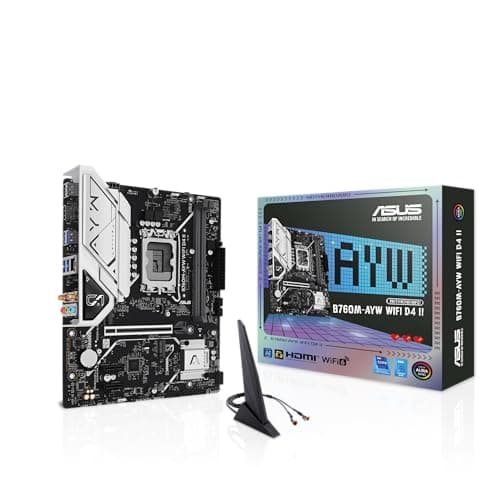
Components · Buying Guide
A Micro-ATX board fits compact cases and still has room for a graphics card and a couple of SSDs.
12 min read
Components · Buying Guide
Built-in Bluetooth connects headphones, controllers and keyboards without a dongle.
12 min read
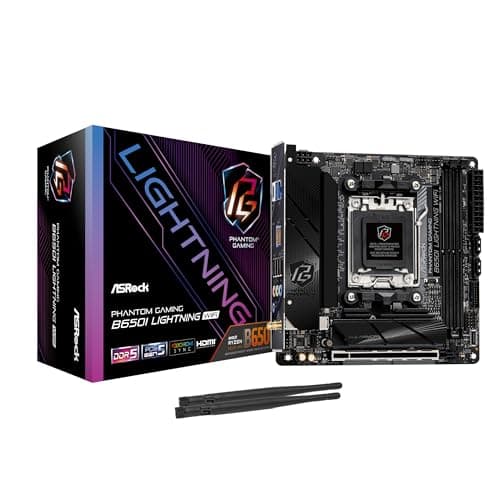
Components · Buying Guide
Mini-ITX boards build the smallest PCs.
11 min read
Components · Buying Guide
Between $300 and $500, boards add more M.2 slots, faster networking and stronger power delivery.
12 min read
Components · Buying Guide
Mounting the GPU vertically shows off the card but moves it close to the side panel, which can starve its fans.
11 min read
Components · Buying Guide
A 360mm or larger radiator is the usual choice for hot CPUs, but it needs both the mounting length and depth above the board.
12 min read
Components · Buying Guide
For an RGB build, included lit fans save money and cable clutter compared with buying them separately.
12 min read
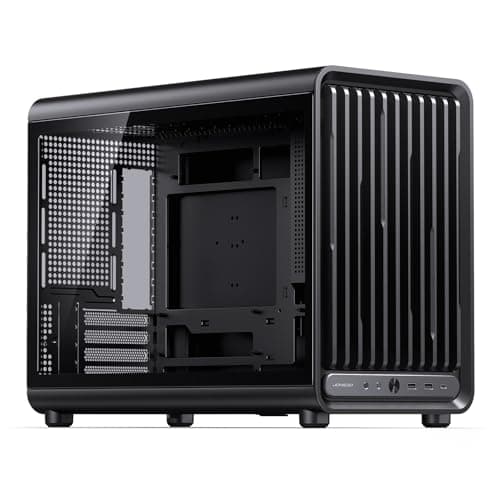
Components · Buying Guide
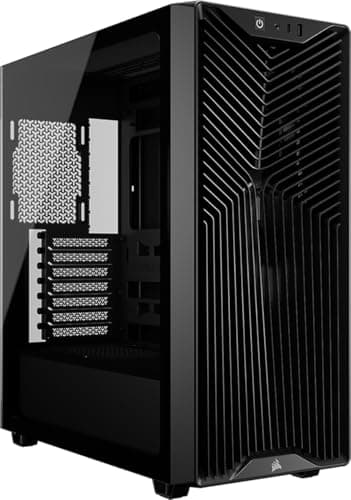
Flagship graphics cards now run well past 330mm, and a large radiator in front shortens the space further.
12 min read
Components · Buying Guide
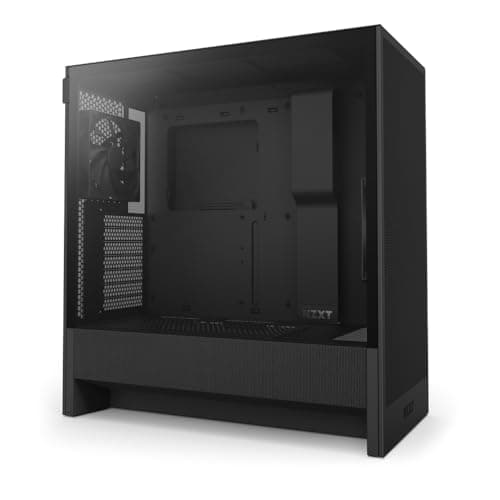
A front USB-C port saves reaching behind the PC for fast drives and phone charging.
12 min read
Components · Buying Guide
Good cable management comes down to space behind the motherboard tray, routing channels and tie points.
11 min read
Components · Buying Guide
Machine learning builds need room for a long GPU and, often, an E-ATX board.
12 min read
Components · Buying Guide
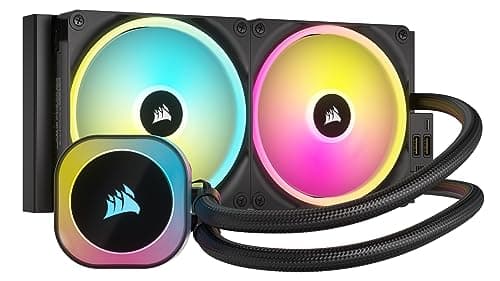
A liquid cooler is quietest when its fans can stop at idle and the pump stays inaudible.
12 min read
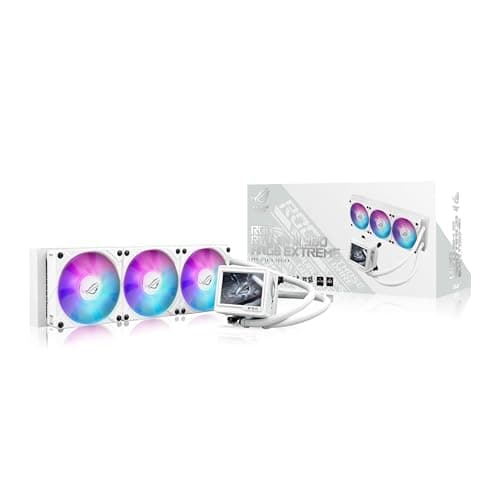
Components · Buying Guide
Core i9 chips draw a lot of power, so every pick uses a 360mm radiator or larger.
12 min read
Components · Buying Guide
Ryzen chips run hot at boost, so a tower cooler is a better match than the stock Wraith.
12 min read
Components · Buying Guide
Long exports keep the CPU and GPU loaded together, so video workstations need real headroom.
12 min read
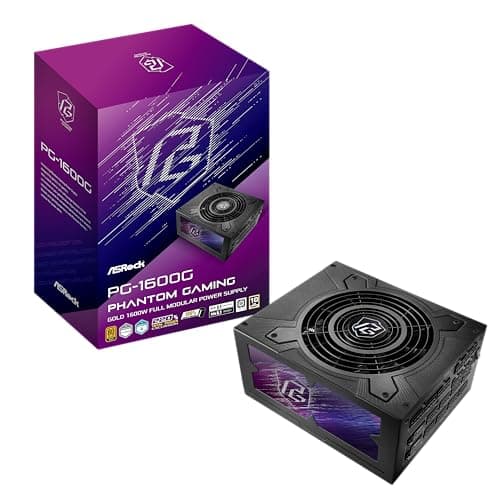
Components · Buying Guide
In a black build the PSU cables are the most visible part through the glass.
12 min read
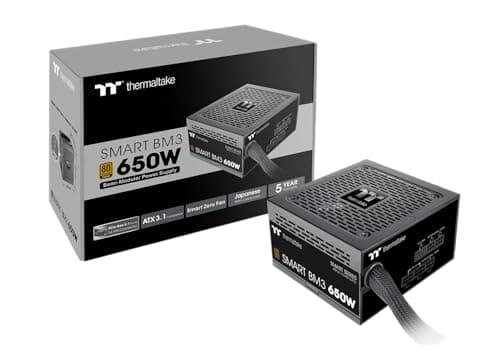
Components · Buying Guide
A power supply is quietest when its fan can stop at idle and light gaming loads.
12 min read
Components · Buying Guide
A syringe lets you place a controlled dot of paste and reseal it for the next build.
11 min read
Components · Buying Guide
Six cores is still the entry point for a gaming PC, and clock speed and cache decide most of the difference between chips.
11 min read
Components · Buying Guide
Eight cores covers gaming, streaming and most creative apps without the heat of a 16-core chip.
11 min read
Components · Buying Guide
Twelve cores suit rendering and heavy multitasking alongside gaming.
12 min read
Components · Buying Guide
High core counts shorten renders, compiles and batch exports.
11 min read
Components · Buying Guide
For machine learning the GPU does the training, but the CPU feeds data, runs preprocessing and handles smaller models.
11 min read
Components · Buying Guide
Lightroom and Photoshop reward high clock speeds for editing and more cores for exports.
12 min read
Components · Buying Guide
Content creators switch between editing, encoding and streaming, which rewards many threads at a sensible price.
12 min read
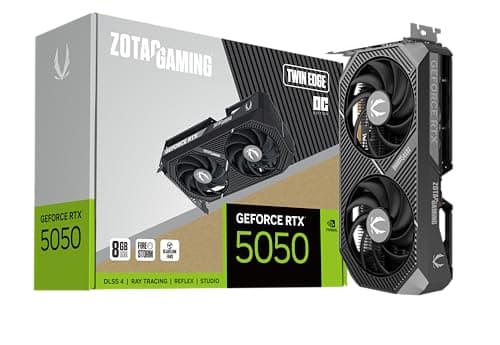
Components · Buying Guide
System latency depends on frame rate and on driver features such as NVIDIA Reflex, which many competitive games support.
12 min read
Components · Buying Guide
Most machine learning tools target NVIDIA's CUDA, and VRAM decides which models fit.
12 min read
Components · Buying Guide
Two fin stacks give a dual-tower cooler the surface area to handle hot CPUs near liquid-cooler level.
12 min read
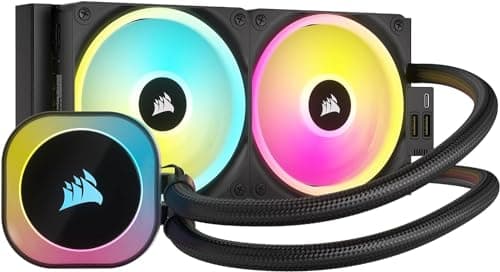
Components · Buying Guide
A higher maximum fan speed gives headroom for sustained loads, at the cost of noise when it's used.
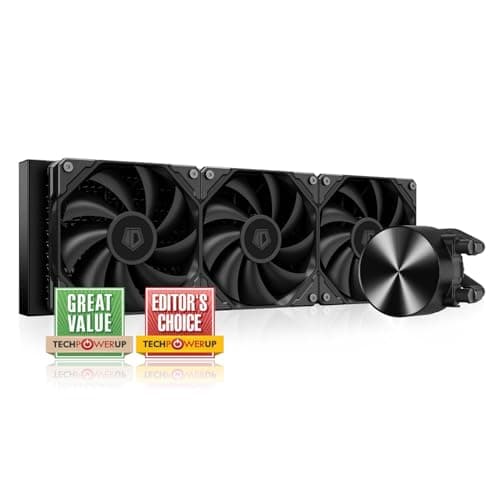
12 min read
Components · Buying Guide
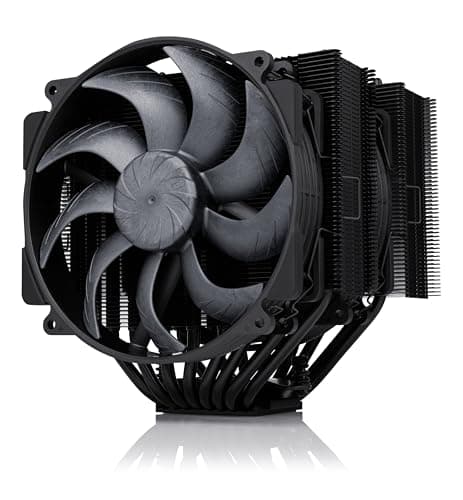
Chips rated at 170W and above need a large radiator and strong contact with the hotspot.
12 min read
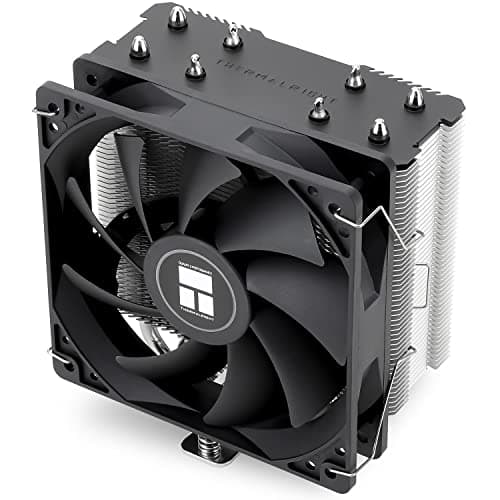
Components · Buying Guide
A workstation cooler has to run at full load for hours without pump wear to worry about.
12 min read
Components · Buying Guide
Office work rarely loads the CPU, so an inexpensive tower cooler keeps it cool and quiet.
12 min read
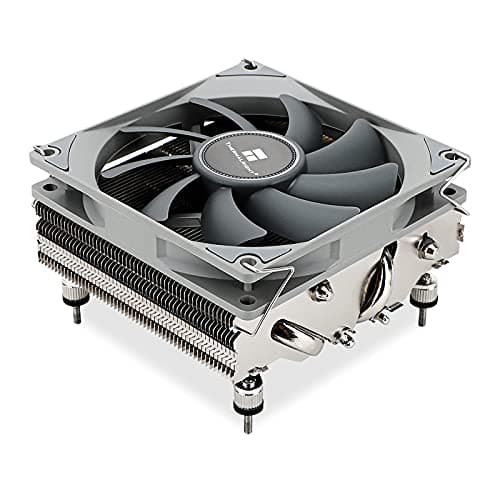
Components · Buying Guide
In a studio, fan noise ends up on microphone takes.
12 min read
Components · Buying Guide
Esports games push high frame rates that keep the CPU busy, so steady boost clocks matter.
12 min read
Components · Buying Guide
A first build goes smoother with an air cooler: no pump, no radiator placement and a simpler mount.
11 min read
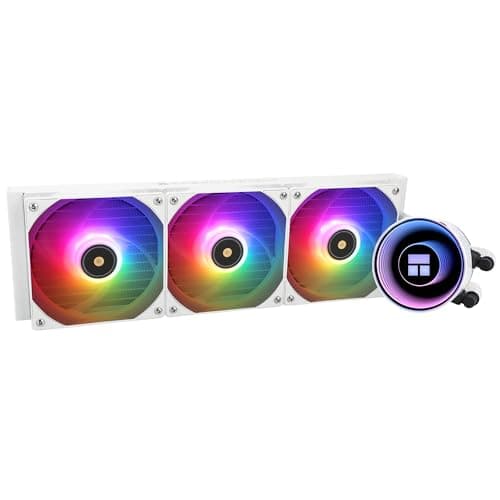
Components · Buying Guide
Exports hold the CPU at full load for minutes at a time, which is where a 360mm radiator earns its place.
12 min read
Components · Buying Guide
Renders can run a 16-core chip at full power for hours.
12 min read
Components · Buying Guide
Intel's LGA1700 and LGA1851 sockets share cooler mounting, and a contact frame helps with bending.
12 min read
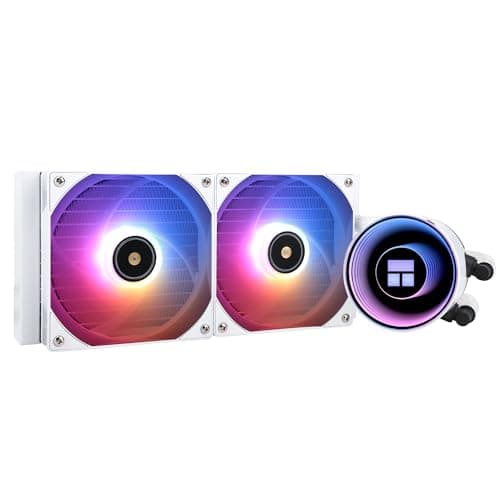
Components · Buying Guide
AM5 chips spike to high temperatures by design, and a 240mm or 280mm AIO keeps boost clocks up without a huge radiator.
12 min read
Components · Buying Guide
Between $60 and $100, liquid coolers add better pumps, ARGB and VRM fans.
12 min read
Components · Buying Guide
Under $50, tower air coolers handle most gaming CPUs.
11 min read
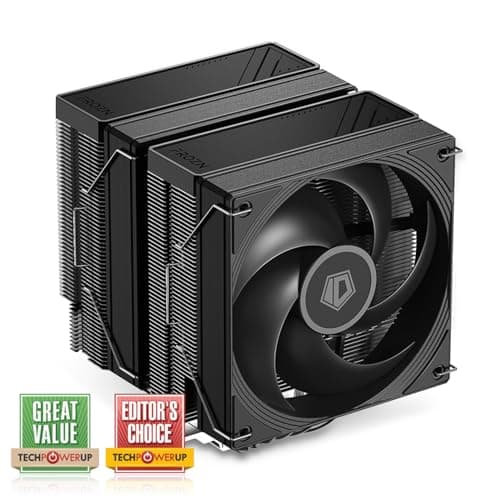
Components · Buying Guide
Under $30, a cooler still beats most stock coolers on noise.
11 min read
Components · Buying Guide
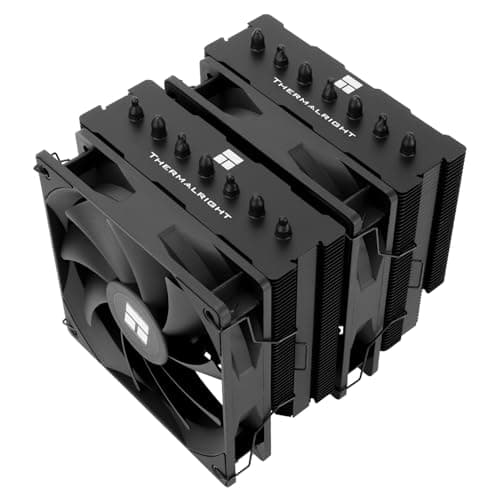
A black cooler disappears into a dark build.
12 min read
Components · Buying Guide
The strongest coolers pair a 360mm or 420mm radiator with extras such as a VRM fan or a pump display.
12 min read
Components · Buying Guide
A studio PC needs a case that keeps fan and drive noise away from the microphone.
11 min read
Components · Buying Guide
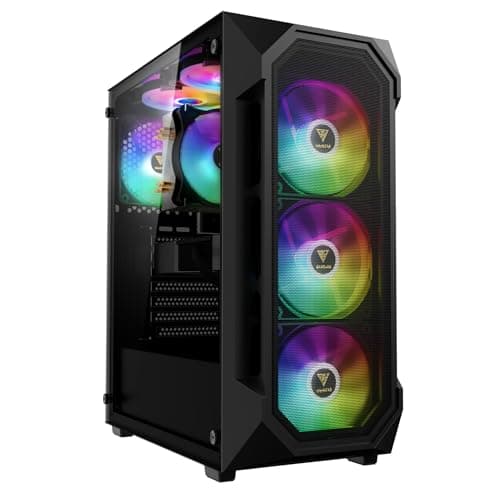
Water cooling needs radiator space at the front or top and room for tubing.
12 min read
Components · Buying Guide
A creator's case needs front USB-C for cards and drives and room for a long GPU.
11 min read
Components · Buying Guide
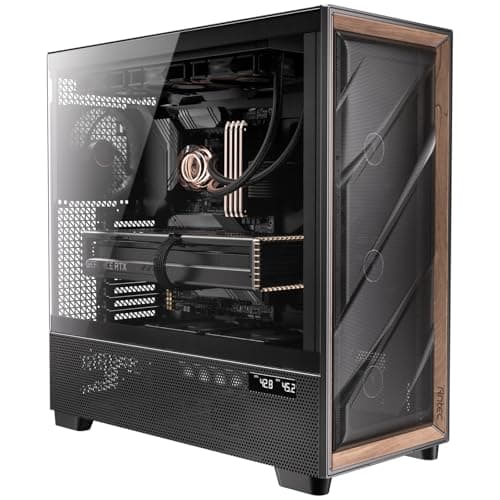
Long full-load work needs plenty of airflow out of the box.
12 min read
Components · Buying Guide
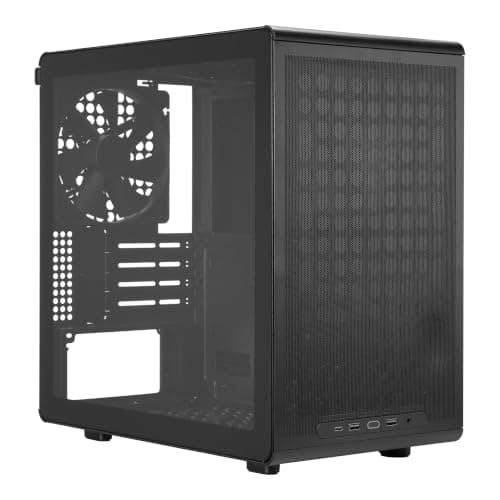
A video editing build needs a full ATX board for storage and a long GPU.
12 min read
Components · Buying Guide
Machine learning rigs run the GPU at full power for hours, sometimes with two cards.
11 min read
Components · Buying Guide
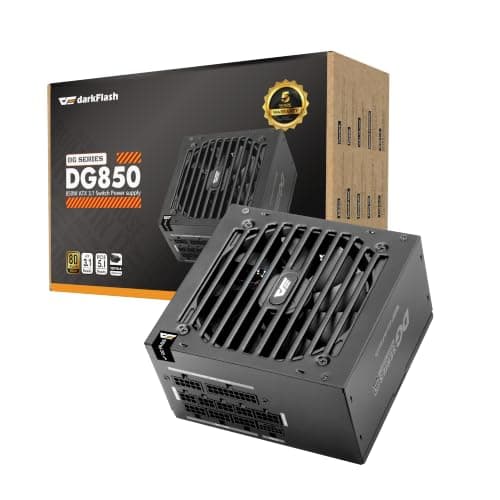
A game development workstation pairs a strong CPU with a gaming GPU, which lands most builds in the 850W to 1000W range.
12 min read
Components · Buying Guide
Photo editing PCs rarely draw much power, so reliability and warranty matter more than wattage.
12 min read
Components · Buying Guide
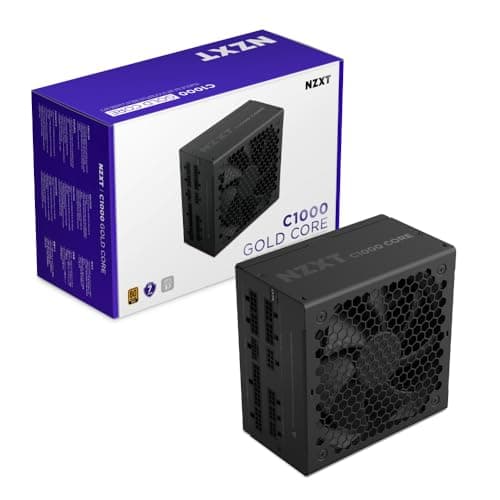
Under constant load, efficiency means less heat and a quieter fan.
12 min read
Components · Buying Guide
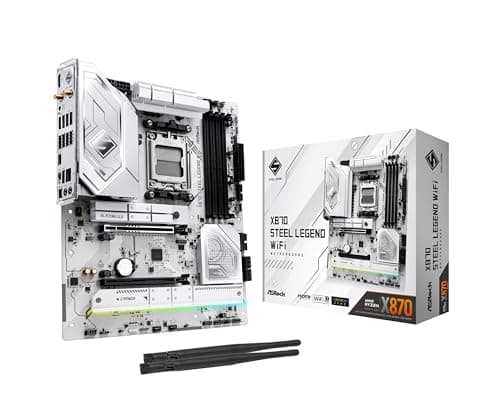
Photographers move large RAW folders from cards and external drives, and USB4 makes that fast.
12 min read
Components · Buying Guide
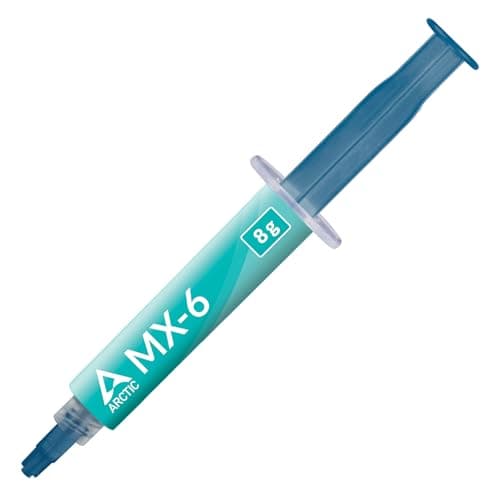
Under $10 you can still buy a reputable non-conductive paste in a useful tube size.
12 min read

Components · Buying Guide
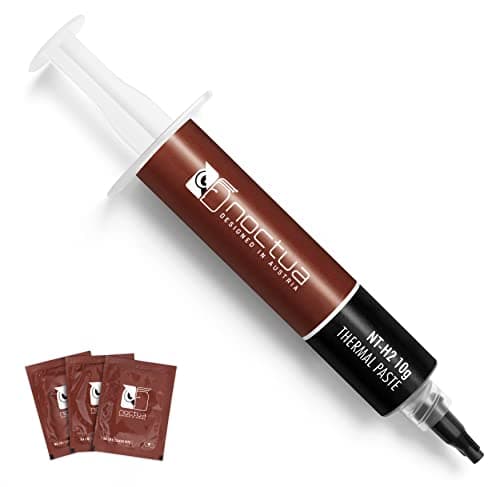
Between $10 and $20, pastes add kits, larger tubes or formulas built against pump-out.
12 min read
Components · Buying Guide
Between $20 and $30 you are paying for enthusiast formulas or large tubes.
11 min read
Components · Buying Guide
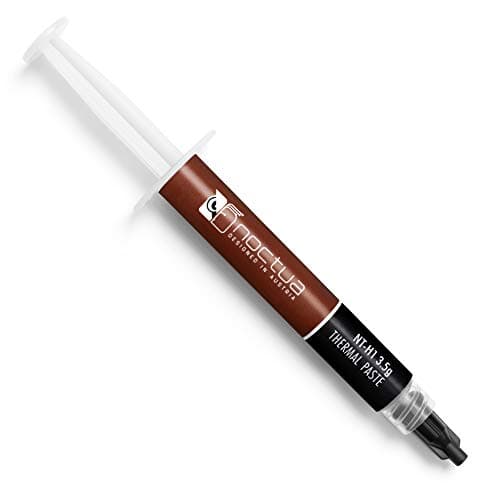
Noctua sells two pastes, NT-H1 and its successor NT-H2, in several pack sizes and kits.
12 min read
Components · Buying Guide
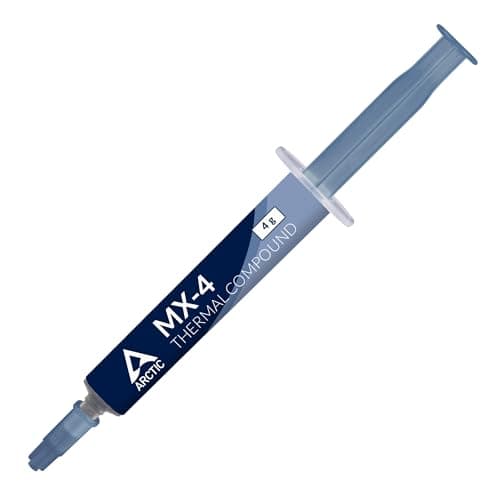
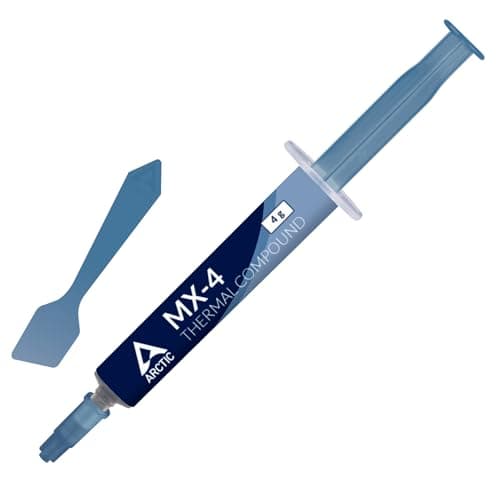
ARCTIC's MX-4, MX-6 and MX-7 differ mainly in consistency and how they resist pump-out.
12 min read
Components · Buying Guide
A kit adds wipes, a spatula or an applicator, which makes a clean repaste easier.
12 min read
Components · Buying Guide
A spatula or applicator helps spread a thin, even layer on large or bare dies.
12 min read
Components · Buying Guide
Some pastes are made to be forgiving: they need no spreading, flow easily or spread evenly without mess.
12 min read
Components · Buying Guide
Non-conductive paste is harmless if a little squeezes onto nearby pins or components.
12 min read
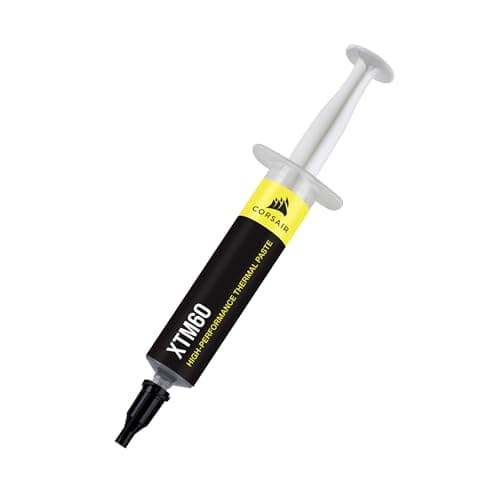
Components · Buying Guide
Low-viscosity paste flows into fine surface channels and spreads with little effort.
11 min read
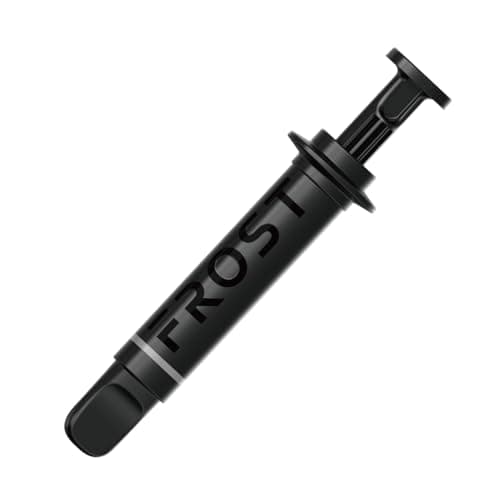
Components · Buying Guide
Some makers publish a conductivity figure in W/mK.
12 min read
Components · Buying Guide
Enthusiast pastes target overclocked and high-power CPUs, often with formulas built against pump-out.
12 min read
Components · Buying Guide
Pastes that resist pump-out and drying keep temperatures steady for years.
12 min read
Components · Buying Guide
If you build or repaste several machines, a large tube costs less per application.
11 min read
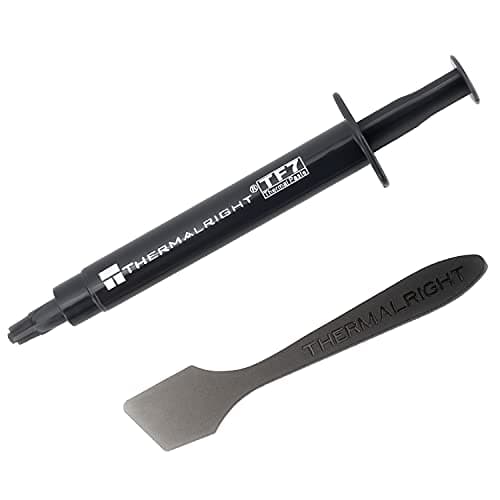
Components · Buying Guide
For a single build, a small tube avoids paying for paste that will dry out in a drawer.
12 min read
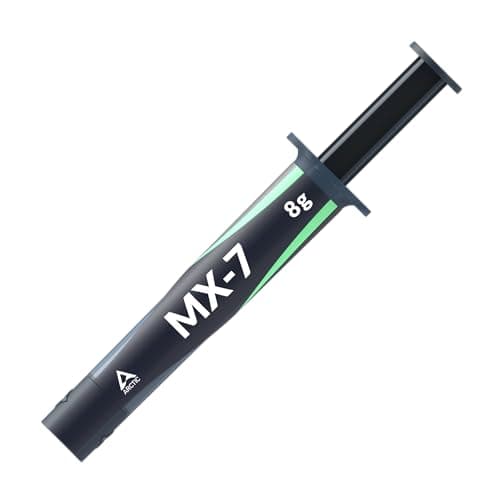
Components · Buying Guide
High-TDP chips heat and cool the paste over a wide range every day, which causes pump-out in weaker formulas.
12 min read
Components · Buying Guide
Video editing needs capacity for footage and fast reads for scrubbing timelines.
12 min read
Components · Buying Guide
PCIe 4.0 drives reach about 7,000MB/s and work in almost every current motherboard.
12 min read
Components · Buying Guide
PCIe 5.0 drives double Gen4 read speeds for large file work.
11 min read
Components · Buying Guide
Between $150 and $300, you can buy 4TB Gen4 drives or fast Gen5 models.
12 min read
Components · Buying Guide
64GB suits heavy video editing, large datasets and virtual machines.
12 min read
Components · Buying Guide
Lower CAS latency at a given speed means faster memory access.
12 min read
Components · Buying Guide
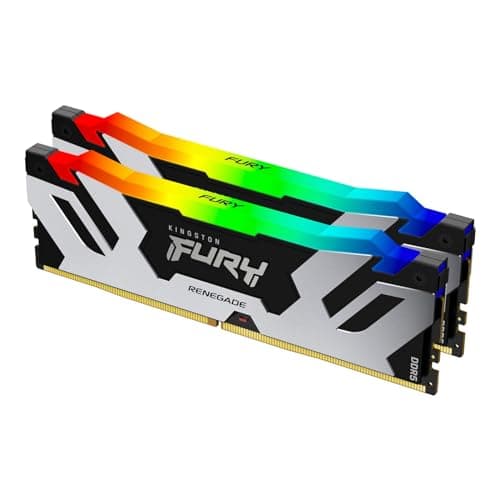
AM5 Ryzen chips run best with DDR5-6000 and an AMD EXPO profile.
12 min read
Components · Buying Guide
Intel's XMP profiles set the rated speed with one BIOS switch.
12 min read
Components · Buying Guide
Kits at 6,400MT/s and above help memory-sensitive work, if the CPU and board can run them.
12 min read
Components · Buying Guide
Between $100 and $200 you reach 32GB kits with tight timings or 64GB kits.
11 min read
Components · Buying Guide
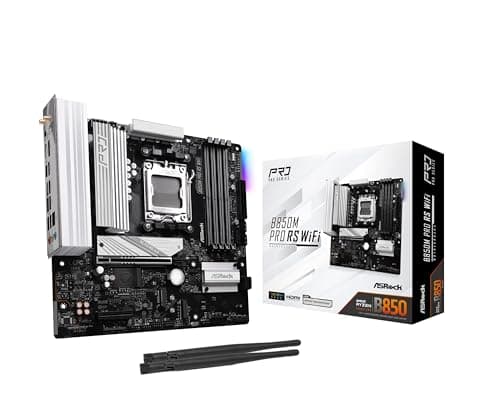
Micro-ATX boards fit smaller cases while keeping four RAM slots on most models.
12 min read
Components · Buying Guide
Under $200, boards cover mainstream CPUs with Wi-Fi and enough M.2 slots for most builds.
12 min read
Components · Buying Guide
Between $200 and $300, boards add faster networking, better VRMs and more USB.
12 min read
Components · Buying Guide
A workstation board needs a strong VRM, several M.2 slots and fast networking for long workloads.
12 min read
Components · Buying Guide
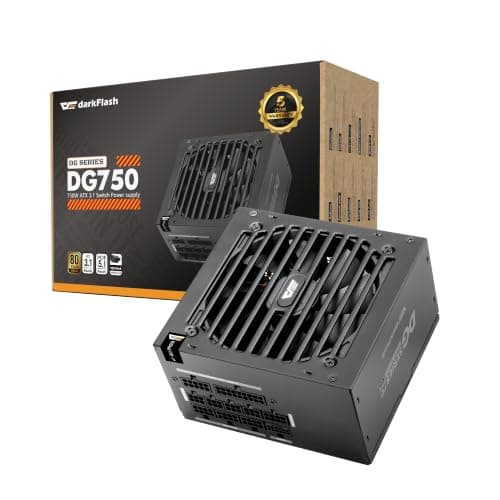
A fully modular PSU lets you fit only the cables you use, including the 24-pin.
12 min read
Components · Buying Guide
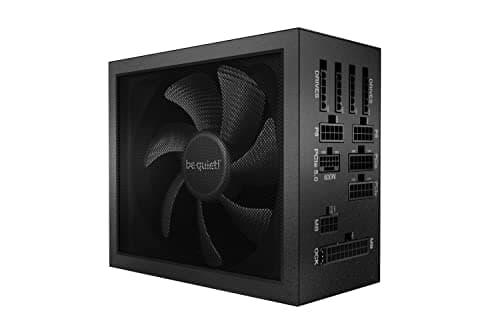
Titanium units waste the least power as heat, which suits PCs that run long hours.
11 min read
Components · Buying Guide
Flagship GPUs need a native 12V-2x6 cable and headroom for transient spikes.
12 min read
Components · Buying Guide
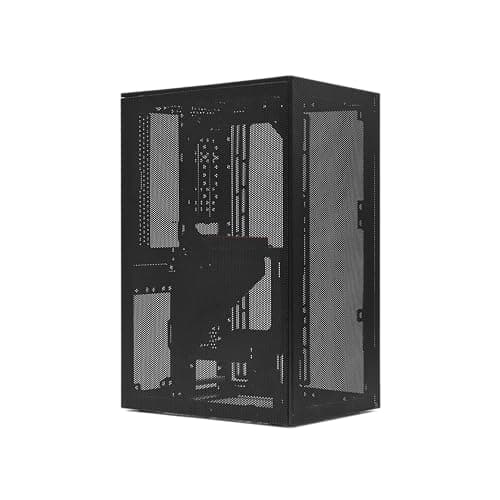
Compact cases save desk space but limit GPU length and cooler height.
12 min read
Components · Buying Guide
NVIDIA's RTX 40 and 50 series handle ray tracing best, and DLSS keeps frame rates playable.
12 min read
Components · Buying Guide
GPU renderers like Blender Cycles use CUDA or OptiX, and VRAM limits scene size.
12 min read
Components · Buying Guide
A first GPU should be easy to power and fit.
11 min read
Components · Buying Guide
CAD viewports need steady drivers and enough VRAM for large assemblies.
12 min read
PC Builds
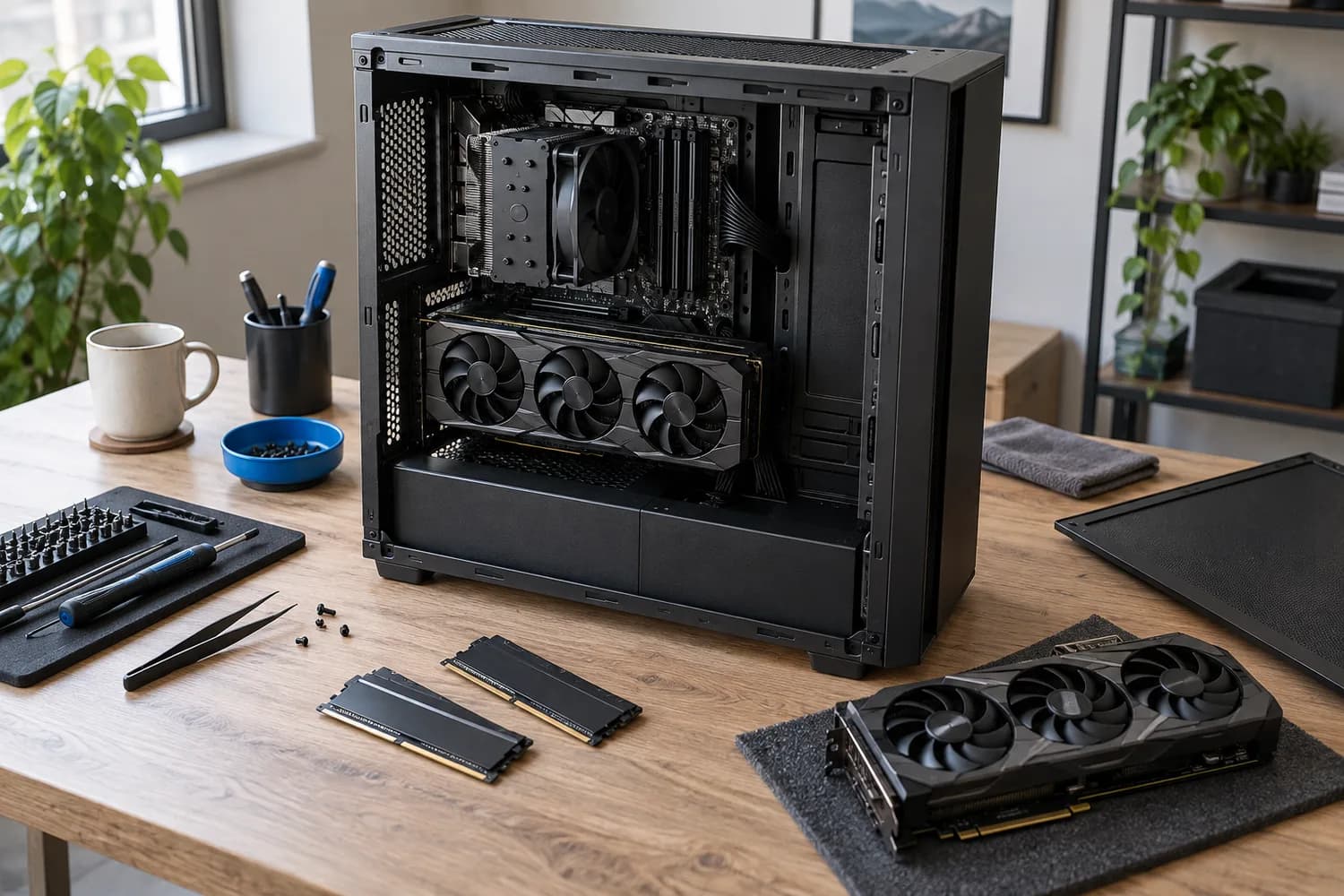
Start from your games, applications and display target, then check CPU support lists, BIOS versions, GPU clearance and PSU connectors before you buy.
7 min read
PC Builds · Buying Guide
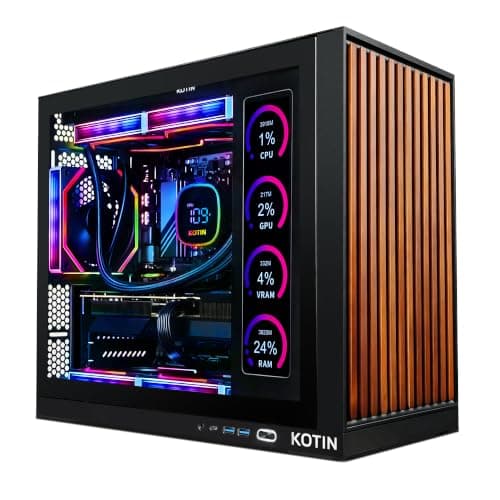
Pick the graphics card for your monitor first; these six systems cover every tier from 1080p to 4K.
12 min read
PC Builds · Buying Guide
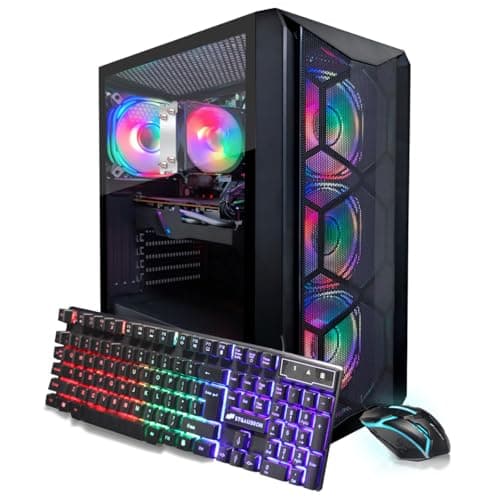
Under $1,000 the graphics card is the difference: an RTX 3060 12GB, an RTX 4060 or an RTX 3050.
12 min read
PC Builds · Buying Guide
The cheapest listings cut the SSD or the GPU; see which trade-off fits your games.
12 min read
PC Builds · Buying Guide
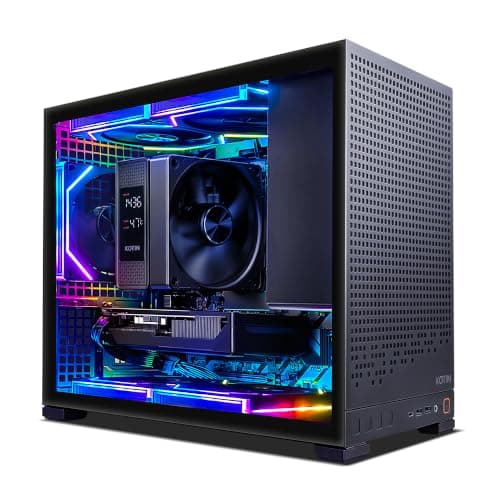
Up to $1,500 buys an RTX 5060 Ti and a newer CPU; decide whether 32GB of RAM matters more.
12 min read
PC Builds · Buying Guide
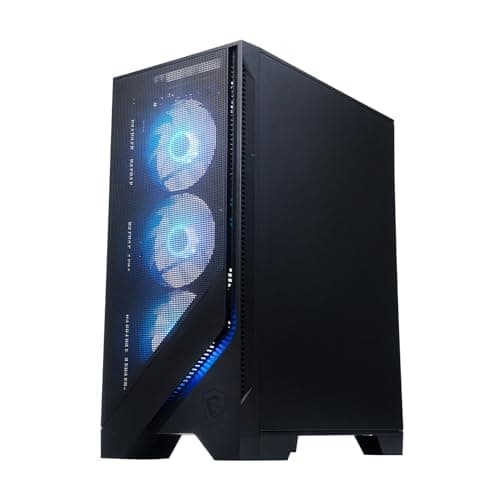
This is where 12GB cards and 1440p gaming start; the CPU and cooling vary most.
12 min read
PC Builds · Buying Guide
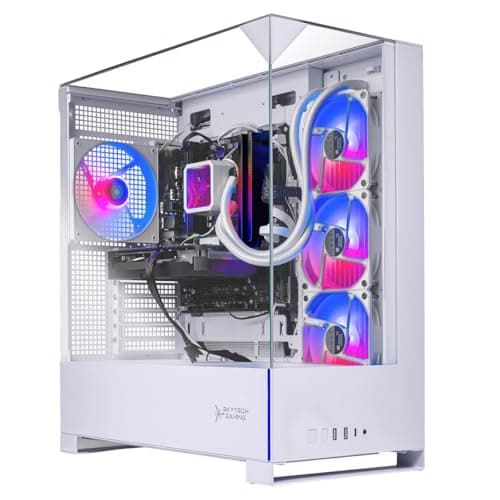
White cases span every budget here; match the graphics card to your monitor first.
13 min read
PC Builds · Buying Guide
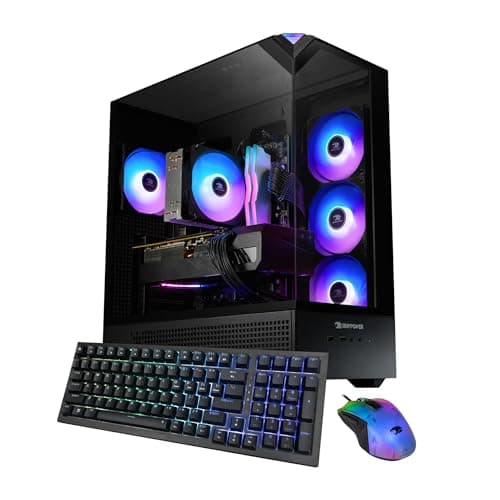
With the same GPU in each, the CPU, 32GB of RAM and a named PSU are what separate them.
12 min read
PC Builds · Buying Guide
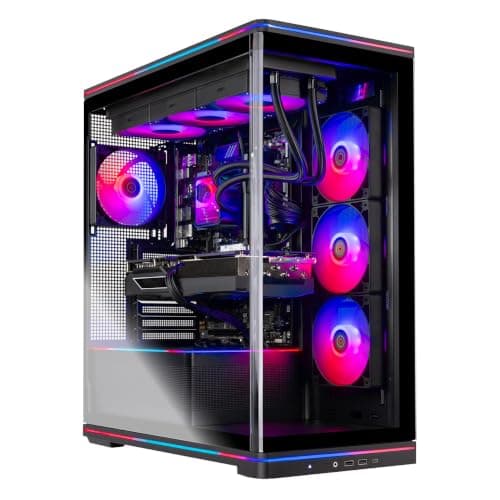
Same 12GB card, different CPUs: pick an X3D chip for gaming or more cores for work.
12 min read
PC Builds · Buying Guide
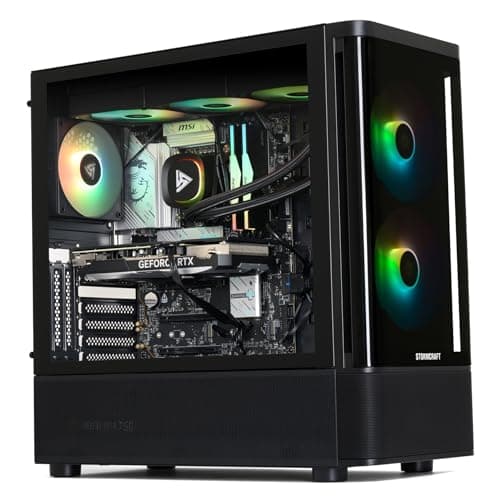
All four pair a 16GB card with an X3D chip; storage and the named PSU decide it.
11 min read
PC Builds · Buying Guide
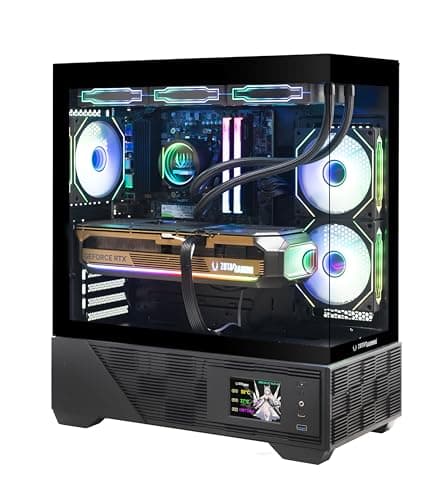
Every pick pairs an RTX 5080 with an X3D chip; cooling, PSU and warranty set them apart.
12 min read
PC Builds · Buying Guide
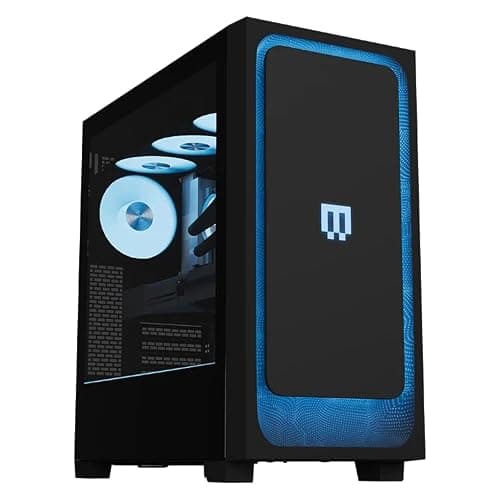
At this level, memory, storage, the power supply and the warranty matter as much as the GPU.
11 min read
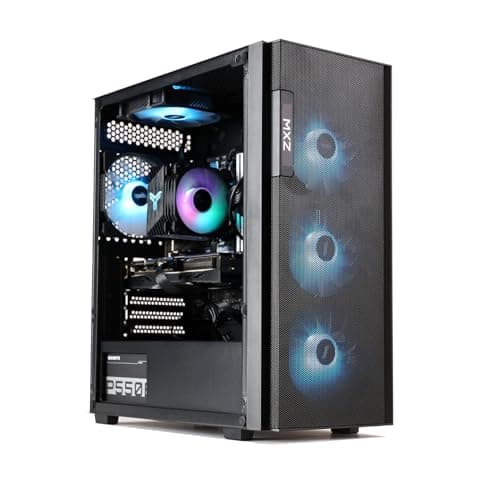
PC Builds · Buying Guide
At the $1,000 line, VRAM and SSD size separate otherwise similar Ryzen 5 systems.
12 min read
PC Builds · Buying Guide
Sorted by VRAM: the RTX 3060 12GB leads a field of 8GB cards.
11 min read
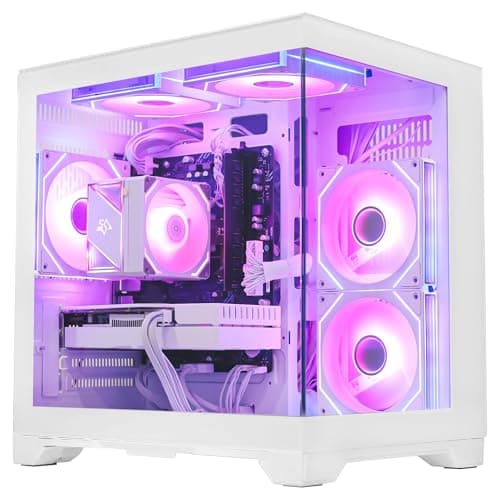
PC Builds · Buying Guide
Each of these sub-$1,000 desktops states its warranty terms.
11 min read
PC Builds · Buying Guide
Six sub-$1,000 PCs ordered by graphics and memory per dollar at the time of writing.
12 min read
PC Builds · Buying Guide
Only listings that state PSU wattage, so you can judge upgrade room before buying.
11 min read
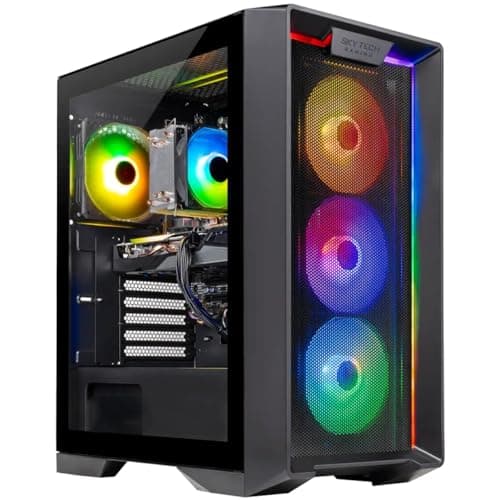
PC Builds · Buying Guide
A $900 to $1,150 band where memory and platform split similar systems.
12 min read
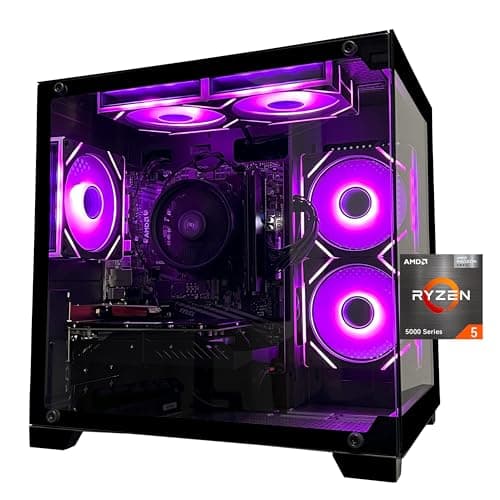
PC Builds · Buying Guide
Three sub-$1,000 PCs where memory, not just the GPU, got attention.
11 min read
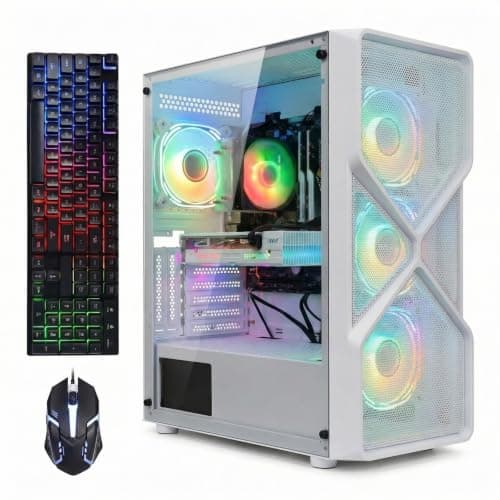
PC Builds · Buying Guide
Five sub-$1,000 pre-builts that name every core part, including SSD size.
12 min read
PC Builds · Buying Guide
Three sub-$1,000 prebuilts that skip the RTX 3050 for an 8GB card.
11 min read
PC Builds · Buying Guide
Six systems that stay at or under $1,000, from RX 580 to RTX 5050.
12 min read
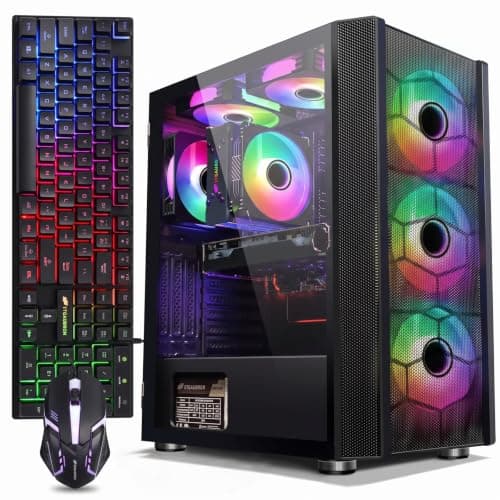
PC Builds · Buying Guide
Sub-$1,000 PCs that spend more on the processor than the usual Ryzen 5 5500.
11 min read
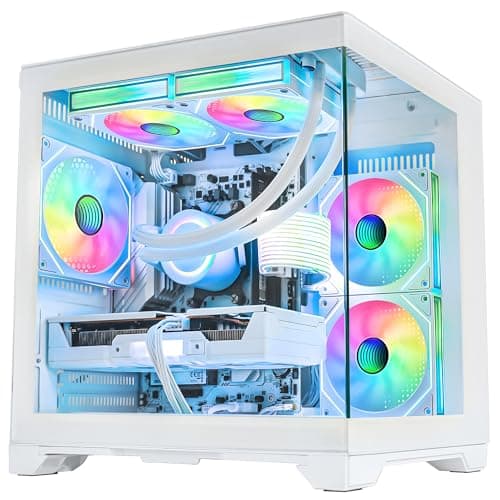
PC Builds · Buying Guide
The $1,300 to $1,500 tier, where 16GB graphics cards start to appear.
12 min read
PC Builds · Buying Guide
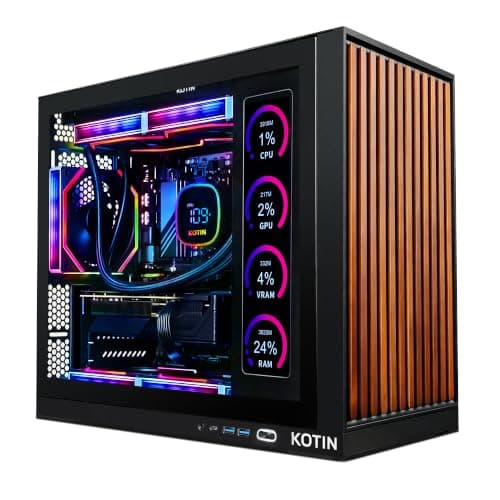
Six sub-$1,500 PCs, each with a warranty stated by the maker.
12 min read
PC Builds · Buying Guide
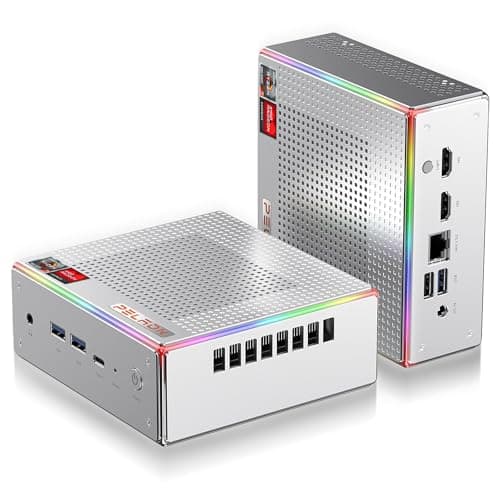
Under $600, the honest options are mini PCs with Radeon integrated graphics.
12 min read
PC Builds · Buying Guide
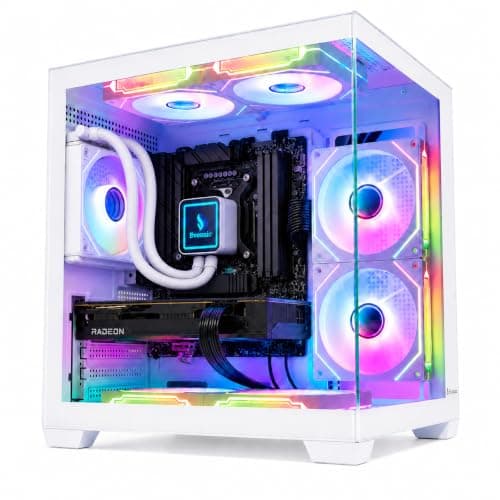
Budget rigs ordered by how much graphics and memory each dollar buys.
12 min read
PC Builds · Buying Guide
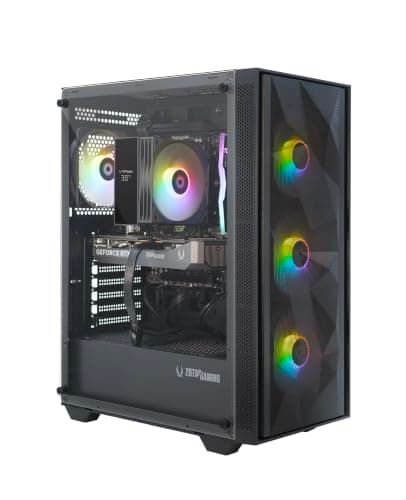
The lowest-priced prebuilts with a current RTX 50-series card.
12 min read
PC Builds · Buying Guide
Cheap systems that still carry 8GB or more of graphics memory.
11 min read
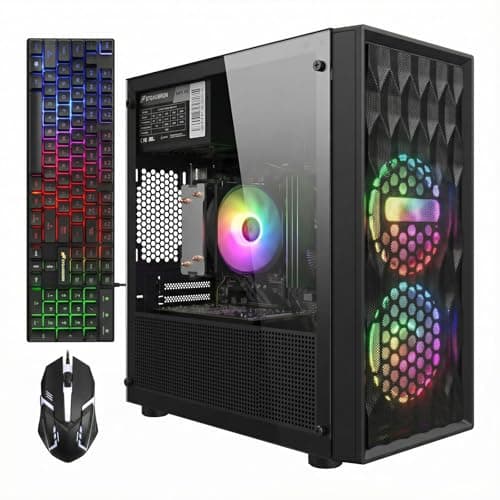
PC Builds · Buying Guide
The lowest-priced towers that still name every part, starting near $700.
12 min read
PC Builds · Buying Guide
The cheapest desktops that still ship with a 1TB SSD.
11 min read
PC Builds · Buying Guide
Cheap systems that list 32GB of RAM instead of the usual 16GB.
11 min read
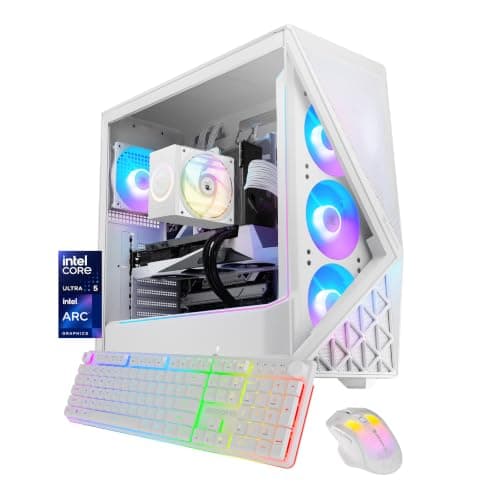
PC Builds · Buying Guide
The $1,000 to $1,300 range, ordered by graphics memory.
12 min read
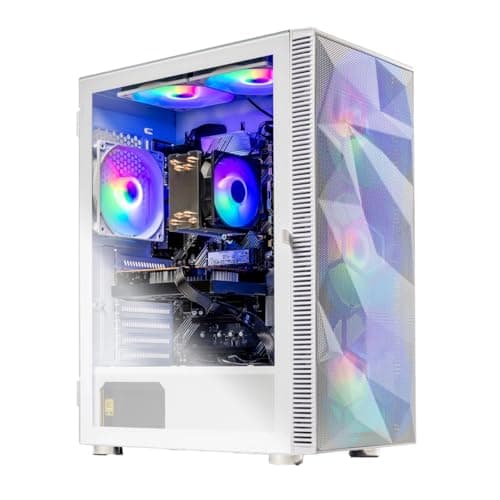
PC Builds · Buying Guide
Five budget PCs on the same Ryzen 5 5500, so the GPU decides.
12 min read
PC Builds · Buying Guide
Budget systems that name their PSU, so upgrades are easier to plan.
11 min read
PC Builds · Buying Guide
Under $950: older cards with more VRAM versus newer ones with less.
11 min read
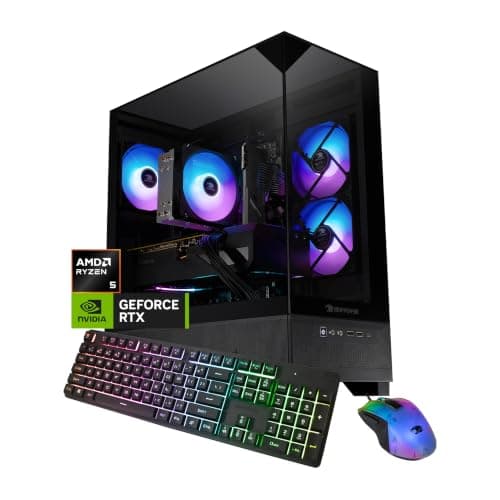
PC Builds · Buying Guide
Budget systems on AM5, which leaves room for a CPU upgrade.
11 min read
PC Builds · Buying Guide
Intel-based budget systems, from Core i5 to Core i7.
12 min read
PC Builds · Buying Guide
Ranked by graphics memory and RAM per dollar, up to about $2,200.
12 min read
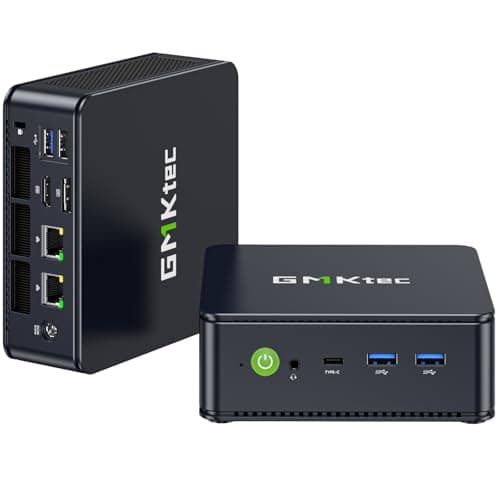
PC Builds · Buying Guide
At $500 the honest options are mini PCs with Radeon integrated graphics.
12 min read
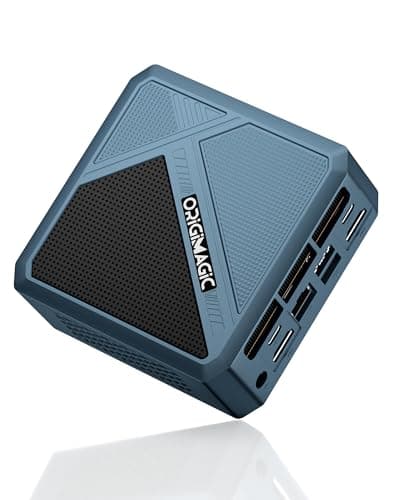
PC Builds · Buying Guide
Ordered by RAM, since integrated graphics share system memory.
11 min read
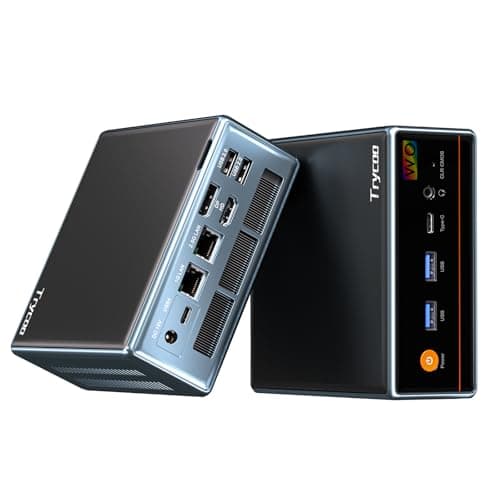
PC Builds · Buying Guide
The lowest-priced mini PCs that still name every part.
11 min read
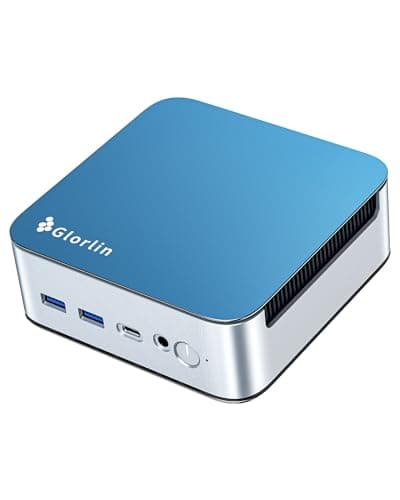
PC Builds · Buying Guide
Three $500 mini PCs that keep a 1TB SSD.
11 min read
PC Builds · Buying Guide
Just above $500, the Radeon 780M becomes available.
12 min read
PC Builds · Buying Guide
Below $500 with Radeon 680M graphics on Ryzen 6000 chips.
12 min read
PC Builds · Buying Guide
Six sub-$500 mini PCs, ordered by memory for the money.
12 min read
PC Builds · Buying Guide
Newer Radeon 760M and 780M graphics under $500.
11 min read
PC Builds · Buying Guide
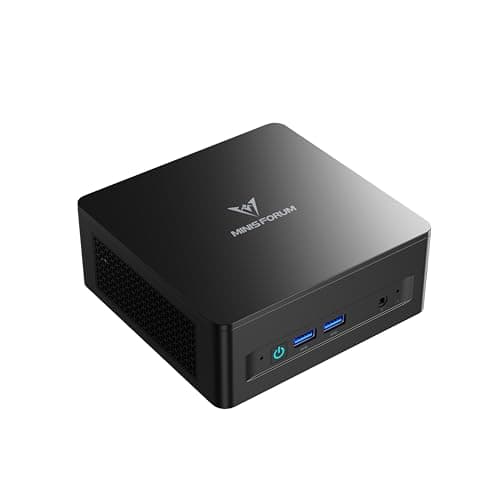
Ready-to-run mini PCs under $500, with integrated graphics stated plainly.
11 min read
PC Builds · Buying Guide
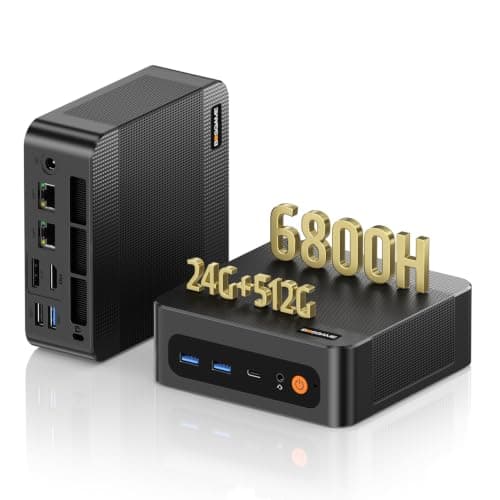
Sub-$500 mini PCs chosen for memory, which integrated graphics rely on.
12 min read
PC Builds · Buying Guide
Sub-$500 mini PCs weighed on storage as well as graphics.
11 min read
PC Builds · Buying Guide
Five pre-built mini PCs under $500 that name every part.
12 min read
PC Builds · Buying Guide
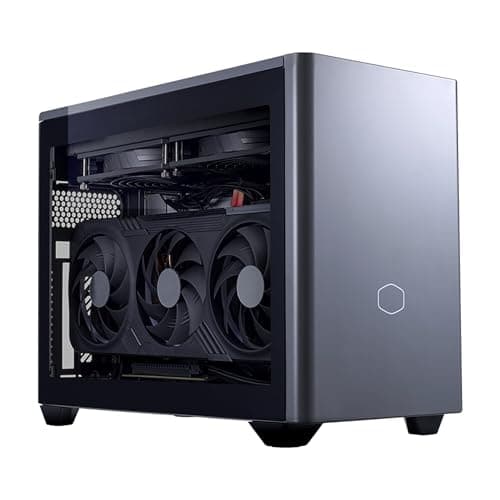
Mini-ITX towers and mini PCs, with the GPU type stated for each.
11 min read
PC Builds · Buying Guide
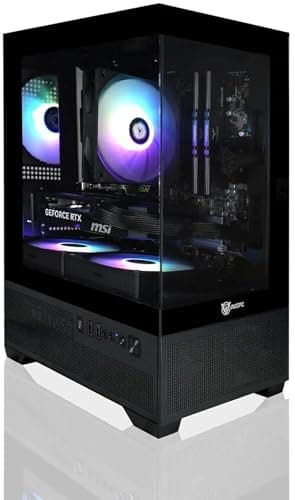
From a $1,000 mini case to a Mini-ITX RTX 5080 build.
12 min read
PC Builds · Buying Guide
Compact PCs with desktop-class graphics only.
11 min read
PC Builds · Buying Guide
Four mini desktops with a dedicated NVIDIA GPU, labelled by class.
11 min read
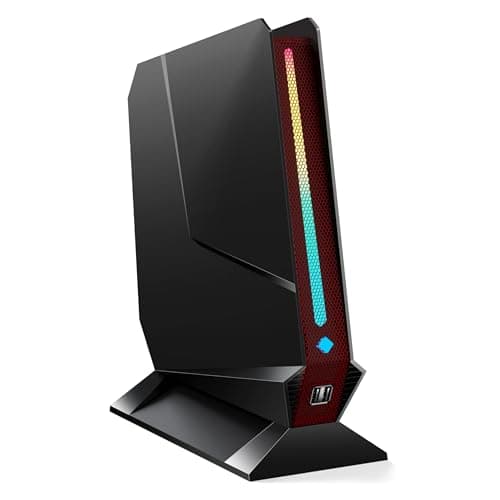
PC Builds · Buying Guide
Dedicated-GPU mini PCs, plus one integrated-graphics alternative.
12 min read
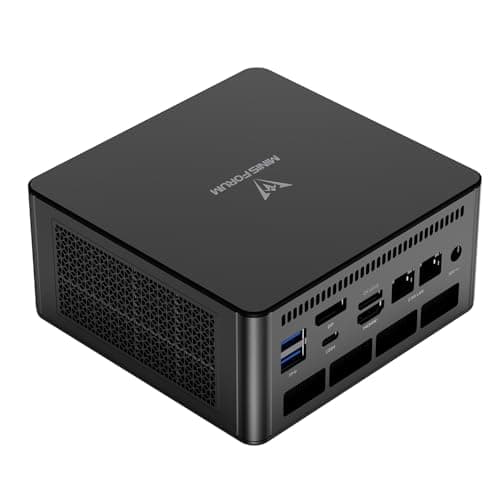
PC Builds · Buying Guide
The strongest integrated-graphics mini PCs, Radeon 780M and 890M.
12 min read
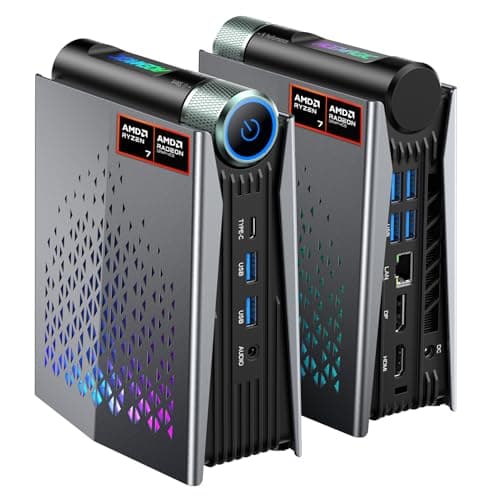
PC Builds · Buying Guide
Carry-sized mini PCs with Radeon 780M or 890M graphics.
11 min read
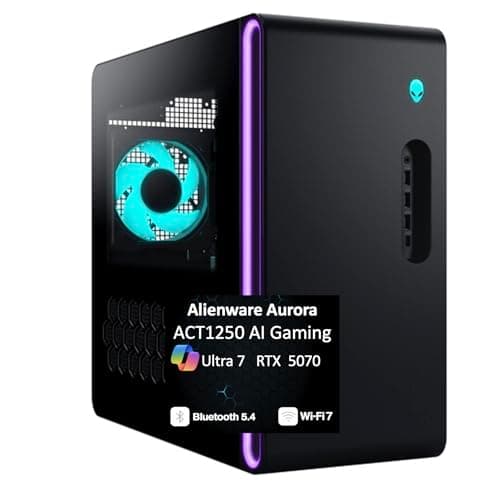
PC Builds · Buying Guide
Four Aurora configurations, from RTX 5070 to RTX 5080.
11 min read
PC Builds · Buying Guide
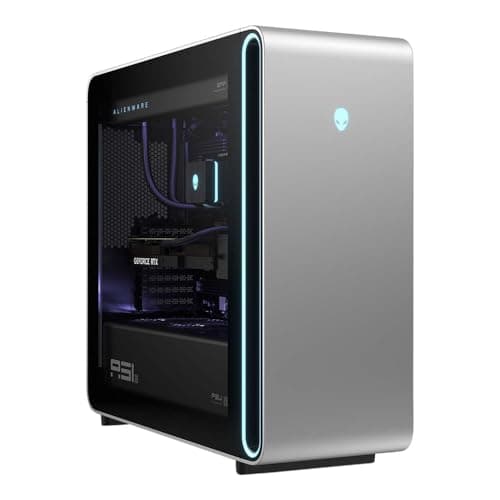
Aurora and Area-51 systems ordered by graphics memory.
12 min read
PC Builds · Buying Guide
Three Alienware desktops ranked by memory.
11 min read
PC Builds · Buying Guide
Four Alienware desktops below the flagship RTX 5090 build.
11 min read
PC Builds · Buying Guide
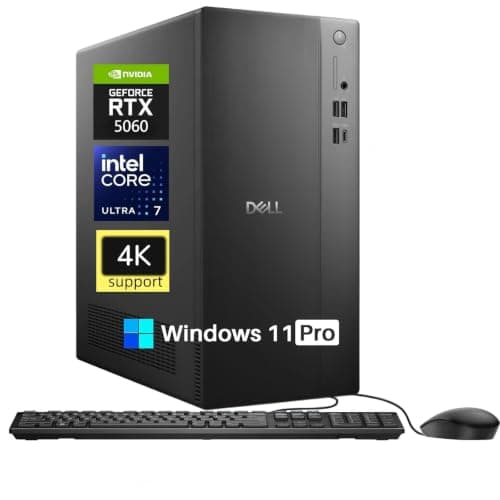
Dell Tower, Tower Plus and Alienware systems, lowest price first.
12 min read
PC Builds · Buying Guide
Six Dell and Alienware desktops below $4,000.
12 min read
PC Builds · Buying Guide
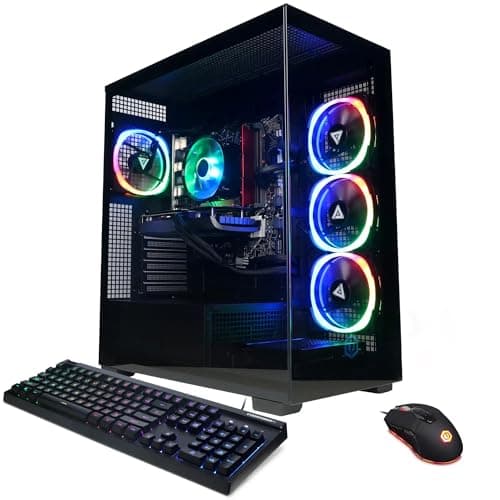
CyberPowerPC's lower-priced RTX 5060 and 5060 Ti systems.
12 min read
PC Builds · Buying Guide
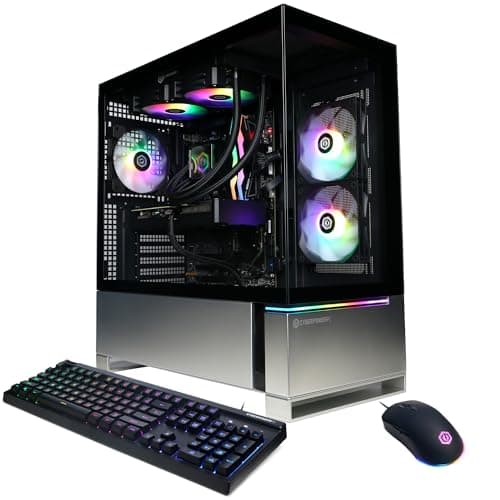
CyberPowerPC systems ordered by graphics memory.
11 min read
PC Builds · Buying Guide
Three CyberPowerPC desktops with 2TB SSDs.
11 min read
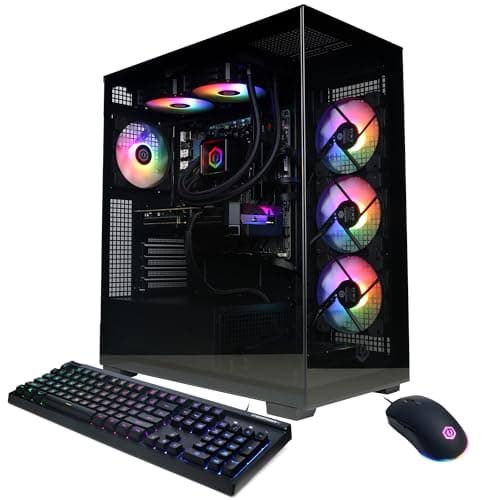
PC Builds · Buying Guide
Six CyberPowerPC desktops, from the Ryzen 9 build down.
12 min read
PC Builds · Buying Guide
iBUYPOWER's lower-priced Element, Slate and Scale systems.
12 min read
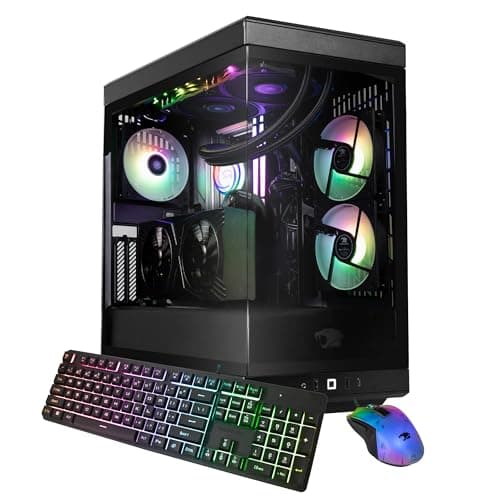
PC Builds · Buying Guide
iBUYPOWER's Y40 and Element systems ranked by graphics memory.
12 min read
PC Builds · Buying Guide
MSI's Aegis, Codex and Vision systems, lowest price first.
11 min read
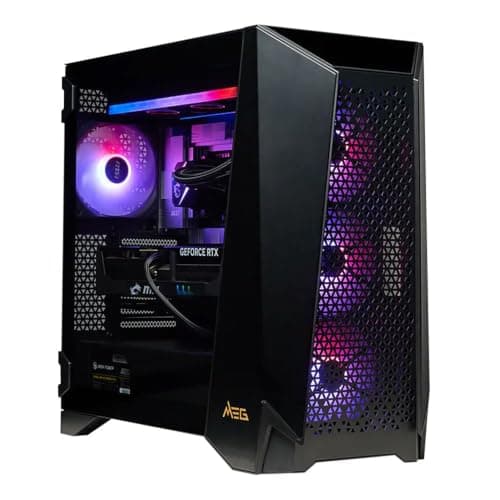
PC Builds · Buying Guide
Three MSI desktops ordered by graphics memory, up to the RTX 5090.
11 min read
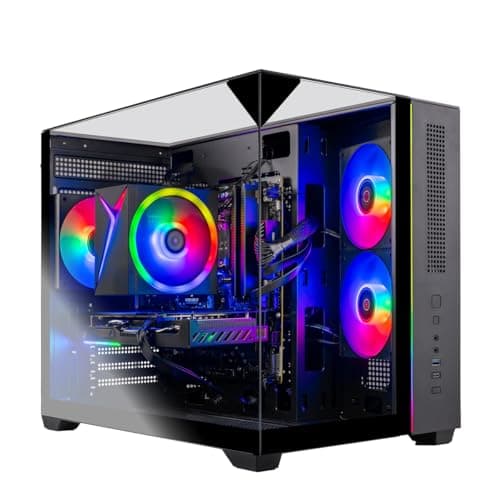
PC Builds · Buying Guide
Six Skytech systems ranked by graphics and memory for the price.
12 min read
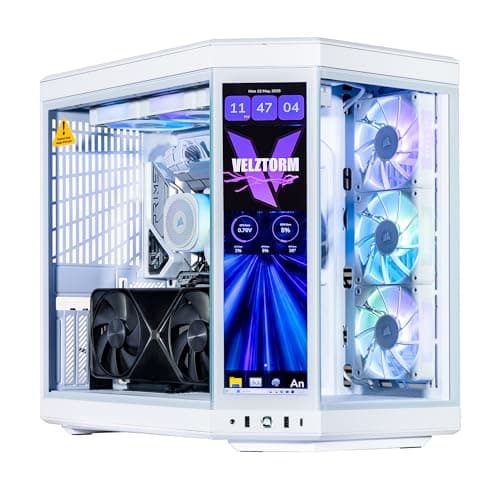
PC Builds · Buying Guide
The pricier white builds, with white coolers and cards.
12 min read
PC Builds · Buying Guide
The lowest-priced white builds that name every part.
12 min read
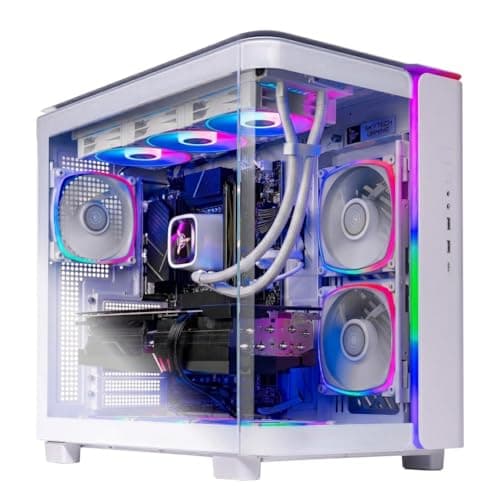
PC Builds · Buying Guide
White pre-builts ranked by graphics memory.
11 min read
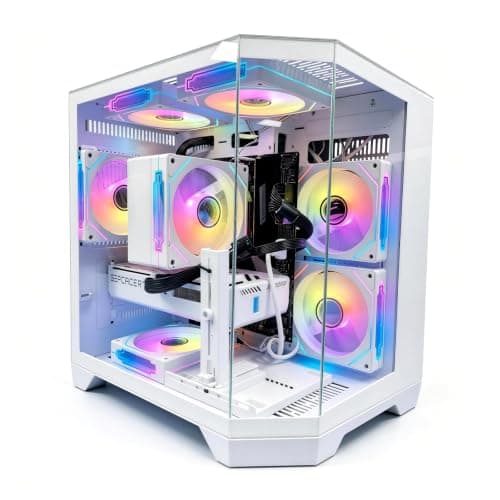
PC Builds · Buying Guide
White prebuilts that state their power supply wattage.
11 min read
PC Builds · Buying Guide
Systems whose listings name RGB memory or fans.
12 min read
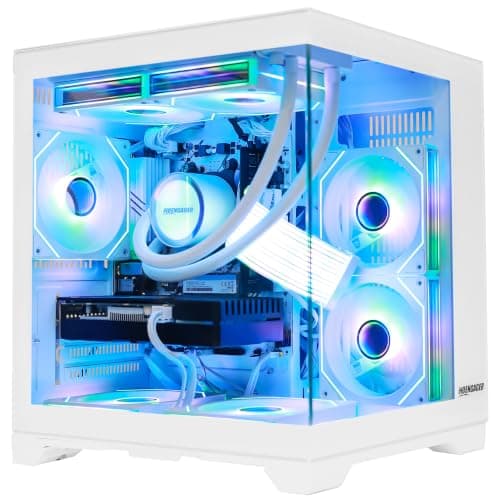
PC Builds · Buying Guide
Systems that name an AIO or liquid CPU cooler.
12 min read
PC Builds · Buying Guide
Eight-core AM4 systems from RTX 3050 to RTX 5070.
12 min read
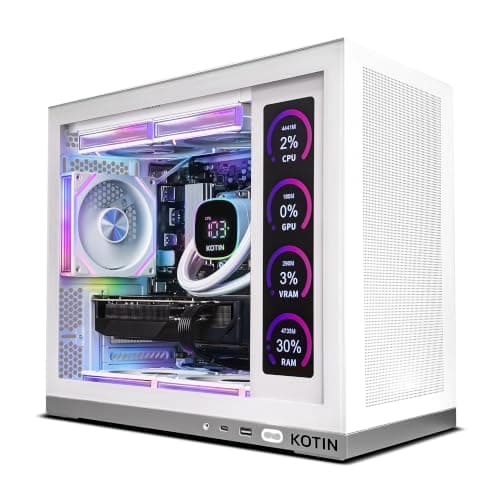
PC Builds · Buying Guide
The lowest-priced 7800X3D systems, from RTX 5060 Ti to RX 9070 XT.
12 min read
PC Builds · Buying Guide
Six 9800X3D systems, RTX 5070 to RTX 5070 Ti.
12 min read
PC Builds · Buying Guide
Ryzen 7 systems on AM5 with DDR5 memory.
12 min read
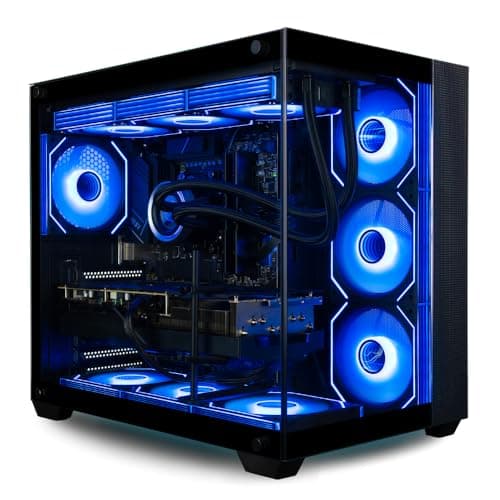
PC Builds · Buying Guide
16-core 9950X3D systems for gaming plus heavy work.
11 min read
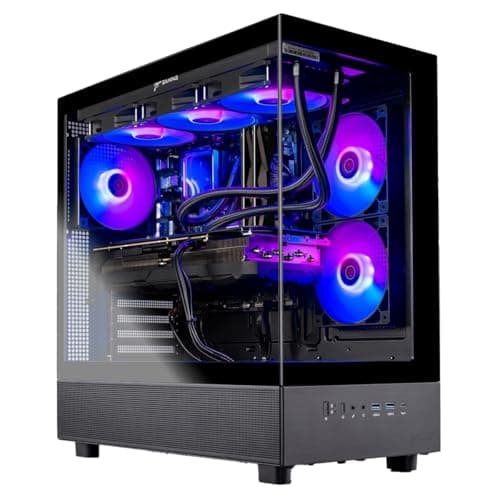
PC Builds · Buying Guide
All-AMD desktops: Ryzen CPUs with Radeon graphics.
12 min read
PC Builds · Buying Guide
7700X systems that all use an RTX 5070, split by memory and case.
11 min read
PC Builds · Buying Guide
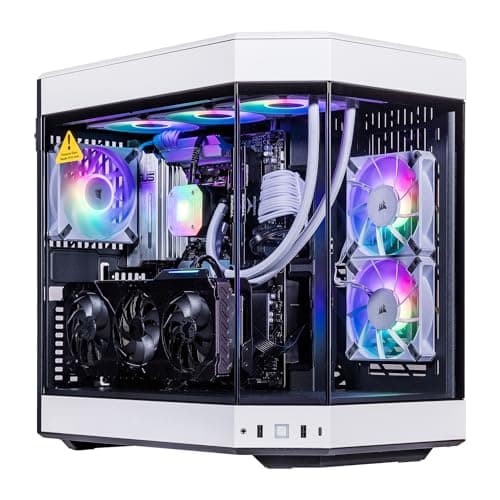
7800X3D systems with 16GB graphics cards.
11 min read
PC Builds · Buying Guide
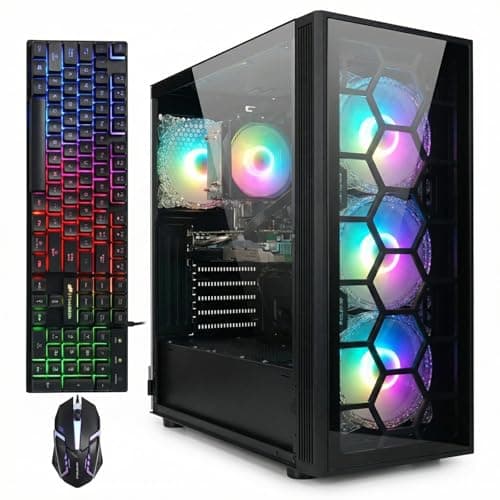
9800X3D systems that state their power supply wattage.
12 min read
PC Builds · Buying Guide
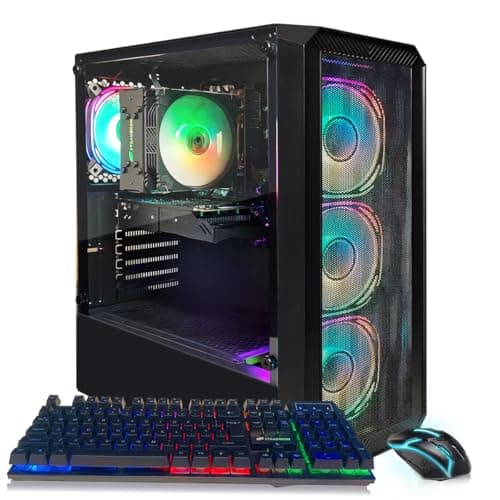
Lower-priced Ryzen 7 systems on AM4 and AM5.
12 min read
PC Builds · Buying Guide
The lowest-priced Core i5 desktops.
12 min read
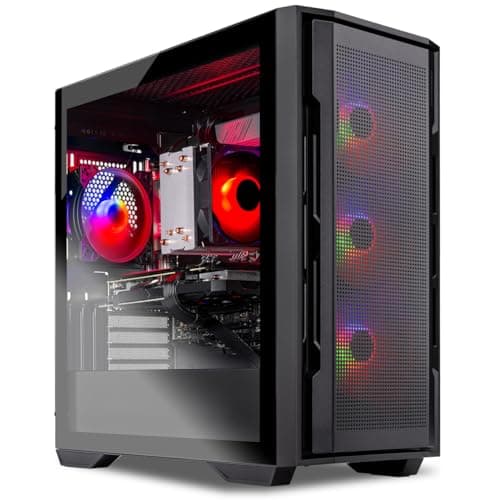
PC Builds · Buying Guide
Core i5 desktops ranked by graphics memory, up to the RTX 5070.
11 min read
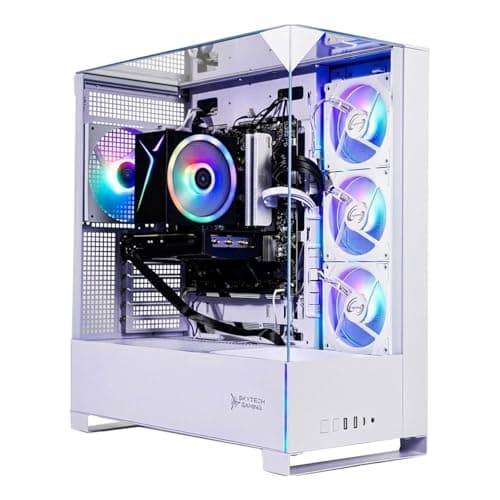
PC Builds · Buying Guide
Core i5 systems with a warranty.
11 min read
PC Builds · Buying Guide
Core i5 and Core Ultra 5 systems with 1TB or more of storage.
12 min read
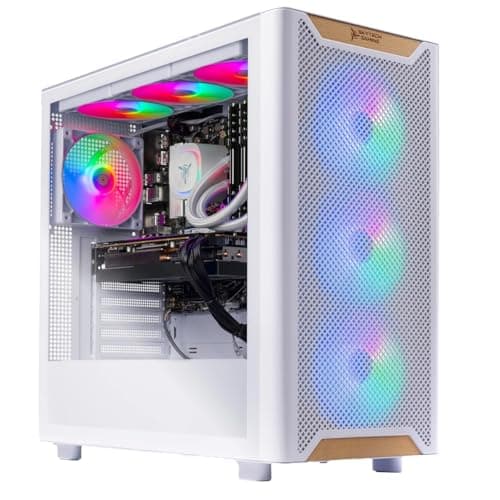
PC Builds · Buying Guide
Core i7 systems ranked by graphics memory.
12 min read
PC Builds · Buying Guide
The lower-priced Core i7 systems.
12 min read
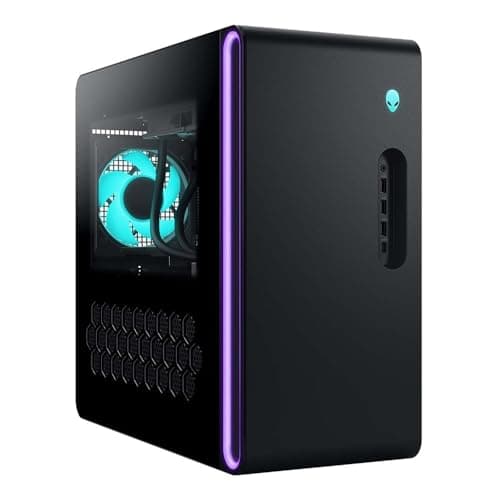
PC Builds · Buying Guide
The lowest-priced RTX 5080 systems.
12 min read
PC Builds · Buying Guide
The lowest-priced RTX 5070 systems.
12 min read
PC Builds · Buying Guide
The lowest-priced RTX 5070 Ti systems.
12 min read
PC Builds · Buying Guide
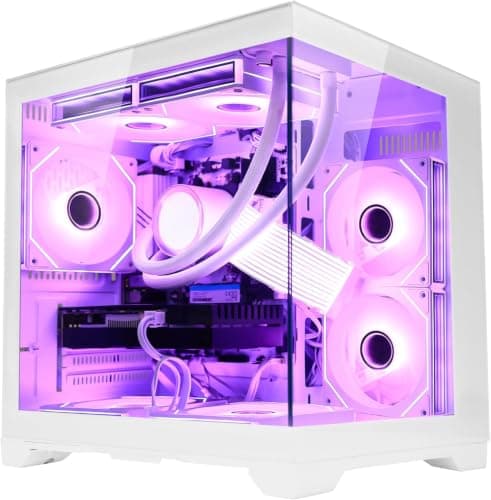
RTX 5070 systems with 32GB of RAM, compared.
12 min read
PC Builds · Buying Guide
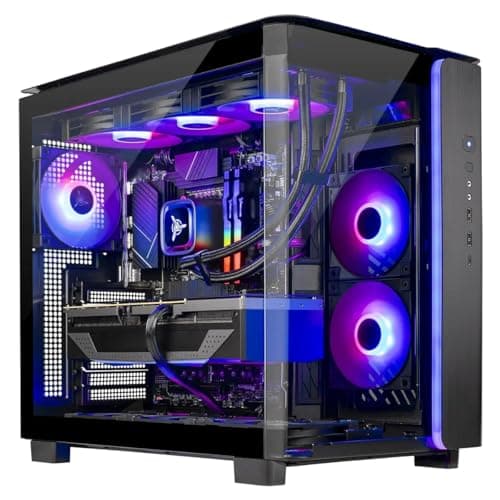
The upper end of RTX 5070 Ti systems.
12 min read
PC Builds · Buying Guide
RTX 5080 systems with a named 850W or larger PSU.
11 min read
PC Builds · Buying Guide
RTX 5080 and 5090 desktops for 4K screens.
12 min read
PC Builds · Buying Guide
The lowest-priced systems with a 16GB card suited to 4K with upscaling.
11 min read
PC Builds · Buying Guide
RTX 5080 and 5090 systems with X3D processors for 4K.
12 min read
PC Builds · Buying Guide
The most expensive complete systems, led by RTX 5090 builds.
12 min read
PC Builds · Buying Guide
High-end systems ranked by memory.
11 min read
PC Builds · Buying Guide
16GB-card systems under $4,000.
12 min read
PC Builds · Buying Guide
RTX 5090 flagships and what the extra money buys.
11 min read
PC Builds · Buying Guide
Mid-range desktops with the most hardware for the price.
12 min read
PC Builds · Buying Guide
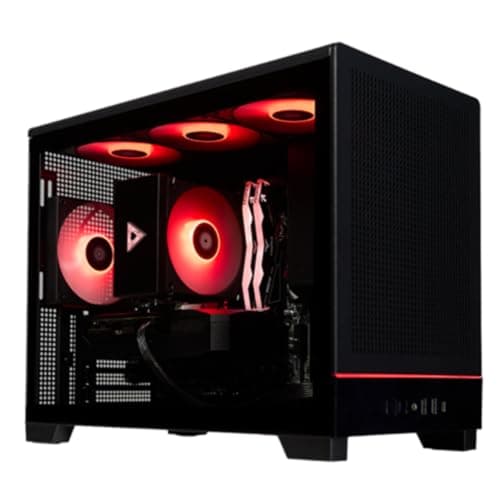
Rigs from $1,800 to $3,000 with 12GB and 16GB cards.
12 min read
PC Builds · Buying Guide
Towers with a named 750W or larger PSU.
12 min read
PC Builds · Buying Guide
Desktops from $900 to $1,500 ranked by graphics memory.
12 min read
PC Builds · Buying Guide
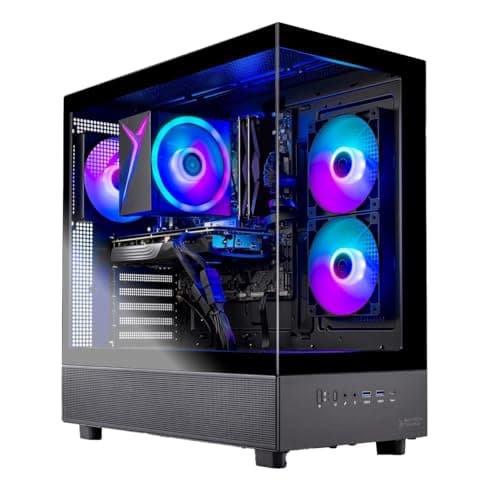
The lowest-priced desktops with 32GB of RAM.
11 min read
PC Builds · Buying Guide
Desktops from $1,000 to $2,000 with a warranty.
12 min read
PC Builds · Buying Guide
The lowest-priced prebuilts with an X3D processor.
12 min read
PC Builds · Buying Guide
One desktop per budget step from about $900 to $3,000.
12 min read
PC Builds · Buying Guide
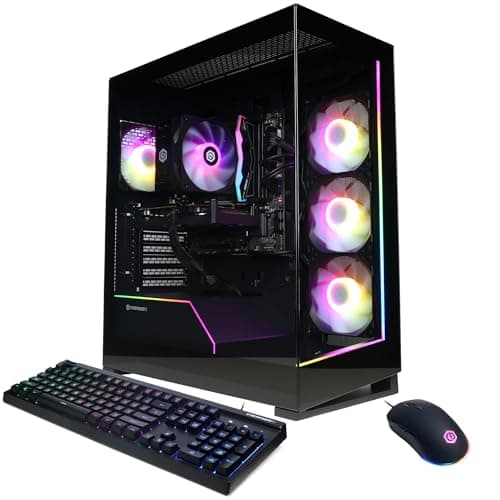
Towers with 2TB of storage under $2,600.
11 min read
PC Builds · Buying Guide
Balanced desktops from $1,200 to $2,200.
12 min read
PC Builds · Buying Guide
Six affordable desktops ranked by hardware for the price.
12 min read
PC Builds · Buying Guide
Intel desktops from $1,500 to $2,500.
11 min read
PC Builds · Buying Guide
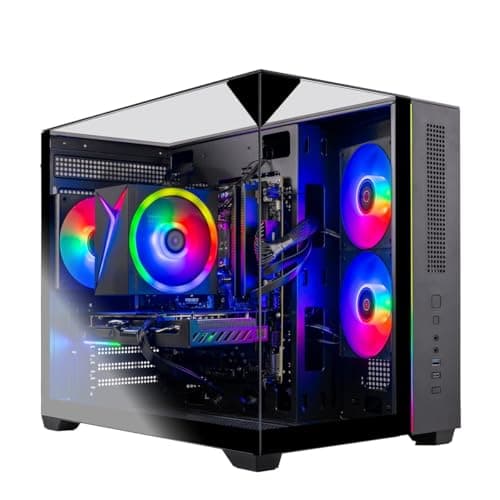
Pre-builts from $1,100 to $1,700, favoring more memory.
12 min read
PC Builds · Buying Guide
White pre-built systems from $1,300 to $2,300.
11 min read
PC Builds · Buying Guide
The lowest-priced prebuilts with a 16GB graphics card.
12 min read
PC Builds · Buying Guide
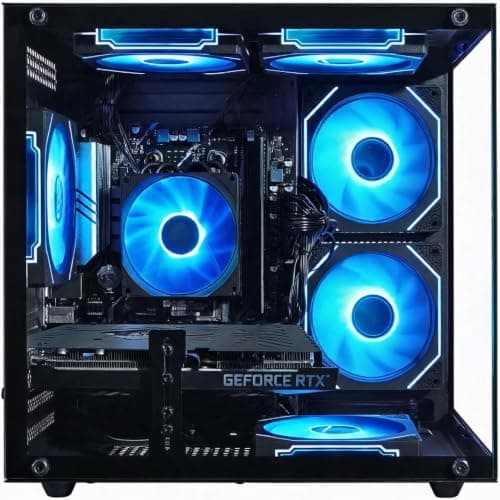
Prebuilts from $1,000 to $2,000, favoring hardware for the price.
12 min read
PC Builds · Buying Guide
The lowest-priced desktops with a 12GB or larger graphics card.
11 min read
PC Builds · Buying Guide
RTX systems with 32GB of RAM for gaming and streaming at once.
12 min read
PC Builds · Buying Guide
RTX systems for driving golf simulator software and a projector.
11 min read
PC Builds · Buying Guide
32GB systems for asset-heavy FiveM roleplay servers.
12 min read
PC Builds · Buying Guide
Five systems between $1,400 and $2,400 with 32GB of RAM and 16GB graphics cards for playing and streaming at once.
12 min read
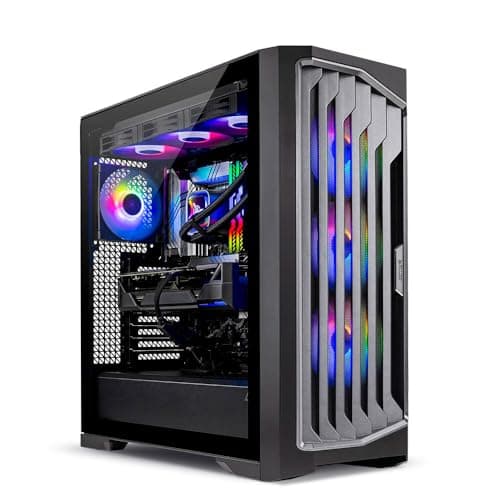
PC Builds · Buying Guide
A prebuilt gaming PC saves the build but should name every part in its listing.
12 min read
PC Builds · Buying Guide
A small form factor PC fits a desk or TV stand where a tower will not.
12 min read
PC Builds · Buying Guide
A compact mini PC takes almost no desk space.
12 min read
PC Builds · Buying Guide
CyberPowerPC sells prebuilt systems from RTX 5060 entry builds upward.
11 min read
PC Builds · Buying Guide
Under $500, most gaming PCs are mini PCs with integrated or laptop-class graphics rather than towers with a desktop card.
11 min read
PC Builds · Buying Guide
Under $800, a prebuilt gaming PC targets 1080p.
12 min read
PC Builds · Buying Guide
Around $1,200, prebuilt towers pair RTX 5060-class cards with mid-range CPUs.
12 min read
PC Builds · Buying Guide
Around $1,500, prebuilt towers reach 12GB and 16GB graphics cards for 1440p.
12 min read
PC Builds · Buying Guide
Around $2,000, prebuilt towers step up to RTX 5070-class cards and faster CPUs.
12 min read
PC Builds · Buying Guide
At $5,000 and above, prebuilt systems use flagship graphics cards, top CPUs and large SSDs.
12 min read
PC Builds · Buying Guide
Esports titles run at high frame rates on mid-range hardware, so the budget is better spent on a fast monitor.
12 min read
PC Builds · Buying Guide
NVIDIA RTX cards include a hardware encoder that streaming apps can use, which frees the CPU.
12 min read
PC Builds · Buying Guide
Blender's Cycles renderer uses the GPU and its VRAM, so large scenes need 16GB or more.
12 min read
PC Builds · Buying Guide
Local image generation leans on VRAM, and most tools are tuned for NVIDIA cards.
12 min read
PC Builds · Buying Guide
Flight simulators load both the CPU and the GPU heavily, especially in busy airports and with VR.
12 min read
PC Builds · Buying Guide
Emulating newer consoles leans on single-thread CPU speed more than on the graphics card.
12 min read
PC Builds · Buying Guide
Video editing leans on RAM for long timelines and on the GPU for effects and exports.
12 min read
PC Builds · Buying Guide
An RTX 5060 Ti prebuilt targets 1080p and 1440p gaming, and the 16GB version gives more room for textures.
12 min read
PC Builds · Buying Guide
4K editing leans on RAM for long timelines and on a strong GPU for effects and encoding.
12 min read
PC Builds · Buying Guide
Between $2,400 and $3,000 prebuilts move to RTX 5080-class graphics and fast X3D processors.
12 min read
PC Builds · Buying Guide
Skytech builds prebuilt gaming PCs across budgets with mainstream parts.
12 min read
PC Builds · Buying Guide
A liquid cooler keeps hot CPUs quieter under load.
12 min read
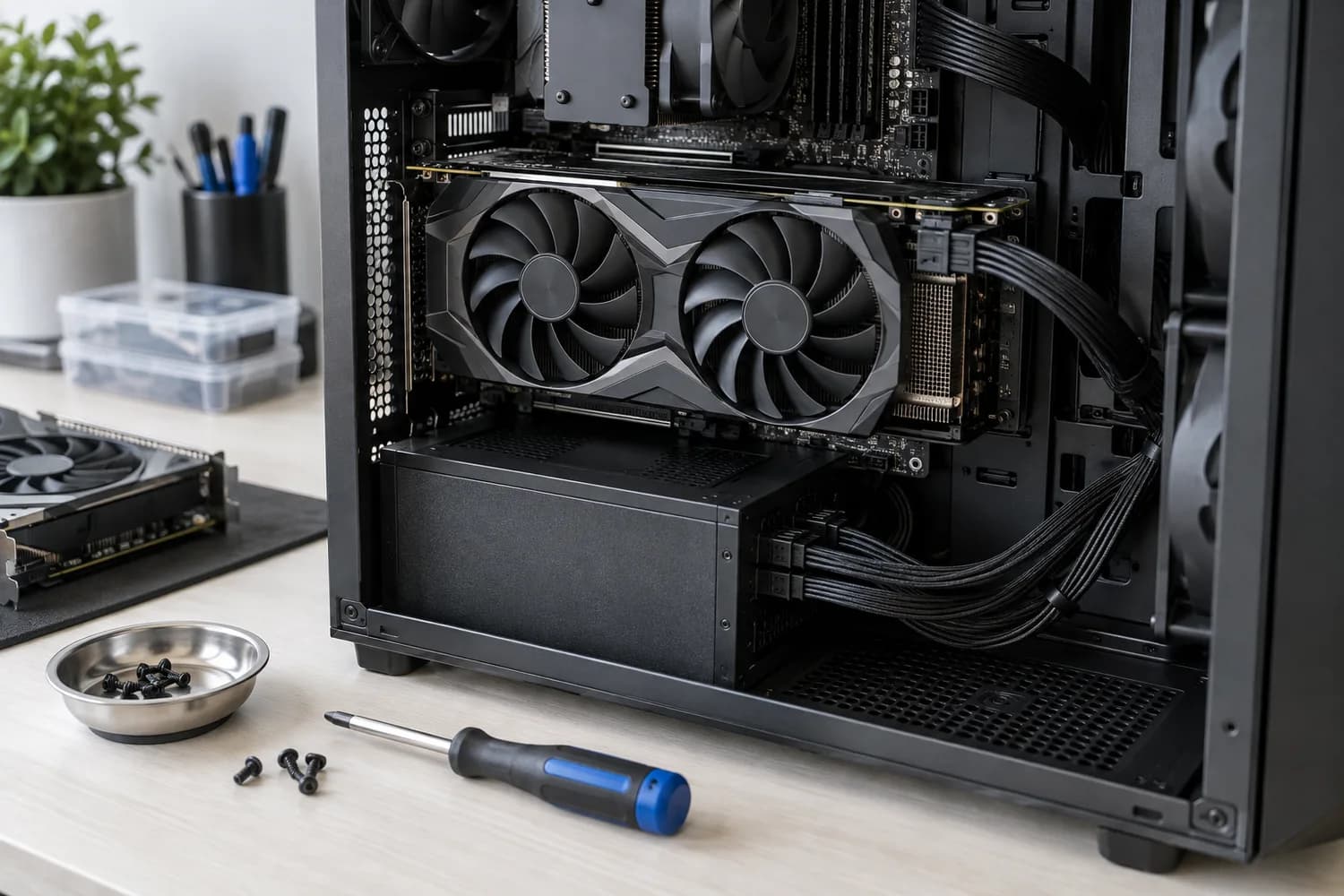
Upgrades
Record your current parts and the slowdown you see first, so the upgrade you buy addresses the real limit.
6 min read
Upgrades
Check whether a new card fits your case, gets the power connectors it needs and addresses the problem you actually see.
6 min read
Monitors
Match size and resolution to your desk, then confirm your graphics outputs support the refresh rate you want.
6 min read
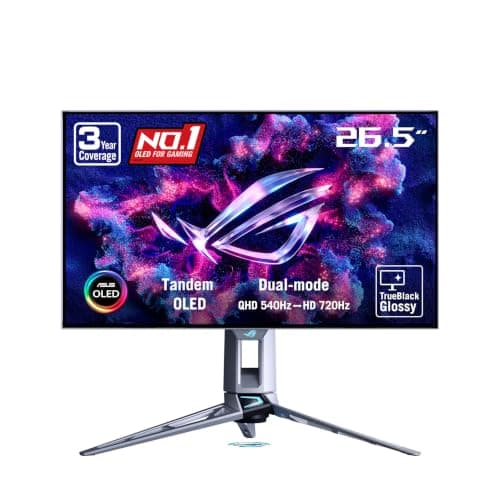
Monitors · Buying Guide
Check which input carries full refresh rate, whether burn-in is covered, and how text looks on each panel type.
11 min read
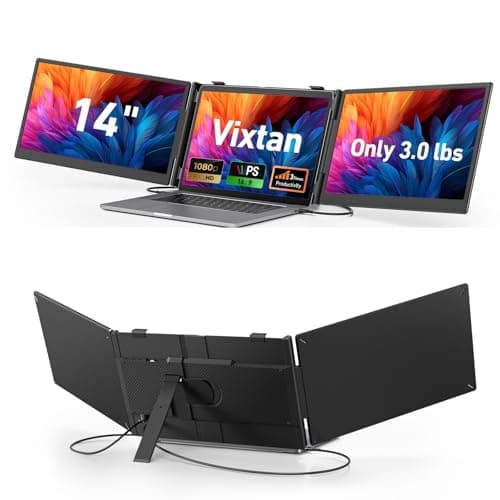
Monitors · Buying Guide
Check your laptop's USB-C video output and external display limit before choosing a dual or triple setup.
12 min read
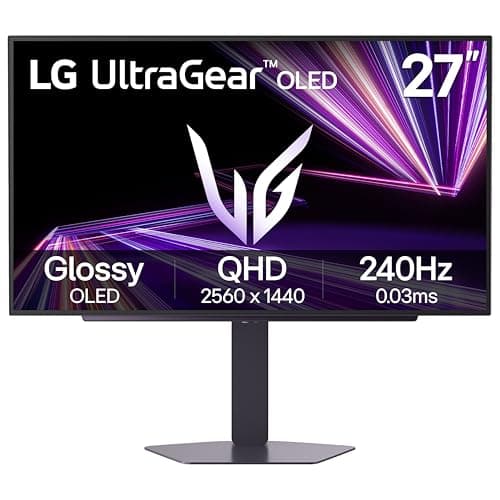
Monitors · Buying Guide
Choose resolution by your graphics card, then refresh rate by the games you play; panel type decides the rest.
12 min read
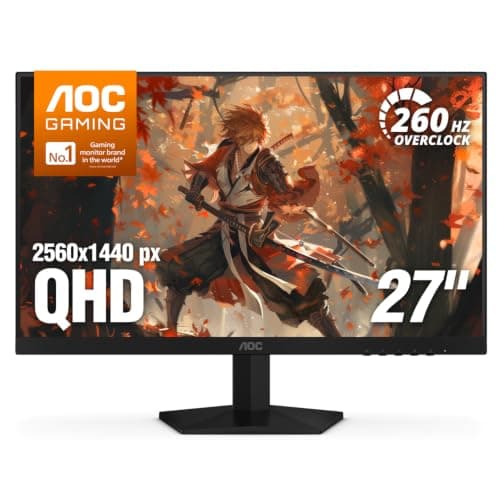
Monitors · Buying Guide
Under $200 you can now get 1440p at high refresh; choose 1080p only for very high refresh esports play.
12 min read
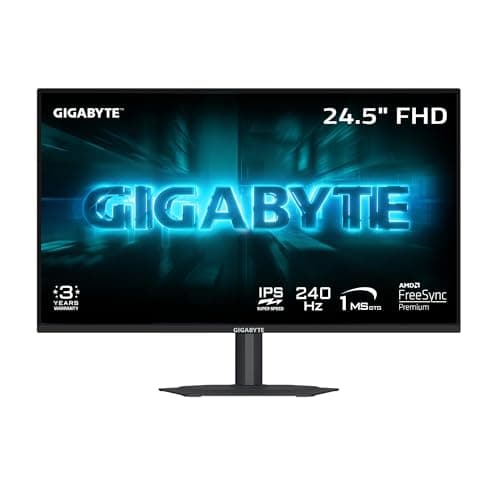
Monitors · Buying Guide
Around $100, most 1080p monitors now run 180Hz or faster; check the panel type and adaptive sync.
12 min read
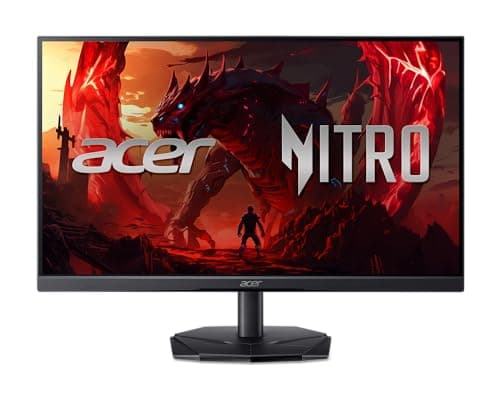
Monitors · Buying Guide
Under $100, decide first whether you need a gaming refresh rate or a clean screen for work.
12 min read
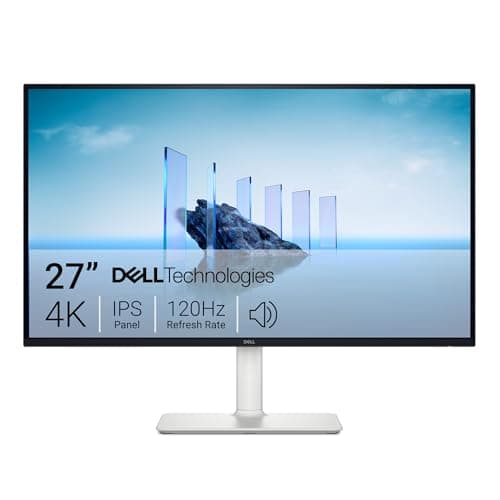
Monitors · Buying Guide
Cheap 4K suits sharp text and media; check refresh rate if you also game.
12 min read
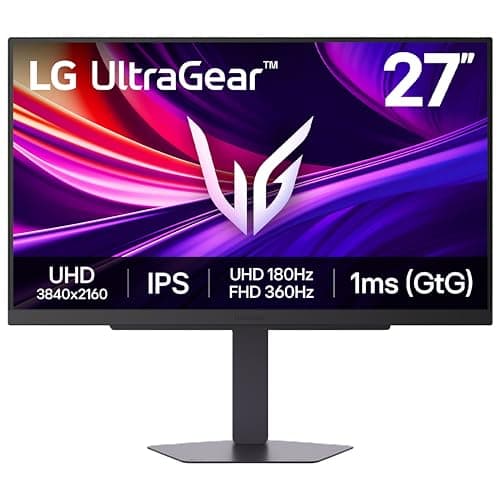
Monitors · Buying Guide
4K at high refresh needs a high-end card and DisplayPort 1.4 with DSC or HDMI 2.1.
12 min read
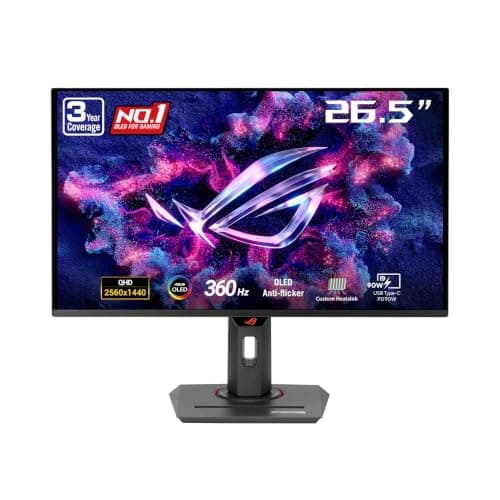
Monitors · Buying Guide
360Hz only pays off when your PC holds frame rates near it; check your GPU and the games you play.
12 min read
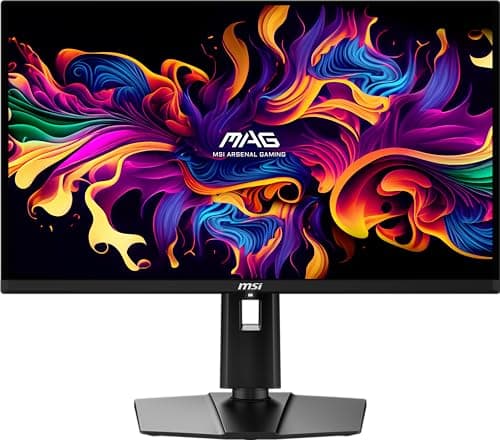
Monitors · Buying Guide
At 1440p 240Hz, the choice is OLED contrast and response versus IPS brightness and no burn-in risk.
12 min read
Monitors · Buying Guide
At 27 inches, 1440p is the sharpness sweet spot; the panel type decides the rest.
13 min read
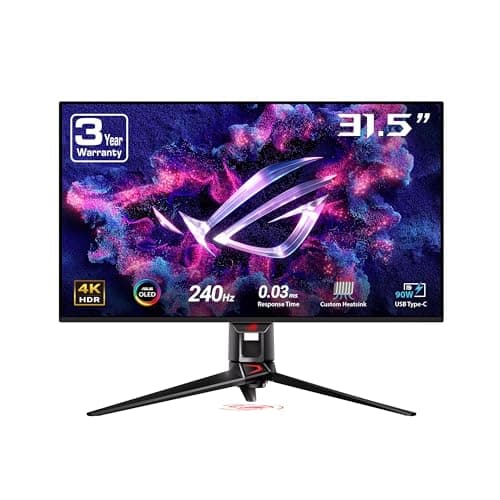
Monitors · Buying Guide
At 32 inches 4K looks as sharp as 1440p does at 27; plan for a GPU to match.
12 min read
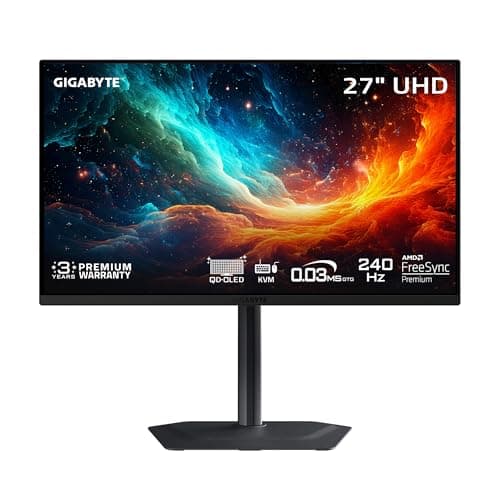
Monitors · Buying Guide
4K OLED pairs per-pixel contrast with sharp text; burn-in care still matters.
12 min read
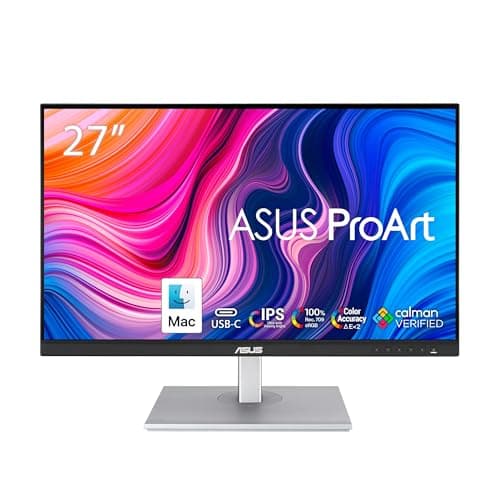
Monitors · Buying Guide
Every ProArt is factory calibrated; the choice is size, gamut and whether USB-C matters.
12 min read
Monitors · Buying Guide
OLED now starts below $400; the savings usually come from the stand and ports.
12 min read
Monitors · Buying Guide
OLED's contrast is unmatched; pick the resolution and refresh your GPU can feed.
12 min read
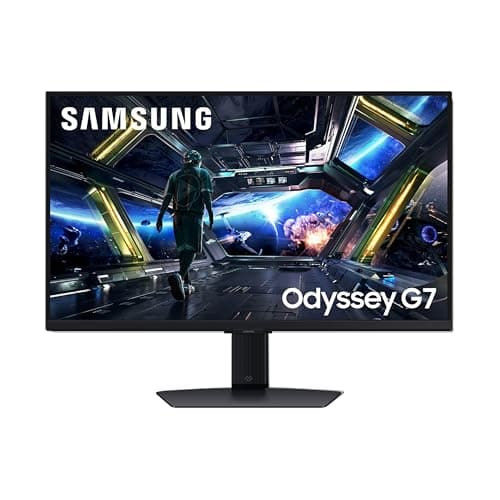
Monitors · Buying Guide
144Hz is the biggest single step up from a 60Hz screen; resolution decides the rest.
12 min read
Monitors · Buying Guide
165Hz now appears on both budget 1080p screens and high-end 4K and 5K panels.
12 min read
Monitors · Buying Guide
Five 27-inch monitors from a 240Hz 1080p budget screen to a 1440p OLED and a 4K IPS model.
12 min read
Monitors · Buying Guide
Five 32-inch screens, from curved 1440p VA monitors to a 240Hz 4K QD-OLED.
12 min read
Monitors · Buying Guide
Four 32-inch 4K monitors, from a curved budget screen to two OLED models.
11 min read
Monitors · Buying Guide
Six 4K IPS monitors between 160Hz and 180Hz, compared on HDR, color and stand.
12 min read
Monitors · Buying Guide
Five 240Hz 4K OLED monitors from 26.5 to 32 inches, compared on HDR, stand and warranty.
12 min read
Monitors · Buying Guide
Seven TUF monitors across 1080p, 1440p and 4K, compared on refresh rate and warranty.
13 min read
Monitors · Buying Guide
Five gaming monitors under about $160 at the time of writing, with 1440p and 240Hz options.
12 min read
Monitors · Buying Guide
Six gaming monitors under $150 at the time of writing, from 144Hz to 260Hz.
12 min read
Monitors · Buying Guide
Six curved monitors from 24 to 40 inches, including OLED and VA ultrawides.
12 min read
Monitors · Buying Guide
Seven Dell and Alienware monitors from a budget 1440p screen to a 360Hz QD-OLED.
13 min read
Monitors · Buying Guide
Four fast IPS monitors for a desktop gaming PC, from 240Hz to 310Hz.
11 min read
Monitors · Buying Guide
Five gaming displays, each a different shape or panel: OLED, ultrawide, 43-inch and 4K IPS.
12 min read
Monitors · Buying Guide
Five gaming monitors at different budgets, from a 240Hz 1080p screen to a 4K QD-OLED.
12 min read
Monitors · Buying Guide
Five monitors with a HDMI 2.1 input or PS5 support, from 1080p to 4K OLED.
12 min read
Monitors · Buying Guide
Four monitors with listed HDMI 2.1 inputs for Xbox Series X, including three OLEDs.
11 min read
Monitors · Buying Guide
Five 1440p monitors from a 210Hz TUF screen to a 360Hz QD-OLED.
12 min read
Monitors · Buying Guide
Five monitors at 310Hz and above, including a 480Hz WOLED.
12 min read
Monitors · Buying Guide
Six monitors from 37 to 49 inches, from 43-inch 4K screens to 49-inch ultrawides.
12 min read
Monitors · Buying Guide
Three 43-inch 4K screens with built-in TV apps, from a 60Hz smart monitor to a 144Hz Mini LED.
11 min read
Monitors · Buying Guide
Six OLED monitors from a 1440p WOLED near $350 to a 4K QD-OLED and an ultrawide.
12 min read
Monitors · Buying Guide
Six USB-C portable monitors from 15.6 to 16.1 inches, including 144Hz and 180Hz models.
12 min read
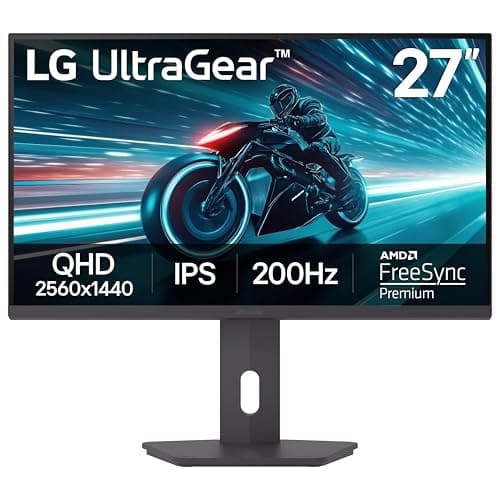
Monitors · Buying Guide
Six monitors whose stands pivot to portrait, for chat, stream tools or a vertical second screen.
12 min read
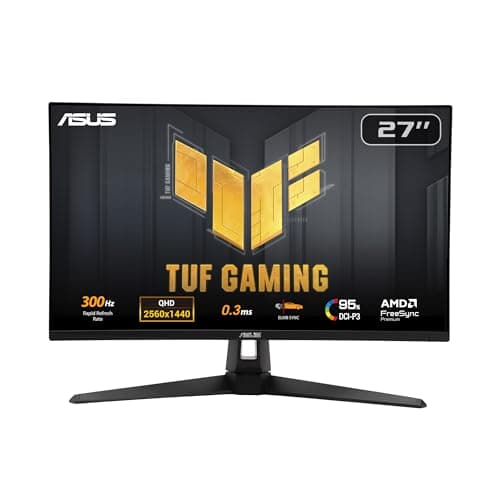
Monitors · Buying Guide
Decide on IPS or OLED first, then check which refresh rate your graphics card can actually reach at 1440p.
12 min read
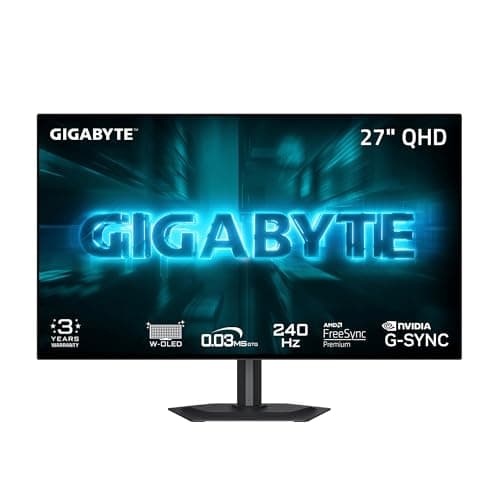
Monitors · Buying Guide
OLED monitors light each pixel on its own, giving true blacks and very fast response.
12 min read
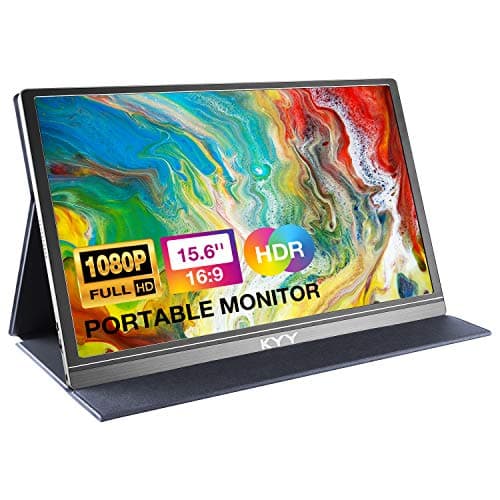
Monitors · Buying Guide
A Mac mini works with any HDMI or USB-C monitor; USB-C with a hub keeps cables tidy.
12 min read
Monitors · Buying Guide
A portable gaming monitor adds a screen to a laptop, console or handheld on the go.
11 min read
Monitors · Buying Guide
A portable monitor gives a gaming laptop a second screen for chat or guides.
11 min read
Monitors · Buying Guide
A 100Hz to 144Hz monitor is a big step up from 60Hz for smooth motion, and suits consoles that output 120Hz.
12 min read
Monitors · Buying Guide
The PS5 outputs up to 120Hz over HDMI 2.1, so an HDMI 2.1 monitor gets the most from it.
12 min read
Monitors · Buying Guide
144Hz is the long-standing entry point for smooth PC gaming.
12 min read
Monitors · Buying Guide
AOC covers everything from budget 1080p screens to QD-OLED panels.
12 min read
Monitors · Buying Guide
At 32 inches, 4K gives a sharp picture at normal desk distance without scaling tricks.
12 min read
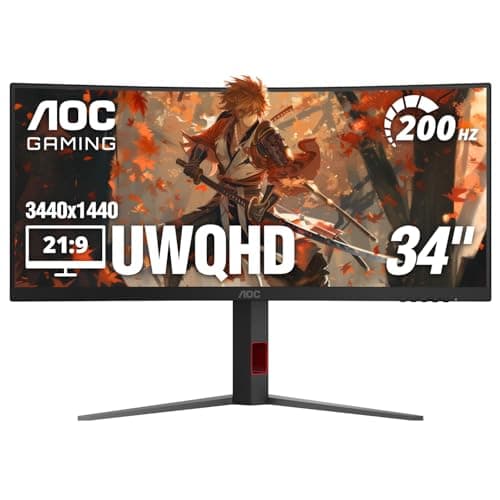
Monitors · Buying Guide
Ultrawide monitors stretch the view sideways for racing, flight and strategy games.
12 min read
Monitors · Buying Guide
QD-OLED panels combine per-pixel black levels with bright, saturated colour.
12 min read
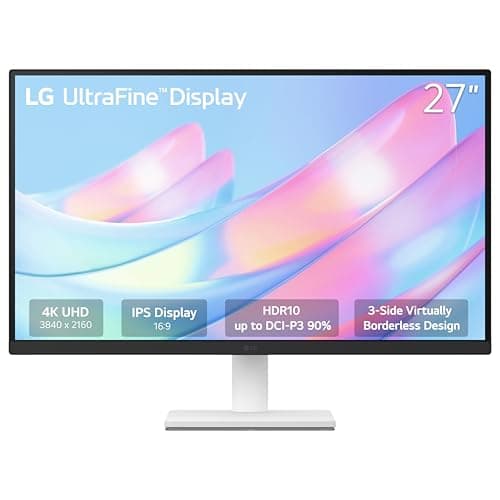
Monitors · Buying Guide
Machine learning work means notebooks, logs and plots side by side, so pixel density matters more than refresh rate.
12 min read
Monitors · Buying Guide
Between $500 and $800 you can choose between fast OLED gaming panels and sharp 4K IPS screens.
12 min read
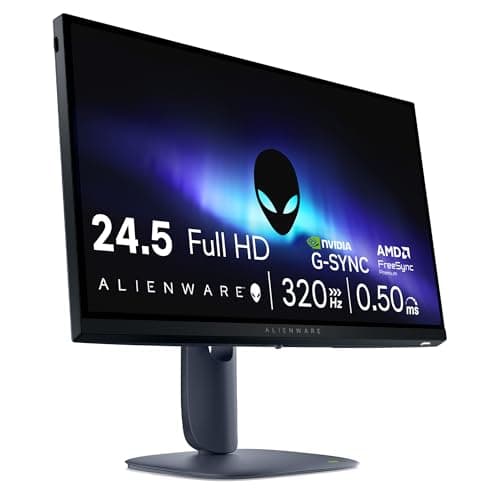
Monitors · Buying Guide
Under $300, a high refresh rate is easy to find; panel type and resolution separate the options.
12 min read
Monitors · Buying Guide
The RTX 5060 is built for 1080p, where it can drive high refresh rates in most games.
12 min read
Monitors · Buying Guide
The RTX 5060 Ti, especially with 16GB, handles 1440p well with upscaling.
12 min read
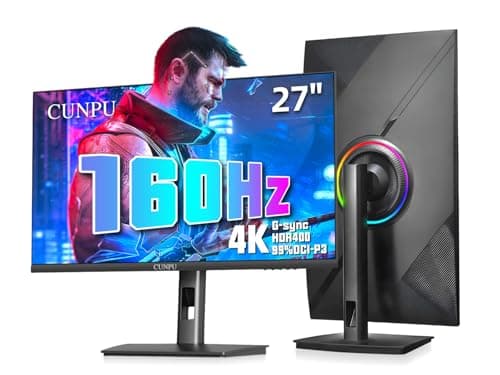
Monitors · Buying Guide
The RTX 5080 is a 4K card, and a 144Hz or faster 4K screen lets it use its headroom.
12 min read
Monitors · Buying Guide
An RTX 5090 can push 4K well past 160fps, so an OLED with a high refresh rate shows what it can do.
12 min read
Monitors · Buying Guide
Content creation for modern displays needs wide DCI-P3 colour coverage.
12 min read
Monitors · Buying Guide
4K footage looks right on a 4K panel, and IPS or OLED keeps colour consistent from any angle.
12 min read
Monitors · Buying Guide
At 240Hz and above, motion clarity improves most in fast shooters.
12 min read
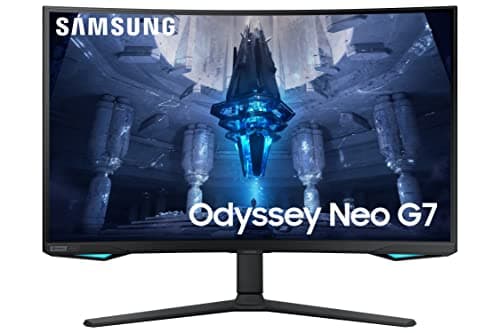
Monitors · Buying Guide
Mini LED backlights use many dimming zones to deliver bright HDR without OLED burn-in risk.
11 min read
Monitors · Buying Guide
Developers benefit from sharp text and a single USB-C cable to a laptop.
12 min read
Monitors · Buying Guide
A home office monitor needs a clear IPS panel and enough resolution for side-by-side windows, not gaming speed.
12 min read
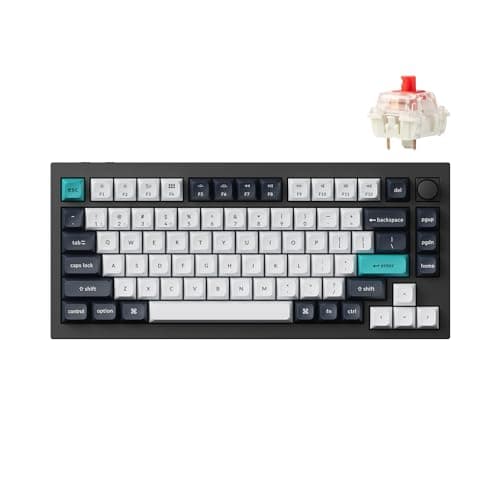
Peripherals · Buying Guide
Check the polling rate on the connection you will actually use, and which switches the sockets accept, before you buy.
9 min read
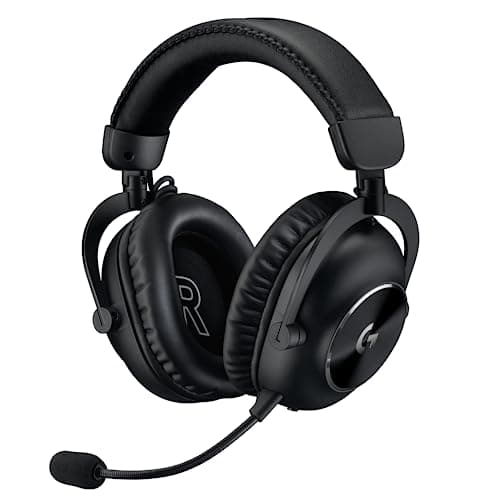
Peripherals · Buying Guide
Compare connection types and battery claims; a 2.4GHz dongle matters more for games than any spec on the box.
12 min read
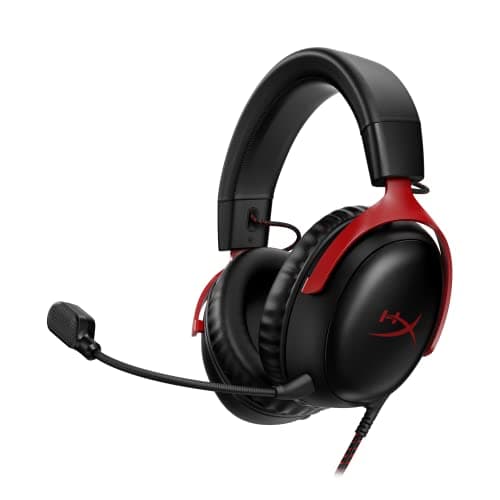
Peripherals · Buying Guide
Choose USB or 3.5mm and open or closed back first; those two decisions matter more than driver size.
12 min read
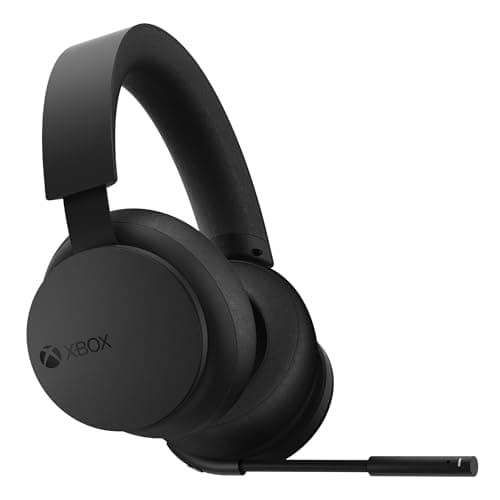
Peripherals · Buying Guide
Check how each headset connects to Xbox and to your PC; Xbox Wireless does not work like an ordinary USB dongle.
12 min read
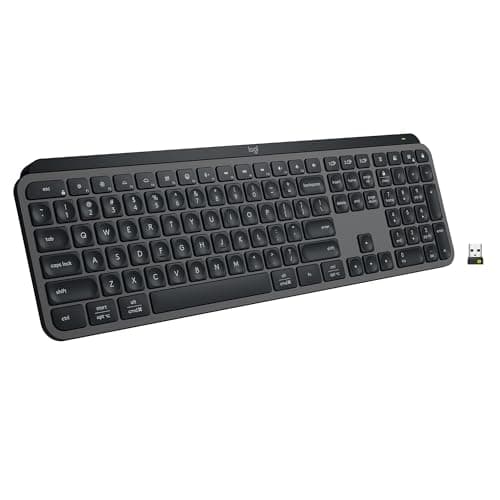
Peripherals · Buying Guide
Decide how much ergonomic shape you want before comparing switches; layout matters most over an eight-hour day.
12 min read
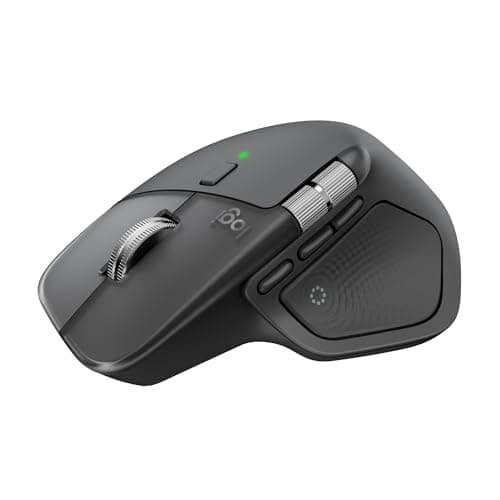
Peripherals · Buying Guide
Pick a grip that suits your wrist, then compare scroll wheels and shortcuts; those matter most in an editor.
12 min read
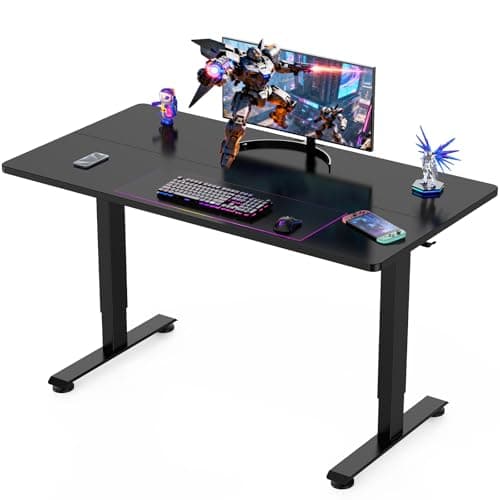
Peripherals · Buying Guide
Measure your monitors and room first; width and depth rule out more desks than any feature.
12 min read
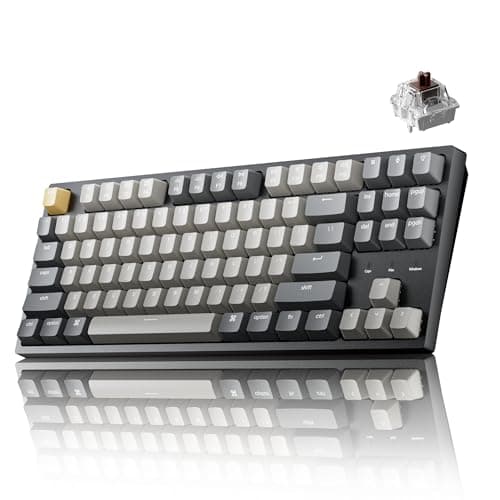
Peripherals · Buying Guide
Decide on layout first; at this price, switch type and wireless support separate the picks more than lighting.
13 min read
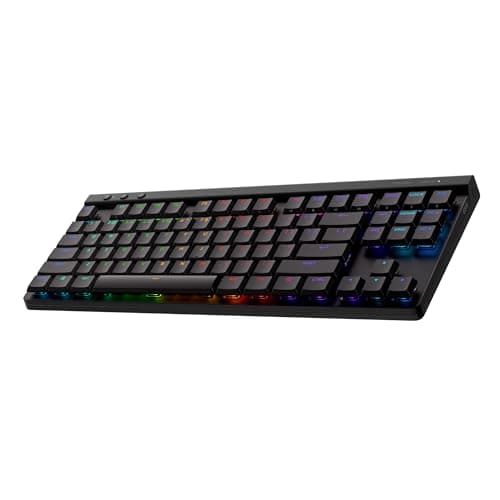
Peripherals · Buying Guide
Logitech's range splits into low-profile wireless boards, a magnetic esports board and wired value models.
12 min read
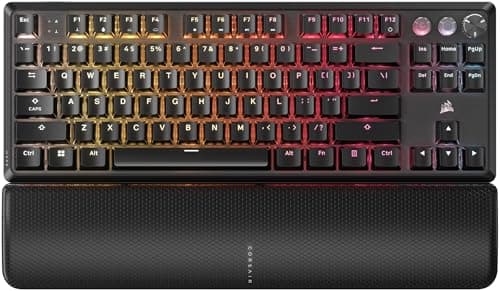
Peripherals · Buying Guide
Corsair's range runs from $30 membrane boards to a full-size keyboard with Stream Deck keys; the switch type is the main divide.
12 min read
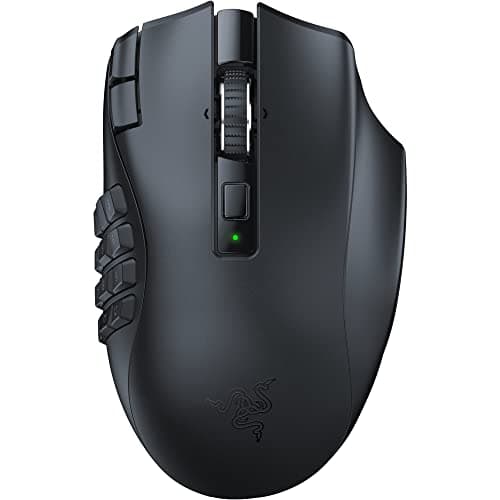
Peripherals · Buying Guide
Count the thumb buttons you will use, then decide whether wireless and battery life are worth the premium.
12 min read
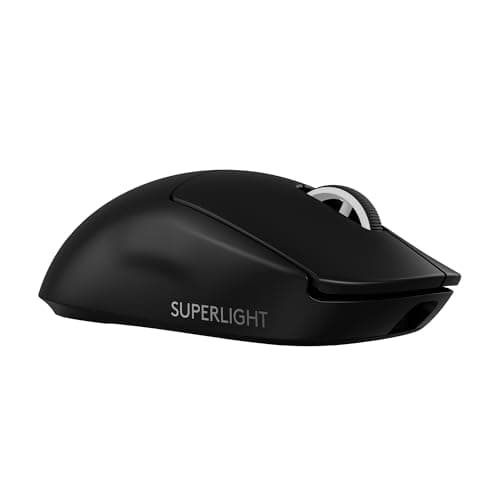
Peripherals · Buying Guide
Logitech's lineup splits into light esports mice, button-heavy G502 models and cheap AA-powered wireless mice.
12 min read
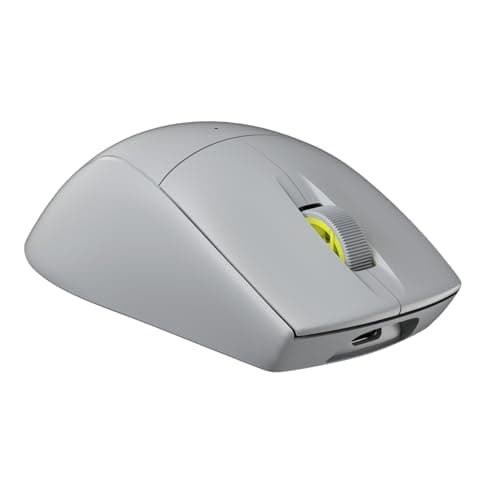
Peripherals · Buying Guide
Corsair's mice range from 60g esports shells to a large palm-grip Ironclaw; weight and buttons tell them apart.
12 min read

Peripherals · Buying Guide
At this price the choice is mostly about connection: one wireless pick, USB with virtual surround, or a plain 3.5mm plug.
12 min read
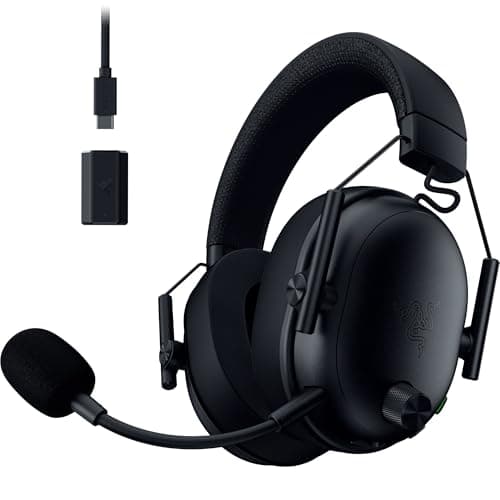
Peripherals · Buying Guide
On PC, a 2.4GHz dongle and a detachable mic matter more than surround labels; battery life separates the wireless picks.
12 min read
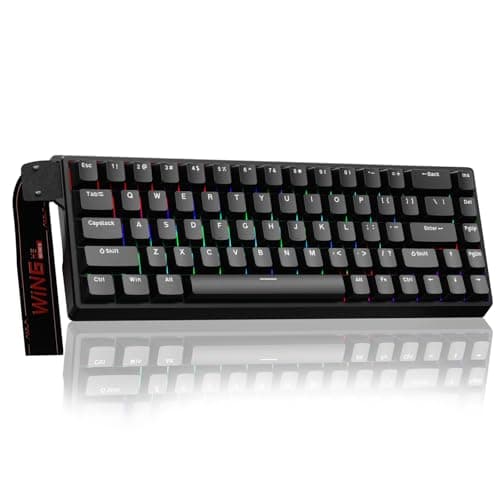
Peripherals · Buying Guide
Under $100 you can already get Hall effect switches, wireless or PBT keycaps, rarely all three.
12 min read
Peripherals · Buying Guide
Around $130, Hall effect switches and tri-mode wireless become common features.
12 min read
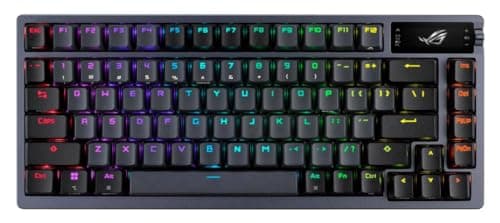
Peripherals · Buying Guide
Near $200 the extras are gasket mounts, long battery life and Hall effect switches.
12 min read
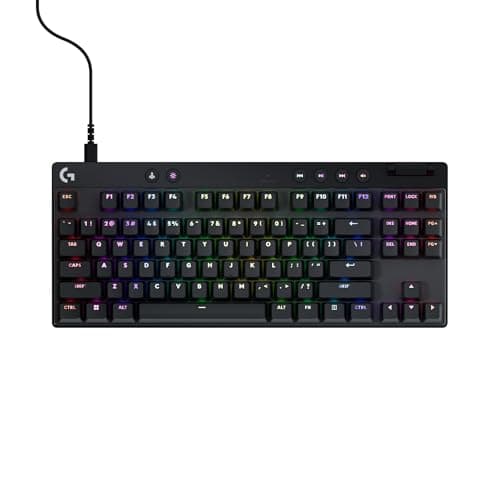
Peripherals · Buying Guide
Dropping the number pad gives the mouse more room; switches and wireless decide the rest.
12 min read
Peripherals · Buying Guide
ASUS's range runs from spill-resistant TUF boards to hot-swap ROG enthusiast models.
12 min read
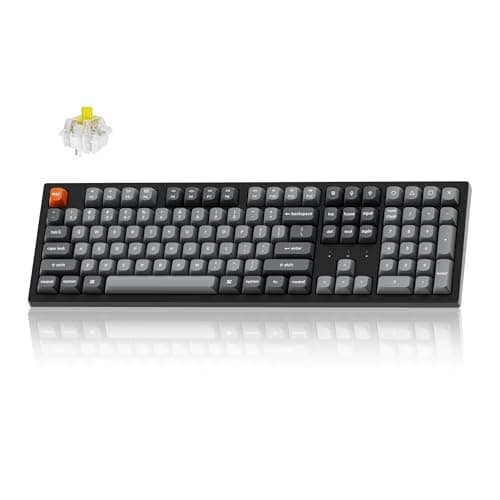
Peripherals · Buying Guide
Start with layout and connection; switch type matters most if you play fast games.
13 min read
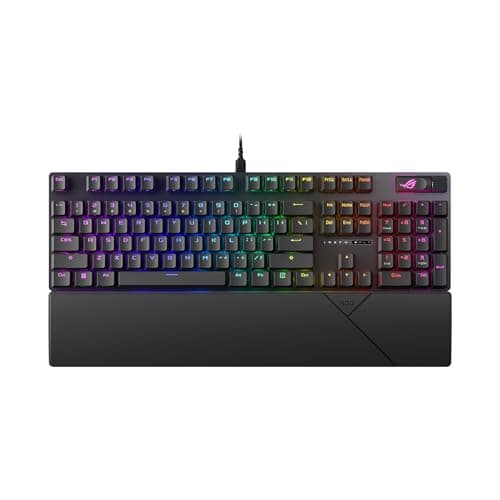
Peripherals · Buying Guide
A number pad costs desk width; a 96% layout keeps it in a smaller frame.
12 min read
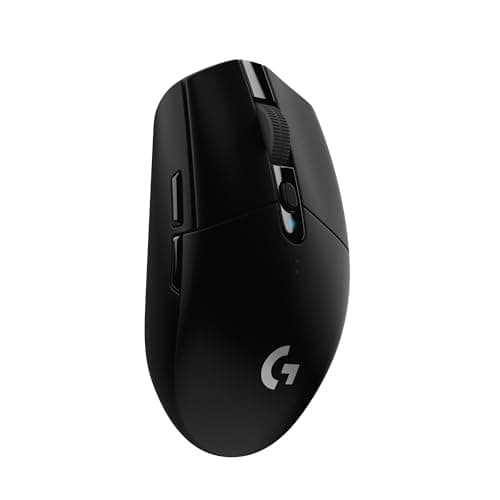
Peripherals · Buying Guide
Under $50 you can get wireless or a light shell; extra buttons usually mean a cable.
12 min read
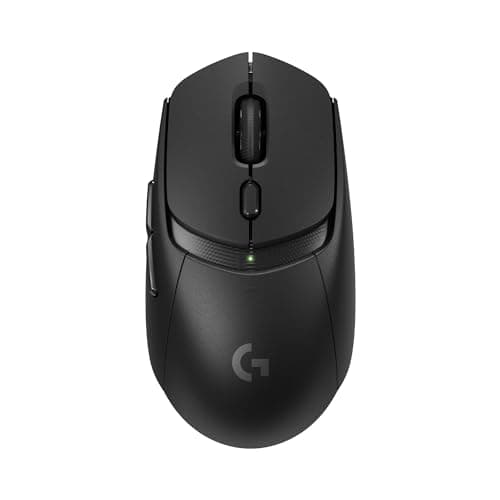
Peripherals · Buying Guide
Up to $75, Bluetooth plus 2.4GHz and a sub-70g shell start to appear together.
12 min read
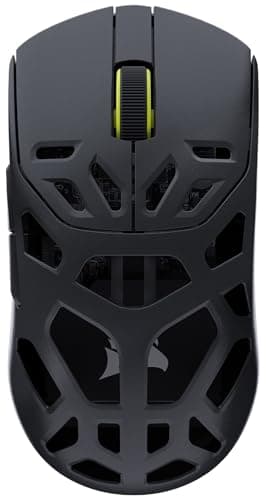
Peripherals · Buying Guide
Near $100, 8000Hz polling and 26,000 DPI sensors are common; shape still decides.
12 min read
Peripherals · Buying Guide
Decide wired or wireless first, then check the connection works with every device you own.
13 min read
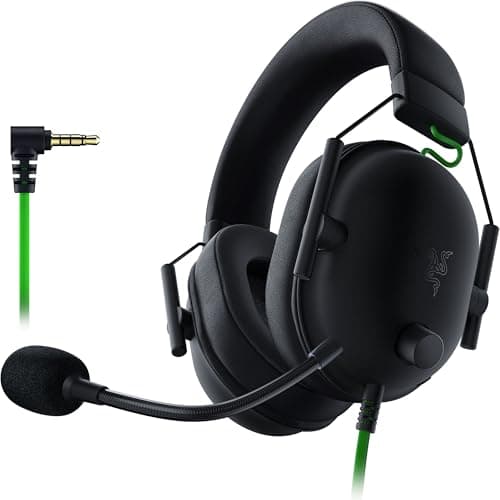
Peripherals · Buying Guide
Five wired headsets near or under $50 at the time of writing, from 3.5mm to USB.
12 min read
Peripherals · Buying Guide
Five budget headsets, including a tri-mode wireless model and a 53mm-driver Cloud II.
12 min read
Peripherals · Buying Guide
Five headsets under $45 with a feature that sets each apart: mute, mic or weight.
12 min read
Peripherals · Buying Guide
Six headsets near or under $25 at the time of writing, for a first headset or a spare.
12 min read
Peripherals · Buying Guide
Five headsets for shooters, compared on low-latency connection, drivers and mic.
12 min read
Peripherals · Buying Guide
Six open-back headphones for a wide soundstage, from a budget Philips pair to studio models.
12 min read
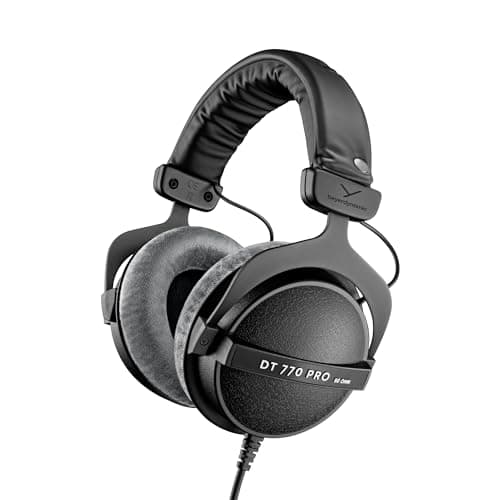
Peripherals · Buying Guide
Five closed-back headphones plus one open gaming headset, compared on isolation and mic.
12 min read
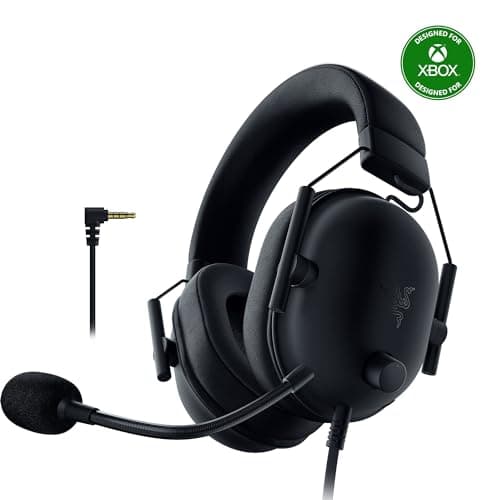
Peripherals · Buying Guide
Five Xbox headsets, from 3.5mm controller plugs to Xbox Wireless models.
12 min read
Peripherals · Buying Guide
Five headphones and headsets chosen from listing research, not forum polls.
12 min read
Peripherals · Buying Guide
Six headsets from a wired Cloud III to the tri-mode G PRO X 2.
12 min read
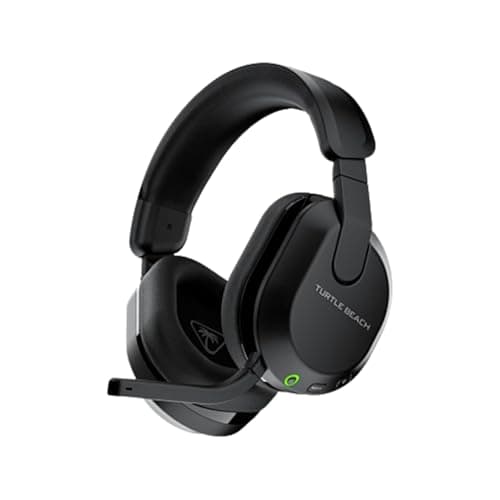
Peripherals · Buying Guide
Six headsets below $100 at the time of writing, five of them wireless.
12 min read
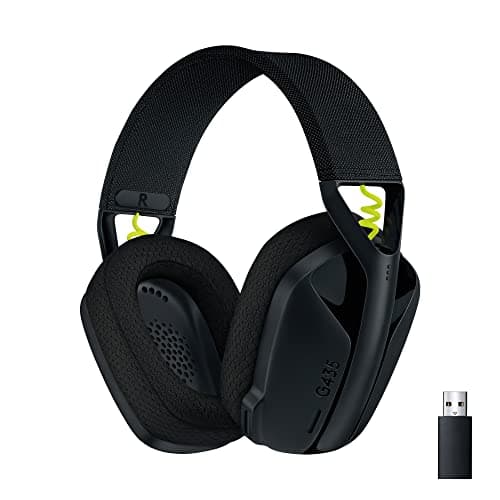
Peripherals · Buying Guide
Five simple headsets for a first setup, from 3.5mm to light wireless models.
12 min read
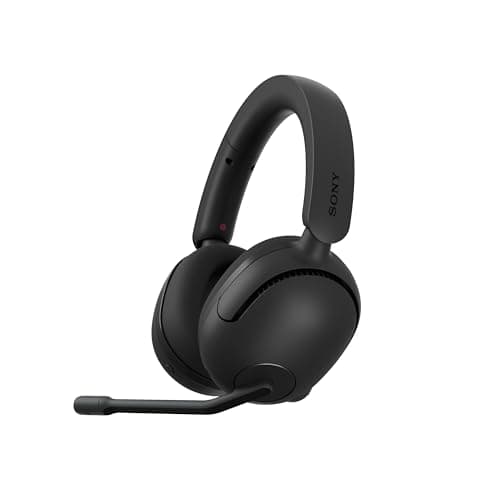
Peripherals · Buying Guide
Six headsets for PS5, from a 3.5mm controller headset to 2.4GHz wireless models.
12 min read
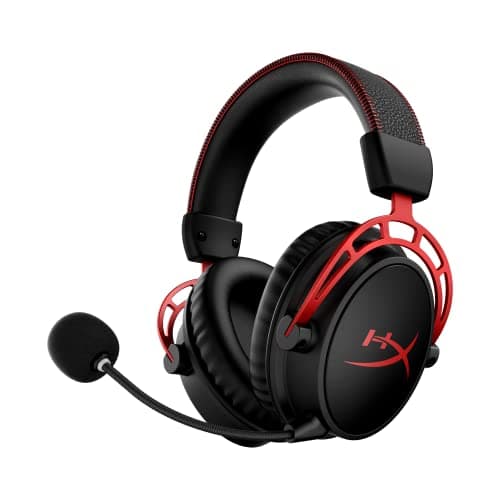
Peripherals · Buying Guide
Five widely sold headsets on Amazon, compared on listing facts rather than star ratings.
12 min read
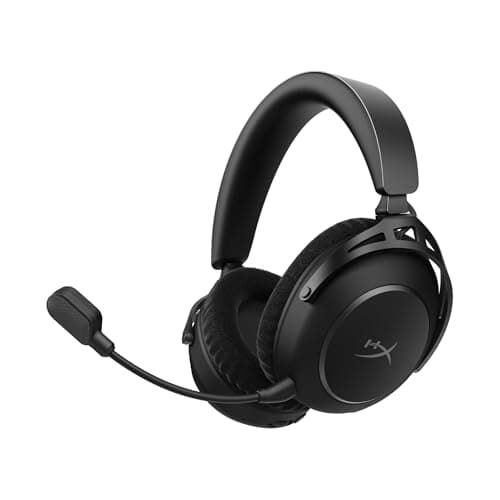
Peripherals · Buying Guide
Six headsets that pair a gaming dongle with Bluetooth, from $27 to about $220.
12 min read
Peripherals · Buying Guide
Six headsets with a standout mic feature: cardioid capsules, AI noise reduction or mic filters.
12 min read
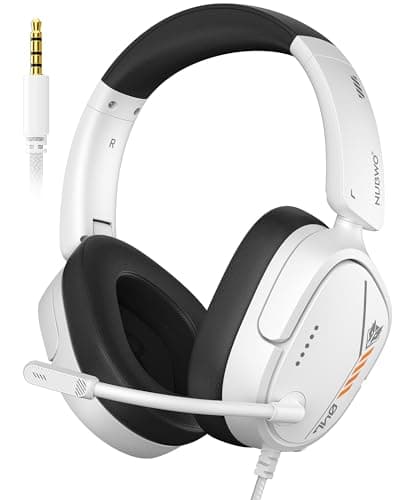
Peripherals · Buying Guide
Five headsets under $20 at the time of writing, each with a boom mic.
12 min read
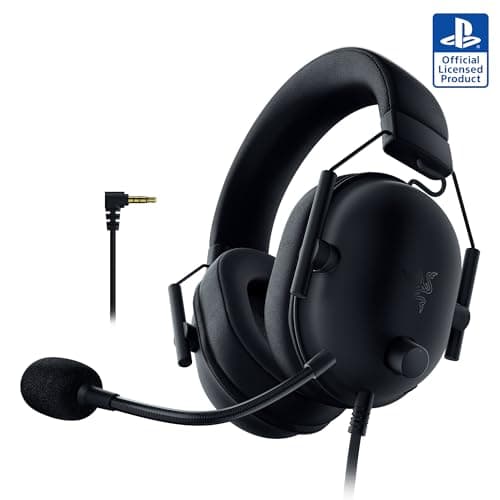
Peripherals · Buying Guide
Six headsets under $40 at the time of writing, three wired and three wireless.
12 min read
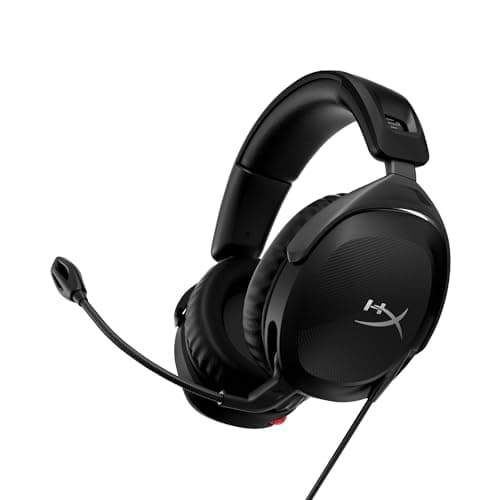
Peripherals · Buying Guide
Four inexpensive headsets under $50, including a wireless pick with Bluetooth.
11 min read
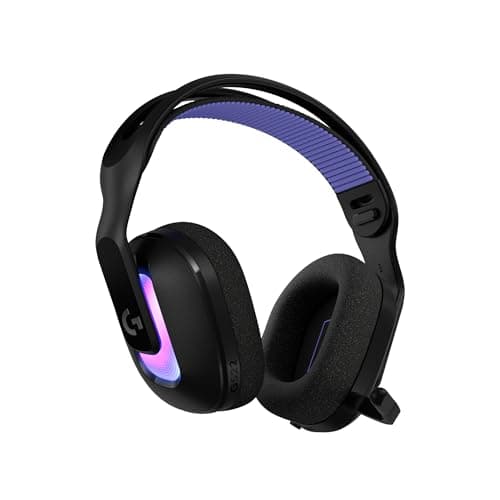
Peripherals · Buying Guide
Five PC headsets from a wired USB surround model to high-end wireless ones.
12 min read
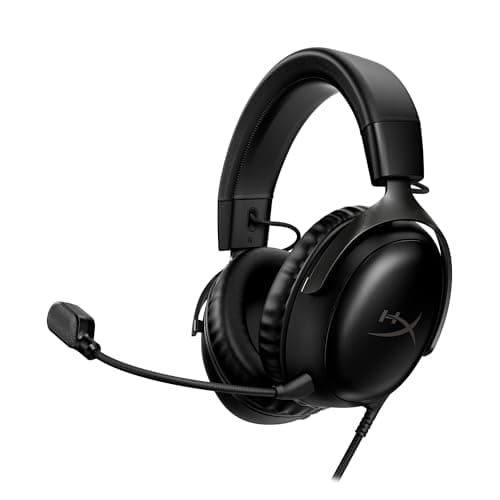
Peripherals · Buying Guide
Five PC headsets across USB, 3.5mm and wireless connections.
12 min read
Peripherals · Buying Guide
Seven HyperX headsets, from the Cloud Stinger 2 Core to the Cloud Alpha Wireless.
13 min read
Peripherals · Buying Guide
Four in-ear monitors with a mic, from a $19 pair to a six-driver USB-C set.
11 min read
Peripherals · Buying Guide
Seven Logitech G headsets from the wired G335 to the G PRO X 2.
13 min read
Peripherals · Buying Guide
Five low-cost wired headsets under $40, each with a boom mic.
12 min read
Peripherals · Buying Guide
Five wireless headsets for PlayStation, including two with active noise cancelling.
12 min read
Peripherals · Buying Guide
Four Sennheiser picks for gaming: one headset with a mic, two headphones and an in-ear monitor.
11 min read
Peripherals · Buying Guide
Five sub-$100 headsets, two wired and three wireless.
12 min read
Peripherals · Buying Guide
Seven wired IEMs from single dynamic drivers to hybrid multi-driver sets.
13 min read

Peripherals · Buying Guide
Six wireless headsets from the Stealth 700 to the Astro A50.
12 min read
Peripherals · Buying Guide
Six wireless PC headsets from the $38 G535 to the Virtuoso MAX.
12 min read
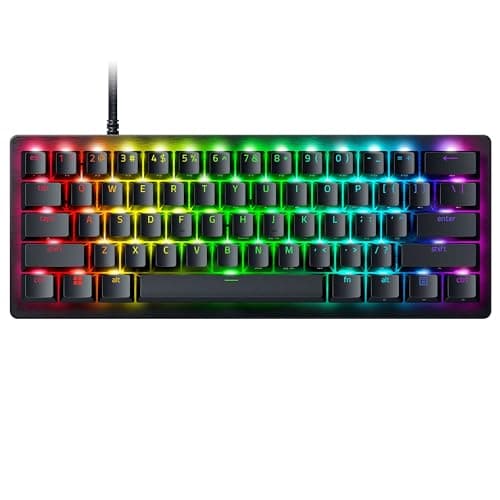
Peripherals · Buying Guide
Six 60% boards for maximum mouse room, from optical switches to adjustable magnetic ones.
12 min read
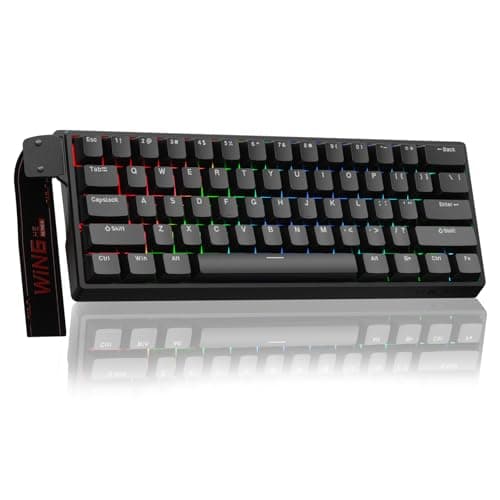
Peripherals · Buying Guide
Six budget-to-mid 60 percent boards, four with magnetic or analog switches.
12 min read
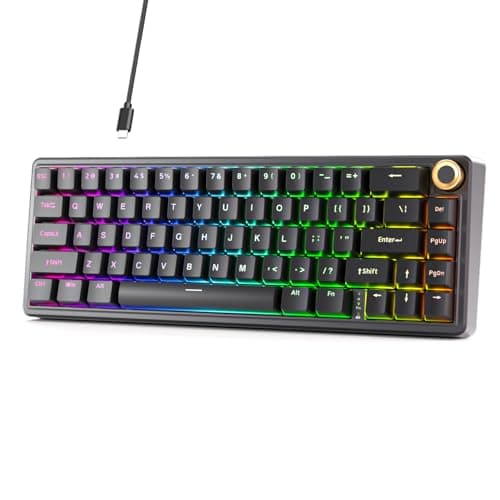
Peripherals · Buying Guide
Six 60% mechanical boards with linear, tactile or clicky switches.
12 min read
Peripherals · Buying Guide
Five mechanical boards from about $35 to $65 at the time of writing.
12 min read
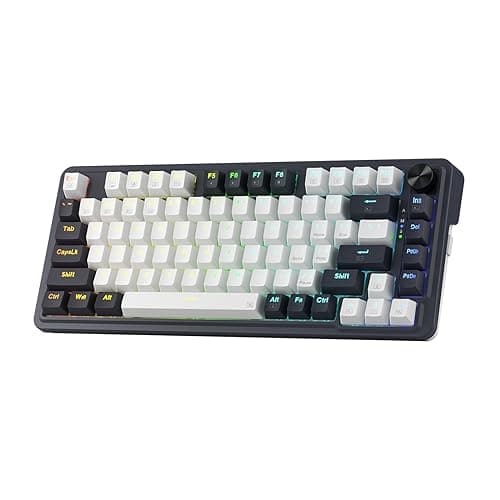
Peripherals · Buying Guide
Five boards under $50 at the time of writing, mechanical and membrane.
12 min read
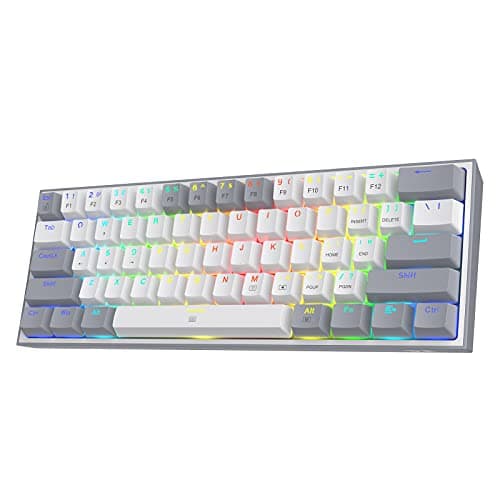
Peripherals · Buying Guide
Five boards under $40 at the time of writing, from $16 membrane to hot-swap mechanical.
12 min read
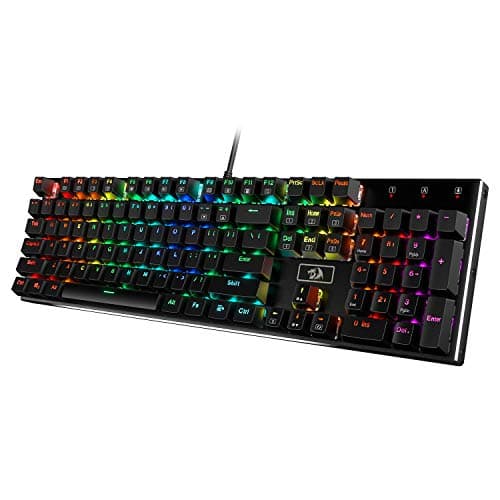
Peripherals · Buying Guide
Five mechanical boards under $60 at the time of writing.
12 min read
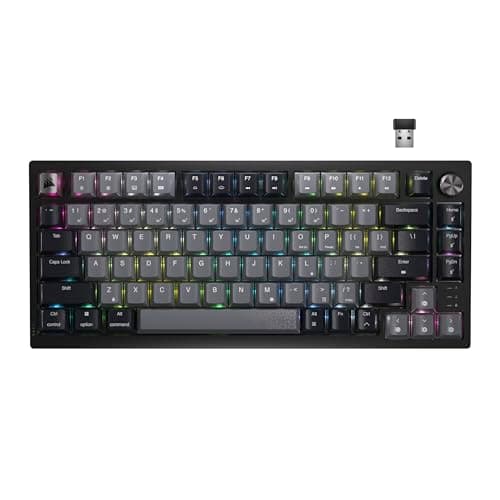
Peripherals · Buying Guide
Five compact boards with 2.4GHz or Bluetooth, from 61 keys to TKL.
12 min read
Peripherals · Buying Guide
Six boards across magnetic, optical and mechanical switches.
12 min read
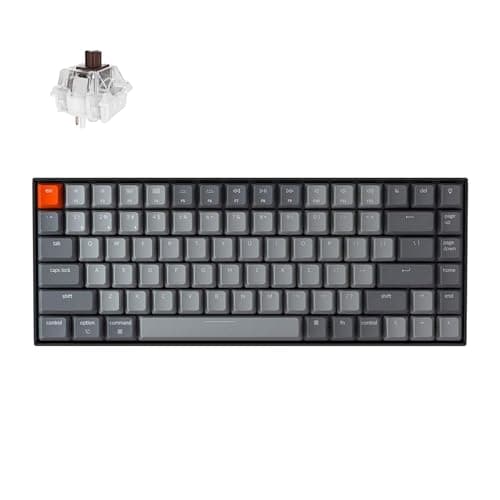
Peripherals · Buying Guide
Six boards whose listings name macOS or a Mac layout.
12 min read
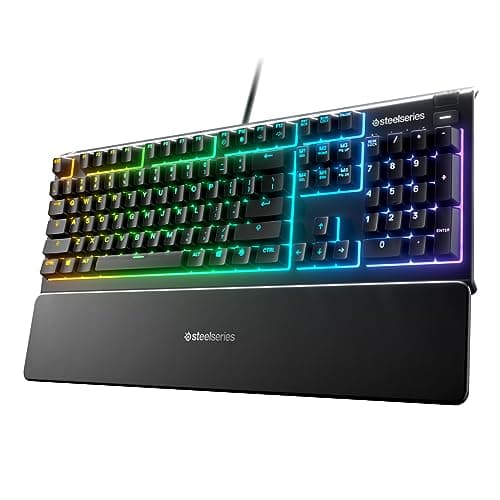
Peripherals · Buying Guide
Three boards with listed PlayStation and Xbox support. Individual games decide whether keys work.
11 min read
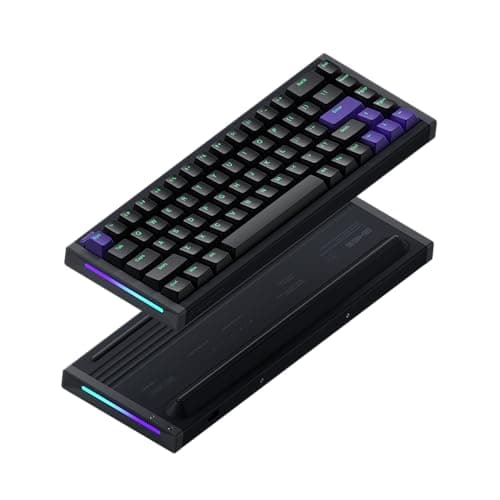
Peripherals · Buying Guide
Six enthusiast-style boards chosen from listing research, not forum polls.
12 min read
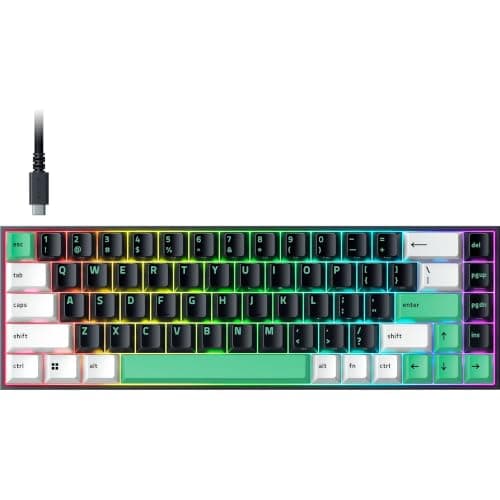
Peripherals · Buying Guide
Five boards under $55 at the time of writing, wired and wireless.
12 min read
Peripherals · Buying Guide
Six Hall effect boards from $38 to $150 at the time of writing.
12 min read
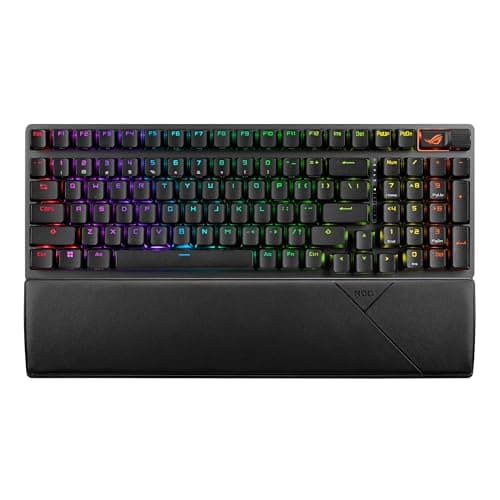
Peripherals · Buying Guide
Six mechanical boards with conventional switches, wired and wireless.
12 min read
Peripherals · Buying Guide
Six mechanical boards from a wired 97-key TUF to wireless 75% models.
12 min read
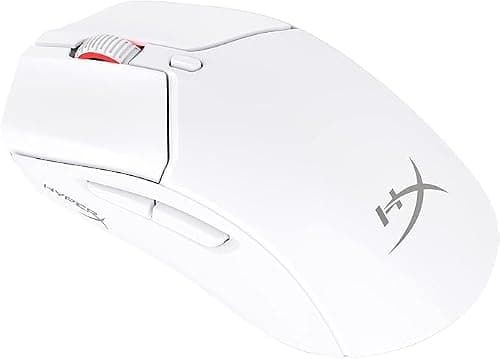
Peripherals · Buying Guide
Five mice from about $30 to $70 at the time of writing, four of them wireless.
12 min read
Peripherals · Buying Guide
Five mice under $40 at the time of writing, including four wireless models.
12 min read
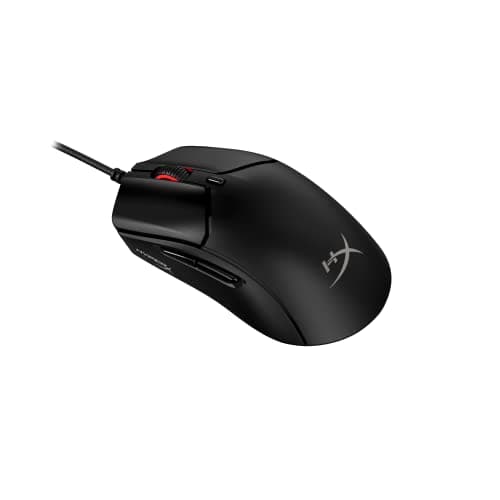
Peripherals · Buying Guide
Five mice under $40, from simple wired picks to a tri-mode 49g model.
12 min read
Peripherals · Buying Guide
Seven Corsair mice from the 60g M75 AIR to the 15-button Darkstar.
13 min read
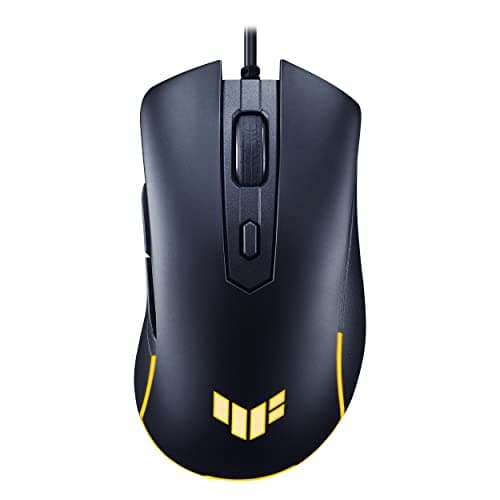
Peripherals · Buying Guide
Six mice under $25 at the time of writing, four wired and two wireless.
12 min read
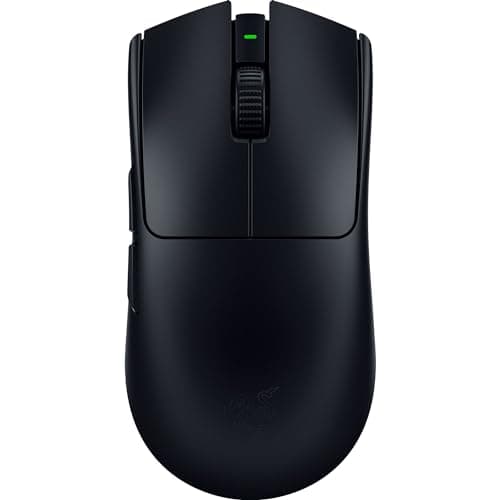
Peripherals · Buying Guide
Five light wireless mice built around shooters.
12 min read
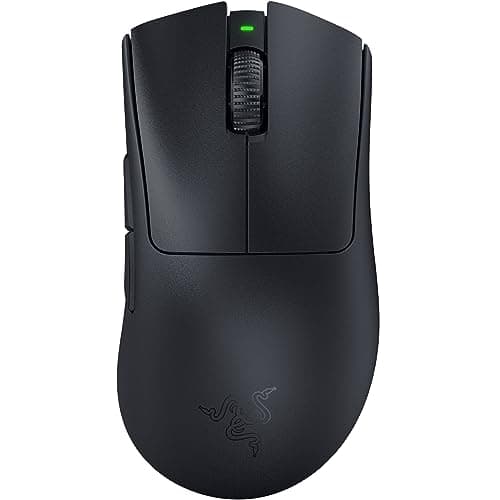
Peripherals · Buying Guide
Six right-handed or thumb-rest mice with the fuller backs palm grips favor.
12 min read
Peripherals · Buying Guide
Six wireless mice across symmetrical, ergonomic, modular and many-button shapes.
12 min read
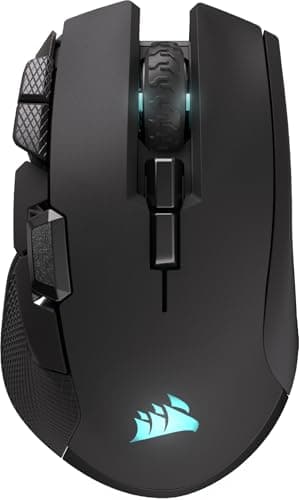
Peripherals · Buying Guide
Five larger mice, from a thumb-rest Basilisk to budget large-body models.
12 min read
Peripherals · Buying Guide
Five full-size mice with long or thumb-rest shells.
12 min read
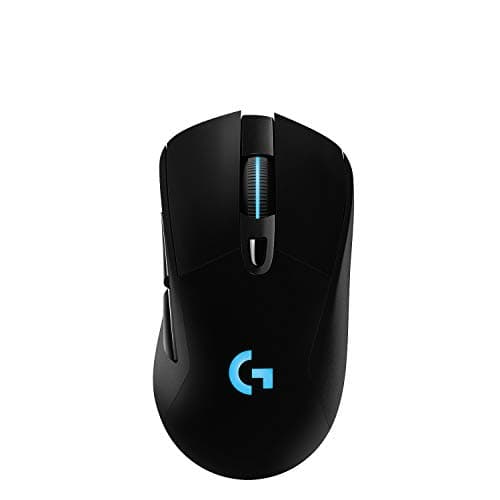
Peripherals · Buying Guide
Five larger mice under $70 at the time of writing.
12 min read
Peripherals · Buying Guide
Five compact mice for smaller hands and claw or fingertip grips.
12 min read
Peripherals · Buying Guide
Five small mice between 49g and about 100g.
12 min read
Peripherals · Buying Guide
Five of the smallest or lightest mice in our research.
12 min read
Peripherals · Buying Guide
Five mice under $60, three of them wireless.
12 min read
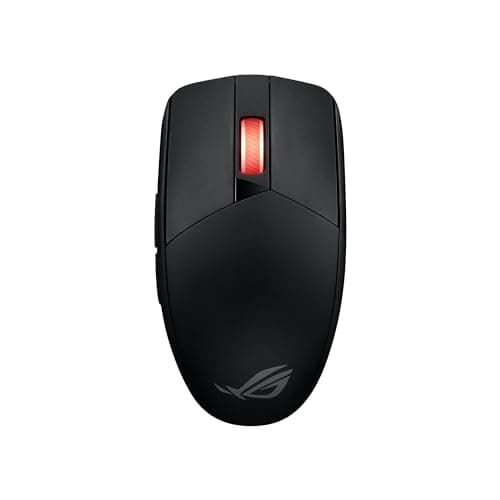
Peripherals · Buying Guide
Five inexpensive mice, from a $20 wired Lenovo to long-battery wireless models.
12 min read
Peripherals · Buying Guide
Six Pulsefire mice from the wired Haste 2 to the modular Saga Pro.
12 min read
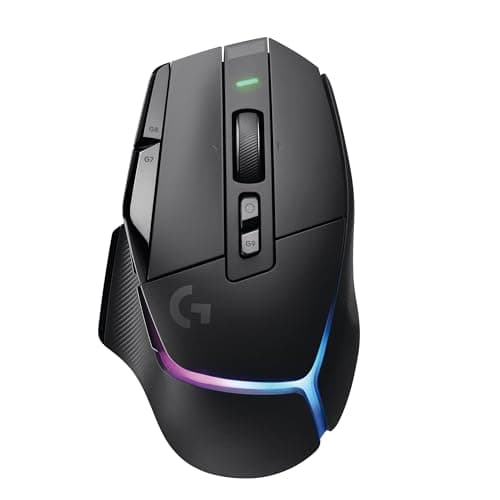
Peripherals · Buying Guide
Five full-size mice with 11 or more buttons.
12 min read
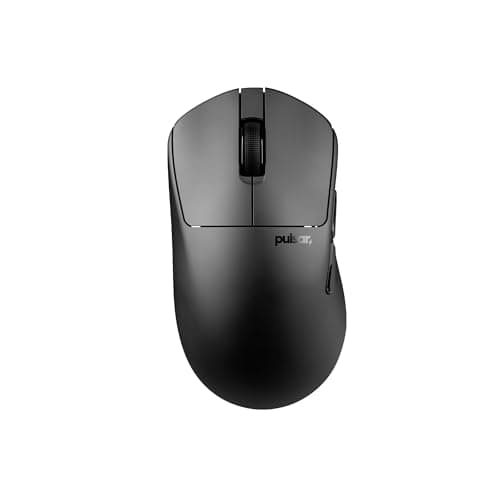
Peripherals · Buying Guide
Two true left-handed mice and four ambidextrous options.
12 min read
Peripherals · Buying Guide
Seven Logitech G mice from the wired G502 Hero to the PRO X Superlight 2.
13 min read
Peripherals · Buying Guide
Five MMO mice with 12-button side panels or more.
12 min read
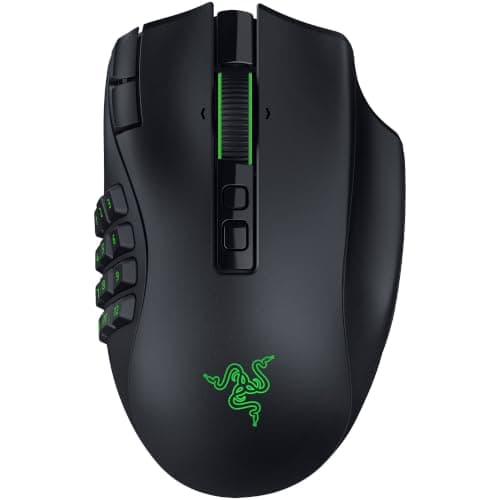
Peripherals · Buying Guide
Five MMO mice from the $33 M908 to the Naga V3 Pro.
12 min read
Peripherals · Buying Guide
Five mice for MMORPG hotbars, three wireless and two wired.
12 min read
Peripherals · Buying Guide
Six wireless MMO mice from $31 to about $180 at the time of writing.
12 min read
Peripherals · Buying Guide
Five mice for a PC setup, wired and wireless.
12 min read
Peripherals · Buying Guide
Seven Razer mice from the DeathAdder Essential to the Viper V3 Pro.
13 min read
Peripherals · Buying Guide
Six Bluetooth mice that need no USB receiver.
12 min read
Peripherals · Buying Guide
Five Bluetooth mice for a MacBook Pro, including Apple's own.
12 min read
Peripherals · Buying Guide
Six work mice across sculpted, vertical, trackball and silent designs.
12 min read
Peripherals · Buying Guide
Five wireless mice with built-in rechargeable batteries instead of AA or AAA cells.
12 min read
Peripherals · Buying Guide
Six chairs from budget to premium, compared on the adjustments each listing states.
12 min read
Peripherals · Buying Guide
Five chairs sold on Amazon, compared on the specs each listing states.
12 min read
Peripherals · Buying Guide
Six chairs priced under $100 at the time of writing.
12 min read
Peripherals · Buying Guide
Five full-size chairs, compared on capacity, recline and lumbar support.
12 min read
Peripherals · Buying Guide
Four chairs compared on listing specs, not forum votes.
11 min read
Peripherals · Buying Guide
Four racing-style seats with footrests, speakers or memory foam.
11 min read
Peripherals · Buying Guide
Five chairs with adjustable lumbar or multi-way arms.
12 min read
Peripherals · Buying Guide
Six chairs with a built-in footrest and an office-style back.
12 min read

Peripherals · Buying Guide
Five chairs rated for 400 lb or more, compared on seat and recline.
12 min read
Peripherals · Buying Guide
Six more big and tall chairs with different lumbar designs.
12 min read
Peripherals · Buying Guide
Four chairs rated from 350 to 500 lb.
11 min read
Peripherals · Buying Guide
Six office chairs rated from 400 to 700 lb.
12 min read
Peripherals · Buying Guide
Four floor and recliner chairs for children.
11 min read

Peripherals · Buying Guide
Five child-sized chairs for a desk or the floor.
12 min read
Peripherals · Buying Guide
Four chairs whose listings name kids, teens or both.
11 min read
Peripherals · Buying Guide
Five pads across speed cloth, standard cloth and glass.
12 min read

Peripherals · Buying Guide
Six pads, from control cloth to hard plastic and glass.
12 min read
Peripherals · Buying Guide
Five mouse-size pads with balanced, glass, hard and thick surfaces.
12 min read
Peripherals · Buying Guide
Five extended pads at 35 inches wide or more.
12 min read
Peripherals · Buying Guide
Five large pads compared on depth as well as width.
12 min read
Peripherals · Buying Guide
Six desk mats from plain cloth to PU leather.
12 min read
Peripherals · Buying Guide
Five desk mats with prints, lighting or a thick base.
12 min read
Peripherals · Buying Guide
Five single arms from budget gas-spring models to Ergotron's LX.
12 min read
Peripherals · Buying Guide
Six single arms, including two for large ultrawides.
12 min read
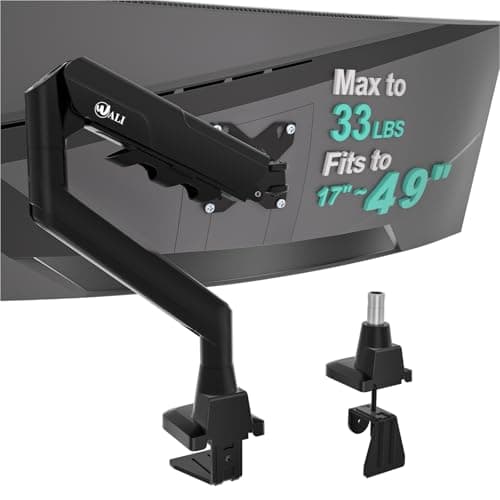
Peripherals · Buying Guide
Five arms compared on how they attach to the desk.
12 min read
Peripherals · Buying Guide
Six dual arms, including clamp, grommet and freestanding options.
12 min read
Peripherals · Buying Guide
Six risers, from plain platforms to dual-width drawers.
12 min read
Peripherals · Buying Guide
Seven chair mats for carpet and hard floors, sorted by what the listing supports.
13 min read
Peripherals · Buying Guide
Seven desk stands and under-desk hangers.
13 min read
Peripherals · Buying Guide
Five bungees with weighted, adhesive and clamp-grip designs.
12 min read
Peripherals · Buying Guide
Five lamps for a work desk, from clamp bars to base lamps with charging.
12 min read
Peripherals · Buying Guide
Six clamp and base lamps with different color ranges.
12 min read
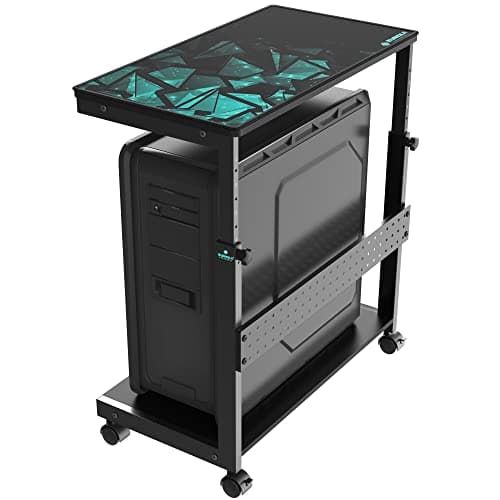
Peripherals · Buying Guide
Six floor stands, desk-side carts and an under-desk mount for PC towers.
12 min read
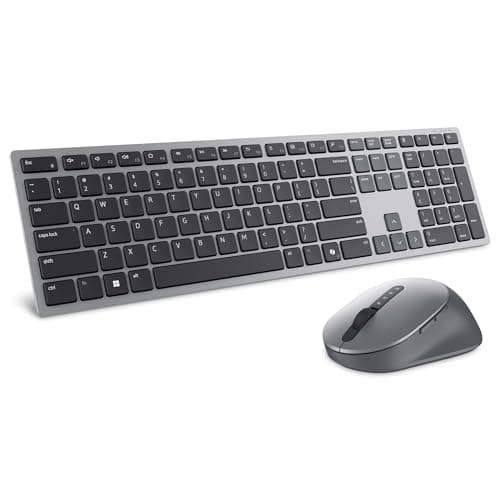
Peripherals · Buying Guide
Dell's wireless sets range from a plain receiver combo to a Zoom-certified multi-device pair. Here is how the five compare.
12 min read
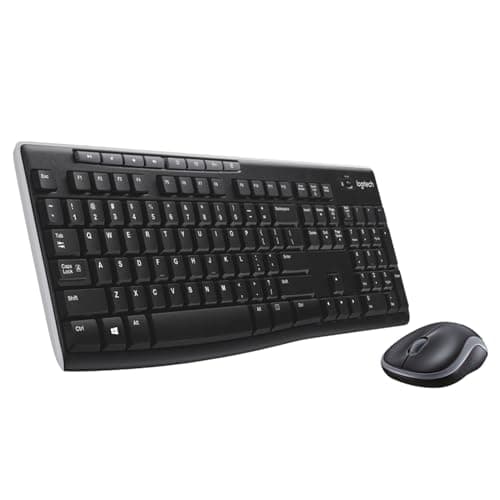
Peripherals · Buying Guide
The MK270 is Logitech's best-known basic combo. We compare it with the three closest Logitech sets.
11 min read
Peripherals · Buying Guide
If the MK270 feels too basic, these Logitech combos add Bluetooth, slim keys, programmable keys or multi-device pairing.
12 min read
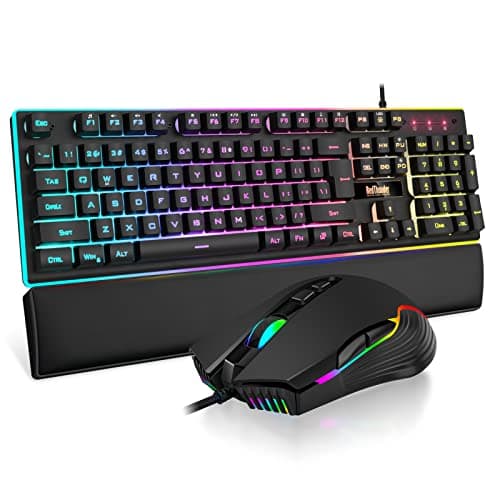
Peripherals · Buying Guide
Wired gaming combos keep costs down and never need charging. These five differ in layout, build and mouse sensitivity.
12 min read
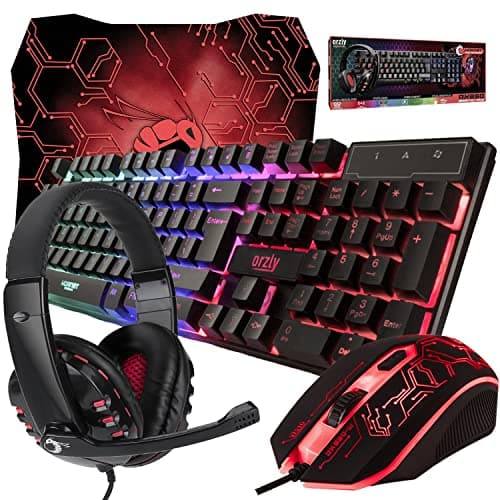
Peripherals · Buying Guide
Some gaming combos come with a mouse pad or headset in the box. These six cover a first gaming desk.
12 min read
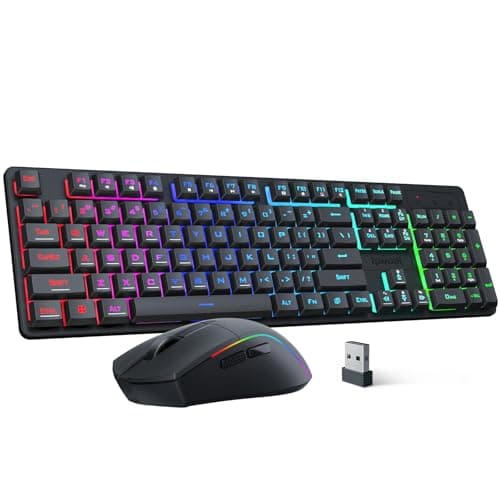
Peripherals · Buying Guide
Wireless gaming combos differ in battery size, tri-mode support and layout. Here are five that state their numbers.
12 min read
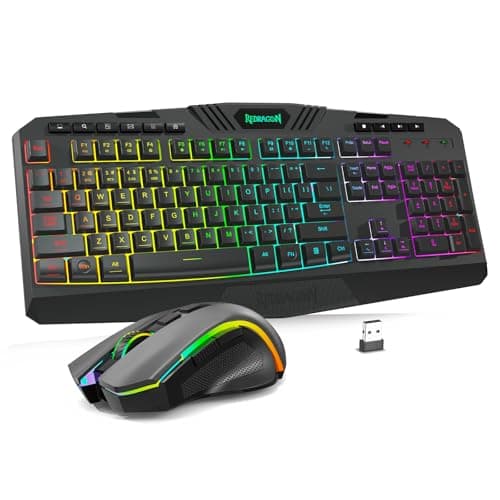
Peripherals · Buying Guide
Redragon's combo range spans low-profile sets, tri-mode full-size sets and a keyboard with a screen. These five cover it.
12 min read
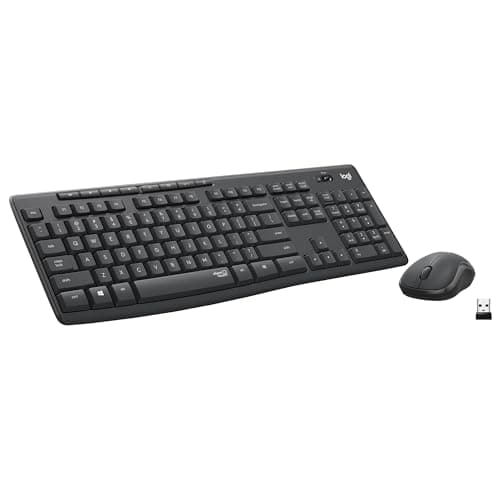
Peripherals · Buying Guide
Quiet combos use membrane or silent-switch keys and muted mouse clicks. These six state a low-noise design.
12 min read
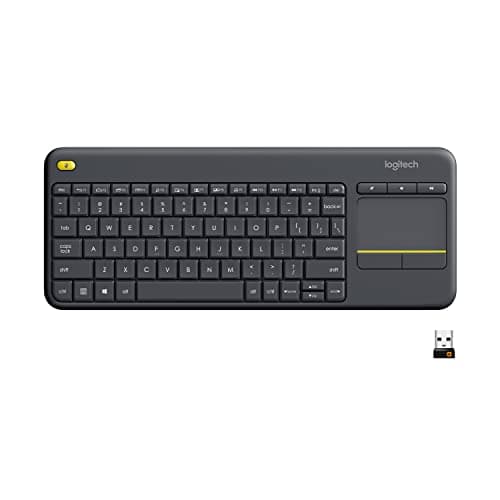
Peripherals · Buying Guide
A touchpad keyboard replaces both keyboard and mouse, which suits a PC on a TV. These six cover couch and desk use.
12 min read
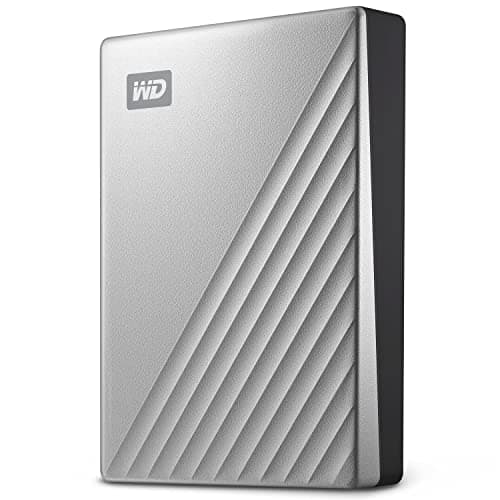
Peripherals · Buying Guide
A MacBook Air has only USB-C ports, so the connector and formatting matter as much as capacity. These five fit.
12 min read
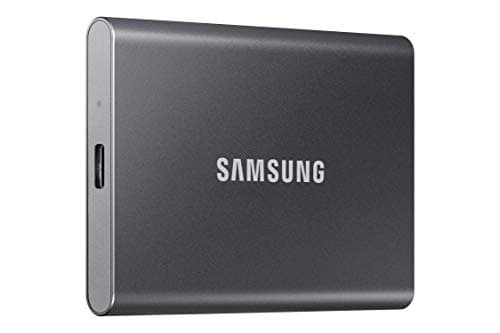
Peripherals · Buying Guide
For a laptop, a 10Gbps SSD is the sweet spot: fast enough for any USB-C port and small enough to carry.
12 min read
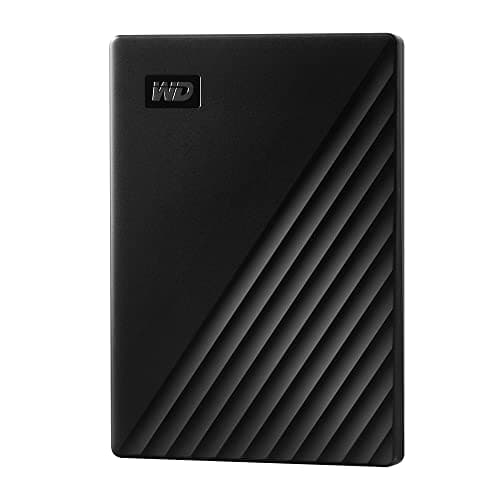
Peripherals · Buying Guide
Hard drives give the most space; SSDs give speed and toughness. This guide mixes both so you can choose by use.
12 min read
Peripherals · Buying Guide
The fastest portable SSDs need a 20Gbps port. Here is when that matters and which drives to pick.
12 min read
Peripherals · Buying Guide
An external SSD adds room for a game library without opening the PC. Capacity matters more here than peak speed.
12 min read
Peripherals · Buying Guide
Seagate sells plain hard drives, encrypted drives and SSDs under similar names. These five cover the range.
12 min read
Peripherals · Buying Guide
A desk soundbar fits under a monitor and saves width. These five differ in inputs, bass and extras.
12 min read
Peripherals · Buying Guide
Stereo pairs and 2.1 sets fill a room better than most bars. These six cover budgets from entry to high-power.
12 min read
Peripherals · Buying Guide
Every JBL bar here ships with a wireless subwoofer. The differences are channels, Atmos and detachable surrounds.
12 min read
Peripherals · Buying Guide
A cheap USB mic sounds clearer than most headset mics. These six differ in mute, monitoring and what comes in the box.
12 min read
Peripherals · Buying Guide
Keyboard noise is the main problem for gaming mics. These six handle it differently.
12 min read
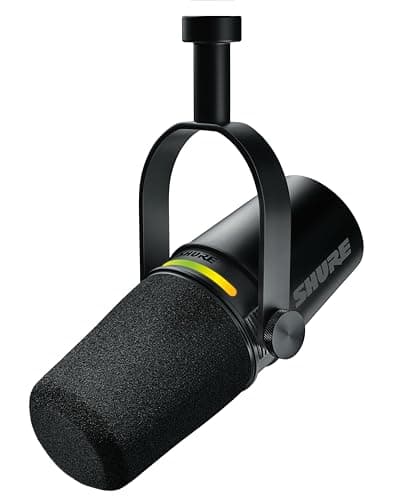
Peripherals · Buying Guide
USB mics now include hybrids with XLR outputs and onboard processing. These six cover streaming, podcasting and calls.
12 min read
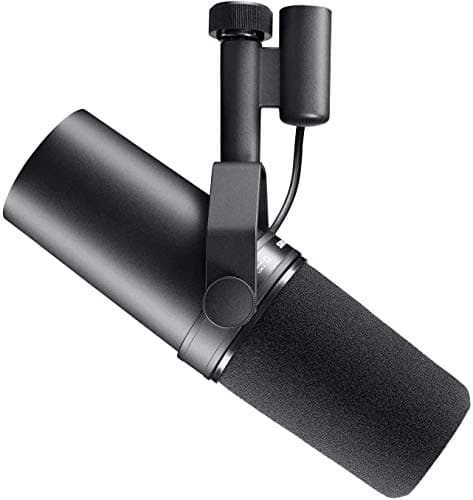
Peripherals · Buying Guide
An XLR mic needs an interface, but lets you upgrade parts separately. These seven cover budget to broadcast.
13 min read
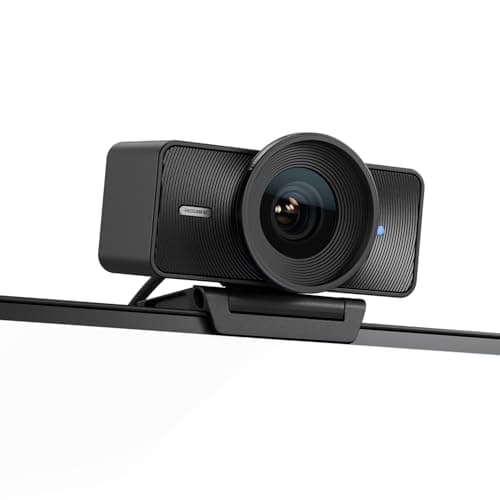
Peripherals · Buying Guide
4K webcams differ in sensor size, focus and tracking more than in resolution. These six cover each approach.
12 min read
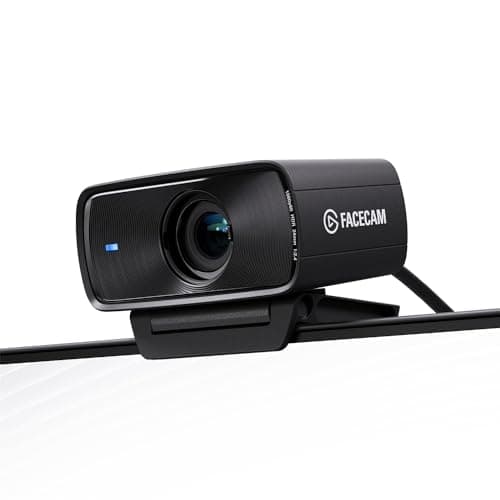
Peripherals · Buying Guide
For streaming, a steady 60fps and good low-light behavior matter more than 4K. These seven focus there.
13 min read
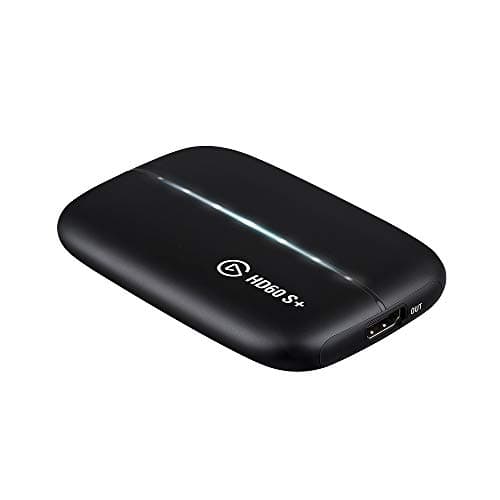
Peripherals · Buying Guide
Streaming a console or a second PC starts with a capture card. These six cover capture, control, audio and light.
12 min read
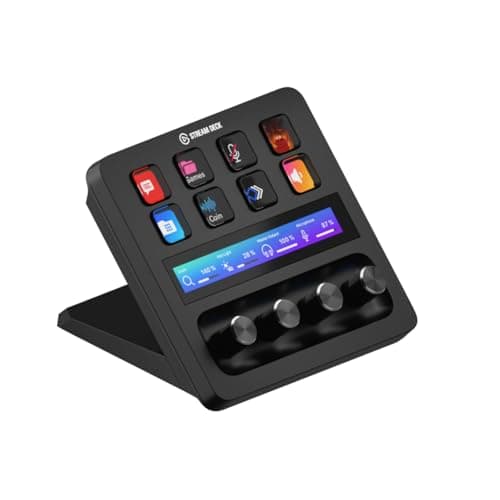
Peripherals · Buying Guide
Streaming from one PC needs no capture card. These six improve control, camera, light and mic placement.
12 min read
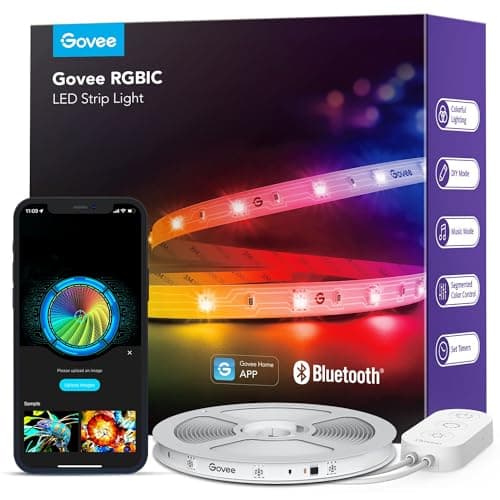
Peripherals · Buying Guide
Govee sells many near-identical strips. These six differ in length, control and whether the LEDs show as dots.
12 min read
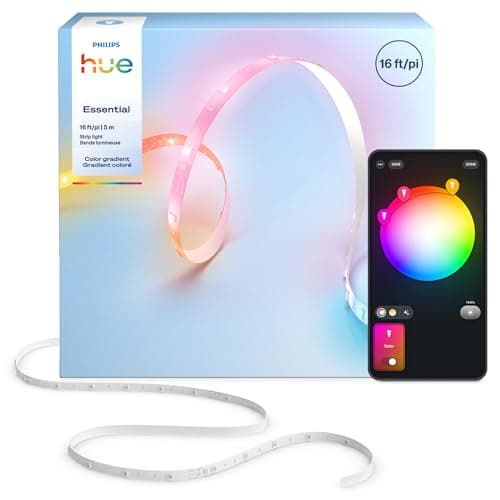
Peripherals · Buying Guide
RGB strips range from remote-controlled rolls to smart-home lights. These six cover both ends.
12 min read
Peripherals · Buying Guide
A first gaming setup needs a mouse, keyboard, headset and pad before anything else. These five cover them cheaply.
12 min read
Peripherals · Buying Guide
Good gaming gear is about fit and function, not color. These five suit smaller desks and hands without compromise.
12 min read
Peripherals · Buying Guide
The best gift is gear that fixes a real limit in a setup. These five each upgrade one part.
12 min read

Peripherals · Buying Guide
Desk accessories fix light, space and clutter. These six each solve one of those.
12 min read
Peripherals · Buying Guide
Upgrading one piece at a time works best. These six are strong choices for each part of a setup.
12 min read
Peripherals · Buying Guide
Beginner gear should be simple and cheap enough to replace once you know your preferences.
12 min read
Peripherals · Buying Guide
Each item here was listed under $100 at the time of writing, so any one fits a modest budget.
12 min read
Peripherals · Buying Guide
Beginner RGB should work without hubs or complex software. These five do.
12 min read
Peripherals · Buying Guide
Compare listed weight, battery life and polling rate; wireless mice now differ more in shape and power source than in speed.
12 min read
Peripherals · Buying Guide
Compare weight, switch ratings and button count; a cable removes battery weight and charging, so these trade on shape and feel.
12 min read
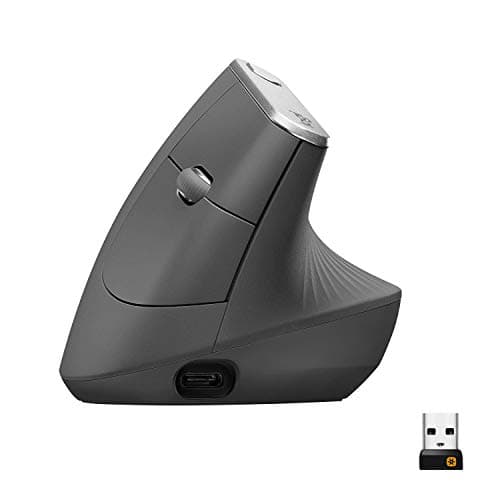
Peripherals · Buying Guide
Check the hand size and grip angle first; a vertical mouse that is too small or too large undoes the point of buying one.
12 min read
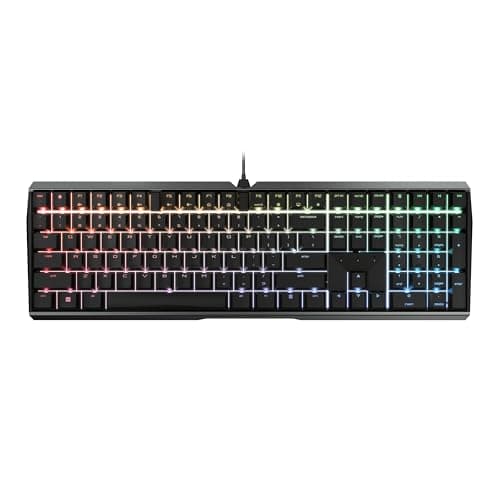
Peripherals · Buying Guide
Look for silent switches or listed dampening layers; lighting and polling matter less than how loudly each key bottoms out.
12 min read
Peripherals · Buying Guide
Check the microphone type and the connection first; under $50, those separate a useful headset from a noisy one.
12 min read
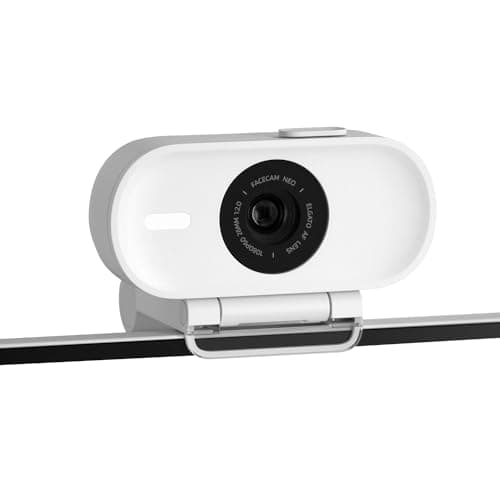
Peripherals · Buying Guide
Check the frame rate before the resolution; most streams go out at 1080p, so 60fps matters more than 4K30 for smooth motion.
12 min read
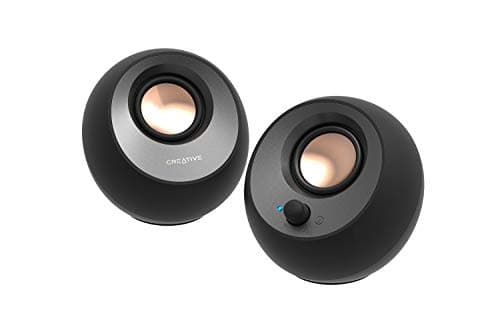
Peripherals · Buying Guide
Decide between USB-powered, bookshelf and 2.1 sets first; that choice sets the inputs, the desk space and how much bass you get.
12 min read
Peripherals · Buying Guide
Check what kind of lumbar support a chair lists: an adjustable or built-in support stays where you set it, a strap-on pillow does not.
12 min read
Peripherals · Buying Guide
Check which USB speed your computer supports first; a 2,000MB/s or 4,000MB/s drive only reaches its rating on a matching port.
12 min read
Peripherals · Buying Guide
Check the connection first: tri-mode sets add Bluetooth and a cable to the receiver, while single-receiver sets are simpler and cheaper.
12 min read
Peripherals · Buying Guide
Choose the Razer shape first, then weigh battery life and connection; sensor figures past 26K matter far less than fit.
12 min read
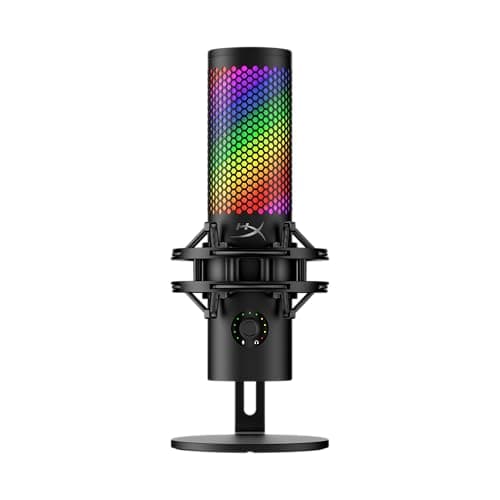
Peripherals · Buying Guide
Look for an easy mute and a way to get the mic close to your mouth; both matter more in game chat than headline sample rates.
12 min read
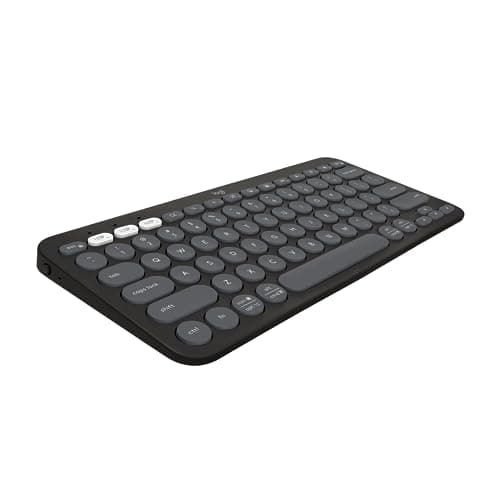
Peripherals · Buying Guide
Decide whether you need a number pad and how many devices you switch between; battery ratings differ by years, not days.
12 min read
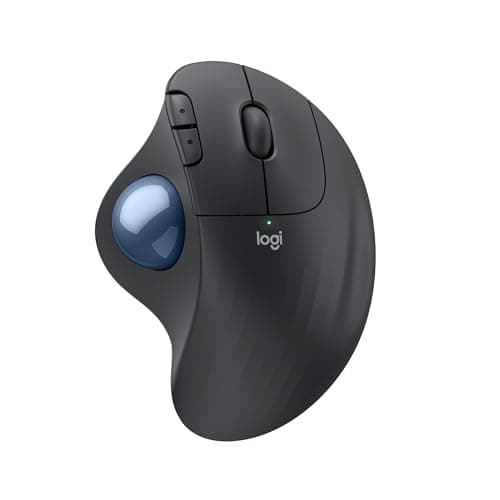
Peripherals · Buying Guide
If a vertical mouse feels too tall, a trackball or contoured mouse is the alternative; match the shape and hand size first.
12 min read
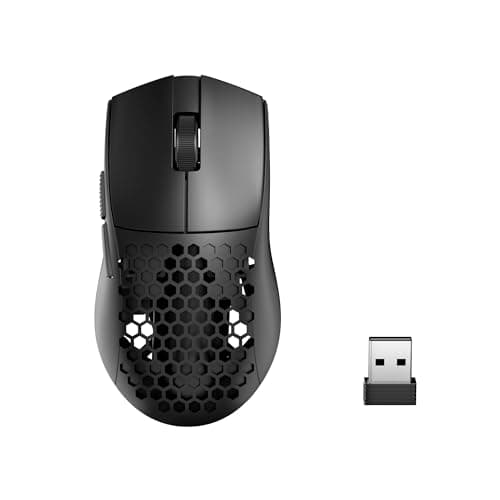
Peripherals · Buying Guide
A lighter wireless mouse takes less effort to start and stop, which helps with fast flicks in shooters.
12 min read
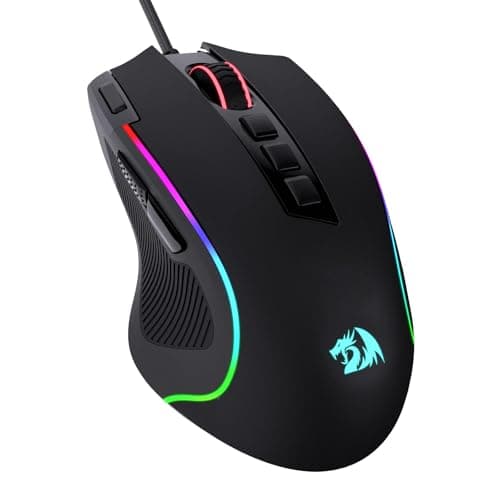
Peripherals · Buying Guide
An ergonomic gaming mouse is sculpted for one hand, usually the right, so the palm rests on a hump and the thumb sits in a groove.
12 min read
Peripherals · Buying Guide
Gaming mice differ most in shape, weight, connection and polling rate.
12 min read
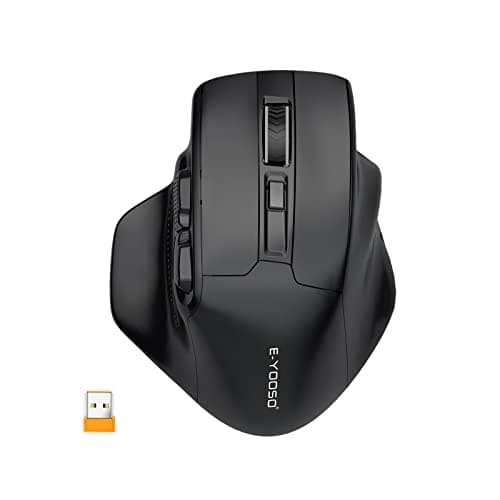
Peripherals · Buying Guide
Wireless gaming mice now match wired ones over a 2.4GHz dongle, so the choice comes down to price, battery and shape.
12 min read
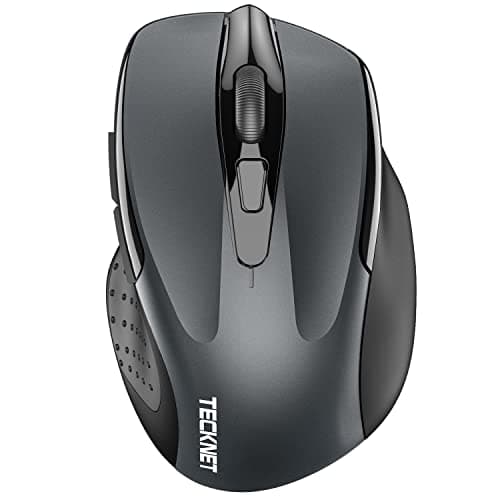
Peripherals · Buying Guide
For everyday computer use, a comfortable shape, a reliable connection and quiet clicks matter more than a high DPI figure.
12 min read
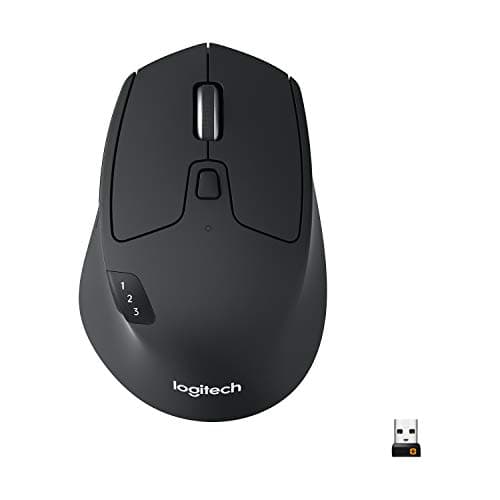
Peripherals · Buying Guide
Most Macs have few or no USB-A ports, so a Bluetooth mouse avoids adapters.
12 min read
Peripherals · Buying Guide
A MacBook Air has only USB-C ports, so a Bluetooth mouse is the simplest companion.
12 min read
Peripherals · Buying Guide
Any Bluetooth mouse works with a MacBook, but gestures and extra buttons depend on the maker's macOS software.
12 min read
Peripherals · Buying Guide
A wireless mouse for a Mac should pair over Bluetooth and ideally have macOS software for its buttons.
12 min read
Peripherals · Buying Guide
Logitech makes the widest range of ergonomic mice: vertical, trackball and sculpted designs.
12 min read
Peripherals · Buying Guide
An ergonomic wireless mouse changes the grip, with a vertical handshake, a thumb trackball or a sculpted shape, and removes the cable drag.
11 min read
Peripherals · Buying Guide
A laptop mouse should be compact enough to carry and connect without using the laptop's only spare port.
12 min read
Peripherals · Buying Guide
A wireless mouse frees the desk of a cable; the practical differences are battery life, connection type and shape.
12 min read
Peripherals · Buying Guide
Logitech's wireless mice run from basic receiver models to multi-device MX mice.
12 min read
Peripherals · Buying Guide
Logitech's wireless combos pair a keyboard and mouse on one receiver or over Bluetooth.
11 min read
Peripherals · Buying Guide
A wireless combo is the quickest way to equip a desk: one purchase, often one receiver.
12 min read
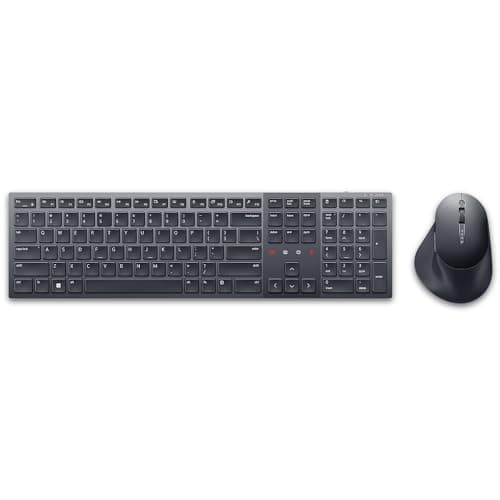
Peripherals · Buying Guide
Wireless keyboard and mouse sets range from basic receiver pairs to multi-device Bluetooth combos.
12 min read
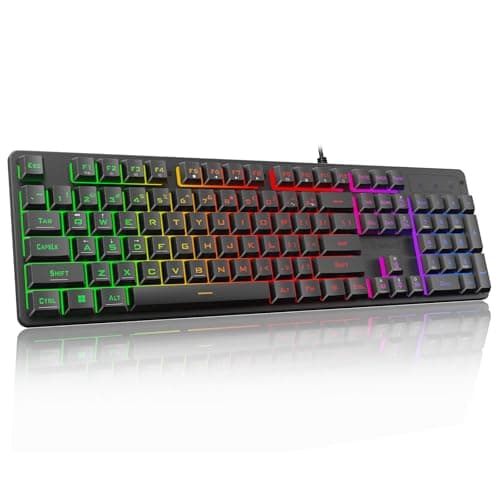
Peripherals · Buying Guide
Under $60, a gaming keyboard can still offer mechanical or magnetic switches, RGB and a compact layout.
12 min read
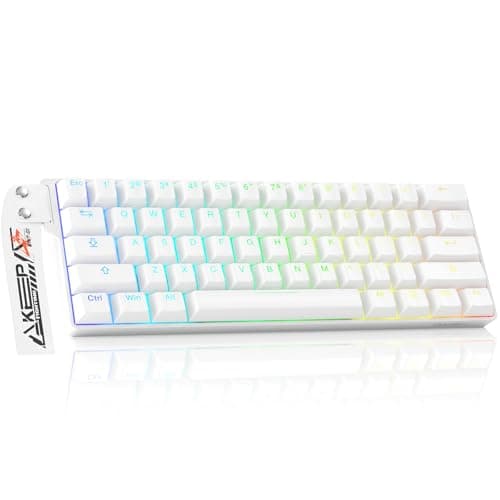
Peripherals · Buying Guide
A wired gaming keyboard never needs charging and usually costs less than a wireless twin.
12 min read
Peripherals · Buying Guide
A mechanical keyboard for a Mac should list macOS support, so the Command and Option keys map correctly.
12 min read
Peripherals · Buying Guide
For gaming, switch type, layout and connection matter more than extra lighting.
12 min read
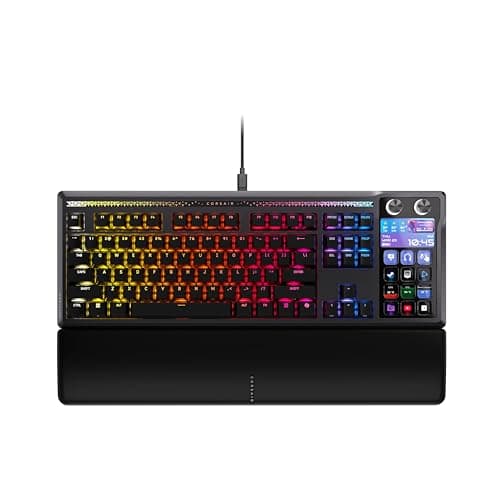
Peripherals · Buying Guide
Gaming keyboards now range from magnetic-switch boards with rapid trigger to budget mechanical ones.
12 min read
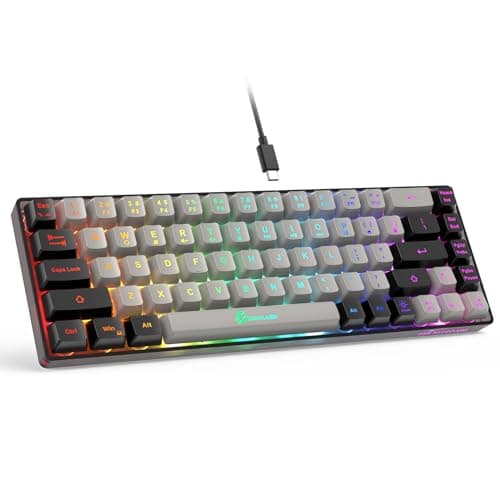
Peripherals · Buying Guide
A compact gaming keyboard frees desk space for wide mouse sweeps.
12 min read
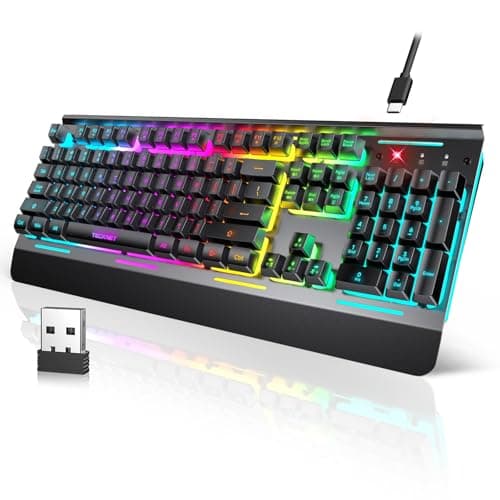
Peripherals · Buying Guide
Wireless gaming keyboards use a 2.4GHz dongle for low latency and often add Bluetooth for other devices.
12 min read
Peripherals · Buying Guide
A wireless mechanical keyboard keeps the switch feel without the cable.
12 min read
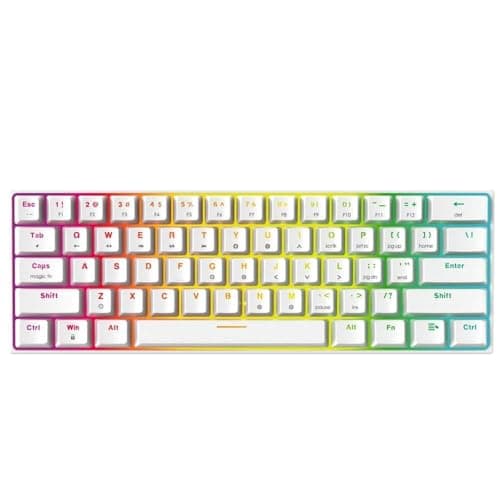
Peripherals · Buying Guide
Mechanical keyboards use a switch under every key, which gives a consistent feel and makes the switches replaceable on hot-swap boards.
12 min read
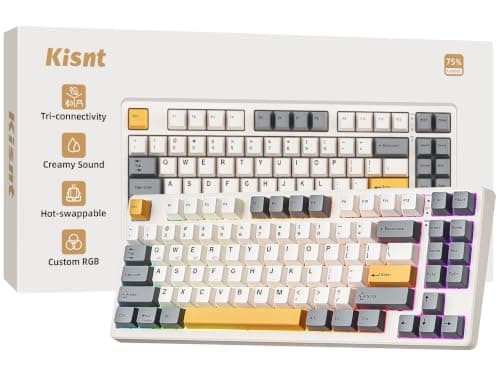
Peripherals · Buying Guide
A travel mechanical keyboard needs a small layout and a wireless connection.
12 min read
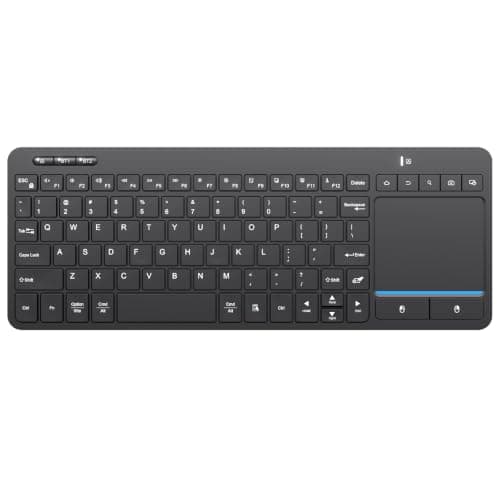
Peripherals · Buying Guide
A keyboard with a built-in touchpad controls a living-room PC or a small desk without a separate mouse.
12 min read
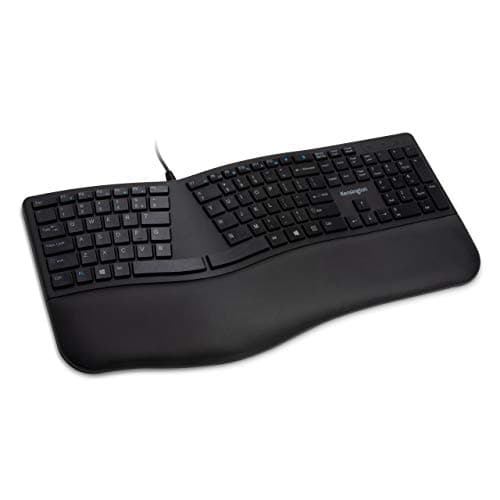
Peripherals · Buying Guide
An ergonomic keyboard angles or splits the keys and adds a palm rest to keep the wrists straighter.
11 min read
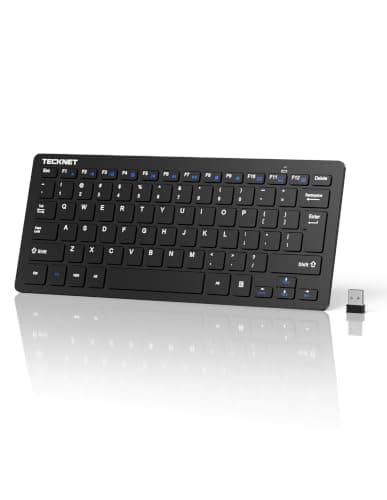
Peripherals · Buying Guide
For an everyday computer keyboard, the layout, key feel and connection matter most.
12 min read
Peripherals · Buying Guide
A wireless keyboard tidies the desk; battery life and multi-device switching separate the good ones.
12 min read
Peripherals · Buying Guide
An external keyboard lets you raise the laptop screen to eye level and type at a normal height.
12 min read
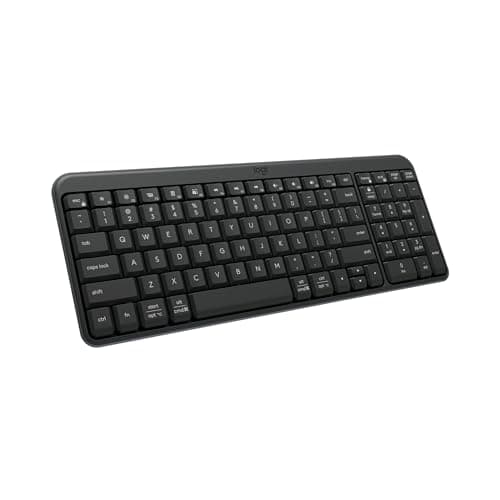
Peripherals · Buying Guide
Logitech's wireless keyboards run from slim Bluetooth boards to MX Keys models.
12 min read
Peripherals · Buying Guide
A wireless keyboard for a Mac should list macOS support and Mac key legends or a Mac layout.
12 min read
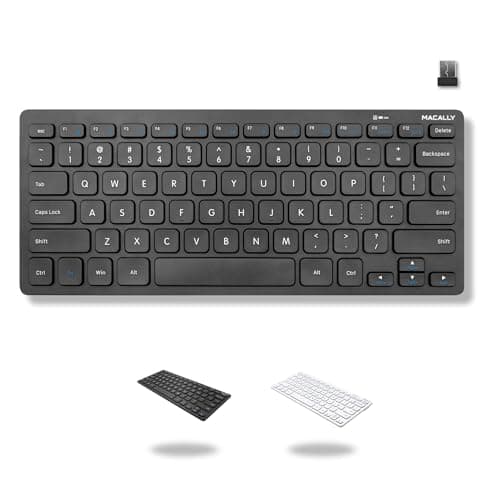
Peripherals · Buying Guide
Low-profile keys with short travel are easier to press with long nails than tall mechanical keycaps.
12 min read
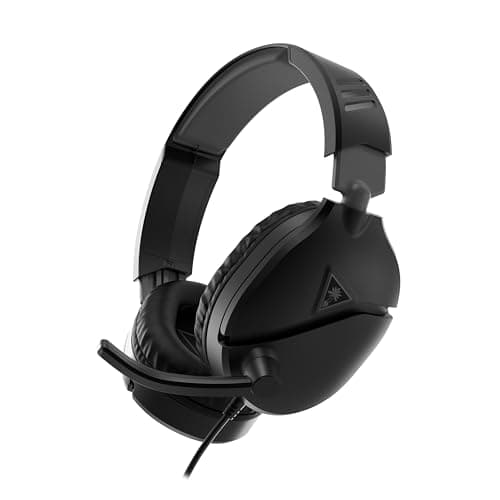
Peripherals · Buying Guide
A wired Xbox headset plugs into the controller's 3.5mm jack, so there is nothing to pair or charge.
11 min read
Peripherals · Buying Guide
A Bluetooth headset with a microphone covers calls on a phone and a laptop without a dongle.
12 min read
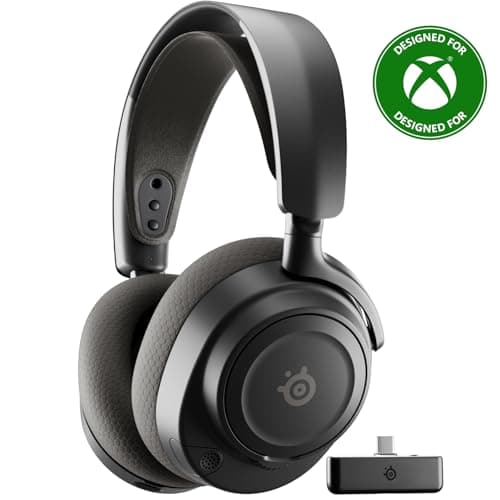
Peripherals · Buying Guide
Xbox consoles need Xbox Wireless support or a dongle version built for Xbox; standard PC dongles will not work.
12 min read
Peripherals · Buying Guide
A lighter headset puts less pressure on the top of your head over a long session.
12 min read
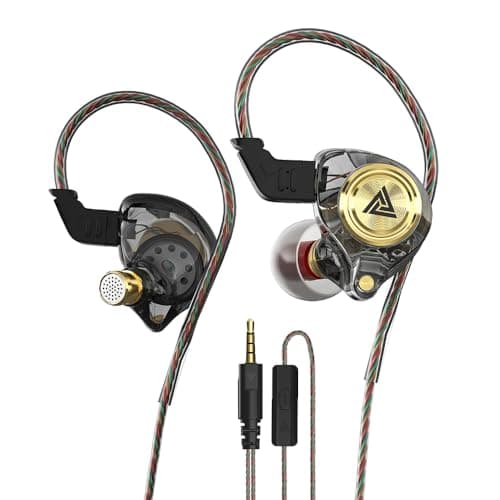
Peripherals · Buying Guide
Gaming earbuds and in-ear monitors trade the boom microphone for a lighter fit and passive noise isolation.
12 min read
Peripherals · Buying Guide
Bluetooth headphones with a microphone pair with a phone and a PC for calls and music.
12 min read
Peripherals · Buying Guide
A PC headset with a boom microphone gives clearer voice chat than a laptop's built-in mic.
12 min read
Peripherals · Buying Guide
A wireless PS5 headset connects through a USB dongle or Bluetooth.
11 min read

Peripherals · Buying Guide
Gaming headphones range from open-back audio headphones to headsets with boom mics.
12 min read
Peripherals · Buying Guide
Gaming headphones with a microphone cover voice chat without a separate mic.
12 min read
Peripherals · Buying Guide
Bluetooth headphones connect to phones, laptops and tablets without a dongle.
12 min read
Peripherals · Buying Guide
Microsoft's Xbox Wireless protocol lets licensed headsets connect straight to the console.
11 min read
Peripherals · Buying Guide
An Xbox headset needs either a 3.5mm plug for the controller or Xbox-specific wireless.
12 min read
Peripherals · Buying Guide
Wireless gaming headphones cut the cable to the desk; battery life and connection type decide how well they fit your setup.
12 min read
Peripherals · Buying Guide
An Xbox wireless headset must support Xbox Wireless or ship with an Xbox dongle.
11 min read
Peripherals · Buying Guide
A wired gaming headset needs no charging and works on PC and consoles through a 3.5mm or USB plug.
12 min read
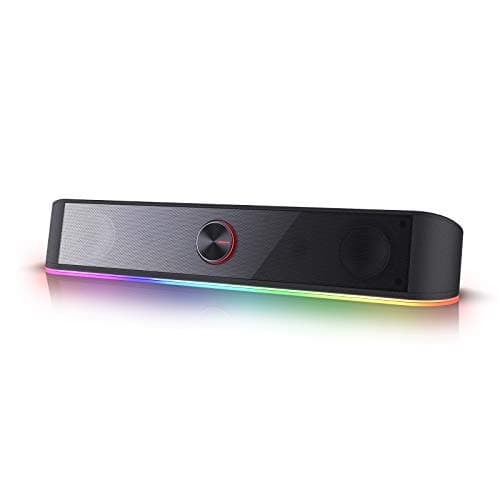
Peripherals · Buying Guide
Computer speakers range from USB-powered pairs to bookshelf sets and 2.1 systems with a subwoofer.
12 min read
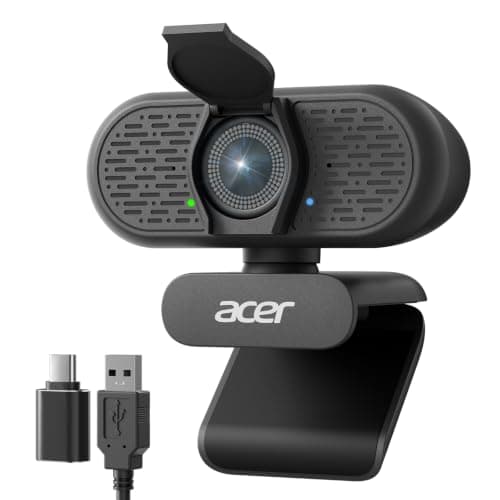
Peripherals · Buying Guide
A PC webcam should give clear 1080p video, reliable focus and a privacy cover.
12 min read
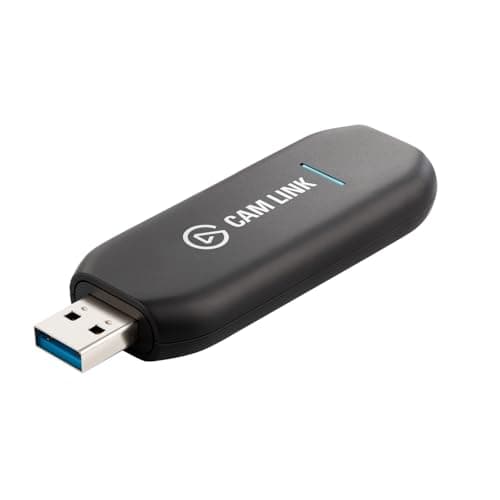
Peripherals · Buying Guide
A capture card brings a console or a camera's HDMI signal into your streaming PC.
11 min read
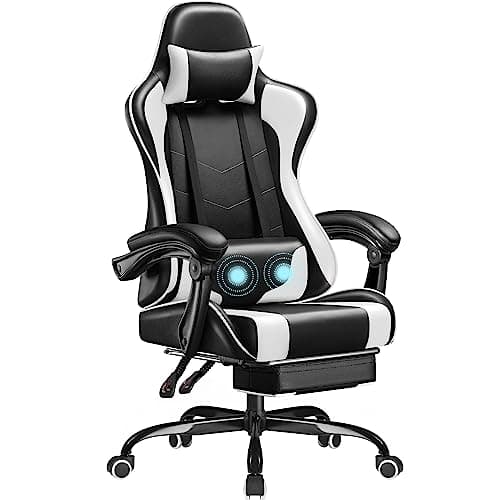
Peripherals · Buying Guide
A desk chair should adjust to your desk height and support your back through the day.
12 min read

Peripherals · Buying Guide
Back support comes from lumbar support that sits in the curve of your lower back and stays there.
12 min read
Peripherals · Buying Guide
Adjustable lumbar support lets you set the support to your own back rather than a fixed height.
12 min read
Peripherals · Buying Guide
Under $130, gaming chairs trade adjustment range for price.
12 min read
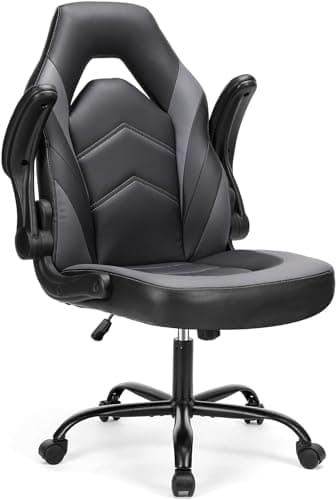
Peripherals · Buying Guide
In a small room, a chair that tucks under the desk saves floor space.
11 min read
Peripherals · Buying Guide
A small desk chair should roll fully under the desk when not in use.
12 min read
Peripherals · Buying Guide
Desk chairs range from mesh office chairs to reclining gaming chairs.
12 min read
Peripherals · Buying Guide
A home office chair should stay cool through a workday and fit the room.
12 min read
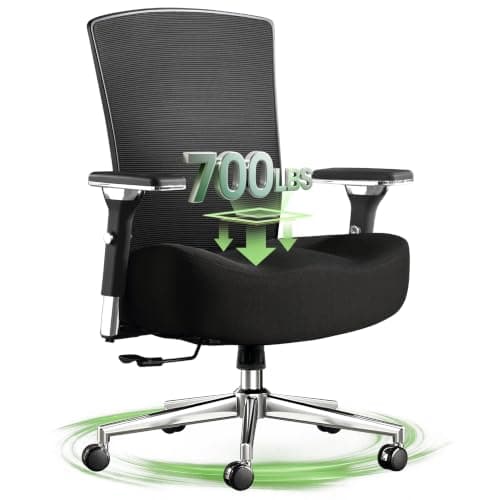
Peripherals · Buying Guide
Most desk chairs roll on casters; the frame and weight rating decide how well they hold up.
12 min read
Peripherals · Buying Guide
For long hours, adjustable armrests and lumbar support matter more than styling.
11 min read
Peripherals · Buying Guide
Persistent back pain needs a clinician's advice; a chair with good lumbar support can help your posture.
12 min read
Peripherals · Buying Guide
An ergonomic home office chair combines adjustable lumbar support with a breathable back.
11 min read
Peripherals · Buying Guide
Ergonomic desk chairs adjust to you: lumbar support, armrests and seat height.
11 min read
Peripherals · Buying Guide
Gaming chairs add deep recline and bucket seats to a desk chair.
12 min read
Peripherals · Buying Guide
An ergonomic office chair pairs a breathable mesh back with lumbar support.
11 min read
Peripherals · Buying Guide
On carpet, a chair mat needs grips or cleats on the underside and enough stiffness to let casters roll.
11 min read
Peripherals · Buying Guide
A chair mat stops casters sinking into carpet and wearing a track.
11 min read
Peripherals · Buying Guide
A gaming mouse pad should give room for low-sensitivity sweeps and a consistent surface.
12 min read
Peripherals · Buying Guide
Mouse pads range from small cloth pads to desk-length mats and glass surfaces.
12 min read
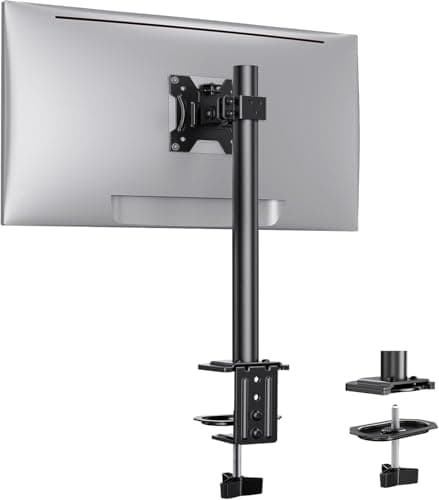
Peripherals · Buying Guide
A desk monitor mount frees the space under the screen and lets you set its height.
12 min read
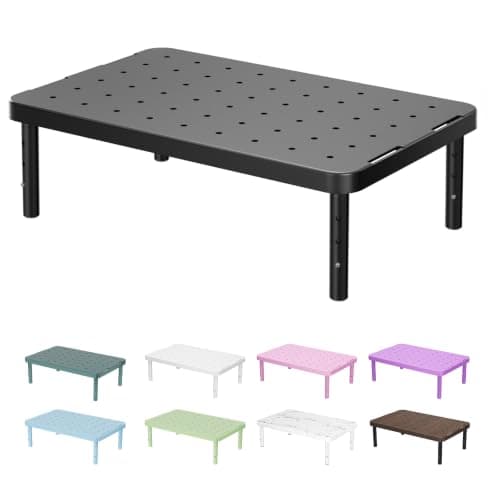
Peripherals · Buying Guide
A monitor stand raises the screen toward eye level and can add storage underneath.
11 min read
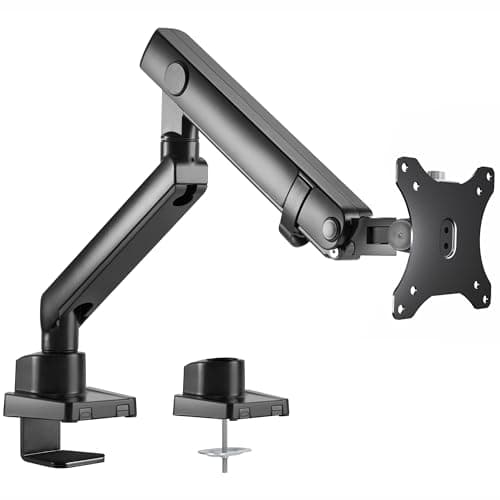
Peripherals · Buying Guide
An ergonomic monitor stand adjusts height, tilt and swivel so the screen meets your eyes.
12 min read
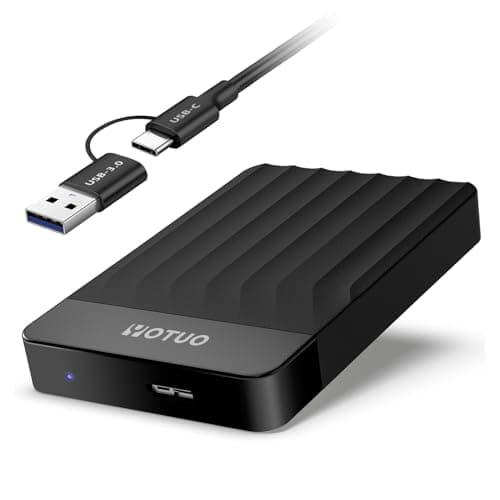
Peripherals · Buying Guide
External storage for a Mac should connect over USB-C and be formatted for macOS or exFAT.
12 min read
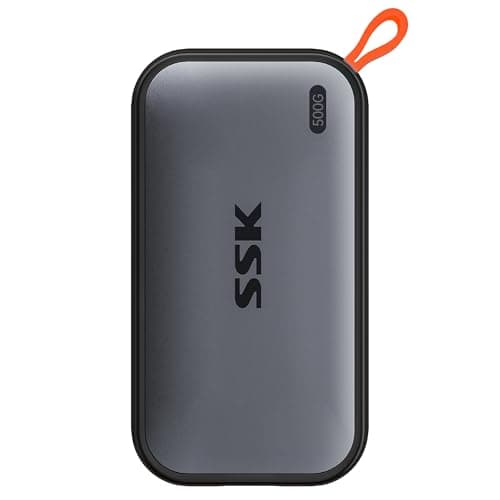
Peripherals · Buying Guide
A MacBook Air has limited internal storage and only USB-C ports, so a USB-C SSD is the natural add-on.
12 min read
Peripherals · Buying Guide
Portable SSDs are faster and tougher than hard drives because they have no moving parts.
12 min read
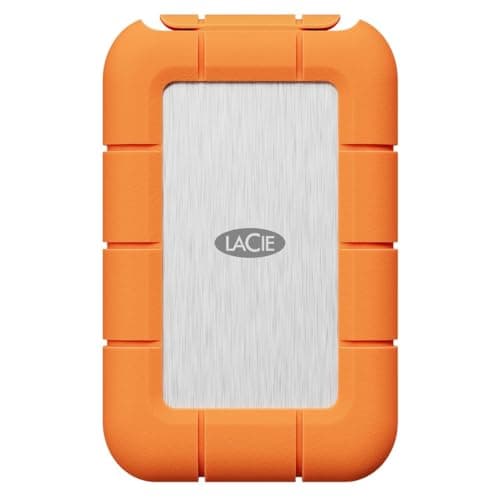
Peripherals · Buying Guide
An external SSD holds a game library for a PC or console and loads faster than a hard drive.
12 min read
Peripherals · Buying Guide
Photo libraries grow fast, so capacity per dollar favors hard drives.
11 min read
Peripherals · Buying Guide
Time Machine works with any external drive you format for it; a hard drive gives the most space for the money.
12 min read
Peripherals · Buying Guide
A Time Machine backup drive needs space for many snapshots.
11 min read
Peripherals · Buying Guide
For Mac backups, pick a drive large enough for your data several times over.
12 min read
Peripherals · Buying Guide
A USB-C SSD gives a Mac fast extra storage for projects and libraries.
12 min read
Peripherals · Buying Guide
A hard drive is the cheapest way to keep full Mac backups.
11 min read
Peripherals · Buying Guide
Most Macs cannot take a new internal SSD, so an external USB-C SSD is the practical upgrade.
12 min read
Peripherals · Buying Guide
External hard drives offer the most space for the money for backups and archives.
11 min read
Peripherals · Buying Guide
A laptop drive should be bus-powered and small enough to carry.
12 min read
Peripherals · Buying Guide
An external hard drive adds space for a PC's backups, media and game archives.
11 min read
Peripherals · Buying Guide
Any external drive works with a Mac once formatted for macOS.
12 min read
Peripherals · Buying Guide
Portable hard drives run from USB power and hold several terabytes.
12 min read
Peripherals · Buying Guide
A backup drive should hold everything you need to restore, with room to grow.
12 min read
Peripherals · Buying Guide
Some external drives bundle cloud backup or photo software.
12 min read
Peripherals · Buying Guide
Under $150 you can choose between a USB microphone that plugs straight into the PC and an XLR microphone that needs an interface.
12 min read
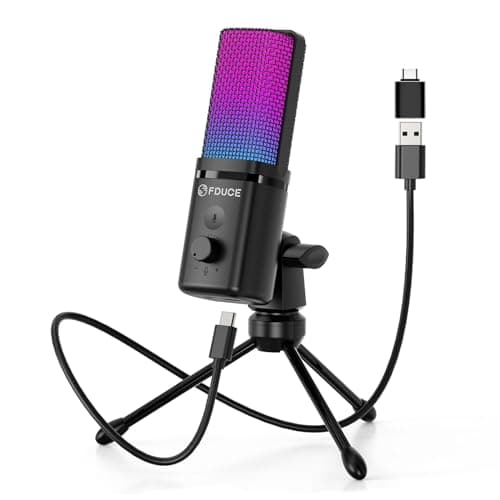
Peripherals · Buying Guide
Under $50, a USB microphone with a cardioid pattern is a clear upgrade over a headset mic.
12 min read
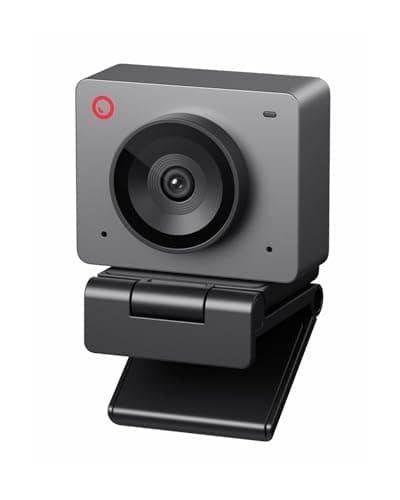
Peripherals · Buying Guide
Under $100, a streaming webcam can still reach 1080p at 60fps with autofocus.
12 min read
Peripherals · Buying Guide
Between $100 and $150, mechanical keyboards add wireless, hot-swap sockets, gasket mounts or magnetic switches.
12 min read
Peripherals · Buying Guide
Under $100, gaming keyboards now include magnetic switches with rapid trigger as well as budget mechanical boards.
12 min read
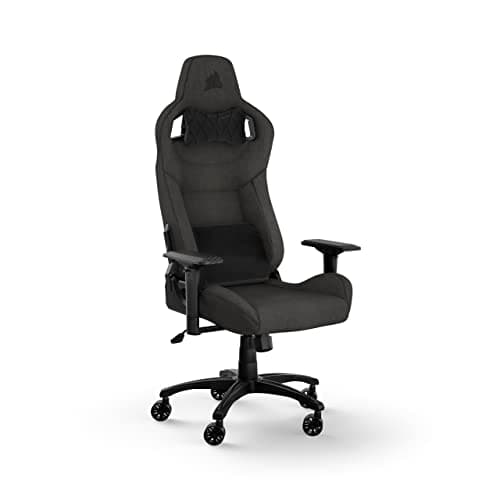
Peripherals · Buying Guide
Between $150 and $300, gaming chairs gain better armrests, built-in or adjustable lumbar support and higher weight ratings.
12 min read
Peripherals · Buying Guide
Under $50, wireless gaming mice usually run on 2.4GHz dongles and some add Bluetooth.
12 min read
Peripherals · Buying Guide
Broadcast microphones are usually dynamic, which rejects room noise and suits speaking close to the mic.
12 min read
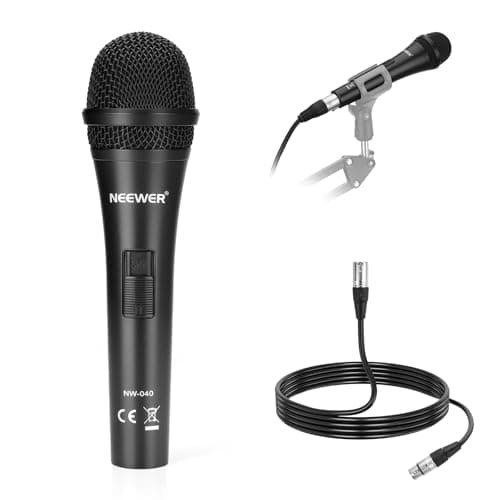
Peripherals · Buying Guide
Dynamic microphones pick up less of the room, which helps when two hosts share a table.
12 min read
Peripherals · Buying Guide
An XLR microphone plugs into an audio interface or mixer, which adds gain control and room to upgrade later.
12 min read
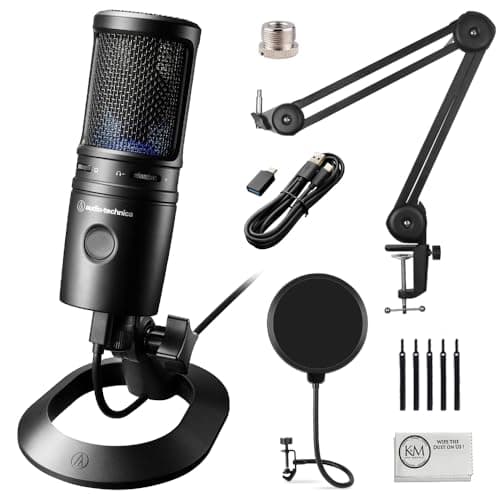
Peripherals · Buying Guide
USB condenser microphones capture detail and plug straight into a PC, but they also hear more of the room.
12 min read
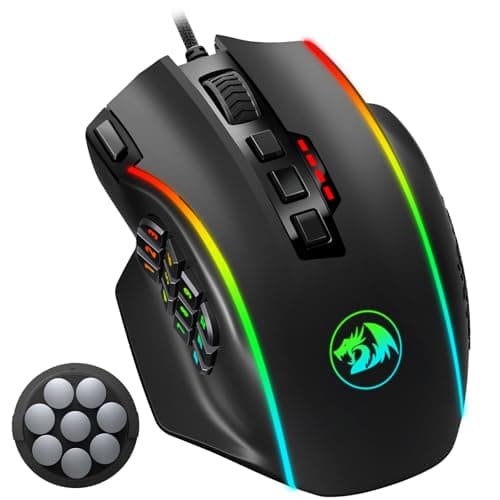
Peripherals · Buying Guide
Side buttons put reload, push-to-talk or browser back within thumb reach.
12 min read
Peripherals · Buying Guide
Ergonomic gaming mice are sculpted for one hand so the palm rests on the shell.
12 min read
Peripherals · Buying Guide
Lightweight gaming mice at 60g or less take less effort to flick and stop.
12 min read
Peripherals · Buying Guide
Low-profile mechanical keyboards shorten the switches and keycaps, so your wrists sit lower without a wrist rest.
11 min read
Peripherals · Buying Guide
Magnetic (Hall effect) switches measure how far a key is pressed, so you can set the actuation point and use rapid trigger.
12 min read
Peripherals · Buying Guide
Hall effect keyboards sense key position with magnets instead of metal contacts.
11 min read

Peripherals · Buying Guide
A detachable microphone lets a gaming headset double as everyday headphones.
12 min read
Peripherals · Buying Guide
A 2.4GHz dongle gives lower delay than Bluetooth, which matters in games.
12 min read
Peripherals · Buying Guide
1080p at 60fps gives smooth motion on stream without the bandwidth of 4K.
12 min read
Peripherals · Buying Guide
Autofocus keeps you sharp as you lean in or hold up an object; phase-detect (PDAF) is the fastest type.
12 min read

Peripherals · Buying Guide
A 4K webcam gives room to crop and zoom while still sending a sharp 1080p stream.
12 min read
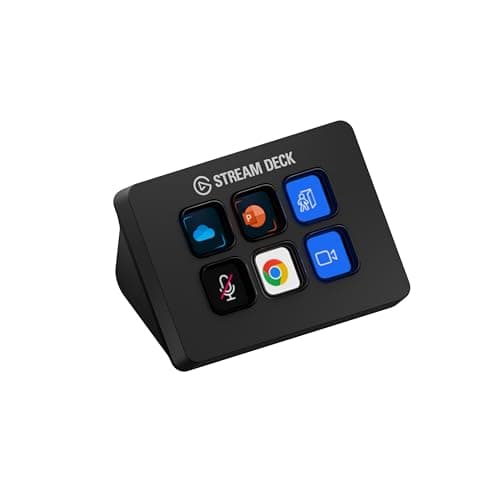
Peripherals · Buying Guide
A stream controller puts scene changes, mutes and macros on physical keys.
11 min read
Peripherals · Buying Guide
A 4K capture device brings a 4K HDMI source into your PC.
12 min read
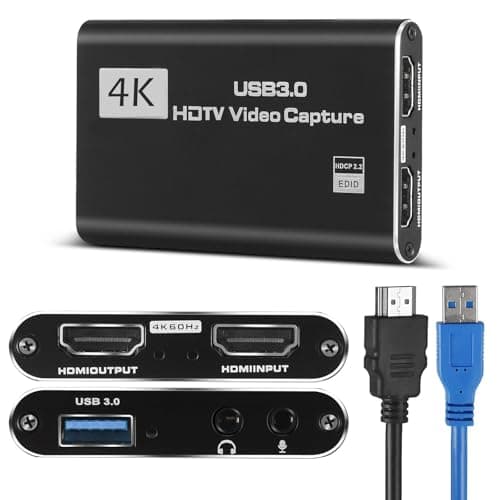
Peripherals · Buying Guide
Under $50, USB capture cards record 1080p at 60fps from a console or camera, and some pass the signal through to a TV.
12 min read
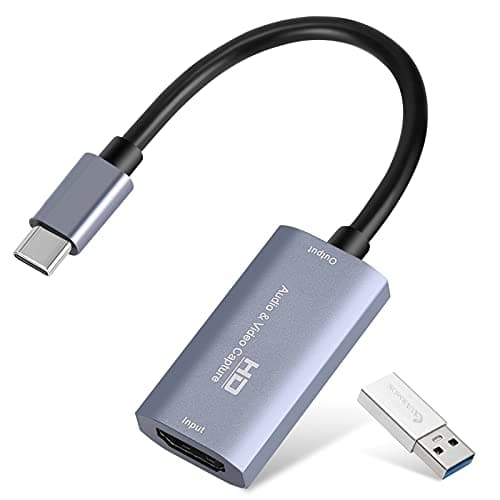
Peripherals · Buying Guide
A USB-C capture card connects straight to a modern laptop without an adapter.
11 min read
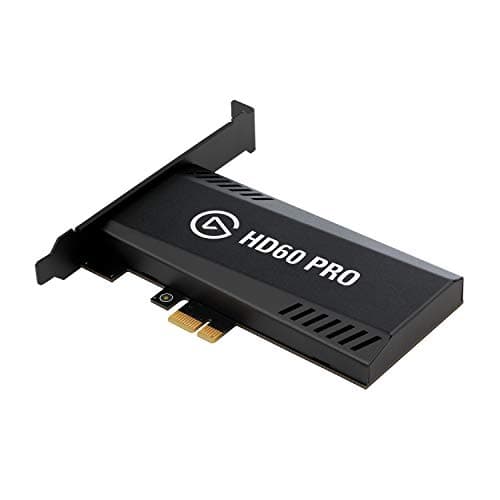
Peripherals · Buying Guide
An internal PCIe capture card sits in a desktop's expansion slot, freeing a USB port and cutting cable clutter.
12 min read
Peripherals · Buying Guide
An audio interface connects an XLR microphone to the PC and gives you a gain knob and headphone monitoring.
12 min read
Peripherals · Buying Guide
A key light is the main light on your face; a soft, adjustable panel fixes more webcam problems than a new camera.
12 min read
Peripherals · Buying Guide
A green screen lets streaming software replace the background cleanly.
12 min read
Peripherals · Buying Guide
A camera mount lifts a webcam or camera off the monitor, so you can frame the shot from above or the side.
12 min read
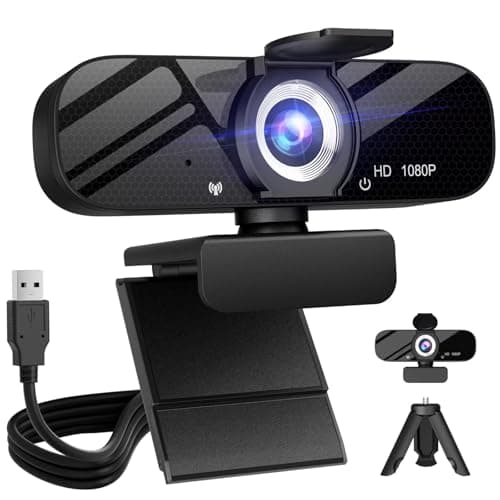
Peripherals · Buying Guide
A webcam with a tripod can sit on the desk, a shelf or beside the monitor instead of clipping to the screen.
12 min read
Peripherals · Buying Guide
A webcam with a built-in ring light brightens your face without a separate lamp.
11 min read
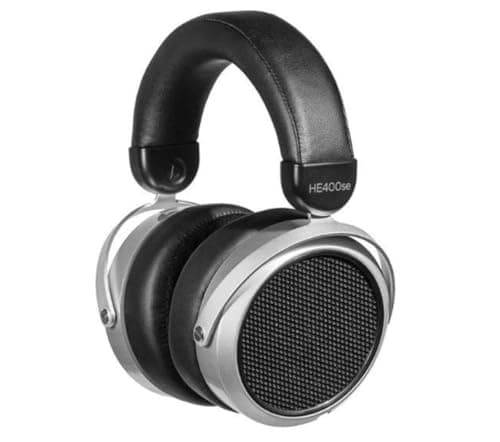
Peripherals · Buying Guide
Planar magnetic headphones drive a thin diaphragm across its whole surface, which gives fast, detailed sound.
12 min read
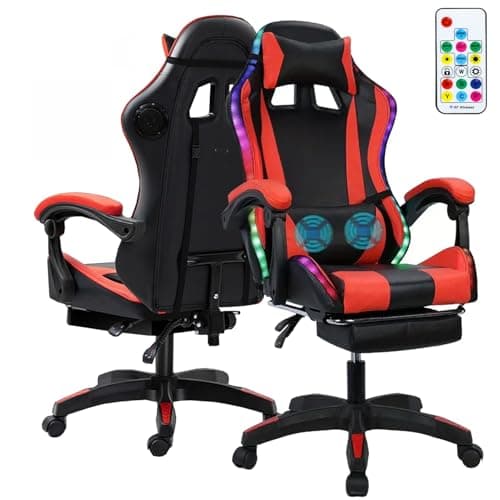
Peripherals · Buying Guide
Gaming chairs with built-in speakers put sound right behind your head without a desk speaker.
12 min read
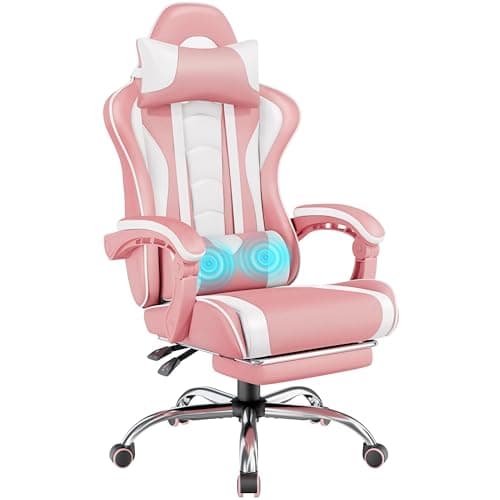
Peripherals · Buying Guide
A white gaming chair suits a white desk setup.
12 min read
Peripherals · Buying Guide
Anyone can sit in any chair; this list covers the pink and pastel gaming chairs people often look for under this search.
12 min read
Peripherals · Buying Guide
RGB gaming speakers add lighting that can match a keyboard and mouse.
11 min read
Peripherals · Buying Guide
USB-powered speakers run from the PC with no wall adapter.
11 min read
Peripherals · Buying Guide
Bluetooth PC speakers also play music from a phone or tablet.
12 min read
Peripherals · Buying Guide
A 2.1 set adds a separate subwoofer for bass that small desk speakers cannot reach.
11 min read
Peripherals · Buying Guide
Budget external SSDs still beat hard drives for speed and toughness.
12 min read
Peripherals · Buying Guide
Rugged portable SSDs add drop, dust or water ratings for field work.
12 min read
Peripherals · Buying Guide
The PS5 can store and play PS4 games from an external USB drive, and store PS5 games there to move back internally.
12 min read
Peripherals · Buying Guide
4D armrests move up, down, forward, back and pivot, so they fit a desk and a keyboard position.
11 min read
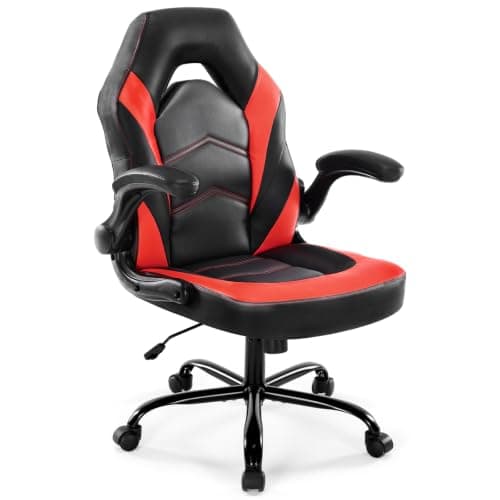
Peripherals · Buying Guide
Rocking gaming chairs let you lean back and forth during breaks.
11 min read
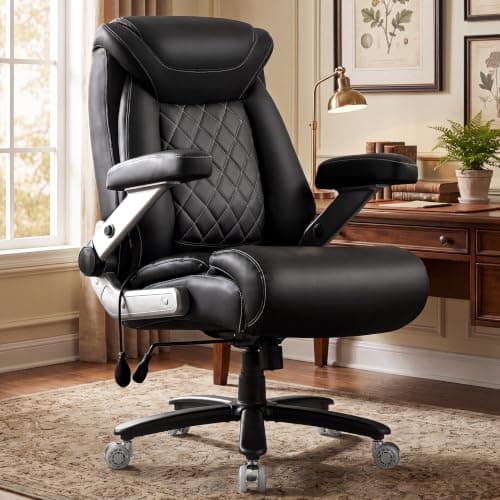
Peripherals · Buying Guide
Taller users need a higher seat, a taller backrest and a seat deep enough to support the thighs.
12 min read
Peripherals · Buying Guide
A headrest or neck pillow supports your head when you recline.
12 min read
Peripherals · Buying Guide
Gaming recliners lean back to 150 degrees or more for breaks and films.
12 min read
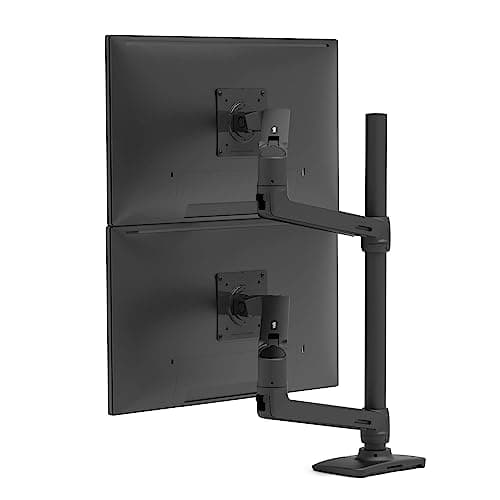
Peripherals · Buying Guide
Premium monitor arms add smoother gas springs, higher weight limits and cable routing.
12 min read
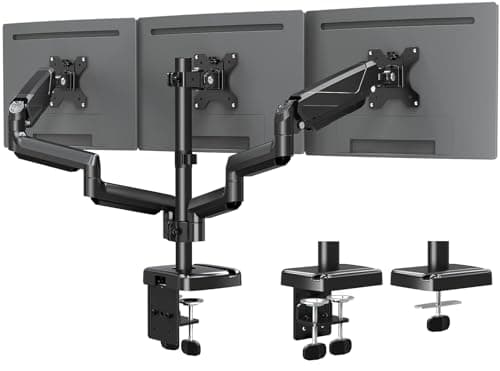
Peripherals · Buying Guide
Triple monitor arms hold three screens on one clamp.
12 min read
Peripherals · Buying Guide
Ultrawide monitors are heavy and wide, so the arm needs a high weight limit.
11 min read
Peripherals · Buying Guide
For video calls, clear 1080p, good auto exposure and a privacy cover matter most.
12 min read
Peripherals · Buying Guide
YouTube recordings benefit from 4K for cropping and sharper detail.
12 min read
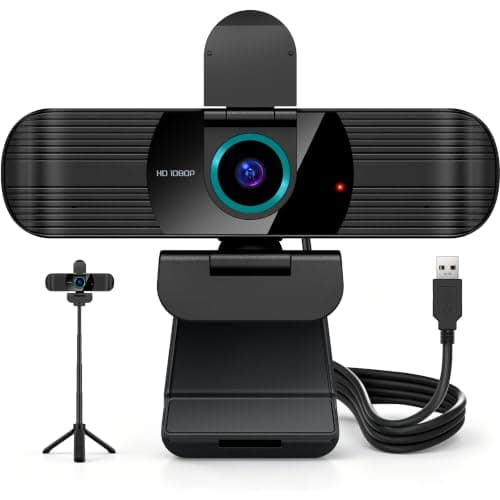
Peripherals · Buying Guide
Video podcasts need a camera that holds focus as you lean toward the mic.
12 min read
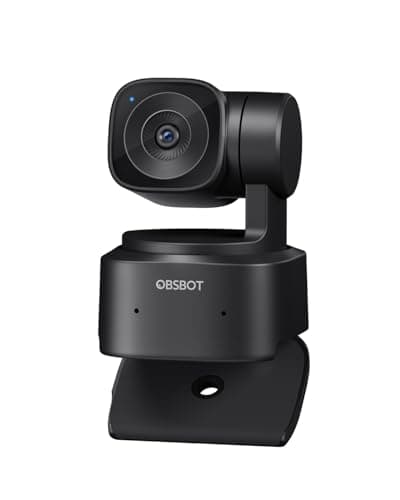
Peripherals · Buying Guide
In a large room, the camera needs tracking, framing or zoom to keep people in view.
12 min read
Peripherals · Buying Guide
In a small room, a compact 1080p camera is enough and a wide view shows too much background.
12 min read
Peripherals · Buying Guide
Esports streams run at a high frame rate, so a smooth camera matches the gameplay.
12 min read
Peripherals · Buying Guide
Above $150, webcams add larger sensors, 4K60, PDAF and AI tracking.
11 min read
Peripherals · Buying Guide
Between $100 and $200, gaming chairs add better lumbar support, footrests and higher weight ratings.
12 min read
Peripherals · Buying Guide
A footrest makes a reclined chair usable for resting between sessions.
12 min read
Peripherals · Buying Guide
Above $300, gaming chairs gain better armrests, sturdier frames and adjustable lumbar support.
11 min read
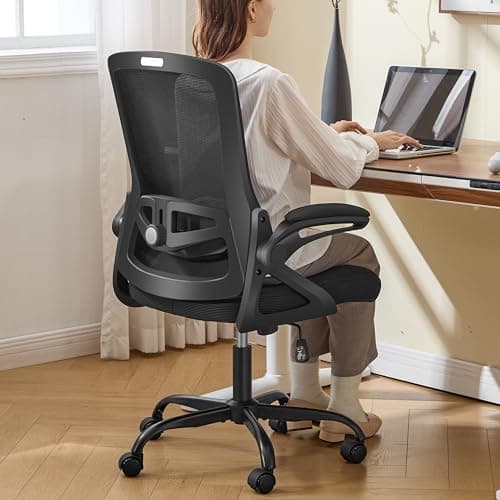
Peripherals · Buying Guide
A high weight rating is only useful when the base, cylinder and seat width match it.
12 min read
Peripherals · Buying Guide
Massage pillows in gaming chairs are small vibration pads, not massage chairs, so treat them as a comfort extra.
12 min read
Peripherals · Buying Guide
Long coding sessions call for breathable mesh and armrests that support your forearms at the keyboard.
12 min read
Peripherals · Buying Guide
A first gaming chair should cover the basics: height adjustment, lumbar support and a stable base.
12 min read
Peripherals · Buying Guide
Under $100, comfort and the microphone matter more than surround sound modes.
12 min read
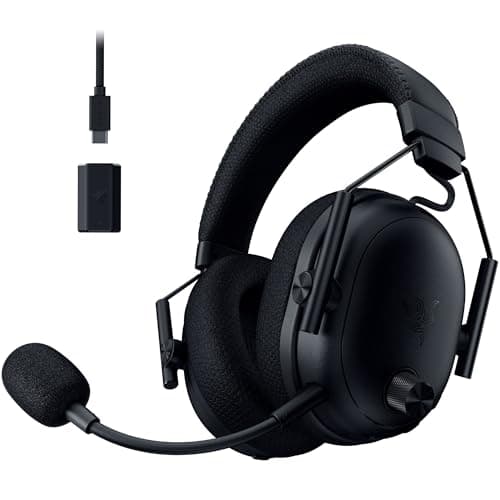
Peripherals · Buying Guide
Active noise cancellation helps in a loud room or shared space, and it costs battery life.
11 min read
Peripherals · Buying Guide
Earbuds are lighter than a headset for long sessions, but the mic sits far from your mouth.
11 min read
Peripherals · Buying Guide
Programmers type all day, so a comfortable layout and quiet, consistent keys count more than lighting.
12 min read
Peripherals · Buying Guide
Under $50, mechanical keyboards give up wireless and premium keycaps but keep real switches.
12 min read

Peripherals · Buying Guide
Under $50, a wired mouse avoids paying for a battery and wireless link, so the money goes to the sensor and shape.
12 min read
Peripherals · Buying Guide
A single arm frees desk space and lets you set the screen at eye level.
12 min read
Peripherals · Buying Guide
Shorter people need a low minimum seat height so their feet reach the floor.
12 min read
Peripherals · Buying Guide
The PS5 outputs over HDMI, so a capture card needs HDMI passthrough to keep your TV or monitor lag-free.
12 min read
Peripherals · Buying Guide
Creators need a webcam that holds focus while they move and records in 4K for cropping.
11 min read
Peripherals · Buying Guide
Music production needs speakers with a flat response so mixes translate to other systems.
12 min read
Peripherals · Buying Guide
A 65% board drops the function row and number pad but keeps the arrow keys, which suits gaming and coding alike.
12 min read
Peripherals · Buying Guide
A 75% layout keeps the function row and arrow keys in a compact footprint.
12 min read
Peripherals · Buying Guide
A small built-in screen can show battery, connection or custom images without opening software.
11 min read
Peripherals · Buying Guide
A home office keyboard should switch between a work laptop and a personal PC and stay quiet on calls.
12 min read
Peripherals · Buying Guide
A mouse that runs for months on one battery removes a small but regular annoyance.
12 min read
Peripherals · Buying Guide
Higher polling rates report movement more often, which trims input delay in fast shooters.
12 min read
Peripherals · Buying Guide
Editing on large or high-resolution screens benefits from a precise sensor and programmable buttons for shortcuts.
12 min read
Peripherals · Buying Guide
Virtual surround and spatial audio help place footsteps and effects around you in games.
12 min read
Peripherals · Buying Guide
Editing audio for video calls for accurate, uncoloured sound more than game-tuned bass.
12 min read
Peripherals · Buying Guide
Built-in or adjustable lumbar support stays in place better than a loose pillow.
12 min read
Peripherals · Buying Guide
In a small room, flip-up armrests let a chair slide fully under the desk when you're done.
12 min read
Peripherals · Buying Guide
RGB chairs add lighting strips, often with speakers, for a themed setup.
11 min read
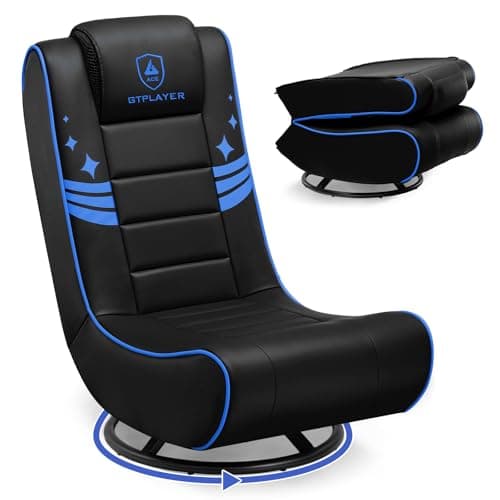
Peripherals · Buying Guide
Folding floor chairs store flat when you're done, which suits a shared room.
11 min read
Peripherals · Buying Guide
A desktop soundbar fits under a monitor and runs from USB or 3.5mm without a TV connection.
11 min read
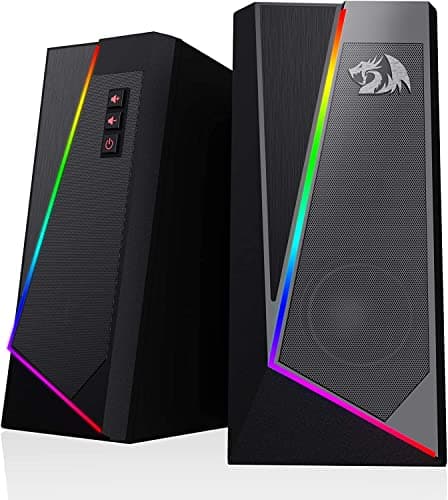
Peripherals · Buying Guide
Compact speakers fit beside a monitor on a small desk.
12 min read