
Upgrades
Which PC upgrade should you make first?
Record your current parts and the slowdown you see first, so the upgrade you buy addresses the real limit.
6 min read
Topic
Decide which change solves the problem in your existing PC.
Upgrades
Record your current parts and the slowdown you see first, so the upgrade you buy addresses the real limit.
6 min read
Upgrades
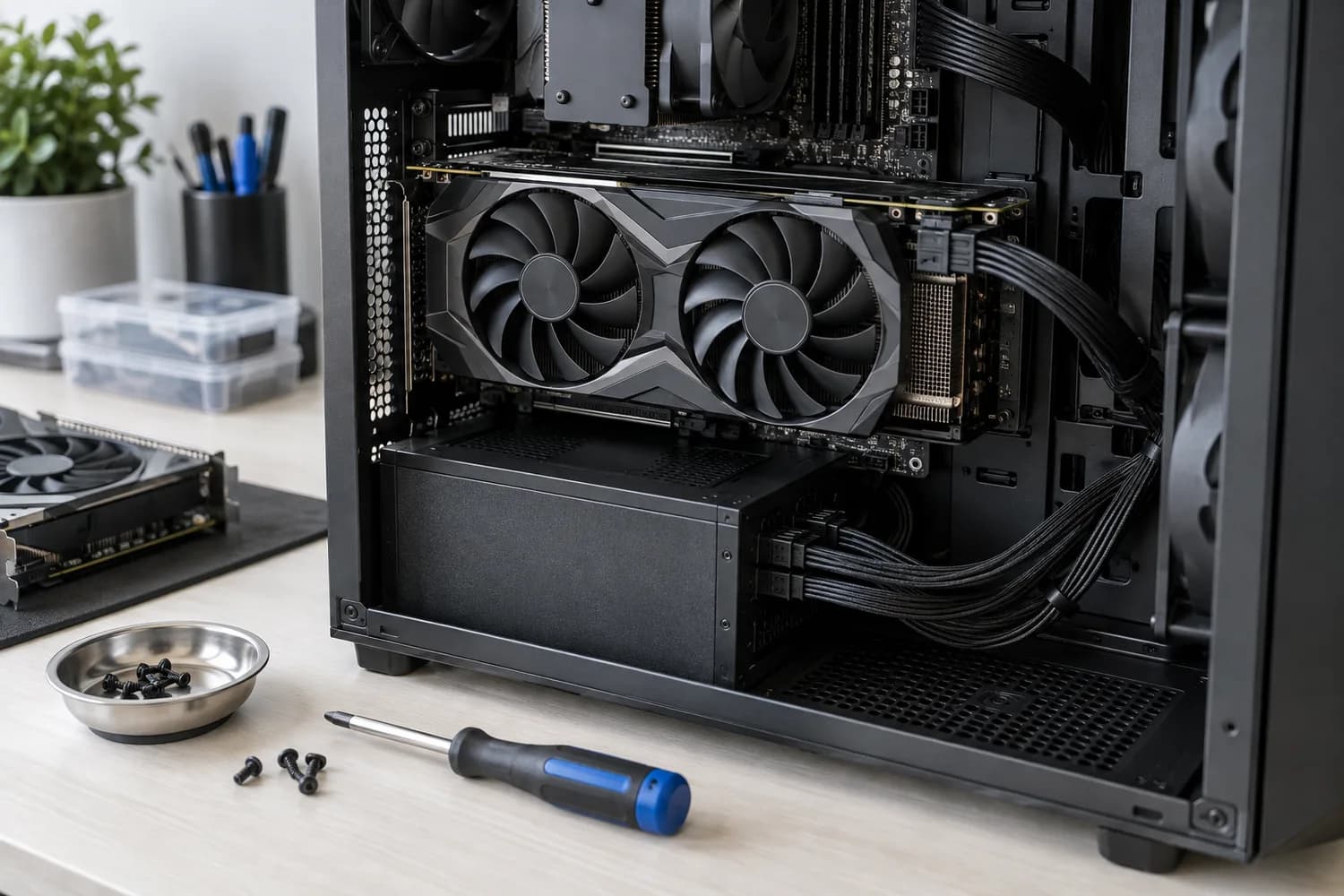
Check whether a new card fits your case, gets the power connectors it needs and addresses the problem you actually see.
6 min read
Upgrades
Measure the workload first: CPU limits show up differently from GPU limits, and the right upgrade depends on resolution and software.
11 min read
Upgrades
Separate no power, no POST, and no operating-system boot, then test the minimum hardware configuration one change at a time.
11 min read
Upgrades
Confirm monitor input and cable first, then check GPU output, RAM seating, POST indicators, and integrated graphics availability.
11 min read
Upgrades
Verify the temperature reading and workload, then inspect dust, airflow, fan/pump operation, cooler mounting, and power settings.
11 min read
Document the current system.
Name the bottleneck or symptom.
Account for supporting parts and total cost.