
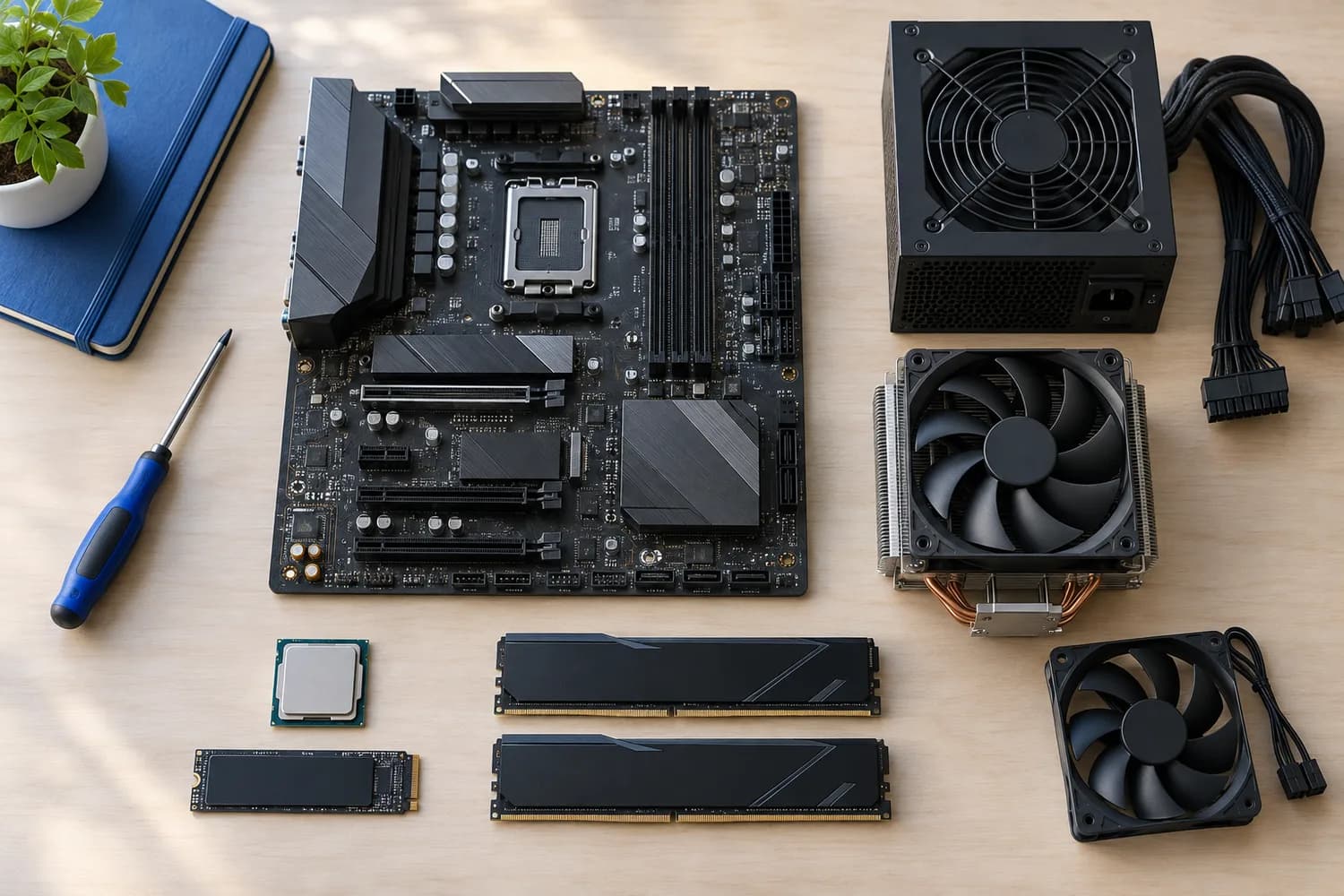
Components
A practical checklist for choosing PC components
What each part is responsible for, and the support lists, slot configurations and clearances to check for each one.
8 min read
Topic
CPUs, graphics cards, motherboards, memory, storage, power supplies, cases and cooling.
Components
What each part is responsible for, and the support lists, slot configurations and clearances to check for each one.
8 min read
Components
Confirm form factor, case length and the exact connectors your motherboard and graphics card require.
5 min read
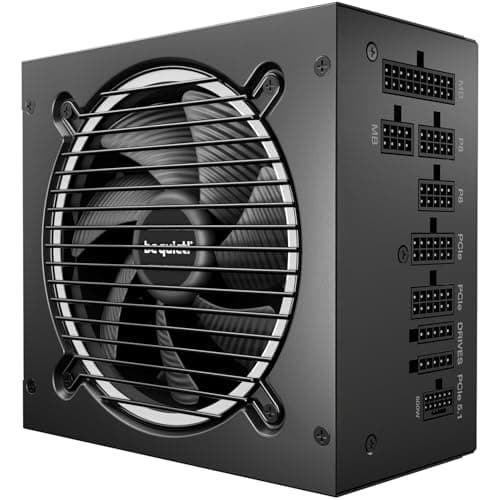
Components · Buying Guide
Compare connector counts, unit depth and measured noise before you choose. Wattage is rarely what rules a unit out.
10 min read
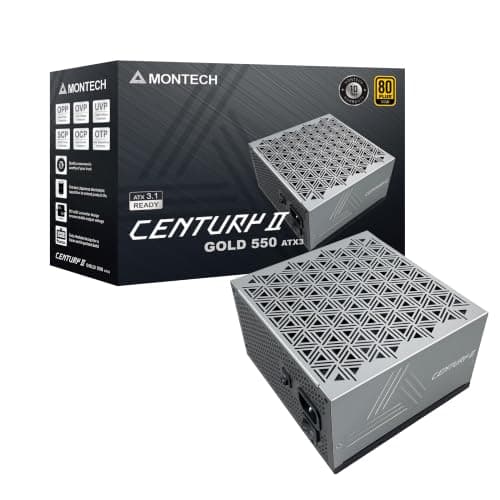
Components · Buying Guide
Compare warranty length and cabling on low-wattage units, and check whether 550W leaves room for your next graphics card.
10 min read
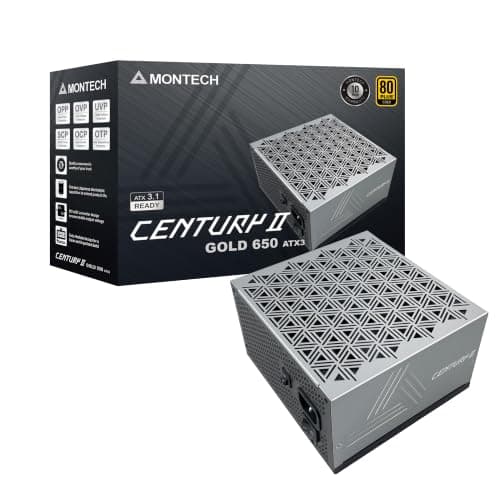
Components · Buying Guide
Check your card's power sockets and the warranty term; at 650W those separate the good units from the merely cheap ones.
11 min read
Components · Buying Guide
Compare listed PCIe connectors and fan design; at 750W, several units cost the same but differ in what they include.
11 min read
Components · Buying Guide
Compare 12V-2x6 cables, PCIe connectors and unit length; at 1000W these decide fit more than efficiency does.
11 min read
Components · Buying Guide
Check whether you really need 1200W, then compare fan design and warranty; at this level, length and cables also matter.
11 min read
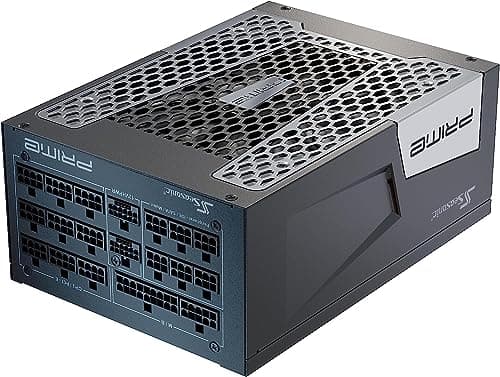
Components · Buying Guide
Check your total GPU and CPU load and your case's PSU length limit before comparing; these units are large and expensive.
11 min read
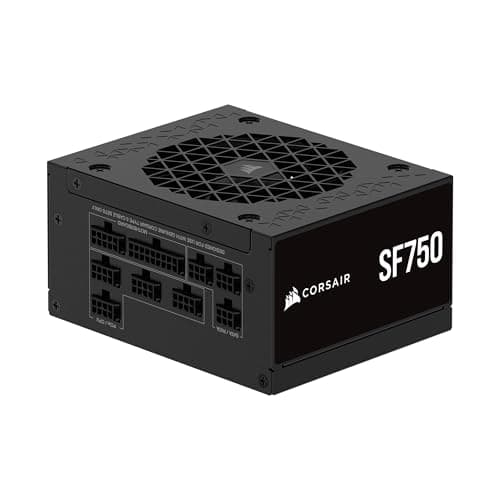
Components · Buying Guide
Check whether your case takes SFX or SFX-L, then compare fan size; small fans work harder under load.
11 min read
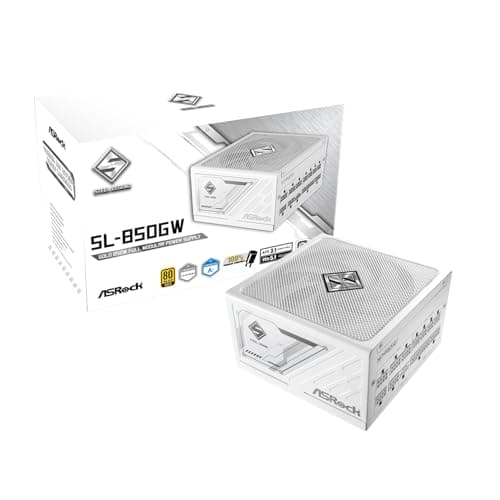
Components · Buying Guide
Check that the cables are white too, then pick the wattage your card needs; color options narrow the field quickly.
11 min read
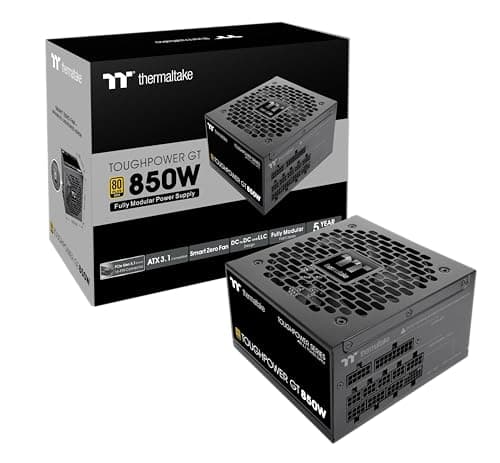
Components · Buying Guide
Compare certification, warranty and fan mode; budget units cut costs in different places.
11 min read
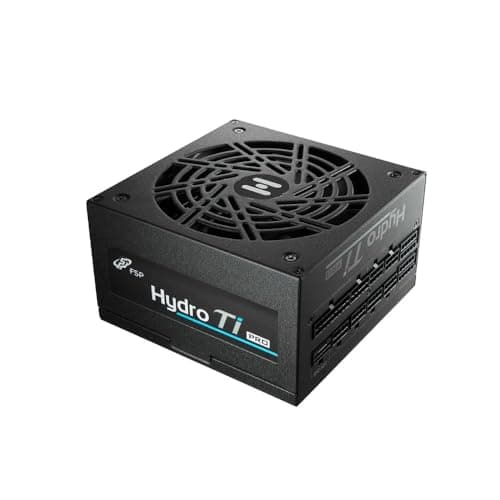
Components · Buying Guide
Check which certification a unit carries and whether it has a noise rating; high efficiency pays off most under long loads.
11 min read
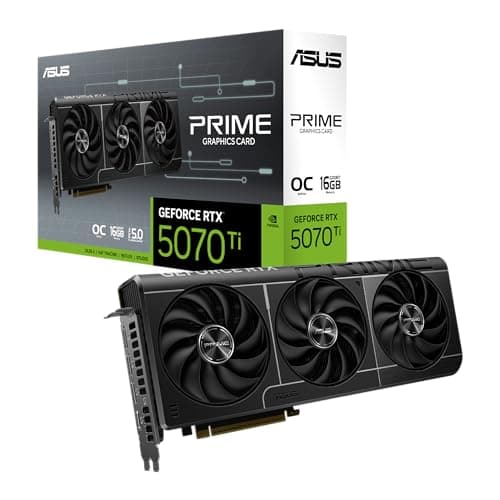
Components · Buying Guide
Every RTX 5070 Ti uses the same GPU; compare length, slot width and cooling to find the one that fits your case.
12 min read
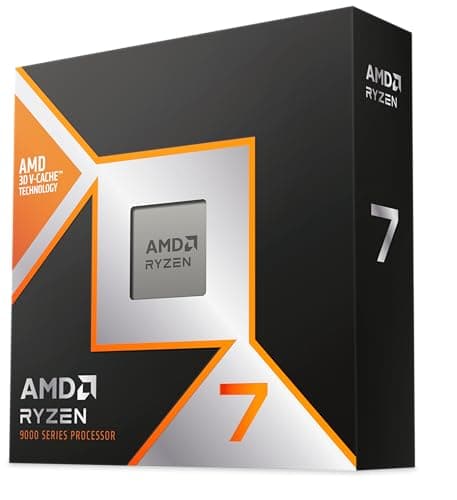
Components · Buying Guide
Check the socket and the cooler first; cache size matters more for games than core count.
12 min read
Components · Buying Guide
Decide between AM5 and an AM4 upgrade first, then choose how much X3D cache your games can use.
12 min read
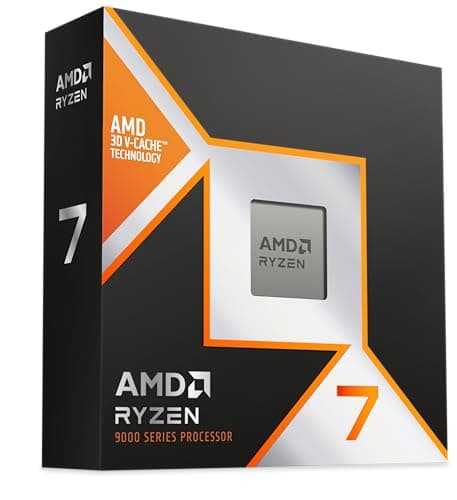
Components · Buying Guide
At 240Hz in esports titles the CPU is usually the limit; cache and clock speed decide how close you get.
12 min read
Components · Buying Guide
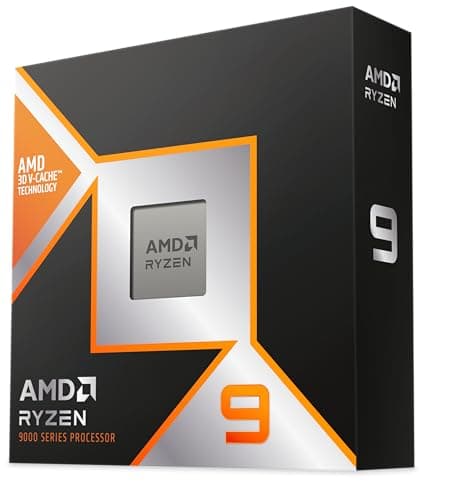
If your graphics card handles encoding, you need fewer cores than you think; count threads only for CPU encoding.
12 min read
Components · Buying Guide
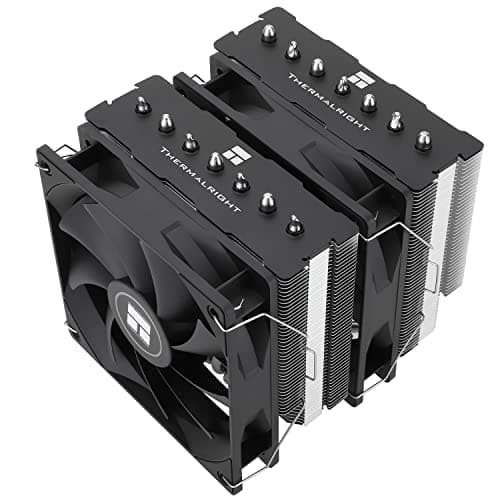
Measure your case's cooler height limit and your RAM height before comparing heat pipes.
12 min read
Components · Buying Guide
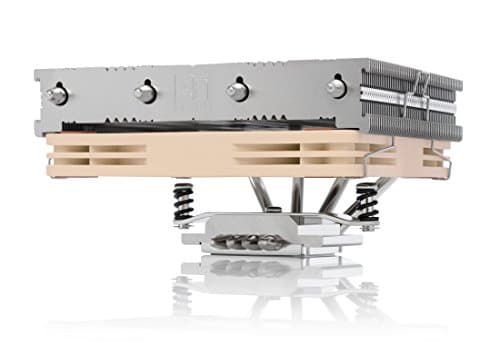
Your case's cooler height limit decides the shortlist; match the fan size to your CPU's power rating.
12 min read
Components · Buying Guide
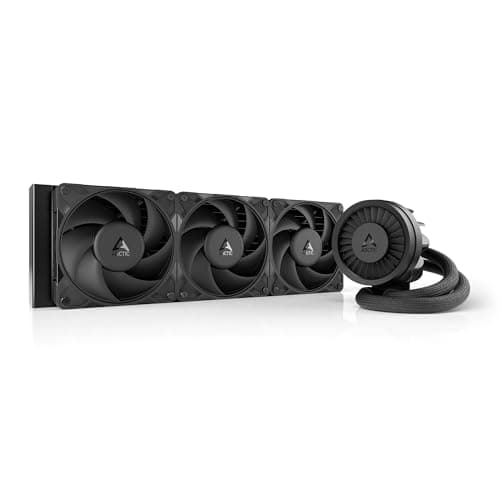
Confirm your case takes a 360mm radiator at the top or front before comparing pumps and screens.
12 min read
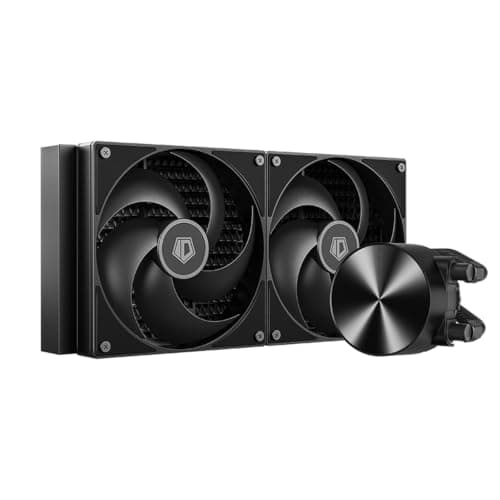
Components · Buying Guide
A 280mm radiator needs 140mm fan mounts; check your case before weighing screens and software.
12 min read
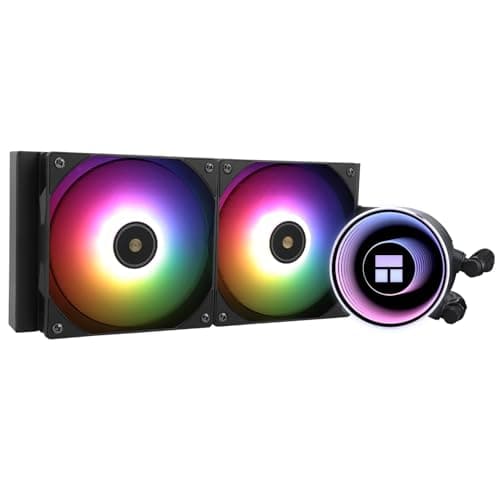
Components · Buying Guide
A 240mm radiator fits most cases; check socket support and how many fan headers the cooler needs.
12 min read
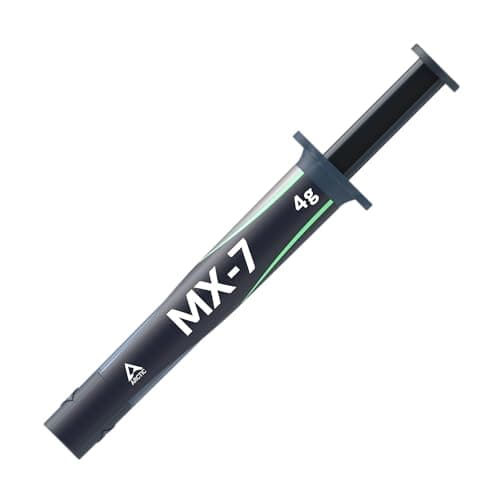
Components · Buying Guide
Good pastes differ by a few degrees; durability and a non-conductive formula matter more than headline figures.
13 min read
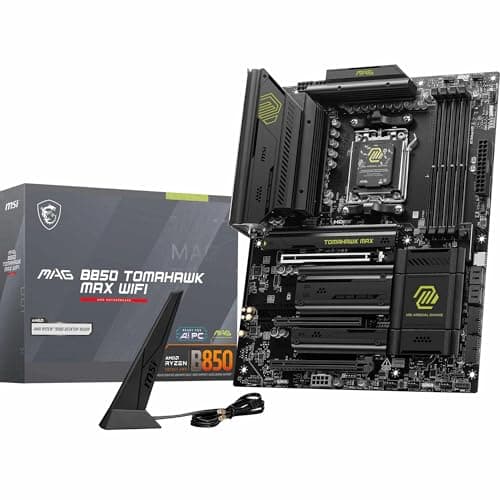
Components · Buying Guide
Pick the socket for your CPU first; then count M.2 slots and check networking rather than chasing chipset names.
12 min read
Components · Buying Guide
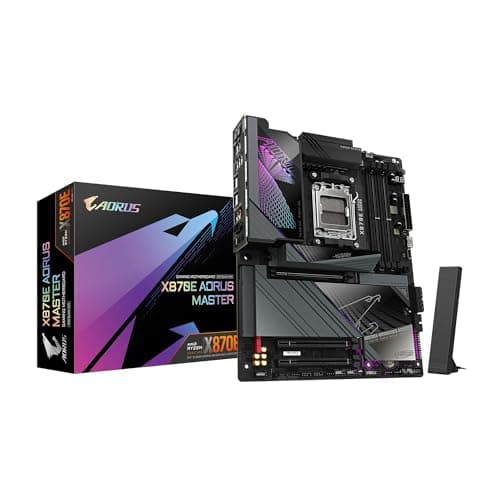
X870E buys expansion, not speed; check you need the extra M.2 slots and USB4 before paying for it.
12 min read
Components · Buying Guide
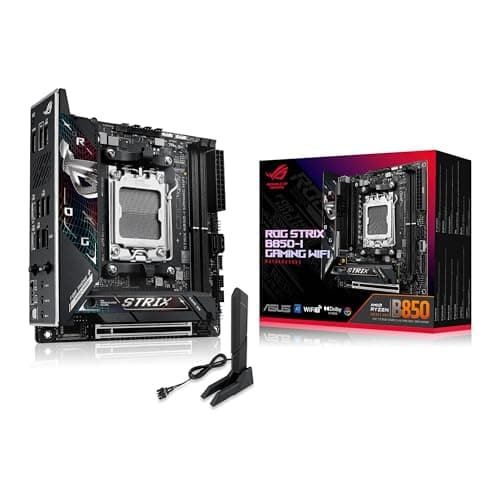
Mini-ITX leaves one PCIe slot and two memory slots; choose on networking and M.2 layout.
12 min read
Components · Buying Guide
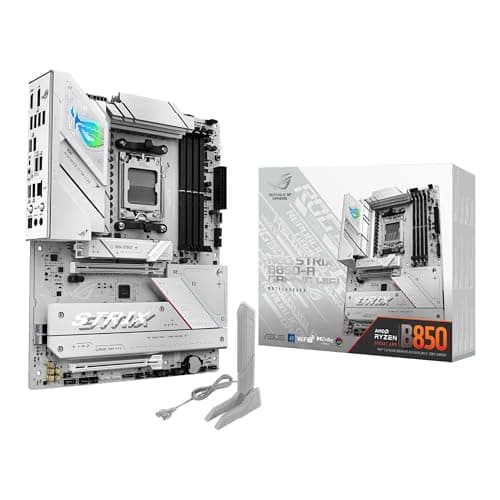
An eight-core X3D chip does not need a flagship board; spend on the features you will use.
12 min read
Components · Buying Guide
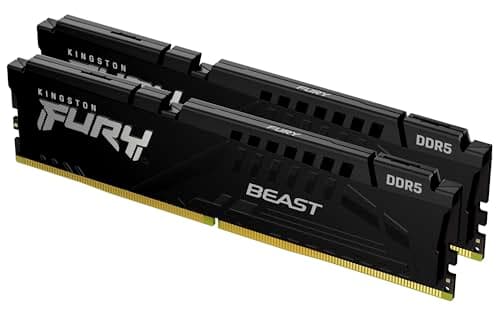
32GB of DDR5-6000 CL30 in two sticks covers most gaming builds; check EXPO or XMP for your platform.
12 min read
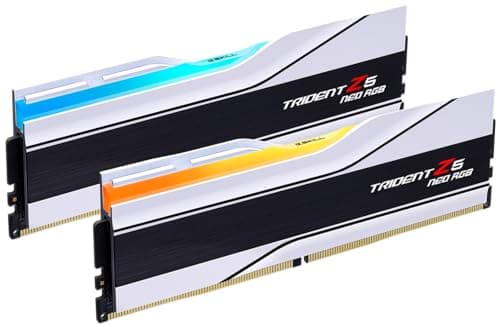
Components · Buying Guide
Stay at DDR5-6000 with an EXPO profile; tighter timings matter less on an X3D chip with 96MB of cache.
12 min read
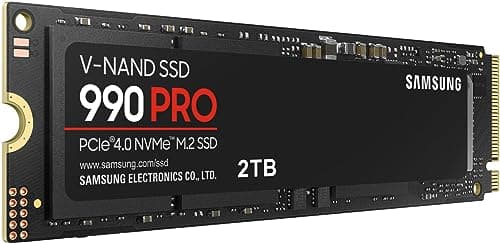
Components · Buying Guide
A fast PCIe 4.0 drive loads games about as quickly as PCIe 5.0; spend on capacity first.
12 min read
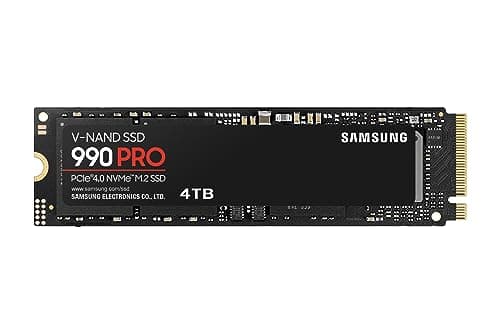
Components · Buying Guide
At 4TB, endurance and price per terabyte matter as much as peak speed.
12 min read
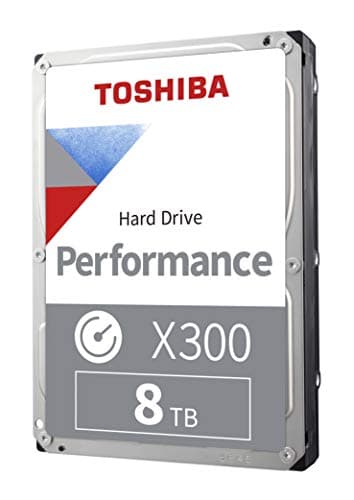
Components · Buying Guide
Keep current games on an SSD; a hard drive suits the backlog, recordings and backups.
11 min read
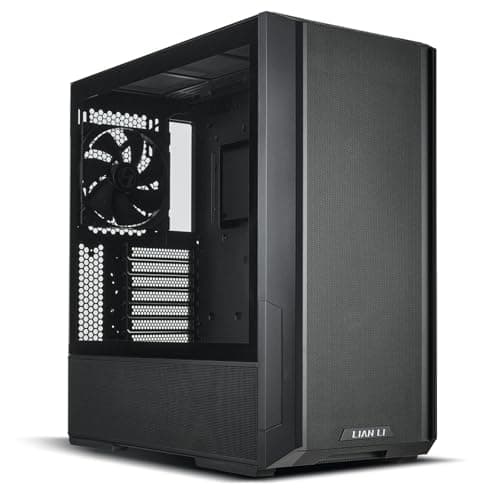
Components · Buying Guide
Check GPU length and radiator positions first; included fans decide how much more you spend.
12 min read
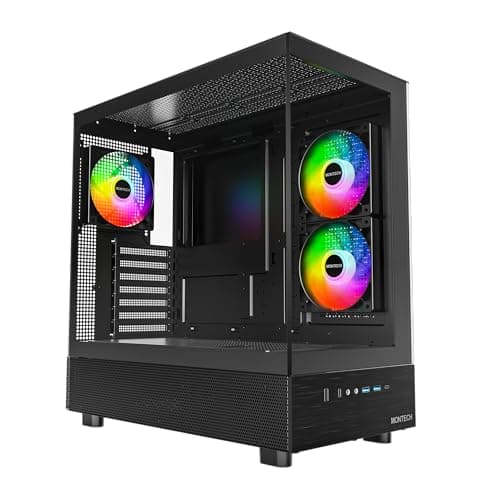
Components · Buying Guide
Count the fans in the box: a cheap case with none can cost more once it is ready to use.
12 min read
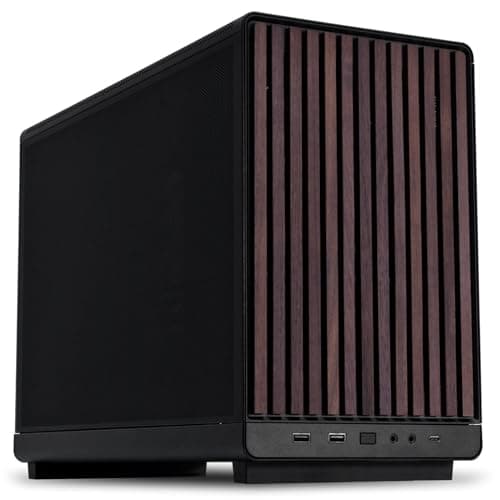
Components · Buying Guide
Micro-ATX cases now take full-length graphics cards; check the PSU format and radiator position first.
12 min read
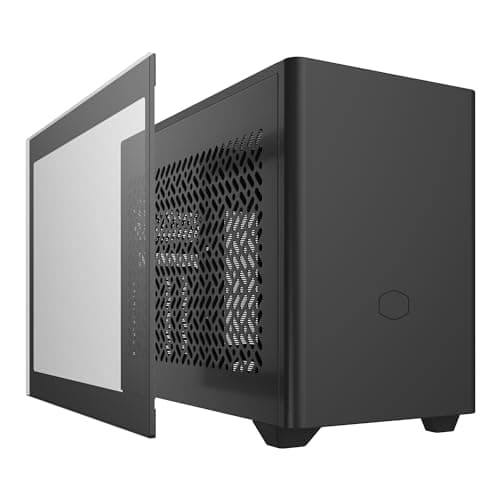
Components · Buying Guide
In small cases, cooler height and the power supply format decide the build before the GPU does.
12 min read
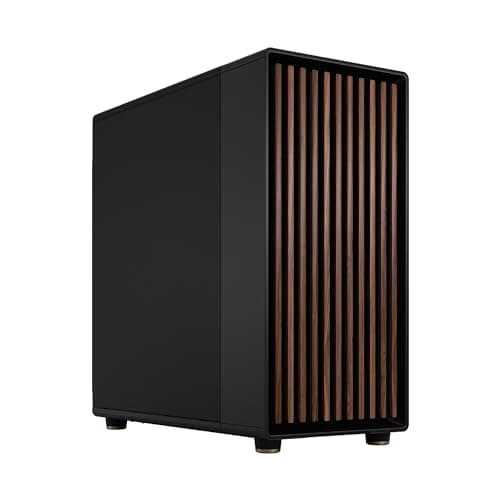
Components · Buying Guide
Only buy a full tower if you need several large radiators, an E-ATX board or many drives.
12 min read
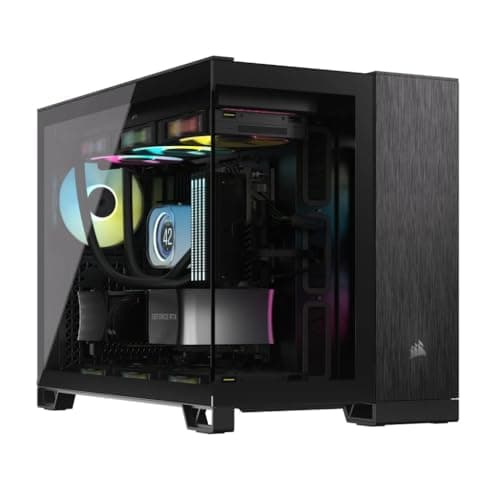
Components · Buying Guide
Cube cases trade height for width; check desk depth and motherboard support before you buy.
12 min read
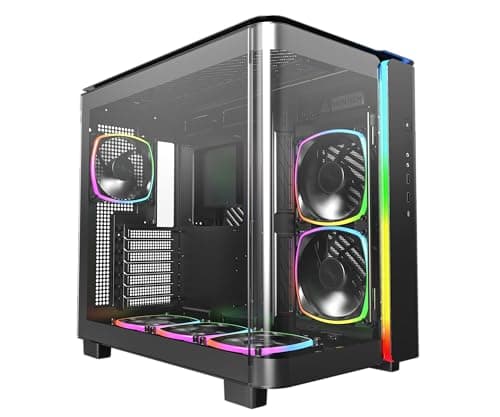
Components · Buying Guide
A glass front needs another way in for air; check the side and bottom intake before the looks.
12 min read
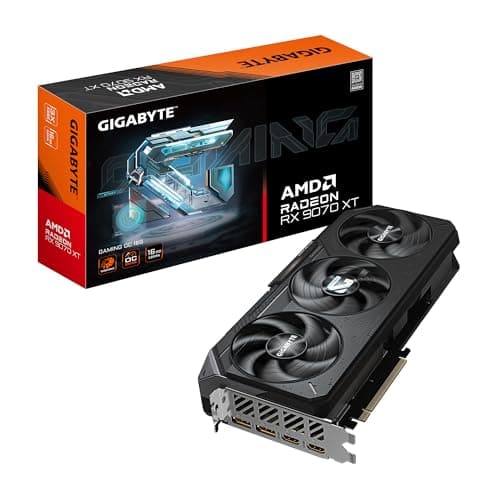
Components · Buying Guide
Start with your monitor and budget, then check VRAM, card length and the power plug your PSU must supply.
12 min read
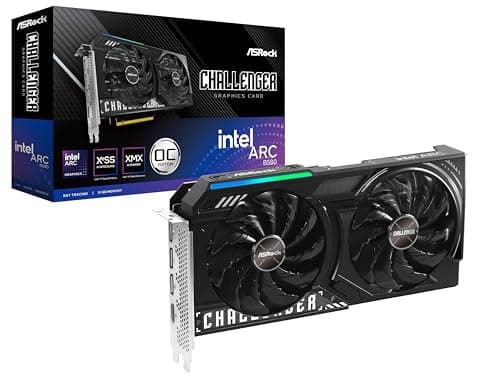
Components · Buying Guide
At this price, memory varies from 8GB to 12GB; check VRAM before clock speeds.
12 min read
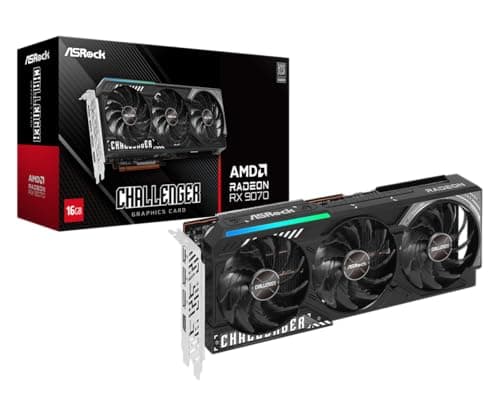
Components · Buying Guide
1440p is where 12GB to 16GB of VRAM starts to matter; check the power plugs too.
12 min read
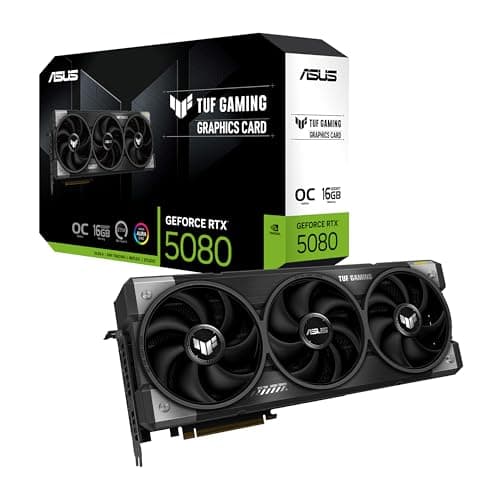
Components · Buying Guide
4K cards are large and power-hungry; measure your case and check the 16-pin cable before you buy.
12 min read
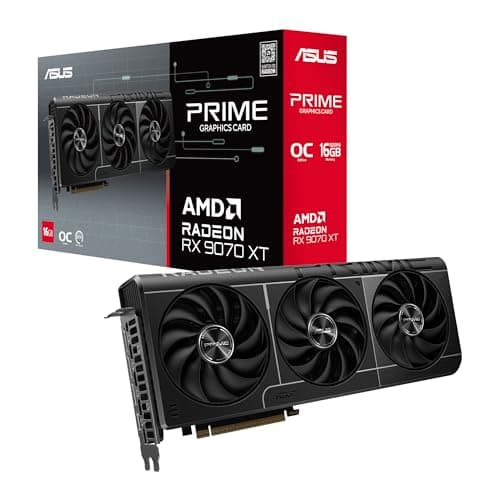
Components · Buying Guide
Radeon cards use standard 8-pin plugs here; check how many your PSU has spare.
12 min read
Components · Buying Guide
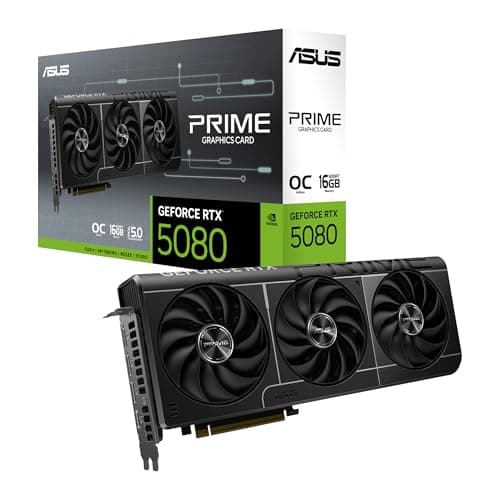
Every card here supports DLSS 4; the choice comes down to memory, size and budget.
12 min read
Components · Buying Guide
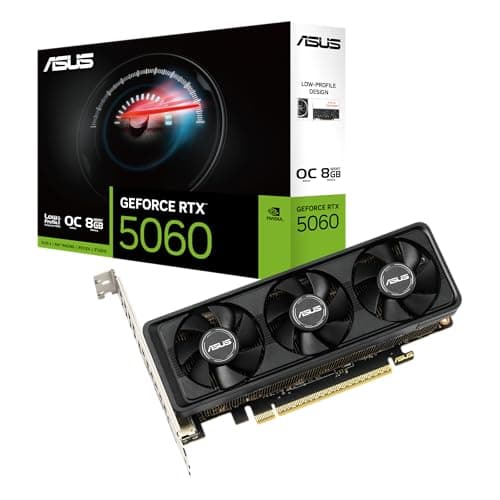
Check the bracket, the slot width and whether your PSU has an 8-pin cable before buying.
11 min read
Components · Buying Guide
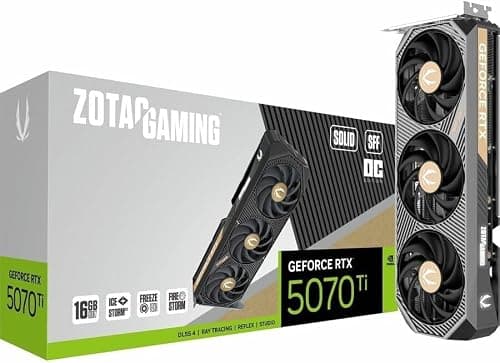
SFF-Ready is a size guideline; still check length and slot width against your case.
12 min read
Components · Buying Guide
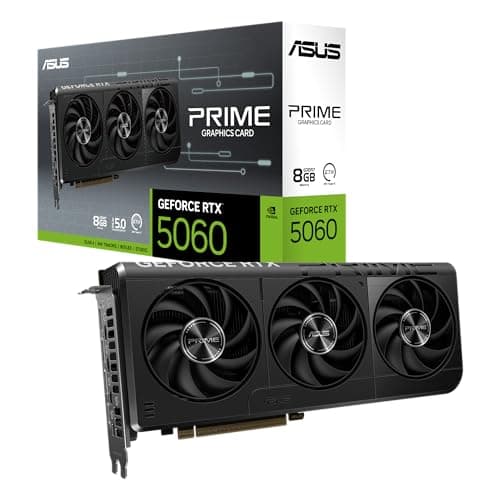
At 1080p, an 8GB card can work well; match the card to your monitor's refresh rate.
12 min read
Components · Buying Guide
A fast gaming CPU deserves a card that keeps up; plan PSU wattage for both together.
12 min read
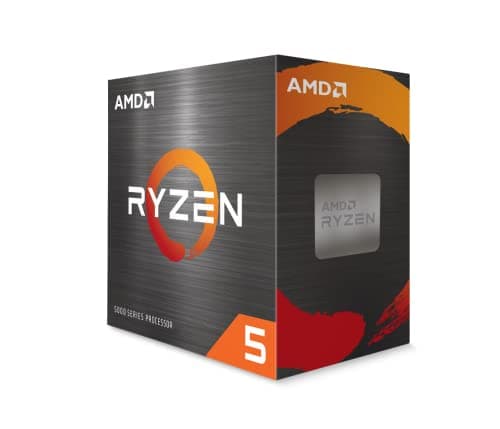
Components · Buying Guide
The platform decides more of the total cost than the chip: check board and memory prices before choosing.
13 min read
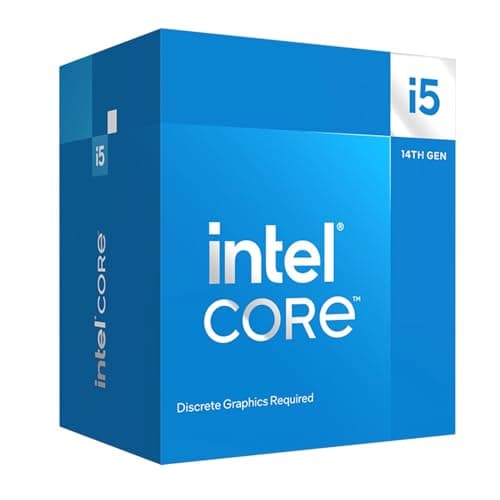
Components · Buying Guide
Choose the socket first: LGA1700 keeps DDR4 and cheap boards, LGA1851 is DDR5-only.
12 min read
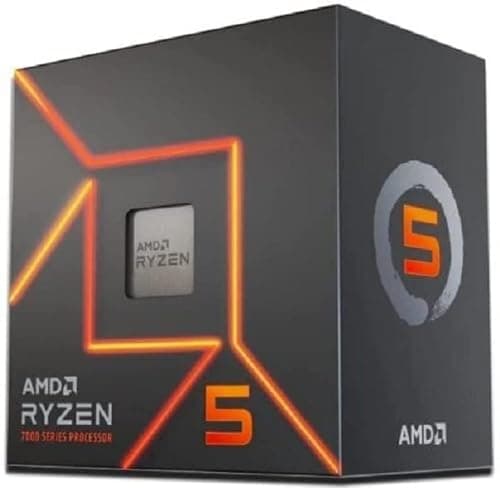
Components · Buying Guide
AM4 chips keep DDR4 builds cheap; AM5 chips cost more up front but leave room for a later CPU upgrade.
12 min read
Components · Buying Guide
At 1080p the CPU sets the frame-rate ceiling more often; cache and clock speed matter more than core count.
12 min read
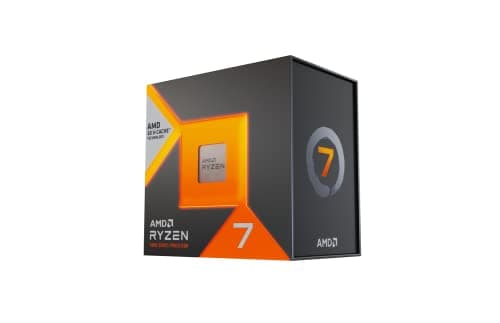
Components · Buying Guide
At 1440p the graphics card does more of the work; spend on the CPU only as far as your refresh rate needs.
12 min read
Components · Buying Guide
At 4K the graphics card is almost always the limit; buy extra CPU cores only if you also create or stream.
12 min read
Components · Buying Guide
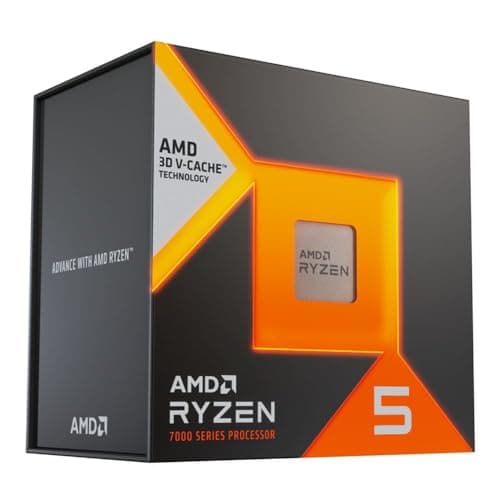
An RTX 4070 is a 1440p card; a six- or eight-core chip with plenty of cache is enough.
12 min read
Components · Buying Guide
An RX 6750 XT suits 1080p and 1440p; a six-core chip keeps it busy without draining the budget.
12 min read
Components · Buying Guide
Match the chip to the workload first: cache for games, cores for rendering, bundled coolers for budgets.
13 min read
Components · Buying Guide
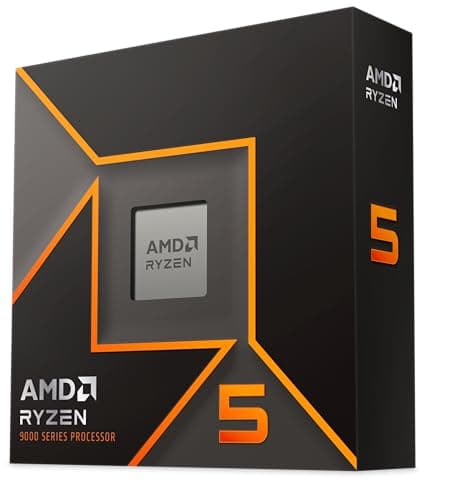
Under $200 you choose between a newer socket and cheaper memory; check both before the chip.
13 min read
Components · Buying Guide
Under $300 you pick between cache for games and extra cores for work.
13 min read
Components · Buying Guide
Under $400 you can buy AMD's 96MB gaming cache or a twelve-plus-core chip for work, rarely both.
13 min read
Components · Buying Guide
Under $500 you can buy the fastest gaming cache or sixteen cores; decide which workload comes first.
12 min read
Components · Buying Guide
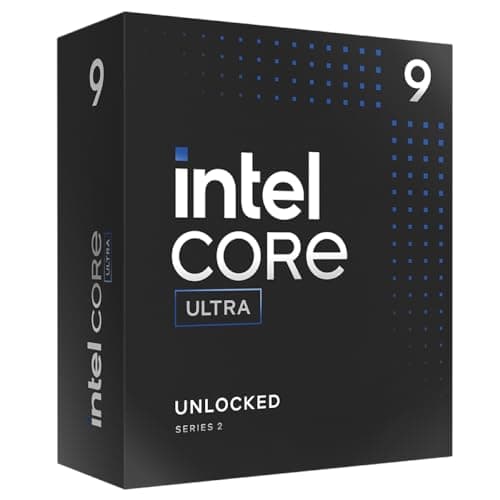
LGA1700 keeps DDR4 and older boards; LGA1851 is newer and DDR5-only. Both need strong cooling.
12 min read
Components · Buying Guide
For games alone, eight X3D cores are enough; more cores pay off only for work.
12 min read
Components · Buying Guide
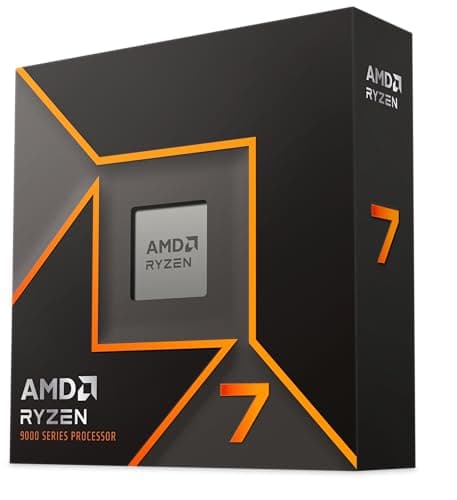
The 65W chips run cool on modest coolers; the X-series chips need more cooling for small gains.
13 min read
Components · Buying Guide
The 13600K draws well above its base rating under load; a dual tower is the practical minimum.
12 min read
Components · Buying Guide
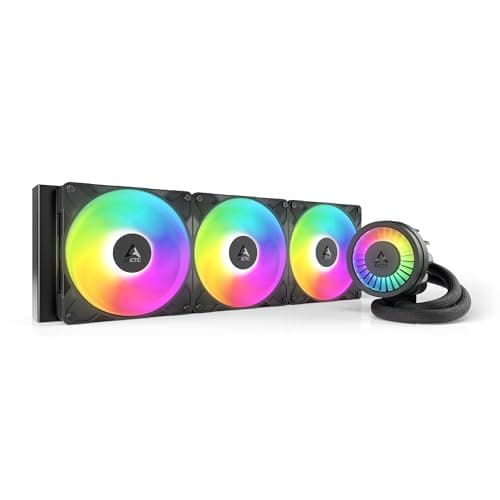
Sixteen cores at a 120W rating heat up in long renders; a 360mm AIO keeps fan noise down.
12 min read
Components · Buying Guide
The 13900K can exceed what any cooler removes at stock limits; a large AIO reduces how often it throttles.
12 min read
Components · Buying Guide
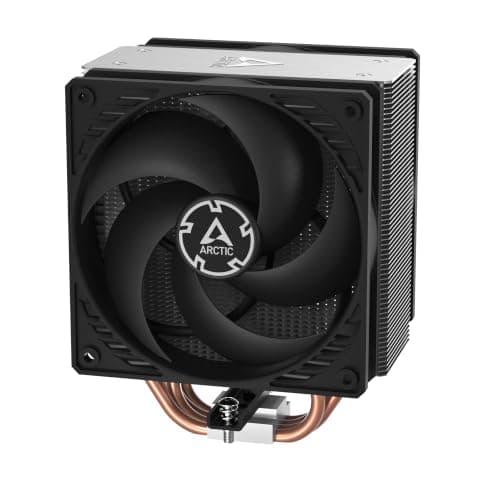
A locked 65W chip needs only a single tower; spend on quiet fans, not more heat pipes.
12 min read
Components · Buying Guide
The 9600X ships without a cooler; a single tower is enough at its default 65W.
12 min read
Components · Buying Guide
The 7800X3D draws modest power in games; a good dual tower keeps it cool and quiet.
12 min read
Components · Buying Guide
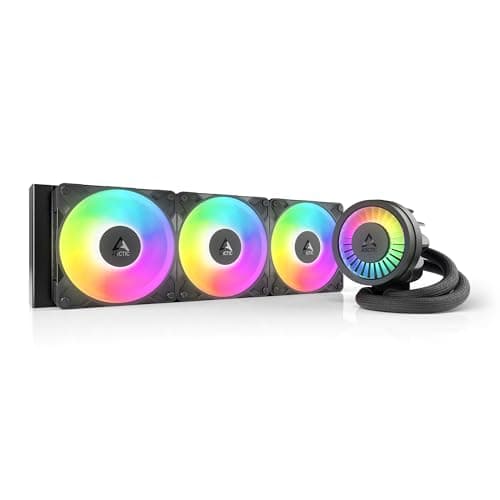
Twelve cores under a long load benefit from a 360mm radiator; budget units now cost little more than air.
12 min read
Components · Buying Guide
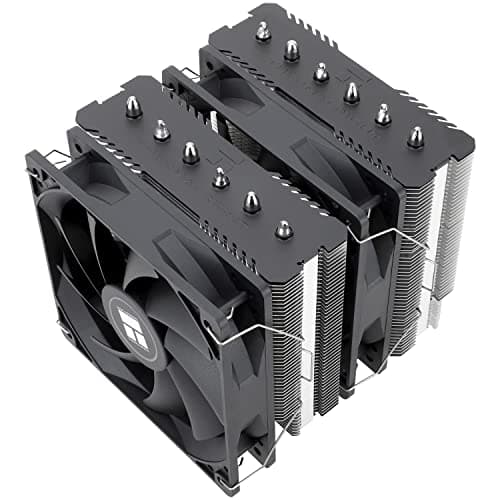
A 240mm AIO handles a stock 14600K; pick a 360mm unit if you plan to overclock.
12 min read
Components · Buying Guide
The 7600X is designed to run hot and boost until it hits its limit; a dual tower keeps it quieter.
12 min read
Components · Buying Guide
The 13700K draws well over 200W at stock limits; a 360mm AIO is the sensible baseline.
12 min read
Components · Buying Guide
At 65W the 9700X needs little; plan for more only if you enable AMD's power boost.
12 min read
Components · Buying Guide
Overclocking adds heat at the CPU and at the board's power stages; cool both.
12 min read
Components · Buying Guide
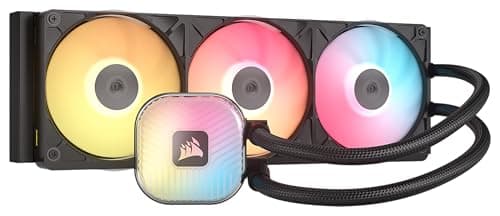
Under $150 you can buy a 360mm radiator; the price differences buy lighting, software and cabling.
13 min read
Components · Buying Guide
Between $150 and $200 you are mostly paying for a pump screen or a cleaner cable layout.
13 min read
Components · Buying Guide
Above $200 you mostly buy a bigger screen; the 420mm ARCTIC shows cooling itself costs far less.
12 min read
Components · Buying Guide
Check which software controls the lighting before you buy; mixing ecosystems means more apps.
13 min read
Components · Buying Guide
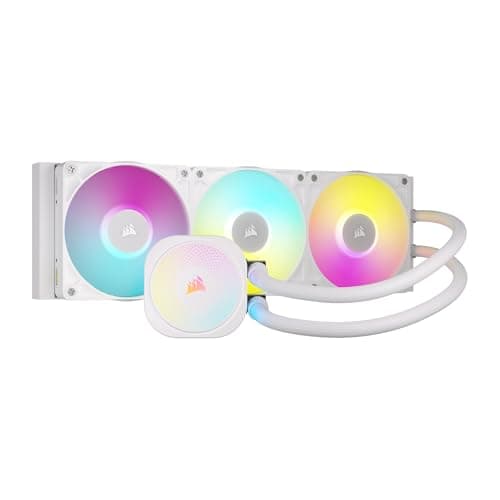
Check that the tubes, fans and pump cap are all white; some white editions keep black parts.
13 min read
Components · Buying Guide
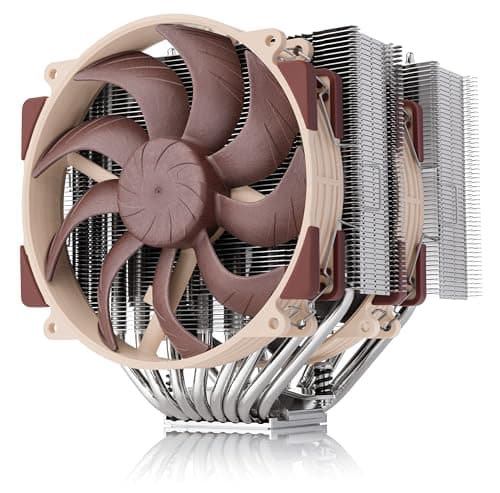
The best air cooler is the one that fits: check case height and RAM clearance before heat pipes.
13 min read
Components · Buying Guide
Every AM5 board runs every AM5 Ryzen; the chipset and price decide slots, ports and power delivery.
12 min read
Components · Buying Guide
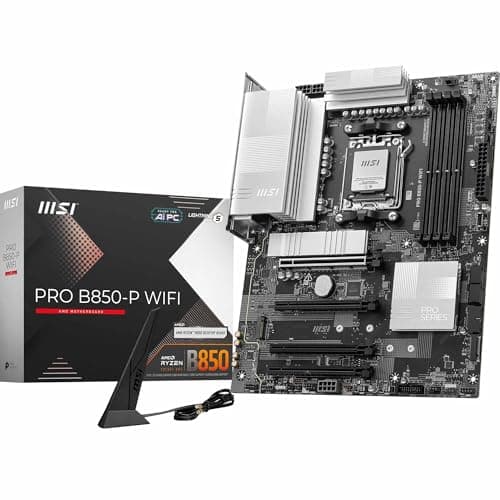
Cheap AM5 boards run a Ryzen 5 or 7 fine; check M.2 slots, Wi-Fi and BIOS Flashback before you save.
12 min read
Components · Buying Guide
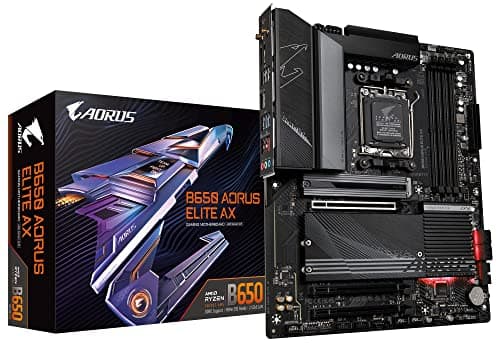
B650 is still a sound AM5 chipset; compare power stages, M.2 count and whether a board has BIOS Flashback.
12 min read
Components · Buying Guide
B850 brings a PCIe 5.0 M.2 slot to mid-range AM5; compare networking and warranty before chasing extras.
13 min read
Components · Buying Guide
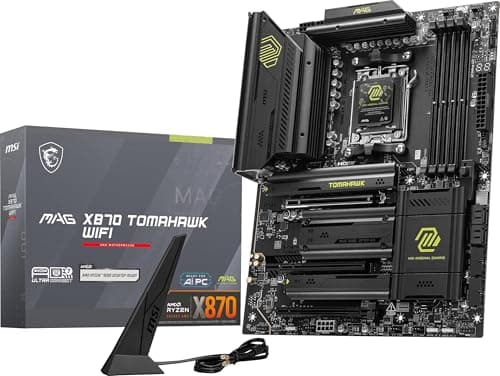
Every X870 board has USB4 and Wi-Fi 7; the differences are M.2 count, LAN speed and power stages.
13 min read
Components · Buying Guide
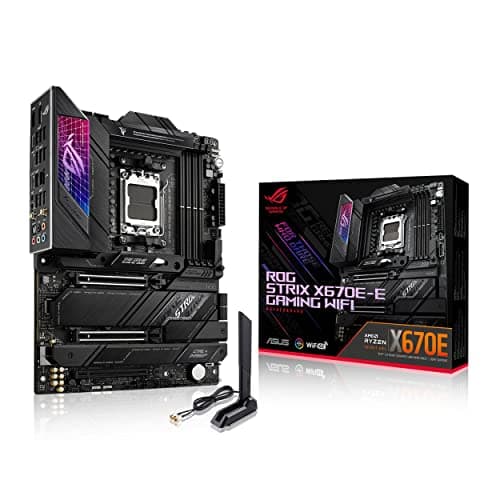
X670E still offers PCIe 5.0 lanes and strong power; compare its price against X870E before buying.
12 min read
Components · Buying Guide
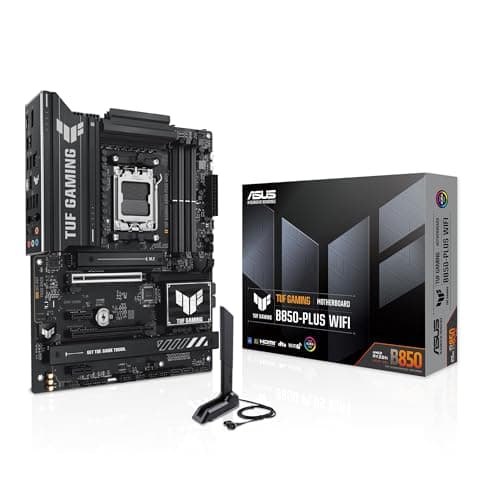
ASUS spans budget TUF boards to ROG Strix; match the tier to your Ryzen chip and ports.
12 min read
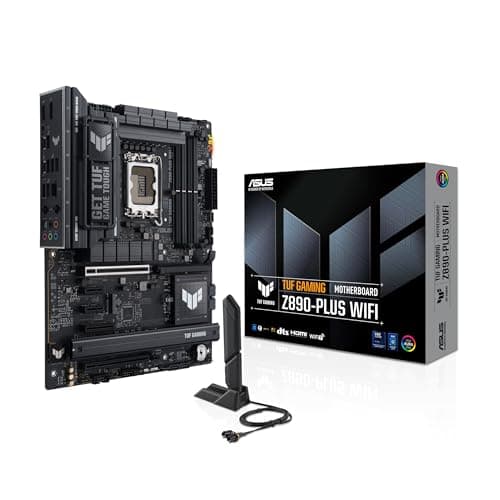
Components · Buying Guide
Match the socket first, LGA1851 or LGA1700, then pick the ASUS tier for your ports and power needs.
12 min read
Components · Buying Guide
ASUS covers every size and socket; start from your CPU and case, then compare tiers.
12 min read
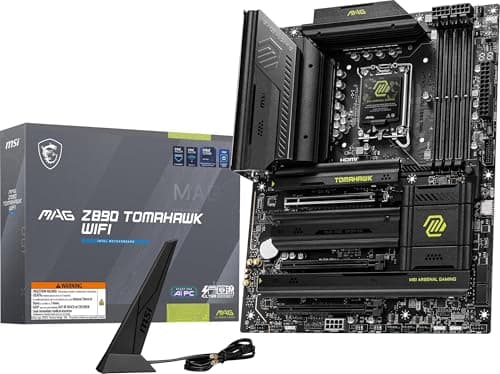
Components · Buying Guide
Z890 boards all take Core Ultra 200S; compare M.2 count, LAN speed and Thunderbolt before power stages.
13 min read
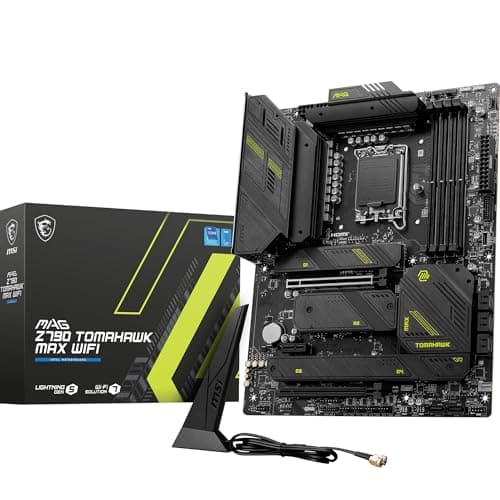
Components · Buying Guide
Z790 lets you tune a K-series chip; compare power stages and M.2 count, and update the BIOS first.
13 min read
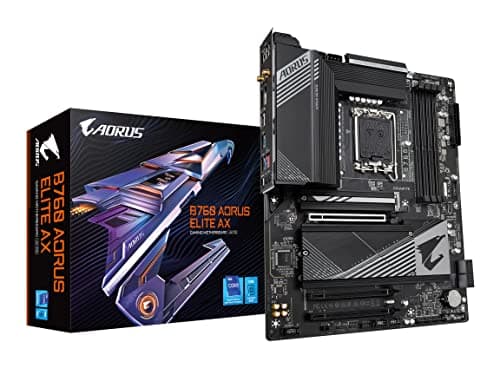
Components · Buying Guide
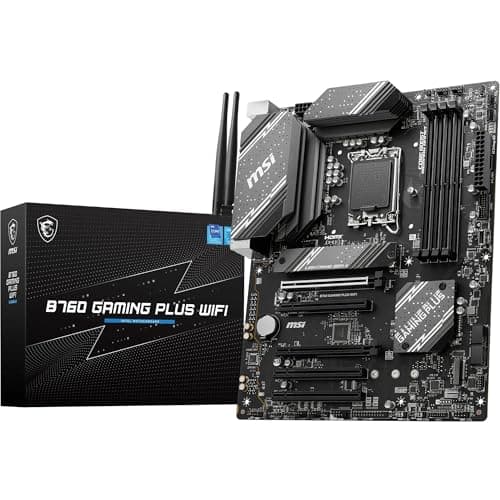
B760 suits locked Core i5 and i7 chips; check DDR4 or DDR5 and the M.2 count first.
12 min read
Components · Buying Guide
The cheapest Intel boards run a Core i5 fine; decide between DDR4 and DDR5 before anything else.
12 min read
Components · Buying Guide
14th Gen runs on Z790 and B760; update the BIOS first and match power stages to your chip.
12 min read
Components · Buying Guide
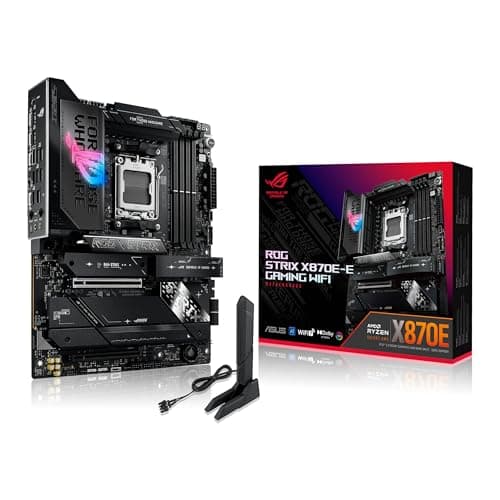
A 16-core chip rewards strong power stages; prioritise the VRM layout, then storage and ports.
12 min read
Components · Buying Guide
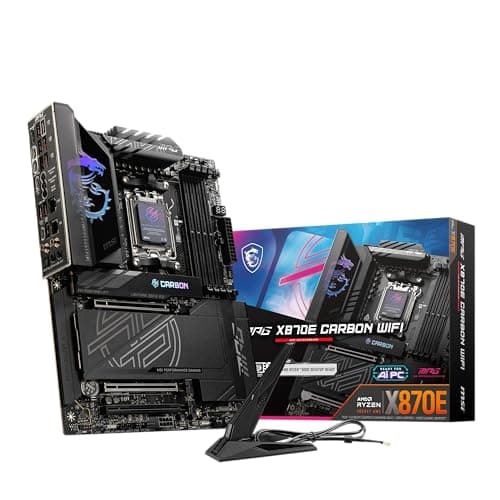
The 7950X3D mixes gaming and work; pick a board with enough M.2 slots and ports for both.
12 min read
Components · Buying Guide
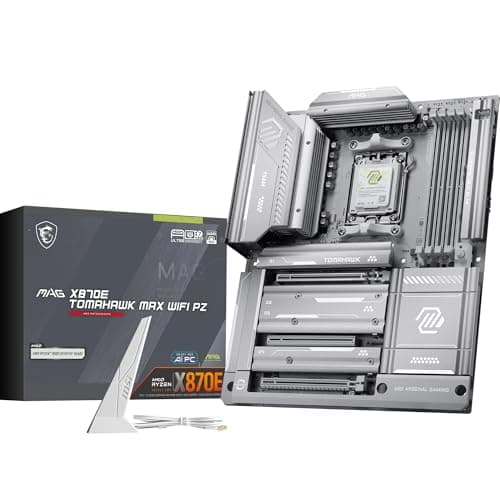
The 7900X3D runs cooler than a 7950X; a mid-range board with good networking covers it.
12 min read
Components · Buying Guide
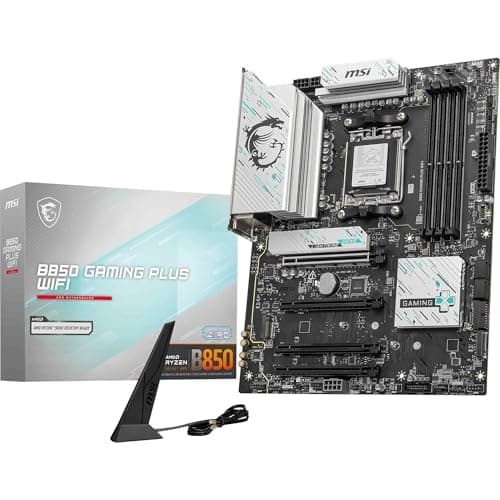
The 7800X3D is an efficient eight-core; a B850 or B650 board is plenty, so spend the savings on the GPU.
12 min read
Components · Buying Guide
The 7700X runs well on a mid-range board; compare M.2 slots and networking over power stages.
12 min read
Components · Buying Guide
A six-core 7600X needs no premium board; save on the board and keep a PCIe 5.0 M.2 slot if you can.
12 min read
Components · Buying Guide
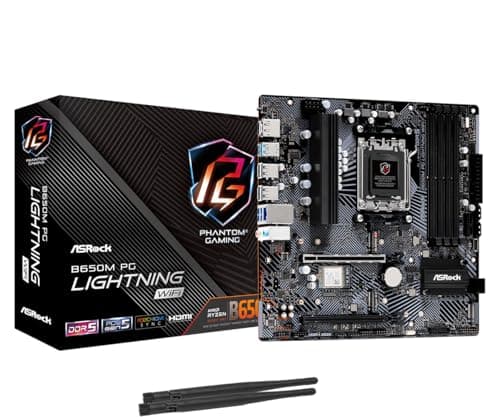
The 65W 7600 runs on the cheapest AM5 boards; choose by Wi-Fi, M.2 slots and case size.
12 min read
Components · Buying Guide
A locked 13400F cannot overclock, so a B760 board is all it needs; pick DDR4 or DDR5 first.
12 min read
Components · Buying Guide
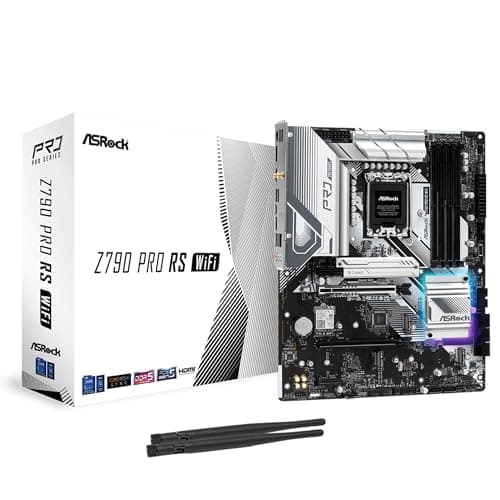
Z790 unlocks overclocking on the 13600K; a B760 board runs it at stock for less.
12 min read
Components · Buying Guide
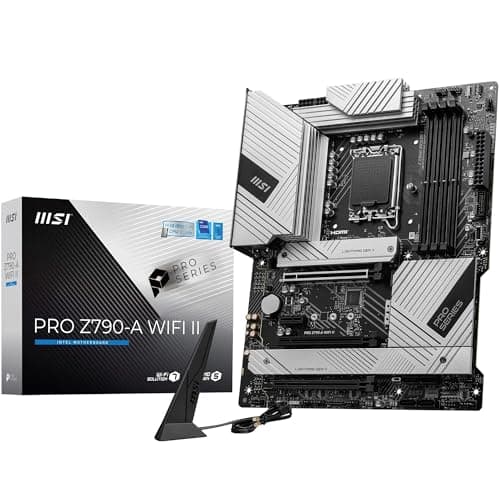
Update the BIOS for 14th Gen first; then Z790 for tuning or B760 for stock settings.
12 min read
Components · Buying Guide
A Core i7 draws far more than an i5 under load; favour boards with a strong listed power layout.
12 min read
Components · Buying Guide
The 14700K has 20 cores; pick a Z790 board with a strong power layout and update the BIOS first.
12 min read
Components · Buying Guide
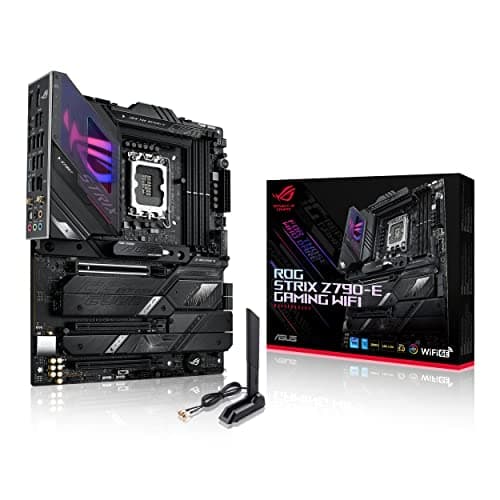
A Core i9 needs strong power stages and the latest BIOS microcode; start there.
12 min read
Components · Buying Guide
The 14900K is the hungriest LGA1700 chip; pick strong power stages and apply Intel's latest BIOS.
12 min read
Components · Buying Guide
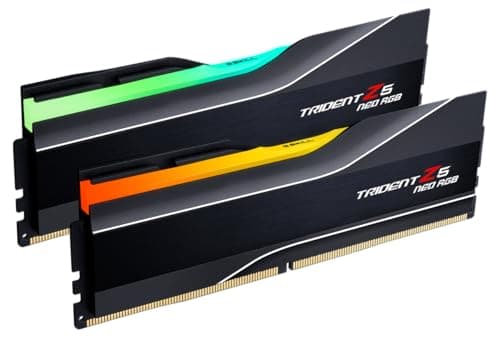
6000MT/s CL30 suits most DDR5 builds; go faster only on Intel boards that list support.
12 min read
Components · Buying Guide
Match the memory type to your board first; then choose capacity, speed and height.
12 min read
Components · Buying Guide
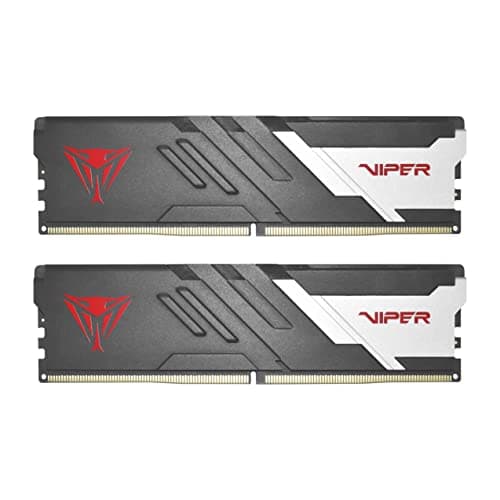
16GB still runs most games; pick a 6000MT/s kit with a profile so it runs at speed.
11 min read
Components · Buying Guide
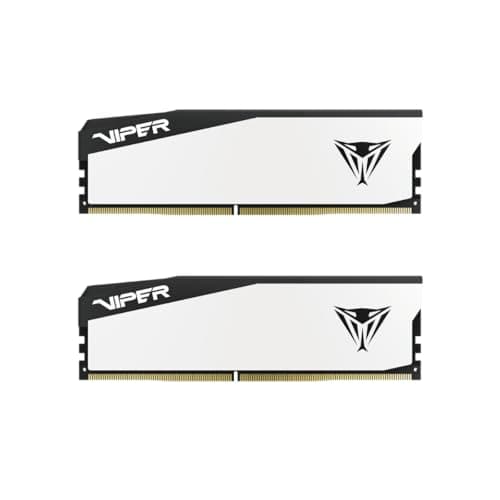
Budget kits save most by dropping lighting, not speed; check the timing and profile.
12 min read
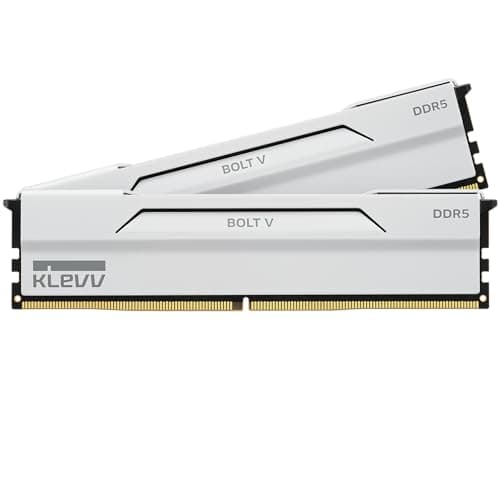
Components · Buying Guide
White kits match the fastest black ones; choose between plain and RGB, then check timings.
12 min read
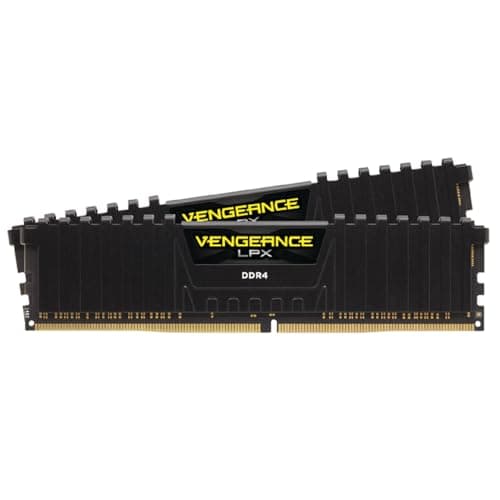
Components · Buying Guide
DDR4 fits AM4 and DDR4 Intel boards only; 3200 CL16 or 3600 CL18 covers most of them.
13 min read
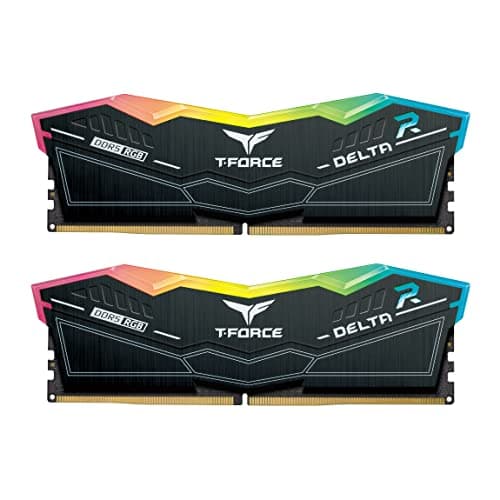
Components · Buying Guide
The 13900K handles fast DDR5 on Z790; check your board's support list above 6400MT/s.
12 min read
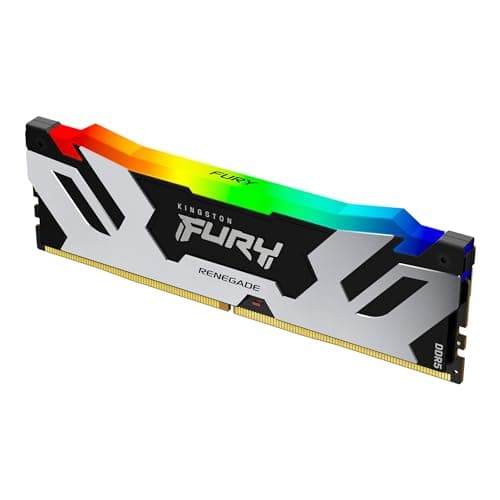
Components · Buying Guide
A 13600K gains little past 6400MT/s; a 6000 or 6400 kit with XMP is the sensible buy.
12 min read
Components · Buying Guide
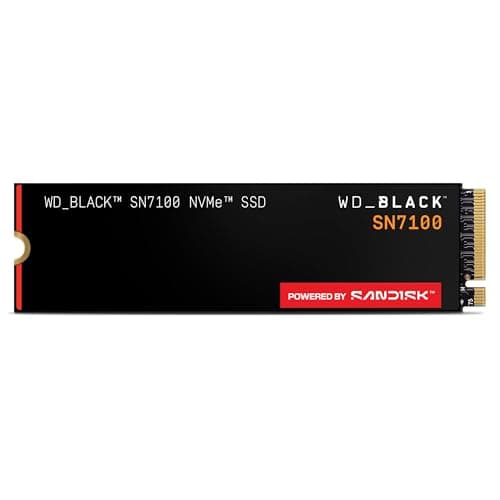
A 2TB Gen4 drive suits most builds; Gen5 only helps with a Gen5 M.2 slot and big file copies.
12 min read
Components · Buying Guide
2TB Gen4 drives are close on speed; compare DRAM, warranty and price.
12 min read
Components · Buying Guide
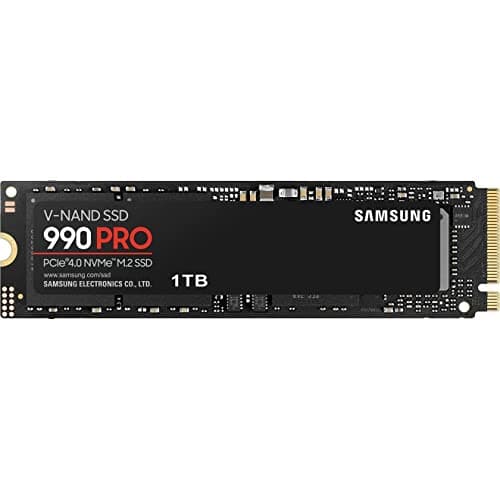
A 1TB Gen4 drive suits a boot drive or a light game library; compare price per speed.
12 min read
Components · Buying Guide
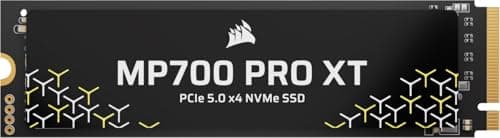
Corsair's MP700 drives need a Gen5 slot; the MP600 range suits every current board.
12 min read
Components · Buying Guide
An RTX 5090 exposes CPU limits even at 1440p; cache-heavy X3D chips keep it fed.
12 min read
Components · Buying Guide
An RTX 5080 wants an eight-core chip with a large cache; more cores only help if you also create.
12 min read
Components · Buying Guide
The RTX 5070 Ti is a high-refresh 1440p card; an eight-core X3D chip is the ideal, a six-core X3D chip the value route.
12 min read
Components · Buying Guide
An RTX 5070 is a 1440p card; six or eight cores and a good cache are all it needs from the CPU.
12 min read
Components · Buying Guide
An RTX 5060 Ti is a 1080p and entry 1440p card; a six-core chip keeps it busy.
12 min read
Components · Buying Guide
The RX 9070 XT is an upper mid-range card; an X3D chip lets it reach its full frame rate at 1440p.
12 min read
Components · Buying Guide
The RX 9060 XT is a budget card; a six-core chip with a bundled cooler is the sensible match.
12 min read
Components · Buying Guide
The RX 7600 and 7600 XT share a chip, so they need the same budget six-core CPU.
12 min read
Components · Buying Guide
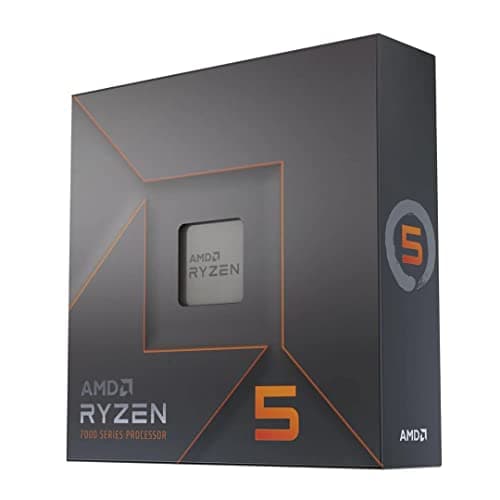
The RX 7700 XT is a 1440p card; six fast cores match it, eight help if you stream.
12 min read
Components · Buying Guide
The RX 7800 XT is a 1440p card with 16GB; a six- or eight-core chip with a big cache suits it best.
12 min read
Components · Buying Guide
The RX 7900 XT is a high-end card with 20GB; an eight-core chip with a large cache matches it.
12 min read
Components · Buying Guide
The RX 7900 XTX is AMD's 24GB flagship; an X3D chip is the natural partner.
12 min read
Components · Buying Guide
The RTX 4060 is a 1080p card; the cheapest six-core chips are well matched to it.
12 min read
Components · Buying Guide
The RTX 4060 Ti targets high-refresh 1080p; a current six-core chip is the right match.
12 min read
Components · Buying Guide
The RTX 4070 Super is a strong 1440p card; a cache-heavy six- or eight-core chip suits it.
12 min read
Components · Buying Guide
The 4070 Ti and Ti Super differ in memory, not CPU needs; an eight-core X3D chip suits both.
12 min read
Components · Buying Guide
The RTX 4080 and 4080 Super need the same CPU: eight cores and a big cache, or more cores if you create.
12 min read
Components · Buying Guide
The RTX 5090 Founders Edition is 304mm, but partner cards run far longer; aim for 400mm of GPU room.
12 min read
Components · Buying Guide
RTX 4090 partner cards are long and often 3.5 slots or thicker; leave room for the 16-pin cable bend too.
12 min read
Components · Buying Guide
RTX 5080 cards run from 304mm to 357mm; match the case to the card you choose.
12 min read
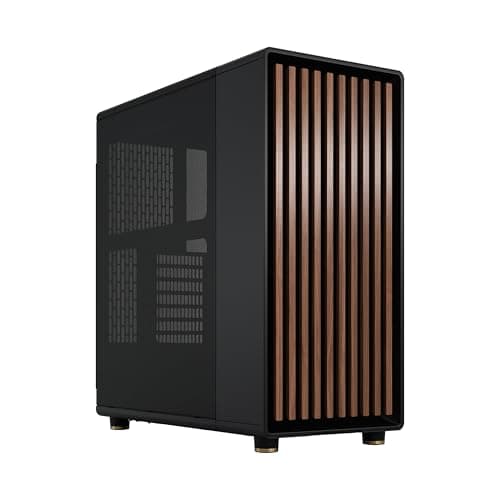
Components · Buying Guide
An RTX 4080 fits most mid-towers; the choice is about style, size and airflow.
12 min read
Components · Buying Guide
Most RX 7900 XTX partner cards are about 320mm; mid-towers and even some small cases take them.
12 min read
Components · Buying Guide
RTX 5070 Ti cards range from 306mm to 338mm; nearly any case here takes them.
12 min read
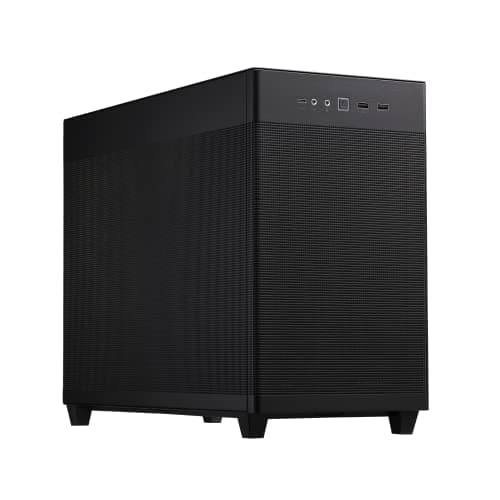
Components · Buying Guide
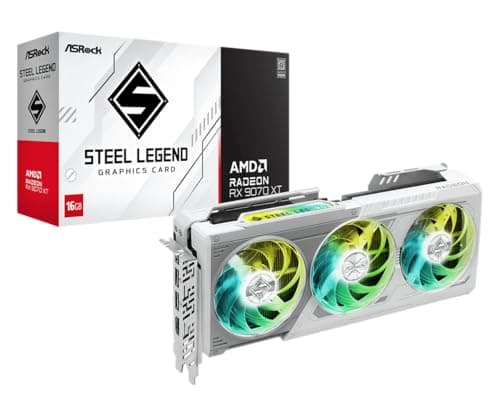
RX 9070 XT cards such as ASRock's Steel Legend are about 300mm; most cases fit them.
12 min read
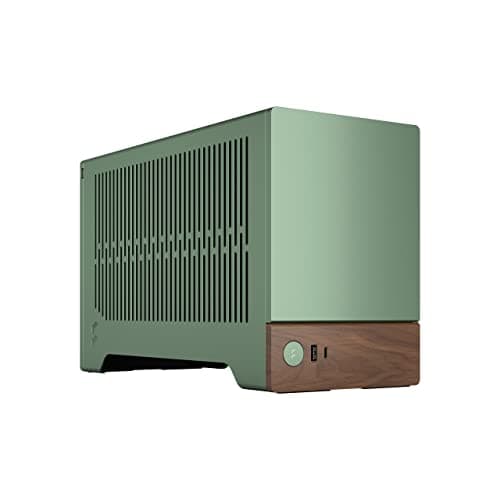
Components · Buying Guide
The RTX 5070 is compact enough for most Mini-ITX cases; check cooler height and PSU format too.
12 min read
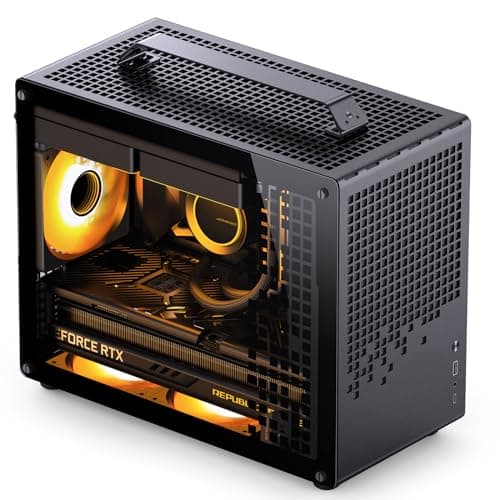
Components · Buying Guide
Triple-fan RTX 4070 Ti cards fit most Micro-ATX cases; compare layout and cooling instead.
12 min read
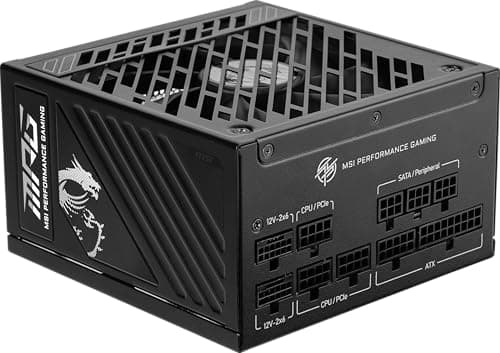
Components · Buying Guide
NVIDIA recommends 1000W for the RTX 5090; every unit here meets it with a native 12V-2x6 cable.
12 min read
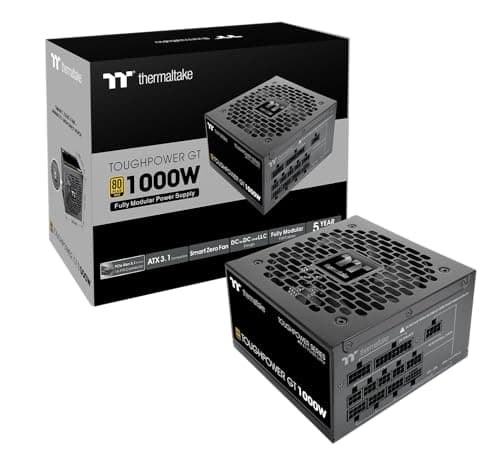
Components · Buying Guide
NVIDIA recommends 850W for the RTX 4090; 1000W leaves room for a high-power CPU.
12 min read
Components · Buying Guide
NVIDIA recommends 850W for the RTX 5080; these units meet it with a native 16-pin cable.
12 min read
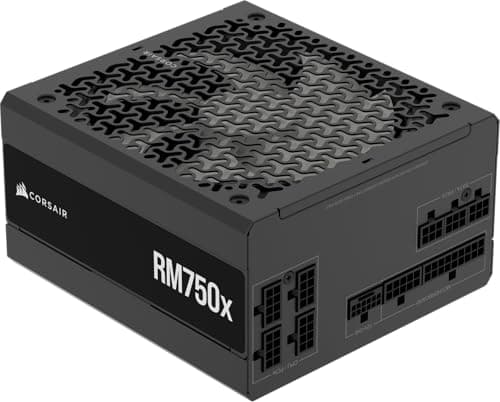
Components · Buying Guide
NVIDIA recommends 750W for the RTX 4080 and 4080 Super; 850W adds room for a hungry CPU.
12 min read
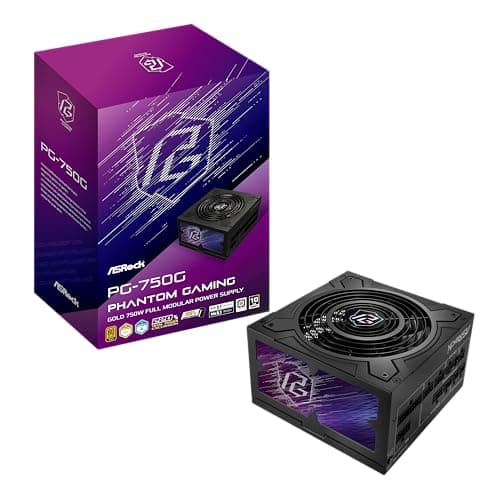
Components · Buying Guide
NVIDIA recommends 750W for the RTX 5070 Ti; these units add a native 16-pin cable.
12 min read
Components · Buying Guide
NVIDIA recommends 700W for the RTX 4070 Ti and Ti Super; a 750W unit covers both.
12 min read
Components · Buying Guide
NVIDIA recommends 650W for the RTX 5070; these units add a native 16-pin cable.
12 min read
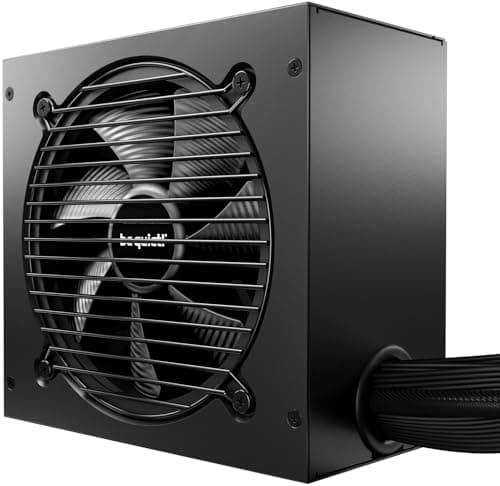
Components · Buying Guide
NVIDIA recommends 650W for the RTX 4070 and 4070 Super; many cards use a 16-pin plug.
12 min read
Components · Buying Guide
NVIDIA recommends 550W for the RTX 4060 and 4060 Ti; a good 550W or 650W unit is enough.
12 min read
Components · Buying Guide
AMD recommends 800W for the RX 7900 XTX; partner cards use two or three 8-pin plugs.
12 min read
Components · Buying Guide
AMD recommends 750W for the RX 7900 XT, which uses two 8-pin plugs on most cards.
12 min read
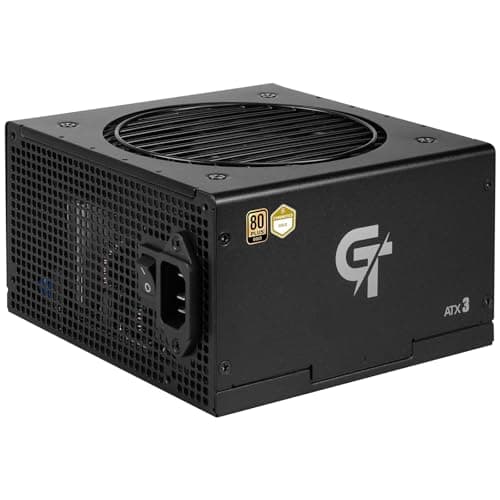
Components · Buying Guide
AMD recommends 700W for the RX 7800 XT; a 750W unit with two 8-pin cables is enough.
12 min read
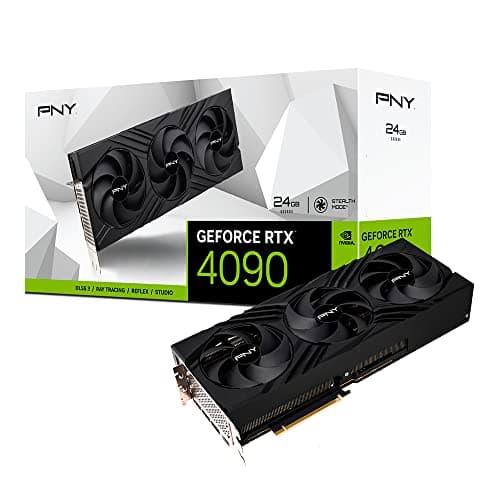
Components · Buying Guide
Every RTX 4090 shares a GPU and 24GB of memory; cooler size and slot width decide which one fits.
12 min read
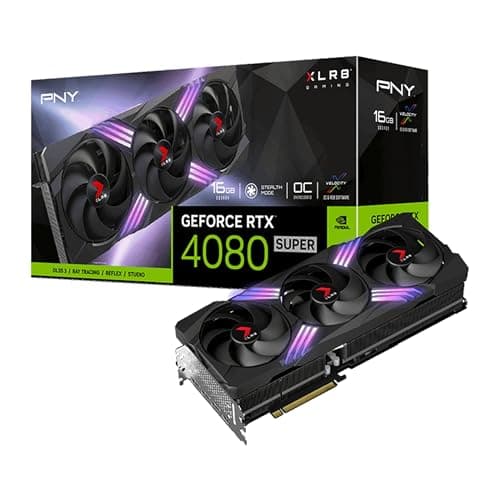
Components · Buying Guide
All RTX 4080 Super cards share 16GB and the same GPU; clocks, coolers and extras separate them.
12 min read
Components · Buying Guide
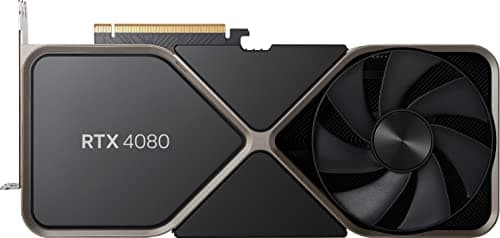
Few original RTX 4080 cards remain on sale; compare them with the 4080 Super before you buy.
11 min read
Components · Buying Guide
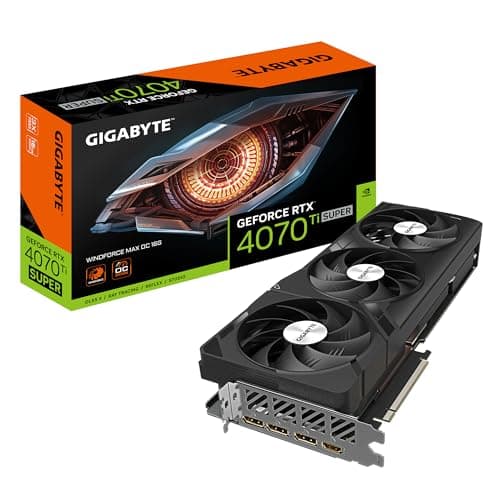
The 4070 Ti Super adds 16GB over the 4070 Ti; compare coolers, outputs and prices between models.
12 min read
Components · Buying Guide
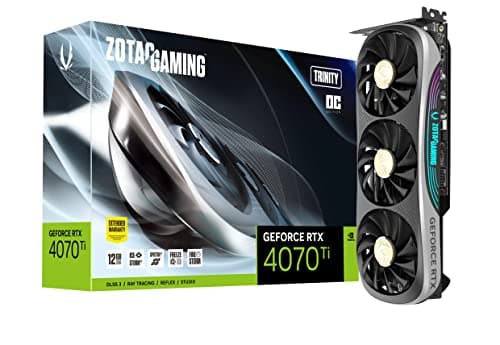
Several RTX 4070 Ti cards sold at the same price; clock speed and cooler design separate them.
12 min read
Components · Buying Guide
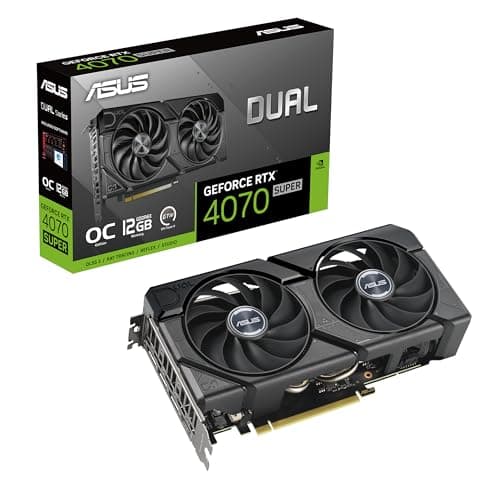
The RTX 4070 Super comes in compact and full-size versions; measure your case first.
11 min read
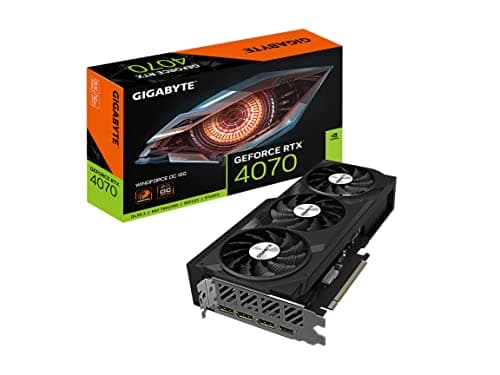
Components · Buying Guide
Some RTX 4070 cards use GDDR6 instead of GDDR6X; check the listing before you buy.
11 min read
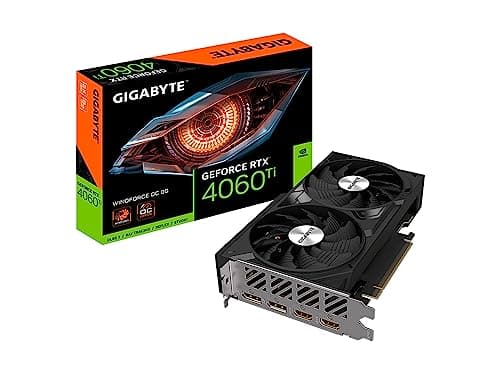
Components · Buying Guide
The 8GB RTX 4060 Ti is a 1080p card; compare coolers and prices, and mind texture settings.
12 min read
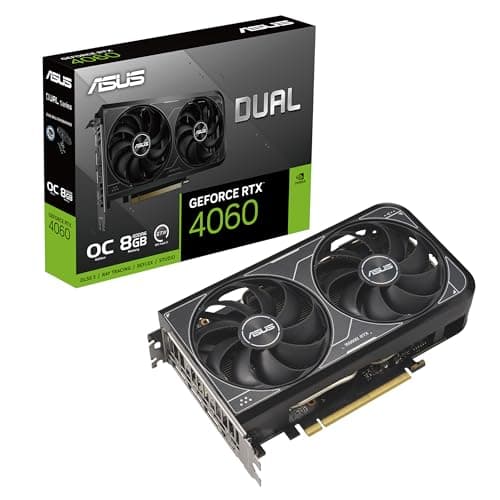
Components · Buying Guide
The RTX 4060 comes in low-profile and white versions; pick by case and style first.
11 min read
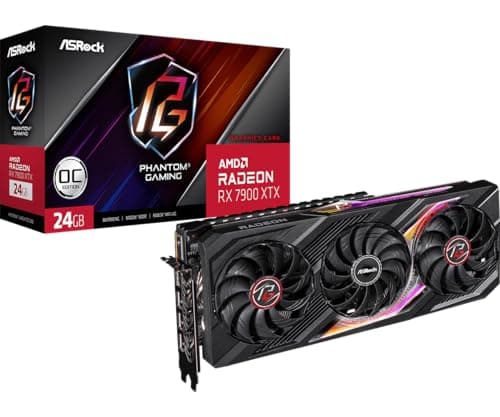
Components · Buying Guide
RX 7900 XTX cards run 313mm to 320mm long; check thickness and PSU guidance too.
11 min read
Components · Buying Guide
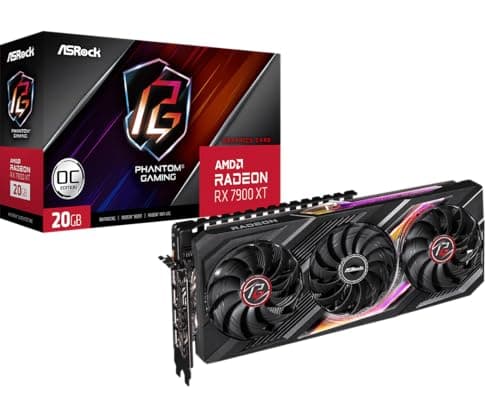
The RX 7900 XT has 20GB; compare output layouts, card sizes and prices before choosing.
12 min read
Components · Buying Guide
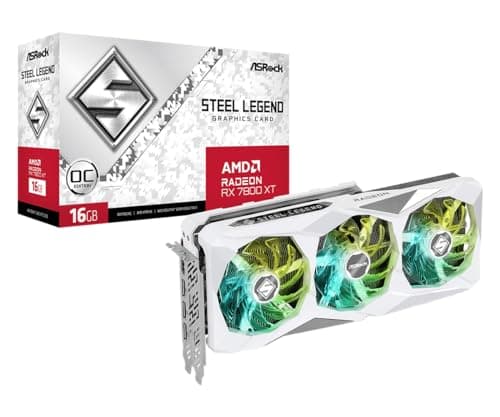
RX 7800 XT cards range from 260mm to 320mm; measure your case before choosing.
12 min read
Components · Buying Guide
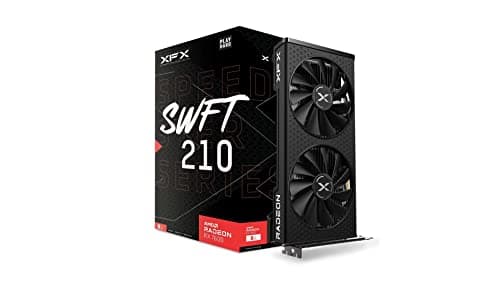
The RX 7600 XT doubles memory to 16GB on the same chip; decide whether you need it.
12 min read
Components · Buying Guide
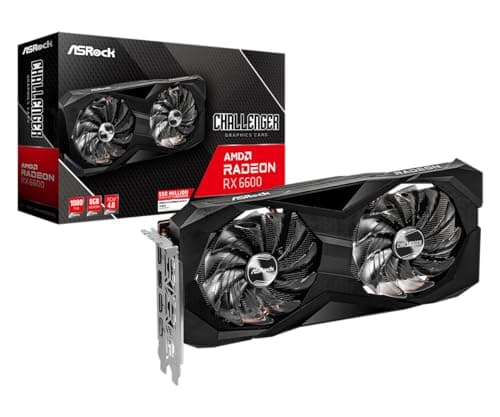
Under $250, memory size and power needs vary a lot; check both before you buy.
11 min read
Components · Buying Guide
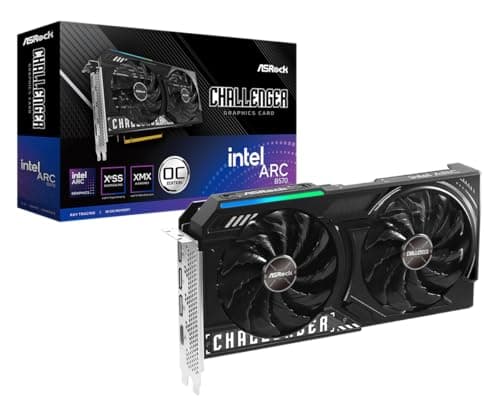
Up to $300, a 10GB Arc B570 enters the picture alongside older 8GB cards.
12 min read
Components · Buying Guide
Under $400, the 12GB Arc B580 stands out on memory; the 8GB cards compete on features.
12 min read
Components · Buying Guide
Under $450, most cards have 8GB; choose by cooler, size and features.
12 min read
Components · Buying Guide
Under $500, a 16GB RX 7800 XT competes with newer 8GB cards; memory decides for 1440p.
12 min read
Components · Buying Guide
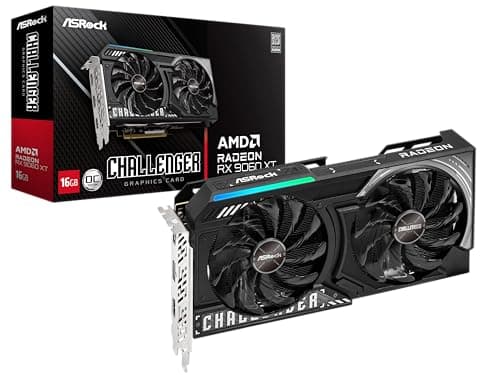
Under $600, 16GB becomes standard; compare card size and power instead.
12 min read
Components · Buying Guide
Under $700, 16GB RX 9070 cards and a 20GB RX 7900 XT compete with 12GB RTX 4070s.
12 min read
Components · Buying Guide
Under $800, the RX 9070 XT leads on memory and speed; the RTX 5070 is the NVIDIA option.
12 min read
Components · Buying Guide
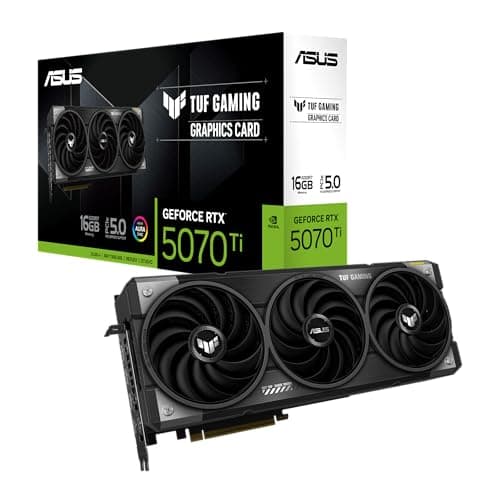
ASUS sells the same GPU under several lines; the line decides size, cooling and extras.
12 min read
Components · Buying Guide
Zotac sells only GeForce cards; its Solid, Twin Edge and Trinity lines differ in size.
12 min read
Components · Buying Guide
Bethesda recommends an RTX 2080 or RX 6800 XT; these current cards clear that bar.
12 min read
Components · Buying Guide
Larian recommends an RTX 2060 Super or RX 5700 XT with 8GB; most current mid-range cards clear it.
12 min read
Components · Buying Guide
Activision's requirements change with each release; these cards suit high-refresh play in current titles.
12 min read
Components · Buying Guide
At 1440p and 240Hz an RTX 4080 Super often waits on the CPU; the X3D chips close that gap.
12 min read
Components · Buying Guide
An RTX 4070 Ti Super rarely needs a flagship CPU; a fast eight-core chip keeps it busy.
12 min read
Components · Buying Guide
The RX 7600 XT's 16GB of memory suits a longer-lived build; pick a platform with an upgrade path.
12 min read
Components · Buying Guide
NVIDIA recommends 750W for the RTX 4080 Super; 850W covers a hungry CPU as well.
12 min read
Components · Buying Guide
NVIDIA recommends 700W for the RTX 4070 Ti Super; a 750W unit with a native 16-pin cable fits.
12 min read
Components · Buying Guide
NVIDIA recommends 650W for the RTX 4070 Super; most partner cards use a 16-pin plug.
12 min read
Components · Buying Guide
NVIDIA recommends 550W for the RTX 4060 Ti; a 650W or 750W unit leaves room for the next card.
12 min read
Components · Buying Guide
Under $200 the differences are size, included fans and how much glass you want.
12 min read
Components · Buying Guide
Spending up to $300 buys space: 420mm radiators, larger fans and bigger boards.
12 min read
Components · Buying Guide
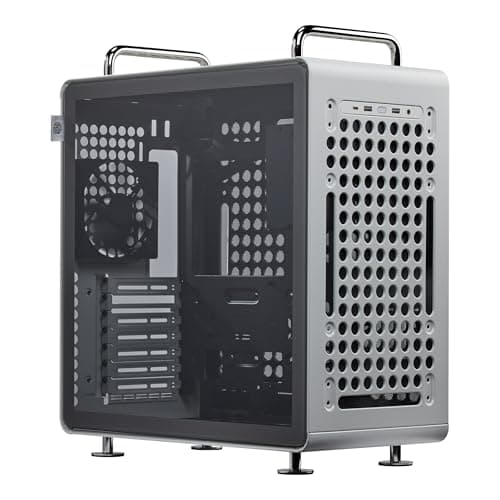
Cooler Master's range covers Mini-ITX to E-ATX; the QUBE line adds handles and flexible layouts.
12 min read
Components · Buying Guide
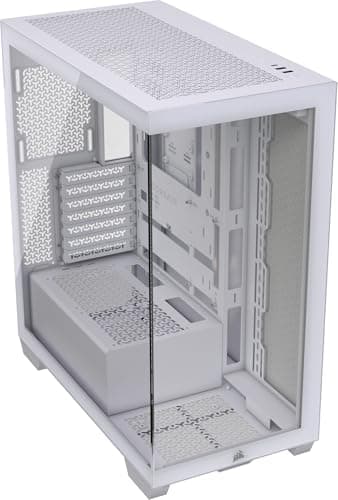
Corsair's range runs from mesh budget towers to full-glass and full-tower models.
12 min read
Components · Buying Guide
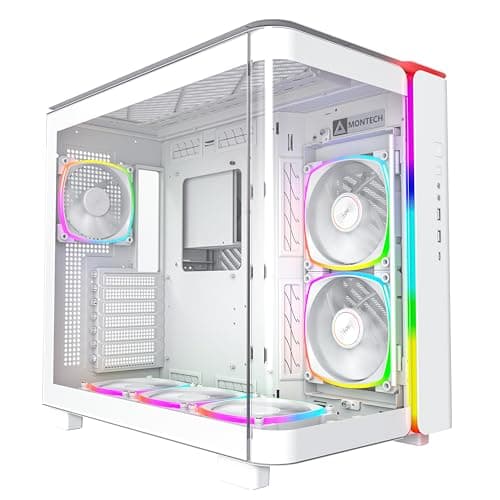
Check how the lighting is controlled; a 5V ARGB header or an included controller matters.
12 min read
Components · Buying Guide
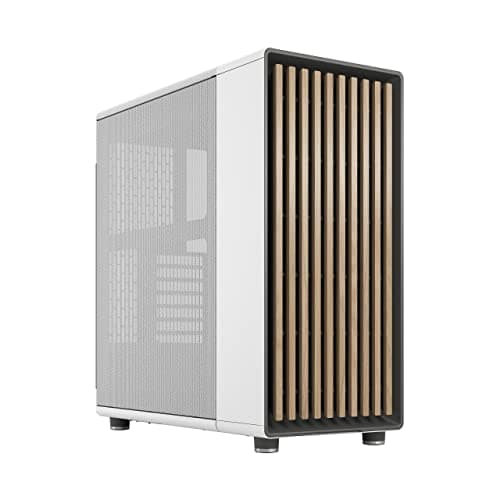
A white build needs white parts inside too; check which fans come in white.
12 min read
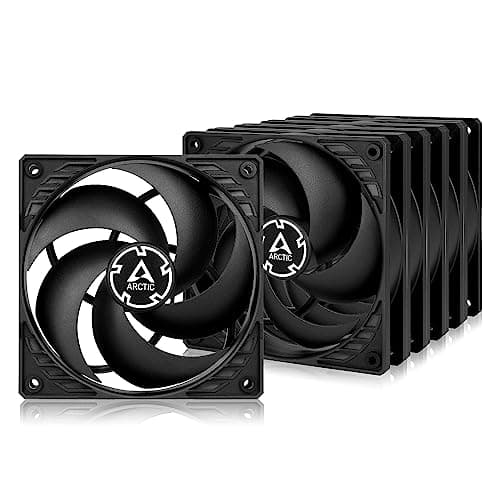
Components · Buying Guide
Buy pressure for radiators and filters, airflow for open mesh, and compare cost per fan.
13 min read
Components · Buying Guide
Gold is the default tier for gaming PCs; warranty and connectors separate the units.
12 min read
Components · Buying Guide
Platinum saves a little power and heat; in small cases it can also mean quieter fans.
12 min read
Components · Buying Guide
Size the wattage to your GPU maker's guidance, then compare connectors and warranty.
12 min read
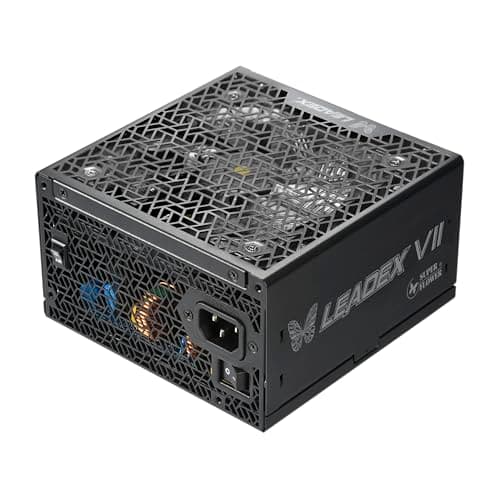
Components · Buying Guide
Up to $200 buys 1200W to 1600W or Platinum efficiency in a small SFX body.
12 min read
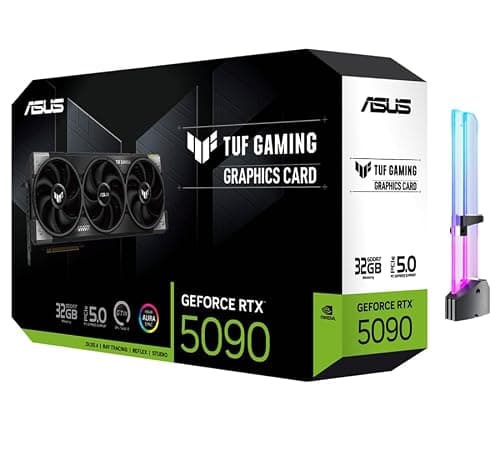
Components · Buying Guide
At 4K, 16GB of VRAM is the floor we set; check case length and the 16-pin connector first.
12 min read
Components · Buying Guide
Ada cards still sell new; one model per tier, with the VRAM each tier carries.
13 min read
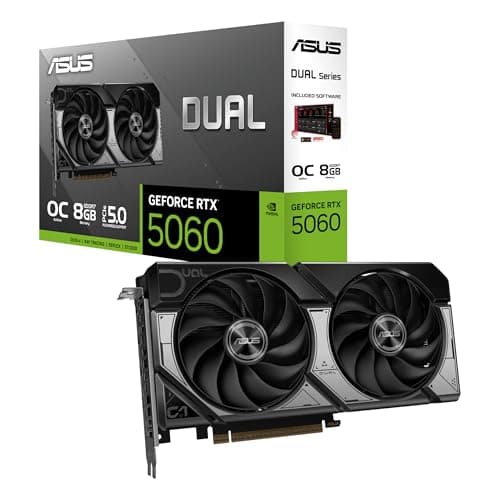
Components · Buying Guide
Esports shooters run on modest cards; spend the difference on a high-refresh monitor.
11 min read
Components · Buying Guide
A first card should fit your PSU; each pick here lists its connector and VRAM.
12 min read
Components · Buying Guide
Flagship cards need flagship power supplies and cases; check both before you order.
12 min read
Components · Buying Guide
Value is VRAM and tier per dollar; these five lead their price brackets at the time of writing.
12 min read
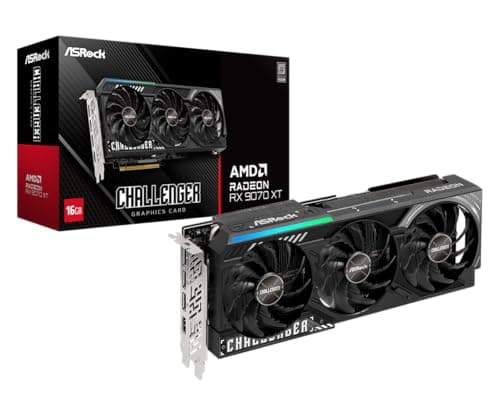
Components · Buying Guide
Start with your monitor's resolution; each card here is matched to one.
12 min read
Components · Buying Guide
At 1440p, 12GB is the practical minimum; these five carry 12GB to 16GB.
12 min read
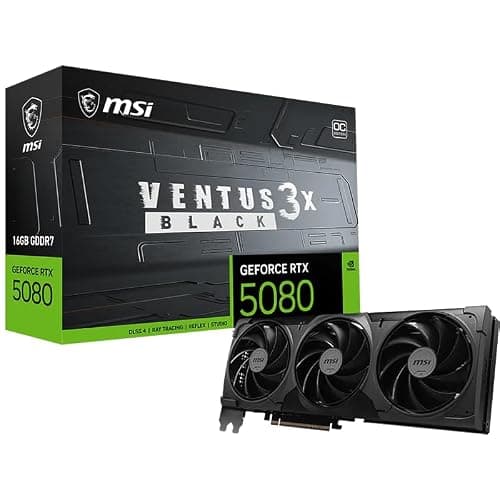
Components · Buying Guide
Every pick encodes AV1 in hardware; VRAM decides how much headroom the game keeps.
12 min read
Components · Buying Guide
One card per price step, so you can see what each extra $100 to $200 buys.
12 min read
Components · Buying Guide
Check your PSU's wattage and connectors first; the right upgrade is the one your PC can power.
12 min read
Components · Buying Guide
One card per tier across all three makers, with VRAM and size side by side.
12 min read
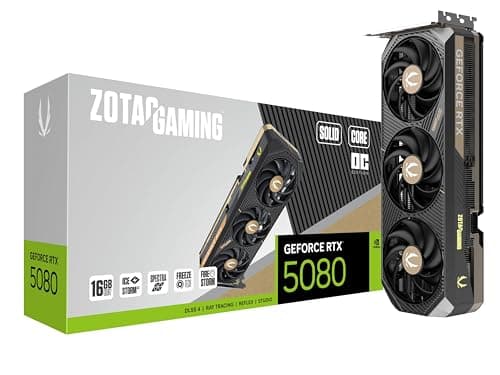
Components · Buying Guide
Desktop cards vary in thickness; a 2.5-slot cooler fits most mid-towers without trouble.
12 min read
Components · Buying Guide
High-end cards need the case and PSU to match; the size and power notes come first.
12 min read
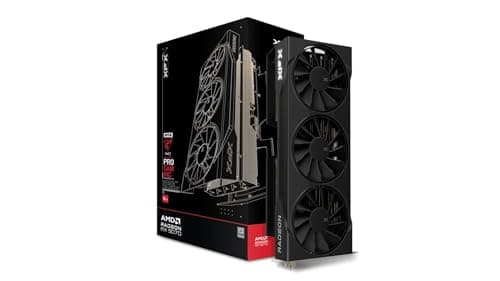
Components · Buying Guide
Mid-range is where 1440p lives; 12GB is the minimum here and three picks carry 16GB.
12 min read
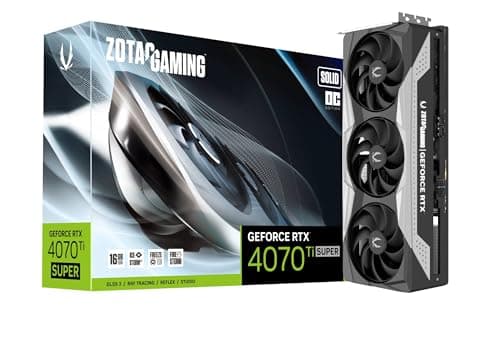
Components · Buying Guide
Same chip, same 16GB; the differences are clocks, cooler size and price.
11 min read
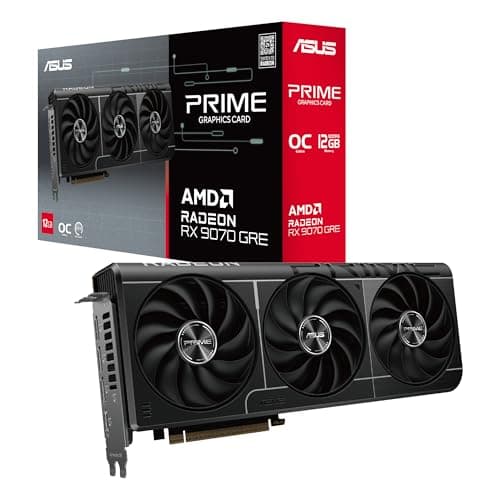
Components · Buying Guide
Value picks under $630 at the time of writing; the RX 9070 GRE sits at the top.
12 min read
Components · Buying Guide
Match the card to your monitor and PSU; five picks from 1080p up to 4K.
12 min read
Components · Buying Guide
AM5 chips share one socket; cache is the spec that separates gaming picks.
12 min read
Components · Buying Guide
Twelve cores or more for work; large cache for games. The X3D Ryzen 9s do both.
12 min read
Components · Buying Guide
Four sockets, six picks; start with the socket your board already has.
12 min read
Components · Buying Guide
Forum favorites, checked against spec sheets: cache, cores and platform, not upvotes.
12 min read
Components · Buying Guide
Eight cores is the comfortable middle for a gaming desktop; these five start there.
12 min read
Components · Buying Guide
Flagship chips run hot; plan a 360mm AIO or a large tower for the Intel picks.
12 min read
Components · Buying Guide
LGA1851 for new builds, LGA1700 for upgrades that keep DDR4; seven picks across both.
13 min read
Components · Buying Guide
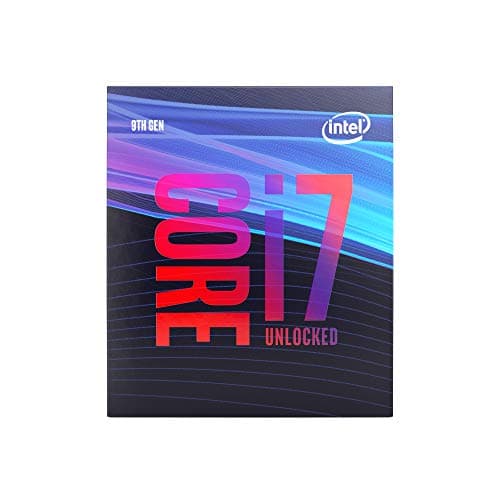
These chips fit Z370, Z390, B365 and similar boards only; check your chipset and BIOS first.
12 min read
Components · Buying Guide
Budget builds should spend on the graphics card; these chips keep the CPU cost low.
12 min read
Components · Buying Guide
Most gaming PCs spend $175 to $350 on the CPU; six picks in that range.
12 min read
Components · Buying Guide
All six cores; cache, socket and the boxed cooler are what separate them.
13 min read
Components · Buying Guide
Three X3D chips lead; the non-X3D picks cost less when the graphics card is the limit.
12 min read
Components · Buying Guide
All seven carry 3D V-Cache; eight-core chips suit gaming, twelve and sixteen suit mixed work.
13 min read
Components · Buying Guide
Pick the socket first, then count M.2 slots; all five here have Wi-Fi 7.
12 min read
Components · Buying Guide
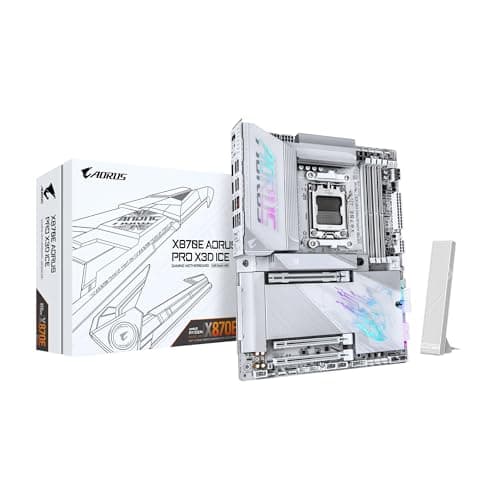
Spend on the board only as far as your CPU needs; six picks across three sockets.
12 min read
Components · Buying Guide
A desktop board lives for years; check rear USB, Ethernet speed and spare M.2 slots.
12 min read
Components · Buying Guide
32GB at 6000MT/s suits most gaming builds; CAS latency separates the kits.
12 min read
Components · Buying Guide
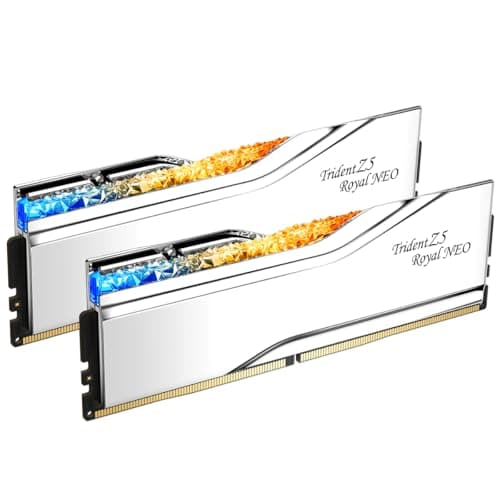
Same speed, same capacity; latency, voltage and lighting separate these five.
12 min read
Components · Buying Guide
2TB fits a large game library; PCIe 5.0 only helps if your board has a Gen5 slot.
12 min read
Components · Buying Guide
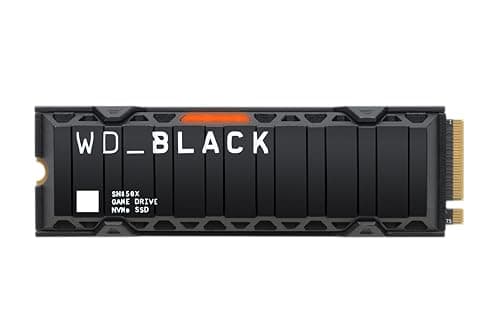
Only buy a heatsink drive if your board lacks an M.2 shield; check the height first.
11 min read
Components · Buying Guide
Load times depend on the game as much as the drive; a good PCIe 4.0 drive covers most builds.
12 min read
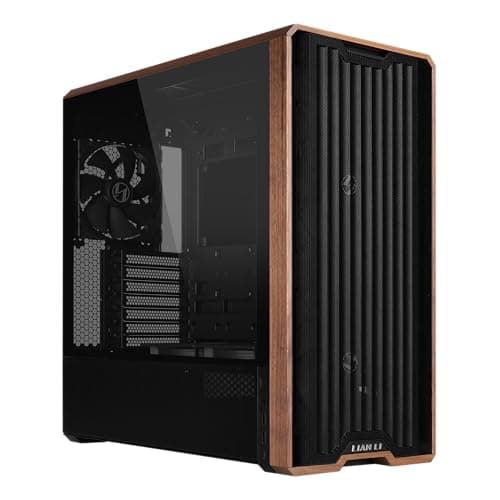
Components · Buying Guide
Included fans save money; check GPU length and radiator support before you buy.
12 min read
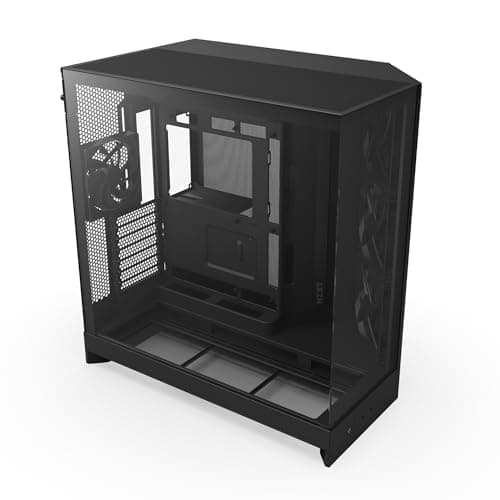
Components · Buying Guide
Glass-sided casings look best with good airflow behind them; check radiator support first.
12 min read
Components · Buying Guide
Bigger chassis make room for 420mm radiators and E-ATX boards; check your desk space too.
12 min read
Components · Buying Guide
Front USB-C, three fans and room for a 392mm card: the checklist for a first gaming build.
12 min read
Components · Buying Guide
Every pick fits a 360mm radiator; GPU clearance and style separate them.
12 min read
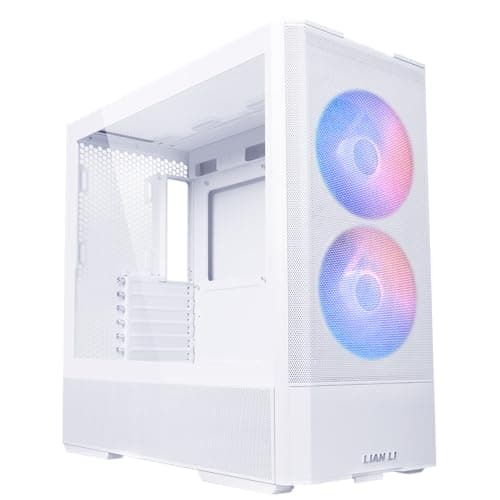
Components · Buying Guide
White cases show dust but suit white parts; check GPU length and fans in the box.
12 min read
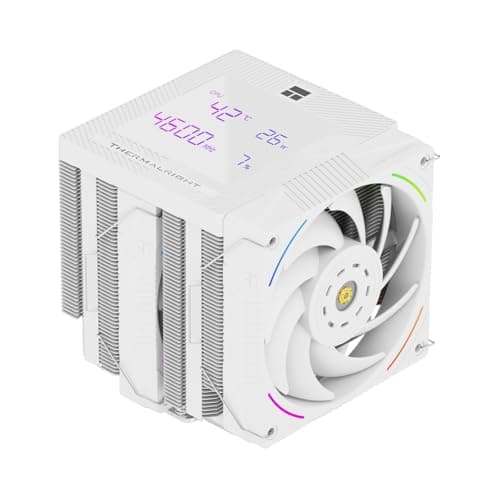
Components · Buying Guide
A good air cooler handles most gaming CPUs; check height against your case first.
12 min read
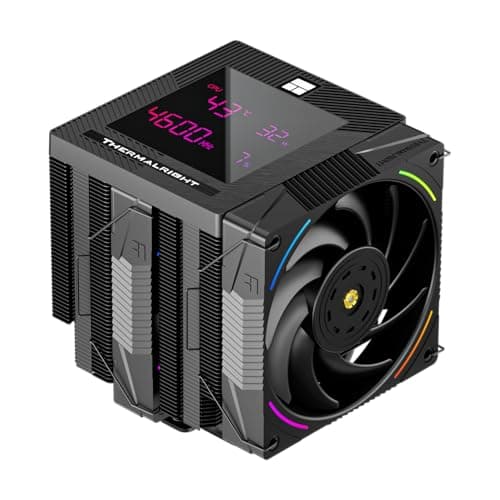
Components · Buying Guide
Dual-tower coolers suit hot chips; single towers fit more cases. Five picks across both.
12 min read
Components · Buying Guide
Match the radiator to the CPU's heat and your case's mounts; six picks from 240 to 420mm.
12 min read
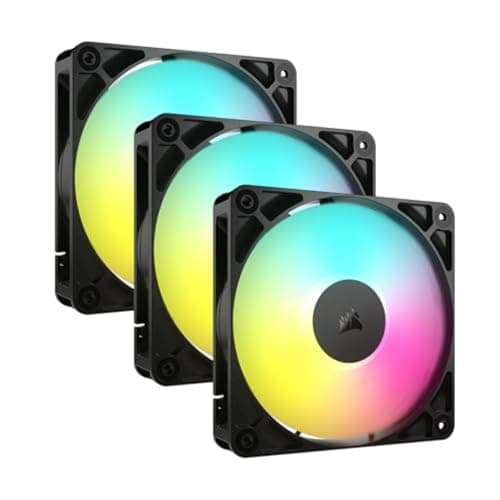
Components · Buying Guide
ARGB packs differ most in wiring; daisy-chained fans save headers and cable clutter.
12 min read
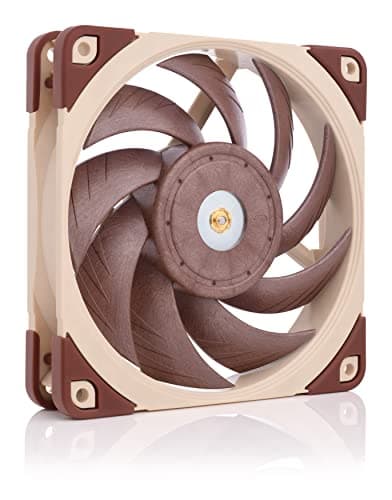
Components · Buying Guide
Unlit single fans let you replace a noisy one or fill a radiator without paying for RGB.
12 min read
Components · Buying Guide
Size the PSU to your graphics card's recommendation; every pick here has a 12V-2x6 cable.
12 min read
Components · Buying Guide
Short cases need shallow units; high-end cards need a 12V-2x6 cable. Five picks for both.
12 min read
Components · Buying Guide
A good PSU lists its efficiency, warranty and connectors clearly; these five do.
12 min read
Components · Buying Guide
From a 650W white unit to 1200W Platinum; size the PSU to your whole system.
12 min read
Components · Buying Guide
Fully modular units make cable routing easier; five picks from 650W to 1000W.
12 min read
Components · Buying Guide
Count connectors as well as watts; the 1600W pick has two 12V-2x6 and eight 8-pin cables.
12 min read
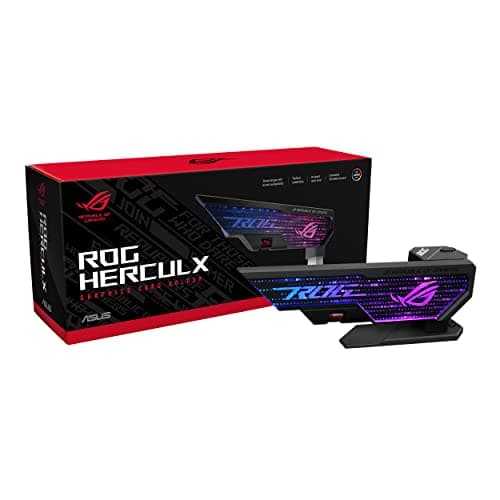
Components · Buying Guide
Measure the gap under your card first; then pick a stand, slot bar or fan-mount brace.
13 min read
Components · Buying Guide
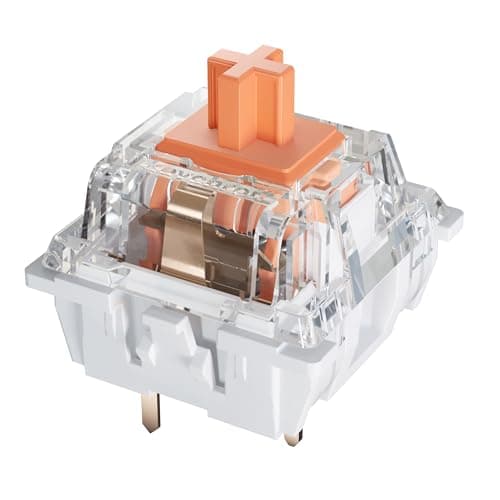
Silent switches dampen the bottom-out and return. These six differ in force, feel and pack size.
12 min read
Components · Buying Guide
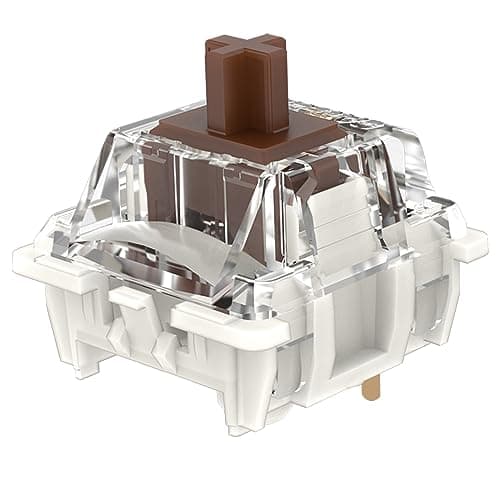
Tactile switches range from light and subtle to heavy and pronounced. These six span that range.
12 min read
Components · Buying Guide
On a budget, the platform, a boxed cooler and integrated graphics can matter as much as the chip.
12 min read
Components · Buying Guide
Large L3 cache is the spec that separates gaming CPUs today; the X3D chips lead on it.
12 min read
Components · Buying Guide
A good gaming CPU needs enough cache and cores for the card, not a flagship badge.
11 min read
Components · Buying Guide
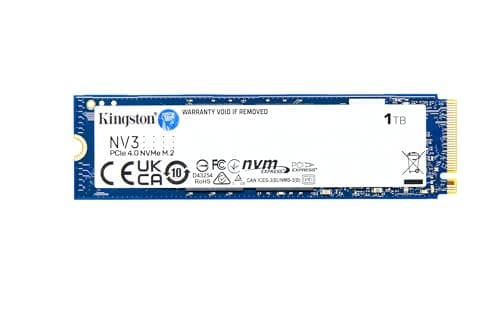
An operating system drive needs fast random access more than huge capacity; 1TB to 2TB leaves room for apps.
12 min read
Components · Buying Guide
An NVMe SSD is the biggest speed upgrade for an older PC.
12 min read
Components · Buying Guide
Intel's gaming CPUs span LGA1700 and LGA1851 boards.
12 min read
Components · Buying Guide
AMD's Ryzen range covers AM4 upgrades and AM5 new builds.
12 min read
Components · Buying Guide
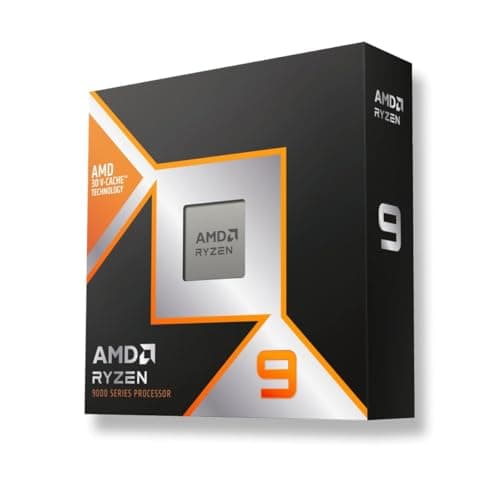
For gaming, AMD's X3D chips add extra cache that helps frame rates in many games.
12 min read
Components · Buying Guide
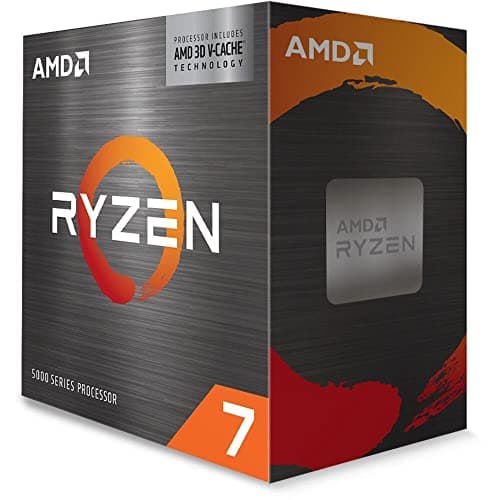
An AM4 CPU upgrade keeps your motherboard and DDR4 memory.
11 min read
Components · Buying Guide
A gaming CPU should keep up with your graphics card at your target frame rate.
12 min read
Components · Buying Guide
The Ryzen 7 9800X3D fits any AM5 board; B650, B850, X670E and X870 boards all support it after a BIOS update.
12 min read
Components · Buying Guide
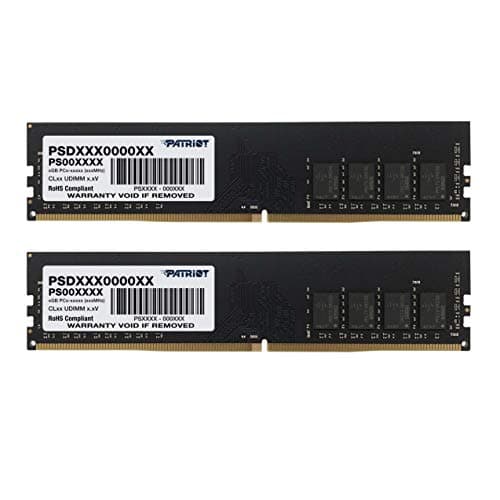
DDR4 memory suits AM4 and older Intel boards.
12 min read
Components · Buying Guide
16GB runs most games; a two-stick kit runs in dual channel for better performance.
12 min read
Components · Buying Guide
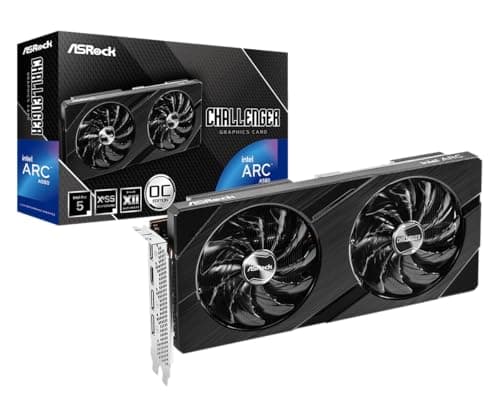
Under $350, a graphics card targets 1080p gaming.
11 min read
Components · Buying Guide
NVIDIA's RTX cards add DLSS upscaling and strong ray tracing.
12 min read
Components · Buying Guide
The graphics card decides gaming performance more than any other part.
12 min read
Components · Buying Guide
AMD's Radeon cards offer generous VRAM for the money and FSR upscaling.
12 min read
Components · Buying Guide
A gaming graphics card should match your resolution and budget.
12 min read
Components · Buying Guide
For gaming, the GPU is the part to spend on first.
12 min read
Components · Buying Guide
The current generation brings RTX 50-series, Radeon RX 9000 and Intel Arc B-series cards.
12 min read
Components · Buying Guide
1080p gaming needs a mid-range card with 8GB to 12GB of VRAM.
12 min read
Components · Buying Guide
1440p is comfortable with 12GB to 16GB of VRAM.
12 min read
Components · Buying Guide
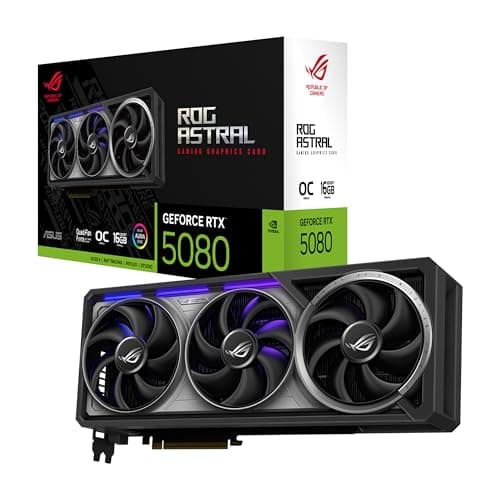
A graphics card for a PC has to fit the case as well as the budget.
12 min read
Components · Buying Guide
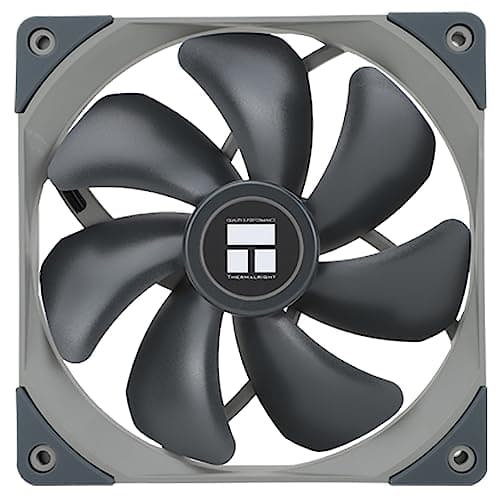
A 140mm fan moves more air at a lower speed than a 120mm fan, which keeps noise down.
12 min read
Components · Buying Guide
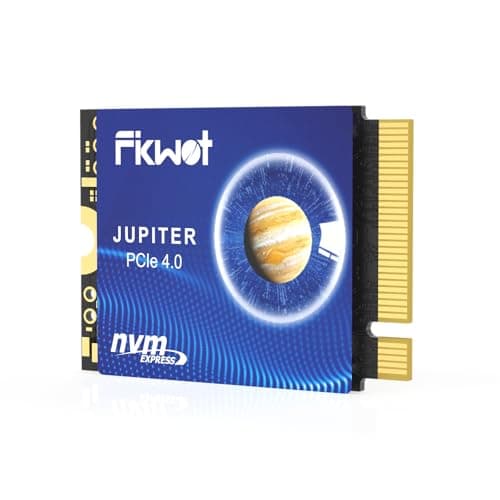
The Steam Deck and similar handhelds take the short M.2 2230 SSD size.
11 min read
Components · Buying Guide
A budget NVMe SSD is still several times faster than SATA.
12 min read
Components · Buying Guide
A 4TB NVMe SSD holds a large game library in one slot.
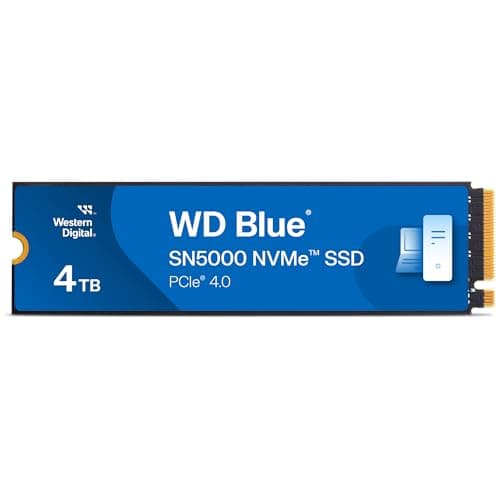
11 min read
Components · Buying Guide
The PS5's expansion slot takes a PCIe 4.0 M.2 SSD, and Sony recommends a heatsink.
12 min read
Components · Buying Guide
PCIe 5.0 SSDs double the sequential speed of Gen4 drives on a supported M.2 slot.
12 min read
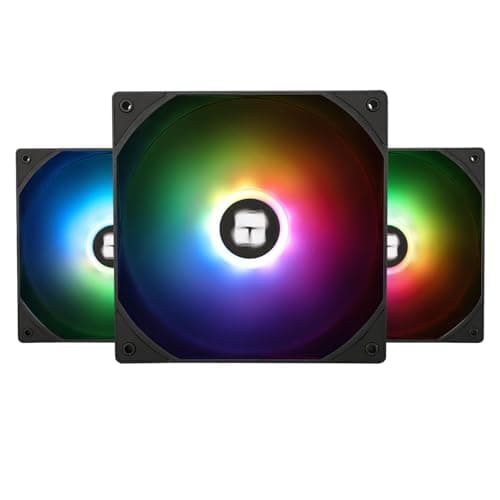
Components · Buying Guide
A three-pack fills a case front or a 360mm radiator in one purchase.
12 min read
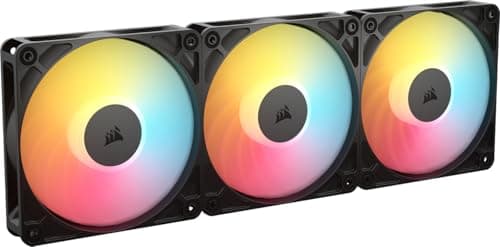
Components · Buying Guide
Static pressure pushes air through radiators and dense filters.
12 min read
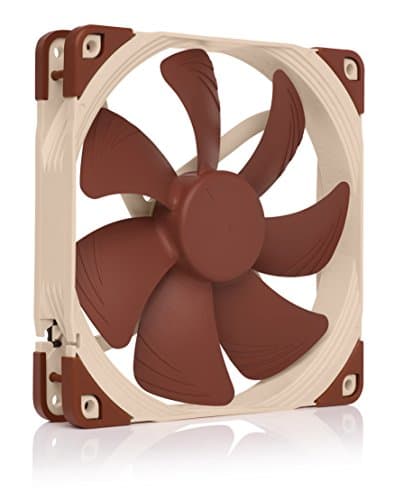
Components · Buying Guide
Quiet fans balance airflow against noise.
11 min read
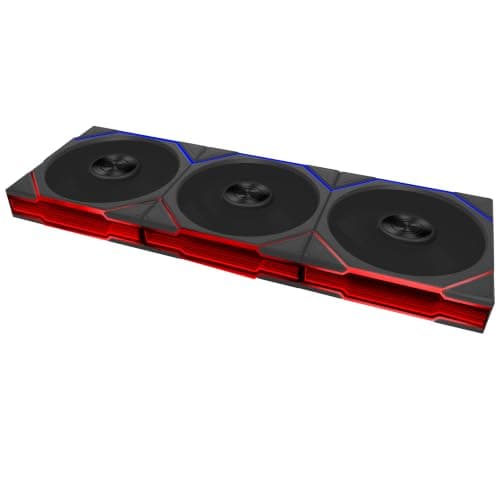
Components · Buying Guide
ARGB fans have individually addressable LEDs that sync with the motherboard.
12 min read
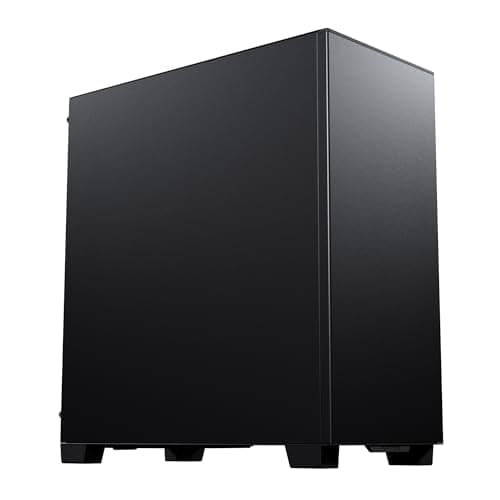
Components · Buying Guide
Phanteks makes airflow and showcase cases from the XT to the NV series.
12 min read
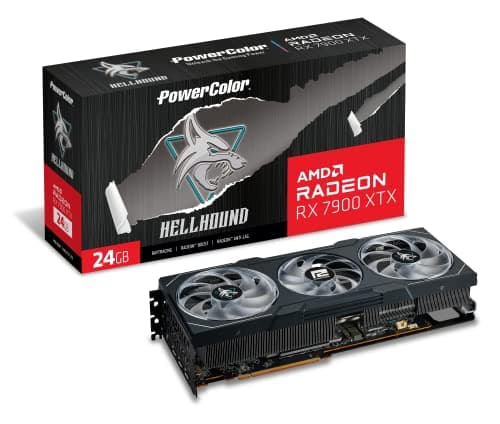
Components · Buying Guide
PowerColor builds only AMD Radeon cards, from Hellhound to Red Devil.
11 min read
Components · Buying Guide
PNY builds NVIDIA GeForce cards, including compact and XLR8 models.
12 min read
Components · Buying Guide
Data work in Python, R or a local database spreads across threads and leans on memory capacity.
12 min read
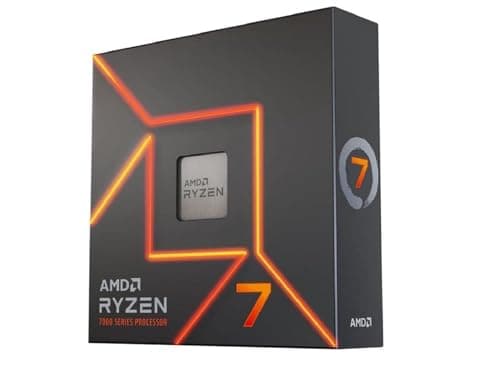
Components · Buying Guide
Game development mixes shader and code compiles, which use every core, with editor work in Unreal or Unity that rewards high clocks.
12 min read
Components · Buying Guide
Video production uses many cores for exports and effects, and an integrated GPU adds a second hardware encoder in some editors.
11 min read
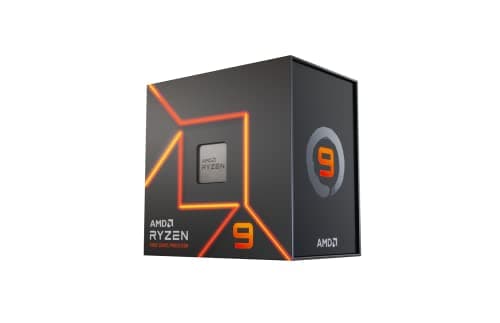
Components · Buying Guide
Photoshop, Illustrator and Figma are mostly lightly threaded, so boost clock matters more than core count.
12 min read
Components · Buying Guide
Developers compile, run containers and keep an IDE, browser and local services open at once, which rewards thread count.
12 min read
Components · Buying Guide
A home office PC needs integrated graphics so you can skip a graphics card, and a 65W rating keeps the cooler small and quiet.
12 min read
Components · Buying Guide
Long renders, simulations and batch jobs keep a CPU at full load for hours.
11 min read
Components · Buying Guide
A low rated power means less heat, a smaller cooler and a quieter PC.
12 min read
Components · Buying Guide
High boost clocks help lightly threaded apps and many games.
11 min read
Components · Buying Guide
Intel's K and KF chips have unlocked multipliers for manual overclocking.
12 min read
Components · Buying Guide
AM5 and LGA1851 processors provide PCIe 5.0 lanes for a graphics card and an M.2 SSD, depending on the motherboard.
12 min read
Components · Buying Guide
A large L3 cache keeps more game and application data close to the cores, which steadies frame times and reduces stalls.
12 min read
Components · Buying Guide
Sixteen cores or more suits rendering, compiling and heavy multitasking.
11 min read
Components · Buying Guide
Between about $330 and $800 you reach the fastest desktop chips for gaming and work.
12 min read
Components · Buying Guide
A desktop workstation chip needs many threads for rendering and simulation and a large cache for big datasets.
11 min read
Components · Buying Guide
Music production needs strong per-core speed for low buffer sizes and enough cores for many plugins.
11 min read
Components · Buying Guide
VR games must hold 90fps or more, and CPU spikes cause dropped frames.
11 min read
Components · Buying Guide
Most CAD modelling runs on one or two threads, while rendering uses them all.
12 min read
Components · Buying Guide
Cyberpunk 2077 loads the CPU heavily in crowded districts and with path tracing.
11 min read
Components · Buying Guide
Baldur's Gate 3 is CPU-bound in Act 3's city, where many characters are active at once.
12 min read
Components · Buying Guide
The Arc B580 needs Resizable BAR and is more sensitive to CPU speed than rival cards.
12 min read
Components · Buying Guide
The RTX 5060 is a 1080p card, so a mid-range six- or eight-core CPU is enough.
12 min read
Components · Buying Guide
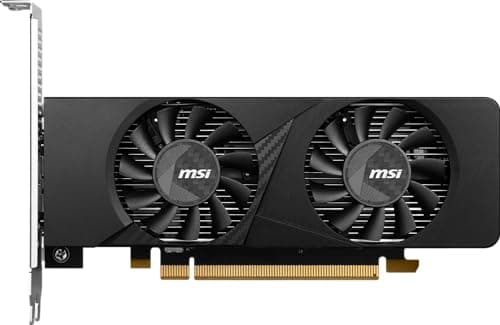
Small cases limit card length, thickness and airflow.
12 min read
Components · Buying Guide
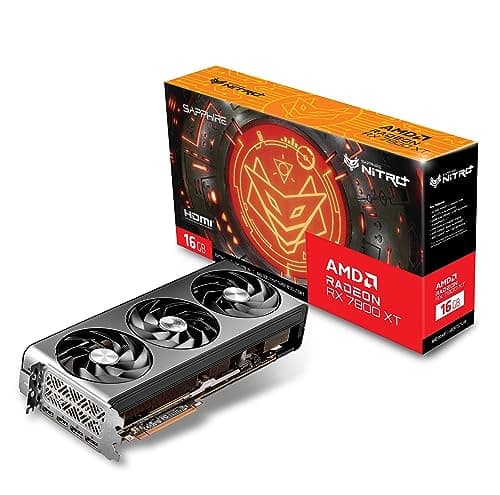
Thicker coolers move the same heat with slower fans, which usually means less noise.
12 min read
Components · Buying Guide
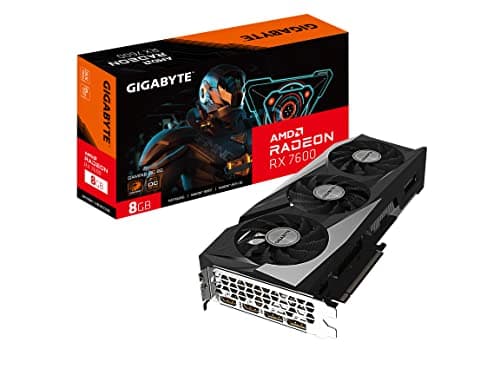
Card lighting is cosmetic, so the choice should still start with the GPU, cooler size and power connector.
12 min read
Components · Buying Guide
A home office card mainly adds display outputs and hardware video decoding for calls and several monitors.
12 min read
Components · Buying Guide
Large renders, simulations and local AI models need video memory first.
12 min read
Components · Buying Guide
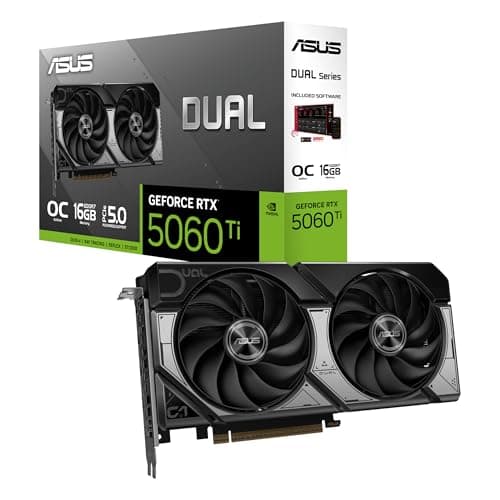
NVIDIA's NVENC and NVDEC engines are widely supported in editors, and 16GB of VRAM helps with 4K timelines and effects.
12 min read
Components · Buying Guide
Design apps use the GPU for canvas acceleration and AI features, and extra VRAM helps with large files.
12 min read
Components · Buying Guide
These are the fastest consumer cards for 4K gaming and heavy creative work.
12 min read
Components · Buying Guide
The RTX 50 series adds GDDR7 memory on most models and DLSS 4 multi-frame generation.
12 min read
Components · Buying Guide
24GB of VRAM suits large AI models, heavy 3D scenes and 4K textures.
11 min read
Components · Buying Guide
16GB of VRAM is the comfortable amount for 1440p gaming with high textures.
12 min read
Components · Buying Guide
12GB of VRAM covers 1080p and most 1440p games at high settings.
12 min read
Components · Buying Guide
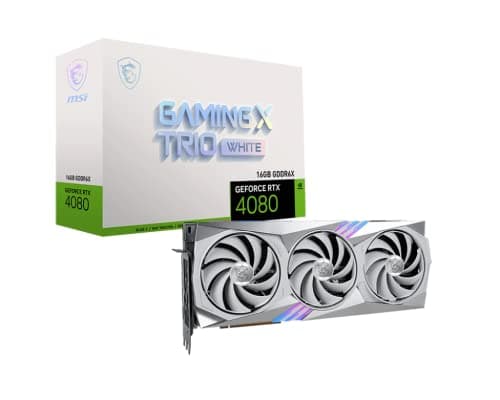
Between $1,200 and $2,000 you get RTX 5080, RTX 4080 Super and fast RTX 5070 Ti cards.
12 min read
Components · Buying Guide
Between $400 and $600, cards target 1080p and 1440p gaming.
12 min read
Components · Buying Guide
Under $300, a graphics card targets 1080p gaming at medium to high settings.
11 min read
Components · Buying Guide
Esports titles run well on mid-range cards, and the priority is high frame rates at 1080p.
11 min read
Components · Buying Guide
Apex Legends players usually aim for 1440p at a high refresh rate.
12 min read
Components · Buying Guide
League of Legends is light on the GPU, so a budget card already runs it at a high refresh rate.
12 min read
Components · Buying Guide
Roblox runs on modest hardware, but some experiences push detail and players count.
12 min read
Components · Buying Guide
Busy VRChat instances fill video memory with avatars and worlds.
12 min read
Components · Buying Guide
ARK: Survival Ascended uses Unreal Engine 5 and is one of the most demanding games around.
12 min read
Components · Buying Guide
The i5-14600K has enough per-core speed for mid- to upper-mid cards.
12 min read
Components · Buying Guide
The Core Ultra 5 245K pairs well with mid-range cards for 1440p.
12 min read
Components · Buying Guide
The Core Ultra 7 265K has the speed to drive upper-mid cards at 1440p and 4K.
12 min read
Components · Buying Guide
A Core Ultra 9 285K build usually targets 4K or heavy creative work.
12 min read
Components · Buying Guide
The Ryzen 5 7600X suits 1080p and 1440p cards.
12 min read
Components · Buying Guide
The Ryzen 5 9600X can drive mid-range cards at 1440p.
12 min read
Components · Buying Guide
The Ryzen 7 9700X pairs well with upper-mid cards for 1440p.
12 min read
Components · Buying Guide
The Ryzen 9 9900X3D combines cache for gaming with 12 cores for work.
12 min read
Components · Buying Guide
The Ryzen 9 9950X3D is a top-end chip, so the GPU sets the limit.
12 min read
Components · Buying Guide
Faster wired networking and USB4 move large files between PCs, NAS boxes and drives.
12 min read
Components · Buying Guide
Game projects grow quickly, so M.2 slots for separate engine, project and cache drives help.
12 min read
Components · Buying Guide
Long full-load work needs a strong power delivery and room for storage.
12 min read
Components · Buying Guide
Local machine learning needs a full-speed x16 slot, fast storage for datasets and quick networking.
12 min read
Components · Buying Guide
A developer workstation benefits from fast Wi-Fi, 2.5GbE or better and room for several SSDs.
12 min read
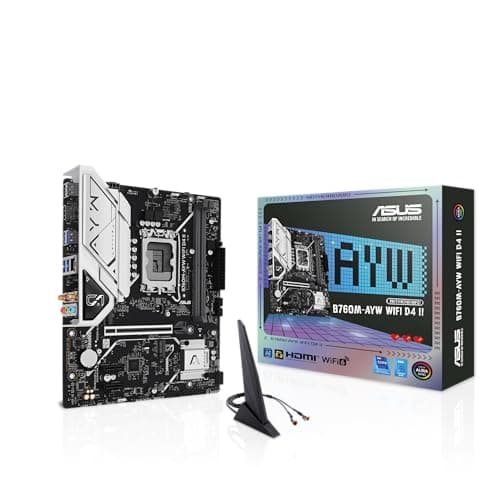
Components · Buying Guide
A Micro-ATX board fits compact cases and still has room for a graphics card and a couple of SSDs.
12 min read
Components · Buying Guide
Built-in Bluetooth connects headphones, controllers and keyboards without a dongle.
12 min read
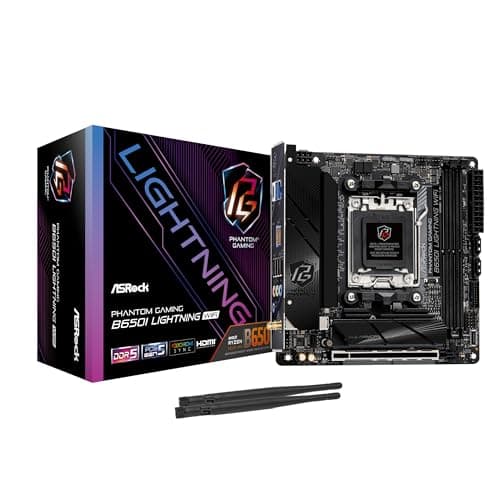
Components · Buying Guide
Mini-ITX boards build the smallest PCs.
11 min read
Components · Buying Guide
Between $300 and $500, boards add more M.2 slots, faster networking and stronger power delivery.
12 min read
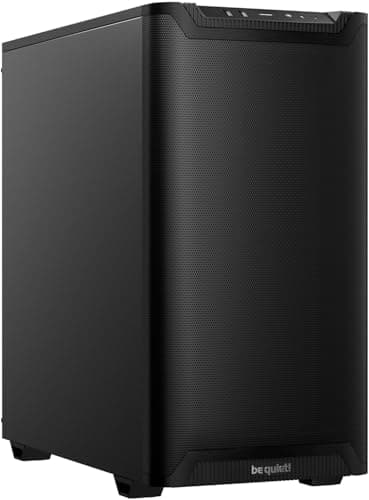
Components · Buying Guide
Mounting the GPU vertically shows off the card but moves it close to the side panel, which can starve its fans.
11 min read
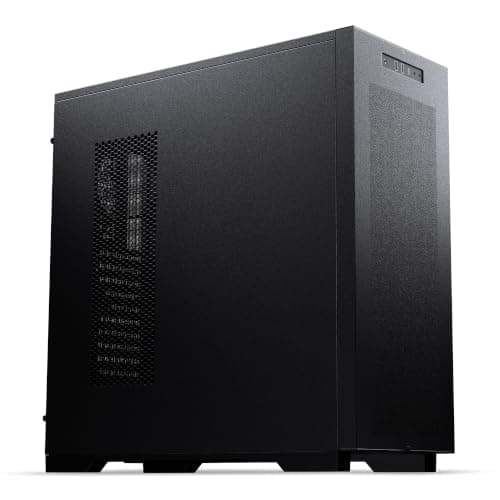
Components · Buying Guide
A 360mm or larger radiator is the usual choice for hot CPUs, but it needs both the mounting length and depth above the board.
12 min read
Components · Buying Guide
For an RGB build, included lit fans save money and cable clutter compared with buying them separately.
12 min read
Components · Buying Guide
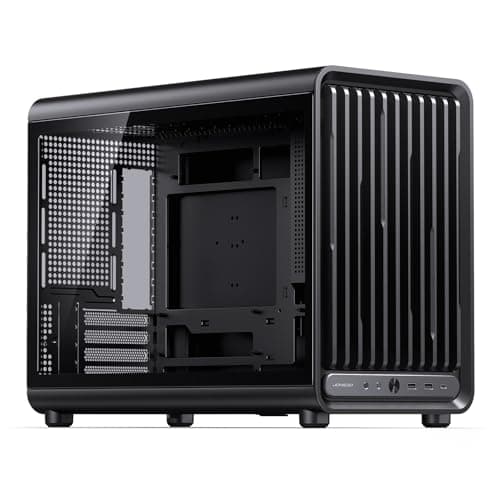
Flagship graphics cards now run well past 330mm, and a large radiator in front shortens the space further.
12 min read
Components · Buying Guide
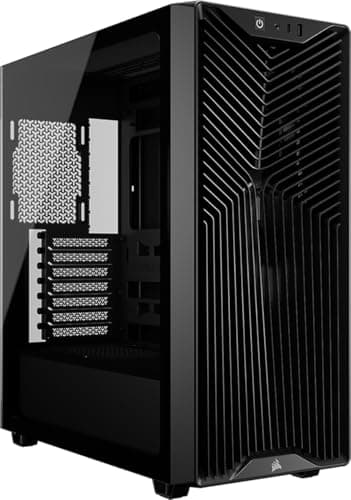
A front USB-C port saves reaching behind the PC for fast drives and phone charging.
12 min read
Components · Buying Guide
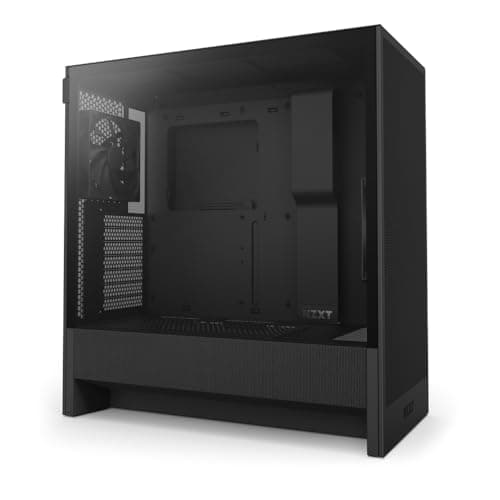
Good cable management comes down to space behind the motherboard tray, routing channels and tie points.
11 min read
Components · Buying Guide
Machine learning builds need room for a long GPU and, often, an E-ATX board.
12 min read
Components · Buying Guide
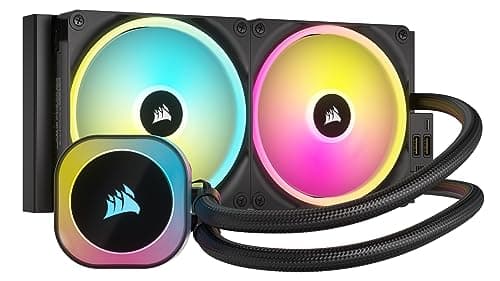
A liquid cooler is quietest when its fans can stop at idle and the pump stays inaudible.
12 min read
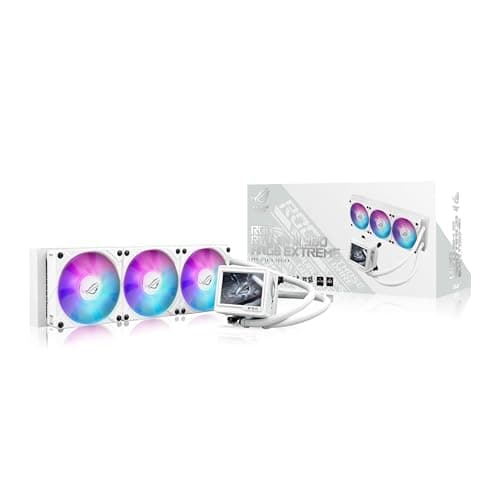
Components · Buying Guide
Core i9 chips draw a lot of power, so every pick uses a 360mm radiator or larger.
12 min read
Components · Buying Guide
Ryzen chips run hot at boost, so a tower cooler is a better match than the stock Wraith.
12 min read
Components · Buying Guide
Long exports keep the CPU and GPU loaded together, so video workstations need real headroom.
12 min read
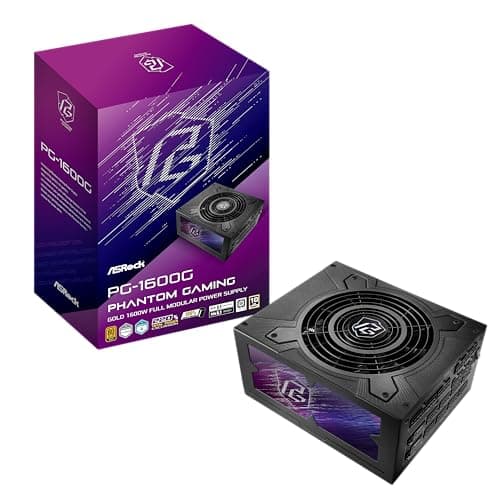
Components · Buying Guide
In a black build the PSU cables are the most visible part through the glass.
12 min read
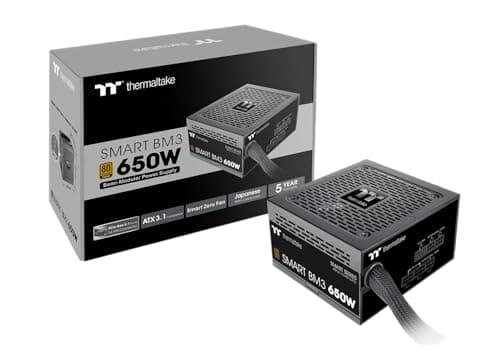
Components · Buying Guide
A power supply is quietest when its fan can stop at idle and light gaming loads.
12 min read
Components · Buying Guide
A syringe lets you place a controlled dot of paste and reseal it for the next build.
11 min read
Components · Buying Guide
Six cores is still the entry point for a gaming PC, and clock speed and cache decide most of the difference between chips.
11 min read
Components · Buying Guide
Eight cores covers gaming, streaming and most creative apps without the heat of a 16-core chip.
11 min read
Components · Buying Guide
Twelve cores suit rendering and heavy multitasking alongside gaming.
12 min read
Components · Buying Guide
High core counts shorten renders, compiles and batch exports.
11 min read
Components · Buying Guide
For machine learning the GPU does the training, but the CPU feeds data, runs preprocessing and handles smaller models.
11 min read
Components · Buying Guide
Lightroom and Photoshop reward high clock speeds for editing and more cores for exports.
12 min read
Components · Buying Guide
Content creators switch between editing, encoding and streaming, which rewards many threads at a sensible price.
12 min read
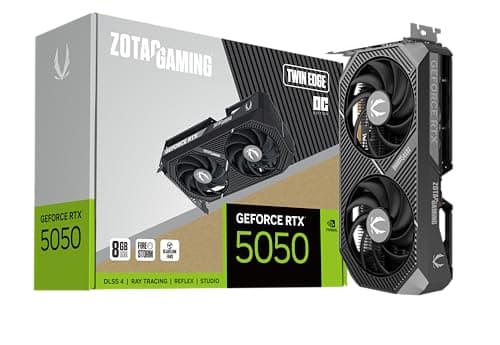
Components · Buying Guide
System latency depends on frame rate and on driver features such as NVIDIA Reflex, which many competitive games support.
12 min read
Components · Buying Guide
Most machine learning tools target NVIDIA's CUDA, and VRAM decides which models fit.
12 min read
Components · Buying Guide
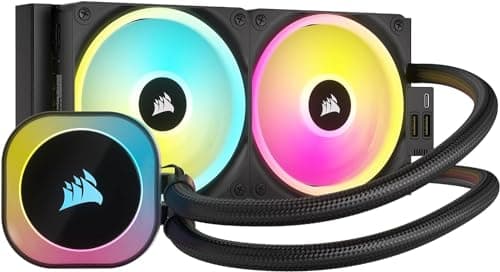
Two fin stacks give a dual-tower cooler the surface area to handle hot CPUs near liquid-cooler level.
12 min read
Components · Buying Guide
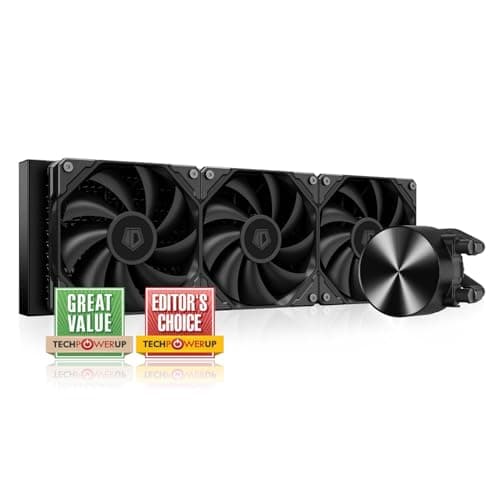
A higher maximum fan speed gives headroom for sustained loads, at the cost of noise when it's used.
12 min read
Components · Buying Guide
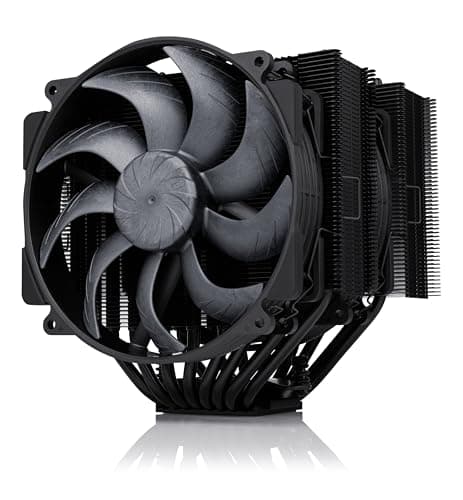
Chips rated at 170W and above need a large radiator and strong contact with the hotspot.
12 min read
Components · Buying Guide
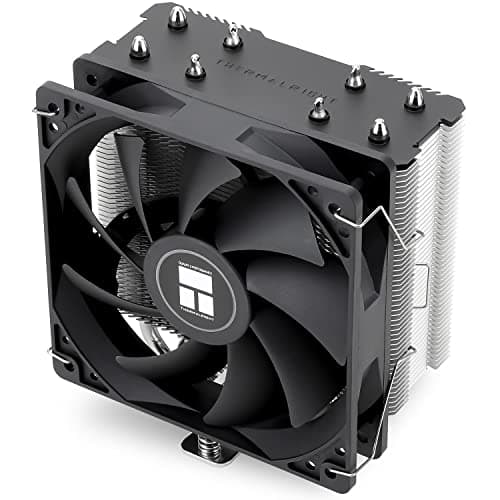
A workstation cooler has to run at full load for hours without pump wear to worry about.
12 min read
Components · Buying Guide
Office work rarely loads the CPU, so an inexpensive tower cooler keeps it cool and quiet.
12 min read
Components · Buying Guide
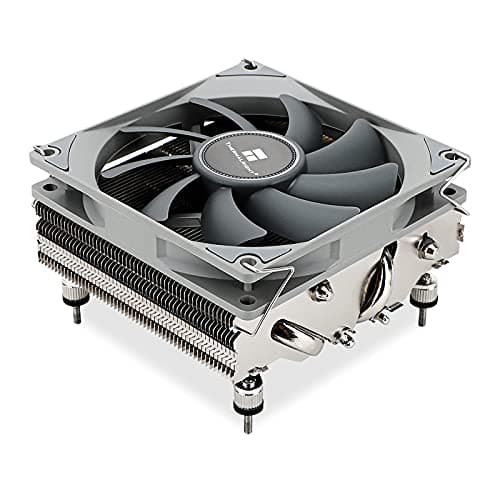
In a studio, fan noise ends up on microphone takes.
12 min read
Components · Buying Guide
Esports games push high frame rates that keep the CPU busy, so steady boost clocks matter.
12 min read
Components · Buying Guide
A first build goes smoother with an air cooler: no pump, no radiator placement and a simpler mount.
11 min read
Components · Buying Guide
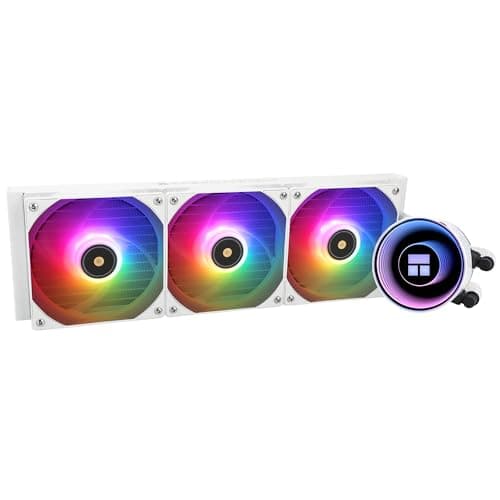
Exports hold the CPU at full load for minutes at a time, which is where a 360mm radiator earns its place.
12 min read
Components · Buying Guide
Renders can run a 16-core chip at full power for hours.
12 min read
Components · Buying Guide
Intel's LGA1700 and LGA1851 sockets share cooler mounting, and a contact frame helps with bending.
12 min read
Components · Buying Guide
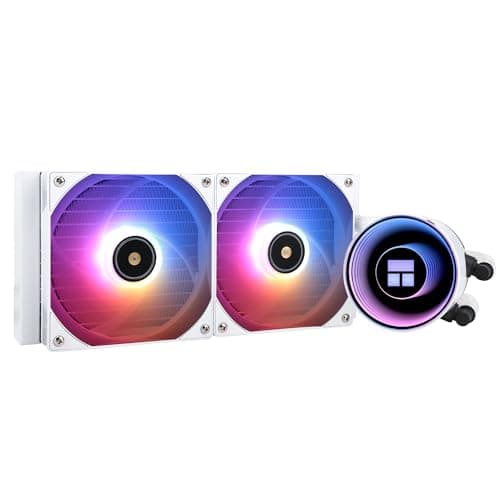
AM5 chips spike to high temperatures by design, and a 240mm or 280mm AIO keeps boost clocks up without a huge radiator.
12 min read
Components · Buying Guide
Between $60 and $100, liquid coolers add better pumps, ARGB and VRM fans.
12 min read
Components · Buying Guide
Under $50, tower air coolers handle most gaming CPUs.
11 min read
Components · Buying Guide
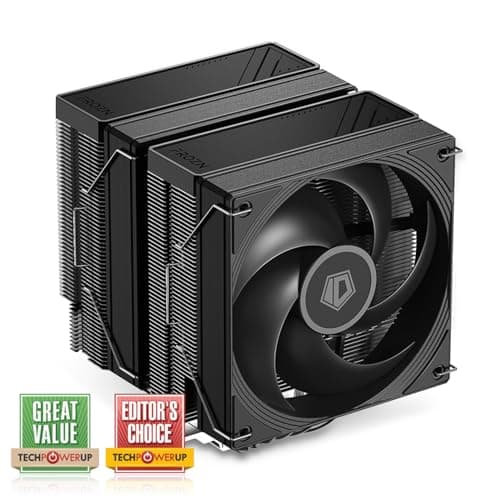
Under $30, a cooler still beats most stock coolers on noise.
11 min read
Components · Buying Guide
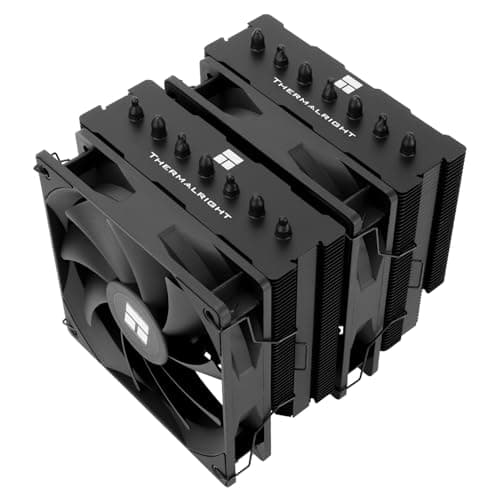
A black cooler disappears into a dark build.
12 min read
Components · Buying Guide
The strongest coolers pair a 360mm or 420mm radiator with extras such as a VRM fan or a pump display.
12 min read
Components · Buying Guide
A studio PC needs a case that keeps fan and drive noise away from the microphone.
11 min read
Components · Buying Guide
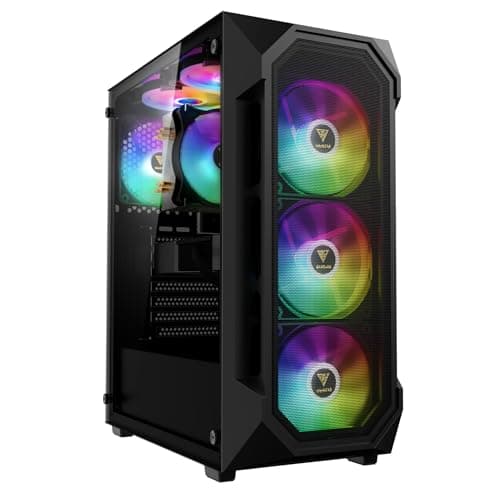
Water cooling needs radiator space at the front or top and room for tubing.
12 min read
Components · Buying Guide
A creator's case needs front USB-C for cards and drives and room for a long GPU.
11 min read
Components · Buying Guide
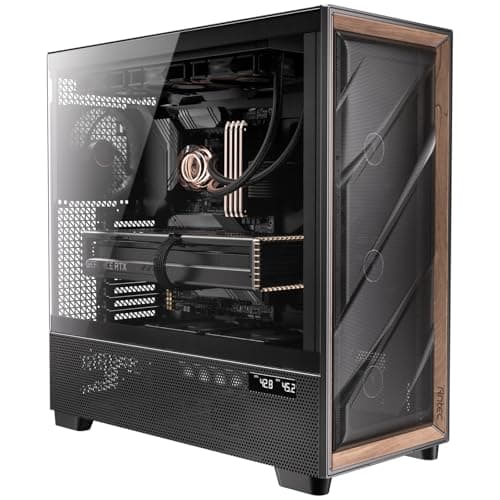
Long full-load work needs plenty of airflow out of the box.
12 min read
Components · Buying Guide
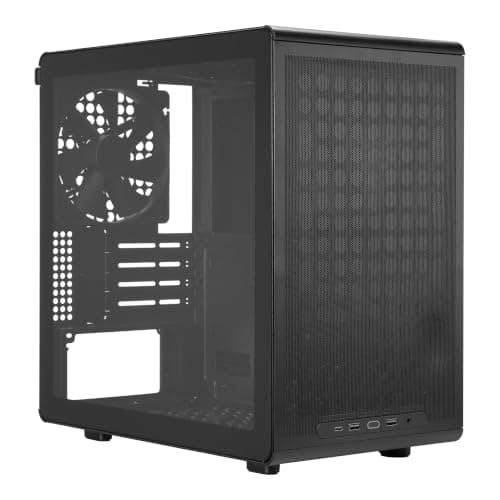
A video editing build needs a full ATX board for storage and a long GPU.
12 min read
Components · Buying Guide
Machine learning rigs run the GPU at full power for hours, sometimes with two cards.
11 min read
Components · Buying Guide
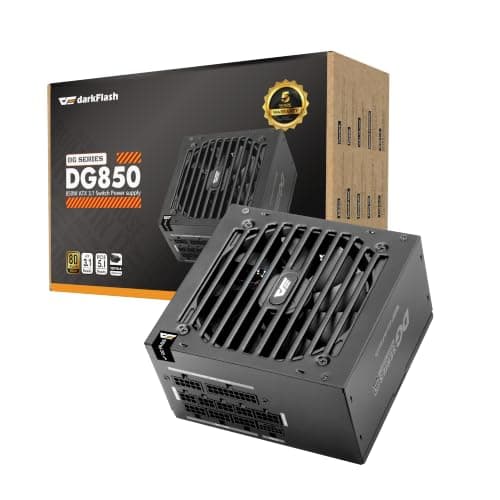
A game development workstation pairs a strong CPU with a gaming GPU, which lands most builds in the 850W to 1000W range.
12 min read
Components · Buying Guide
Photo editing PCs rarely draw much power, so reliability and warranty matter more than wattage.
12 min read
Components · Buying Guide
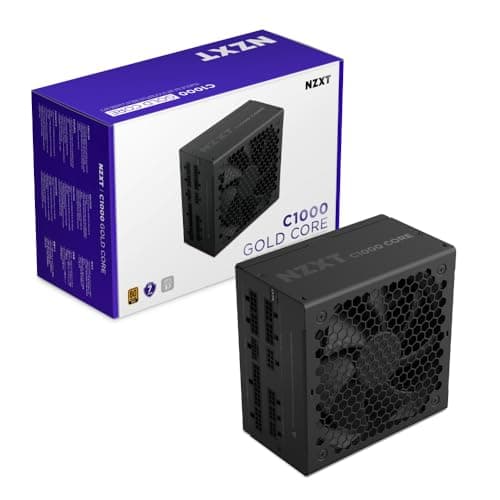
Under constant load, efficiency means less heat and a quieter fan.
12 min read
Components · Buying Guide
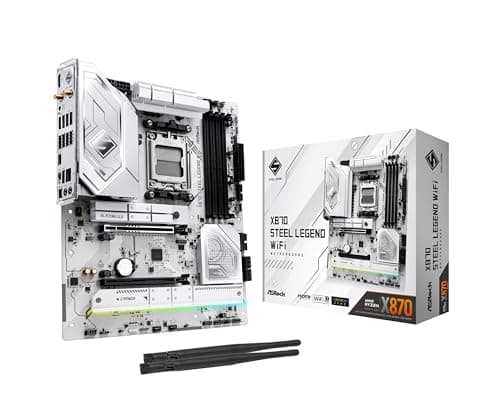
Photographers move large RAW folders from cards and external drives, and USB4 makes that fast.
12 min read
Components · Buying Guide
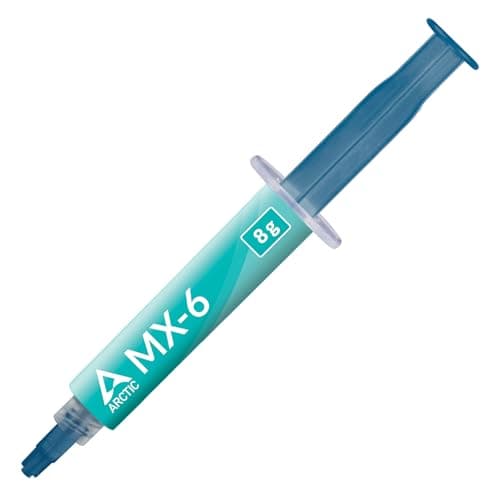
Under $10 you can still buy a reputable non-conductive paste in a useful tube size.
12 min read

Components · Buying Guide
Between $10 and $20, pastes add kits, larger tubes or formulas built against pump-out.
12 min read
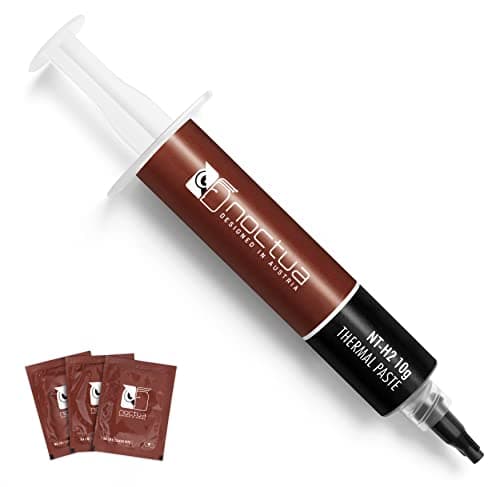
Components · Buying Guide
Between $20 and $30 you are paying for enthusiast formulas or large tubes.
11 min read
Components · Buying Guide
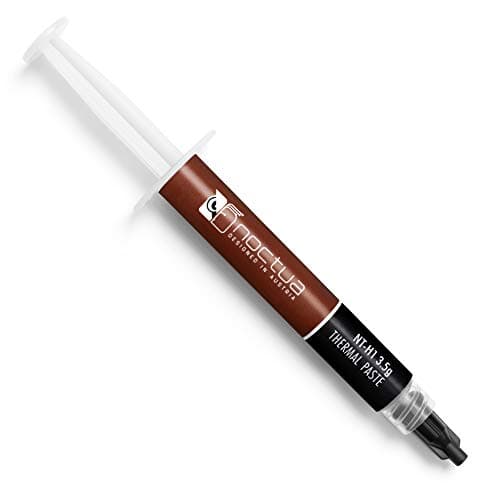
Noctua sells two pastes, NT-H1 and its successor NT-H2, in several pack sizes and kits.
12 min read
Components · Buying Guide
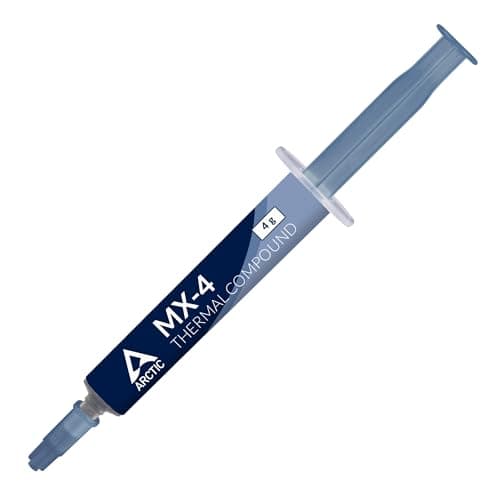
ARCTIC's MX-4, MX-6 and MX-7 differ mainly in consistency and how they resist pump-out.
12 min read
Components · Buying Guide
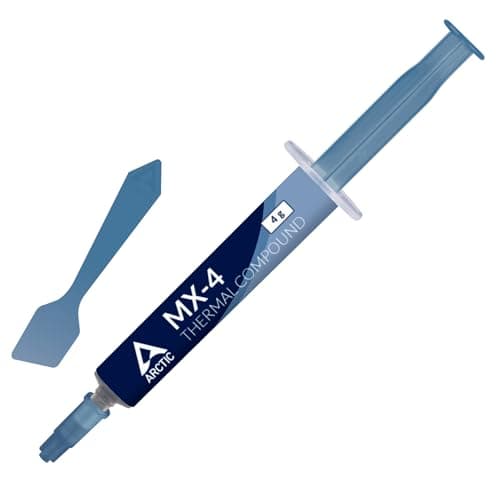
A kit adds wipes, a spatula or an applicator, which makes a clean repaste easier.
12 min read
Components · Buying Guide
A spatula or applicator helps spread a thin, even layer on large or bare dies.
12 min read
Components · Buying Guide
Some pastes are made to be forgiving: they need no spreading, flow easily or spread evenly without mess.
12 min read
Components · Buying Guide
Non-conductive paste is harmless if a little squeezes onto nearby pins or components.
12 min read
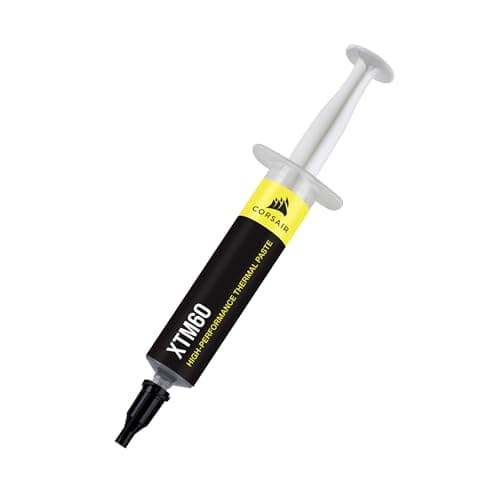
Components · Buying Guide
Low-viscosity paste flows into fine surface channels and spreads with little effort.
11 min read
Components · Buying Guide
Some makers publish a conductivity figure in W/mK.
12 min read
Components · Buying Guide
Enthusiast pastes target overclocked and high-power CPUs, often with formulas built against pump-out.
12 min read
Components · Buying Guide
Pastes that resist pump-out and drying keep temperatures steady for years.
12 min read
Components · Buying Guide
If you build or repaste several machines, a large tube costs less per application.
11 min read
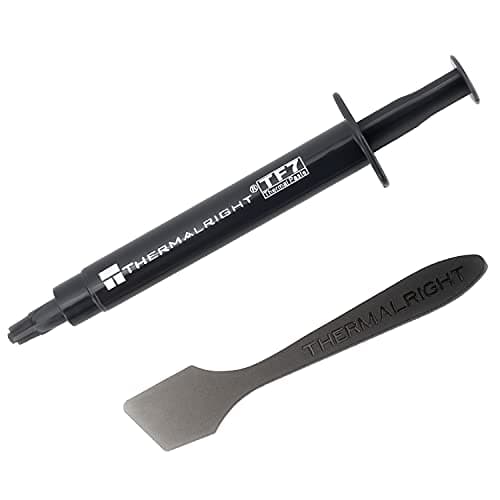
Components · Buying Guide
For a single build, a small tube avoids paying for paste that will dry out in a drawer.
12 min read
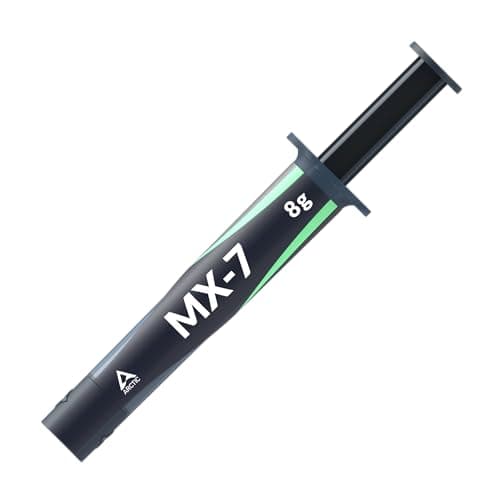
Components · Buying Guide
High-TDP chips heat and cool the paste over a wide range every day, which causes pump-out in weaker formulas.
12 min read
Components · Buying Guide
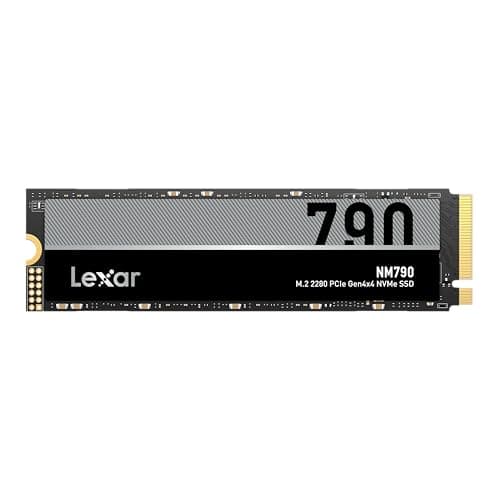
Video editing needs capacity for footage and fast reads for scrubbing timelines.
12 min read
Components · Buying Guide
PCIe 4.0 drives reach about 7,000MB/s and work in almost every current motherboard.
12 min read
Components · Buying Guide
PCIe 5.0 drives double Gen4 read speeds for large file work.
11 min read
Components · Buying Guide
Between $150 and $300, you can buy 4TB Gen4 drives or fast Gen5 models.
12 min read
Components · Buying Guide
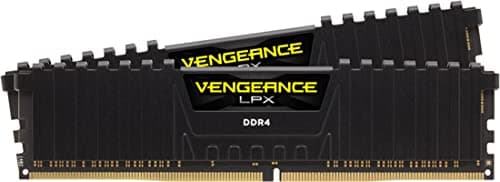
64GB suits heavy video editing, large datasets and virtual machines.
12 min read
Components · Buying Guide
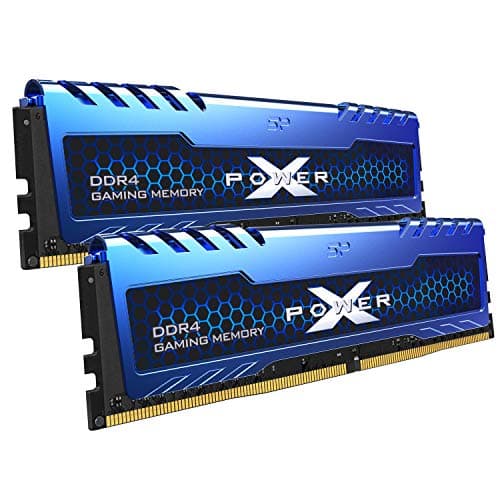
Lower CAS latency at a given speed means faster memory access.
12 min read
Components · Buying Guide
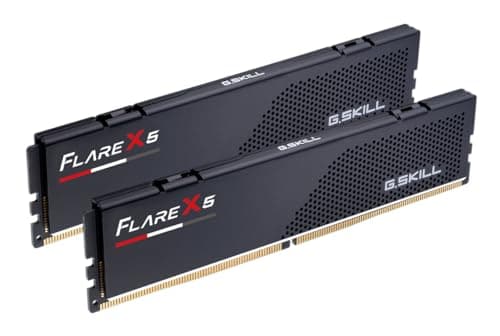
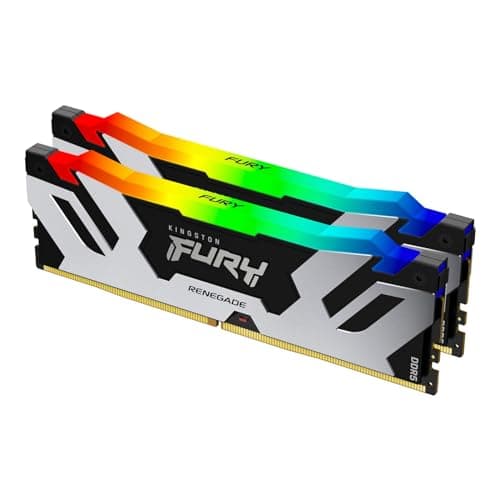
AM5 Ryzen chips run best with DDR5-6000 and an AMD EXPO profile.
12 min read
Components · Buying Guide
Intel's XMP profiles set the rated speed with one BIOS switch.
12 min read
Components · Buying Guide
Kits at 6,400MT/s and above help memory-sensitive work, if the CPU and board can run them.
12 min read
Components · Buying Guide
Between $100 and $200 you reach 32GB kits with tight timings or 64GB kits.
11 min read
Components · Buying Guide
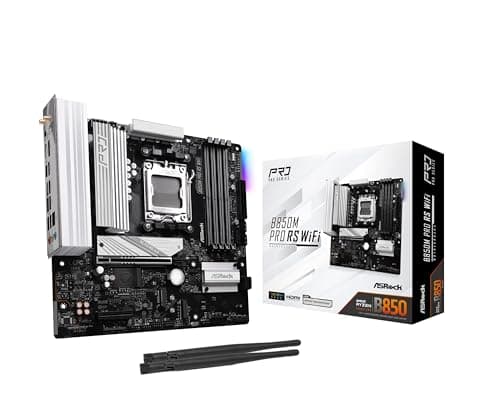
Micro-ATX boards fit smaller cases while keeping four RAM slots on most models.
12 min read
Components · Buying Guide
Under $200, boards cover mainstream CPUs with Wi-Fi and enough M.2 slots for most builds.
12 min read
Components · Buying Guide
Between $200 and $300, boards add faster networking, better VRMs and more USB.
12 min read
Components · Buying Guide
A workstation board needs a strong VRM, several M.2 slots and fast networking for long workloads.
12 min read
Components · Buying Guide
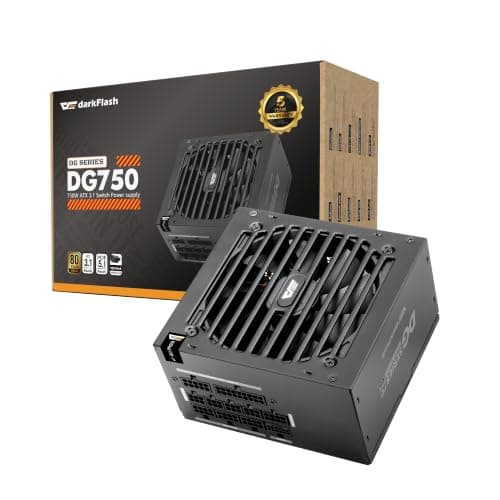
A fully modular PSU lets you fit only the cables you use, including the 24-pin.
12 min read
Components · Buying Guide
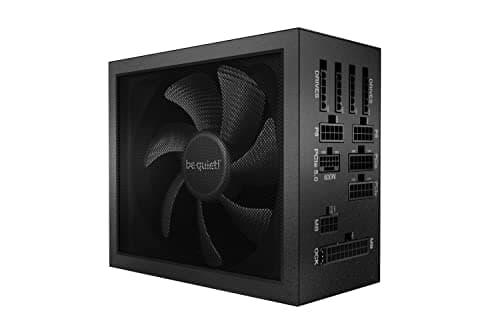
Titanium units waste the least power as heat, which suits PCs that run long hours.
11 min read
Components · Buying Guide
Flagship GPUs need a native 12V-2x6 cable and headroom for transient spikes.
12 min read
Components · Buying Guide
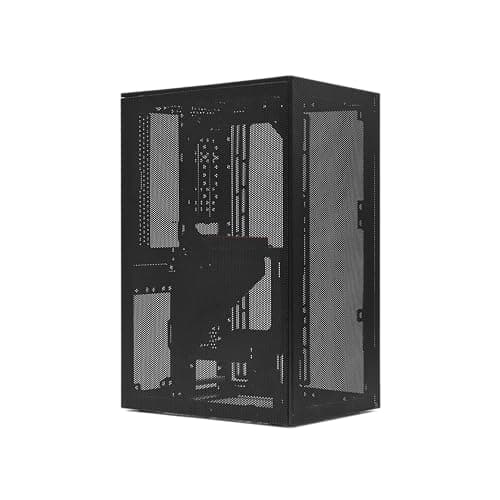
Compact cases save desk space but limit GPU length and cooler height.
12 min read
Components · Buying Guide
NVIDIA's RTX 40 and 50 series handle ray tracing best, and DLSS keeps frame rates playable.
12 min read
Components · Buying Guide
GPU renderers like Blender Cycles use CUDA or OptiX, and VRAM limits scene size.
12 min read
Components · Buying Guide
A first GPU should be easy to power and fit.
11 min read
Components · Buying Guide
CAD viewports need steady drivers and enough VRAM for large assemblies.
12 min read
Identify the exact models and revisions.
Check the manufacturer support lists and manuals.
Compare evidence for the workload, not specifications alone.