
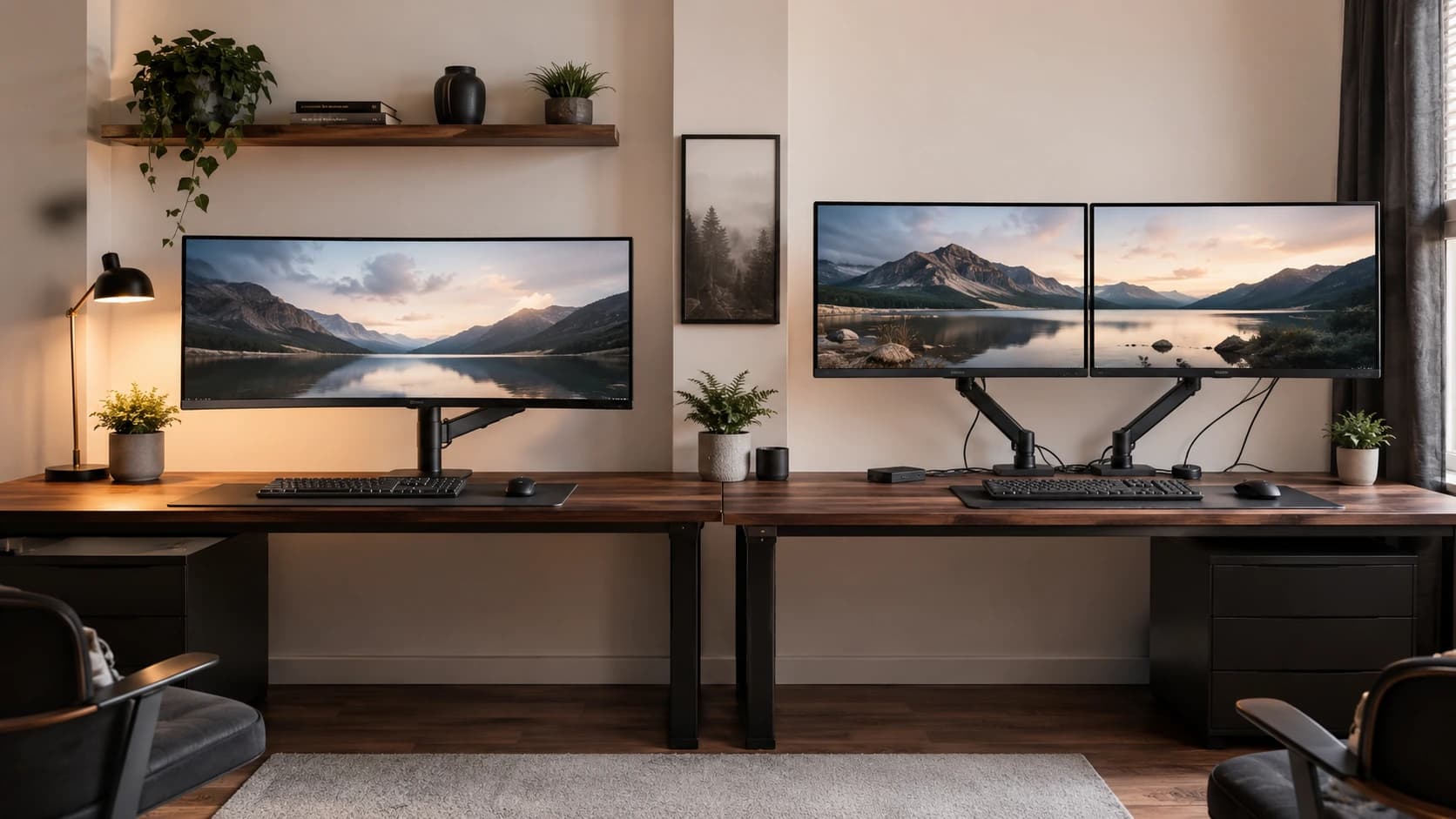
Monitors
How to choose a monitor for your PC
Match size and resolution to your desk, then confirm your graphics outputs support the refresh rate you want.
6 min read
Topic
Choose a display that fits your work, games and graphics hardware.
Monitors
Match size and resolution to your desk, then confirm your graphics outputs support the refresh rate you want.
6 min read
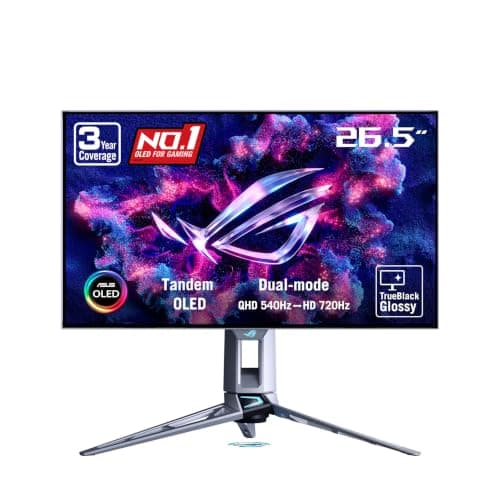
Monitors · Buying Guide
Check which input carries full refresh rate, whether burn-in is covered, and how text looks on each panel type.
11 min read
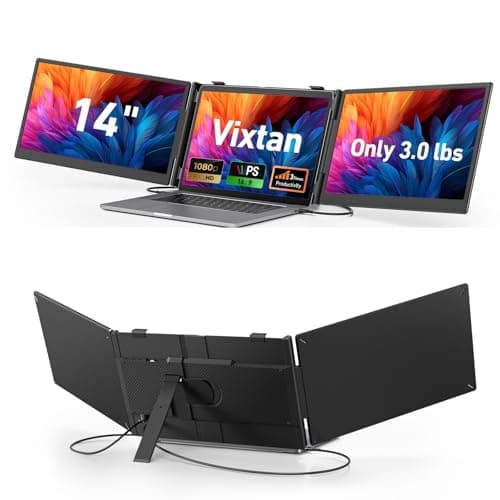
Monitors · Buying Guide
Check your laptop's USB-C video output and external display limit before choosing a dual or triple setup.
12 min read
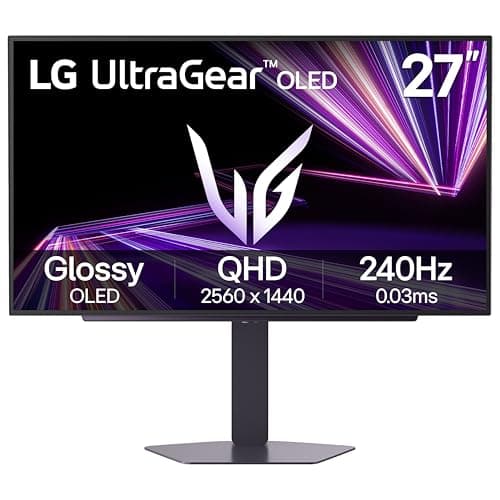
Monitors · Buying Guide
Choose resolution by your graphics card, then refresh rate by the games you play; panel type decides the rest.
12 min read
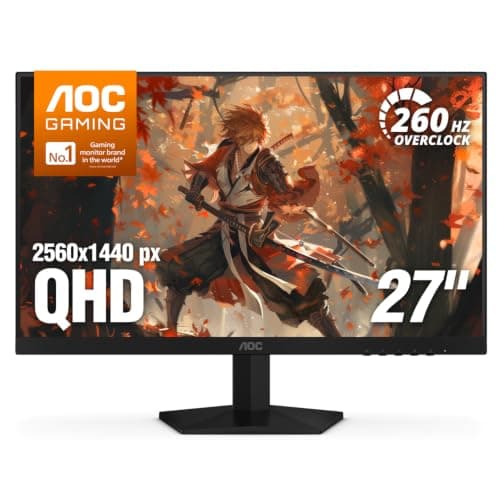
Monitors · Buying Guide
Under $200 you can now get 1440p at high refresh; choose 1080p only for very high refresh esports play.
12 min read
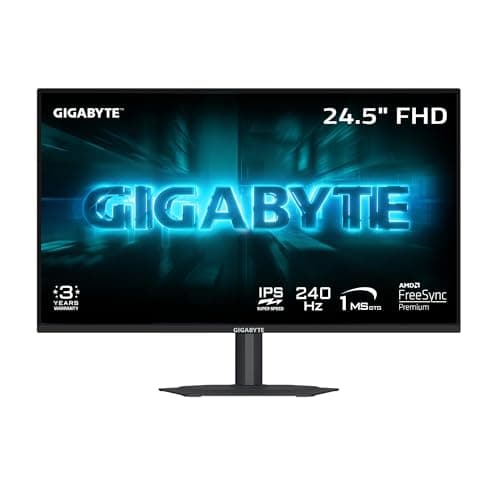
Monitors · Buying Guide
Around $100, most 1080p monitors now run 180Hz or faster; check the panel type and adaptive sync.
12 min read
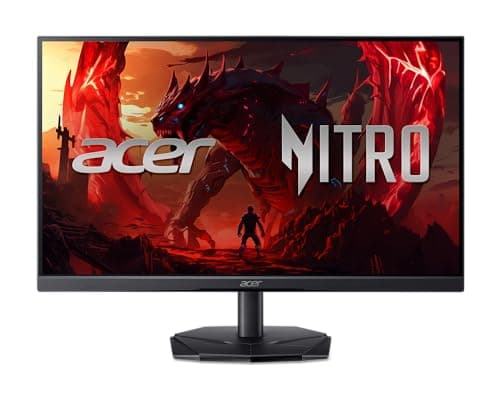
Monitors · Buying Guide
Under $100, decide first whether you need a gaming refresh rate or a clean screen for work.
12 min read
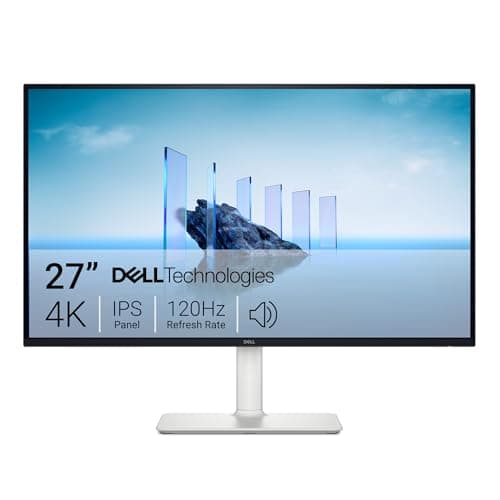
Monitors · Buying Guide
Cheap 4K suits sharp text and media; check refresh rate if you also game.
12 min read
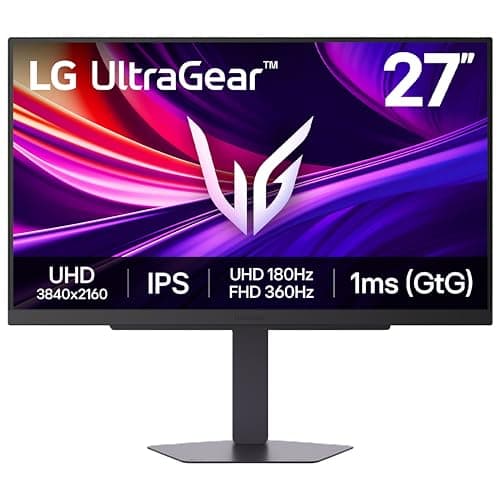
Monitors · Buying Guide
4K at high refresh needs a high-end card and DisplayPort 1.4 with DSC or HDMI 2.1.
12 min read
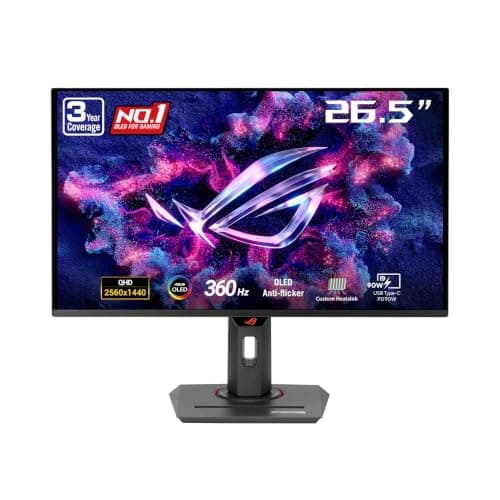
Monitors · Buying Guide
360Hz only pays off when your PC holds frame rates near it; check your GPU and the games you play.
12 min read
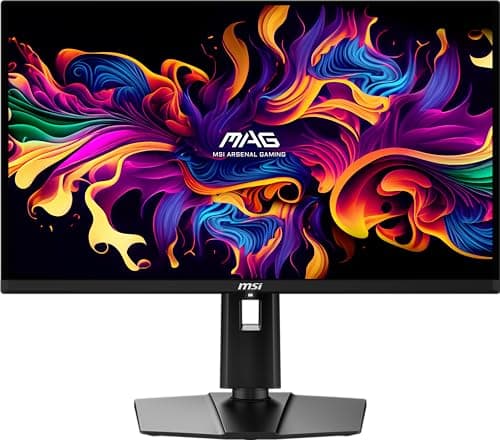
Monitors · Buying Guide
At 1440p 240Hz, the choice is OLED contrast and response versus IPS brightness and no burn-in risk.
12 min read
Monitors · Buying Guide
At 27 inches, 1440p is the sharpness sweet spot; the panel type decides the rest.
13 min read
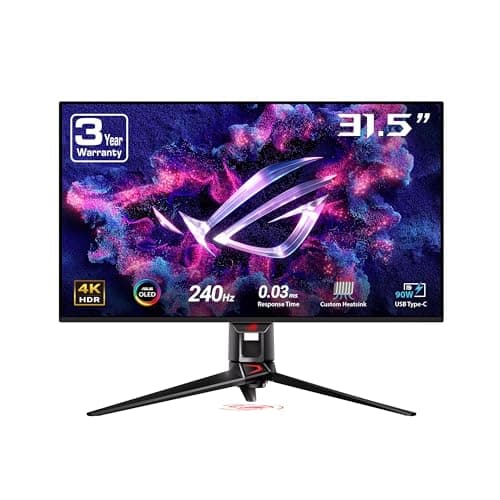
Monitors · Buying Guide
At 32 inches 4K looks as sharp as 1440p does at 27; plan for a GPU to match.
12 min read
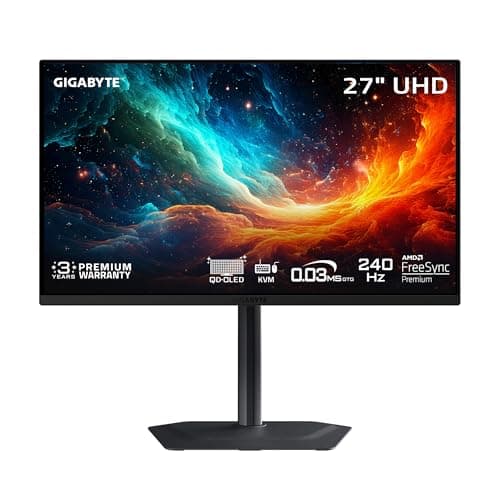
Monitors · Buying Guide
4K OLED pairs per-pixel contrast with sharp text; burn-in care still matters.
12 min read
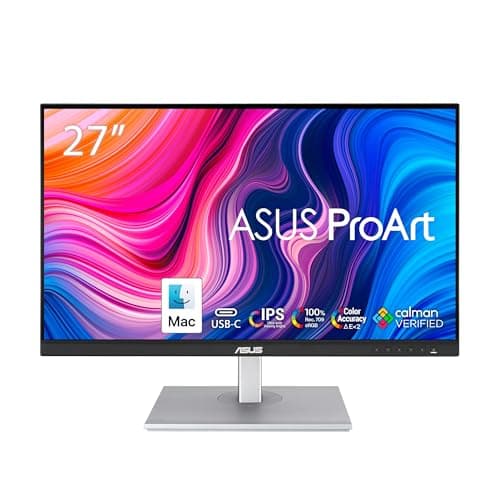
Monitors · Buying Guide
Every ProArt is factory calibrated; the choice is size, gamut and whether USB-C matters.
12 min read
Monitors · Buying Guide
OLED now starts below $400; the savings usually come from the stand and ports.
12 min read
Monitors · Buying Guide
OLED's contrast is unmatched; pick the resolution and refresh your GPU can feed.
12 min read
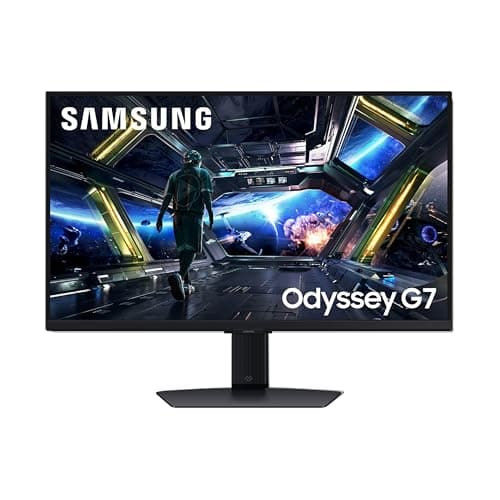
Monitors · Buying Guide
144Hz is the biggest single step up from a 60Hz screen; resolution decides the rest.
12 min read
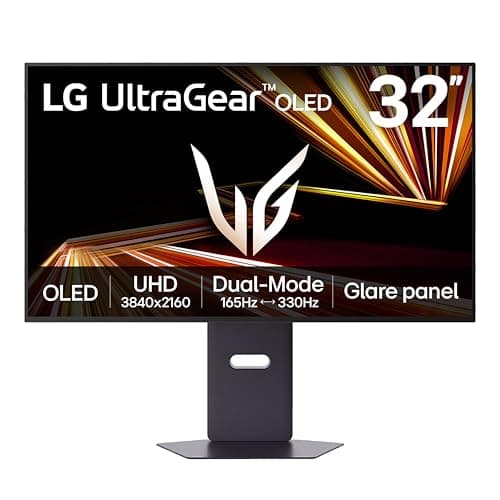
Monitors · Buying Guide
165Hz now appears on both budget 1080p screens and high-end 4K and 5K panels.
12 min read
Monitors · Buying Guide
Five 27-inch monitors from a 240Hz 1080p budget screen to a 1440p OLED and a 4K IPS model.
12 min read
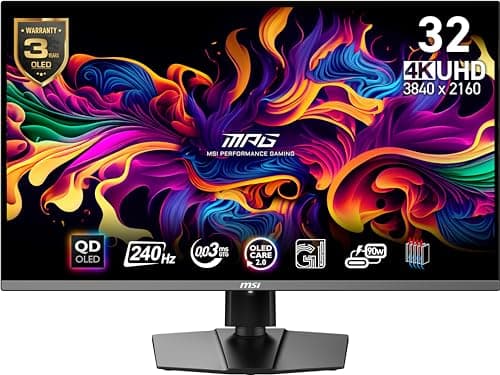
Monitors · Buying Guide
Five 32-inch screens, from curved 1440p VA monitors to a 240Hz 4K QD-OLED.
12 min read
Monitors · Buying Guide
Four 32-inch 4K monitors, from a curved budget screen to two OLED models.
11 min read
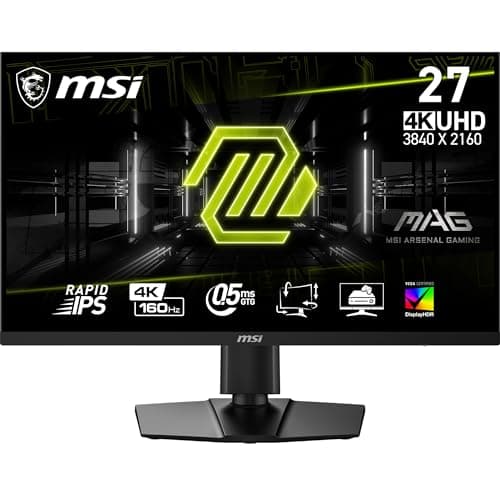
Monitors · Buying Guide
Six 4K IPS monitors between 160Hz and 180Hz, compared on HDR, color and stand.
12 min read
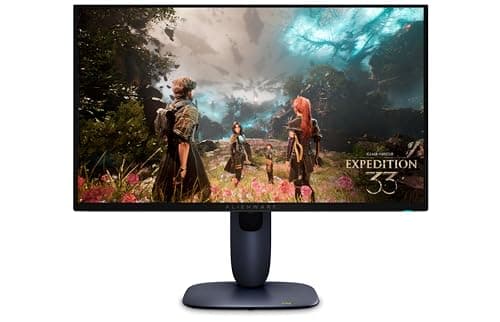
Monitors · Buying Guide
Five 240Hz 4K OLED monitors from 26.5 to 32 inches, compared on HDR, stand and warranty.
12 min read
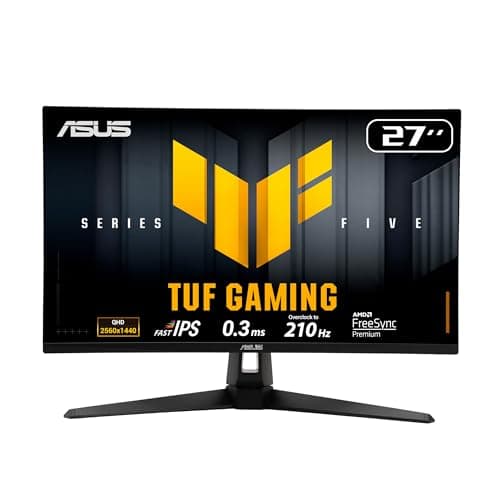
Monitors · Buying Guide
Seven TUF monitors across 1080p, 1440p and 4K, compared on refresh rate and warranty.
13 min read
Monitors · Buying Guide
Five gaming monitors under about $160 at the time of writing, with 1440p and 240Hz options.
12 min read
Monitors · Buying Guide
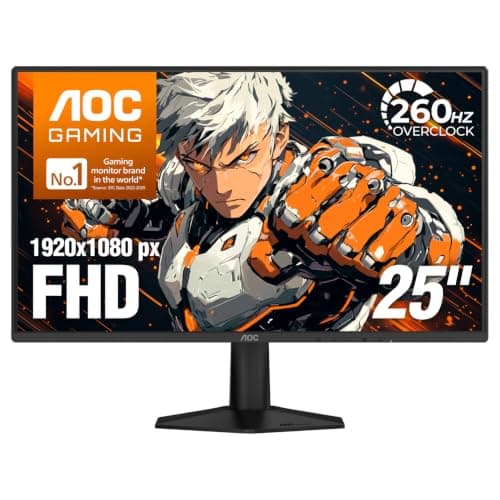
Six gaming monitors under $150 at the time of writing, from 144Hz to 260Hz.
12 min read
Monitors · Buying Guide
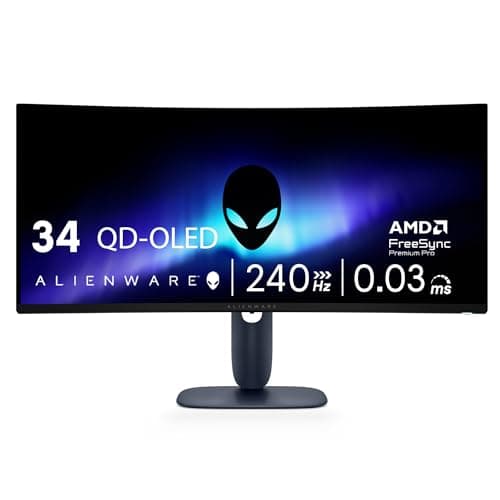
Six curved monitors from 24 to 40 inches, including OLED and VA ultrawides.
12 min read
Monitors · Buying Guide
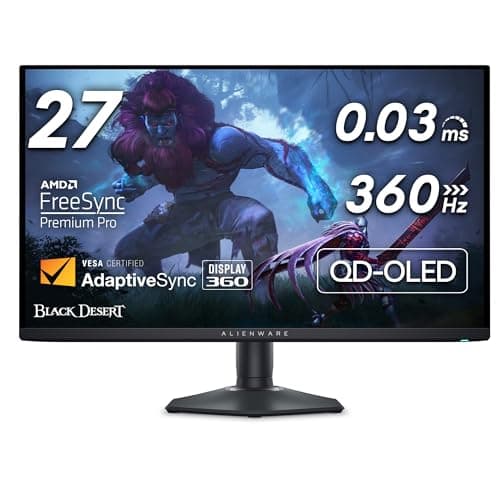
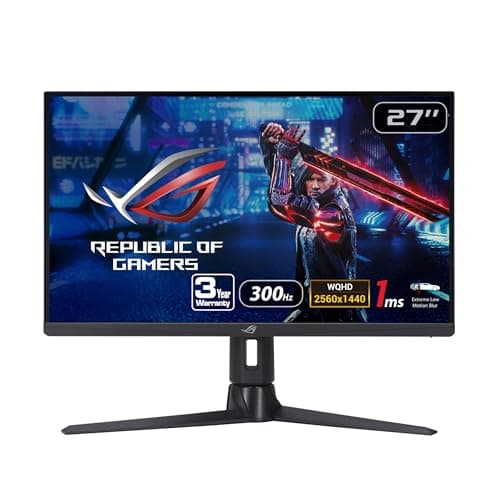
Seven Dell and Alienware monitors from a budget 1440p screen to a 360Hz QD-OLED.
13 min read
Monitors · Buying Guide
Four fast IPS monitors for a desktop gaming PC, from 240Hz to 310Hz.
11 min read
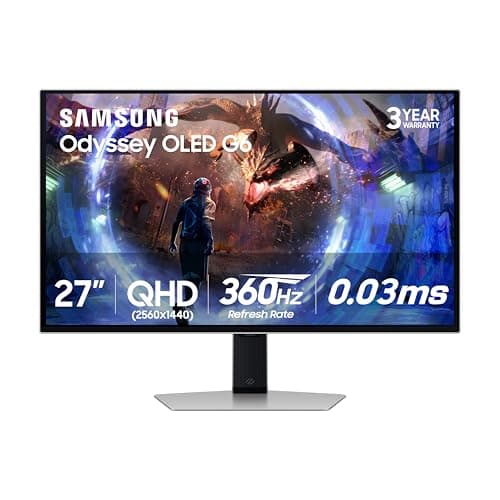
Monitors · Buying Guide
Five gaming displays, each a different shape or panel: OLED, ultrawide, 43-inch and 4K IPS.
12 min read
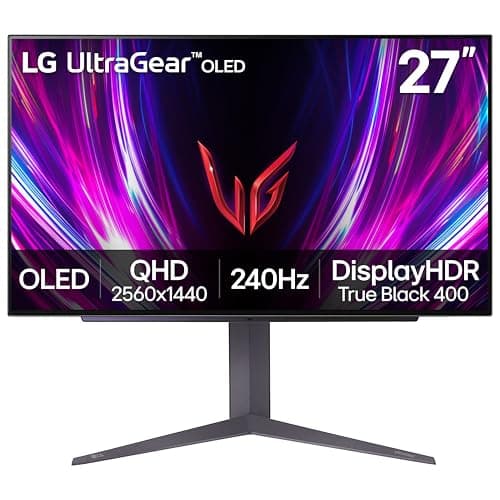
Monitors · Buying Guide
Five gaming monitors at different budgets, from a 240Hz 1080p screen to a 4K QD-OLED.
12 min read
Monitors · Buying Guide
Five monitors with a HDMI 2.1 input or PS5 support, from 1080p to 4K OLED.
12 min read
Monitors · Buying Guide
Four monitors with listed HDMI 2.1 inputs for Xbox Series X, including three OLEDs.
11 min read
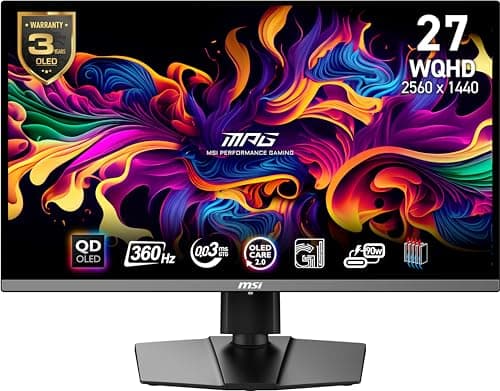
Monitors · Buying Guide
Five 1440p monitors from a 210Hz TUF screen to a 360Hz QD-OLED.
12 min read
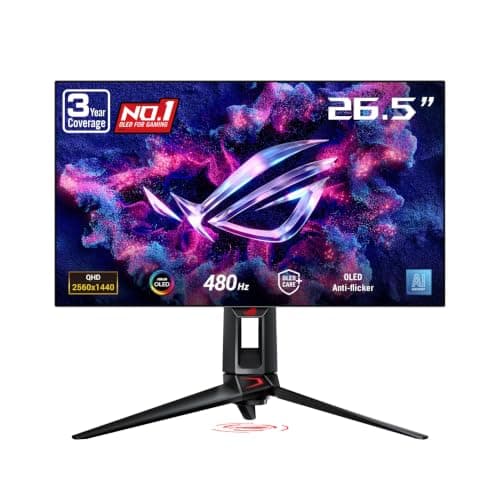
Monitors · Buying Guide
Five monitors at 310Hz and above, including a 480Hz WOLED.
12 min read
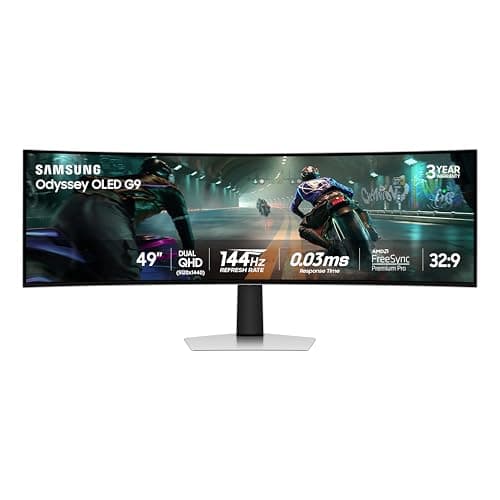
Monitors · Buying Guide
Six monitors from 37 to 49 inches, from 43-inch 4K screens to 49-inch ultrawides.
12 min read
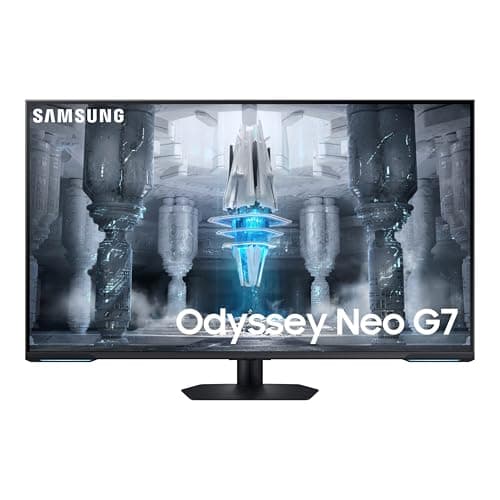
Monitors · Buying Guide
Three 43-inch 4K screens with built-in TV apps, from a 60Hz smart monitor to a 144Hz Mini LED.
11 min read
Monitors · Buying Guide
Six OLED monitors from a 1440p WOLED near $350 to a 4K QD-OLED and an ultrawide.
12 min read
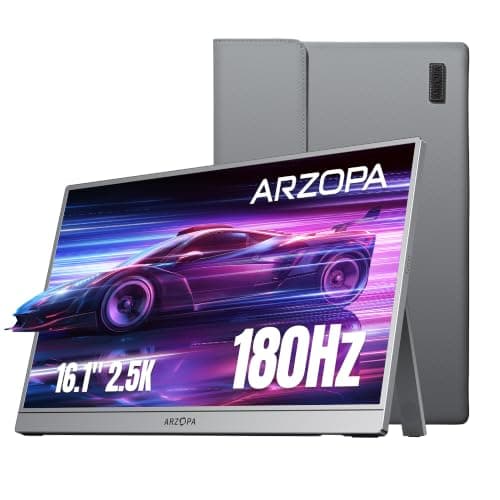
Monitors · Buying Guide
Six USB-C portable monitors from 15.6 to 16.1 inches, including 144Hz and 180Hz models.
12 min read
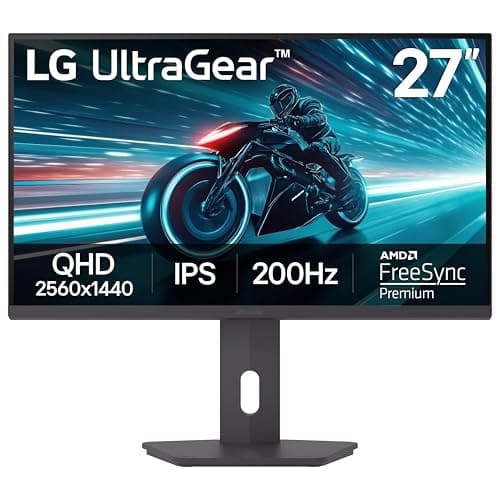
Monitors · Buying Guide
Six monitors whose stands pivot to portrait, for chat, stream tools or a vertical second screen.
12 min read
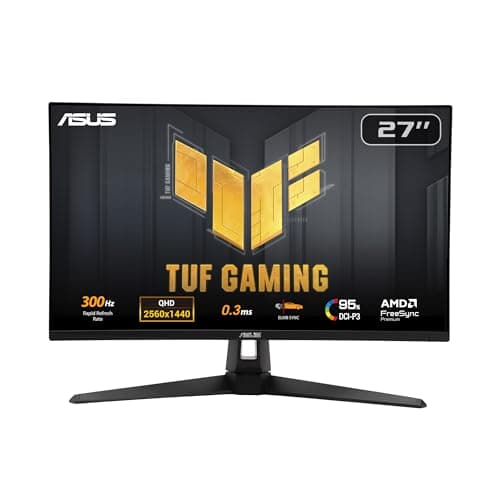
Monitors · Buying Guide
Decide on IPS or OLED first, then check which refresh rate your graphics card can actually reach at 1440p.
12 min read
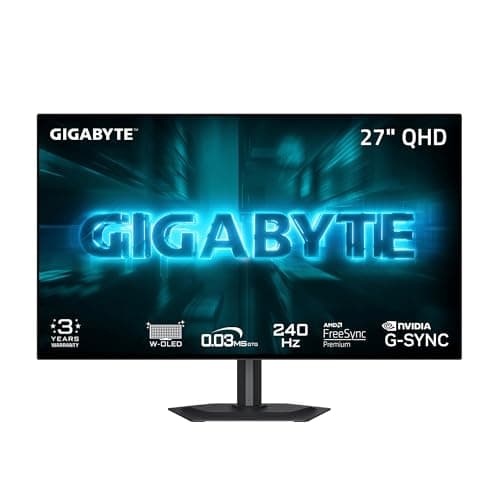
Monitors · Buying Guide
OLED monitors light each pixel on its own, giving true blacks and very fast response.
12 min read
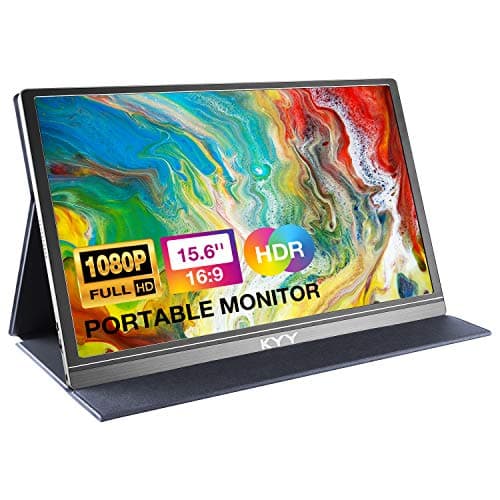
Monitors · Buying Guide
A Mac mini works with any HDMI or USB-C monitor; USB-C with a hub keeps cables tidy.
12 min read
Monitors · Buying Guide
A portable gaming monitor adds a screen to a laptop, console or handheld on the go.
11 min read
Monitors · Buying Guide
A portable monitor gives a gaming laptop a second screen for chat or guides.
11 min read
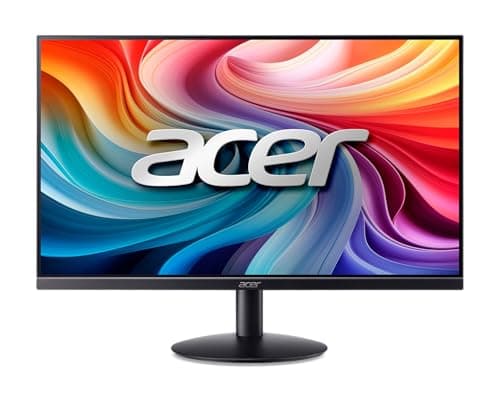
Monitors · Buying Guide
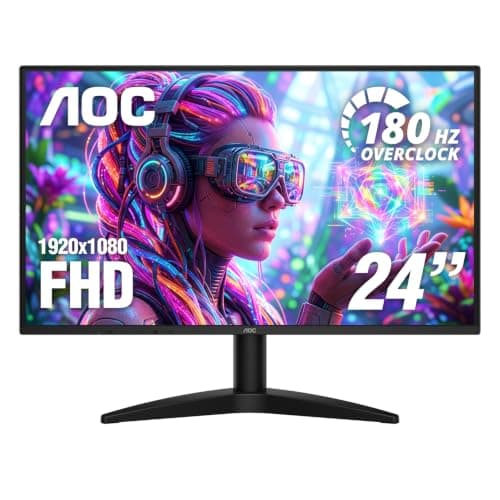
A 100Hz to 144Hz monitor is a big step up from 60Hz for smooth motion, and suits consoles that output 120Hz.
12 min read
Monitors · Buying Guide
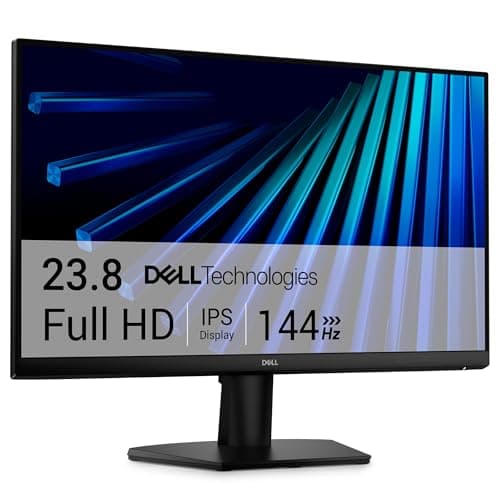
The PS5 outputs up to 120Hz over HDMI 2.1, so an HDMI 2.1 monitor gets the most from it.
12 min read
Monitors · Buying Guide
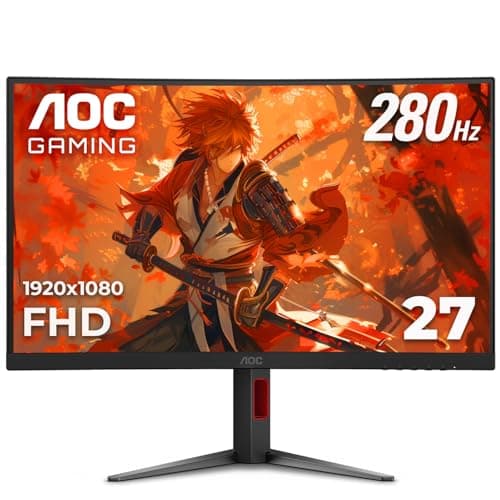
144Hz is the long-standing entry point for smooth PC gaming.
12 min read
Monitors · Buying Guide
AOC covers everything from budget 1080p screens to QD-OLED panels.
12 min read
Monitors · Buying Guide
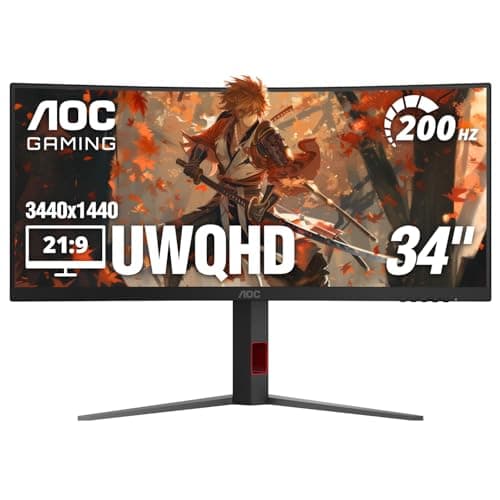
At 32 inches, 4K gives a sharp picture at normal desk distance without scaling tricks.
12 min read
Monitors · Buying Guide
Ultrawide monitors stretch the view sideways for racing, flight and strategy games.
12 min read
Monitors · Buying Guide
QD-OLED panels combine per-pixel black levels with bright, saturated colour.
12 min read
Monitors · Buying Guide
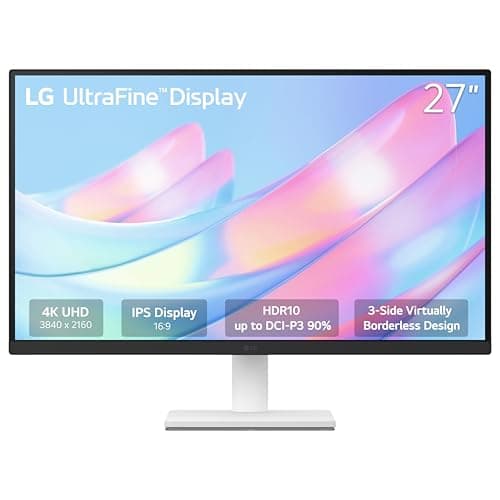
Machine learning work means notebooks, logs and plots side by side, so pixel density matters more than refresh rate.
12 min read
Monitors · Buying Guide
Between $500 and $800 you can choose between fast OLED gaming panels and sharp 4K IPS screens.
12 min read
Monitors · Buying Guide
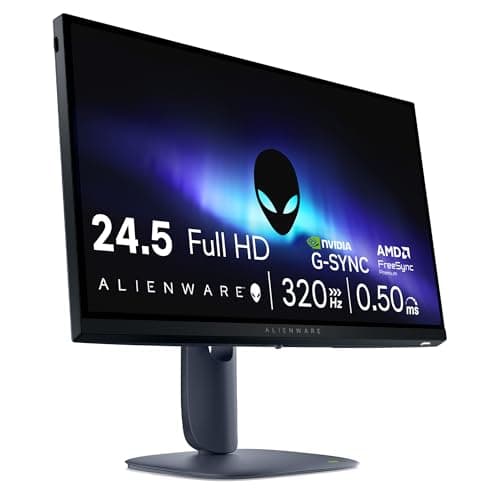
Under $300, a high refresh rate is easy to find; panel type and resolution separate the options.
12 min read
Monitors · Buying Guide
The RTX 5060 is built for 1080p, where it can drive high refresh rates in most games.
12 min read
Monitors · Buying Guide
The RTX 5060 Ti, especially with 16GB, handles 1440p well with upscaling.
12 min read
Monitors · Buying Guide
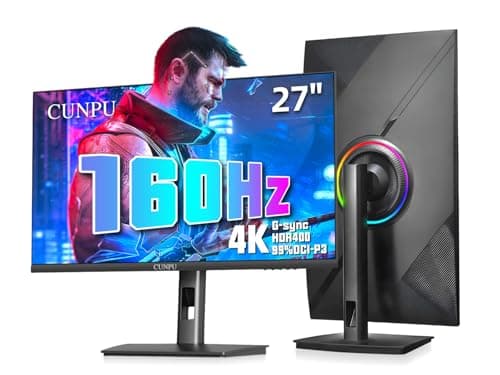
The RTX 5080 is a 4K card, and a 144Hz or faster 4K screen lets it use its headroom.
12 min read
Monitors · Buying Guide
An RTX 5090 can push 4K well past 160fps, so an OLED with a high refresh rate shows what it can do.
12 min read
Monitors · Buying Guide
Content creation for modern displays needs wide DCI-P3 colour coverage.
12 min read
Monitors · Buying Guide
4K footage looks right on a 4K panel, and IPS or OLED keeps colour consistent from any angle.
12 min read
Monitors · Buying Guide
At 240Hz and above, motion clarity improves most in fast shooters.
12 min read
Monitors · Buying Guide
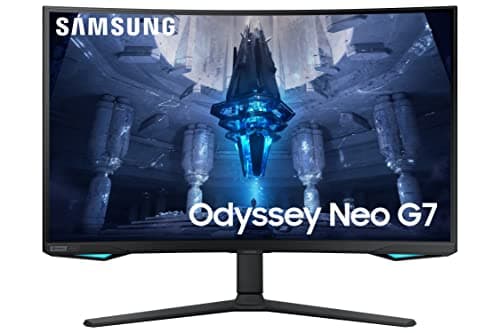
Mini LED backlights use many dimming zones to deliver bright HDR without OLED burn-in risk.
11 min read
Monitors · Buying Guide
Developers benefit from sharp text and a single USB-C cable to a laptop.
12 min read
Monitors · Buying Guide
A home office monitor needs a clear IPS panel and enough resolution for side-by-side windows, not gaming speed.
12 min read
Choose size and resolution for your desk.
Check ports and refresh support on both ends.
Read measured display reviews under stated test conditions.