
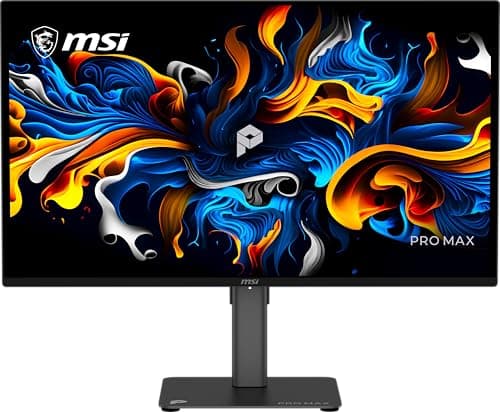
Monitors · Buying Guide
The Best OLED Monitor
OLED monitors light each pixel on its own, giving true blacks and very fast response.
12 min read
Monitors
OLED panels give per-pixel contrast and fast response, with trade-offs in text fringing, brightness and burn-in care. These guides compare OLED monitors by size and use.
17 buying guides and 3 explainers.
Burn-in coverage in the warranty
Subpixel layout if you read a lot of text
Refresh rate and the input needed to reach it
OLED excels at contrast and response; IPS remains strong for bright static work, predictable text, and lower burn-in concern. Choose by workload and room.
Read a warranty for burn-in wording and set up Windows so a static desktop does not wear one part of the panel.
A oled monitor is worth it only when its strengths match your viewing distance, workload, GPU capability, and daily mix of static work and motion.
Monitors · Buying Guide
OLED monitors light each pixel on its own, giving true blacks and very fast response.
12 min read
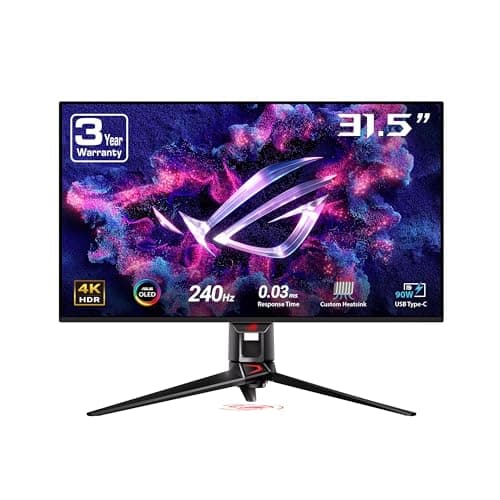
Monitors · Buying Guide
OLED's contrast is unmatched; pick the resolution and refresh your GPU can feed.
12 min read
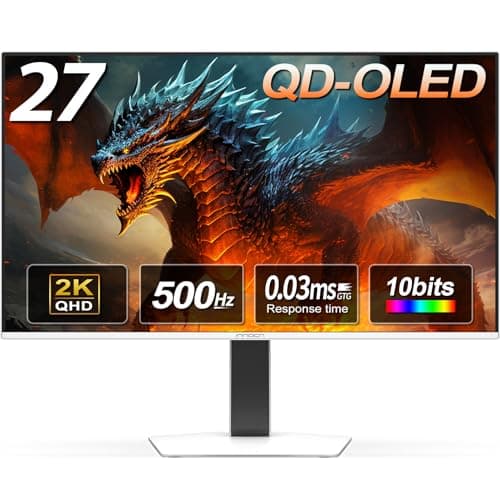
Monitors · Buying Guide
QD-OLED panels combine per-pixel black levels with bright, saturated colour.
12 min read
Monitors · Buying Guide
240Hz OLED combines high refresh with near-instant response.
12 min read
Monitors · Buying Guide
OLED prices have dropped enough for mid-range buyers.
12 min read
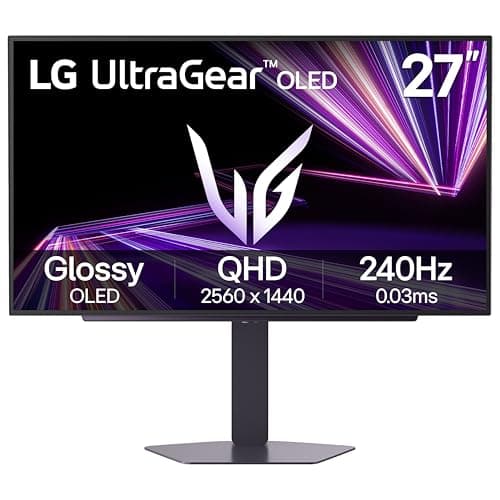
Monitors · Buying Guide
OLED now starts below $400; the savings usually come from the stand and ports.
12 min read