
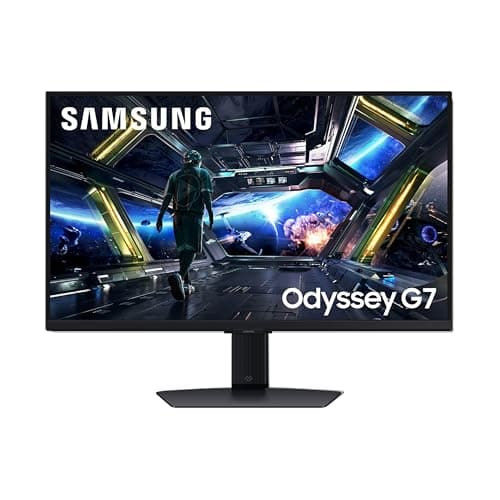
Monitors · Buying Guide
The Best 144Hz Monitors
144Hz is the biggest single step up from a 60Hz screen; resolution decides the rest.
12 min read
Monitors
A gaming monitor should match the frame rates your GPU or console delivers. These guides compare gaming displays by resolution, refresh rate and platform.
110 buying guides and 11 explainers.
Refresh rate your GPU can reach at that resolution
Inputs for the frame rate you want (DisplayPort or HDMI 2.1)
VRR support for your GPU or console (G-SYNC, FreeSync, HDMI VRR)
A 1080p monitor is best chosen by screen size, pixel density, refresh rate, panel behavior, ergonomics, and GPU target.
Balance size, refresh rate, response behavior, adaptive sync, color needs, and GPU performance for the intended games or work.
Find out which variable refresh rate label matters for your graphics card and how to confirm it is switched on.
A 1080p monitor is worth it only when its strengths match your viewing distance, workload, GPU capability, and daily mix of static work and motion.
A 1440p monitor is worth it only when its strengths match your viewing distance, workload, GPU capability, and daily mix of static work and motion.
Check the monitor port, the graphics card output and the cable for the resolution and refresh rate you want.
A 24-inch monitor is worth it only when its strengths match your viewing distance, workload, GPU capability, and daily mix of static work and motion.
A 27-inch monitor is worth it only when its strengths match your viewing distance, workload, GPU capability, and daily mix of static work and motion.
A 32-inch monitor is worth it only when its strengths match your viewing distance, workload, GPU capability, and daily mix of static work and motion.
A dual-monitor setup is worth it only when its strengths match your viewing distance, workload, GPU capability, and daily mix of static work and motio
A high-refresh-rate monitor is worth it only when its strengths match your viewing distance, workload, GPU capability, and daily mix of static work an
Monitors · Buying Guide
144Hz is the biggest single step up from a 60Hz screen; resolution decides the rest.
12 min read
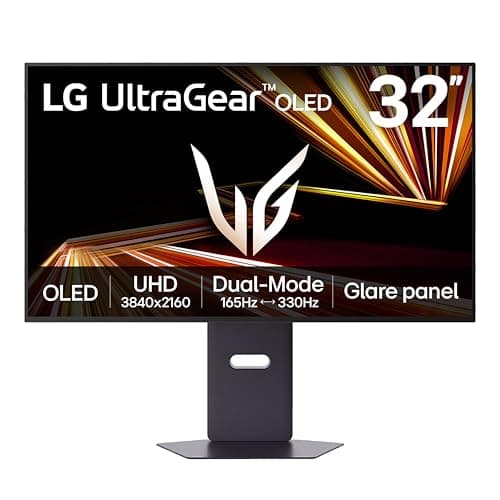
Monitors · Buying Guide
165Hz now appears on both budget 1080p screens and high-end 4K and 5K panels.
12 min read
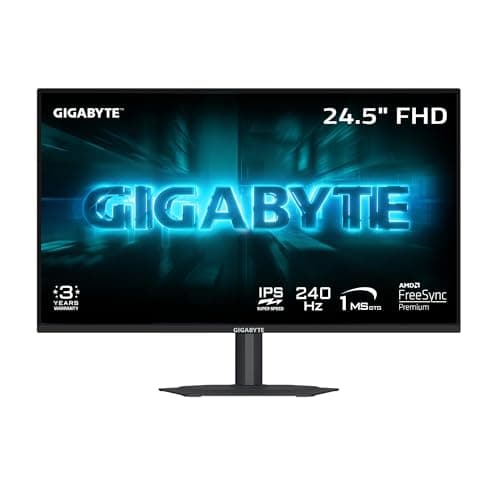
Monitors · Buying Guide
240Hz is the sweet spot for competitive play on mid to high-end GPUs.
12 min read
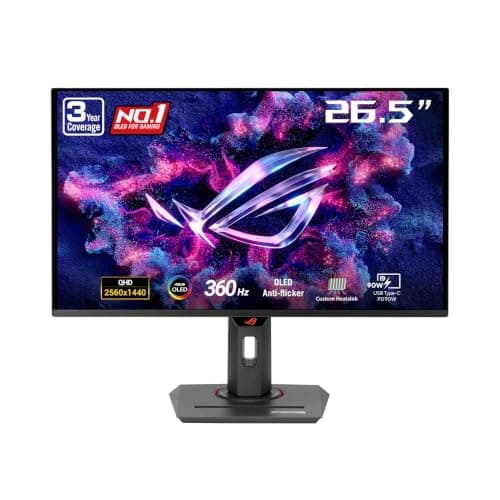
Monitors · Buying Guide
360Hz only pays off when your PC holds frame rates near it; check your GPU and the games you play.
12 min read
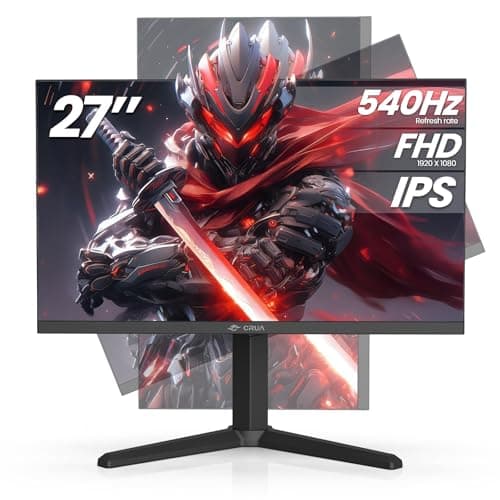
Monitors · Buying Guide
A 480Hz monitor only shows its speed if your graphics card can render that many frames, so it suits older or lighter games.
12 min read
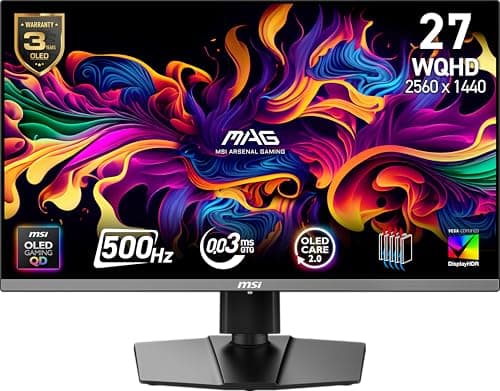
Monitors · Buying Guide
At 500Hz the display refreshes every two milliseconds, and the panel type decides how clean fast motion looks.
11 min read