
Components · Buying Guide
The Best Graphics Cards
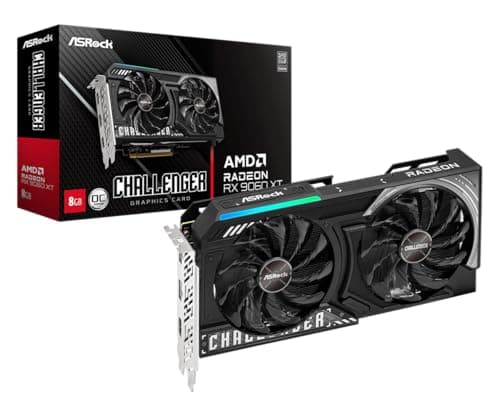
Current RTX 50 and RX 9000 cards cover every budget from 1080p to 4K.
12 min read
Components
Pick a graphics card by the resolution and refresh rate you actually play at, then check that your power supply, case and CPU can carry it. These guides cover GPUs by budget, by game and by creative workload.
313 buying guides and 9 explainers.
Card length and slot width against your case's GPU clearance
PSU wattage and the power connector the card needs (8-pin or 12V-2x6)
The resolution and refresh rate of the monitor it will drive
VRAM needs depend on resolution, texture quality, ray tracing, mods, and application; capacity cannot compensate for a slow GPU.
Use the connector specified by the GPU and PSU, seat it fully, avoid tight bends near high-power plugs, and never mix modular cables.
Measure case clearance, count slots and connectors, and match the card's power needs to your PSU before you buy.
A safe used-GPU purchase combines seller evidence, physical inspection, a return path, and stress testing immediately after delivery.
4K gaming needs realistic frame-rate targets and careful use of upscaling; total experience matters more than native-ultra bragging rights.
Integrated graphics can be sufficient for office work, media, light creation, and modest games when display and codec support match the workload.
Choose around the games, refresh rate, quality settings, and PSU you actually use; 1080p does not automatically mean entry level.
At 1440p, balance raster performance, ray tracing, VRAM, and monitor refresh rate rather than chasing one benchmark chart.
Separate the GPU chip from the partner's cooler and clock options so you compare like with like.
Components · Buying Guide
Current RTX 50 and RX 9000 cards cover every budget from 1080p to 4K.
12 min read
Components · Buying Guide
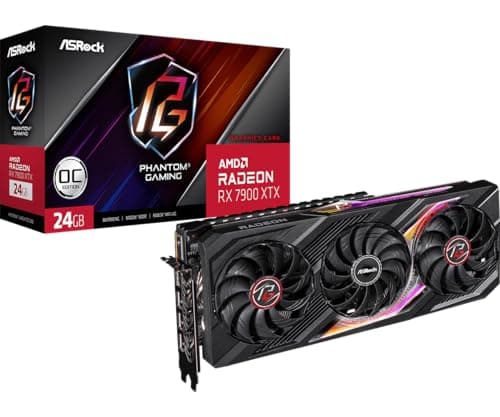
AMD cards give more video memory per dollar than most rivals.
12 min read
Components · Buying Guide
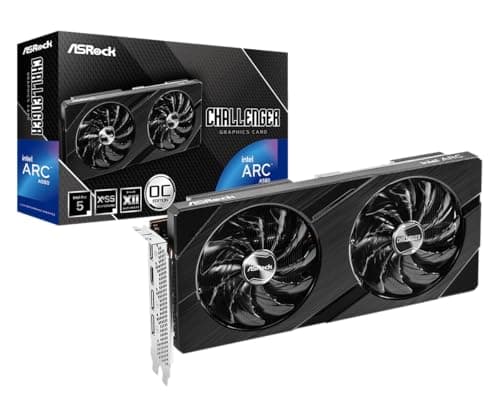
An 8GB card is a fair match for 1080p gaming at medium to high settings.
12 min read
Components · Buying Guide
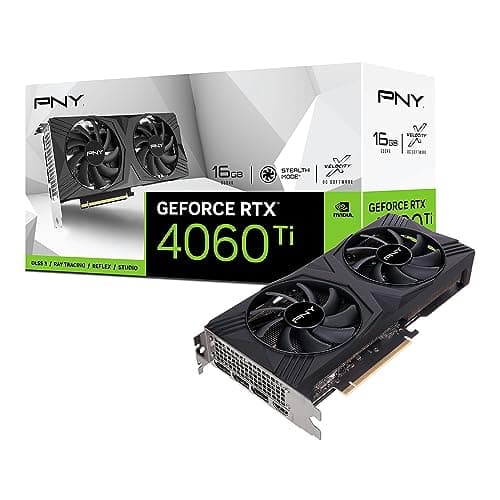
CAD viewports need steady drivers and enough VRAM for large assemblies.
12 min read
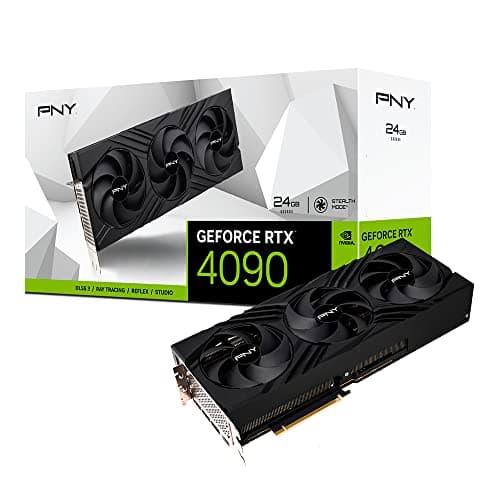
Components · Buying Guide
The RTX 4090 has 24GB and remains a 4K reference card.
11 min read
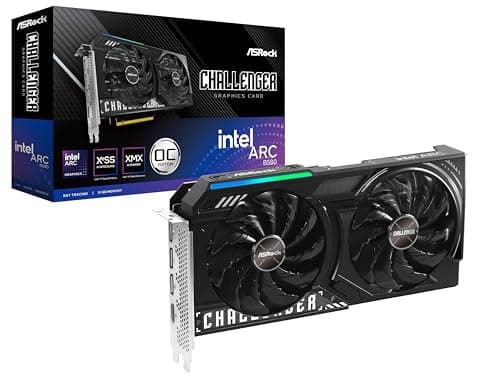
Components · Buying Guide
12GB of VRAM covers 1080p and most 1440p games at high settings.
12 min read