
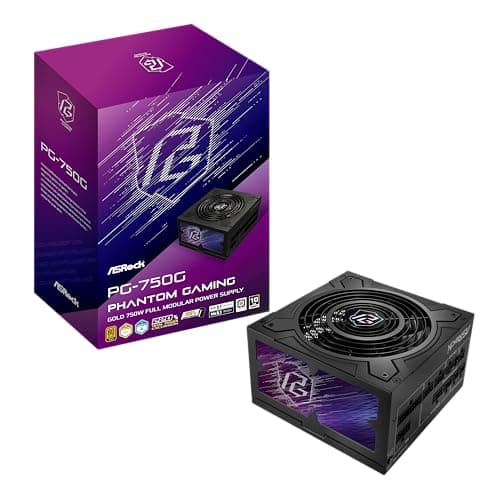
Components · Buying Guide
The Best 750W PSUs by Warranty
750W covers a high-end GPU with room for upgrades.
12 min read
Components
Size a power supply from the GPU and CPU you will run, then check the connectors and the space in your case. These guides compare PSUs by wattage, form factor and GPU pairing.
75 buying guides and 6 explainers.
Total wattage with headroom for your GPU and CPU
Native 12V-2x6 (12VHPWR) cable or the 8-pin count your GPU needs
PSU length and form factor (ATX or SFX) against your case
Confirm form factor, case length and the exact connectors your motherboard and graphics card require.
80 Plus measures efficiency at defined loads; it does not by itself certify electrical quality, noise, protections, or reliability.
Prioritize protections, electrical design, warranty, correct connectors, independent testing, and appropriate capacity over branding or RGB.
Check whether your PSU has a native 12V-2x6 cable, how 8-pin adapters work and why modular cables are not interchangeable.
Estimate sustained component draw, account for transient spikes and connector requirements, then leave practical headroom without extreme oversizing.
Work out the real peak load of your GPU and CPU, then check whether a PSU states ATX 3.x spike handling and the right cable.
Components · Buying Guide
750W covers a high-end GPU with room for upgrades.
12 min read
Components · Buying Guide
Size the PSU to your graphics card's recommendation; every pick here has a 12V-2x6 cable.
12 min read
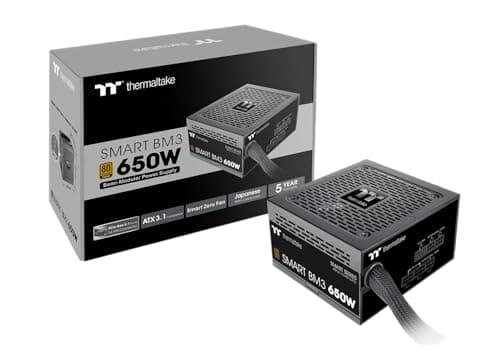
Components · Buying Guide
A power supply is quietest when its fan can stop at idle and light gaming loads.
12 min read
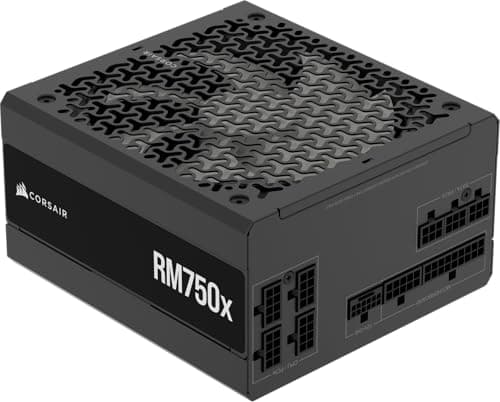
Components · Buying Guide
Size the wattage to your GPU maker's guidance, then compare connectors and warranty.
12 min read
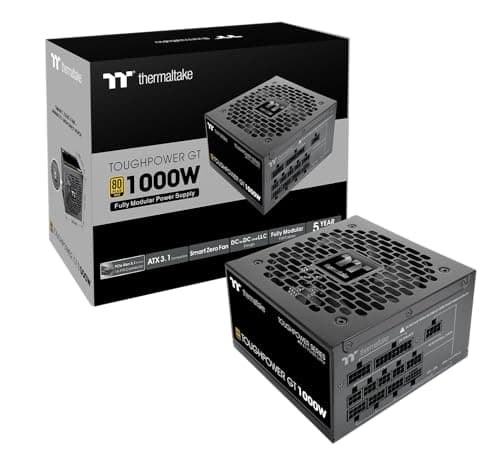
Components · Buying Guide
Under $100, reputable PSUs reach 750-850W Gold.
12 min read
Components · Buying Guide
Between $100 and $150, PSUs add higher wattage, better fans and longer warranties.
12 min read