
PC Builds
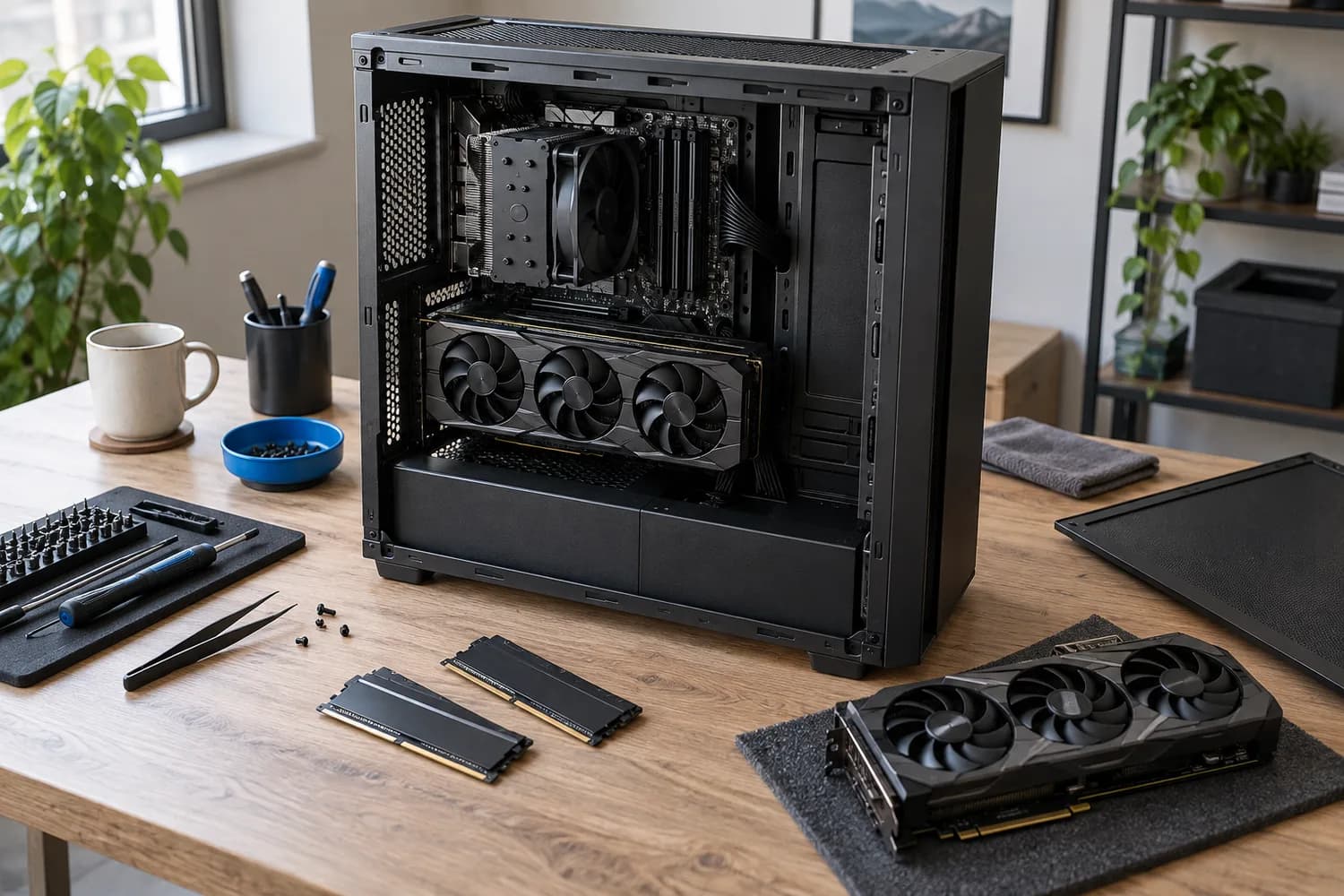
How to plan a PC build around your workload
Start from your games, applications and display target, then check CPU support lists, BIOS versions, GPU clearance and PSU connectors before you buy.
7 min read
Topic
Plan a balanced system around a real workload and complete budget.
PC Builds
Start from your games, applications and display target, then check CPU support lists, BIOS versions, GPU clearance and PSU connectors before you buy.
7 min read
PC Builds · Buying Guide
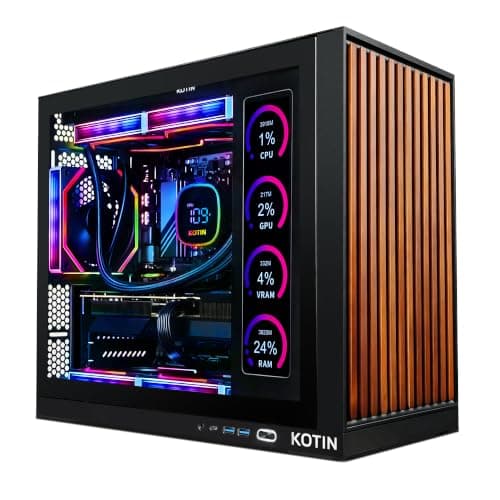
Pick the graphics card for your monitor first; these six systems cover every tier from 1080p to 4K.
12 min read
PC Builds · Buying Guide
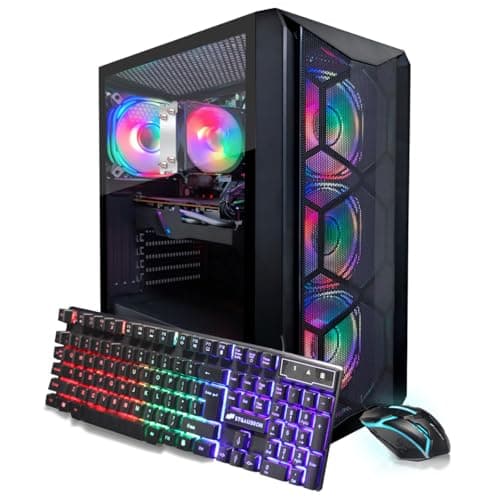
Under $1,000 the graphics card is the difference: an RTX 3060 12GB, an RTX 4060 or an RTX 3050.
12 min read
PC Builds · Buying Guide
The cheapest listings cut the SSD or the GPU; see which trade-off fits your games.
12 min read
PC Builds · Buying Guide
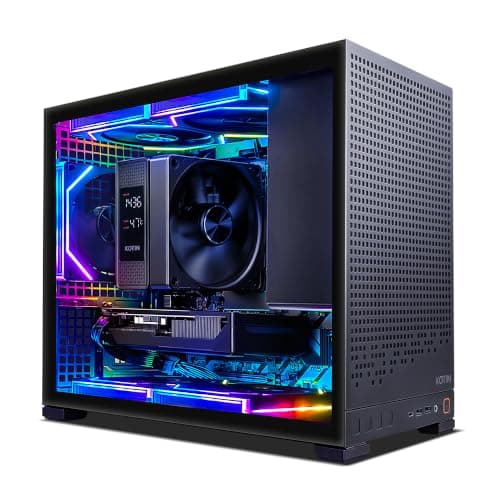
Up to $1,500 buys an RTX 5060 Ti and a newer CPU; decide whether 32GB of RAM matters more.
12 min read
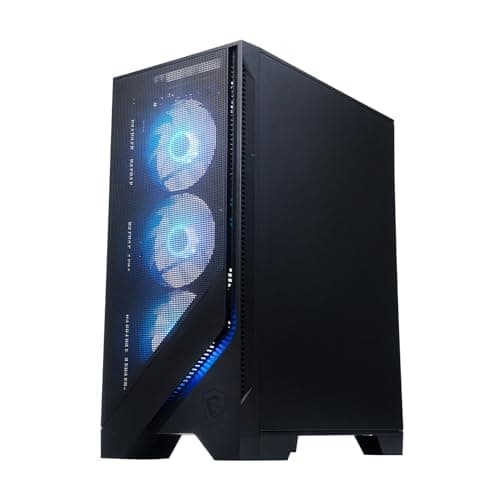
PC Builds · Buying Guide
This is where 12GB cards and 1440p gaming start; the CPU and cooling vary most.
12 min read
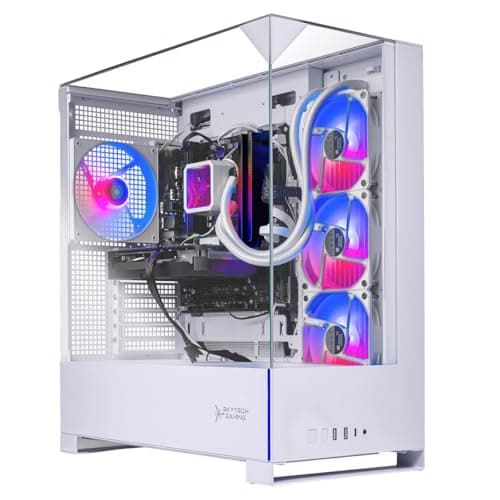
PC Builds · Buying Guide
White cases span every budget here; match the graphics card to your monitor first.
13 min read
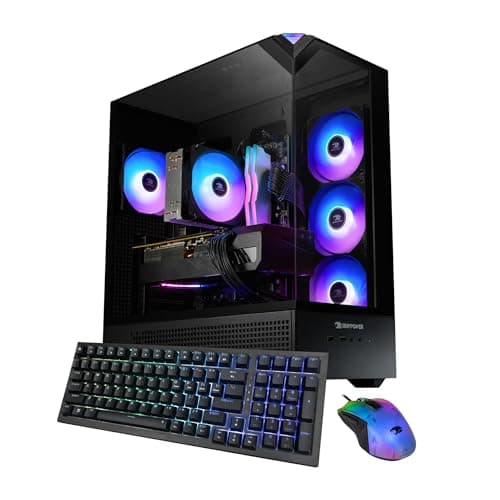
PC Builds · Buying Guide
With the same GPU in each, the CPU, 32GB of RAM and a named PSU are what separate them.
12 min read
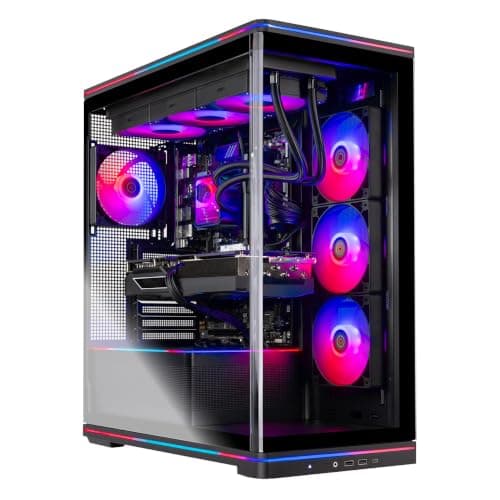
PC Builds · Buying Guide
Same 12GB card, different CPUs: pick an X3D chip for gaming or more cores for work.
12 min read
PC Builds · Buying Guide
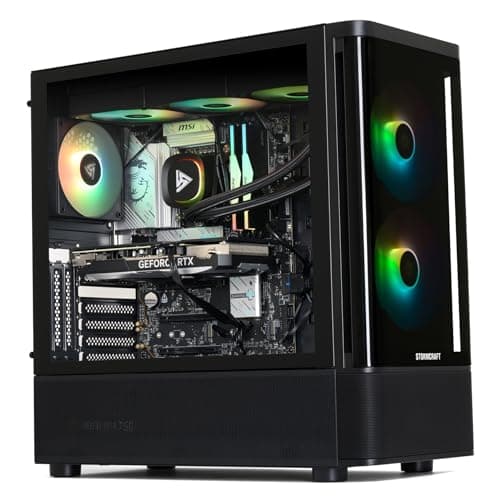
All four pair a 16GB card with an X3D chip; storage and the named PSU decide it.
11 min read
PC Builds · Buying Guide
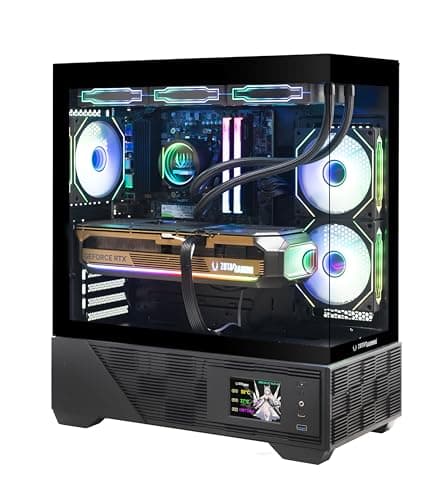
Every pick pairs an RTX 5080 with an X3D chip; cooling, PSU and warranty set them apart.
12 min read
PC Builds · Buying Guide
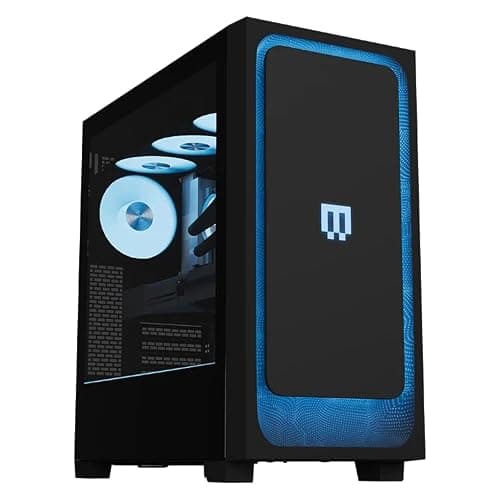
At this level, memory, storage, the power supply and the warranty matter as much as the GPU.
11 min read
PC Builds · Buying Guide
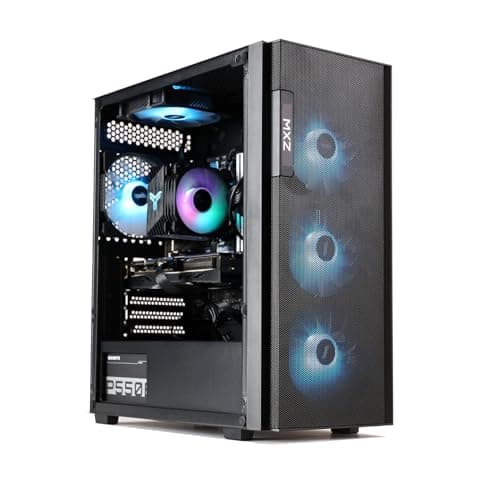
At the $1,000 line, VRAM and SSD size separate otherwise similar Ryzen 5 systems.
12 min read
PC Builds · Buying Guide
Sorted by VRAM: the RTX 3060 12GB leads a field of 8GB cards.
11 min read
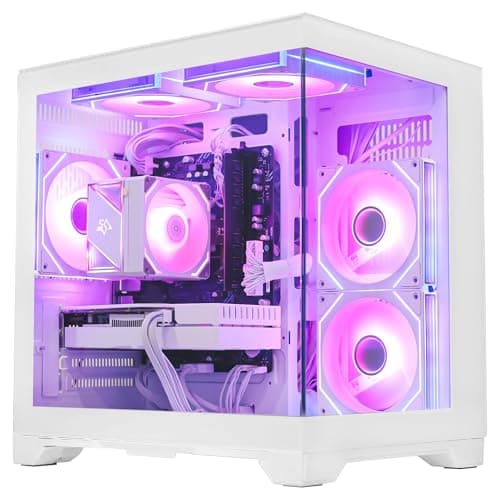
PC Builds · Buying Guide
Each of these sub-$1,000 desktops states its warranty terms.
11 min read
PC Builds · Buying Guide
Six sub-$1,000 PCs ordered by graphics and memory per dollar at the time of writing.
12 min read
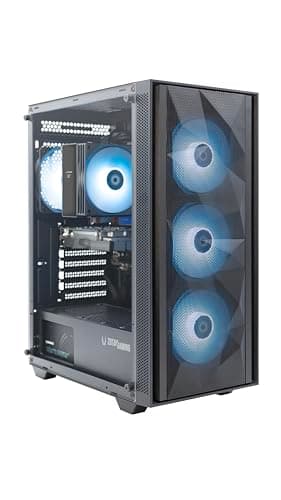
PC Builds · Buying Guide
Only listings that state PSU wattage, so you can judge upgrade room before buying.
11 min read
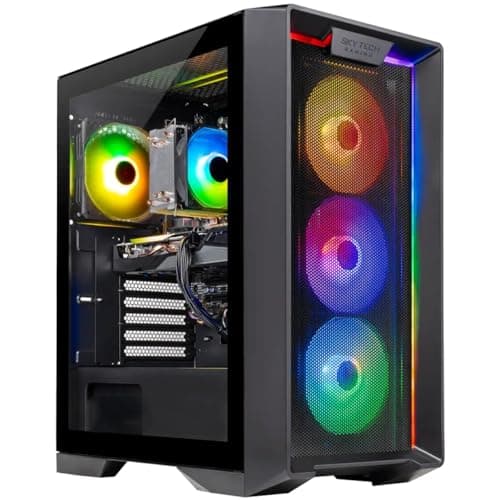
PC Builds · Buying Guide
A $900 to $1,150 band where memory and platform split similar systems.
12 min read
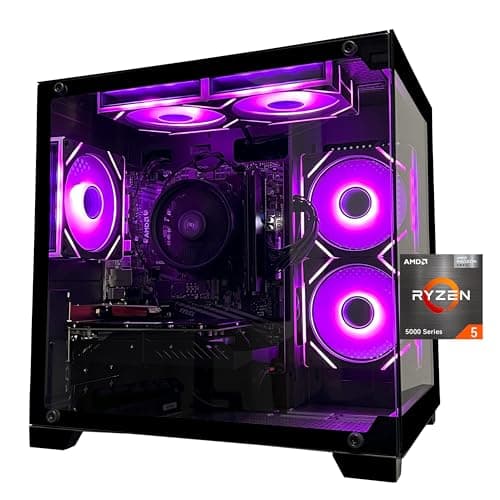
PC Builds · Buying Guide
Three sub-$1,000 PCs where memory, not just the GPU, got attention.
11 min read
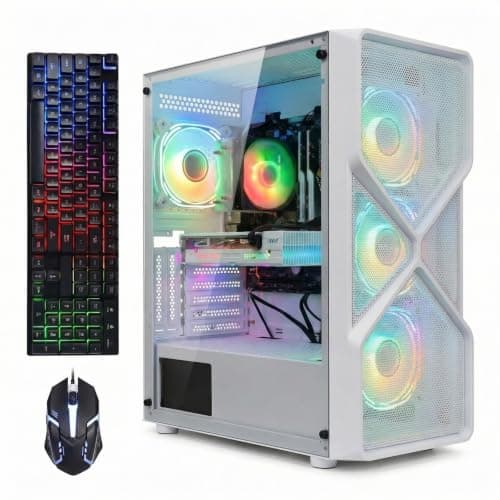
PC Builds · Buying Guide
Five sub-$1,000 pre-builts that name every core part, including SSD size.
12 min read
PC Builds · Buying Guide
Three sub-$1,000 prebuilts that skip the RTX 3050 for an 8GB card.
11 min read
PC Builds · Buying Guide
Six systems that stay at or under $1,000, from RX 580 to RTX 5050.
12 min read
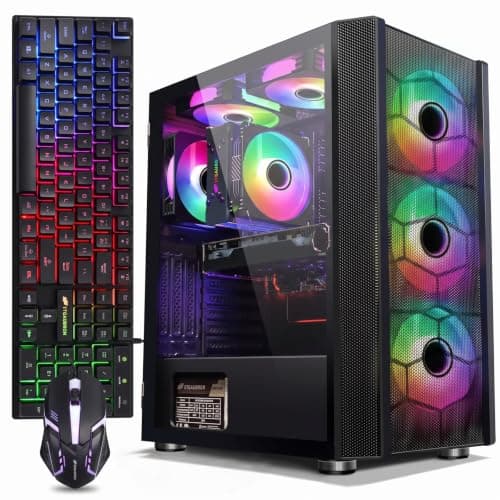
PC Builds · Buying Guide
Sub-$1,000 PCs that spend more on the processor than the usual Ryzen 5 5500.
11 min read
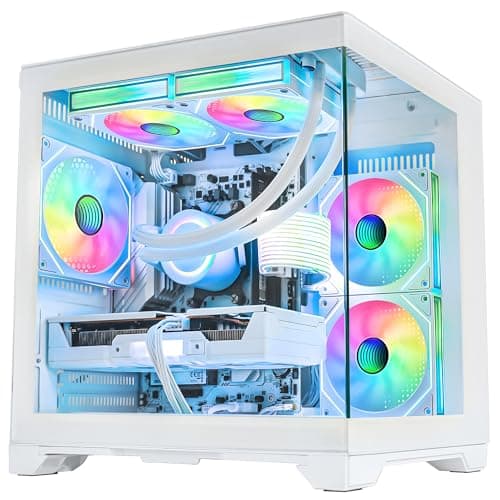
PC Builds · Buying Guide
The $1,300 to $1,500 tier, where 16GB graphics cards start to appear.
12 min read
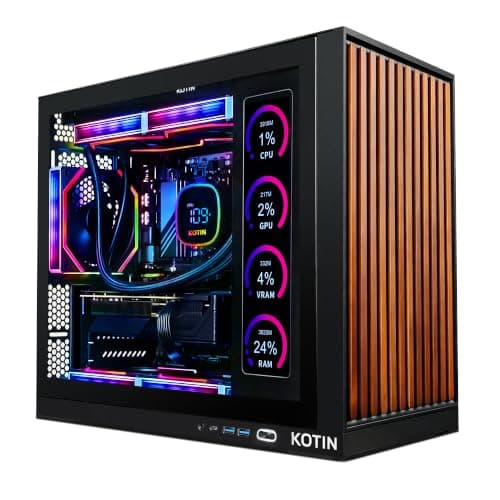
PC Builds · Buying Guide
Six sub-$1,500 PCs, each with a warranty stated by the maker.
12 min read
PC Builds · Buying Guide
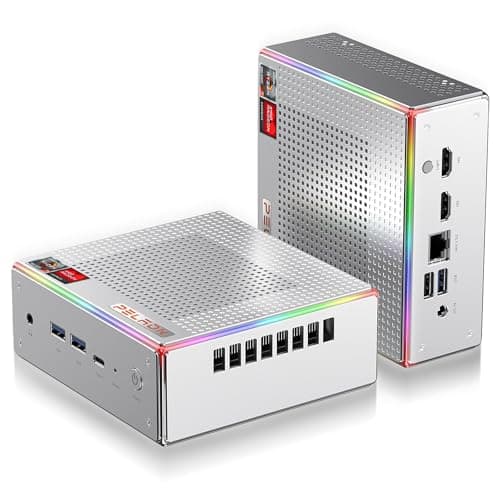
Under $600, the honest options are mini PCs with Radeon integrated graphics.
12 min read
PC Builds · Buying Guide
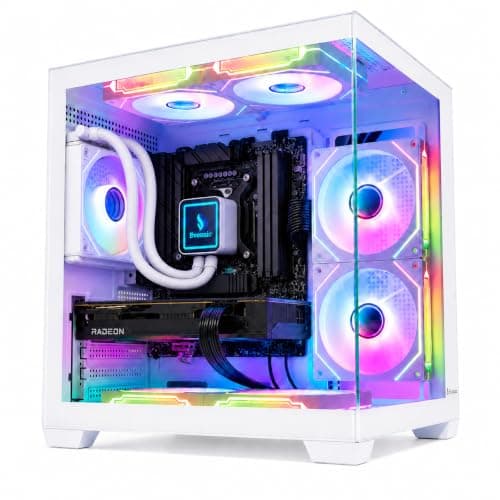
Budget rigs ordered by how much graphics and memory each dollar buys.
12 min read
PC Builds · Buying Guide
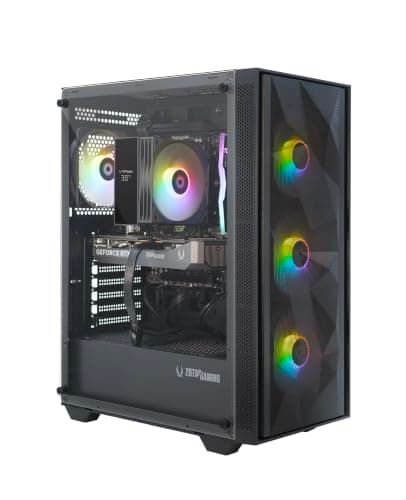
The lowest-priced prebuilts with a current RTX 50-series card.
12 min read
PC Builds · Buying Guide
Cheap systems that still carry 8GB or more of graphics memory.
11 min read
PC Builds · Buying Guide
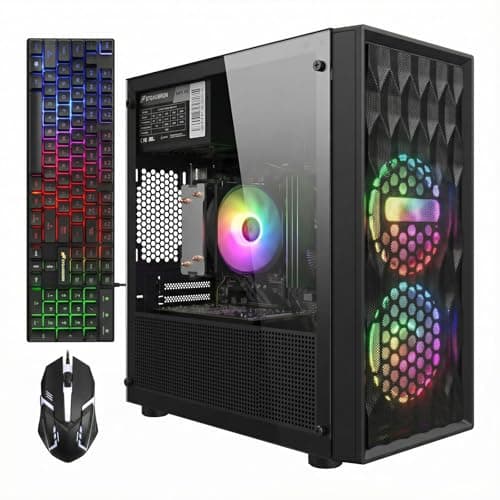
The lowest-priced towers that still name every part, starting near $700.
12 min read
PC Builds · Buying Guide
The cheapest desktops that still ship with a 1TB SSD.
11 min read
PC Builds · Buying Guide
Cheap systems that list 32GB of RAM instead of the usual 16GB.
11 min read
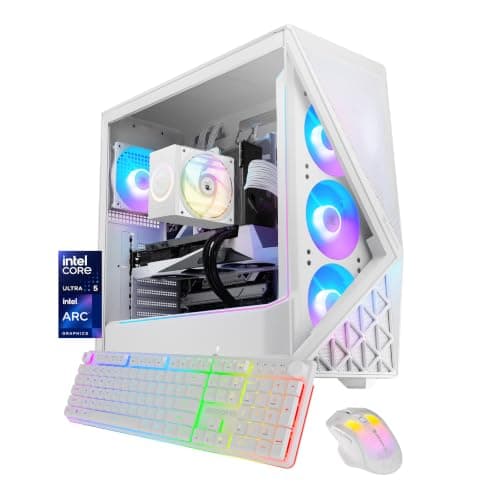
PC Builds · Buying Guide
The $1,000 to $1,300 range, ordered by graphics memory.
12 min read
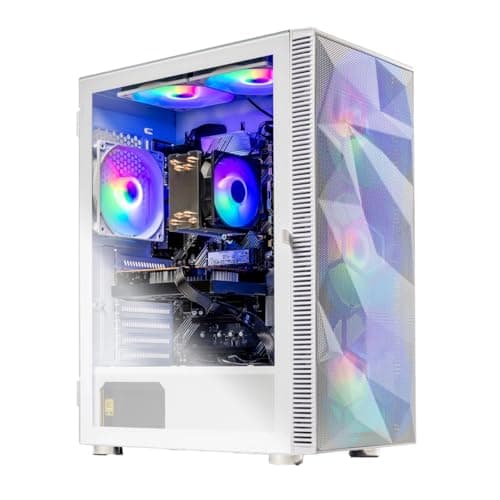
PC Builds · Buying Guide
Five budget PCs on the same Ryzen 5 5500, so the GPU decides.
12 min read
PC Builds · Buying Guide
Budget systems that name their PSU, so upgrades are easier to plan.
11 min read
PC Builds · Buying Guide
Under $950: older cards with more VRAM versus newer ones with less.
11 min read
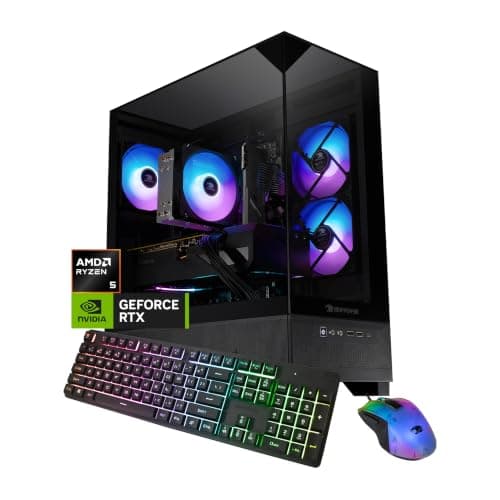
PC Builds · Buying Guide
Budget systems on AM5, which leaves room for a CPU upgrade.
11 min read
PC Builds · Buying Guide
Intel-based budget systems, from Core i5 to Core i7.
12 min read
PC Builds · Buying Guide
Ranked by graphics memory and RAM per dollar, up to about $2,200.
12 min read
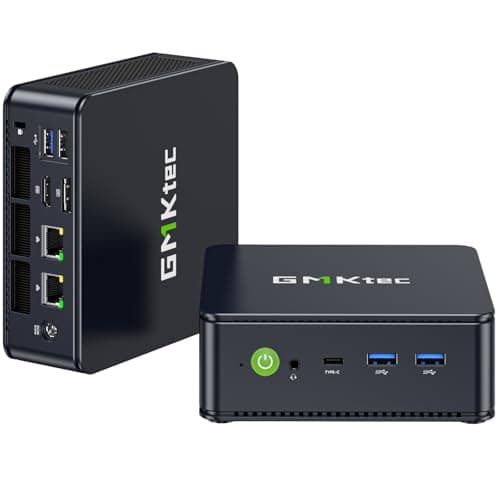
PC Builds · Buying Guide
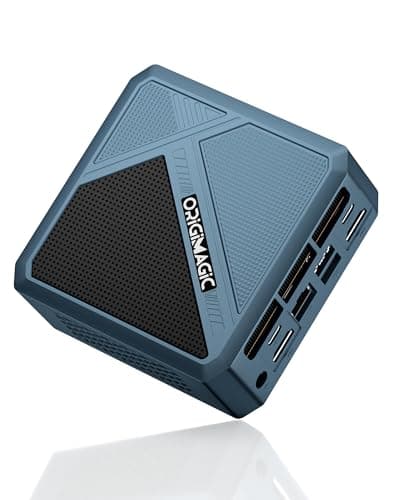
At $500 the honest options are mini PCs with Radeon integrated graphics.
12 min read
PC Builds · Buying Guide
Ordered by RAM, since integrated graphics share system memory.
11 min read
PC Builds · Buying Guide
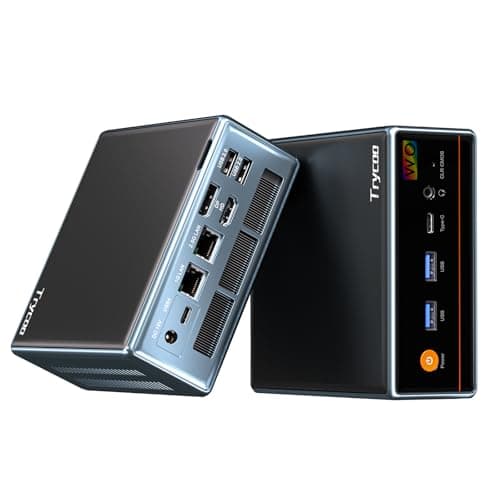
The lowest-priced mini PCs that still name every part.
11 min read
PC Builds · Buying Guide
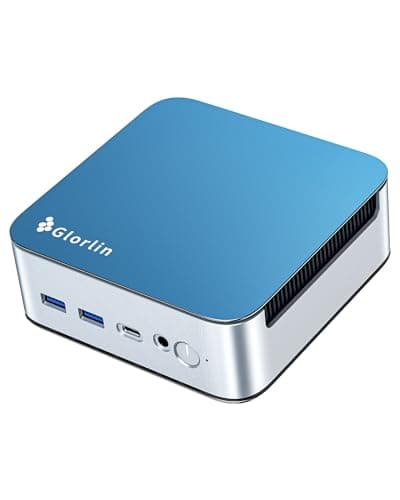
Three $500 mini PCs that keep a 1TB SSD.
11 min read
PC Builds · Buying Guide
Just above $500, the Radeon 780M becomes available.
12 min read
PC Builds · Buying Guide
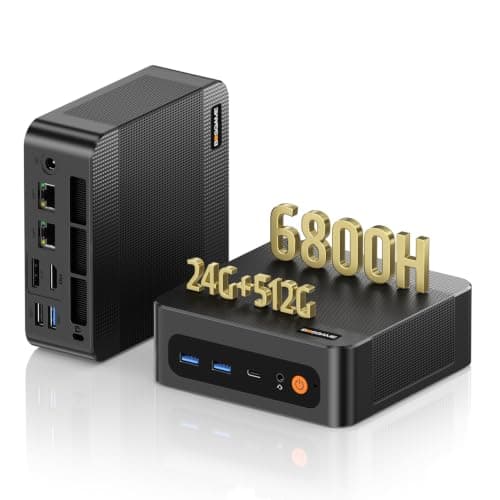
Below $500 with Radeon 680M graphics on Ryzen 6000 chips.
12 min read
PC Builds · Buying Guide
Six sub-$500 mini PCs, ordered by memory for the money.
12 min read
PC Builds · Buying Guide
Newer Radeon 760M and 780M graphics under $500.
11 min read
PC Builds · Buying Guide
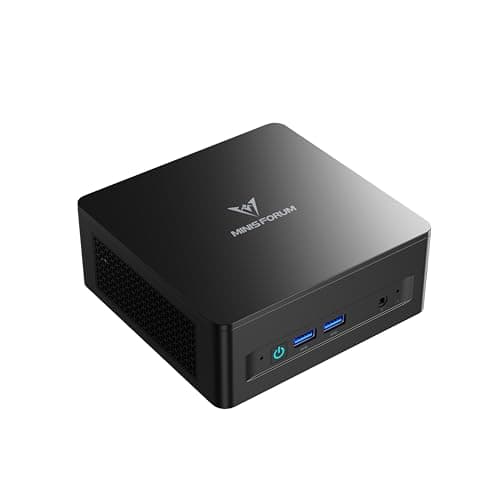
Ready-to-run mini PCs under $500, with integrated graphics stated plainly.
11 min read
PC Builds · Buying Guide
Sub-$500 mini PCs chosen for memory, which integrated graphics rely on.
12 min read
PC Builds · Buying Guide
Sub-$500 mini PCs weighed on storage as well as graphics.
11 min read
PC Builds · Buying Guide
Five pre-built mini PCs under $500 that name every part.
12 min read
PC Builds · Buying Guide
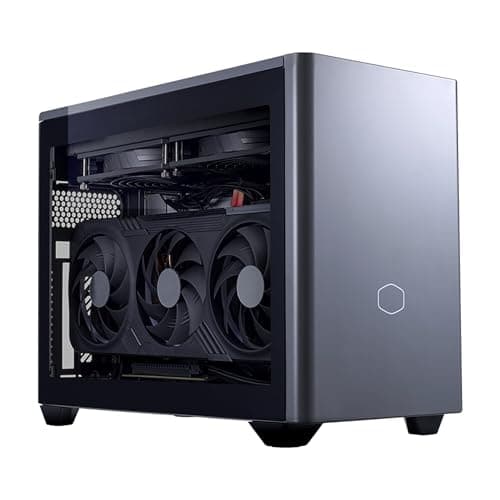
Mini-ITX towers and mini PCs, with the GPU type stated for each.
11 min read
PC Builds · Buying Guide
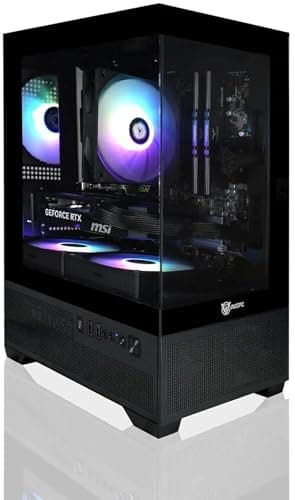
From a $1,000 mini case to a Mini-ITX RTX 5080 build.
12 min read
PC Builds · Buying Guide
Compact PCs with desktop-class graphics only.
11 min read
PC Builds · Buying Guide
Four mini desktops with a dedicated NVIDIA GPU, labelled by class.
11 min read
PC Builds · Buying Guide
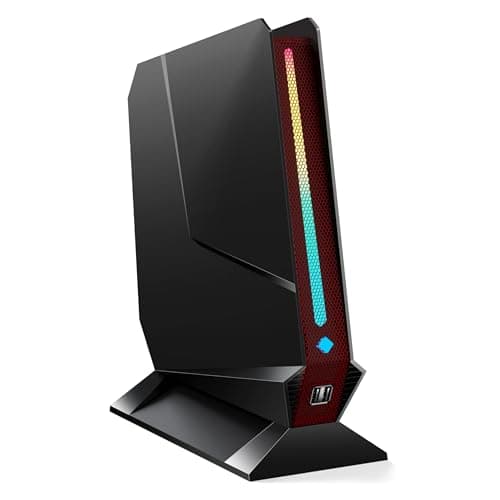
Dedicated-GPU mini PCs, plus one integrated-graphics alternative.
12 min read
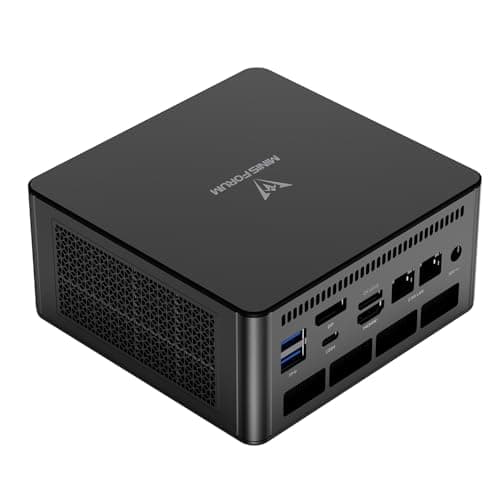
PC Builds · Buying Guide
The strongest integrated-graphics mini PCs, Radeon 780M and 890M.
12 min read
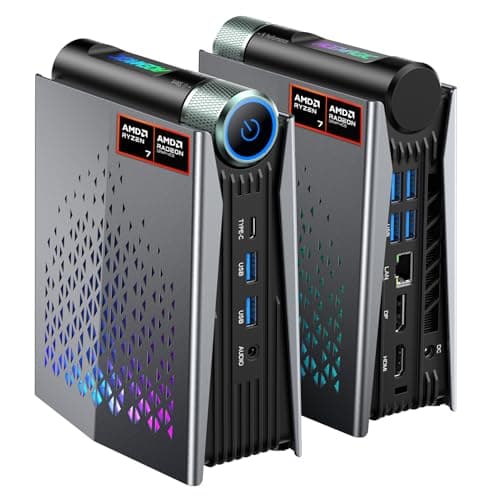
PC Builds · Buying Guide
Carry-sized mini PCs with Radeon 780M or 890M graphics.
11 min read
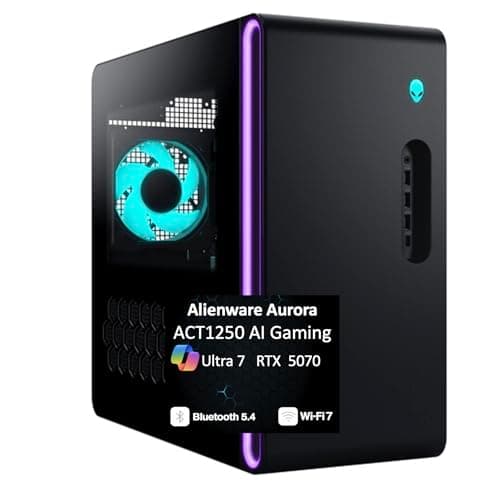
PC Builds · Buying Guide
Four Aurora configurations, from RTX 5070 to RTX 5080.
11 min read
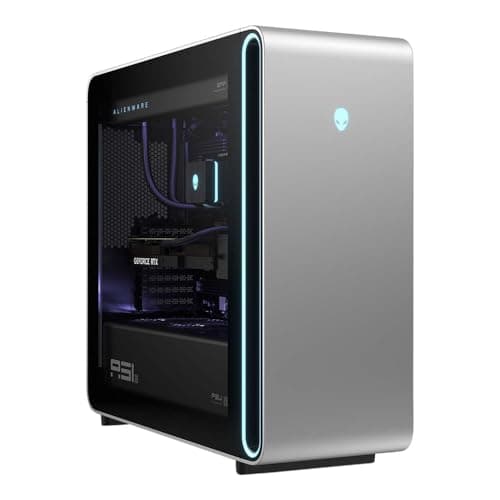
PC Builds · Buying Guide
Aurora and Area-51 systems ordered by graphics memory.
12 min read
PC Builds · Buying Guide
Three Alienware desktops ranked by memory.
11 min read
PC Builds · Buying Guide
Four Alienware desktops below the flagship RTX 5090 build.
11 min read
PC Builds · Buying Guide
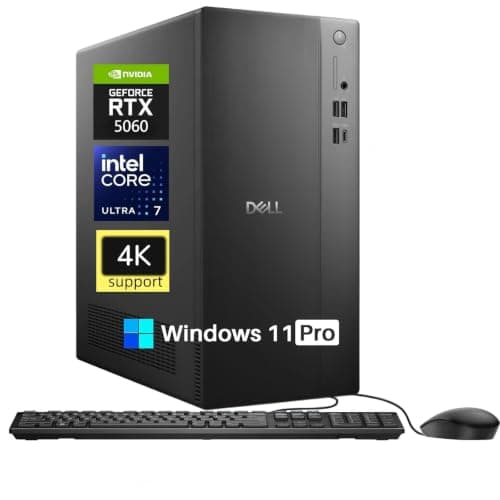
Dell Tower, Tower Plus and Alienware systems, lowest price first.
12 min read
PC Builds · Buying Guide
Six Dell and Alienware desktops below $4,000.
12 min read
PC Builds · Buying Guide
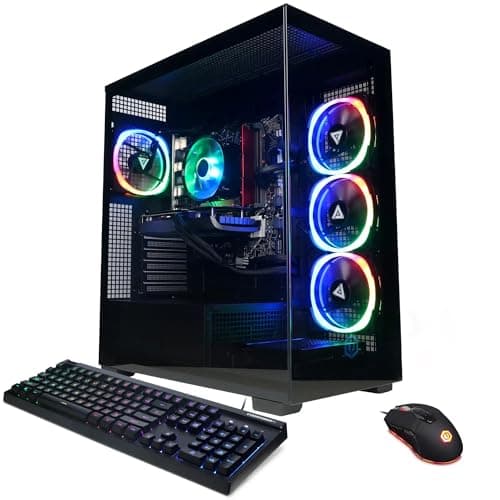
CyberPowerPC's lower-priced RTX 5060 and 5060 Ti systems.
12 min read
PC Builds · Buying Guide
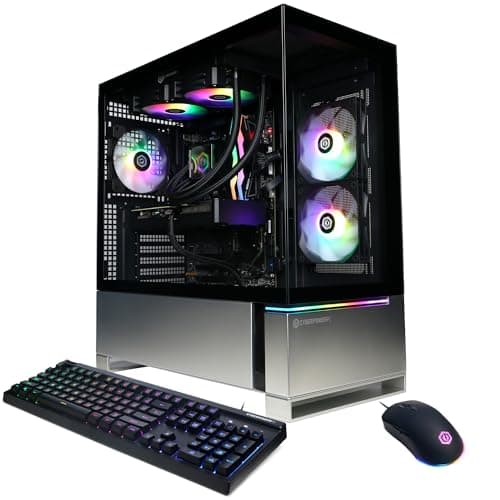
CyberPowerPC systems ordered by graphics memory.
11 min read
PC Builds · Buying Guide
Three CyberPowerPC desktops with 2TB SSDs.
11 min read
PC Builds · Buying Guide
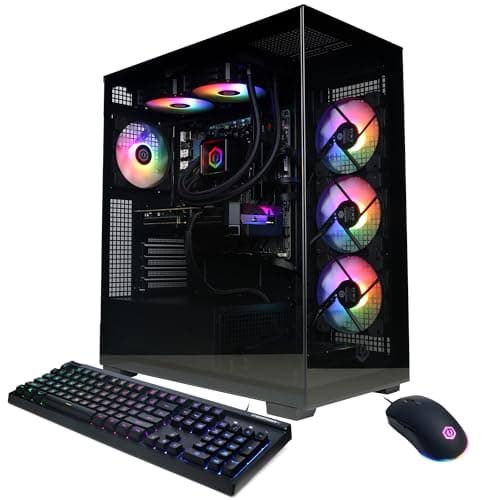
Six CyberPowerPC desktops, from the Ryzen 9 build down.
12 min read
PC Builds · Buying Guide
iBUYPOWER's lower-priced Element, Slate and Scale systems.
12 min read
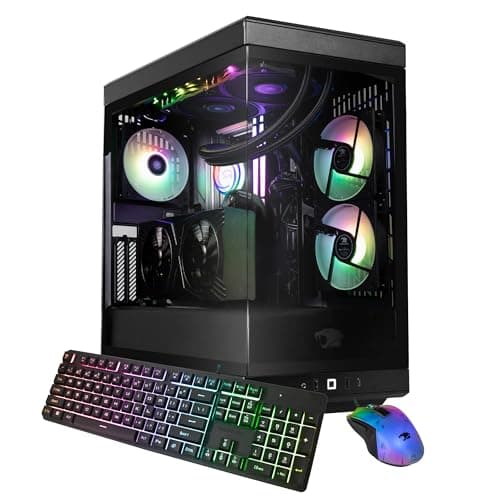
PC Builds · Buying Guide
iBUYPOWER's Y40 and Element systems ranked by graphics memory.
12 min read
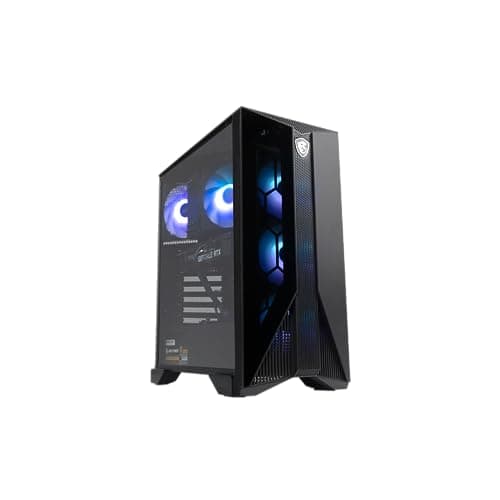
PC Builds · Buying Guide
MSI's Aegis, Codex and Vision systems, lowest price first.
11 min read
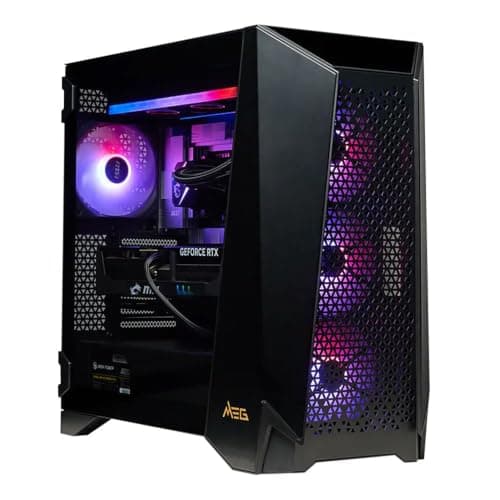
PC Builds · Buying Guide
Three MSI desktops ordered by graphics memory, up to the RTX 5090.
11 min read
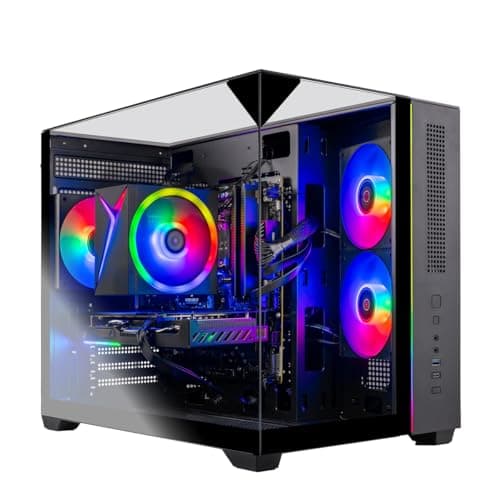
PC Builds · Buying Guide
Six Skytech systems ranked by graphics and memory for the price.
12 min read
PC Builds · Buying Guide
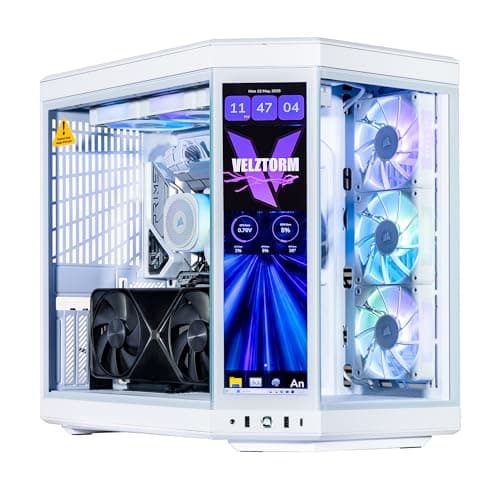
The pricier white builds, with white coolers and cards.
12 min read
PC Builds · Buying Guide
The lowest-priced white builds that name every part.
12 min read
PC Builds · Buying Guide
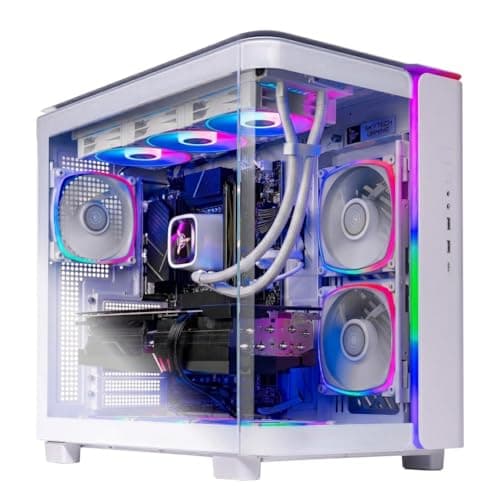
White pre-builts ranked by graphics memory.
11 min read
PC Builds · Buying Guide
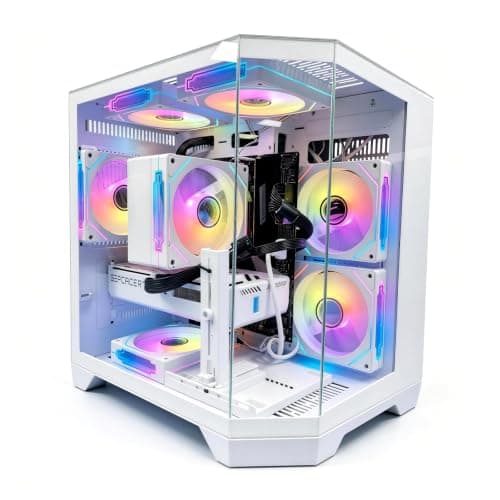
White prebuilts that state their power supply wattage.
11 min read
PC Builds · Buying Guide
Systems whose listings name RGB memory or fans.
12 min read
PC Builds · Buying Guide
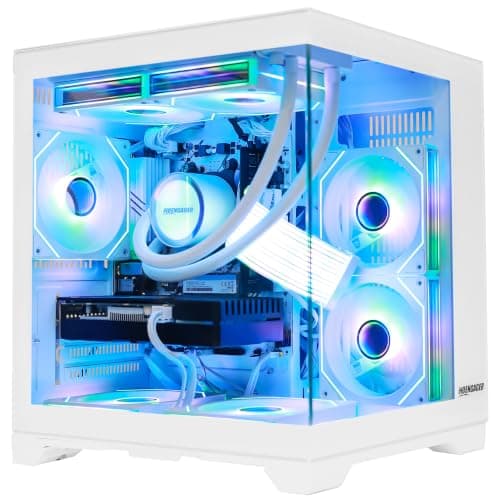
Systems that name an AIO or liquid CPU cooler.
12 min read
PC Builds · Buying Guide
Eight-core AM4 systems from RTX 3050 to RTX 5070.
12 min read
PC Builds · Buying Guide
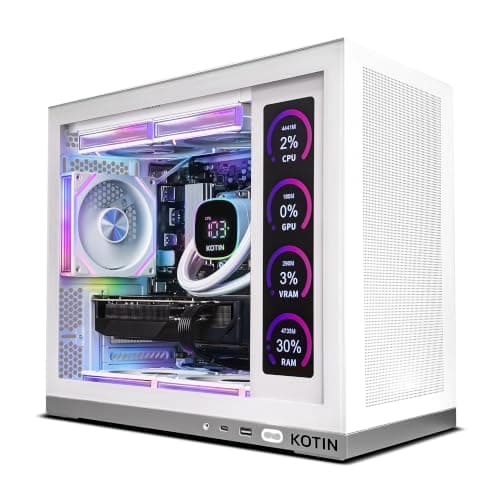
The lowest-priced 7800X3D systems, from RTX 5060 Ti to RX 9070 XT.
12 min read
PC Builds · Buying Guide
Six 9800X3D systems, RTX 5070 to RTX 5070 Ti.
12 min read
PC Builds · Buying Guide
Ryzen 7 systems on AM5 with DDR5 memory.
12 min read
PC Builds · Buying Guide
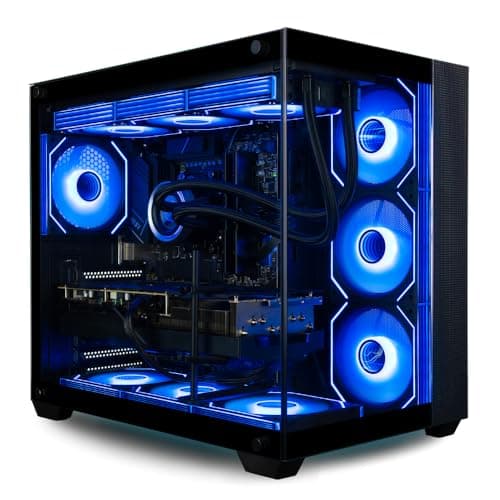
16-core 9950X3D systems for gaming plus heavy work.
11 min read
PC Builds · Buying Guide
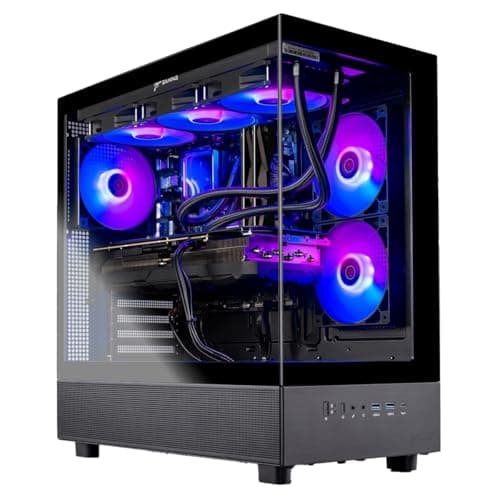
All-AMD desktops: Ryzen CPUs with Radeon graphics.
12 min read
PC Builds · Buying Guide
7700X systems that all use an RTX 5070, split by memory and case.
11 min read
PC Builds · Buying Guide
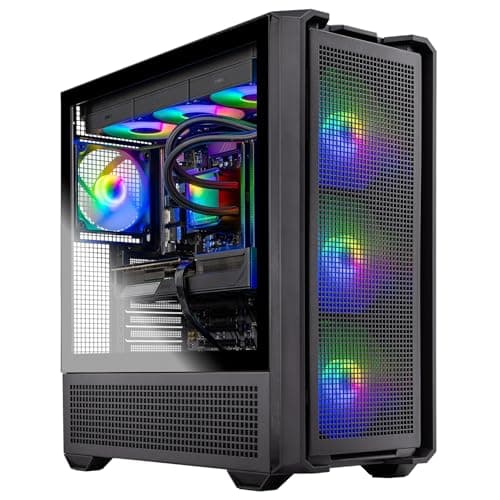
7800X3D systems with 16GB graphics cards.
11 min read
PC Builds · Buying Guide
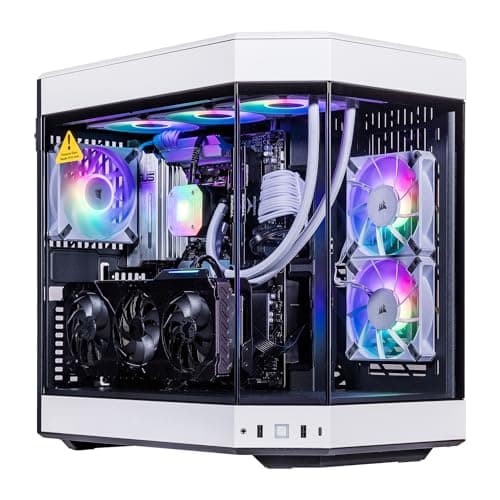
9800X3D systems that state their power supply wattage.
12 min read
PC Builds · Buying Guide
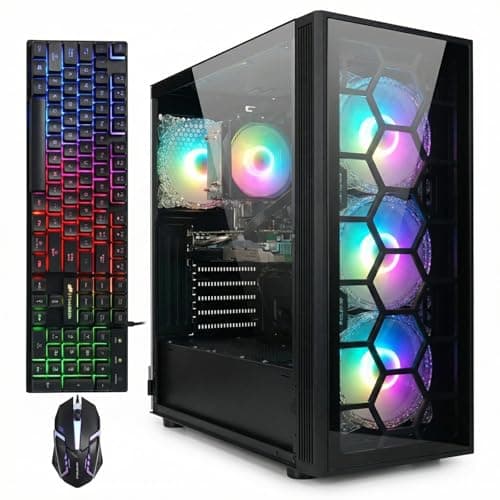
Lower-priced Ryzen 7 systems on AM4 and AM5.
12 min read
PC Builds · Buying Guide
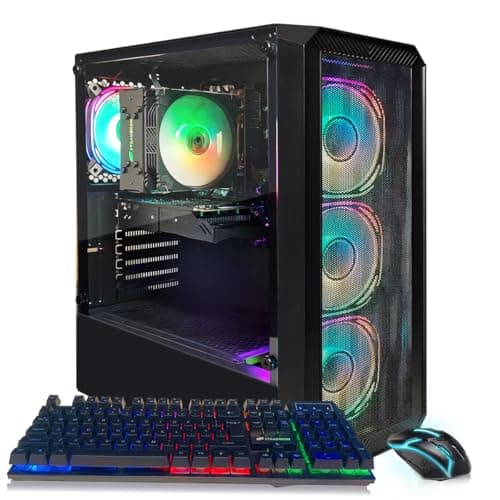
The lowest-priced Core i5 desktops.
12 min read
PC Builds · Buying Guide
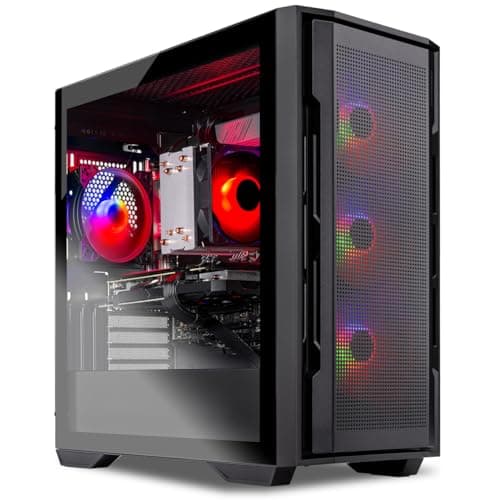
Core i5 desktops ranked by graphics memory, up to the RTX 5070.
11 min read
PC Builds · Buying Guide
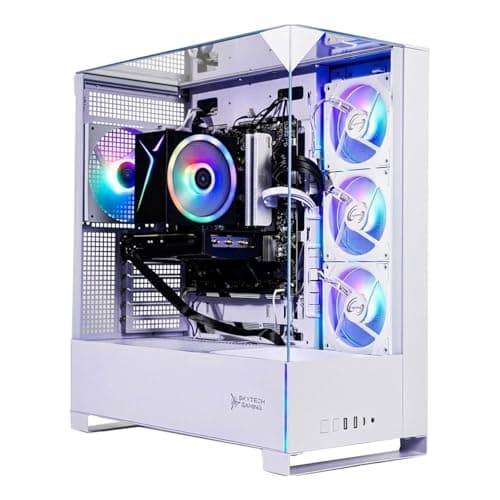
Core i5 systems with a warranty.
11 min read
PC Builds · Buying Guide
Core i5 and Core Ultra 5 systems with 1TB or more of storage.
12 min read
PC Builds · Buying Guide
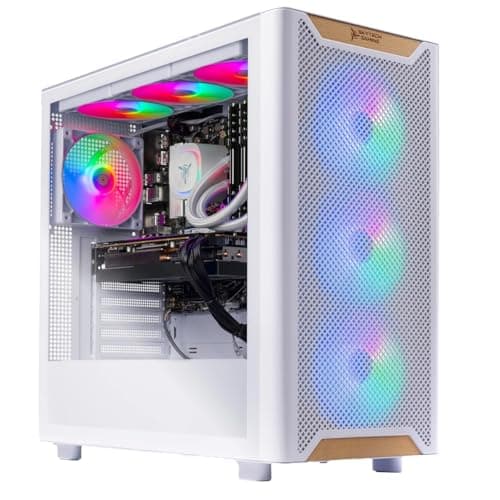
Core i7 systems ranked by graphics memory.
12 min read
PC Builds · Buying Guide
The lower-priced Core i7 systems.
12 min read
PC Builds · Buying Guide
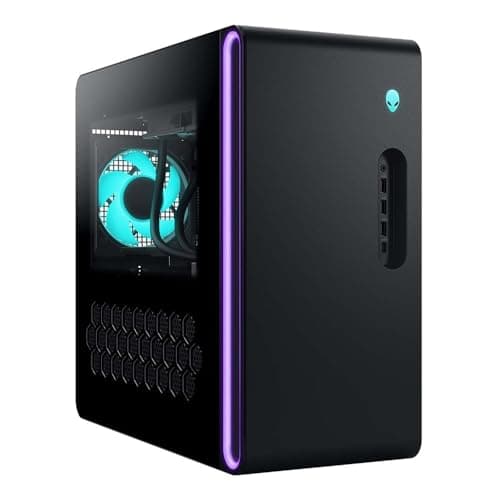
The lowest-priced RTX 5080 systems.
12 min read
PC Builds · Buying Guide
The lowest-priced RTX 5070 systems.
12 min read
PC Builds · Buying Guide
The lowest-priced RTX 5070 Ti systems.
12 min read
PC Builds · Buying Guide
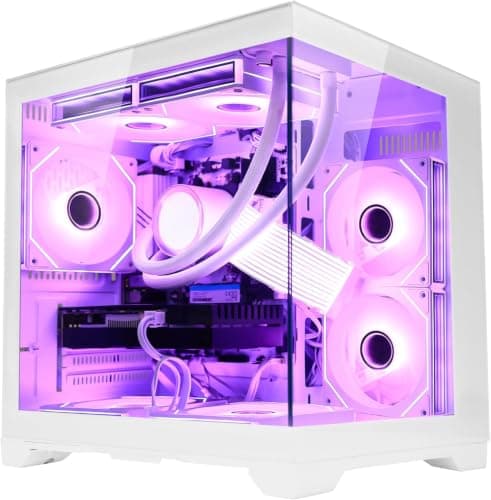
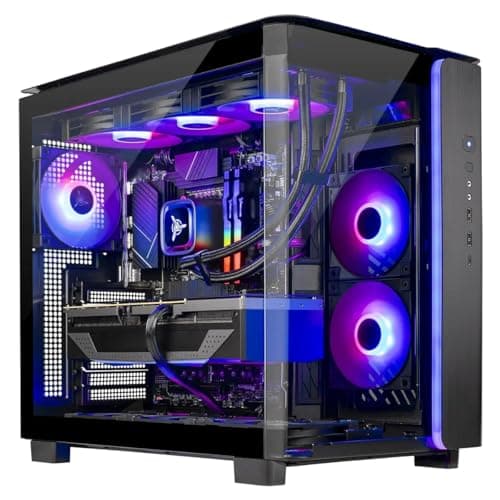
RTX 5070 systems with 32GB of RAM, compared.
12 min read
PC Builds · Buying Guide
The upper end of RTX 5070 Ti systems.
12 min read
PC Builds · Buying Guide
RTX 5080 systems with a named 850W or larger PSU.
11 min read
PC Builds · Buying Guide
RTX 5080 and 5090 desktops for 4K screens.
12 min read
PC Builds · Buying Guide
The lowest-priced systems with a 16GB card suited to 4K with upscaling.
11 min read
PC Builds · Buying Guide
RTX 5080 and 5090 systems with X3D processors for 4K.
12 min read
PC Builds · Buying Guide
The most expensive complete systems, led by RTX 5090 builds.
12 min read
PC Builds · Buying Guide
High-end systems ranked by memory.
11 min read
PC Builds · Buying Guide
16GB-card systems under $4,000.
12 min read
PC Builds · Buying Guide
RTX 5090 flagships and what the extra money buys.
11 min read
PC Builds · Buying Guide
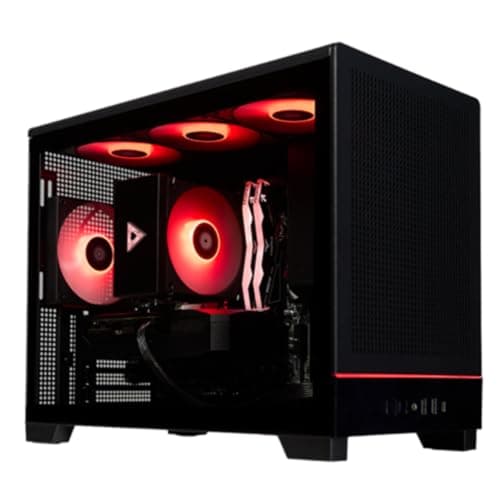
Mid-range desktops with the most hardware for the price.
12 min read
PC Builds · Buying Guide
Rigs from $1,800 to $3,000 with 12GB and 16GB cards.
12 min read
PC Builds · Buying Guide
Towers with a named 750W or larger PSU.
12 min read
PC Builds · Buying Guide
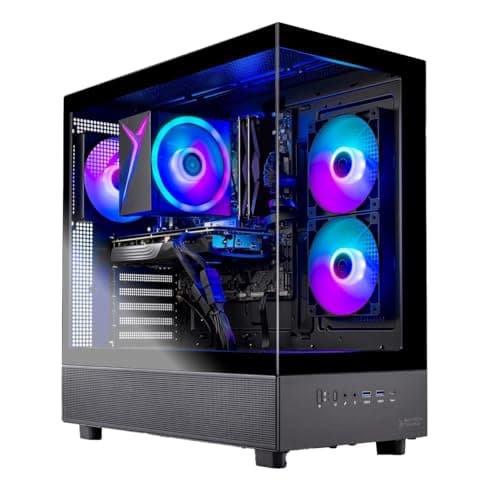
Desktops from $900 to $1,500 ranked by graphics memory.
12 min read
PC Builds · Buying Guide
The lowest-priced desktops with 32GB of RAM.
11 min read
PC Builds · Buying Guide
Desktops from $1,000 to $2,000 with a warranty.
12 min read
PC Builds · Buying Guide
The lowest-priced prebuilts with an X3D processor.
12 min read
PC Builds · Buying Guide
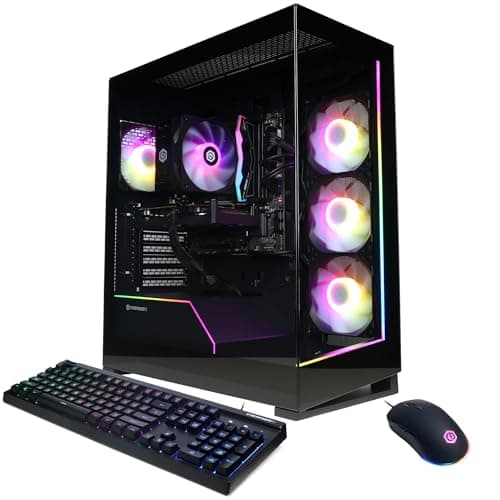
One desktop per budget step from about $900 to $3,000.
12 min read
PC Builds · Buying Guide
Towers with 2TB of storage under $2,600.
11 min read
PC Builds · Buying Guide
Balanced desktops from $1,200 to $2,200.
12 min read
PC Builds · Buying Guide
Six affordable desktops ranked by hardware for the price.
12 min read
PC Builds · Buying Guide
Intel desktops from $1,500 to $2,500.
11 min read
PC Builds · Buying Guide
Pre-builts from $1,100 to $1,700, favoring more memory.
12 min read
PC Builds · Buying Guide
White pre-built systems from $1,300 to $2,300.
11 min read
PC Builds · Buying Guide
The lowest-priced prebuilts with a 16GB graphics card.
12 min read
PC Builds · Buying Guide
Prebuilts from $1,000 to $2,000, favoring hardware for the price.
12 min read
PC Builds · Buying Guide
The lowest-priced desktops with a 12GB or larger graphics card.
11 min read
PC Builds · Buying Guide
RTX systems with 32GB of RAM for gaming and streaming at once.
12 min read
PC Builds · Buying Guide
RTX systems for driving golf simulator software and a projector.
11 min read
PC Builds · Buying Guide
32GB systems for asset-heavy FiveM roleplay servers.
12 min read
PC Builds · Buying Guide
Five systems between $1,400 and $2,400 with 32GB of RAM and 16GB graphics cards for playing and streaming at once.
12 min read
PC Builds · Buying Guide
A prebuilt gaming PC saves the build but should name every part in its listing.
12 min read
PC Builds · Buying Guide
A small form factor PC fits a desk or TV stand where a tower will not.
12 min read
PC Builds · Buying Guide
A compact mini PC takes almost no desk space.
12 min read
PC Builds · Buying Guide
CyberPowerPC sells prebuilt systems from RTX 5060 entry builds upward.
11 min read
PC Builds · Buying Guide
Under $500, most gaming PCs are mini PCs with integrated or laptop-class graphics rather than towers with a desktop card.
11 min read
PC Builds · Buying Guide
Under $800, a prebuilt gaming PC targets 1080p.
12 min read
PC Builds · Buying Guide
Around $1,200, prebuilt towers pair RTX 5060-class cards with mid-range CPUs.
12 min read
PC Builds · Buying Guide
Around $1,500, prebuilt towers reach 12GB and 16GB graphics cards for 1440p.
12 min read
PC Builds · Buying Guide
Around $2,000, prebuilt towers step up to RTX 5070-class cards and faster CPUs.
12 min read
PC Builds · Buying Guide
At $5,000 and above, prebuilt systems use flagship graphics cards, top CPUs and large SSDs.
12 min read
PC Builds · Buying Guide
Esports titles run at high frame rates on mid-range hardware, so the budget is better spent on a fast monitor.
12 min read
PC Builds · Buying Guide
NVIDIA RTX cards include a hardware encoder that streaming apps can use, which frees the CPU.
12 min read
PC Builds · Buying Guide
Blender's Cycles renderer uses the GPU and its VRAM, so large scenes need 16GB or more.
12 min read
PC Builds · Buying Guide
Local image generation leans on VRAM, and most tools are tuned for NVIDIA cards.
12 min read
PC Builds · Buying Guide
Flight simulators load both the CPU and the GPU heavily, especially in busy airports and with VR.
12 min read
PC Builds · Buying Guide
Emulating newer consoles leans on single-thread CPU speed more than on the graphics card.
12 min read
PC Builds · Buying Guide
Video editing leans on RAM for long timelines and on the GPU for effects and exports.
12 min read
PC Builds · Buying Guide
An RTX 5060 Ti prebuilt targets 1080p and 1440p gaming, and the 16GB version gives more room for textures.
12 min read
PC Builds · Buying Guide
4K editing leans on RAM for long timelines and on a strong GPU for effects and encoding.
12 min read
PC Builds · Buying Guide
Between $2,400 and $3,000 prebuilts move to RTX 5080-class graphics and fast X3D processors.
12 min read
PC Builds · Buying Guide
Skytech builds prebuilt gaming PCs across budgets with mainstream parts.
12 min read
PC Builds · Buying Guide
A liquid cooler keeps hot CPUs quieter under load.
12 min read
Define applications, games and display target.
Budget for all required parts and software.
Verify platform, power and physical fit.