
PC Builds · Buying Guide
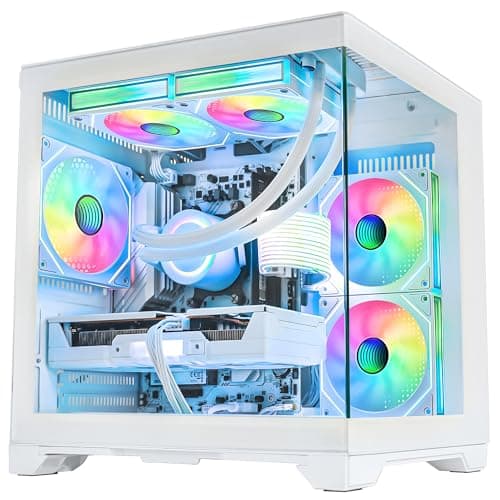
The Best Gaming PCs for Stalker 2
Stalker 2 is demanding on both CPU and memory.
12 min read
PC Builds
A build list works only when every part fits the others. These guides cover complete builds by budget and workload, and the checks that hold them together.
10 buying guides and 14 explainers.
CPU socket, motherboard chipset and BIOS version line up
PSU wattage and connectors cover the GPU
Case fits the GPU length, cooler height and board size
Start from your games, applications and display target, then check CPU support lists, BIOS versions, GPU clearance and PSU connectors before you buy.
What each part is responsible for, and the support lists, slot configurations and clearances to check for each one.
Low noise comes from efficient components, unrestricted airflow, large slow fans, sensible power limits, and vibration control.
Choose between a single-PC and dual-PC workflow based on game load, encoder quality, capture needs, audio routing, and reliability.
Size a home-office PC for real applications, display count, storage safety, noise, and connectivity rather than gaming specifications.
Match hardware to codec, resolution, effects, application acceleration, storage workflow, and export deadlines.
First-time builders should favor compatible, well-documented parts and a forgiving case over maximum benchmark performance.
Small-form-factor builds require exact dimensional, thermal, connector, and cable checks before performance comparisons.
Check connectors, BIOS settings, memory speed and temperatures in a sensible order after a new build powers on.
Compatibility requires a chain of checks across platform, dimensions, power, connectors, firmware, and operating system.
A practical 4K build sets realistic native or upscaled targets and reserves budget for GPU power, cooling, display connectivity, and storage.
A balanced 1080p build starts with target frame rate and game type, then divides budget across GPU, CPU, monitor, memory, storage, power, and cooling.
Plan around the monitor refresh rate and demanding games, with enough GPU performance and VRAM without starving the platform budget.
Protect the gaming experience first, reuse safe parts where possible, and avoid platform costs that do not improve the target games.
PC Builds · Buying Guide
Stalker 2 is demanding on both CPU and memory.
12 min read
PC Builds · Buying Guide
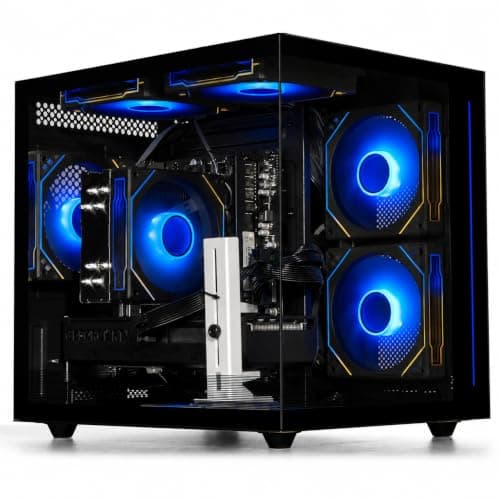
Starfield leans on the CPU in cities.
12 min read
PC Builds · Buying Guide
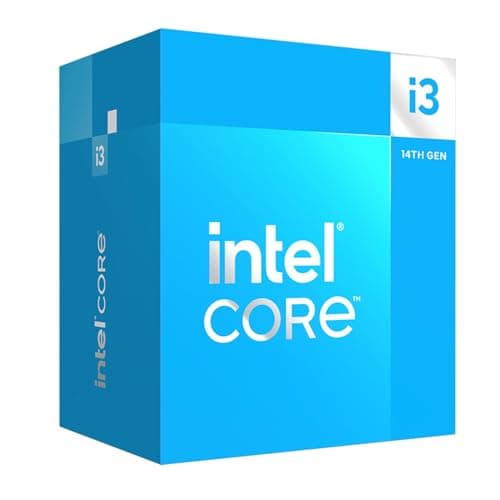
An office PC lives or dies on its integrated graphics, its memory and a drive that boots fast, not on a graphics card, so this build puts the money there.
12 min read
PC Builds · Buying Guide
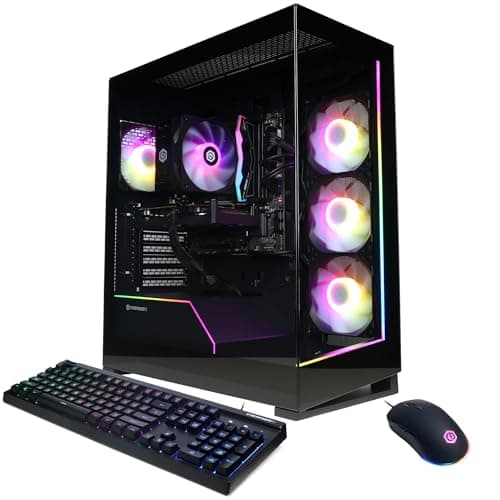
Baldur's Gate 3 is large, so storage and memory matter as much as the GPU.
12 min read
PC Builds · Buying Guide
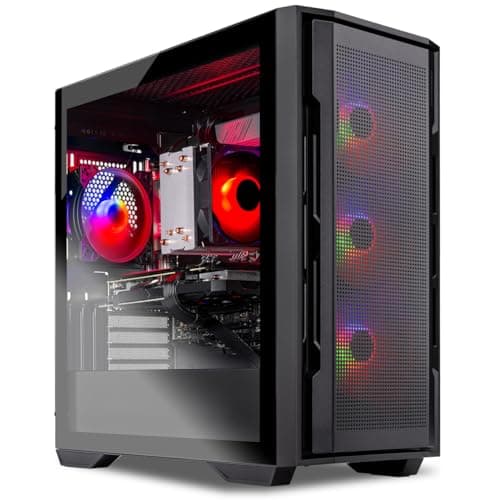
Cyberpunk 2077 with ray tracing needs a strong GPU with upscaling support.
12 min read
PC Builds · Buying Guide
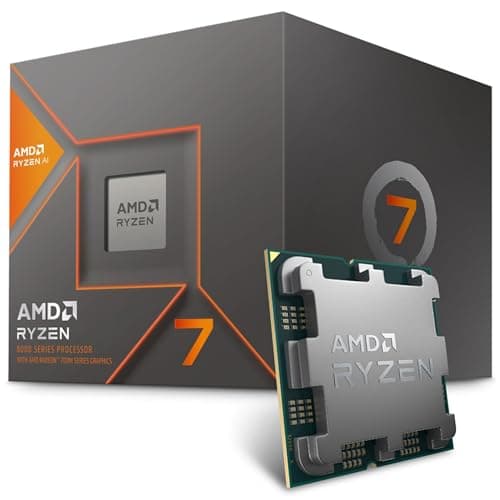
A home theater PC is judged by what it connects to the television, so this build uses the Ryzen 7 8700G's integrated graphics instead of a card, in a compact case with a Mini-ITX board.
12 min read