
ComponentsGuide
A practical checklist for choosing PC components
Understand the key constraints behind CPUs, graphics cards, memory, storage and power supplies.
By The PC Journal8 min read
Step 01
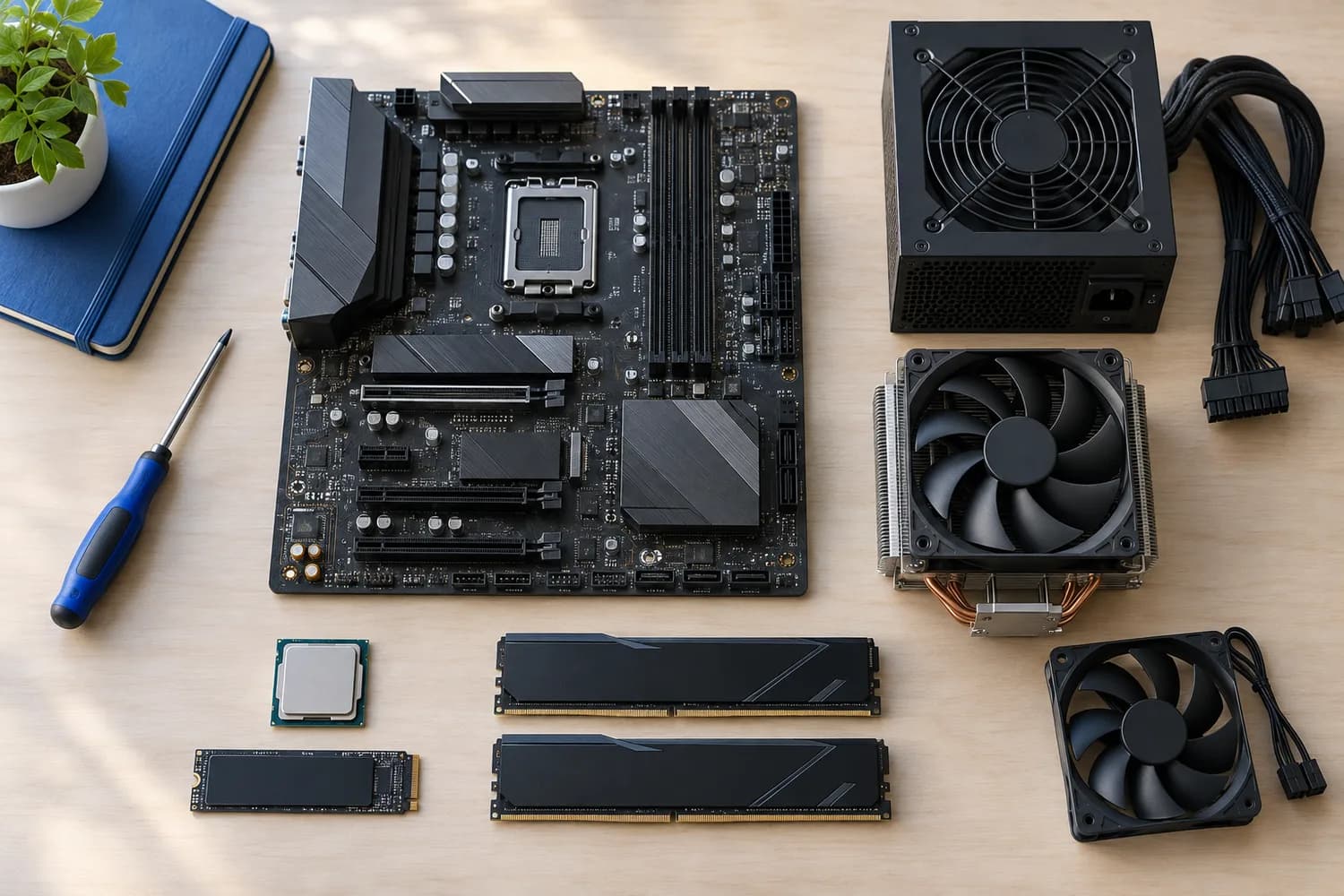
CPU and motherboard
Choose for your applications, then check socket, the exact motherboard processor support list, chipset limitations and minimum BIOS version. More cores do not improve every workload equally.
Step 02
Graphics card
Look for third-party tests at your intended resolution and settings. VRAM capacity is one constraint, not a standalone speed ranking. Verify case clearance, slot thickness, power connectors and display outputs.
Step 03
Memory
Confirm the DDR generation, motherboard and CPU support, capacity and module configuration. Advertised overclocking profiles are different from standard operation and may require platform support and setup.
Step 04
Storage
Check form factor, interface, usable slot configuration and documented lane-sharing or port limitations. Advertised sequential speeds do not describe every everyday workload.
Step 05
Power and cooling
Verify the power supply's exact connectors, form factor and documented suitability for the build. More rated wattage is not automatically better. For cooling, confirm socket mounts, case clearance and radiator placement.
This guide explains a decision process. It does not contain product rankings, benchmark results or hands-on measurements. How we research
Related guides
PC Builds
How to plan a PC build around your workloadStart from your games, applications and display target, then check CPU support lists, BIOS versions, GPU clearance and PSU connectors before you buy.
Components
How to choose a power supply for a PC buildConfirm form factor, case length and the exact connectors your motherboard and graphics card require.
Upgrades
What to check before upgrading your graphics cardCheck whether a new card fits your case, gets the power connectors it needs and addresses the problem you actually see.