
Peripherals · Buying Guide
The Best Mechanical Keyboards for Gaming and Typing
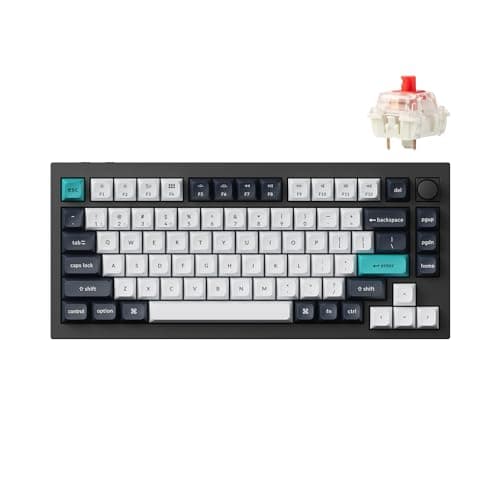
Check the polling rate on the connection you will actually use, and which switches the sockets accept, before you buy.
9 min read
Topic
Evaluate keyboards, mice and practical setup equipment.
Peripherals · Buying Guide
Check the polling rate on the connection you will actually use, and which switches the sockets accept, before you buy.
9 min read
Peripherals · Buying Guide
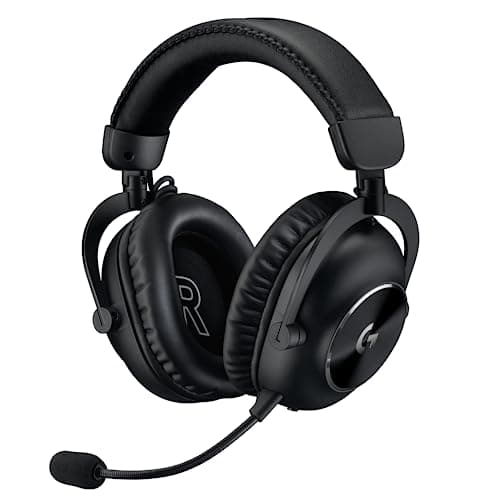
Compare connection types and battery claims; a 2.4GHz dongle matters more for games than any spec on the box.
12 min read
Peripherals · Buying Guide
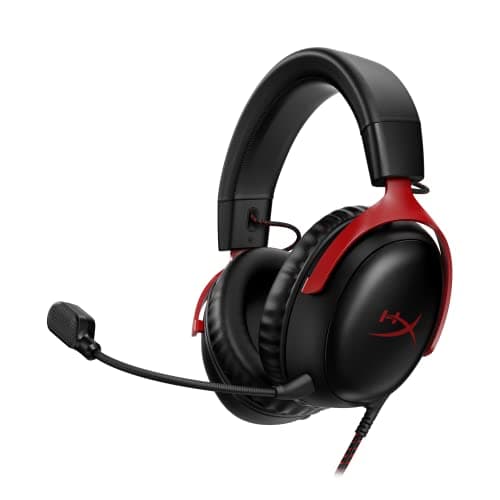
Choose USB or 3.5mm and open or closed back first; those two decisions matter more than driver size.
12 min read
Peripherals · Buying Guide
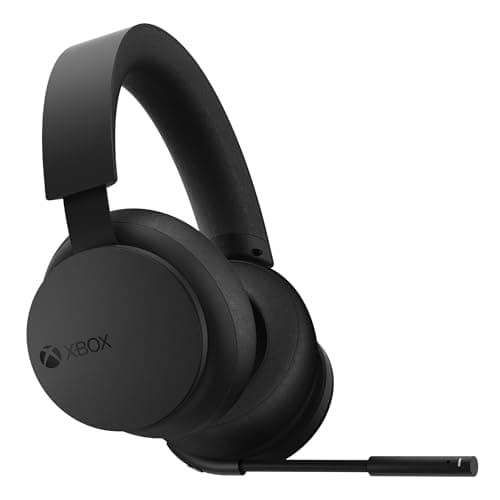
Check how each headset connects to Xbox and to your PC; Xbox Wireless does not work like an ordinary USB dongle.
12 min read
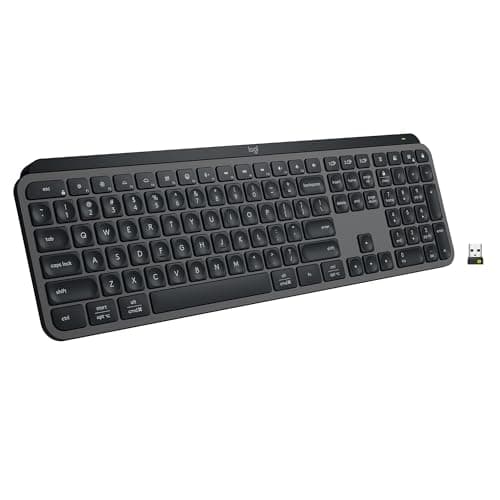
Peripherals · Buying Guide
Decide how much ergonomic shape you want before comparing switches; layout matters most over an eight-hour day.
12 min read
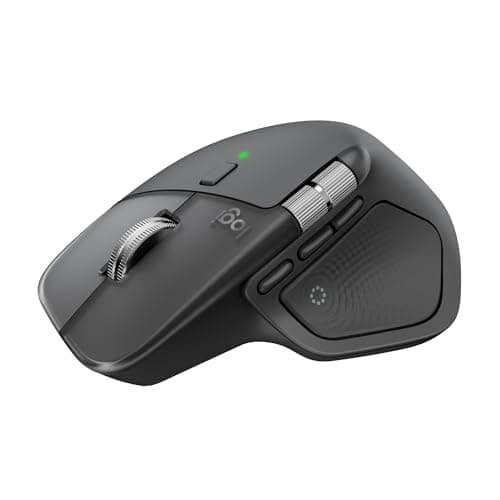
Peripherals · Buying Guide
Pick a grip that suits your wrist, then compare scroll wheels and shortcuts; those matter most in an editor.
12 min read
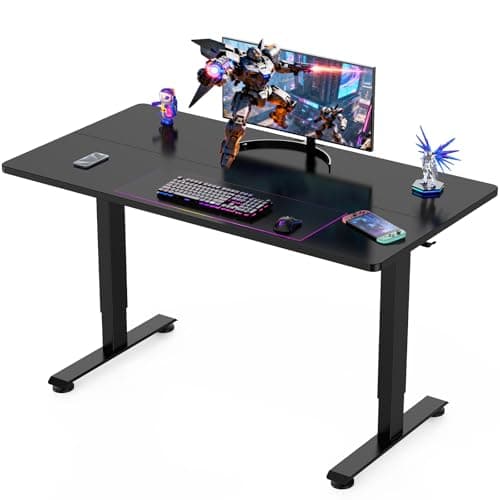
Peripherals · Buying Guide
Measure your monitors and room first; width and depth rule out more desks than any feature.
12 min read
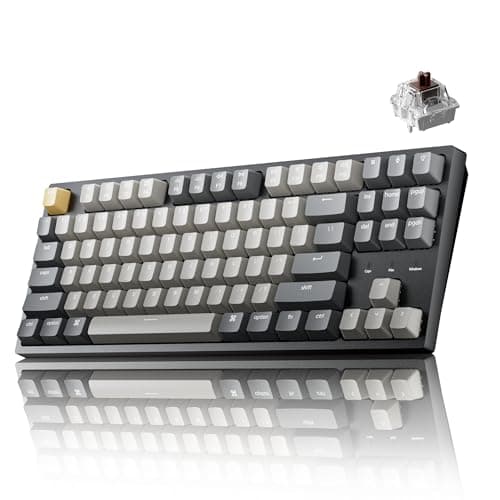
Peripherals · Buying Guide
Decide on layout first; at this price, switch type and wireless support separate the picks more than lighting.
13 min read
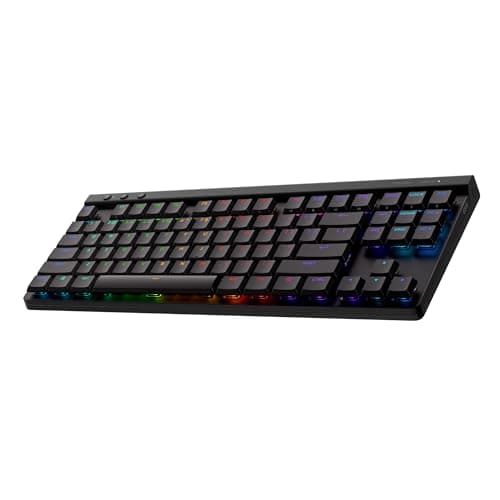
Peripherals · Buying Guide
Logitech's range splits into low-profile wireless boards, a magnetic esports board and wired value models.
12 min read
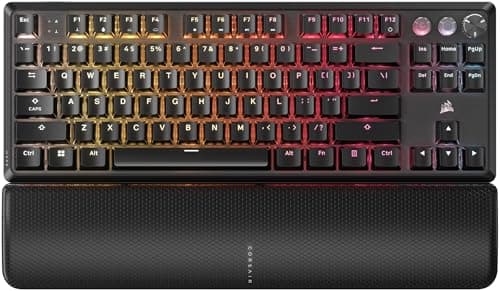
Peripherals · Buying Guide
Corsair's range runs from $30 membrane boards to a full-size keyboard with Stream Deck keys; the switch type is the main divide.
12 min read
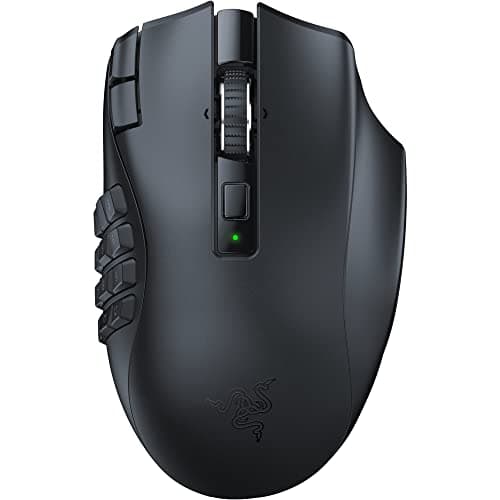
Peripherals · Buying Guide
Count the thumb buttons you will use, then decide whether wireless and battery life are worth the premium.
12 min read
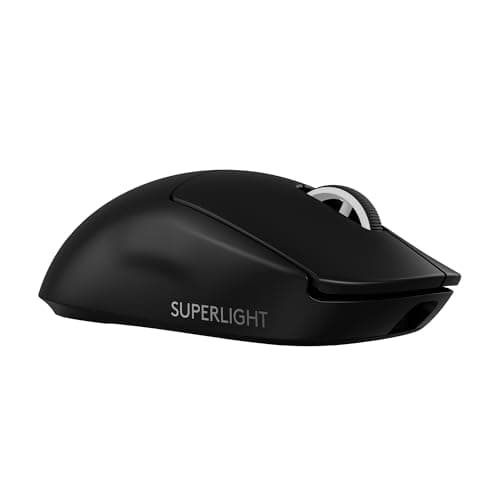
Peripherals · Buying Guide
Logitech's lineup splits into light esports mice, button-heavy G502 models and cheap AA-powered wireless mice.
12 min read
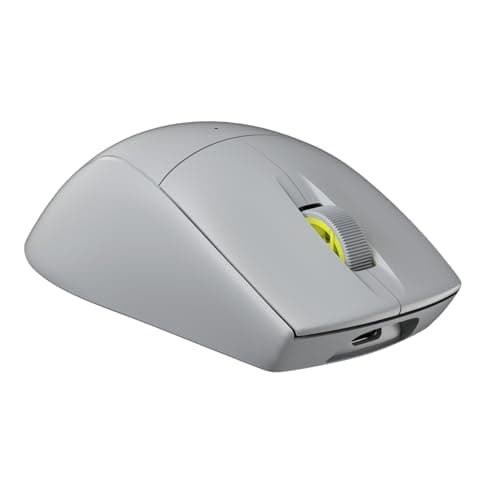
Peripherals · Buying Guide
Corsair's mice range from 60g esports shells to a large palm-grip Ironclaw; weight and buttons tell them apart.
12 min read
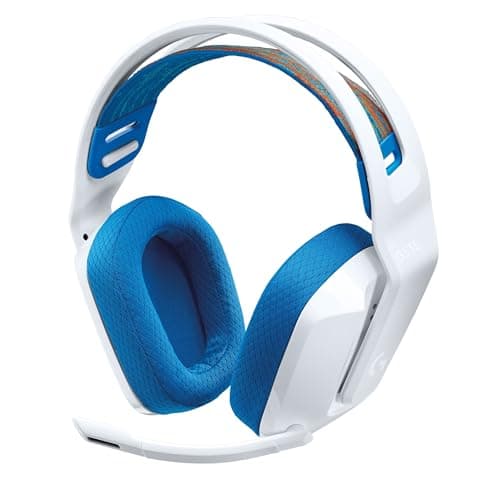
Peripherals · Buying Guide
At this price the choice is mostly about connection: one wireless pick, USB with virtual surround, or a plain 3.5mm plug.
12 min read
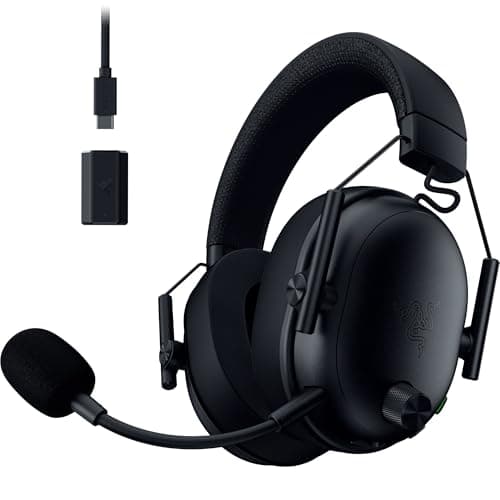
Peripherals · Buying Guide
On PC, a 2.4GHz dongle and a detachable mic matter more than surround labels; battery life separates the wireless picks.
12 min read
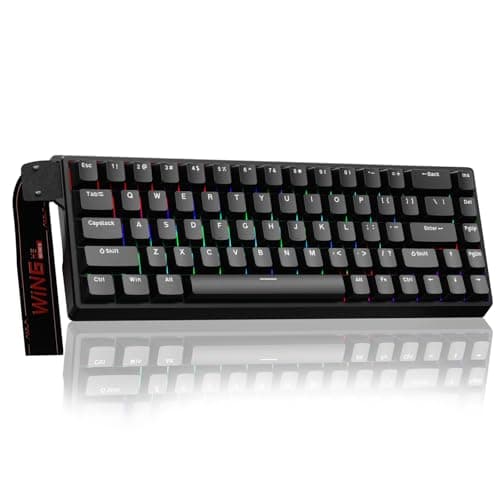
Peripherals · Buying Guide
Under $100 you can already get Hall effect switches, wireless or PBT keycaps, rarely all three.
12 min read
Peripherals · Buying Guide
Around $130, Hall effect switches and tri-mode wireless become common features.
12 min read
Peripherals · Buying Guide
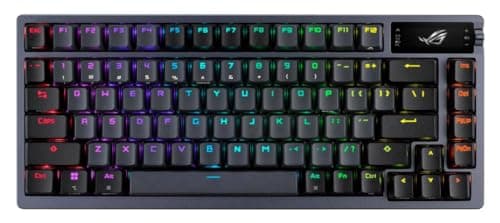
Near $200 the extras are gasket mounts, long battery life and Hall effect switches.
12 min read
Peripherals · Buying Guide
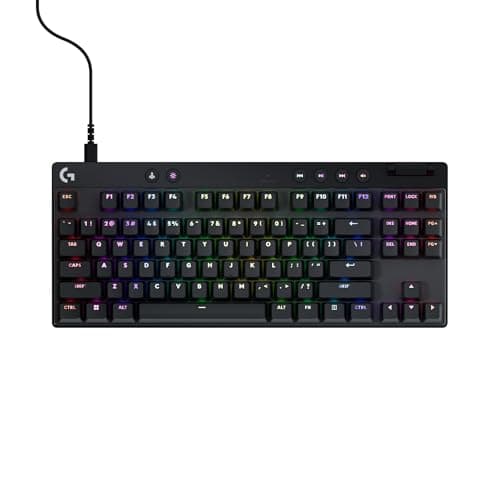
Dropping the number pad gives the mouse more room; switches and wireless decide the rest.
12 min read
Peripherals · Buying Guide
ASUS's range runs from spill-resistant TUF boards to hot-swap ROG enthusiast models.
12 min read
Peripherals · Buying Guide
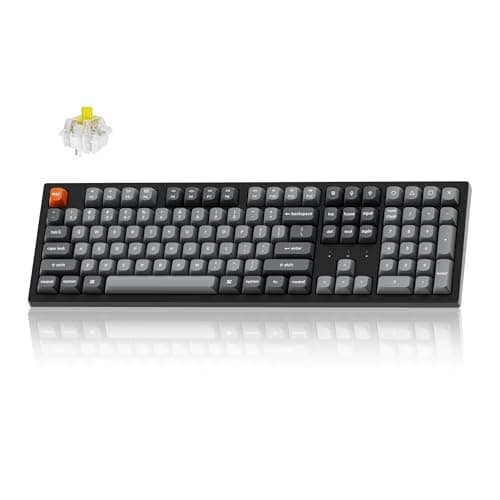
Start with layout and connection; switch type matters most if you play fast games.
13 min read
Peripherals · Buying Guide
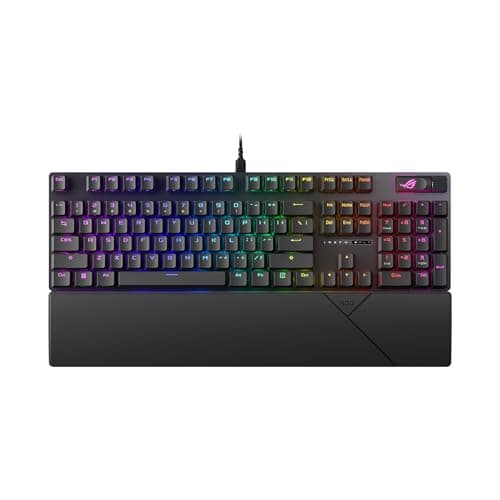
A number pad costs desk width; a 96% layout keeps it in a smaller frame.
12 min read
Peripherals · Buying Guide
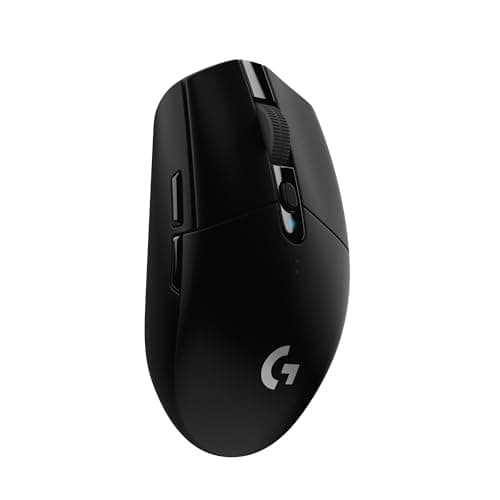
Under $50 you can get wireless or a light shell; extra buttons usually mean a cable.
12 min read
Peripherals · Buying Guide
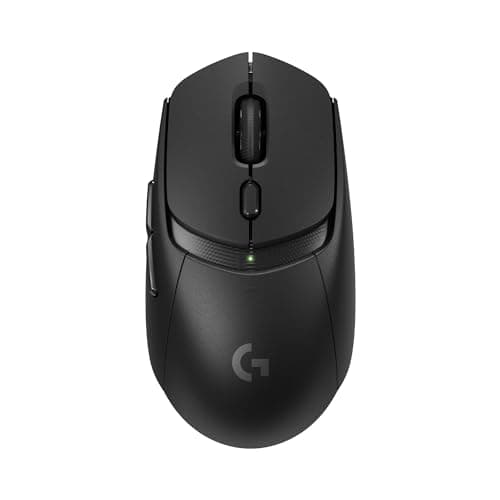
Up to $75, Bluetooth plus 2.4GHz and a sub-70g shell start to appear together.
12 min read
Peripherals · Buying Guide
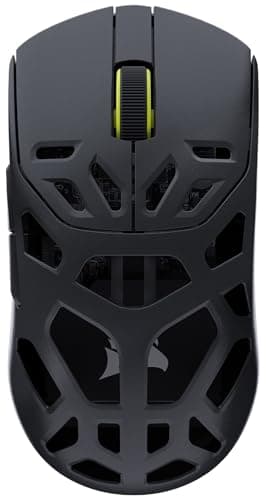
Near $100, 8000Hz polling and 26,000 DPI sensors are common; shape still decides.
12 min read
Peripherals · Buying Guide
Decide wired or wireless first, then check the connection works with every device you own.
13 min read
Peripherals · Buying Guide
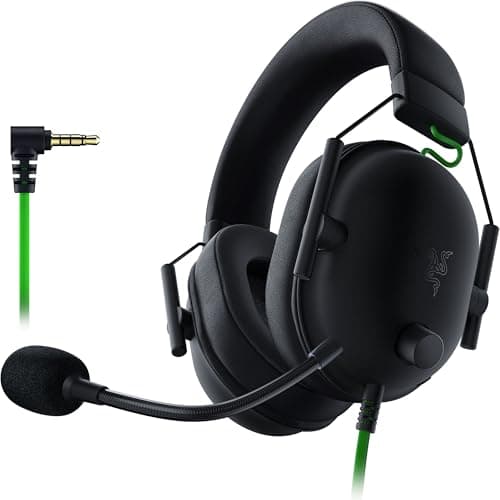
Five wired headsets near or under $50 at the time of writing, from 3.5mm to USB.
12 min read
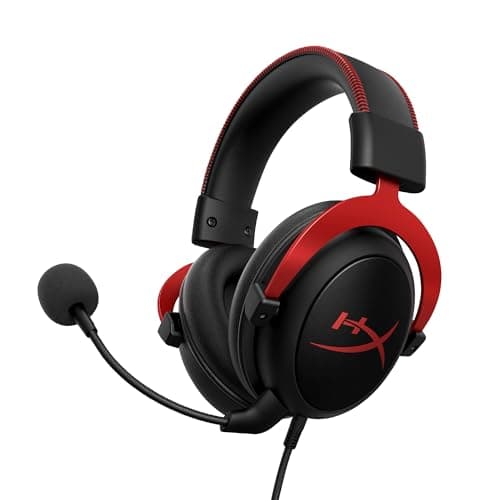
Peripherals · Buying Guide
Five budget headsets, including a tri-mode wireless model and a 53mm-driver Cloud II.
12 min read
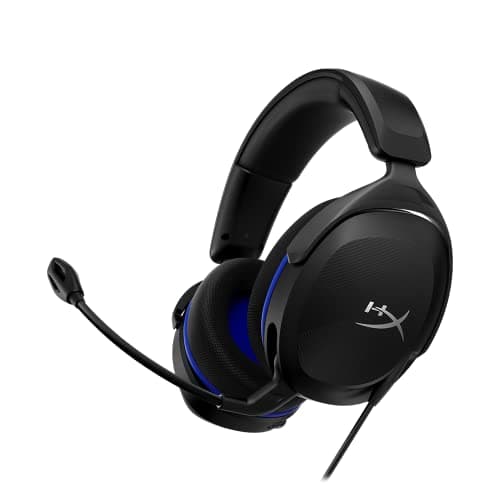
Peripherals · Buying Guide
Five headsets under $45 with a feature that sets each apart: mute, mic or weight.
12 min read
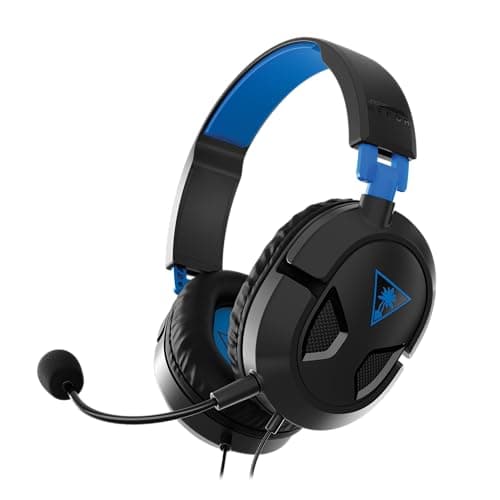
Peripherals · Buying Guide
Six headsets near or under $25 at the time of writing, for a first headset or a spare.
12 min read
Peripherals · Buying Guide
Five headsets for shooters, compared on low-latency connection, drivers and mic.
12 min read
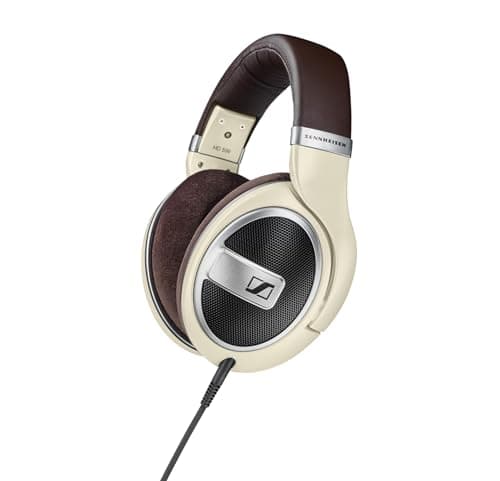
Peripherals · Buying Guide
Six open-back headphones for a wide soundstage, from a budget Philips pair to studio models.
12 min read
Peripherals · Buying Guide
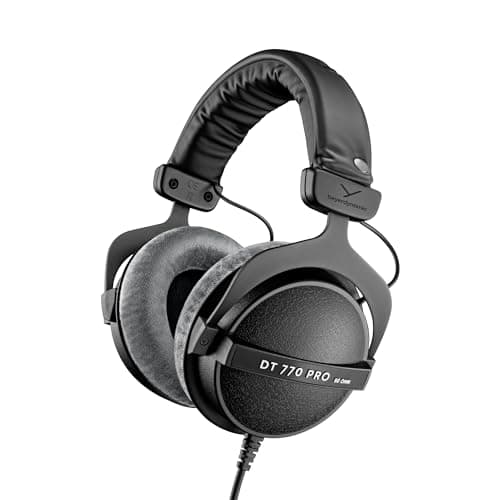
Five closed-back headphones plus one open gaming headset, compared on isolation and mic.
12 min read
Peripherals · Buying Guide
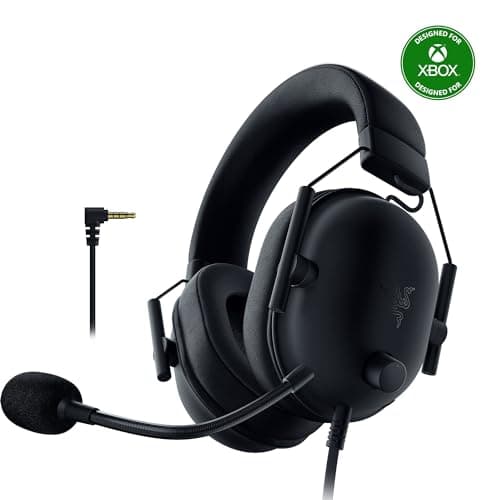
Five Xbox headsets, from 3.5mm controller plugs to Xbox Wireless models.
12 min read
Peripherals · Buying Guide
Five headphones and headsets chosen from listing research, not forum polls.
12 min read
Peripherals · Buying Guide
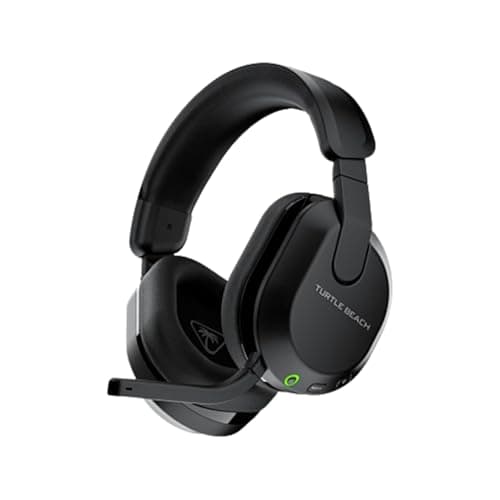
Six headsets from a wired Cloud III to the tri-mode G PRO X 2.
12 min read
Peripherals · Buying Guide
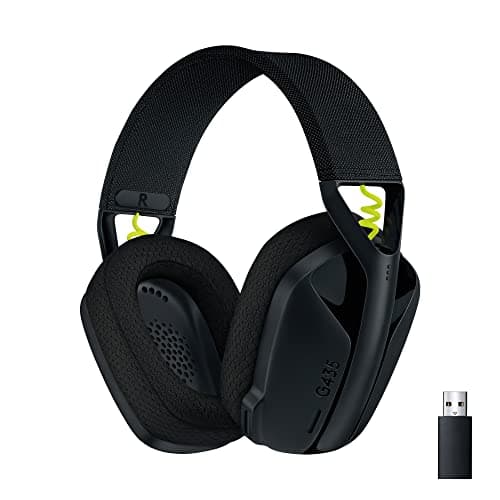
Six headsets below $100 at the time of writing, five of them wireless.
12 min read
Peripherals · Buying Guide
Five simple headsets for a first setup, from 3.5mm to light wireless models.
12 min read
Peripherals · Buying Guide
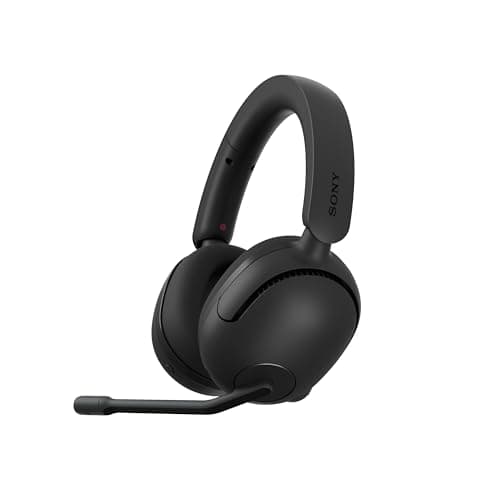
Six headsets for PS5, from a 3.5mm controller headset to 2.4GHz wireless models.
12 min read
Peripherals · Buying Guide
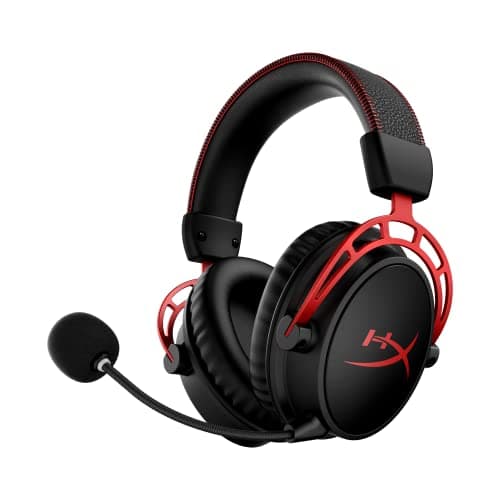
Five widely sold headsets on Amazon, compared on listing facts rather than star ratings.
12 min read
Peripherals · Buying Guide
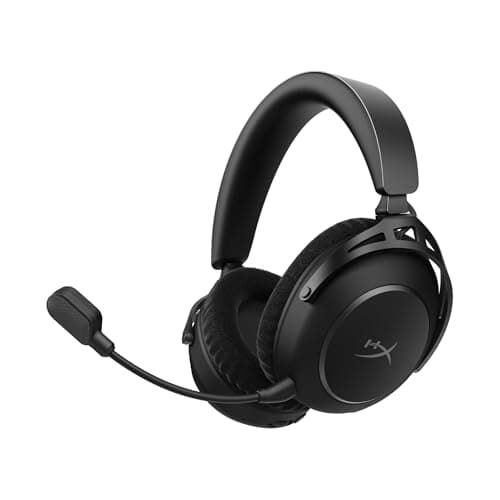
Six headsets that pair a gaming dongle with Bluetooth, from $27 to about $220.
12 min read
Peripherals · Buying Guide
Six headsets with a standout mic feature: cardioid capsules, AI noise reduction or mic filters.
12 min read
Peripherals · Buying Guide
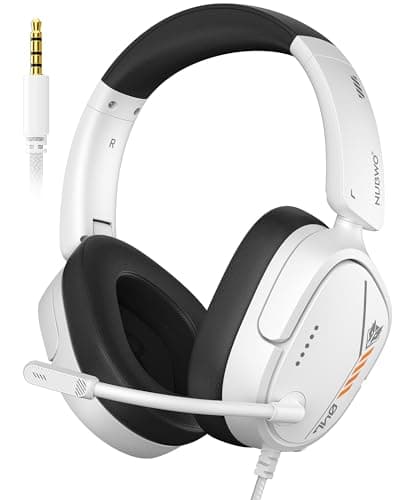
Five headsets under $20 at the time of writing, each with a boom mic.
12 min read
Peripherals · Buying Guide
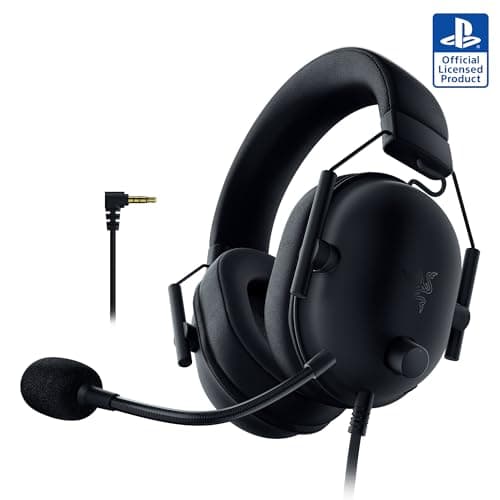
Six headsets under $40 at the time of writing, three wired and three wireless.
12 min read
Peripherals · Buying Guide
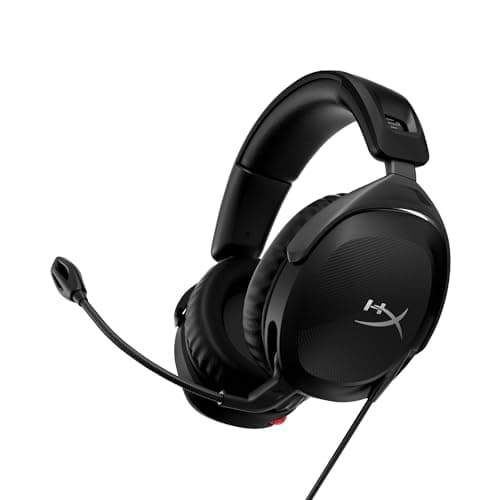
Four inexpensive headsets under $50, including a wireless pick with Bluetooth.
11 min read
Peripherals · Buying Guide
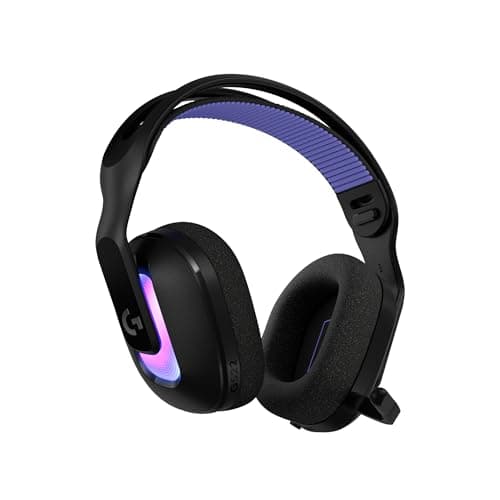
Five PC headsets from a wired USB surround model to high-end wireless ones.
12 min read
Peripherals · Buying Guide
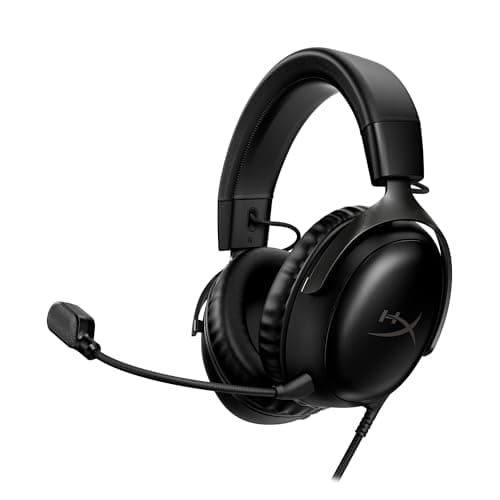
Five PC headsets across USB, 3.5mm and wireless connections.
12 min read
Peripherals · Buying Guide
Seven HyperX headsets, from the Cloud Stinger 2 Core to the Cloud Alpha Wireless.
13 min read
Peripherals · Buying Guide
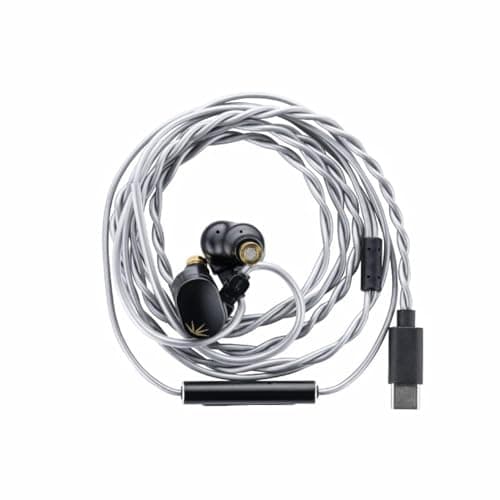
Four in-ear monitors with a mic, from a $19 pair to a six-driver USB-C set.
11 min read
Peripherals · Buying Guide
Seven Logitech G headsets from the wired G335 to the G PRO X 2.
13 min read
Peripherals · Buying Guide
Five low-cost wired headsets under $40, each with a boom mic.
12 min read
Peripherals · Buying Guide
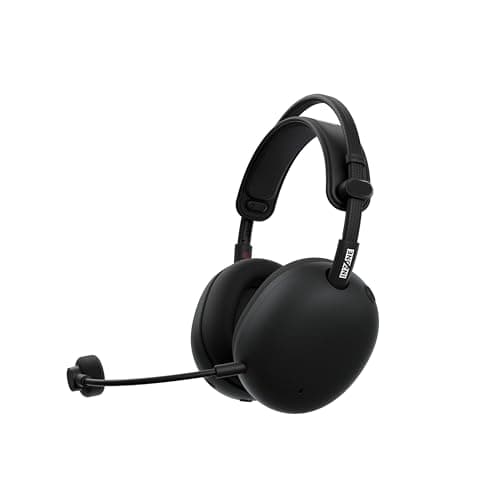
Five wireless headsets for PlayStation, including two with active noise cancelling.
12 min read
Peripherals · Buying Guide
Four Sennheiser picks for gaming: one headset with a mic, two headphones and an in-ear monitor.
11 min read
Peripherals · Buying Guide
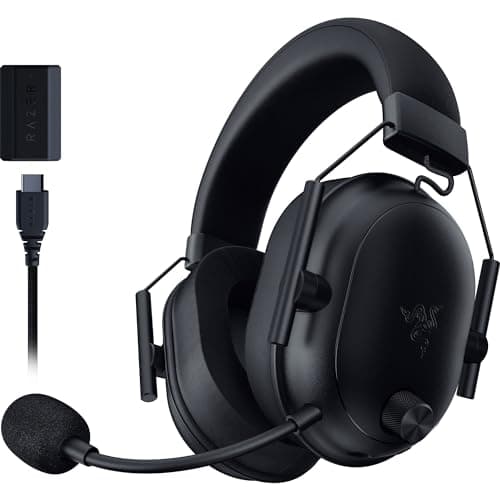
Five sub-$100 headsets, two wired and three wireless.
12 min read
Peripherals · Buying Guide
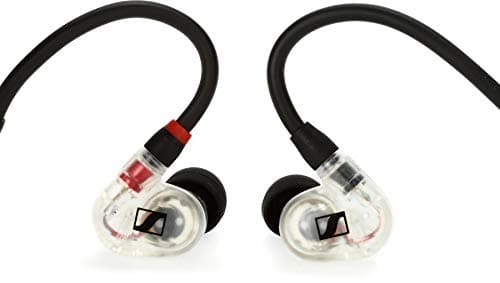
Seven wired IEMs from single dynamic drivers to hybrid multi-driver sets.
13 min read
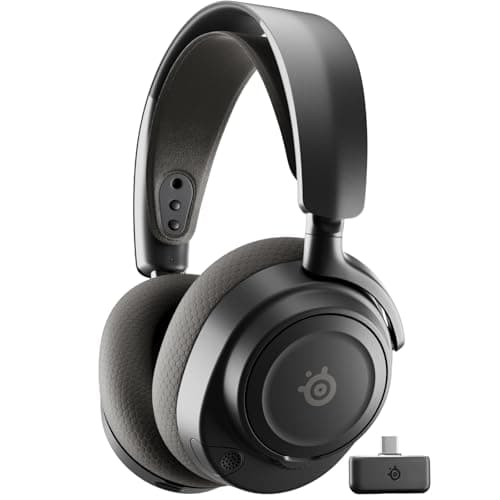
Peripherals · Buying Guide
Six wireless headsets from the Stealth 700 to the Astro A50.
12 min read
Peripherals · Buying Guide
Six wireless PC headsets from the $38 G535 to the Virtuoso MAX.
12 min read
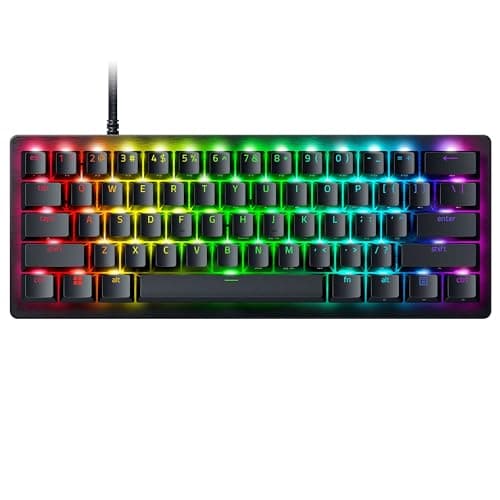
Peripherals · Buying Guide
Six 60% boards for maximum mouse room, from optical switches to adjustable magnetic ones.
12 min read
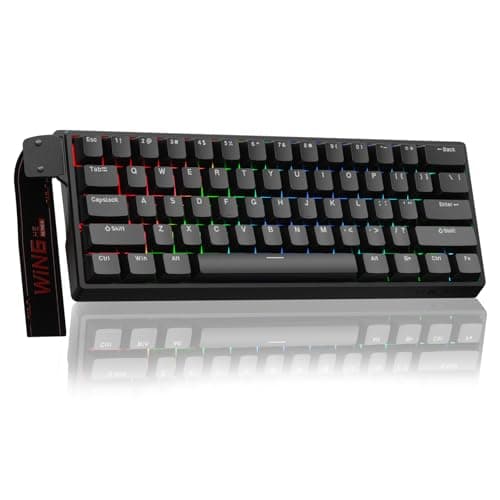
Peripherals · Buying Guide
Six budget-to-mid 60 percent boards, four with magnetic or analog switches.
12 min read
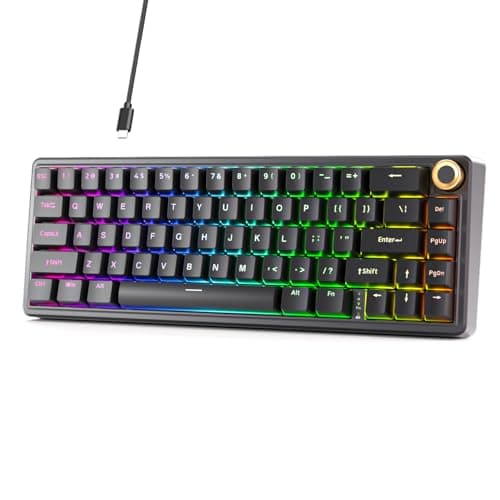
Peripherals · Buying Guide
Six 60% mechanical boards with linear, tactile or clicky switches.
12 min read
Peripherals · Buying Guide
Five mechanical boards from about $35 to $65 at the time of writing.
12 min read
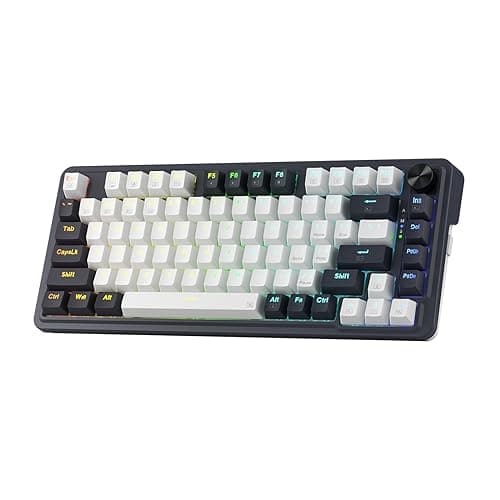
Peripherals · Buying Guide
Five boards under $50 at the time of writing, mechanical and membrane.
12 min read
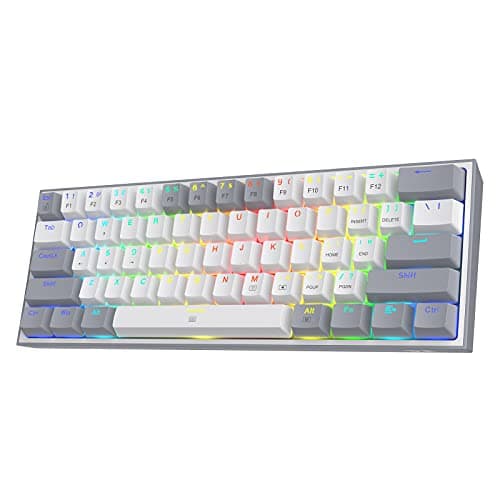
Peripherals · Buying Guide
Five boards under $40 at the time of writing, from $16 membrane to hot-swap mechanical.
12 min read
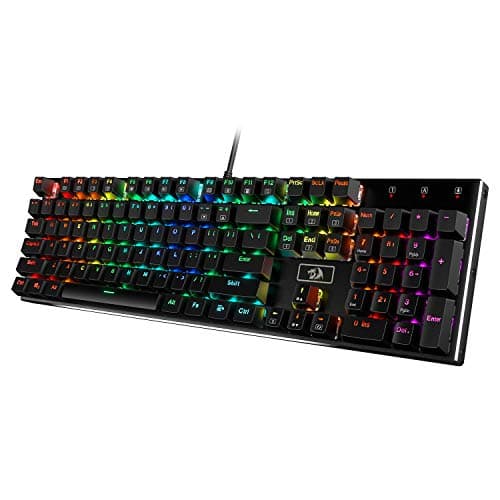
Peripherals · Buying Guide
Five mechanical boards under $60 at the time of writing.
12 min read
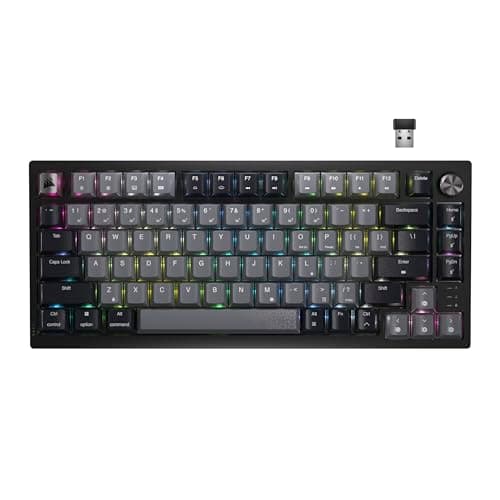
Peripherals · Buying Guide
Five compact boards with 2.4GHz or Bluetooth, from 61 keys to TKL.
12 min read
Peripherals · Buying Guide
Six boards across magnetic, optical and mechanical switches.
12 min read
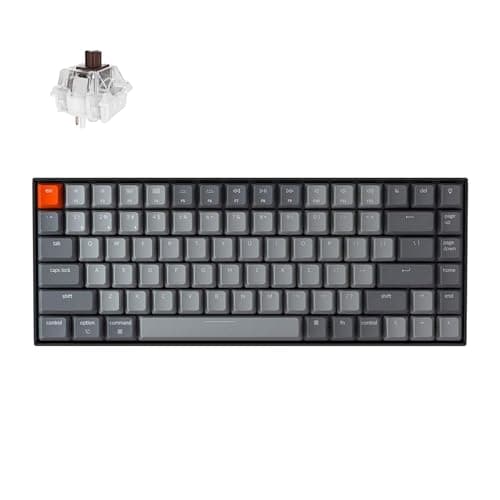
Peripherals · Buying Guide
Six boards whose listings name macOS or a Mac layout.
12 min read
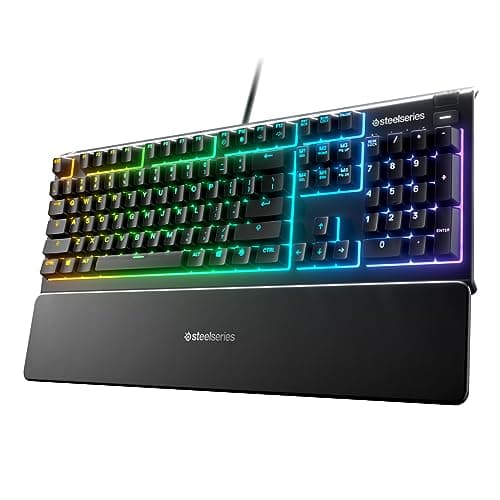
Peripherals · Buying Guide
Three boards with listed PlayStation and Xbox support. Individual games decide whether keys work.
11 min read
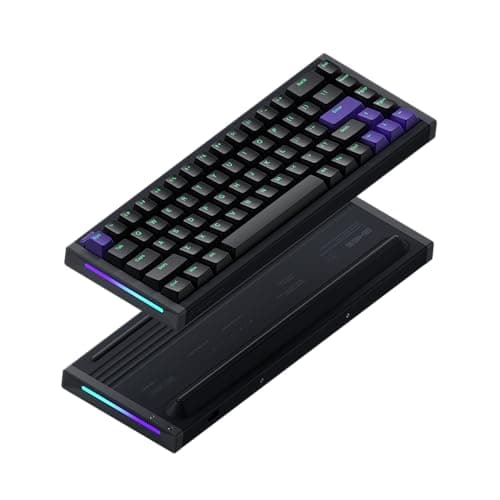
Peripherals · Buying Guide
Six enthusiast-style boards chosen from listing research, not forum polls.
12 min read
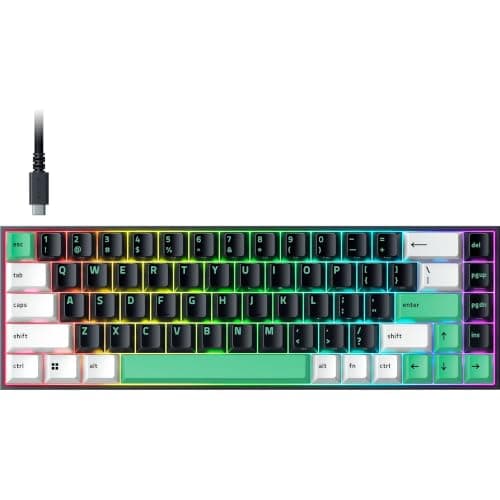
Peripherals · Buying Guide
Five boards under $55 at the time of writing, wired and wireless.
12 min read
Peripherals · Buying Guide
Six Hall effect boards from $38 to $150 at the time of writing.
12 min read
Peripherals · Buying Guide
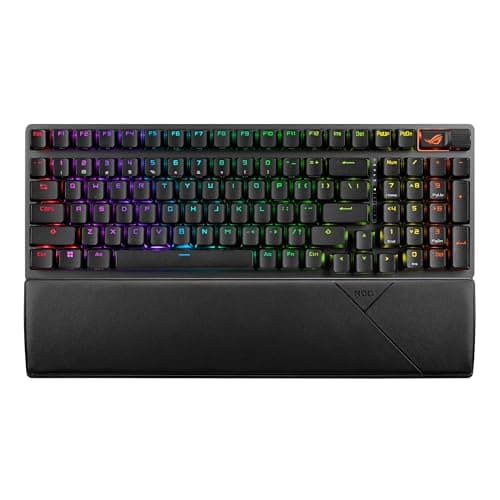
Six mechanical boards with conventional switches, wired and wireless.
12 min read
Peripherals · Buying Guide
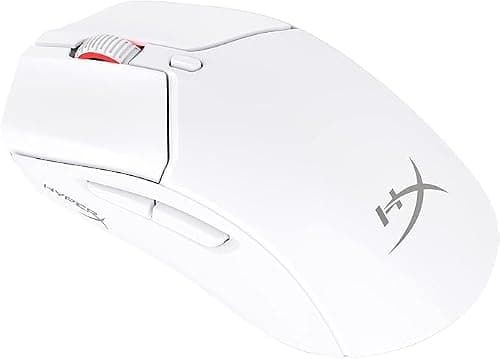
Six mechanical boards from a wired 97-key TUF to wireless 75% models.
12 min read
Peripherals · Buying Guide
Five mice from about $30 to $70 at the time of writing, four of them wireless.
12 min read
Peripherals · Buying Guide
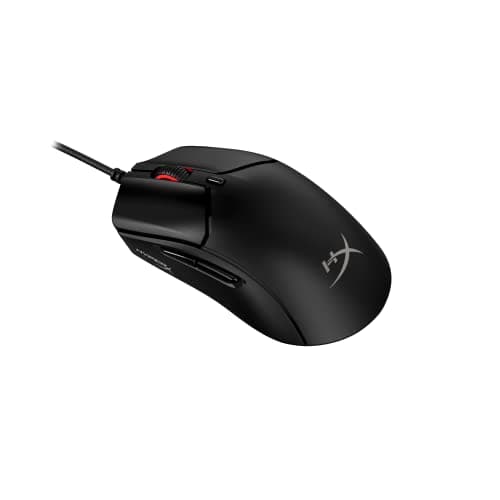
Five mice under $40 at the time of writing, including four wireless models.
12 min read
Peripherals · Buying Guide
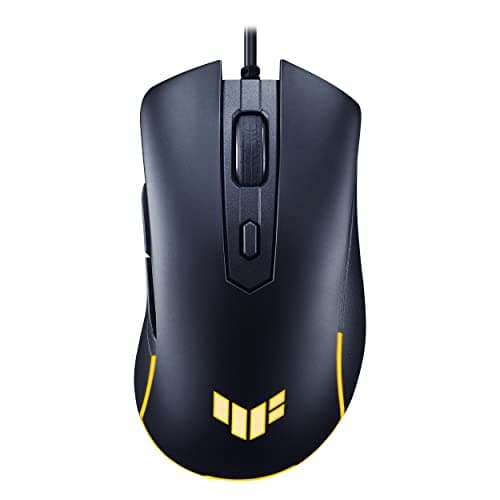
Five mice under $40, from simple wired picks to a tri-mode 49g model.
12 min read
Peripherals · Buying Guide
Seven Corsair mice from the 60g M75 AIR to the 15-button Darkstar.
13 min read
Peripherals · Buying Guide
Six mice under $25 at the time of writing, four wired and two wireless.
12 min read
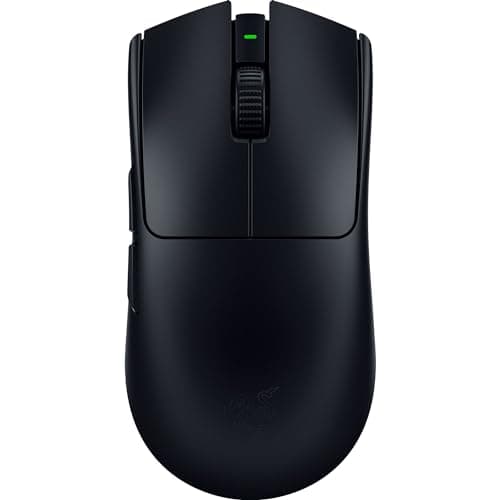
Peripherals · Buying Guide
Five light wireless mice built around shooters.
12 min read
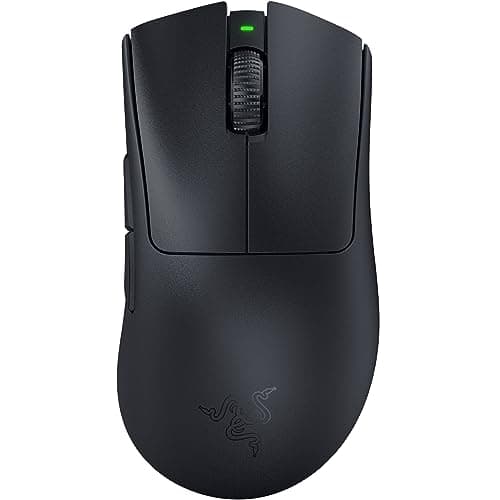
Peripherals · Buying Guide
Six right-handed or thumb-rest mice with the fuller backs palm grips favor.
12 min read
Peripherals · Buying Guide
Six wireless mice across symmetrical, ergonomic, modular and many-button shapes.
12 min read
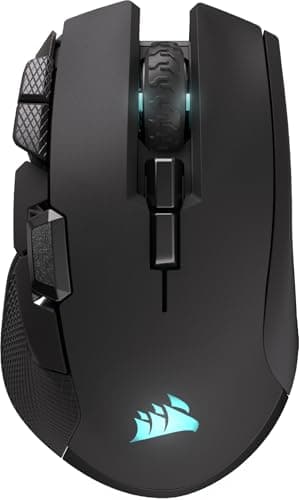
Peripherals · Buying Guide
Five larger mice, from a thumb-rest Basilisk to budget large-body models.
12 min read
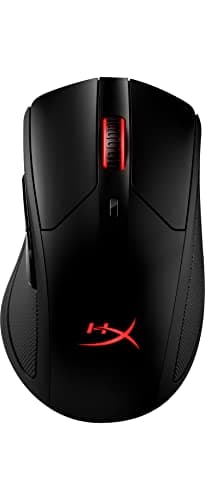
Peripherals · Buying Guide
Five full-size mice with long or thumb-rest shells.
12 min read
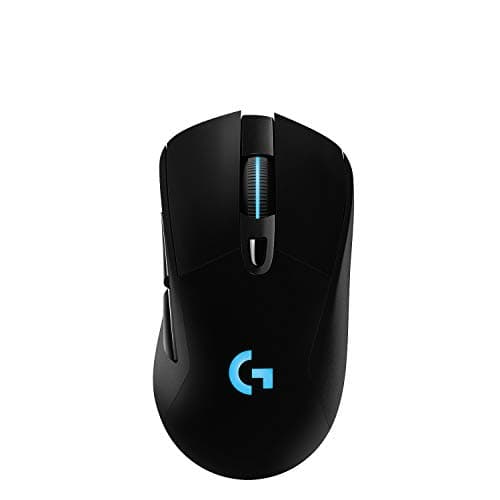
Peripherals · Buying Guide
Five larger mice under $70 at the time of writing.
12 min read
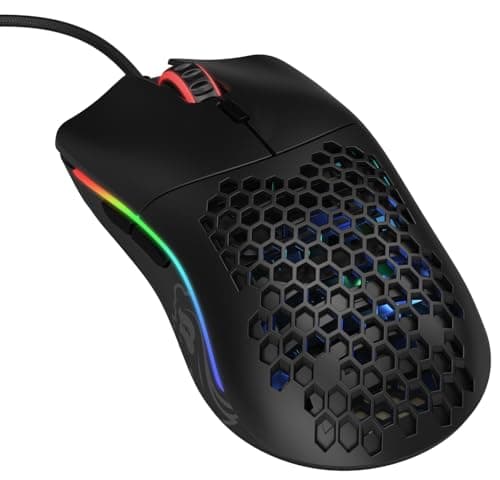
Peripherals · Buying Guide
Five compact mice for smaller hands and claw or fingertip grips.
12 min read
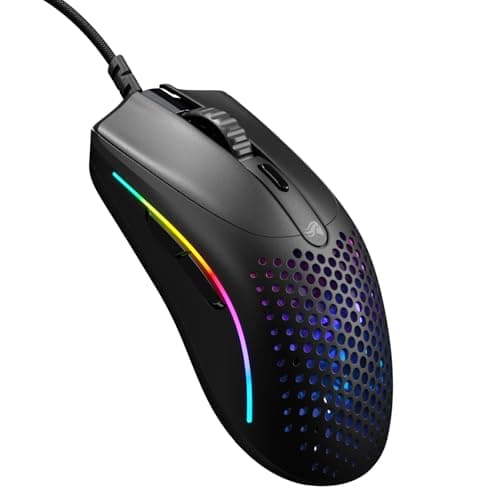
Peripherals · Buying Guide
Five small mice between 49g and about 100g.
12 min read
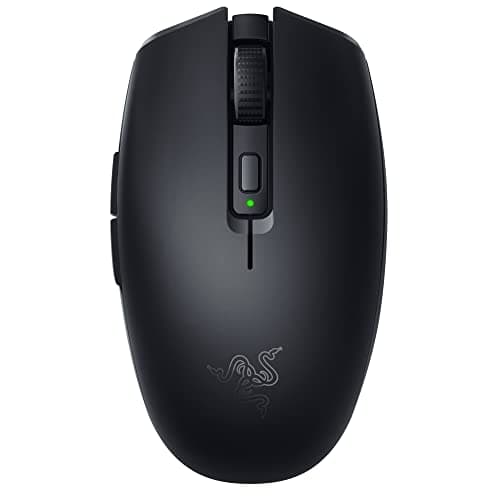
Peripherals · Buying Guide
Five of the smallest or lightest mice in our research.
12 min read
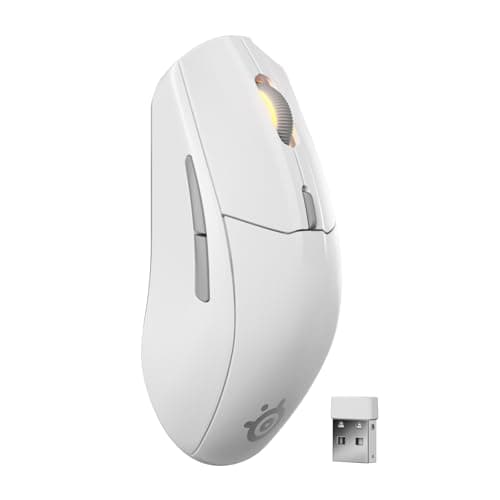
Peripherals · Buying Guide
Five mice under $60, three of them wireless.
12 min read
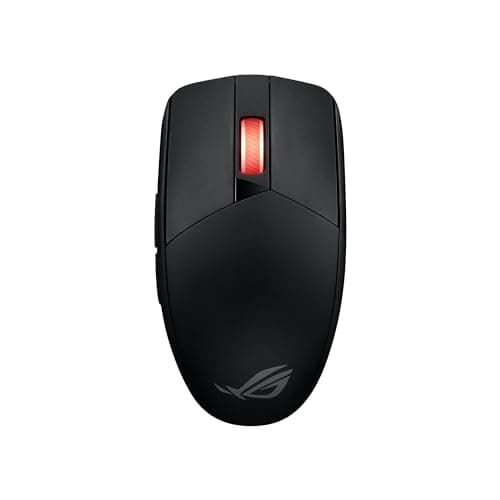
Peripherals · Buying Guide
Five inexpensive mice, from a $20 wired Lenovo to long-battery wireless models.
12 min read
Peripherals · Buying Guide
Six Pulsefire mice from the wired Haste 2 to the modular Saga Pro.
12 min read
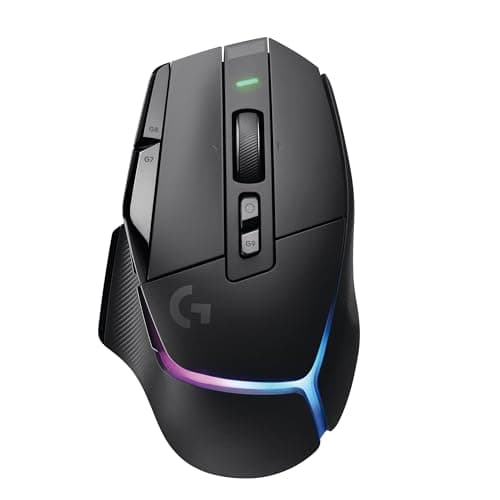
Peripherals · Buying Guide
Five full-size mice with 11 or more buttons.
12 min read
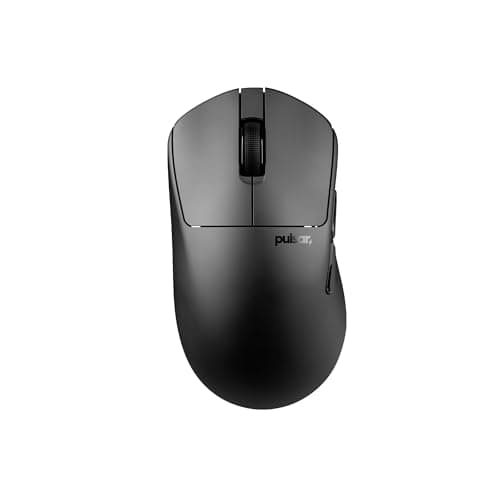
Peripherals · Buying Guide
Two true left-handed mice and four ambidextrous options.
12 min read
Peripherals · Buying Guide
Seven Logitech G mice from the wired G502 Hero to the PRO X Superlight 2.
13 min read
Peripherals · Buying Guide
Five MMO mice with 12-button side panels or more.
12 min read
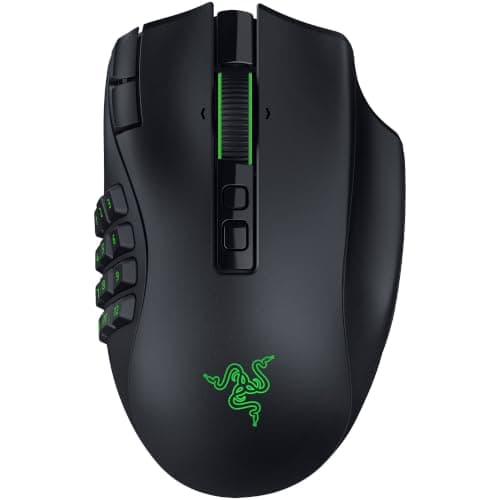
Peripherals · Buying Guide
Five MMO mice from the $33 M908 to the Naga V3 Pro.
12 min read
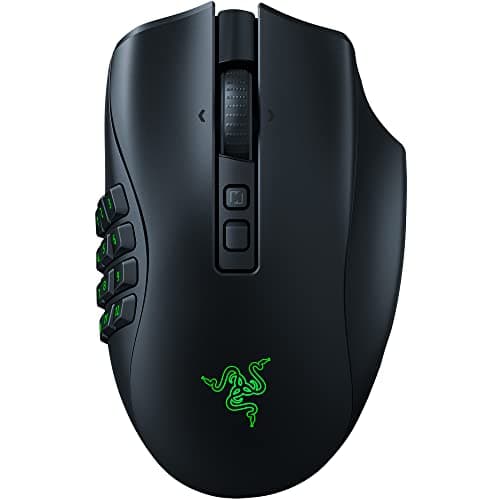
Peripherals · Buying Guide
Five mice for MMORPG hotbars, three wireless and two wired.
12 min read
Peripherals · Buying Guide
Six wireless MMO mice from $31 to about $180 at the time of writing.
12 min read
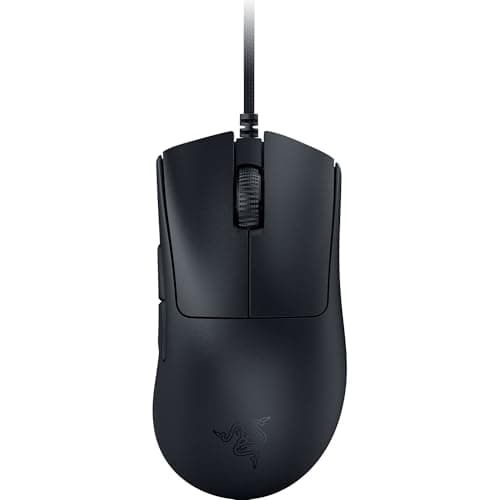
Peripherals · Buying Guide
Five mice for a PC setup, wired and wireless.
12 min read
Peripherals · Buying Guide
Seven Razer mice from the DeathAdder Essential to the Viper V3 Pro.
13 min read
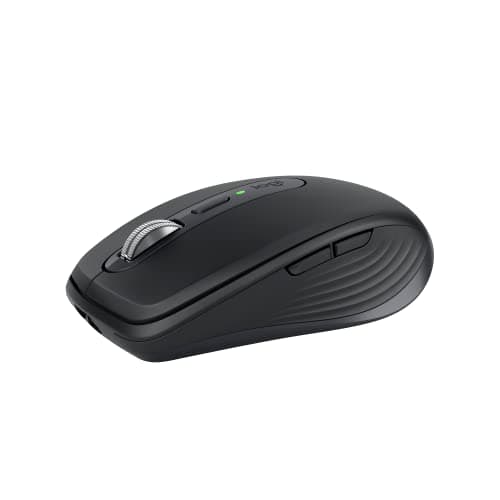
Peripherals · Buying Guide
Six Bluetooth mice that need no USB receiver.
12 min read
Peripherals · Buying Guide
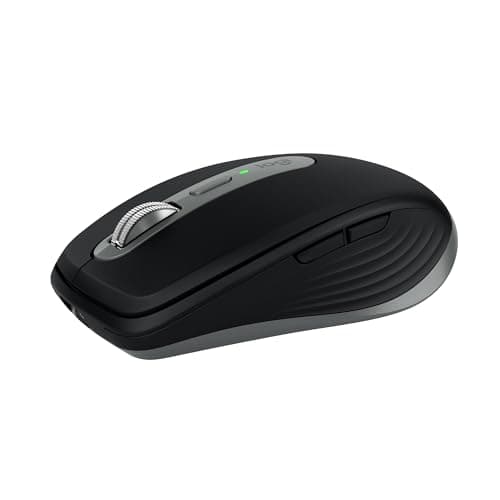
Five Bluetooth mice for a MacBook Pro, including Apple's own.
12 min read
Peripherals · Buying Guide
Six work mice across sculpted, vertical, trackball and silent designs.
12 min read
Peripherals · Buying Guide
Five wireless mice with built-in rechargeable batteries instead of AA or AAA cells.
12 min read
Peripherals · Buying Guide
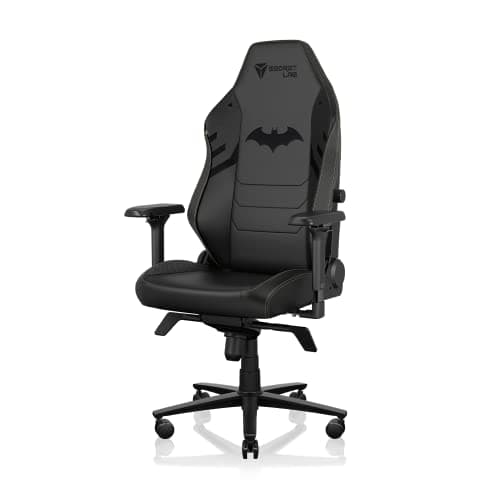
Six chairs from budget to premium, compared on the adjustments each listing states.
12 min read
Peripherals · Buying Guide
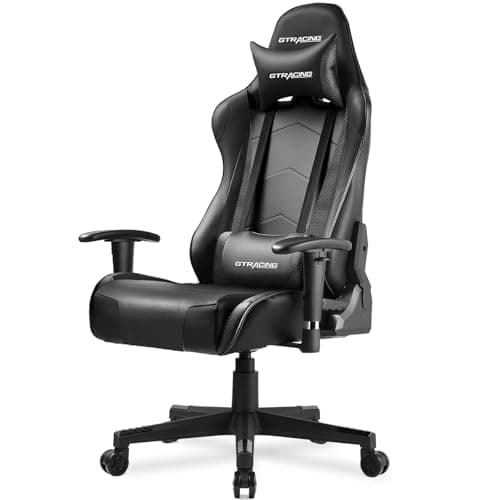
Five chairs sold on Amazon, compared on the specs each listing states.
12 min read
Peripherals · Buying Guide
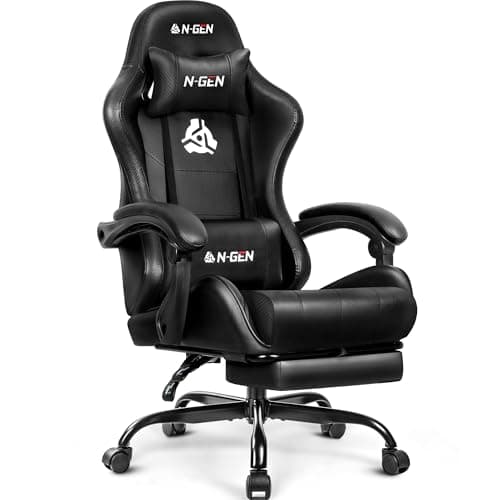
Six chairs priced under $100 at the time of writing.
12 min read
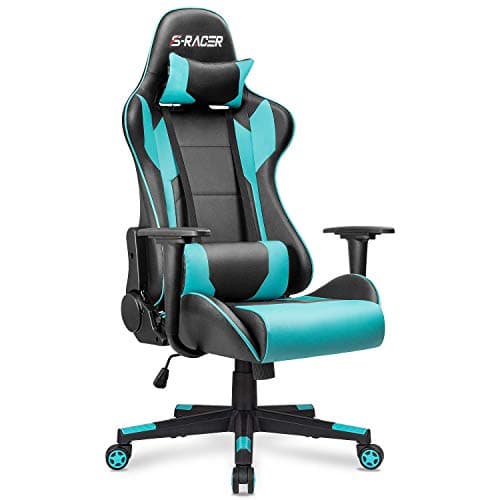
Peripherals · Buying Guide
Five full-size chairs, compared on capacity, recline and lumbar support.
12 min read
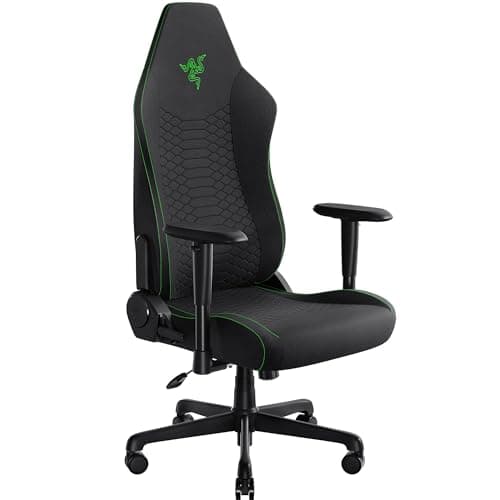
Peripherals · Buying Guide
Four chairs compared on listing specs, not forum votes.
11 min read
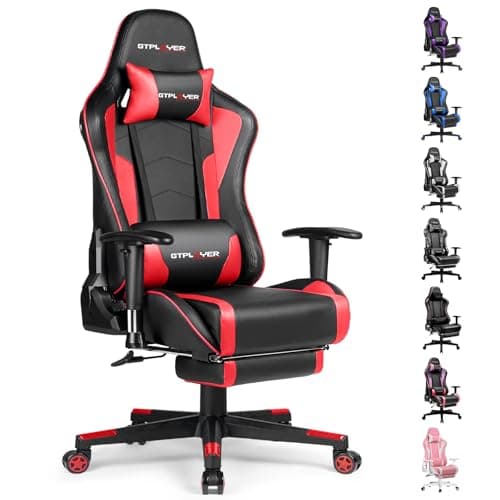
Peripherals · Buying Guide
Four racing-style seats with footrests, speakers or memory foam.
11 min read
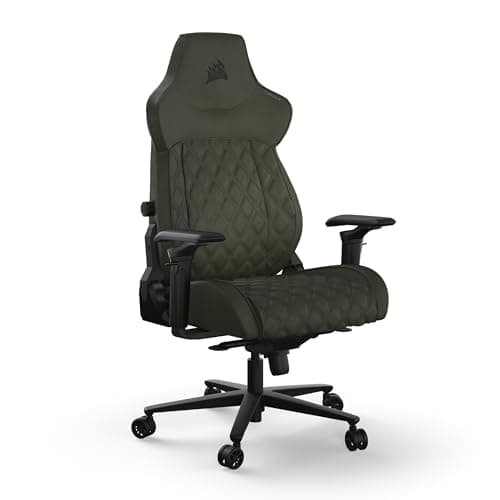
Peripherals · Buying Guide
Five chairs with adjustable lumbar or multi-way arms.
12 min read
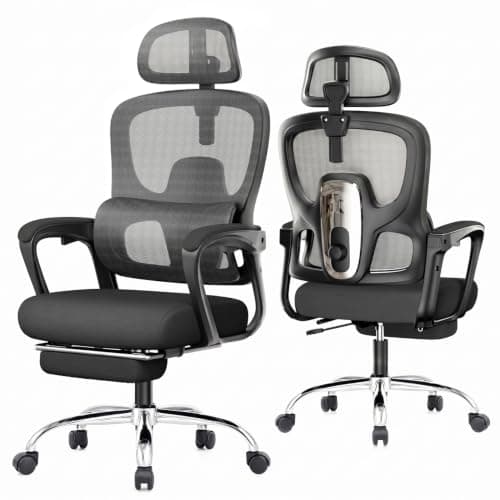
Peripherals · Buying Guide
Six chairs with a built-in footrest and an office-style back.
12 min read
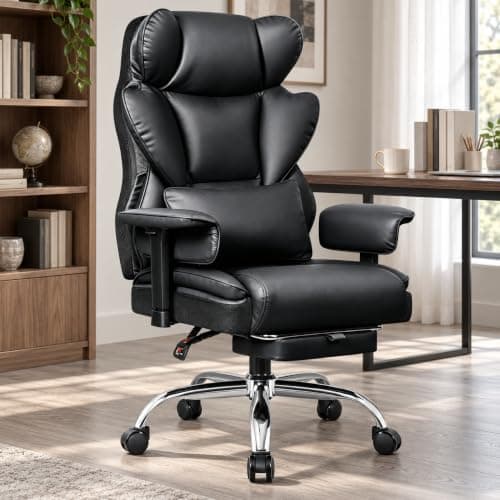
Peripherals · Buying Guide
Five chairs rated for 400 lb or more, compared on seat and recline.
12 min read
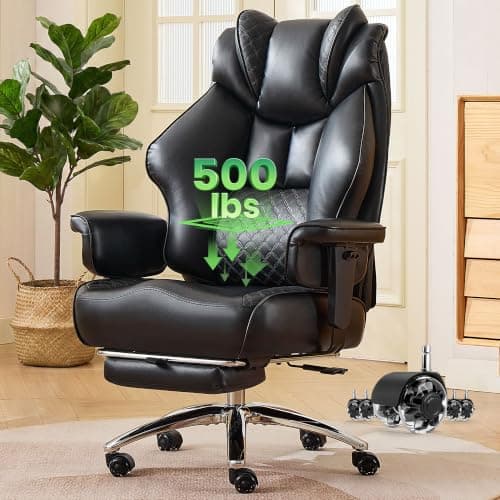
Peripherals · Buying Guide
Six more big and tall chairs with different lumbar designs.
12 min read
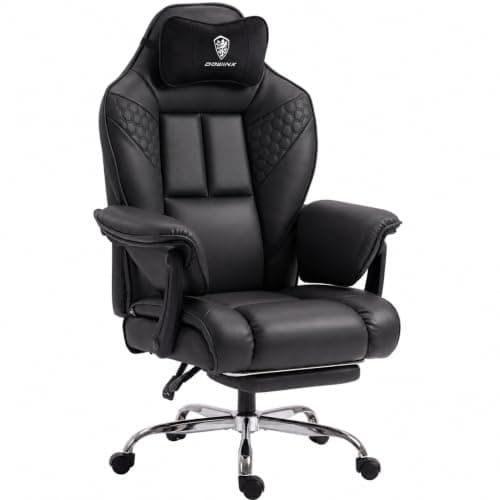
Peripherals · Buying Guide
Four chairs rated from 350 to 500 lb.
11 min read
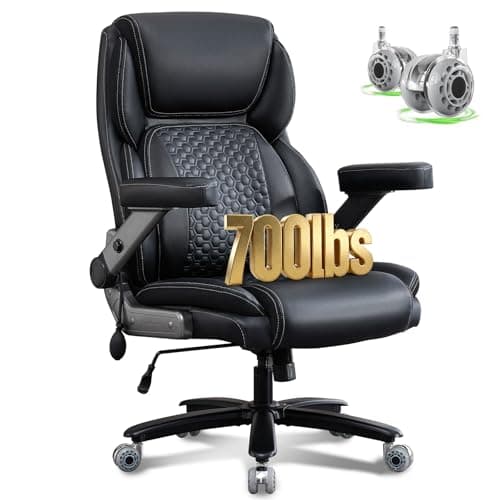
Peripherals · Buying Guide
Six office chairs rated from 400 to 700 lb.
12 min read
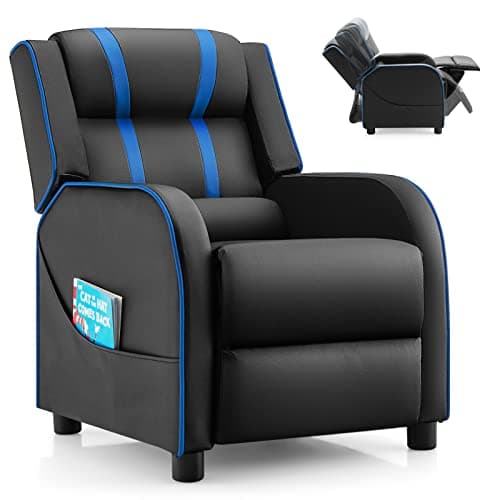
Peripherals · Buying Guide
Four floor and recliner chairs for children.
11 min read
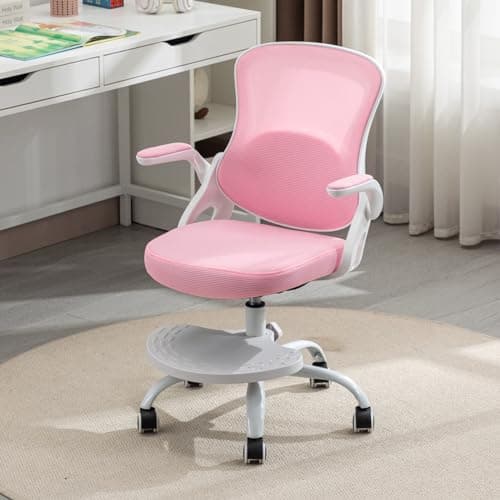
Peripherals · Buying Guide
Five child-sized chairs for a desk or the floor.
12 min read
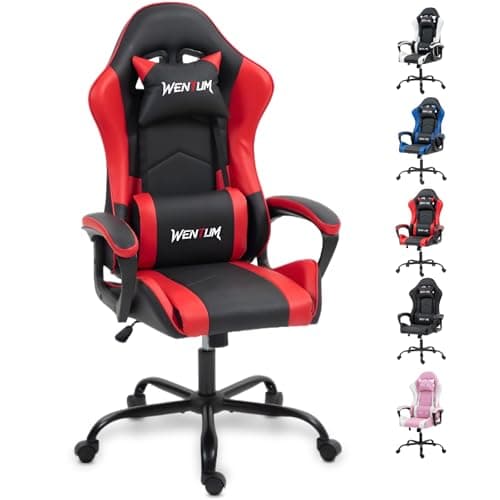
Peripherals · Buying Guide
Four chairs whose listings name kids, teens or both.
11 min read
Peripherals · Buying Guide
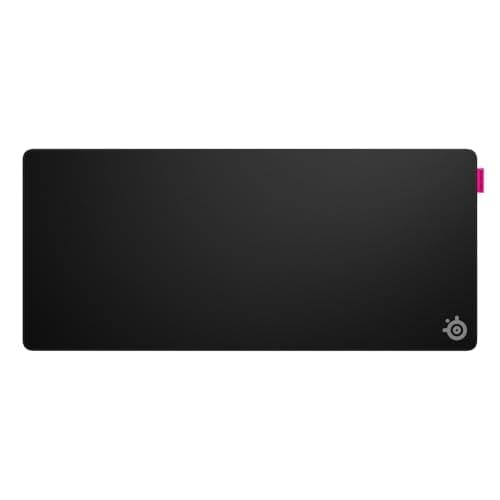
Five pads across speed cloth, standard cloth and glass.
12 min read

Peripherals · Buying Guide
Six pads, from control cloth to hard plastic and glass.
12 min read
Peripherals · Buying Guide
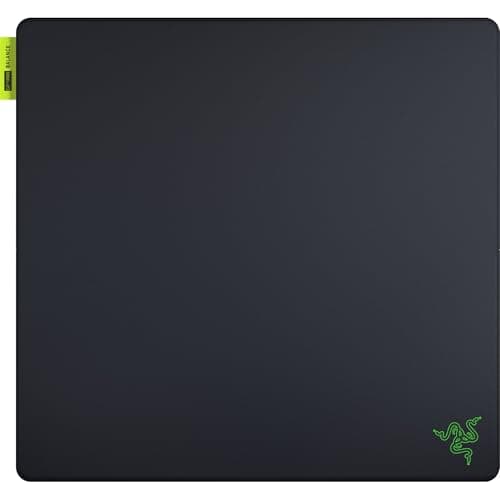
Five mouse-size pads with balanced, glass, hard and thick surfaces.
12 min read
Peripherals · Buying Guide
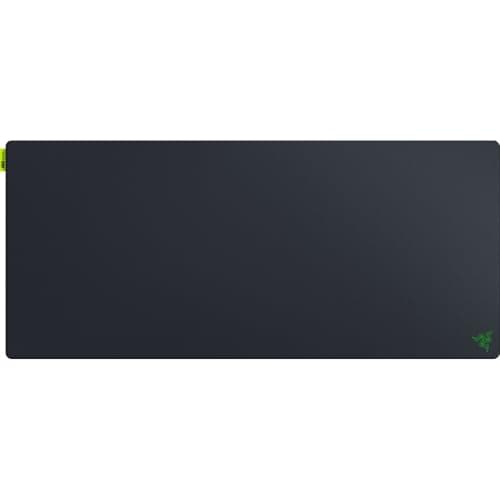
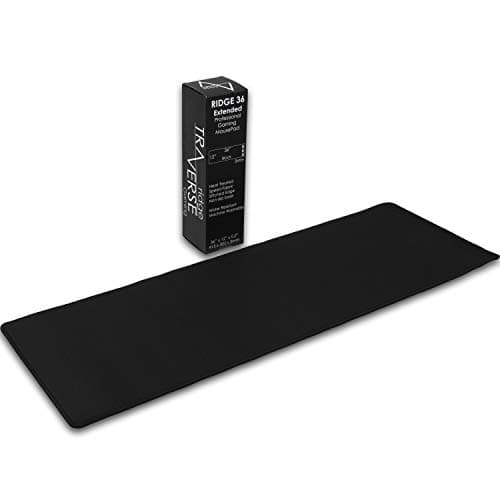
Five extended pads at 35 inches wide or more.
12 min read
Peripherals · Buying Guide
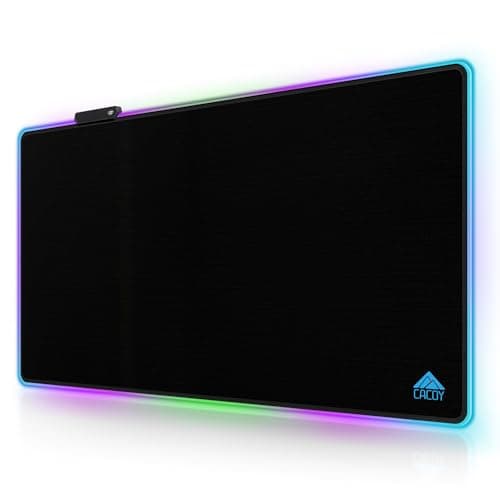
Five large pads compared on depth as well as width.
12 min read
Peripherals · Buying Guide
Six desk mats from plain cloth to PU leather.
12 min read
Peripherals · Buying Guide
Five desk mats with prints, lighting or a thick base.
12 min read
Peripherals · Buying Guide
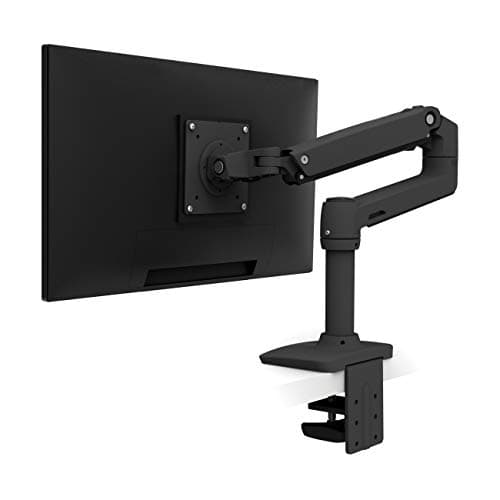
Five single arms from budget gas-spring models to Ergotron's LX.
12 min read
Peripherals · Buying Guide
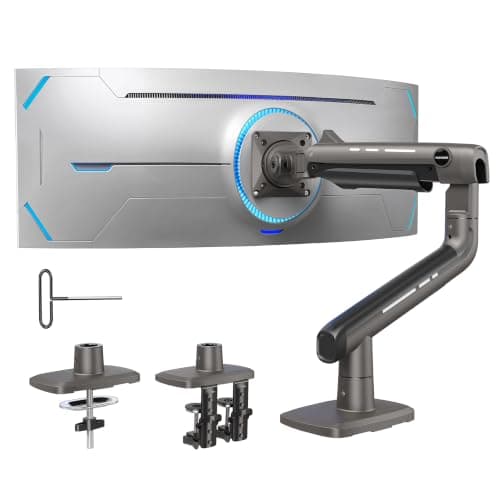
Six single arms, including two for large ultrawides.
12 min read
Peripherals · Buying Guide
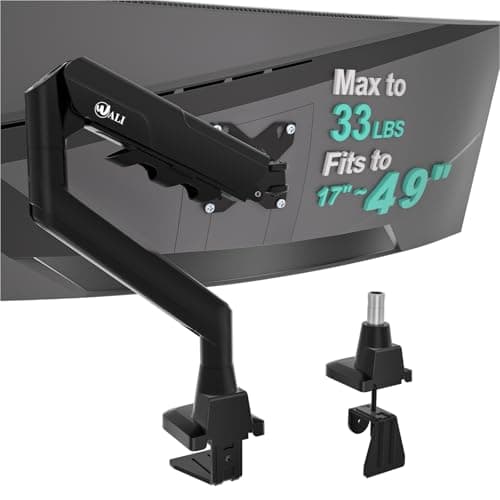
Five arms compared on how they attach to the desk.
12 min read
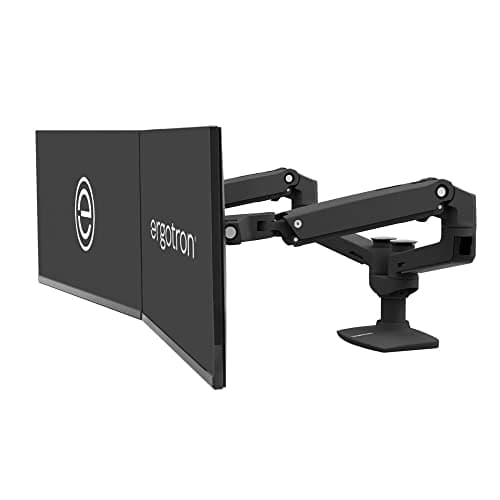
Peripherals · Buying Guide
Six dual arms, including clamp, grommet and freestanding options.
12 min read
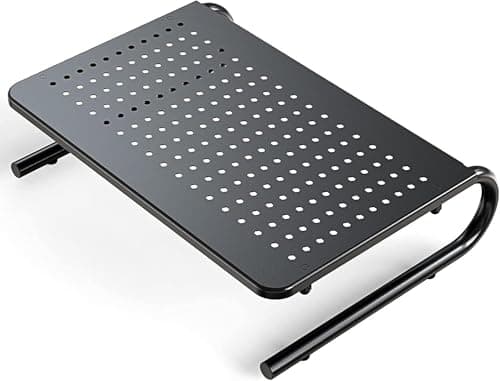
Peripherals · Buying Guide
Six risers, from plain platforms to dual-width drawers.
12 min read
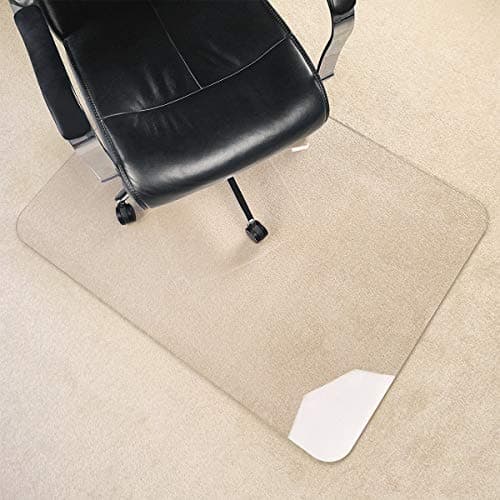
Peripherals · Buying Guide
Seven chair mats for carpet and hard floors, sorted by what the listing supports.
13 min read
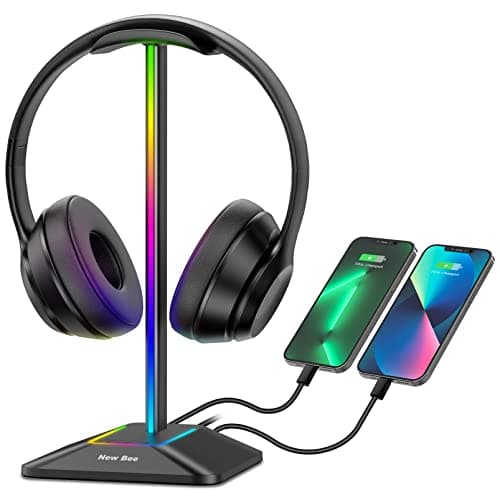
Peripherals · Buying Guide
Seven desk stands and under-desk hangers.
13 min read
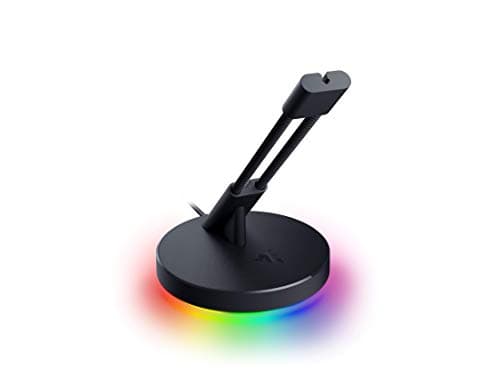
Peripherals · Buying Guide
Five bungees with weighted, adhesive and clamp-grip designs.
12 min read
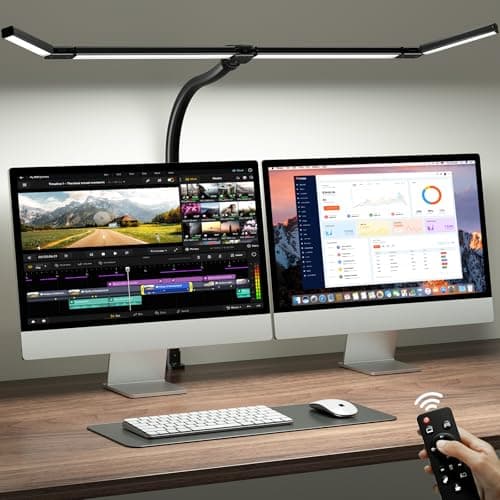
Peripherals · Buying Guide
Five lamps for a work desk, from clamp bars to base lamps with charging.
12 min read
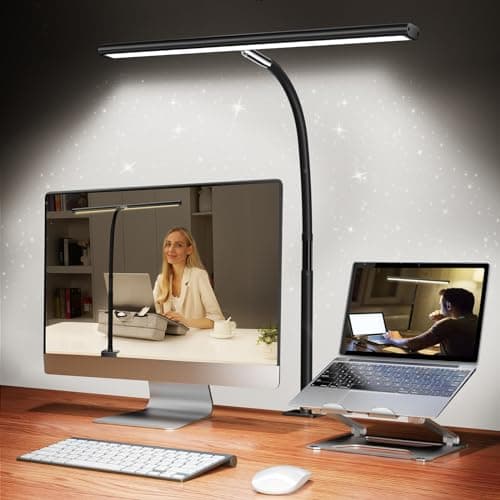
Peripherals · Buying Guide
Six clamp and base lamps with different color ranges.
12 min read
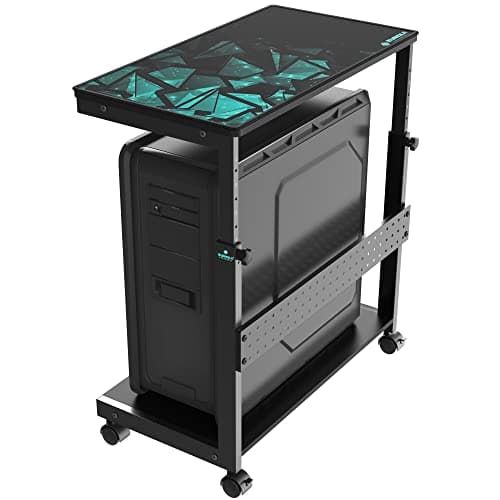
Peripherals · Buying Guide
Six floor stands, desk-side carts and an under-desk mount for PC towers.
12 min read
Peripherals · Buying Guide
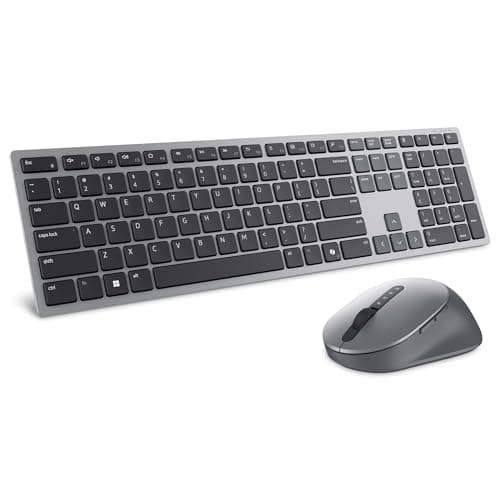
Dell's wireless sets range from a plain receiver combo to a Zoom-certified multi-device pair. Here is how the five compare.
12 min read
Peripherals · Buying Guide
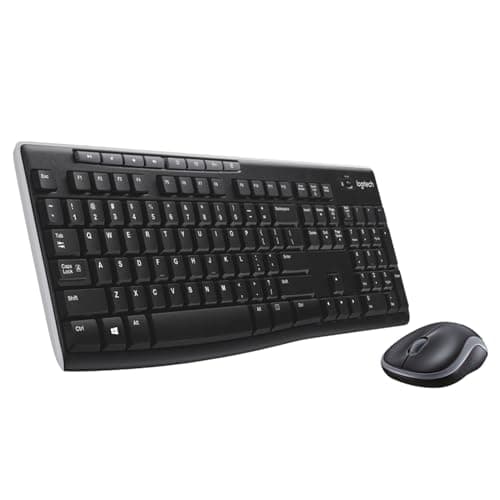
The MK270 is Logitech's best-known basic combo. We compare it with the three closest Logitech sets.
11 min read
Peripherals · Buying Guide
If the MK270 feels too basic, these Logitech combos add Bluetooth, slim keys, programmable keys or multi-device pairing.
12 min read
Peripherals · Buying Guide
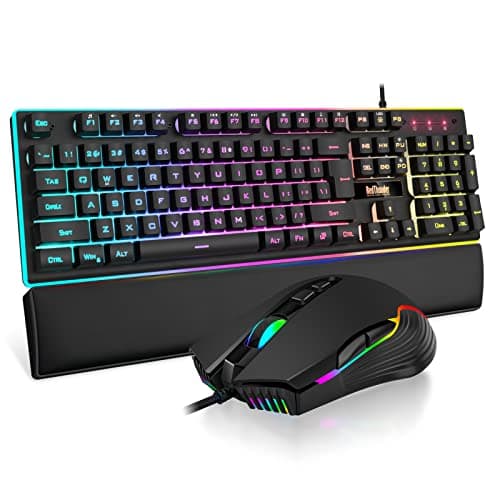
Wired gaming combos keep costs down and never need charging. These five differ in layout, build and mouse sensitivity.
12 min read
Peripherals · Buying Guide
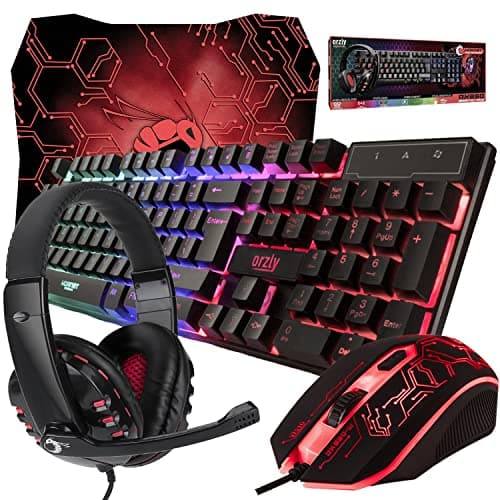
Some gaming combos come with a mouse pad or headset in the box. These six cover a first gaming desk.
12 min read
Peripherals · Buying Guide
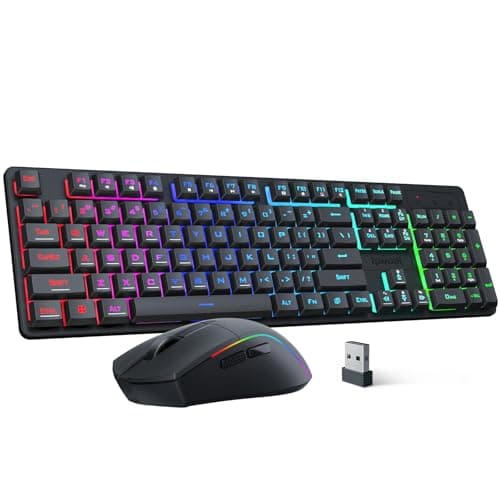
Wireless gaming combos differ in battery size, tri-mode support and layout. Here are five that state their numbers.
12 min read
Peripherals · Buying Guide
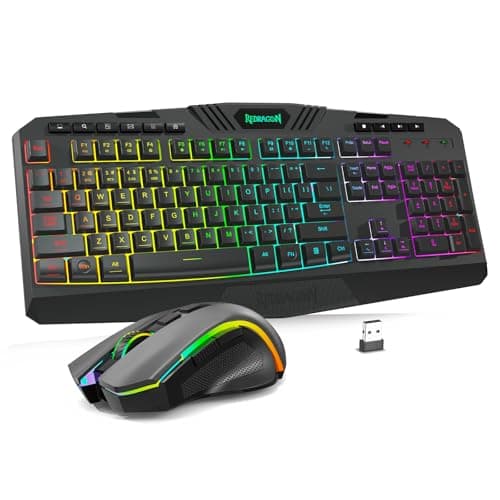
Redragon's combo range spans low-profile sets, tri-mode full-size sets and a keyboard with a screen. These five cover it.
12 min read
Peripherals · Buying Guide
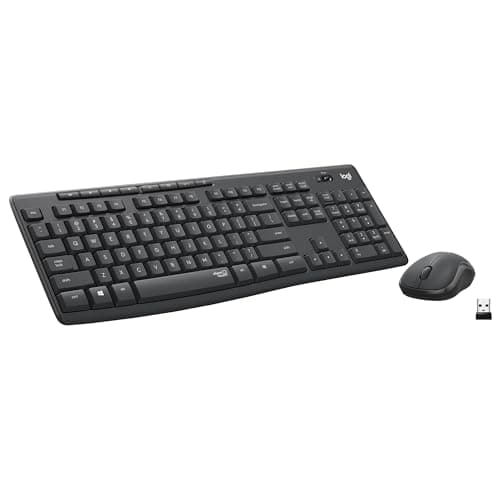
Quiet combos use membrane or silent-switch keys and muted mouse clicks. These six state a low-noise design.
12 min read
Peripherals · Buying Guide
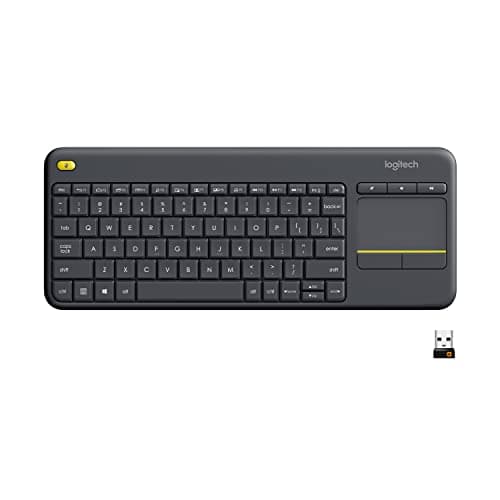
A touchpad keyboard replaces both keyboard and mouse, which suits a PC on a TV. These six cover couch and desk use.
12 min read
Peripherals · Buying Guide
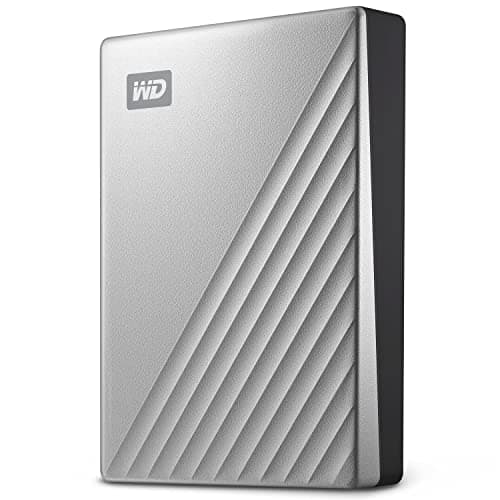
A MacBook Air has only USB-C ports, so the connector and formatting matter as much as capacity. These five fit.
12 min read
Peripherals · Buying Guide
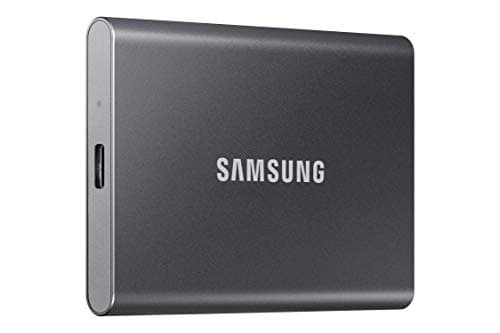
For a laptop, a 10Gbps SSD is the sweet spot: fast enough for any USB-C port and small enough to carry.
12 min read
Peripherals · Buying Guide
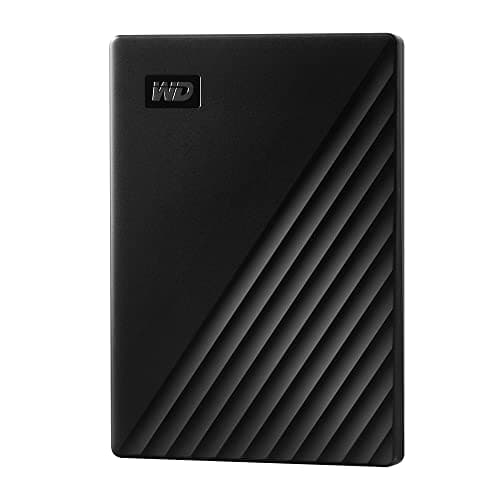
Hard drives give the most space; SSDs give speed and toughness. This guide mixes both so you can choose by use.
12 min read
Peripherals · Buying Guide
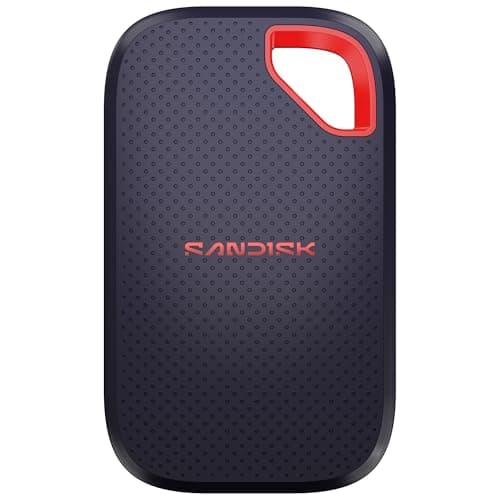
The fastest portable SSDs need a 20Gbps port. Here is when that matters and which drives to pick.
12 min read
Peripherals · Buying Guide
An external SSD adds room for a game library without opening the PC. Capacity matters more here than peak speed.
12 min read
Peripherals · Buying Guide
Seagate sells plain hard drives, encrypted drives and SSDs under similar names. These five cover the range.
12 min read
Peripherals · Buying Guide
A desk soundbar fits under a monitor and saves width. These five differ in inputs, bass and extras.
12 min read
Peripherals · Buying Guide
Stereo pairs and 2.1 sets fill a room better than most bars. These six cover budgets from entry to high-power.
12 min read
Peripherals · Buying Guide
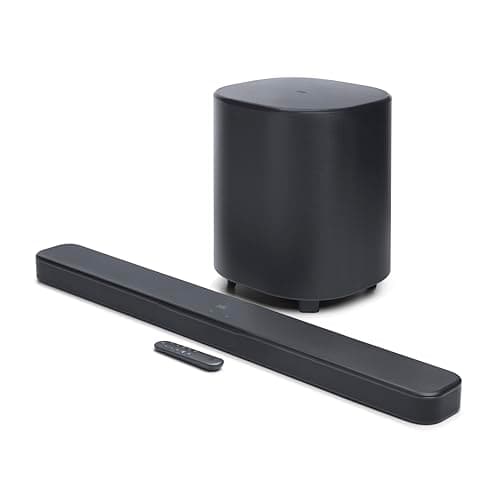
Every JBL bar here ships with a wireless subwoofer. The differences are channels, Atmos and detachable surrounds.
12 min read
Peripherals · Buying Guide
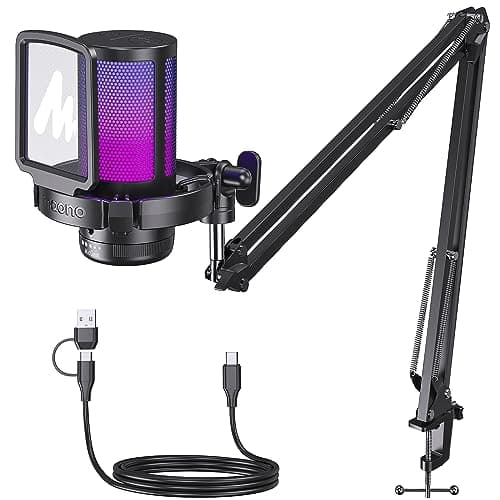
A cheap USB mic sounds clearer than most headset mics. These six differ in mute, monitoring and what comes in the box.
12 min read
Peripherals · Buying Guide
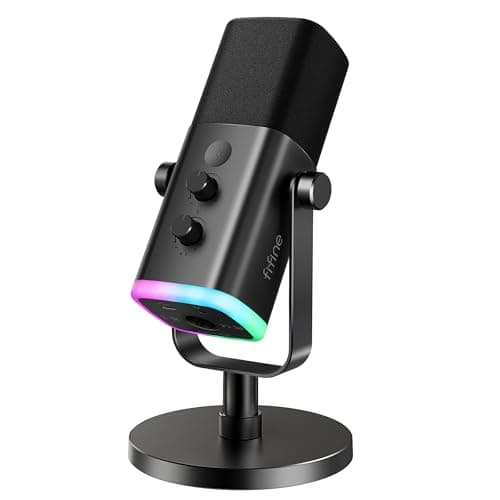
Keyboard noise is the main problem for gaming mics. These six handle it differently.
12 min read
Peripherals · Buying Guide
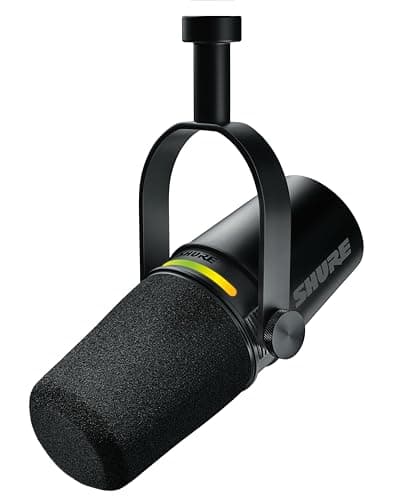
USB mics now include hybrids with XLR outputs and onboard processing. These six cover streaming, podcasting and calls.
12 min read
Peripherals · Buying Guide
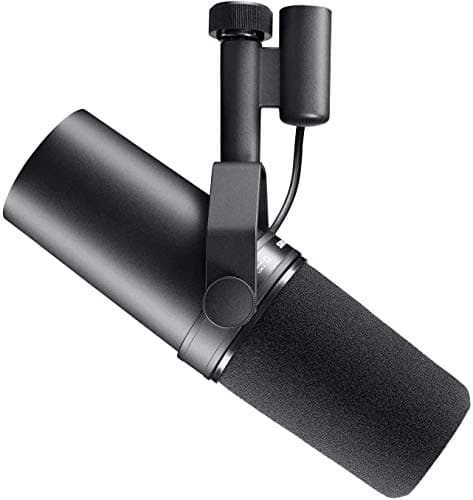
An XLR mic needs an interface, but lets you upgrade parts separately. These seven cover budget to broadcast.
13 min read
Peripherals · Buying Guide
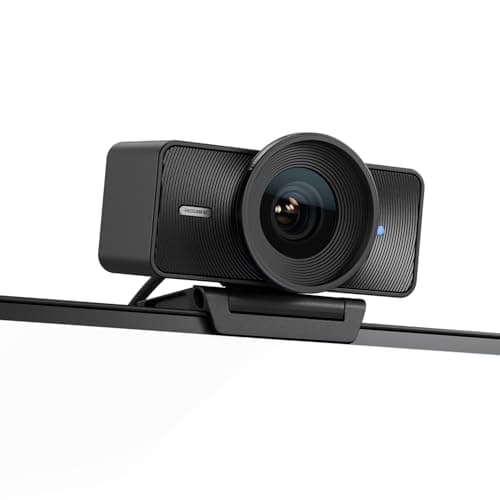
4K webcams differ in sensor size, focus and tracking more than in resolution. These six cover each approach.
12 min read
Peripherals · Buying Guide
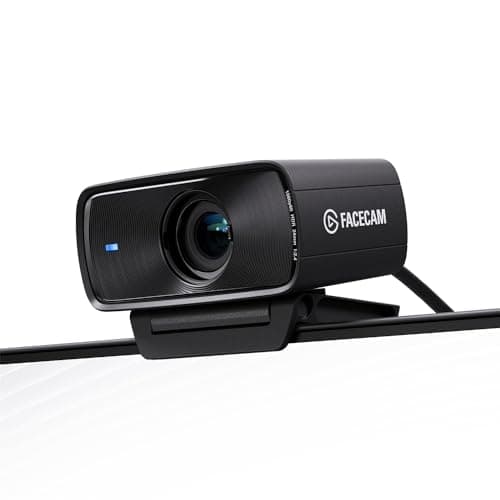
For streaming, a steady 60fps and good low-light behavior matter more than 4K. These seven focus there.
13 min read
Peripherals · Buying Guide
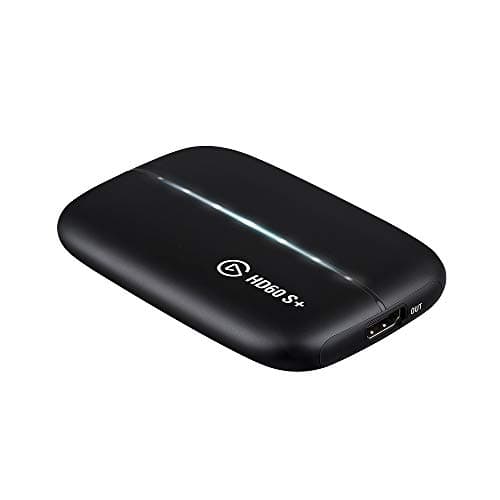
Streaming a console or a second PC starts with a capture card. These six cover capture, control, audio and light.
12 min read
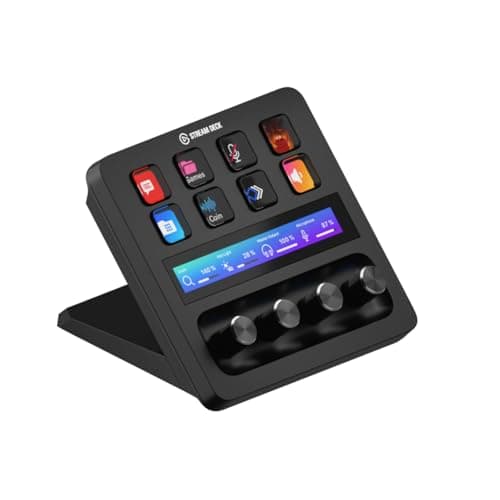
Peripherals · Buying Guide
Streaming from one PC needs no capture card. These six improve control, camera, light and mic placement.
12 min read
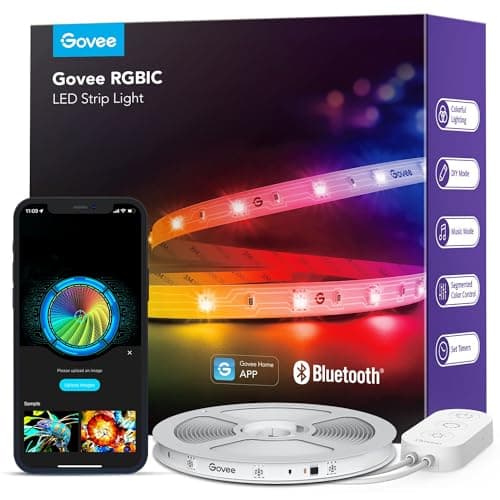
Peripherals · Buying Guide
Govee sells many near-identical strips. These six differ in length, control and whether the LEDs show as dots.
12 min read
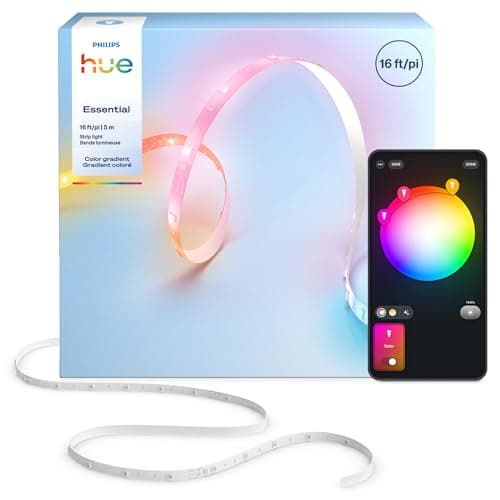
Peripherals · Buying Guide
RGB strips range from remote-controlled rolls to smart-home lights. These six cover both ends.
12 min read
Peripherals · Buying Guide
A first gaming setup needs a mouse, keyboard, headset and pad before anything else. These five cover them cheaply.
12 min read
Peripherals · Buying Guide
Good gaming gear is about fit and function, not color. These five suit smaller desks and hands without compromise.
12 min read
Peripherals · Buying Guide
The best gift is gear that fixes a real limit in a setup. These five each upgrade one part.
12 min read

Peripherals · Buying Guide
Desk accessories fix light, space and clutter. These six each solve one of those.
12 min read
Peripherals · Buying Guide
Upgrading one piece at a time works best. These six are strong choices for each part of a setup.
12 min read
Peripherals · Buying Guide
Beginner gear should be simple and cheap enough to replace once you know your preferences.
12 min read
Peripherals · Buying Guide
Each item here was listed under $100 at the time of writing, so any one fits a modest budget.
12 min read
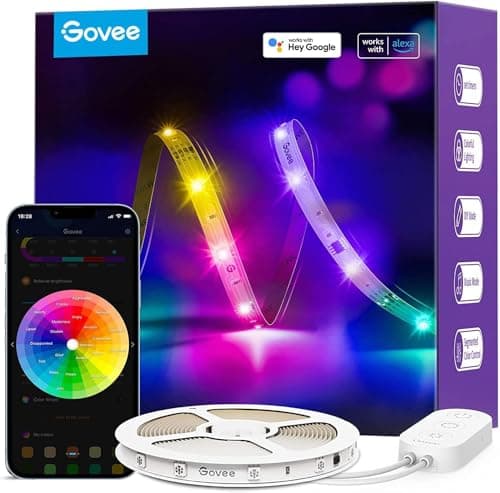
Peripherals · Buying Guide
Beginner RGB should work without hubs or complex software. These five do.
12 min read
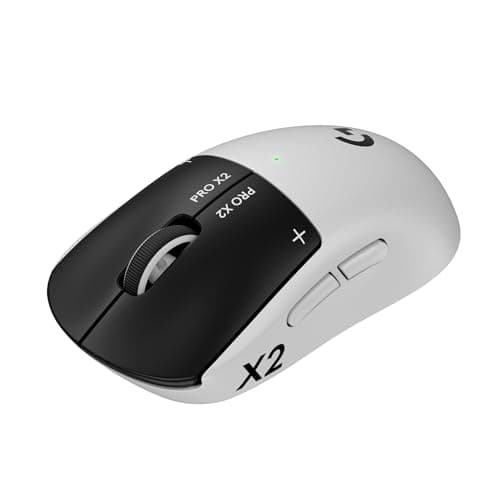
Peripherals · Buying Guide
Compare listed weight, battery life and polling rate; wireless mice now differ more in shape and power source than in speed.
12 min read
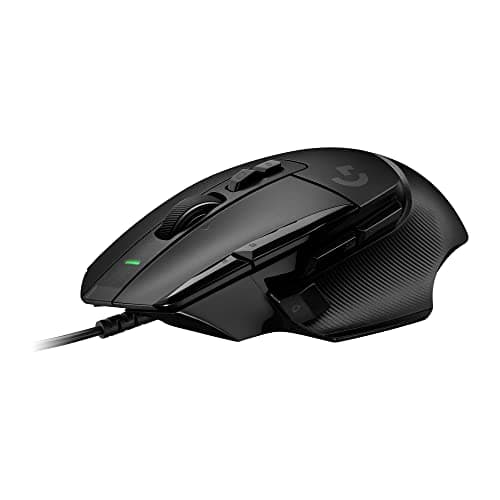
Peripherals · Buying Guide
Compare weight, switch ratings and button count; a cable removes battery weight and charging, so these trade on shape and feel.
12 min read
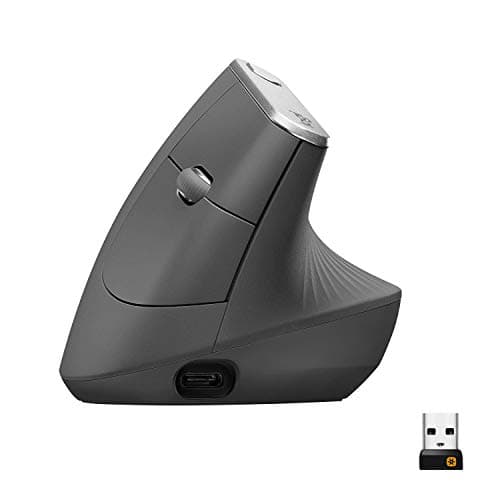
Peripherals · Buying Guide
Check the hand size and grip angle first; a vertical mouse that is too small or too large undoes the point of buying one.
12 min read
Peripherals · Buying Guide
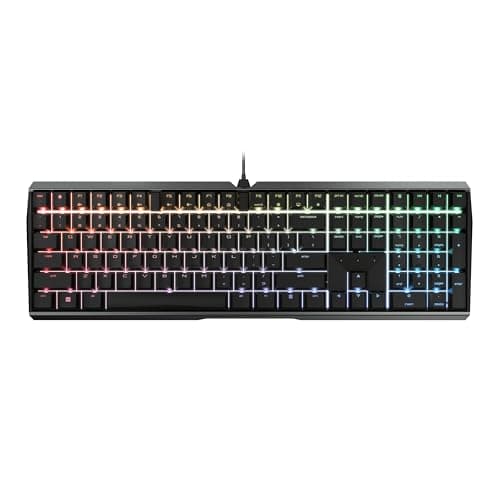
Look for silent switches or listed dampening layers; lighting and polling matter less than how loudly each key bottoms out.
12 min read
Peripherals · Buying Guide
Check the microphone type and the connection first; under $50, those separate a useful headset from a noisy one.
12 min read
Peripherals · Buying Guide
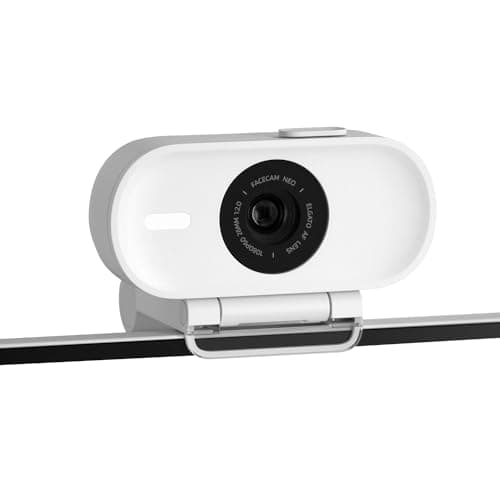
Check the frame rate before the resolution; most streams go out at 1080p, so 60fps matters more than 4K30 for smooth motion.
12 min read
Peripherals · Buying Guide
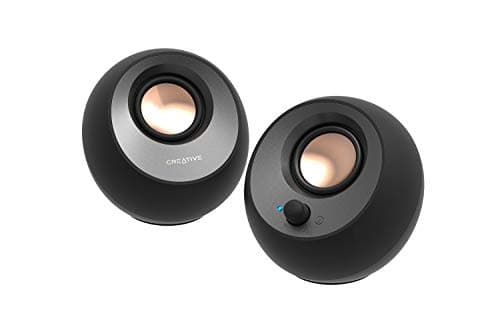
Decide between USB-powered, bookshelf and 2.1 sets first; that choice sets the inputs, the desk space and how much bass you get.
12 min read
Peripherals · Buying Guide
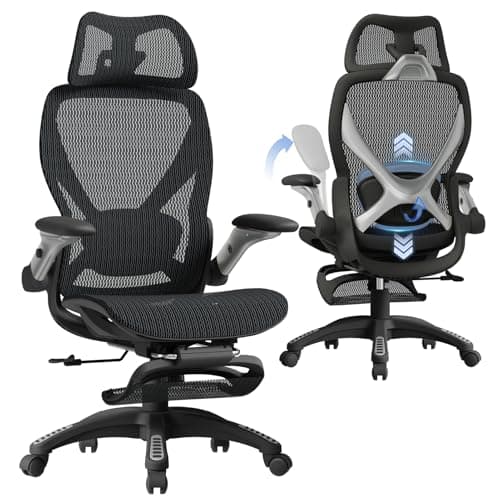
Check what kind of lumbar support a chair lists: an adjustable or built-in support stays where you set it, a strap-on pillow does not.
12 min read
Peripherals · Buying Guide
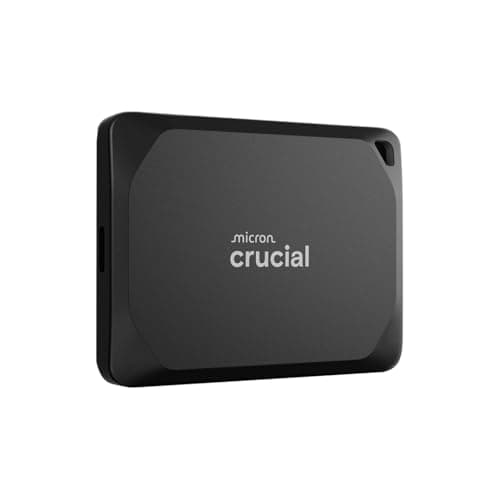
Check which USB speed your computer supports first; a 2,000MB/s or 4,000MB/s drive only reaches its rating on a matching port.
12 min read
Peripherals · Buying Guide
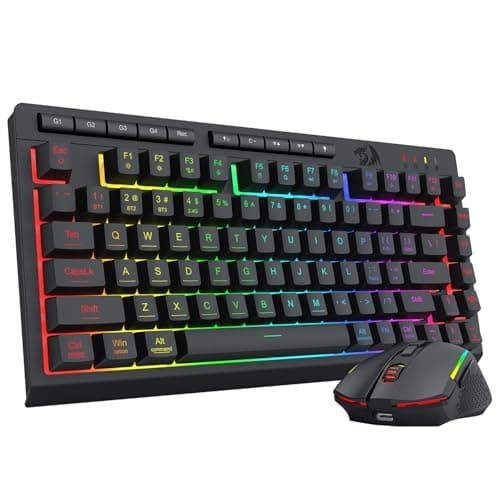
Check the connection first: tri-mode sets add Bluetooth and a cable to the receiver, while single-receiver sets are simpler and cheaper.
12 min read
Peripherals · Buying Guide
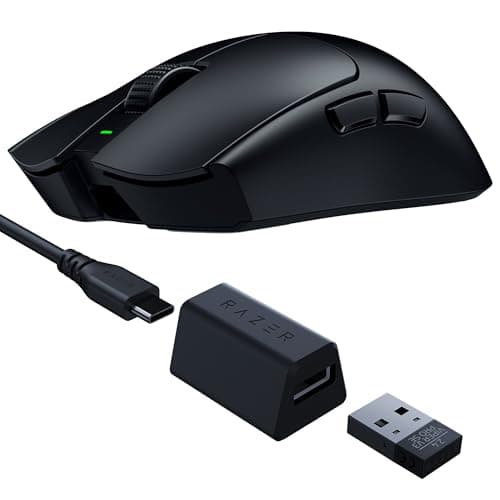
Choose the Razer shape first, then weigh battery life and connection; sensor figures past 26K matter far less than fit.
12 min read
Peripherals · Buying Guide
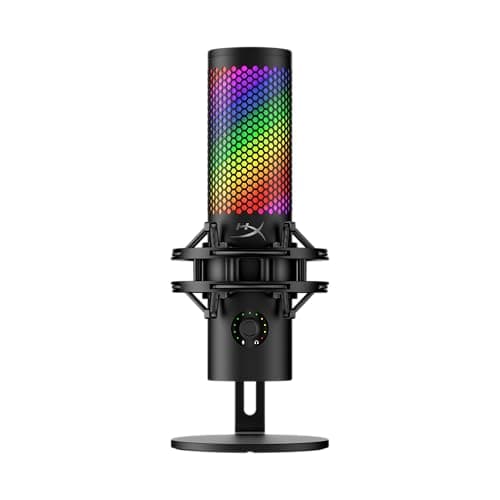
Look for an easy mute and a way to get the mic close to your mouth; both matter more in game chat than headline sample rates.
12 min read
Peripherals · Buying Guide
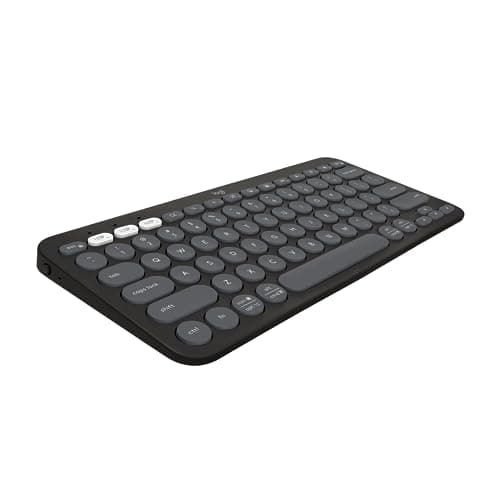
Decide whether you need a number pad and how many devices you switch between; battery ratings differ by years, not days.
12 min read
Peripherals · Buying Guide
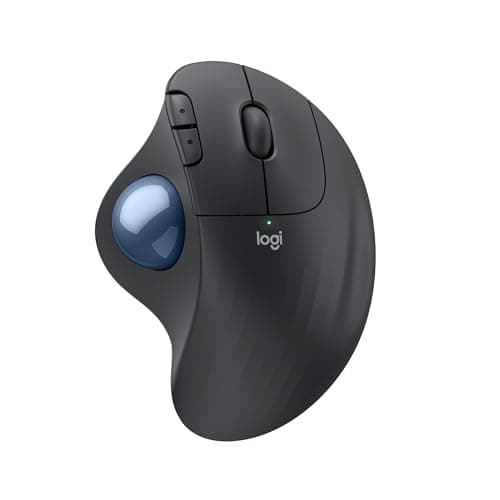
If a vertical mouse feels too tall, a trackball or contoured mouse is the alternative; match the shape and hand size first.
12 min read
Peripherals · Buying Guide
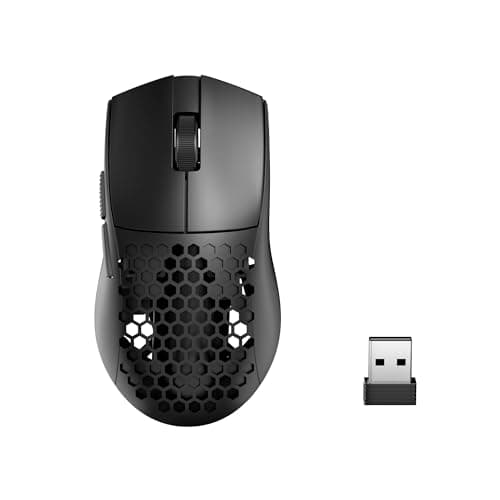
A lighter wireless mouse takes less effort to start and stop, which helps with fast flicks in shooters.
12 min read
Peripherals · Buying Guide
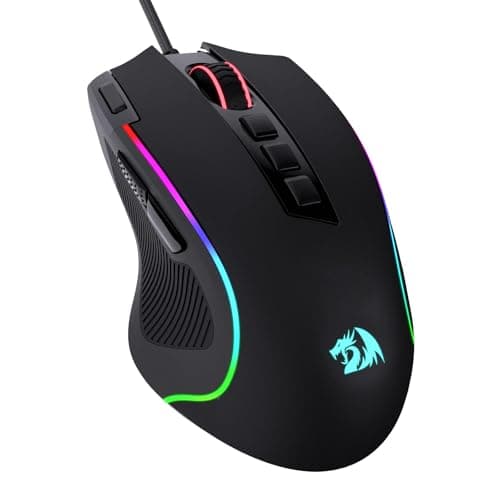
An ergonomic gaming mouse is sculpted for one hand, usually the right, so the palm rests on a hump and the thumb sits in a groove.
12 min read
Peripherals · Buying Guide
Gaming mice differ most in shape, weight, connection and polling rate.
12 min read
Peripherals · Buying Guide
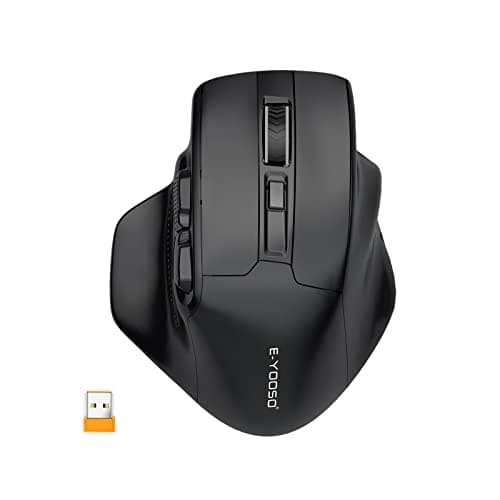
Wireless gaming mice now match wired ones over a 2.4GHz dongle, so the choice comes down to price, battery and shape.
12 min read
Peripherals · Buying Guide
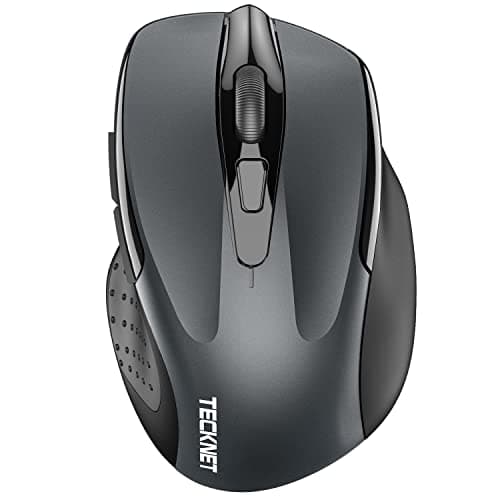
For everyday computer use, a comfortable shape, a reliable connection and quiet clicks matter more than a high DPI figure.
12 min read
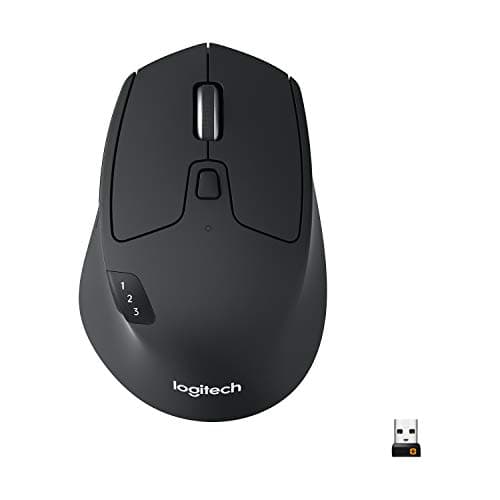
Peripherals · Buying Guide
Most Macs have few or no USB-A ports, so a Bluetooth mouse avoids adapters.
12 min read
Peripherals · Buying Guide
A MacBook Air has only USB-C ports, so a Bluetooth mouse is the simplest companion.
12 min read
Peripherals · Buying Guide
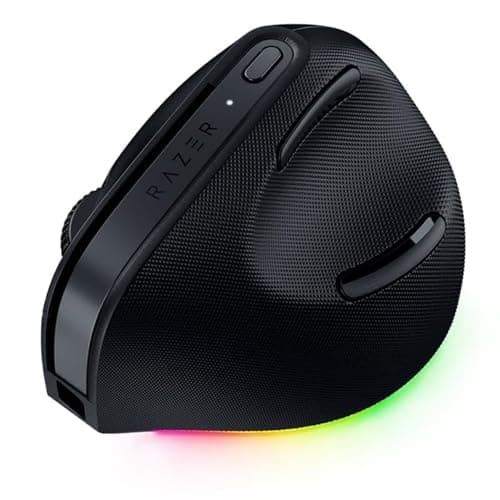
Any Bluetooth mouse works with a MacBook, but gestures and extra buttons depend on the maker's macOS software.
12 min read
Peripherals · Buying Guide
A wireless mouse for a Mac should pair over Bluetooth and ideally have macOS software for its buttons.
12 min read
Peripherals · Buying Guide
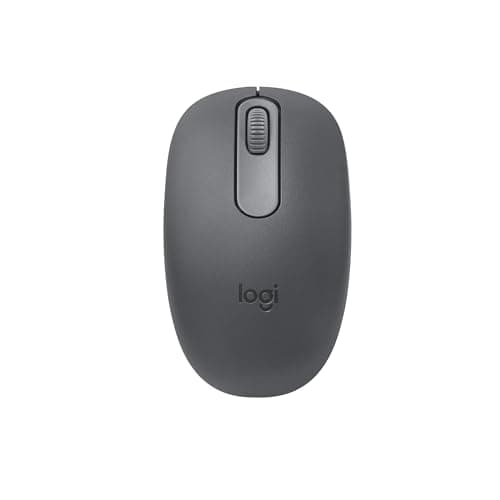
Logitech makes the widest range of ergonomic mice: vertical, trackball and sculpted designs.
12 min read
Peripherals · Buying Guide
An ergonomic wireless mouse changes the grip, with a vertical handshake, a thumb trackball or a sculpted shape, and removes the cable drag.
11 min read
Peripherals · Buying Guide
A laptop mouse should be compact enough to carry and connect without using the laptop's only spare port.
12 min read
Peripherals · Buying Guide
A wireless mouse frees the desk of a cable; the practical differences are battery life, connection type and shape.
12 min read
Peripherals · Buying Guide
Logitech's wireless mice run from basic receiver models to multi-device MX mice.
12 min read
Peripherals · Buying Guide
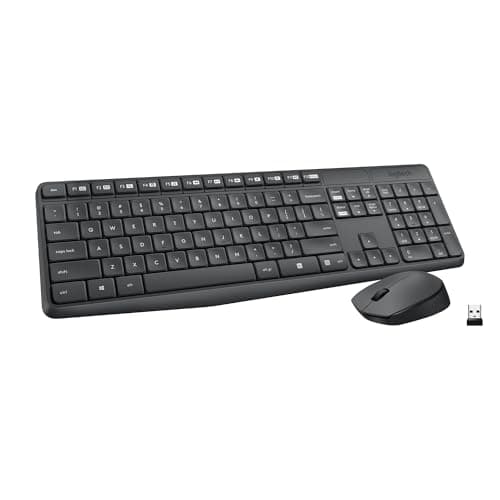
Logitech's wireless combos pair a keyboard and mouse on one receiver or over Bluetooth.
11 min read
Peripherals · Buying Guide
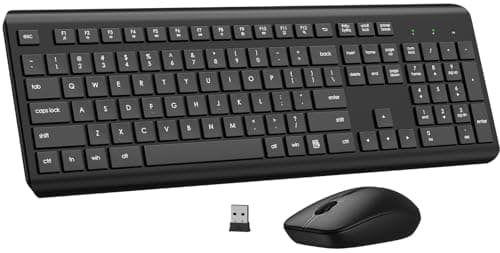
A wireless combo is the quickest way to equip a desk: one purchase, often one receiver.
12 min read
Peripherals · Buying Guide
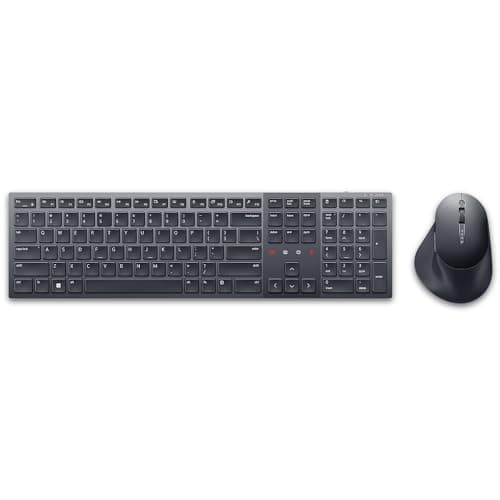
Wireless keyboard and mouse sets range from basic receiver pairs to multi-device Bluetooth combos.
12 min read
Peripherals · Buying Guide
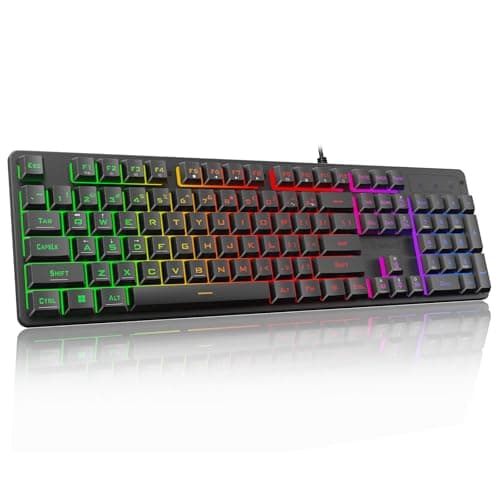
Under $60, a gaming keyboard can still offer mechanical or magnetic switches, RGB and a compact layout.
12 min read
Peripherals · Buying Guide
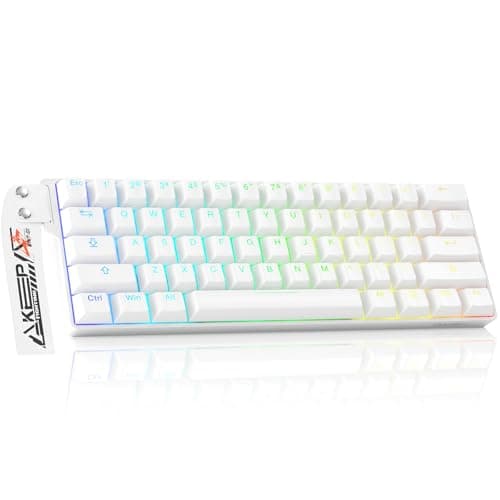
A wired gaming keyboard never needs charging and usually costs less than a wireless twin.
12 min read
Peripherals · Buying Guide
A mechanical keyboard for a Mac should list macOS support, so the Command and Option keys map correctly.
12 min read
Peripherals · Buying Guide
For gaming, switch type, layout and connection matter more than extra lighting.
12 min read
Peripherals · Buying Guide
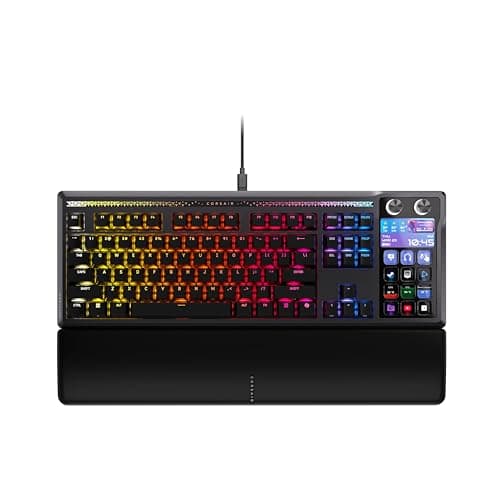
Gaming keyboards now range from magnetic-switch boards with rapid trigger to budget mechanical ones.
12 min read
Peripherals · Buying Guide
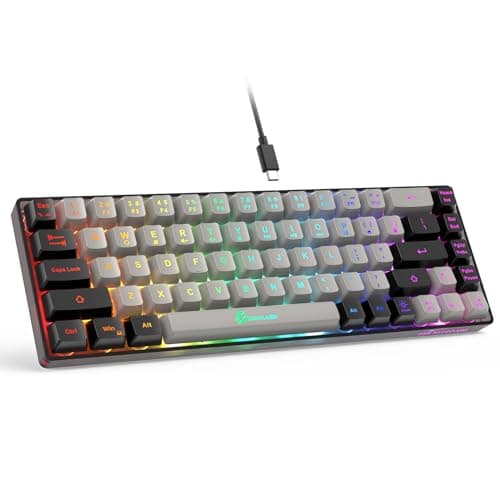
A compact gaming keyboard frees desk space for wide mouse sweeps.
12 min read
Peripherals · Buying Guide
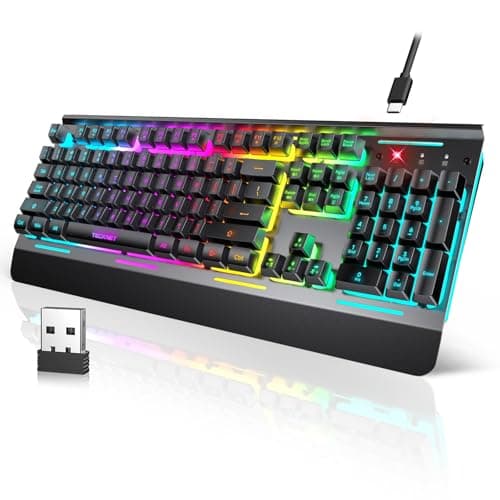
Wireless gaming keyboards use a 2.4GHz dongle for low latency and often add Bluetooth for other devices.
12 min read
Peripherals · Buying Guide
A wireless mechanical keyboard keeps the switch feel without the cable.
12 min read
Peripherals · Buying Guide
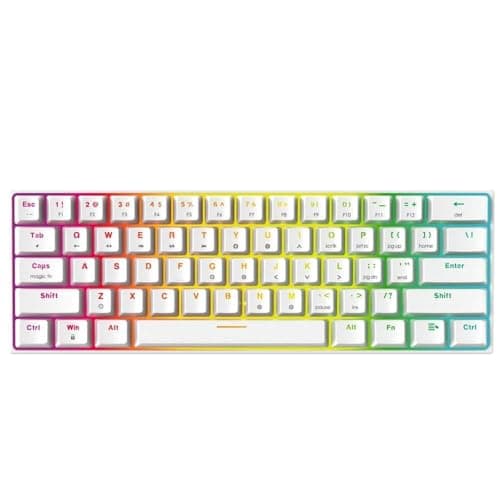
Mechanical keyboards use a switch under every key, which gives a consistent feel and makes the switches replaceable on hot-swap boards.
12 min read
Peripherals · Buying Guide
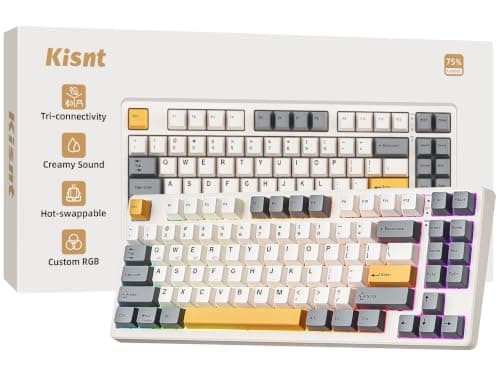
A travel mechanical keyboard needs a small layout and a wireless connection.
12 min read
Peripherals · Buying Guide
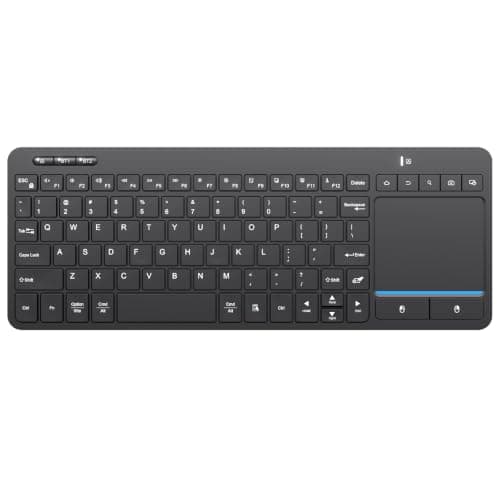
A keyboard with a built-in touchpad controls a living-room PC or a small desk without a separate mouse.
12 min read
Peripherals · Buying Guide
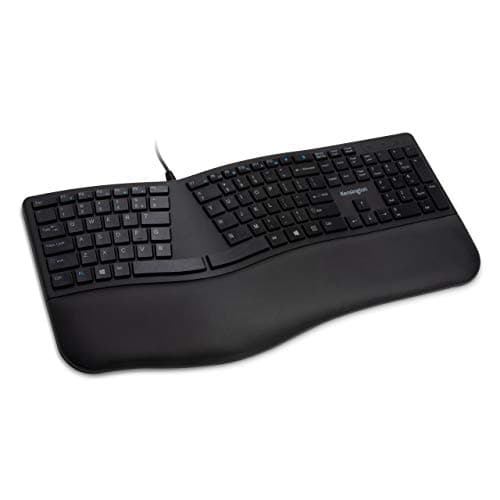
An ergonomic keyboard angles or splits the keys and adds a palm rest to keep the wrists straighter.
11 min read
Peripherals · Buying Guide
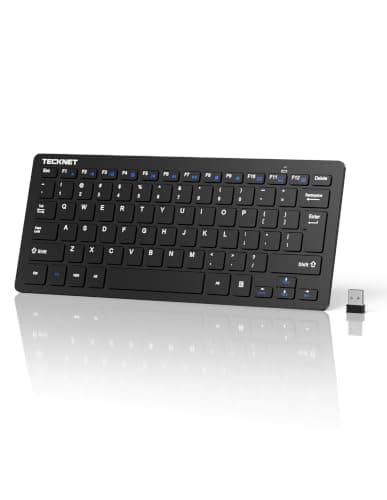
For an everyday computer keyboard, the layout, key feel and connection matter most.
12 min read
Peripherals · Buying Guide
A wireless keyboard tidies the desk; battery life and multi-device switching separate the good ones.
12 min read
Peripherals · Buying Guide
An external keyboard lets you raise the laptop screen to eye level and type at a normal height.
12 min read
Peripherals · Buying Guide
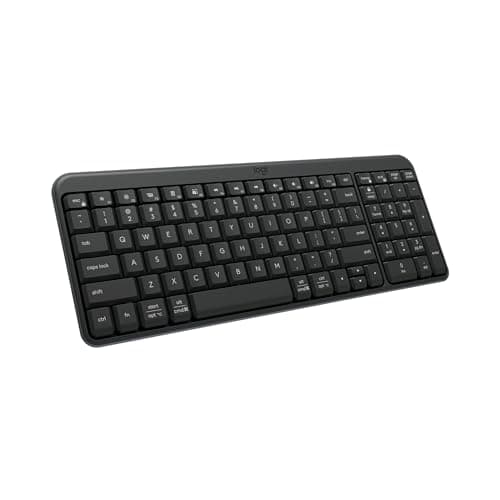
Logitech's wireless keyboards run from slim Bluetooth boards to MX Keys models.
12 min read
Peripherals · Buying Guide
A wireless keyboard for a Mac should list macOS support and Mac key legends or a Mac layout.
12 min read
Peripherals · Buying Guide
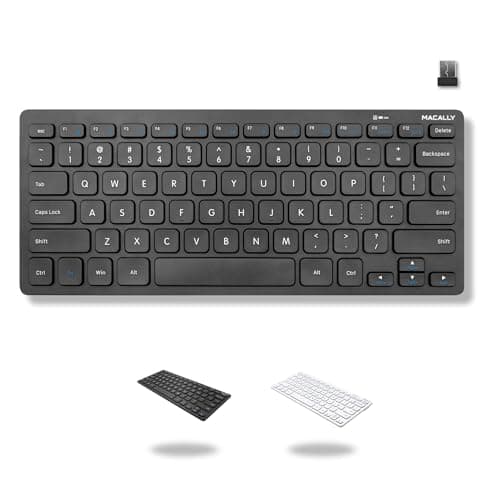
Low-profile keys with short travel are easier to press with long nails than tall mechanical keycaps.
12 min read
Peripherals · Buying Guide
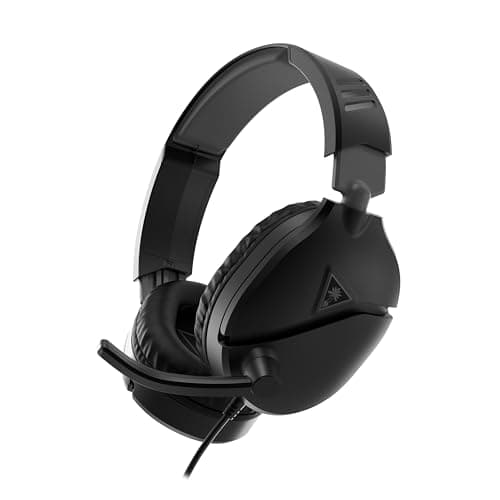
A wired Xbox headset plugs into the controller's 3.5mm jack, so there is nothing to pair or charge.
11 min read
Peripherals · Buying Guide
A Bluetooth headset with a microphone covers calls on a phone and a laptop without a dongle.
12 min read
Peripherals · Buying Guide
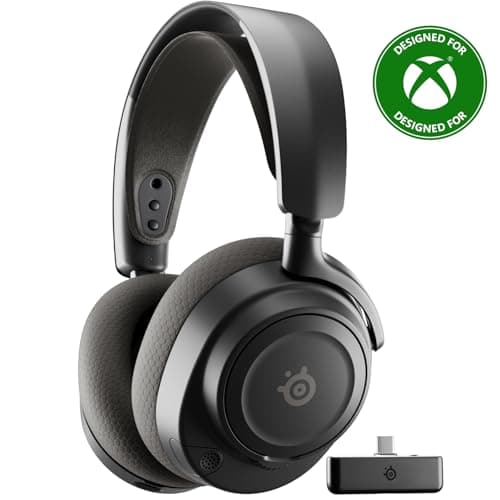
Xbox consoles need Xbox Wireless support or a dongle version built for Xbox; standard PC dongles will not work.
12 min read
Peripherals · Buying Guide
A lighter headset puts less pressure on the top of your head over a long session.
12 min read
Peripherals · Buying Guide
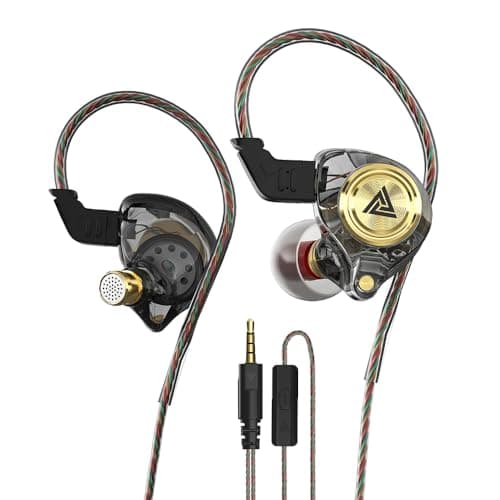
Gaming earbuds and in-ear monitors trade the boom microphone for a lighter fit and passive noise isolation.
12 min read
Peripherals · Buying Guide
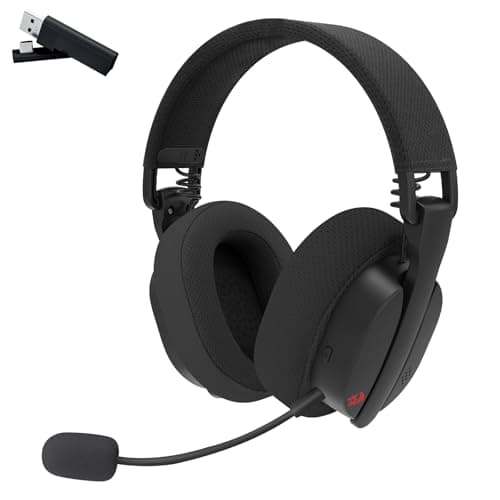
Bluetooth headphones with a microphone pair with a phone and a PC for calls and music.
12 min read
Peripherals · Buying Guide
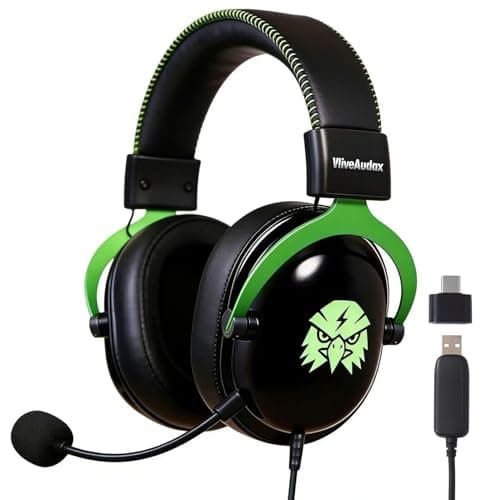
A PC headset with a boom microphone gives clearer voice chat than a laptop's built-in mic.
12 min read
Peripherals · Buying Guide
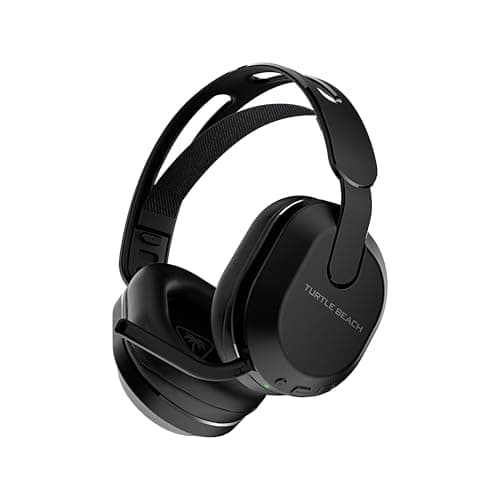
A wireless PS5 headset connects through a USB dongle or Bluetooth.
11 min read
Peripherals · Buying Guide
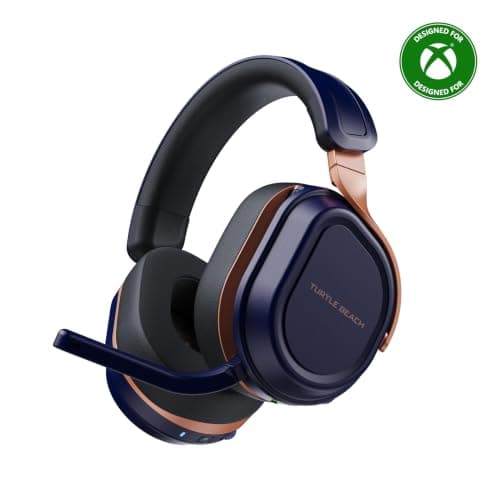
Gaming headphones range from open-back audio headphones to headsets with boom mics.
12 min read
Peripherals · Buying Guide
Gaming headphones with a microphone cover voice chat without a separate mic.
12 min read
Peripherals · Buying Guide
Bluetooth headphones connect to phones, laptops and tablets without a dongle.
12 min read
Peripherals · Buying Guide
Microsoft's Xbox Wireless protocol lets licensed headsets connect straight to the console.
11 min read
Peripherals · Buying Guide
An Xbox headset needs either a 3.5mm plug for the controller or Xbox-specific wireless.
12 min read
Peripherals · Buying Guide
Wireless gaming headphones cut the cable to the desk; battery life and connection type decide how well they fit your setup.
12 min read
Peripherals · Buying Guide
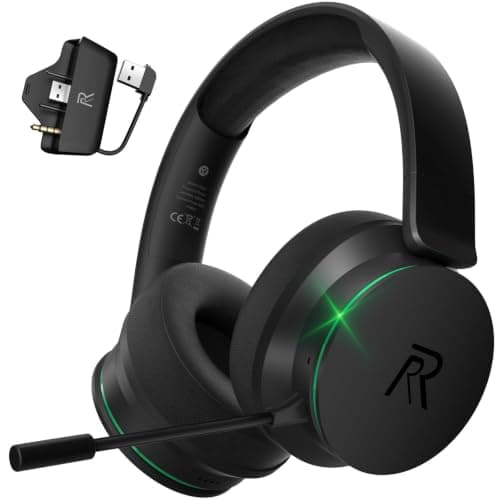
An Xbox wireless headset must support Xbox Wireless or ship with an Xbox dongle.
11 min read
Peripherals · Buying Guide
A wired gaming headset needs no charging and works on PC and consoles through a 3.5mm or USB plug.
12 min read
Peripherals · Buying Guide
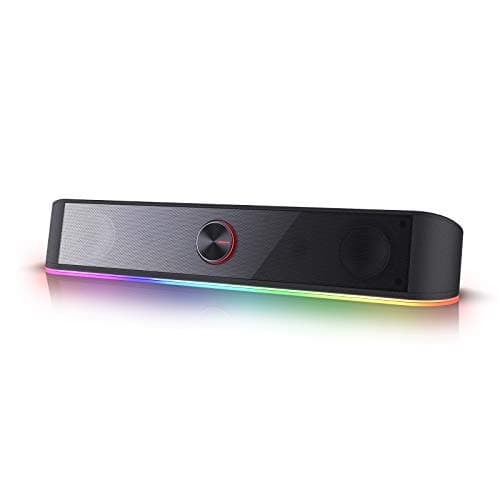
Computer speakers range from USB-powered pairs to bookshelf sets and 2.1 systems with a subwoofer.
12 min read
Peripherals · Buying Guide
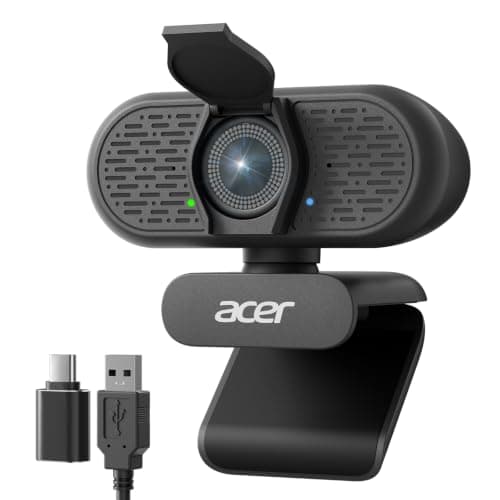
A PC webcam should give clear 1080p video, reliable focus and a privacy cover.
12 min read
Peripherals · Buying Guide
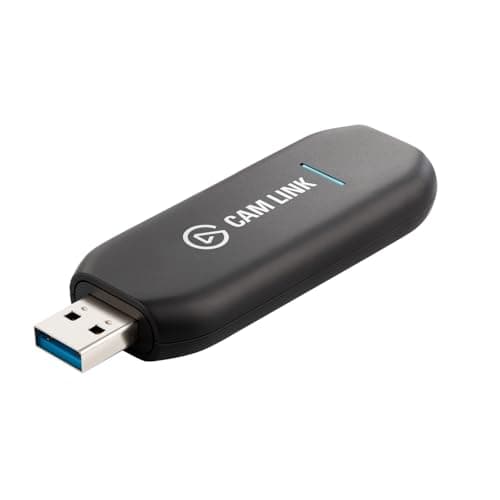
A capture card brings a console or a camera's HDMI signal into your streaming PC.
11 min read
Peripherals · Buying Guide
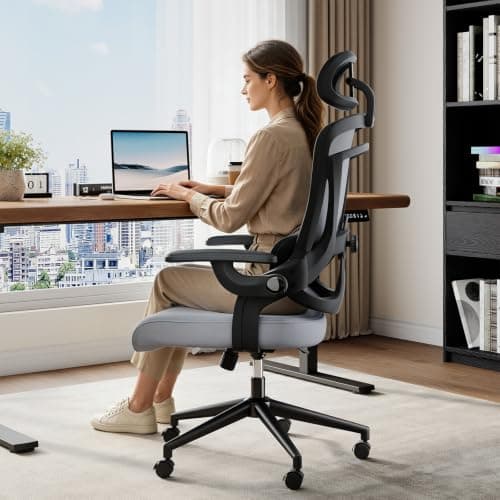
A desk chair should adjust to your desk height and support your back through the day.
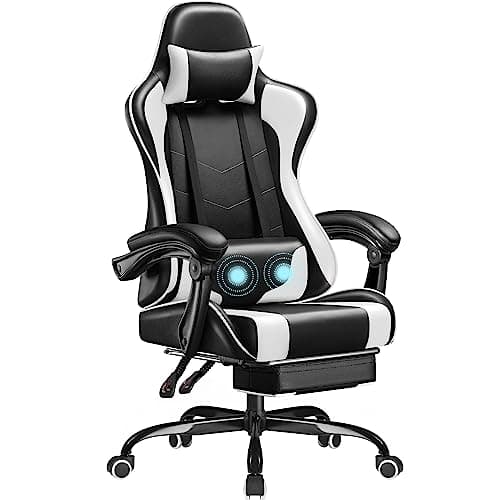
12 min read
Peripherals · Buying Guide
Back support comes from lumbar support that sits in the curve of your lower back and stays there.
12 min read
Peripherals · Buying Guide
Adjustable lumbar support lets you set the support to your own back rather than a fixed height.
12 min read
Peripherals · Buying Guide
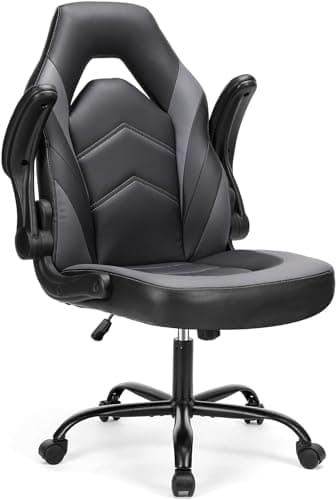
Under $130, gaming chairs trade adjustment range for price.
12 min read
Peripherals · Buying Guide
In a small room, a chair that tucks under the desk saves floor space.
11 min read
Peripherals · Buying Guide
A small desk chair should roll fully under the desk when not in use.
12 min read
Peripherals · Buying Guide
Desk chairs range from mesh office chairs to reclining gaming chairs.
12 min read
Peripherals · Buying Guide
A home office chair should stay cool through a workday and fit the room.
12 min read
Peripherals · Buying Guide
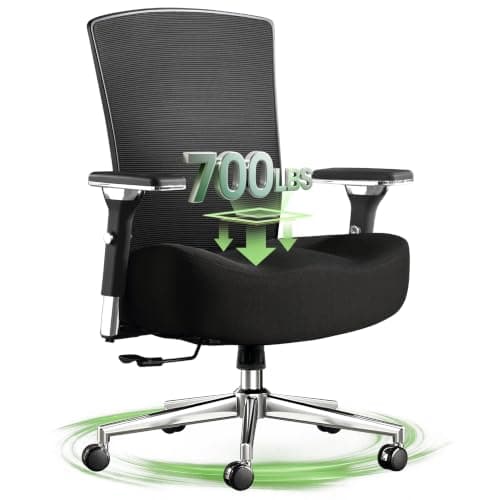
Most desk chairs roll on casters; the frame and weight rating decide how well they hold up.
12 min read
Peripherals · Buying Guide
For long hours, adjustable armrests and lumbar support matter more than styling.
11 min read
Peripherals · Buying Guide
Persistent back pain needs a clinician's advice; a chair with good lumbar support can help your posture.
12 min read
Peripherals · Buying Guide
An ergonomic home office chair combines adjustable lumbar support with a breathable back.
11 min read
Peripherals · Buying Guide
Ergonomic desk chairs adjust to you: lumbar support, armrests and seat height.
11 min read
Peripherals · Buying Guide
Gaming chairs add deep recline and bucket seats to a desk chair.
12 min read
Peripherals · Buying Guide
An ergonomic office chair pairs a breathable mesh back with lumbar support.
11 min read
Peripherals · Buying Guide
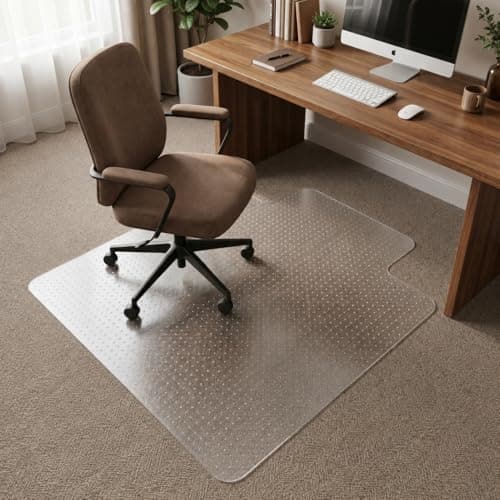
On carpet, a chair mat needs grips or cleats on the underside and enough stiffness to let casters roll.
11 min read
Peripherals · Buying Guide
A chair mat stops casters sinking into carpet and wearing a track.
11 min read
Peripherals · Buying Guide
A gaming mouse pad should give room for low-sensitivity sweeps and a consistent surface.
12 min read
Peripherals · Buying Guide
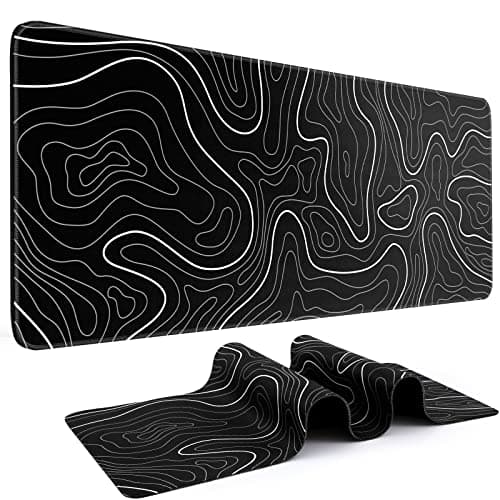
Mouse pads range from small cloth pads to desk-length mats and glass surfaces.
12 min read
Peripherals · Buying Guide
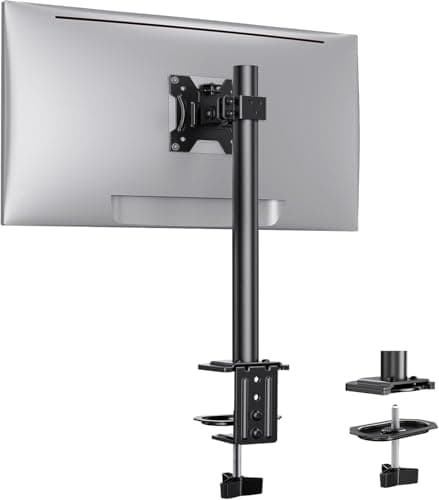
A desk monitor mount frees the space under the screen and lets you set its height.
12 min read
Peripherals · Buying Guide
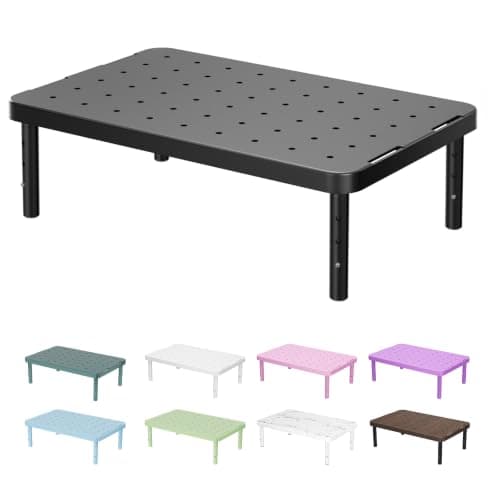
A monitor stand raises the screen toward eye level and can add storage underneath.
11 min read
Peripherals · Buying Guide
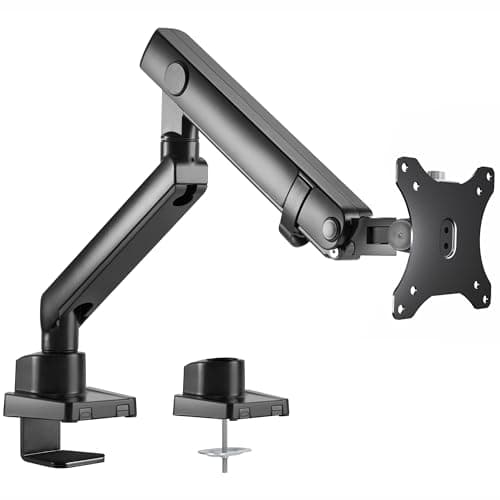
An ergonomic monitor stand adjusts height, tilt and swivel so the screen meets your eyes.
12 min read
Peripherals · Buying Guide
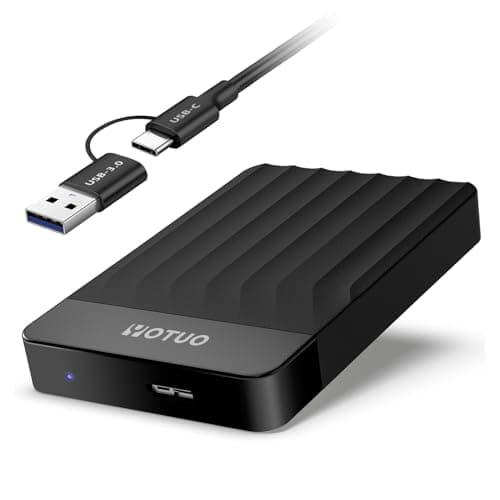
External storage for a Mac should connect over USB-C and be formatted for macOS or exFAT.
12 min read
Peripherals · Buying Guide
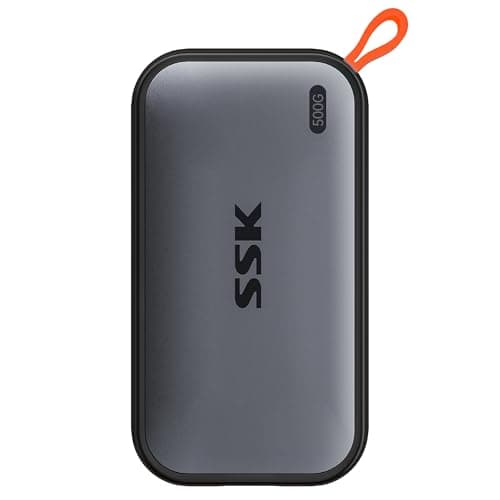
A MacBook Air has limited internal storage and only USB-C ports, so a USB-C SSD is the natural add-on.
12 min read
Peripherals · Buying Guide
Portable SSDs are faster and tougher than hard drives because they have no moving parts.
12 min read
Peripherals · Buying Guide
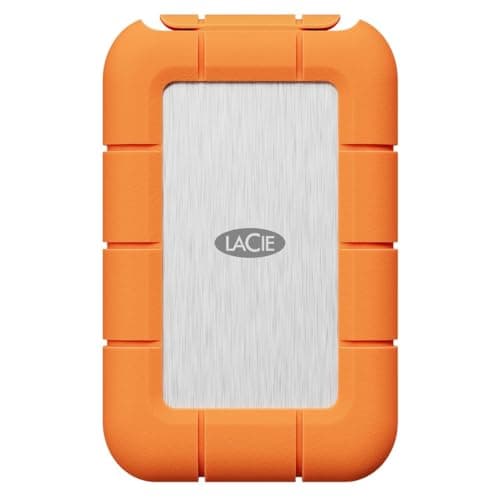
An external SSD holds a game library for a PC or console and loads faster than a hard drive.
12 min read
Peripherals · Buying Guide
Photo libraries grow fast, so capacity per dollar favors hard drives.
11 min read
Peripherals · Buying Guide
Time Machine works with any external drive you format for it; a hard drive gives the most space for the money.
12 min read
Peripherals · Buying Guide
A Time Machine backup drive needs space for many snapshots.
11 min read
Peripherals · Buying Guide
For Mac backups, pick a drive large enough for your data several times over.
12 min read
Peripherals · Buying Guide
A USB-C SSD gives a Mac fast extra storage for projects and libraries.
12 min read
Peripherals · Buying Guide
A hard drive is the cheapest way to keep full Mac backups.
11 min read
Peripherals · Buying Guide
Most Macs cannot take a new internal SSD, so an external USB-C SSD is the practical upgrade.
12 min read
Peripherals · Buying Guide
External hard drives offer the most space for the money for backups and archives.
11 min read
Peripherals · Buying Guide
A laptop drive should be bus-powered and small enough to carry.
12 min read
Peripherals · Buying Guide
An external hard drive adds space for a PC's backups, media and game archives.
11 min read
Peripherals · Buying Guide
Any external drive works with a Mac once formatted for macOS.
12 min read
Peripherals · Buying Guide
Portable hard drives run from USB power and hold several terabytes.
12 min read
Peripherals · Buying Guide
A backup drive should hold everything you need to restore, with room to grow.
12 min read
Peripherals · Buying Guide
Some external drives bundle cloud backup or photo software.
12 min read
Peripherals · Buying Guide
Under $150 you can choose between a USB microphone that plugs straight into the PC and an XLR microphone that needs an interface.
12 min read
Peripherals · Buying Guide
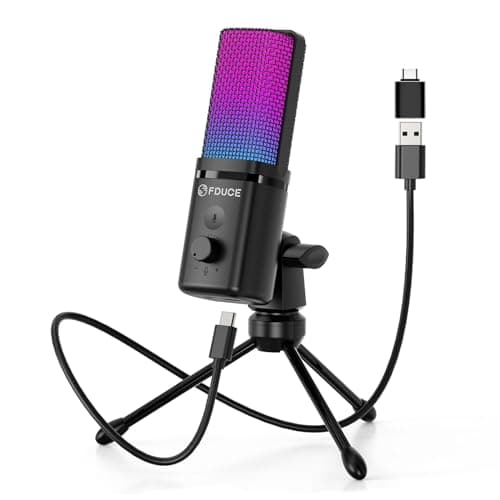
Under $50, a USB microphone with a cardioid pattern is a clear upgrade over a headset mic.
12 min read
Peripherals · Buying Guide
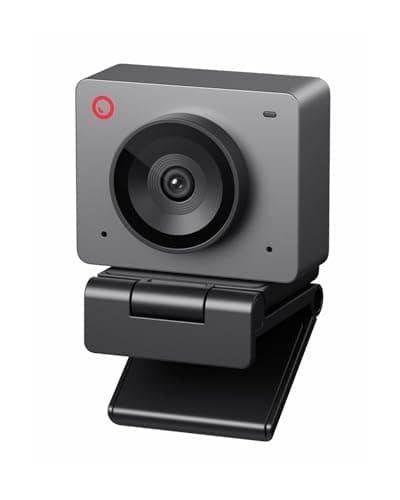
Under $100, a streaming webcam can still reach 1080p at 60fps with autofocus.
12 min read
Peripherals · Buying Guide
Between $100 and $150, mechanical keyboards add wireless, hot-swap sockets, gasket mounts or magnetic switches.
12 min read
Peripherals · Buying Guide
Under $100, gaming keyboards now include magnetic switches with rapid trigger as well as budget mechanical boards.
12 min read
Peripherals · Buying Guide
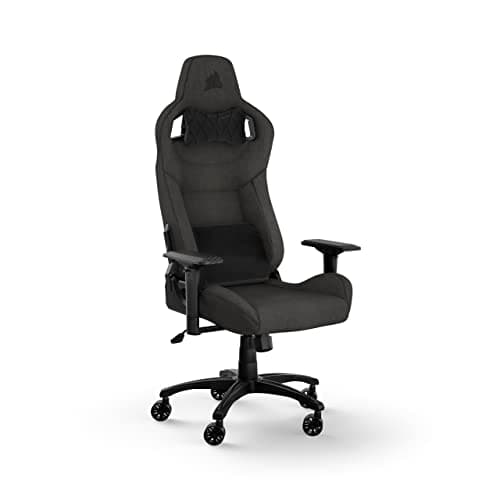
Between $150 and $300, gaming chairs gain better armrests, built-in or adjustable lumbar support and higher weight ratings.
12 min read
Peripherals · Buying Guide
Under $50, wireless gaming mice usually run on 2.4GHz dongles and some add Bluetooth.
12 min read
Peripherals · Buying Guide
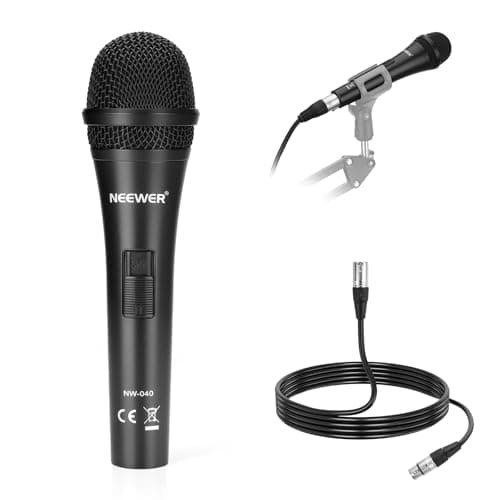
Broadcast microphones are usually dynamic, which rejects room noise and suits speaking close to the mic.
12 min read
Peripherals · Buying Guide
Dynamic microphones pick up less of the room, which helps when two hosts share a table.
12 min read
Peripherals · Buying Guide
An XLR microphone plugs into an audio interface or mixer, which adds gain control and room to upgrade later.
12 min read
Peripherals · Buying Guide
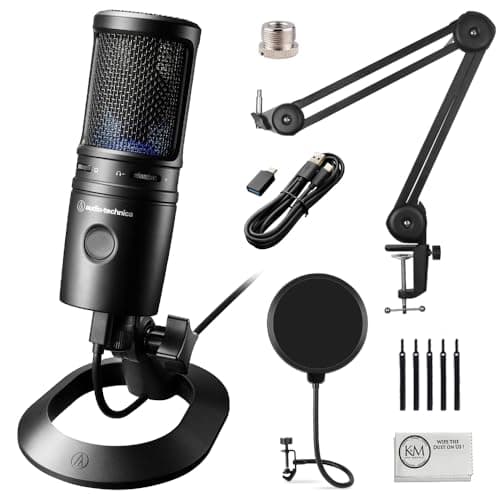
USB condenser microphones capture detail and plug straight into a PC, but they also hear more of the room.
12 min read
Peripherals · Buying Guide
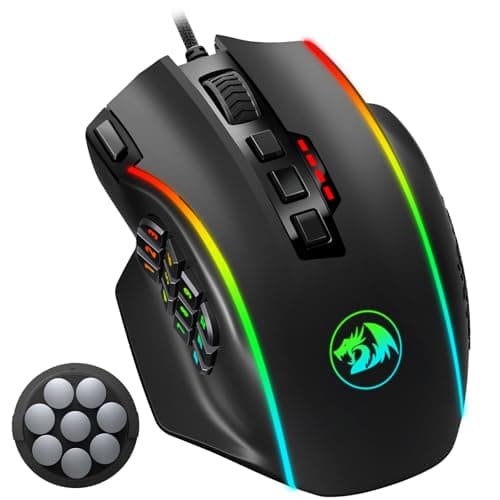
Side buttons put reload, push-to-talk or browser back within thumb reach.
12 min read
Peripherals · Buying Guide
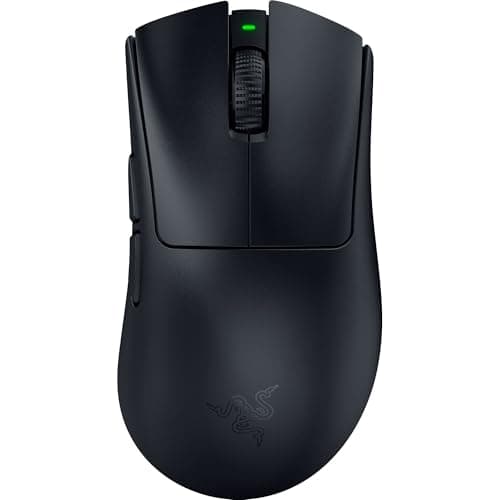
Ergonomic gaming mice are sculpted for one hand so the palm rests on the shell.
12 min read
Peripherals · Buying Guide
Lightweight gaming mice at 60g or less take less effort to flick and stop.
12 min read
Peripherals · Buying Guide
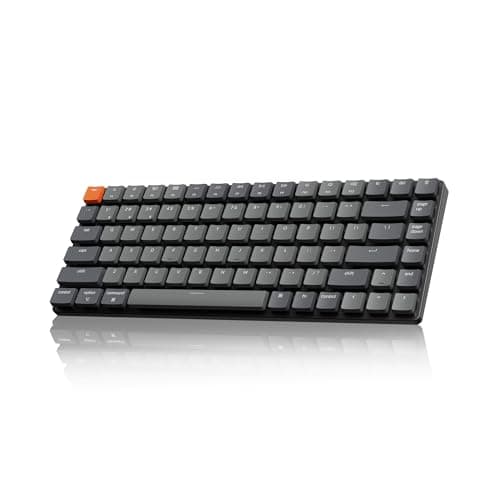
Low-profile mechanical keyboards shorten the switches and keycaps, so your wrists sit lower without a wrist rest.
11 min read
Peripherals · Buying Guide
Magnetic (Hall effect) switches measure how far a key is pressed, so you can set the actuation point and use rapid trigger.
12 min read
Peripherals · Buying Guide
Hall effect keyboards sense key position with magnets instead of metal contacts.
11 min read
Peripherals · Buying Guide
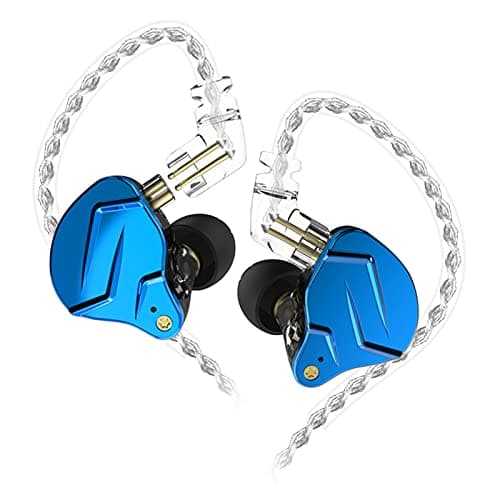
A detachable microphone lets a gaming headset double as everyday headphones.
12 min read
Peripherals · Buying Guide
A 2.4GHz dongle gives lower delay than Bluetooth, which matters in games.
12 min read
Peripherals · Buying Guide
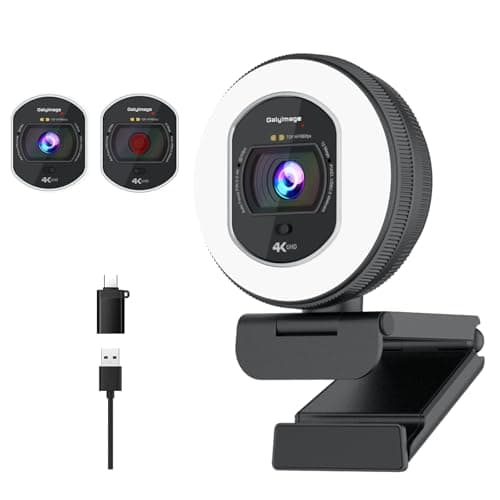
1080p at 60fps gives smooth motion on stream without the bandwidth of 4K.
12 min read
Peripherals · Buying Guide
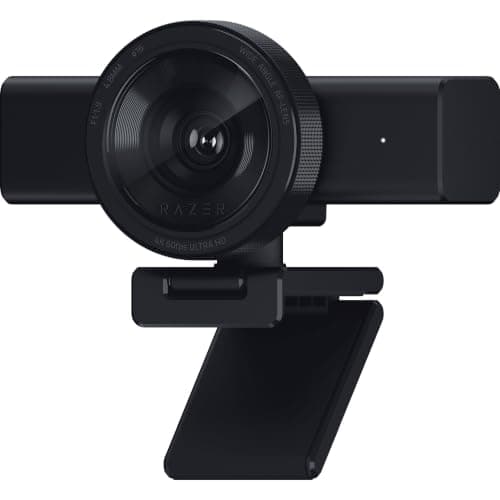
Autofocus keeps you sharp as you lean in or hold up an object; phase-detect (PDAF) is the fastest type.
12 min read
Peripherals · Buying Guide
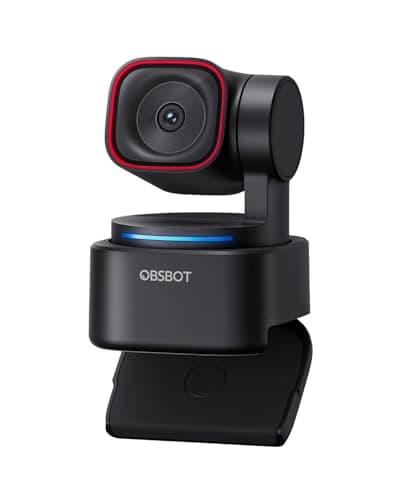
A 4K webcam gives room to crop and zoom while still sending a sharp 1080p stream.
12 min read
Peripherals · Buying Guide
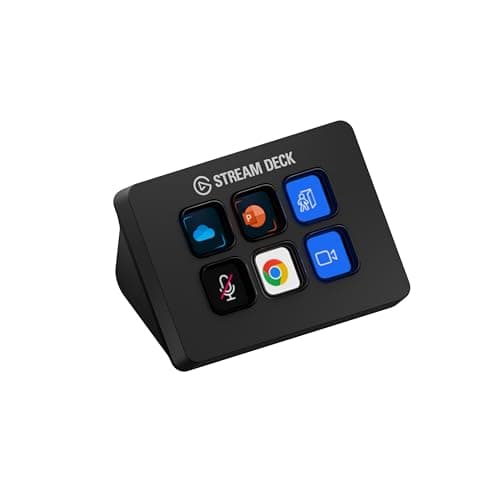
A stream controller puts scene changes, mutes and macros on physical keys.
11 min read
Peripherals · Buying Guide
A 4K capture device brings a 4K HDMI source into your PC.
12 min read
Peripherals · Buying Guide
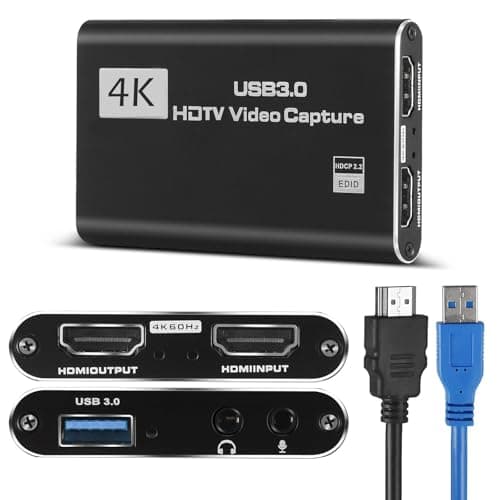
Under $50, USB capture cards record 1080p at 60fps from a console or camera, and some pass the signal through to a TV.
12 min read
Peripherals · Buying Guide
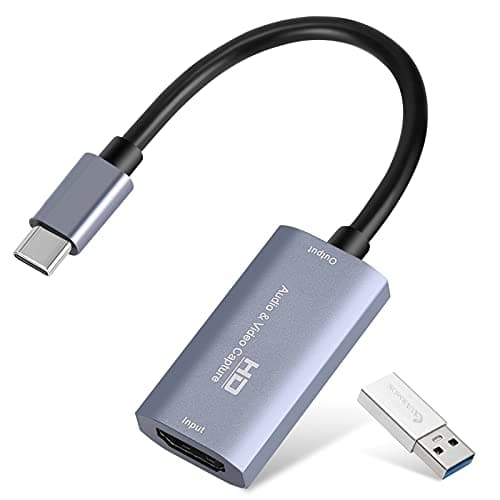
A USB-C capture card connects straight to a modern laptop without an adapter.
11 min read
Peripherals · Buying Guide
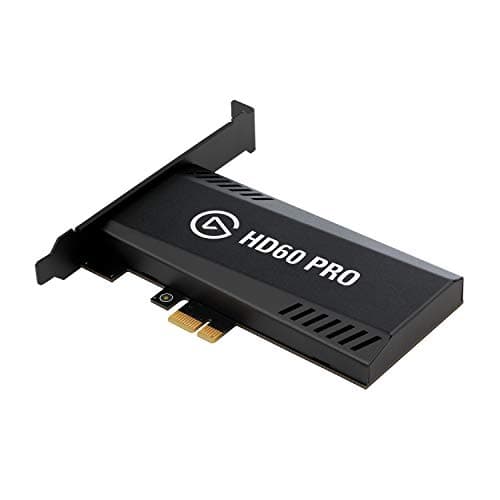
An internal PCIe capture card sits in a desktop's expansion slot, freeing a USB port and cutting cable clutter.
12 min read
Peripherals · Buying Guide
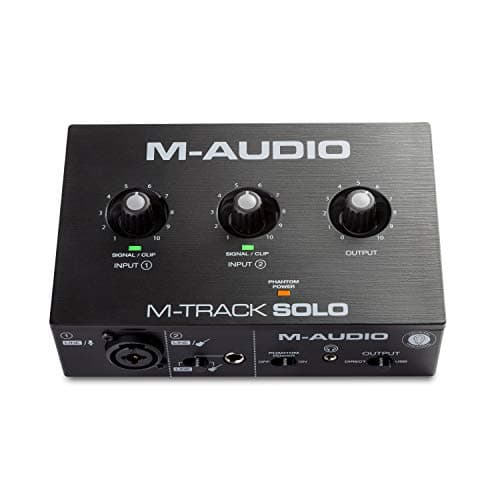
An audio interface connects an XLR microphone to the PC and gives you a gain knob and headphone monitoring.
12 min read
Peripherals · Buying Guide
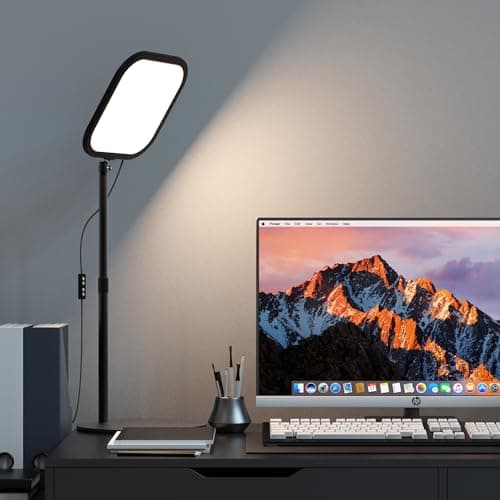
A key light is the main light on your face; a soft, adjustable panel fixes more webcam problems than a new camera.
12 min read
Peripherals · Buying Guide
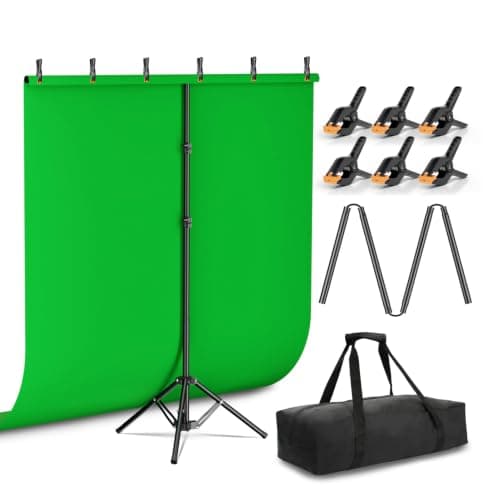
A green screen lets streaming software replace the background cleanly.
12 min read
Peripherals · Buying Guide
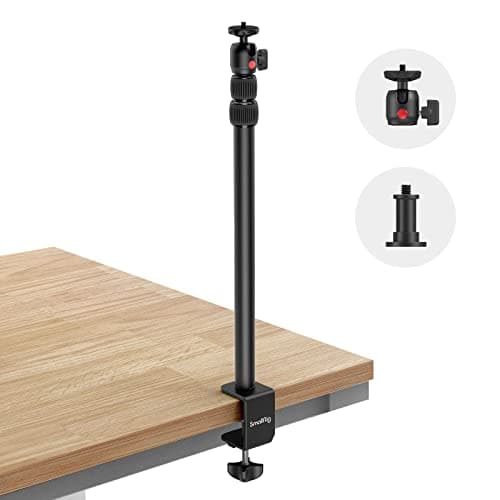
A camera mount lifts a webcam or camera off the monitor, so you can frame the shot from above or the side.
12 min read
Peripherals · Buying Guide
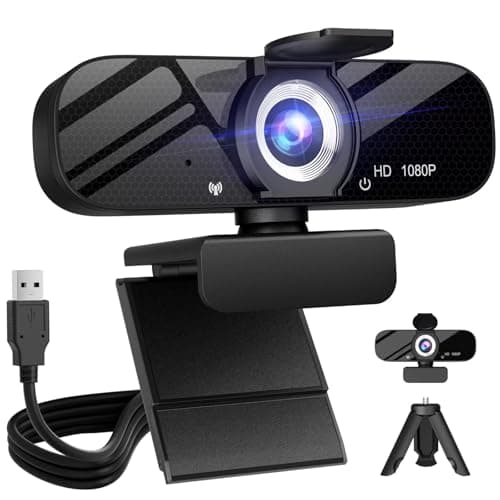
A webcam with a tripod can sit on the desk, a shelf or beside the monitor instead of clipping to the screen.
12 min read
Peripherals · Buying Guide
A webcam with a built-in ring light brightens your face without a separate lamp.
11 min read
Peripherals · Buying Guide
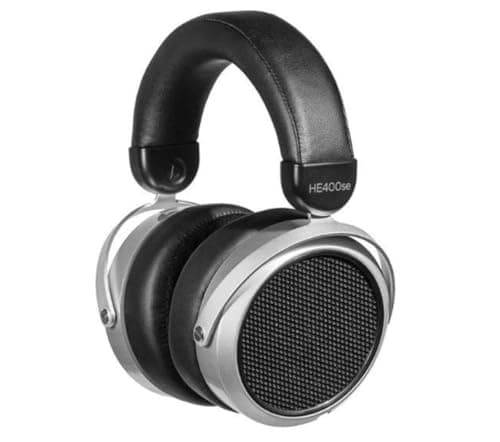
Planar magnetic headphones drive a thin diaphragm across its whole surface, which gives fast, detailed sound.
12 min read
Peripherals · Buying Guide
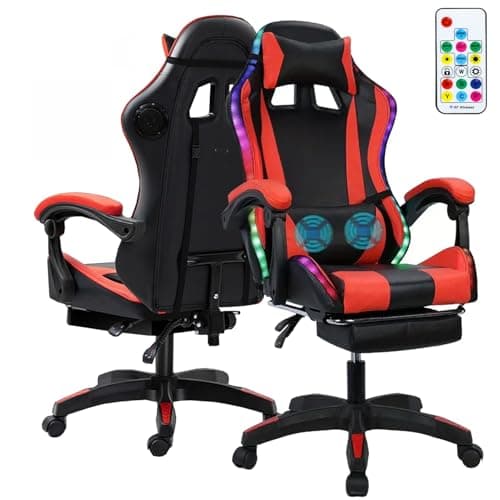
Gaming chairs with built-in speakers put sound right behind your head without a desk speaker.
12 min read
Peripherals · Buying Guide
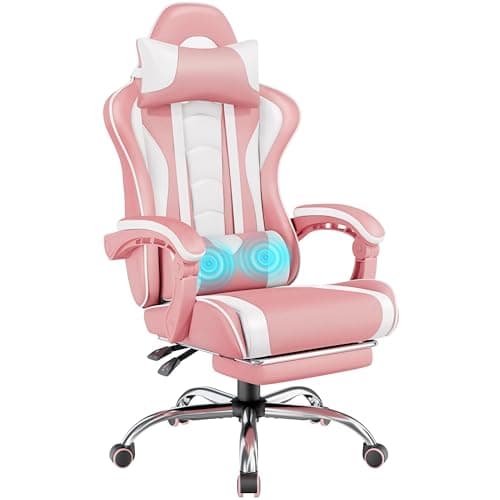
A white gaming chair suits a white desk setup.
12 min read
Peripherals · Buying Guide
Anyone can sit in any chair; this list covers the pink and pastel gaming chairs people often look for under this search.
12 min read
Peripherals · Buying Guide
RGB gaming speakers add lighting that can match a keyboard and mouse.
11 min read
Peripherals · Buying Guide
USB-powered speakers run from the PC with no wall adapter.
11 min read
Peripherals · Buying Guide
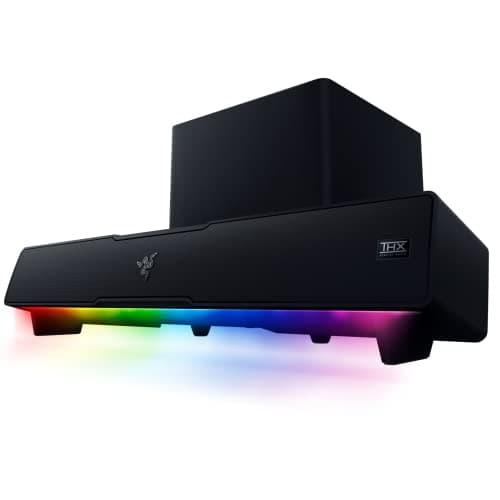
Bluetooth PC speakers also play music from a phone or tablet.
12 min read
Peripherals · Buying Guide
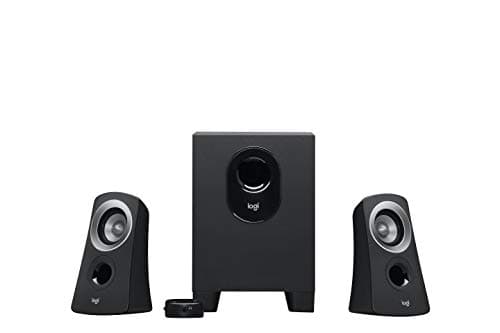
A 2.1 set adds a separate subwoofer for bass that small desk speakers cannot reach.
11 min read
Peripherals · Buying Guide
Budget external SSDs still beat hard drives for speed and toughness.
12 min read
Peripherals · Buying Guide
Rugged portable SSDs add drop, dust or water ratings for field work.
12 min read
Peripherals · Buying Guide
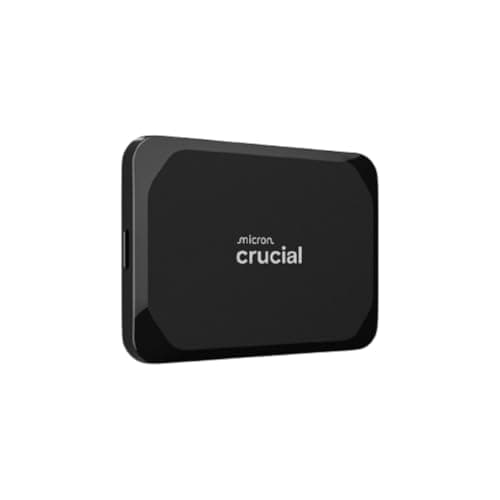
The PS5 can store and play PS4 games from an external USB drive, and store PS5 games there to move back internally.
12 min read
Peripherals · Buying Guide
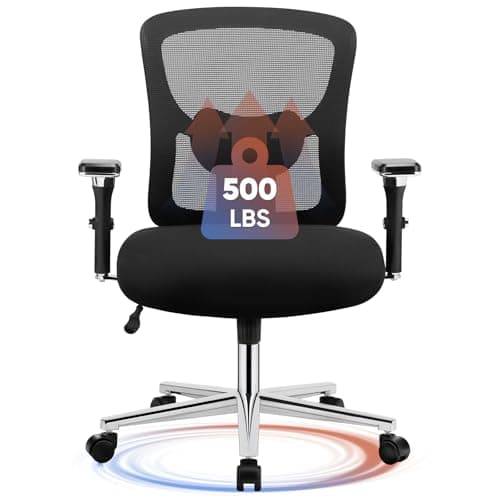
4D armrests move up, down, forward, back and pivot, so they fit a desk and a keyboard position.
11 min read
Peripherals · Buying Guide
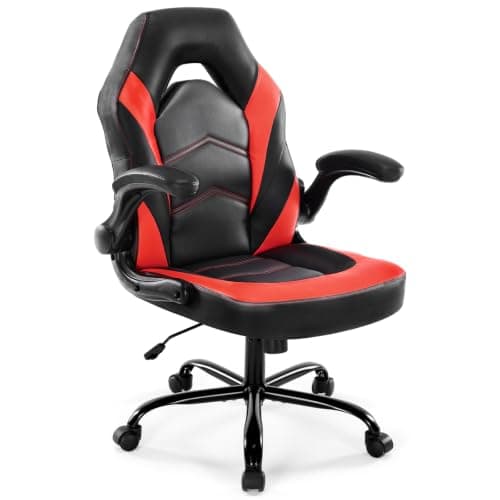
Rocking gaming chairs let you lean back and forth during breaks.
11 min read
Peripherals · Buying Guide
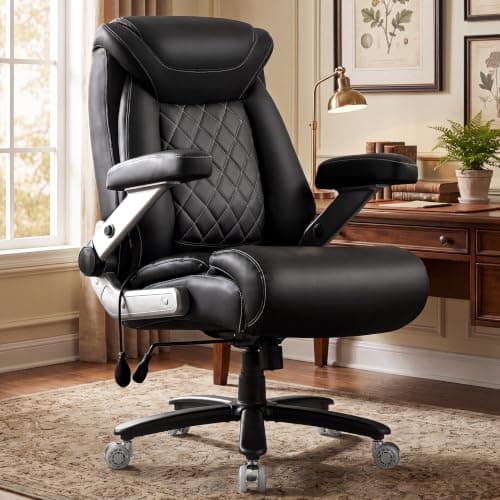
Taller users need a higher seat, a taller backrest and a seat deep enough to support the thighs.
12 min read
Peripherals · Buying Guide
A headrest or neck pillow supports your head when you recline.
12 min read
Peripherals · Buying Guide
Gaming recliners lean back to 150 degrees or more for breaks and films.
12 min read
Peripherals · Buying Guide
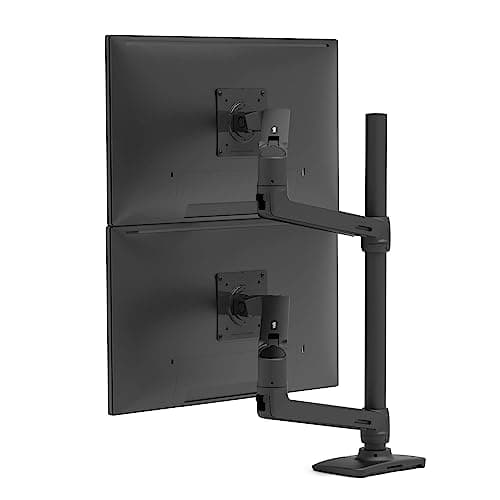
Premium monitor arms add smoother gas springs, higher weight limits and cable routing.
12 min read
Peripherals · Buying Guide
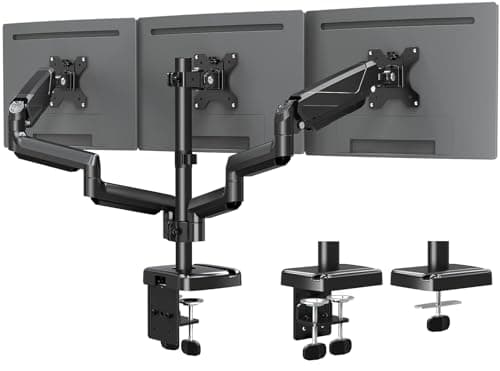
Triple monitor arms hold three screens on one clamp.
12 min read
Peripherals · Buying Guide
Ultrawide monitors are heavy and wide, so the arm needs a high weight limit.
11 min read
Peripherals · Buying Guide
For video calls, clear 1080p, good auto exposure and a privacy cover matter most.
12 min read
Peripherals · Buying Guide
YouTube recordings benefit from 4K for cropping and sharper detail.
12 min read
Peripherals · Buying Guide
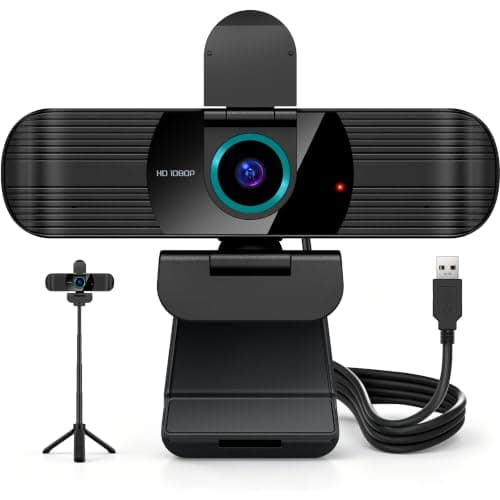
Video podcasts need a camera that holds focus as you lean toward the mic.
12 min read
Peripherals · Buying Guide
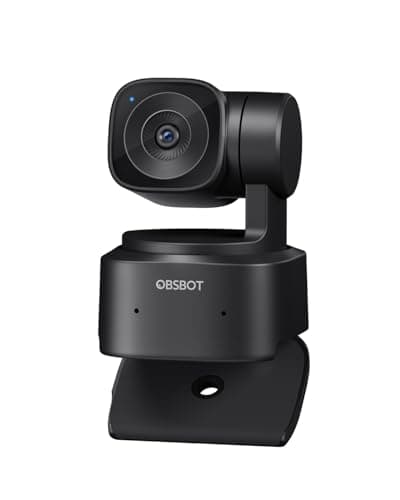
In a large room, the camera needs tracking, framing or zoom to keep people in view.
12 min read
Peripherals · Buying Guide
In a small room, a compact 1080p camera is enough and a wide view shows too much background.
12 min read
Peripherals · Buying Guide
Esports streams run at a high frame rate, so a smooth camera matches the gameplay.
12 min read
Peripherals · Buying Guide
Above $150, webcams add larger sensors, 4K60, PDAF and AI tracking.
11 min read
Peripherals · Buying Guide
Between $100 and $200, gaming chairs add better lumbar support, footrests and higher weight ratings.
12 min read
Peripherals · Buying Guide
A footrest makes a reclined chair usable for resting between sessions.
12 min read
Peripherals · Buying Guide
Above $300, gaming chairs gain better armrests, sturdier frames and adjustable lumbar support.
11 min read
Peripherals · Buying Guide
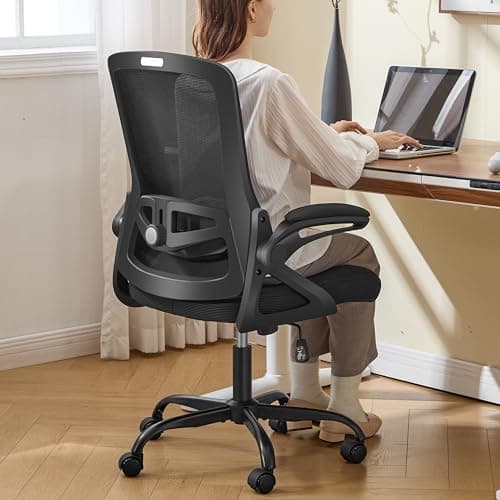
A high weight rating is only useful when the base, cylinder and seat width match it.
12 min read
Peripherals · Buying Guide
Massage pillows in gaming chairs are small vibration pads, not massage chairs, so treat them as a comfort extra.
12 min read
Peripherals · Buying Guide
Long coding sessions call for breathable mesh and armrests that support your forearms at the keyboard.
12 min read
Peripherals · Buying Guide
A first gaming chair should cover the basics: height adjustment, lumbar support and a stable base.
12 min read
Peripherals · Buying Guide
Under $100, comfort and the microphone matter more than surround sound modes.
12 min read
Peripherals · Buying Guide
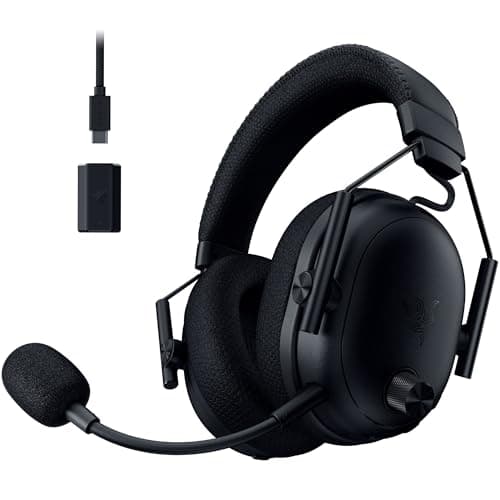
Active noise cancellation helps in a loud room or shared space, and it costs battery life.
11 min read
Peripherals · Buying Guide
Earbuds are lighter than a headset for long sessions, but the mic sits far from your mouth.
11 min read
Peripherals · Buying Guide
Programmers type all day, so a comfortable layout and quiet, consistent keys count more than lighting.
12 min read
Peripherals · Buying Guide
Under $50, mechanical keyboards give up wireless and premium keycaps but keep real switches.
12 min read
Peripherals · Buying Guide
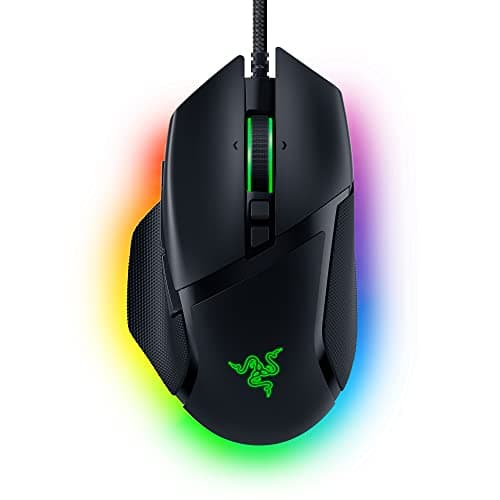
Under $50, a wired mouse avoids paying for a battery and wireless link, so the money goes to the sensor and shape.
12 min read
Peripherals · Buying Guide
A single arm frees desk space and lets you set the screen at eye level.
12 min read
Peripherals · Buying Guide
Shorter people need a low minimum seat height so their feet reach the floor.
12 min read
Peripherals · Buying Guide
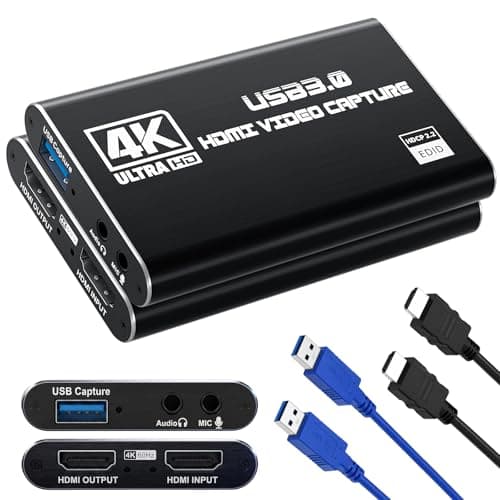
The PS5 outputs over HDMI, so a capture card needs HDMI passthrough to keep your TV or monitor lag-free.
12 min read
Peripherals · Buying Guide
Creators need a webcam that holds focus while they move and records in 4K for cropping.
11 min read
Peripherals · Buying Guide
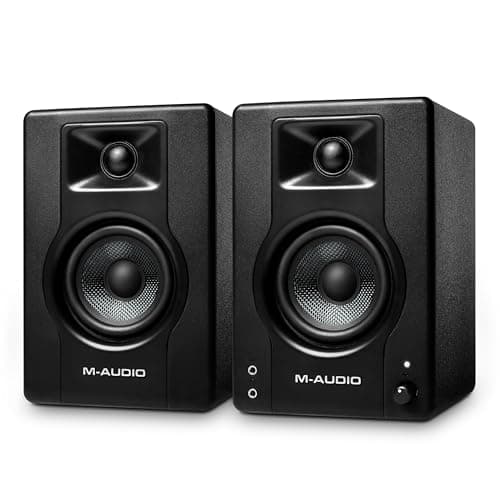
Music production needs speakers with a flat response so mixes translate to other systems.
12 min read
Peripherals · Buying Guide
A 65% board drops the function row and number pad but keeps the arrow keys, which suits gaming and coding alike.
12 min read
Peripherals · Buying Guide
A 75% layout keeps the function row and arrow keys in a compact footprint.
12 min read
Peripherals · Buying Guide
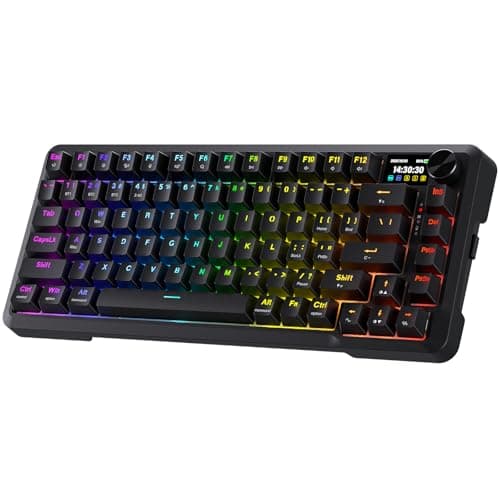
A small built-in screen can show battery, connection or custom images without opening software.
11 min read
Peripherals · Buying Guide
A home office keyboard should switch between a work laptop and a personal PC and stay quiet on calls.
12 min read
Peripherals · Buying Guide
A mouse that runs for months on one battery removes a small but regular annoyance.
12 min read
Peripherals · Buying Guide
Higher polling rates report movement more often, which trims input delay in fast shooters.
12 min read
Peripherals · Buying Guide
Editing on large or high-resolution screens benefits from a precise sensor and programmable buttons for shortcuts.
12 min read
Peripherals · Buying Guide
Virtual surround and spatial audio help place footsteps and effects around you in games.
12 min read
Peripherals · Buying Guide
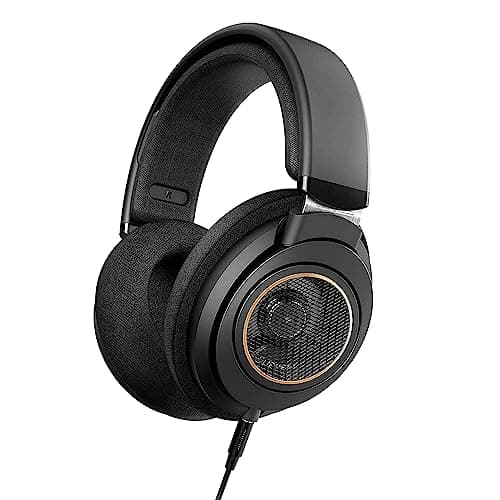
Editing audio for video calls for accurate, uncoloured sound more than game-tuned bass.
12 min read
Peripherals · Buying Guide
Built-in or adjustable lumbar support stays in place better than a loose pillow.
12 min read
Peripherals · Buying Guide
In a small room, flip-up armrests let a chair slide fully under the desk when you're done.
12 min read
Peripherals · Buying Guide
RGB chairs add lighting strips, often with speakers, for a themed setup.
11 min read
Peripherals · Buying Guide
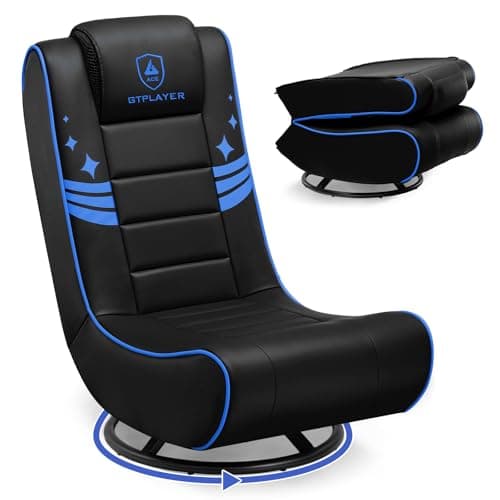
Folding floor chairs store flat when you're done, which suits a shared room.
11 min read
Peripherals · Buying Guide
A desktop soundbar fits under a monitor and runs from USB or 3.5mm without a TV connection.
11 min read
Peripherals · Buying Guide
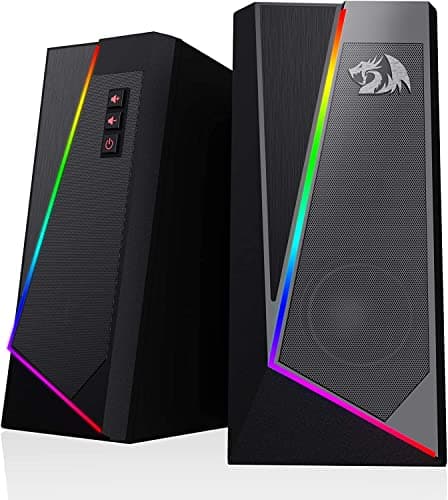
Compact speakers fit beside a monitor on a small desk.
12 min read
Prioritize comfort and layout for your use.
Check connection and software support.
Consider repairability and replacement parts.