
Peripherals · Buying Guide
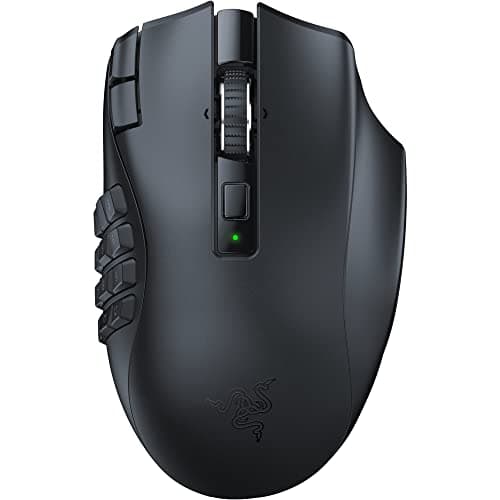
The Best MMO Gaming Mice
Count the thumb buttons you will use, then decide whether wireless and battery life are worth the premium.
12 min read
Peripherals
Choose a mouse by grip, hand size and connection first; sensor numbers matter less than the shape. These guides compare gaming and work mice by use and budget.
119 buying guides and 4 explainers.
Shape and size against your hand and grip
Wired, 2.4 GHz or Bluetooth, and battery life
Weight and button count for your games or apps
Shape and size should fit your grip before weight, sensor specifications, polling rate, or extra buttons.
Work out your own effective sensitivity and decide whether a 1000 Hz or 8000 Hz mouse suits your PC and games.
Decide which connection fits your setup, and which settings to check before you rely on a wireless mouse or keyboard.
Pay for gaming mouse features that improve fit, reliability, and the tasks you repeat; skip headline specifications that your host, room, or software
Peripherals · Buying Guide
Count the thumb buttons you will use, then decide whether wireless and battery life are worth the premium.
12 min read
Peripherals · Buying Guide
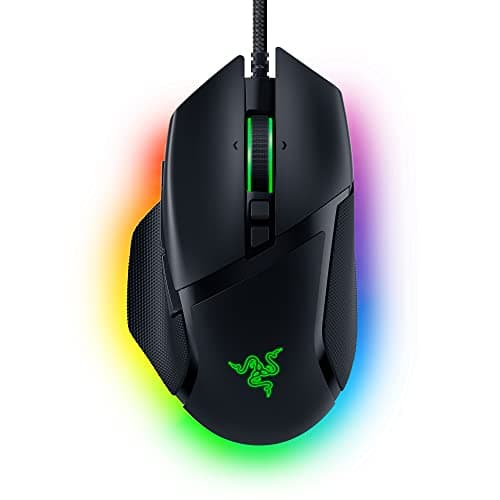
RGB mice match a lit desk, often with zones under the shell.
12 min read
Peripherals · Buying Guide
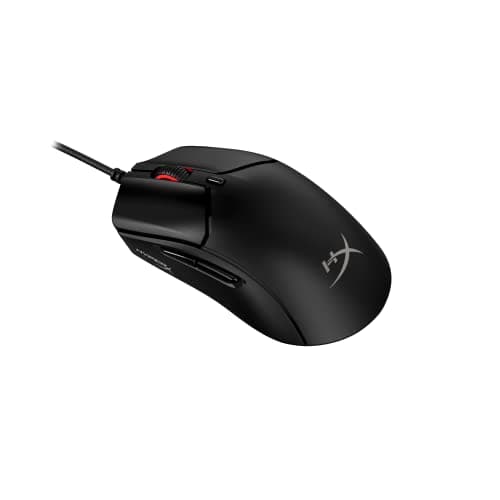
Gaming mice differ most in shape, weight, connection and polling rate.
12 min read
Peripherals · Buying Guide
Silent switches cut click noise for shared rooms and calls.
12 min read
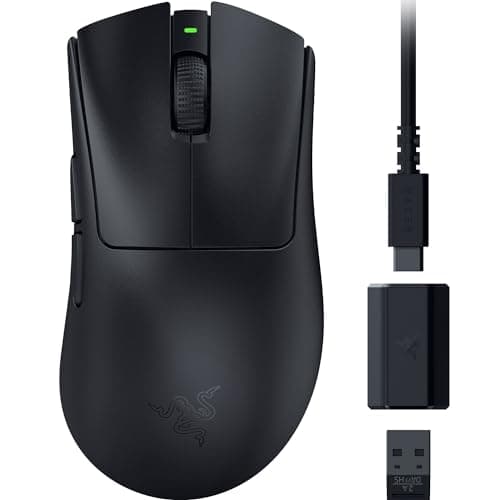
Peripherals · Buying Guide
USB-C charging means one cable for your phone, laptop and mouse.
11 min read
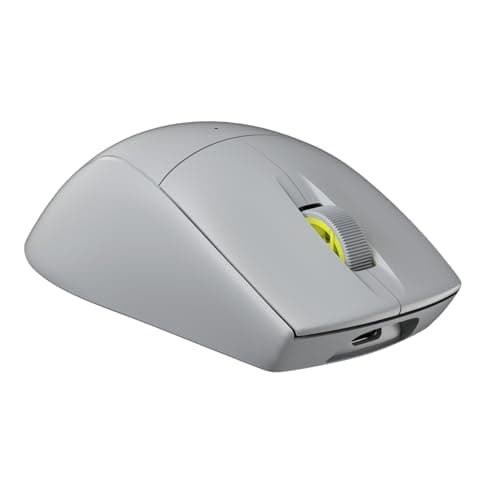
Peripherals · Buying Guide
Corsair's mice range from 60g esports shells to a large palm-grip Ironclaw; weight and buttons tell them apart.
12 min read