
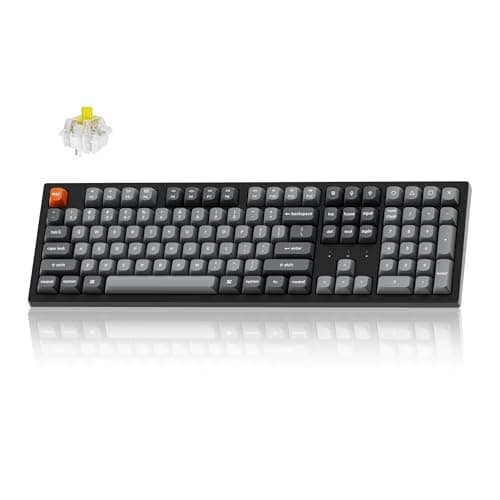
Peripherals · Buying Guide
The Best Keyboards for PC
Start with layout and connection; switch type matters most if you play fast games.
13 min read
Peripherals
Start with layout and switch type, then connection and OS support. These guides compare mechanical, wireless and work keyboards by size and use.
139 buying guides and 3 explainers.
Layout (full-size, TKL, 75%, 65%) for your desk and number-pad needs
Switch type and whether switches are hot-swappable
Mac or Windows key legends and software support
Start with layout and daily use, then select switch feel, sound, connectivity, programmability, and serviceability.
Check which keys you use daily before you pick a size, and learn how function layers replace the ones that disappear.
Pay for mechanical keyboard features that improve fit, reliability, and the tasks you repeat; skip headline specifications that your host, room, or so
Peripherals · Buying Guide
Start with layout and connection; switch type matters most if you play fast games.
13 min read
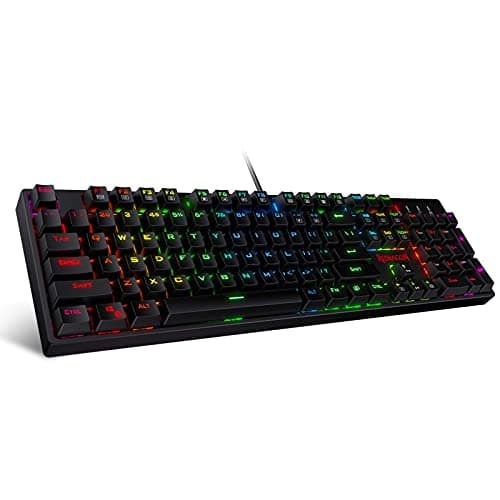
Peripherals · Buying Guide
Per-key RGB lets you colour-code keys and match other gear.
12 min read
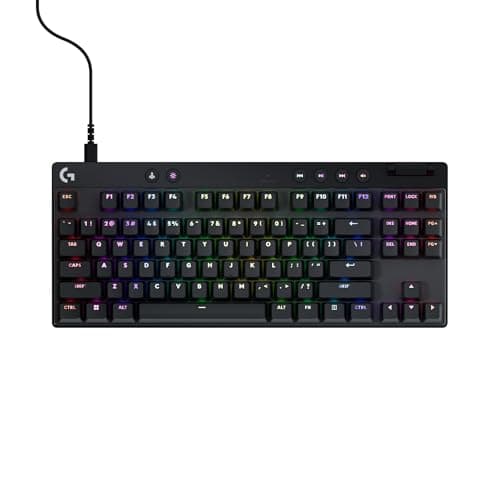
Peripherals · Buying Guide
Dropping the number pad gives the mouse more room; switches and wireless decide the rest.
12 min read
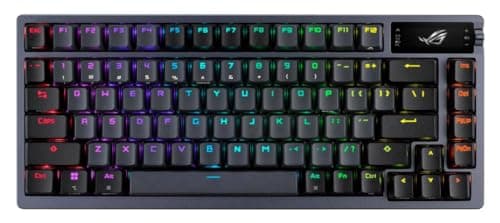
Peripherals · Buying Guide
ASUS's range runs from spill-resistant TUF boards to hot-swap ROG enthusiast models.
12 min read
Peripherals · Buying Guide
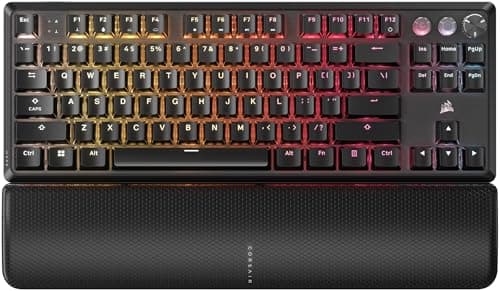
Six boards across magnetic, optical and mechanical switches.
12 min read
Peripherals · Buying Guide
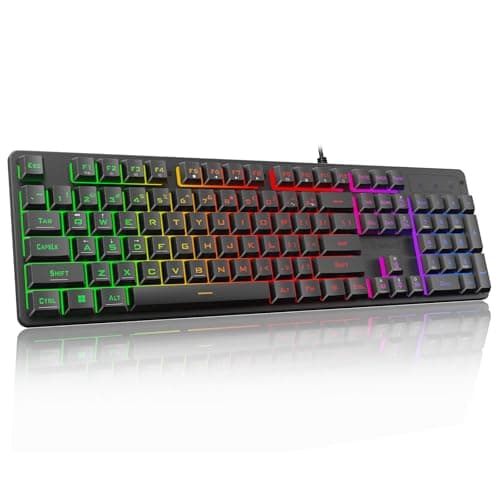
Quiet boards use silent switches, dampening foam or membranes.
12 min read