
Peripherals · Buying Guide
The Best USB-C Hubs for PC
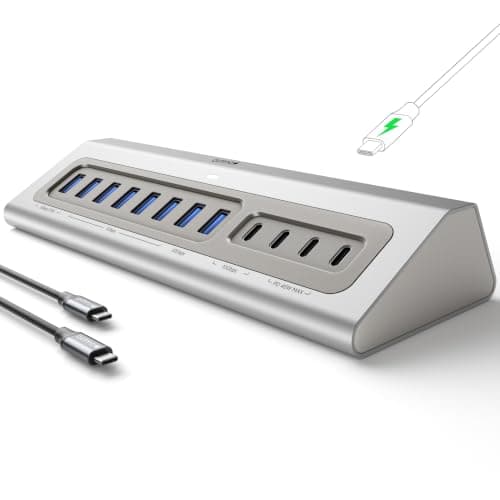
A USB-C hub moves your ports onto the desk, which helps a desktop PC where the rear I/O is out of reach.
12 min read
Peripherals
Hubs and docks share one port's bandwidth among every device you plug in. These guides compare USB hubs, docks and KVM switches by ports and display support.
1 buying guides and 6 explainers.
Host port type (USB-C, Thunderbolt, USB-A) and its bandwidth
Number of displays and refresh rate supported
Power delivery wattage for your laptop
A hub adds ports; a dock is designed to become a workstation connection point. Choose by display, charging, bandwidth, and host support.
Match the KVM to computer count, display resolution and refresh, USB device needs, and switching workflow.
Choose by Bluetooth version, required profiles, antenna placement, USB or PCIe form, driver support, and interference.
Verify the host's USB-C capabilities first, then match displays, charging, data bandwidth, Ethernet, and power-button behavior.
Pay for usb hub features that improve fit, reliability, and the tasks you repeat; skip headline specifications that your host, room, or software canno
Pay for kvm switch features that improve fit, reliability, and the tasks you repeat; skip headline specifications that your host, room, or software ca
Peripherals · Buying Guide
A USB-C hub moves your ports onto the desk, which helps a desktop PC where the rear I/O is out of reach.
12 min read