
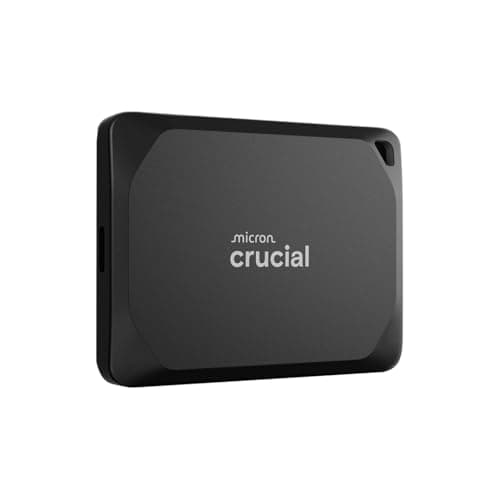
Peripherals · Buying Guide
The Best External SSDs
Check which USB speed your computer supports first; a 2,000MB/s or 4,000MB/s drive only reaches its rating on a matching port.
12 min read
Peripherals
External drive speed is capped by the port it plugs into. These guides compare portable SSDs, hard drives and flash drives by speed, capacity and device support.
49 buying guides and 2 explainers.
USB port speed on your PC or console (USB 3.2 Gen 2, USB4, Thunderbolt)
Console or Mac support if you need it
Capacity against your backup or game library
Decide whether bulk backup capacity or fast, shock-tolerant storage is the better fit for how you use an external drive.
Match a portable SSD to a port and cable that can actually deliver its speed, and know which names mean the same thing.
Peripherals · Buying Guide
Check which USB speed your computer supports first; a 2,000MB/s or 4,000MB/s drive only reaches its rating on a matching port.
12 min read
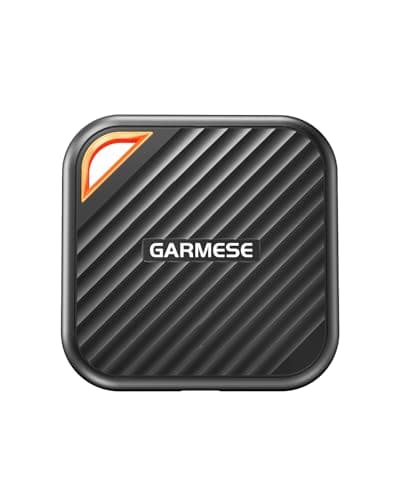
Peripherals · Buying Guide
1TB is the capacity that decides how many games or projects travel with you.
12 min read
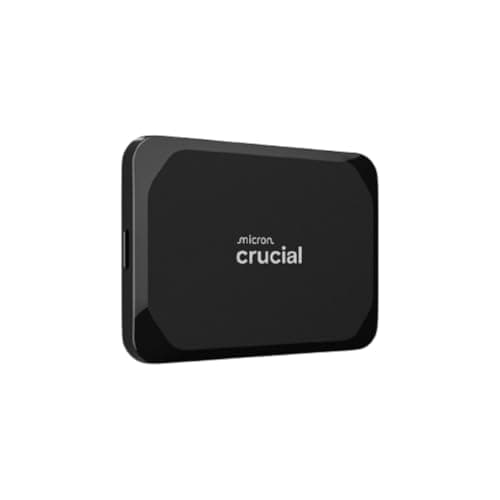
Peripherals · Buying Guide
2TB is the capacity that decides how many games or projects travel with you.
12 min read
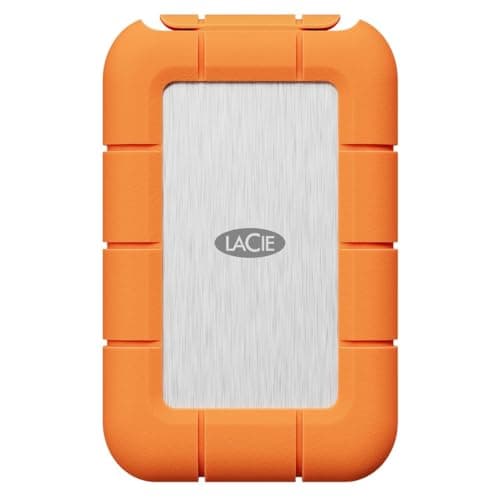
Peripherals · Buying Guide
Fast portable SSDs only reach their speed on a 10Gbps or faster USB port.
12 min read
Peripherals · Buying Guide
Fast portable SSDs only reach their speed on a 10Gbps or faster USB port.
12 min read
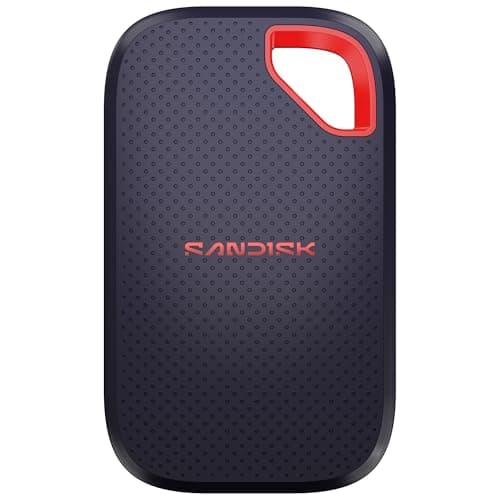
Peripherals · Buying Guide
The fastest portable SSDs need a 20Gbps port. Here is when that matters and which drives to pick.
12 min read