
Components · Buying Guide
The Best SSDs for a PC Build
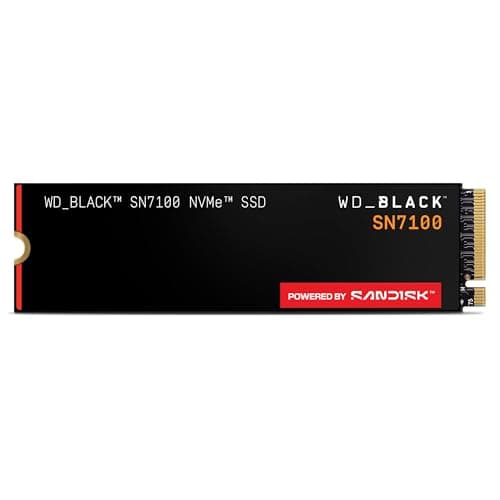
A 2TB Gen4 drive suits most builds; Gen5 only helps with a Gen5 M.2 slot and big file copies.
12 min read
Components
Internal storage choices start with the slot: M.2 NVMe, SATA or a 3.5-inch bay. These guides compare drives by interface, capacity and workload.
51 buying guides and 15 explainers.
M.2 length (2280) and the PCIe generation of the slot
Whether a heatsink fits under the GPU or the board's own cover
Whether the M.2 slot disables SATA ports on your board
NVMe offers much higher peak throughput, but everyday gains depend on workload; compatibility, capacity, thermals, and price still matter.
A SATA SSD remains useful when NVMe slots are unavailable or capacity value matters more than peak sequential speed.
Choose capacity and real workload first, then controller, NAND, endurance, thermals, warranty, and interface generation.
Installation is simple once you confirm slot type, supported length, lane sharing, standoff position, and firmware detection.
Match interface speed, sustained performance, durability, capacity, encryption, and host compatibility to the transfer workload.
NAS drives should match bay count, workload, RAID plan, vibration environment, compatibility list, and backup strategy.
A heatsink is useful when sustained writes or poor airflow push a drive toward thermal throttling, but fit and controller location matter.
TBW is a warranty endurance limit, not a countdown timer; workload, warranty period, controller behavior, and backups matter more than one number.
Size the drive for the operating system, active applications, games or projects, free-space headroom, and a backup plan.
Game storage decisions depend on library size, load behavior, update space, DirectStorage support, and available slots.
A reliable clone starts with backup, health checks, correct partition sizing, and a controlled first boot from the new drive.
A boot drive needs enough headroom, reliable firmware, suitable endurance, recovery planning, and predictable performance under mixed workloads.
Choose by workload, capacity, recording technology, noise, warranty, and backup role rather than RPM alone.
Check your motherboard's M.2 slots, your cooling and your workload to see whether a Gen5 drive earns its cost over Gen4.
Learn what DRAM, HMB, SLC caching and NAND type mean on a spec sheet, and when each one affects your drive's real behaviour.
Components · Buying Guide
A 2TB Gen4 drive suits most builds; Gen5 only helps with a Gen5 M.2 slot and big file copies.
12 min read
Components · Buying Guide
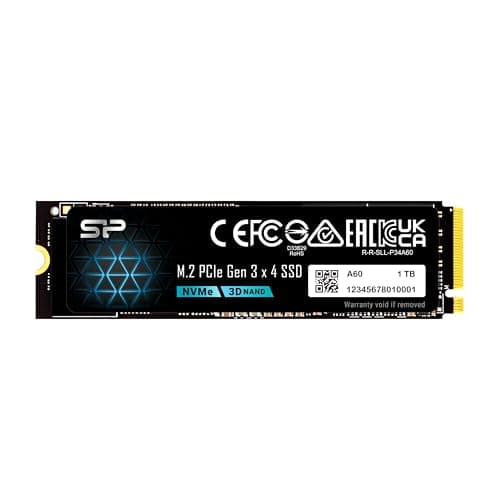
1TB covers Windows, apps and a few big games.
12 min read
Components · Buying Guide
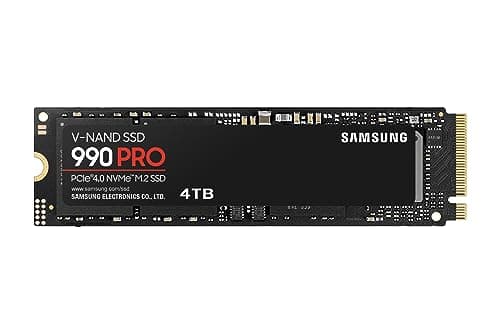
At 4TB, endurance and price per terabyte matter as much as peak speed.
12 min read
Components · Buying Guide
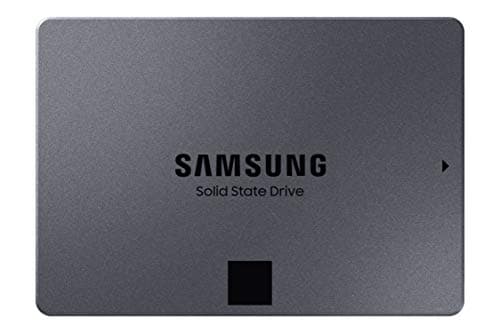
An 8TB SSD holds a very large game library or video archive on one drive.
12 min read
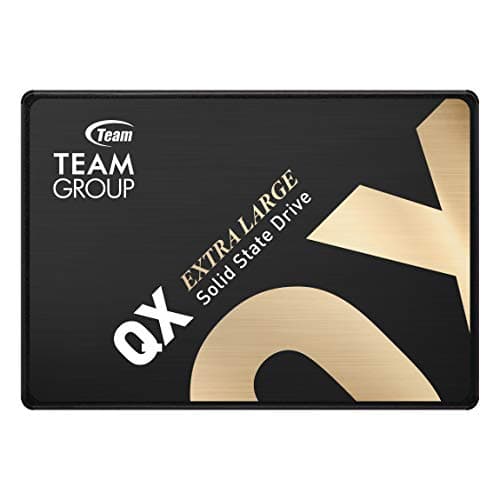
Components · Buying Guide
A SATA SSD is the simplest upgrade for an older desktop, a laptop with a 2.5-inch bay or a secondary game drive.
12 min read
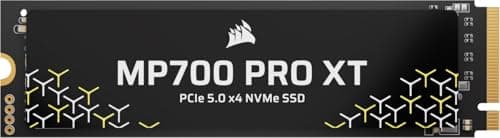
Components · Buying Guide
A DRAM cache keeps write speed steady when you install large games.
12 min read