
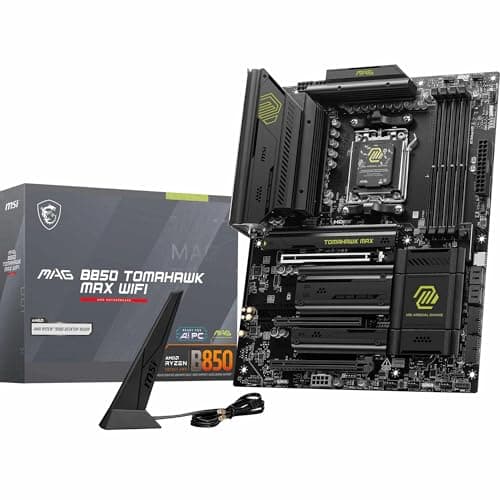
Components · Buying Guide
The Best Motherboards for Gaming PCs
Pick the socket for your CPU first; then count M.2 slots and check networking rather than chasing chipset names.
12 min read
Components
The motherboard decides which CPUs, memory and storage your PC can use now and after an upgrade. These guides compare boards by socket, chipset and form factor.
72 buying guides and 6 explainers.
Socket and chipset for your CPU, plus the BIOS version that supports it
Form factor (ATX, micro-ATX, Mini-ITX) against your case
M.2 slot count and which slots share lanes with SATA or the GPU
Form factor changes case choice, expansion, build difficulty, cooling options, and price more than performance itself.
A chipset shapes connectivity and overclocking options, while the exact board decides many real-world ports and slots.
Verify the exact CPU support list, minimum BIOS version, board revision, flash method, and fallback path before assembly.
Choose the CPU platform first, then pay for the ports, slots, networking, firmware features, and power delivery you will use.
The VRM converts and supplies CPU power; it matters most with power-hungry CPUs, sustained workloads, weak airflow, and overclocking.
Find out which ports a motherboard disables when you fill its M.2 slots, before you buy drives or cards.
Components · Buying Guide
Pick the socket for your CPU first; then count M.2 slots and check networking rather than chasing chipset names.
12 min read
Components · Buying Guide
Every AM5 board runs every AM5 Ryzen; the chipset and price decide slots, ports and power delivery.
12 min read
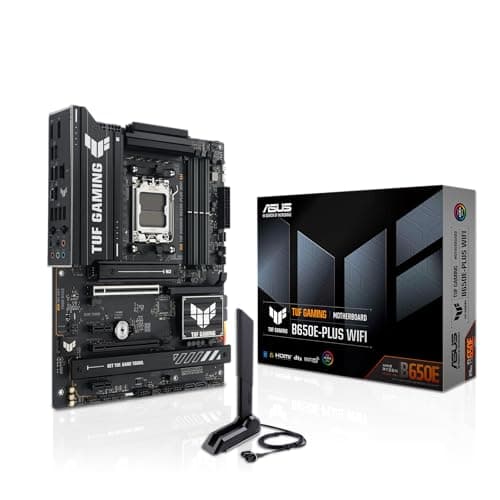
Components · Buying Guide
Micro-ATX B650 boards keep AM5 builds compact and affordable.
11 min read
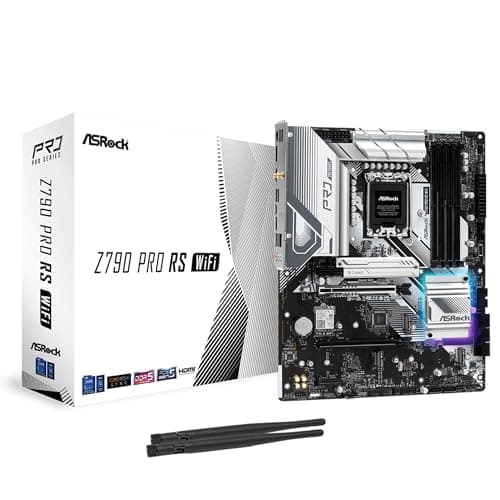
Components · Buying Guide
A DDR5 Z790 board suits 12th to 14th generation Intel chips.
11 min read
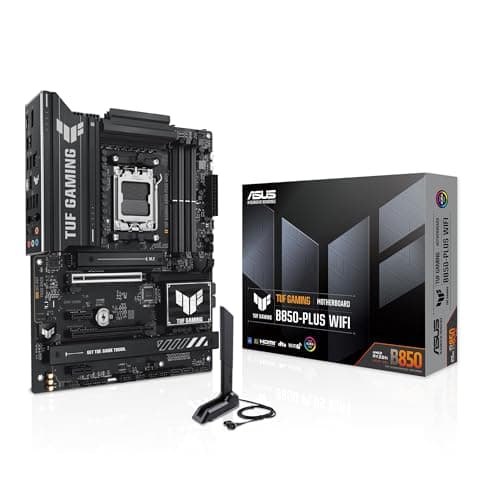
Components · Buying Guide
ASUS covers every size and socket; start from your CPU and case, then compare tiers.
12 min read
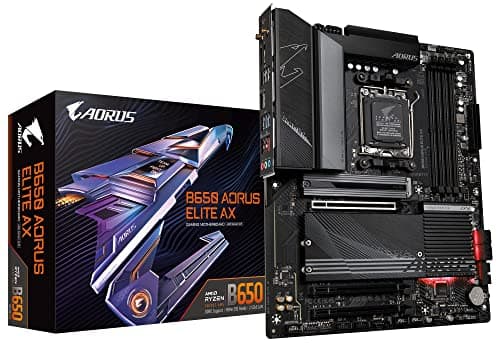
Components · Buying Guide
B650 is still a sound AM5 chipset; compare power stages, M.2 count and whether a board has BIOS Flashback.
12 min read