
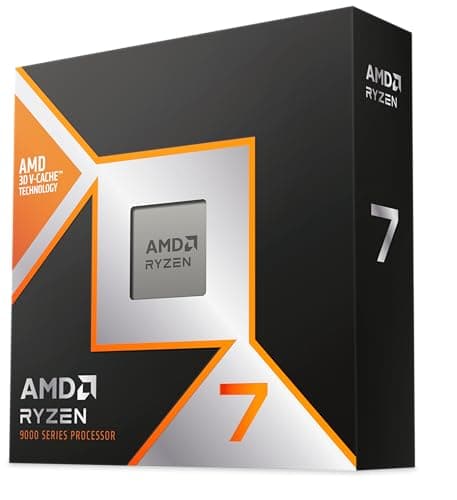
Components · Buying Guide
The Best CPUs
Match the chip to the workload first: cache for games, cores for rendering, bundled coolers for budgets.
13 min read
Components
A processor choice fixes your socket, motherboard chipset and memory type, so start with the platform, then the workload. These guides compare CPUs by budget, by GPU pairing and by task.
226 buying guides and 5 explainers.
Socket and chipset support on the motherboard (AM5, LGA 1700, LGA 1851)
BIOS version needed for the CPU on an older board
Whether the box includes a cooler, and the cooler's rated TDP
Start with workload and target performance, then choose a platform whose motherboard and cooling costs fit the total build.
Check whether a suffix means unlocked, no integrated graphics or extra cache before you buy a desktop CPU.
Confirm socket, chipset support, BIOS version, power delivery, memory generation, and cooler mounting before purchase.
A bottleneck is the component that limits a specific workload at a specific setting, not a permanent label attached to a PC.
CPU specifications describe different constraints; no single number predicts real application performance.
Components · Buying Guide
Match the chip to the workload first: cache for games, cores for rendering, bundled coolers for budgets.
13 min read
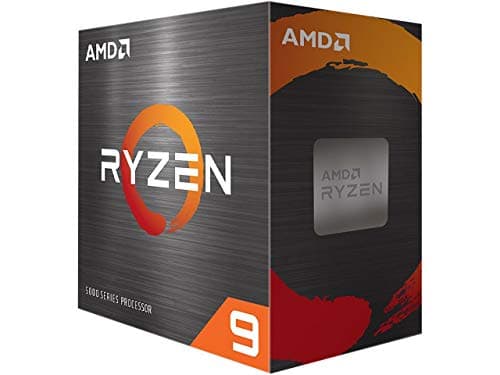
Components · Buying Guide
An AM4 CPU upgrade keeps your motherboard and DDR4 memory.
12 min read
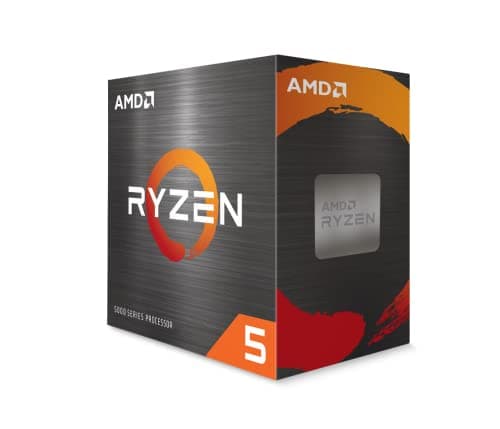
Components · Buying Guide
AMD's Ryzen range covers AM4 upgrades and AM5 new builds.
12 min read
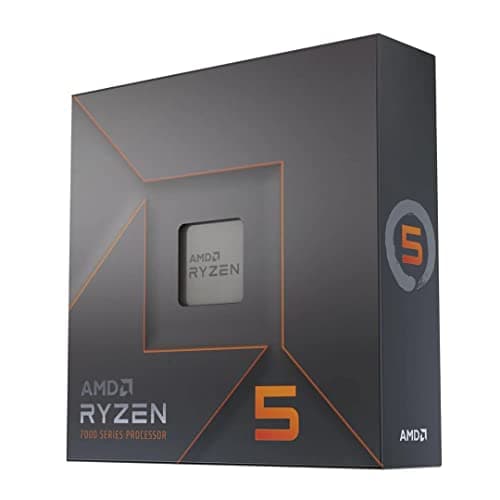
Components · Buying Guide
VR games must hold 90fps or more, and CPU spikes cause dropped frames.
12 min read
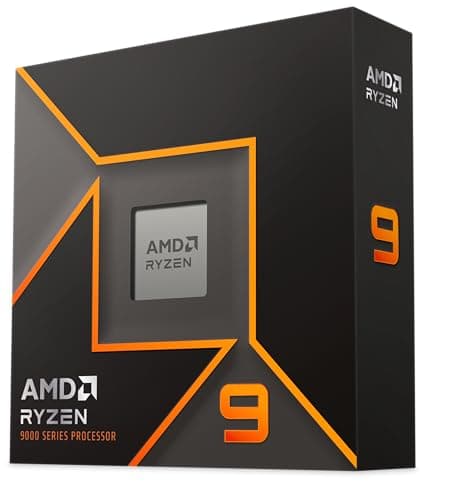
Components · Buying Guide
Most CAD modelling runs on one or two threads, while rendering uses them all.
12 min read
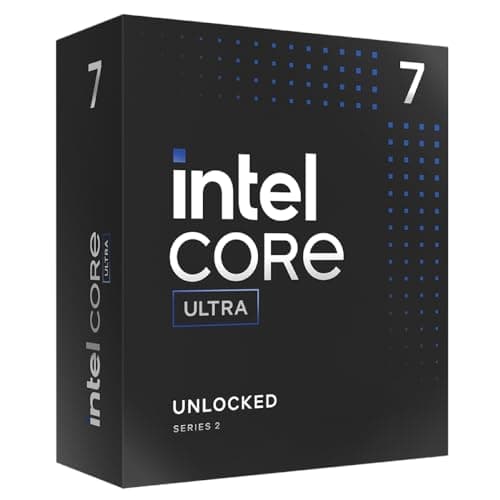
Components · Buying Guide
LGA1851 for new builds, LGA1700 for upgrades that keep DDR4; seven picks across both.
13 min read