
Components · Buying Guide
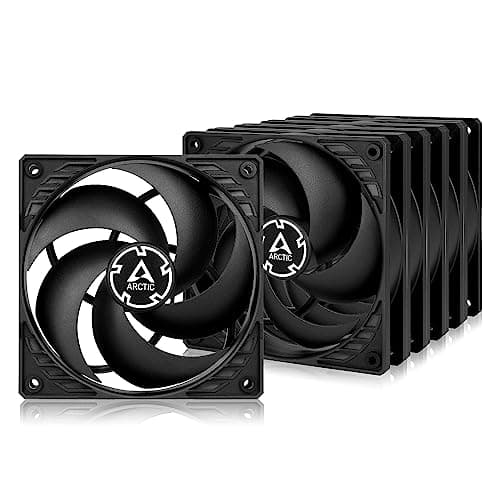
The Best Case Fans
Buy pressure for radiators and filters, airflow for open mesh, and compare cost per fan.
13 min read
Components
Cooling choices depend on the CPU's heat output and the space in your case. These guides cover air coolers, AIO liquid coolers, case fans and thermal paste.
112 buying guides and 5 explainers.
Mounting bracket for your socket (AM5, LGA 1700, LGA 1851)
Cooler height or radiator size against your case
Clearance over tall RAM modules
Airflow works when cool air reaches hot components and warm air exits with minimal recirculation; fan count alone is not the goal.
Most mainstream builds need a small, well-placed set of fans; add more only when temperatures, noise, or component layout justify it.
Both can cool modern CPUs; choose by heat load, case fit, noise behavior, maintenance tolerance, and appearance.
Use a small, consistent amount on a clean heat spreader, mount the cooler evenly, and verify temperatures after installation.
Confirm socket support, cooler height, RAM clearance and radiator mounting from the maker's pages before ordering.
Components · Buying Guide
Buy pressure for radiators and filters, airflow for open mesh, and compare cost per fan.
13 min read
Components · Buying Guide
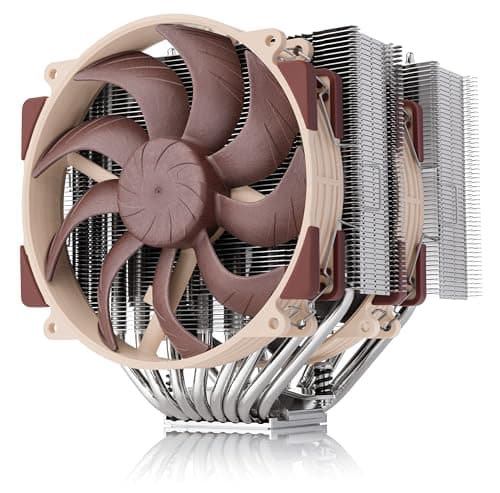
The best air cooler is the one that fits: check case height and RAM clearance before heat pipes.
13 min read
Components · Buying Guide
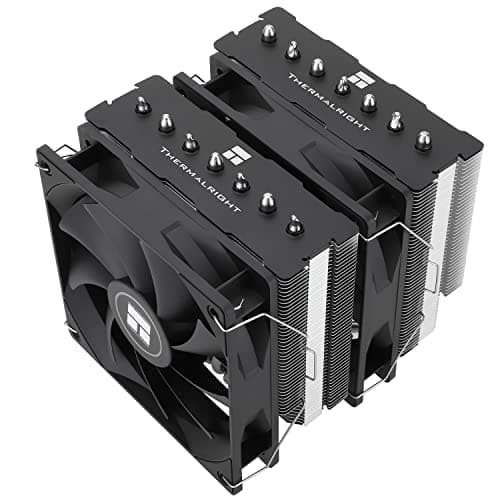
Measure your case's cooler height limit and your RAM height before comparing heat pipes.
12 min read
Components · Buying Guide
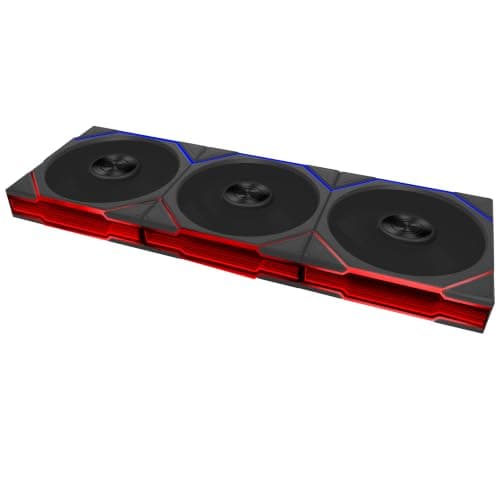
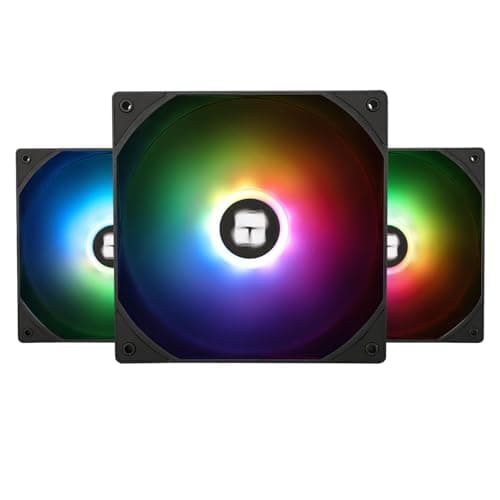
ARGB fans have individually addressable LEDs that sync with the motherboard.
12 min read
Components · Buying Guide
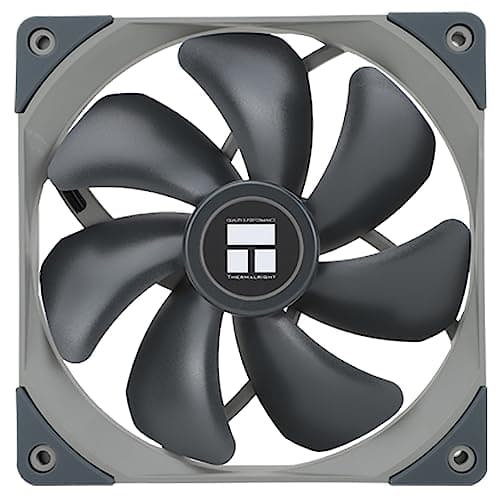
A 140mm fan moves more air at a lower speed than a 120mm fan, which keeps noise down.
12 min read
Components · Buying Guide
A three-pack fills a case front or a 360mm radiator in one purchase.
12 min read