
Buying Guide
The Best AIO Coolers Under $100
Five liquid coolers compared, from the Coreliquid A13 360 White to the Nautilus II 240 RS White, with the trade-offs of each named.
By Alex Morgan, PC Hardware Editor
12 min read5 products evaluated
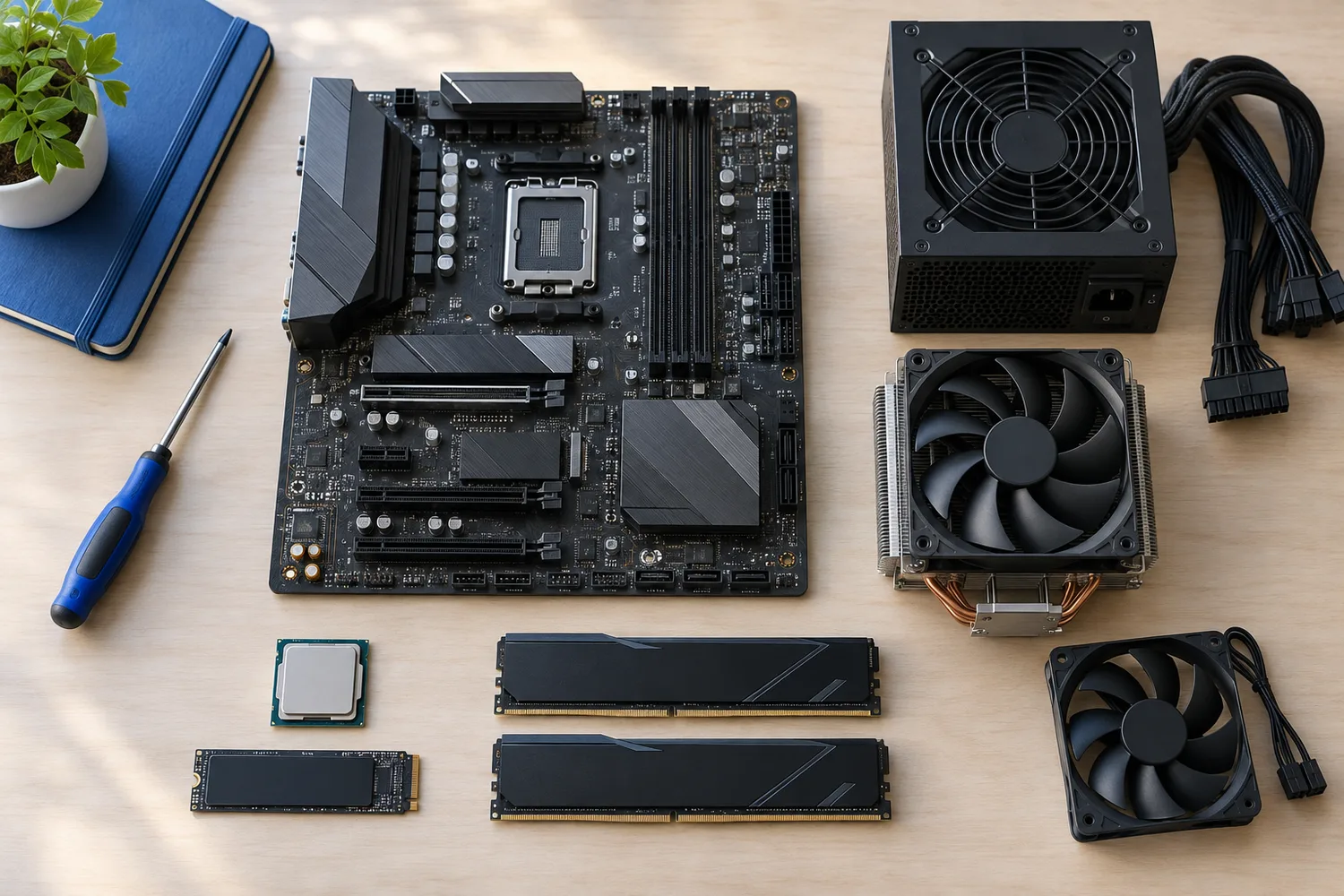
Between $80 and $100 you reach 360mm radiators and coolers with a pump-top display. Every pick cost 80 to 100 when we checked and is a sealed liquid cooler with a stated radiator size.
We sorted these picks by fan size, pump display and cabling, working from the makers' own data; if a maker skips fan size, the guide says so, and no figure here comes from our own testing.
Quick Picks
Which of the 5 picks to look at first. Tap a name for the full analysis.

Lowest Price Here
MSI MAG CORELIQUID A13 360 WhiteUndercutting the Liquid Freezer III Pro 420 on price when we checked.
Best for: Buyers who would rather put the savings elsewhere than into the Liquid Freezer III Pro 420.
Check price for MSI MAG CORELIQUID A13 360 White on Amazon (opens in a new tab)
Also Consider
ARCTIC Liquid Freezer III Pro 420 A-RGBP14 PRO fans.
Best for: Buyers who want P14 PRO fans.
Check price for ARCTIC Liquid Freezer III Pro 420 A-RGB on Amazon (opens in a new tab)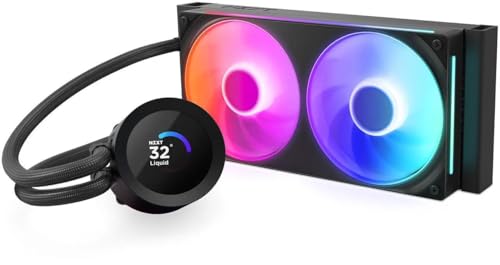
Strong Alternative
NZXT Kraken Plus 240 RGBNZXT's Turbine pump.
Best for: Buyers who want NZXT's Turbine pump.
Check price for NZXT Kraken Plus 240 RGB on Amazon (opens in a new tab)
Worth a Look
Thermalright Peerless Vision 360 ARGBA magnetic screen with a 60Hz refresh rate.
Best for: Buyers who want magnetic screen with a 60Hz refresh rate.
Check price for Thermalright Peerless Vision 360 ARGB on Amazon (opens in a new tab)
Premium Pick
CORSAIR Nautilus II 240 RS ARGB WhiteThe top of this price range, adding RS II fans on a unified frame.
Best for: Spending more than the Peerless Vision 360 costs for the fullest feature set in this group.
Check price for CORSAIR Nautilus II 240 RS ARGB White on Amazon (opens in a new tab)
Our Picks
Lowest Price Here1 of 5
MSI MAG CORELIQUID A13 360 White
The Coreliquid A13 360 White is the white version of MSI's radiator-pump design.
Best for
- Buyers who would rather put the savings elsewhere than into the Liquid Freezer III Pro 420.
Skip if
- Look at the other picks if you need a feature not covered above.
Why we like it
Its split-flow radiator has the pump built in, with a three-phase motor for durability, and it supports LGA1851 out of the box. The white finish suits light builds. Ceramic pump bearings and a three-phase motor are built for long service.
Its 390mm tubes suit most front and top radiator positions. Check that your case offers 360mm radiator support at the front or top, and allow for the radiator's thickness plus fans above the motherboard's heatsinks. It supports both AM5 and Intel LGA1851. It was the cheapest of the group when we checked; the Liquid Freezer III Pro 420 was the next step up.
Key specs
- Tube length
- 390mm
- Sockets named
- AM5, AM4, LGA1851, LGA1700
Pros
- Mounts on both AM5 and Intel LGA1851
- Split-flow radiator with the pump built into it
- White finish
- Undercutting the Liquid Freezer III Pro 420 on price when we checked
Also Consider2 of 5
ARCTIC Liquid Freezer III Pro 420 A-RGB
The Liquid Freezer III Pro 420 uses three 140mm fans on a larger radiator.
Best for
- Buyers who want P14 PRO fans.
Skip if
- Price-first buyers should look at the Coreliquid A13 360 White, which cost less when we checked.
Why we like it
Check that your case offers 420mm radiator support. Its 420mm radiator uses 140mm P14 PRO fans, and an integrated VRM fan cools the power stage. A contact frame for LGA1851 and LGA1700 is included.
You also get native offset mounting. Check that your case offers 420mm radiator support at the front or top, and allow for the radiator's thickness plus fans above the motherboard's heatsinks. It supports both AM5 and Intel LGA1851.
Another plus: fan cables routed inside the tube sleeving. When we checked, only the Coreliquid A13 360 White cost less, and the Kraken Plus 240 cost more.
Key specs
- Fan size
- 140mm
- VRM fan
- Yes
- Cabling
- Fan cables routed inside the tube sleeving
- Sockets named
- AM5, AM4, LGA1851, LGA1700
Pros
- Built-in fan that cools the motherboard's power stages
- Fan cables routed inside the tube sleeving
- Mounts on both AM5 and Intel LGA1851
- P14 PRO fans
Cons
- Costs more than the Coreliquid A13 360 White at the time of writing
Strong Alternative3 of 5
NZXT Kraken Plus 240 RGB
The Kraken Plus 240 brings NZXT's 1.54-inch LCD pump head to a 240mm radiator for smaller cases.
Best for
- Buyers who want NZXT's Turbine pump.
Skip if
- Skip it if this is a deal-breaker for you: lighting and display control need NZXT CAM.
Why we like it
Its 1.54-inch LCD shows temperatures, GIFs or Spotify, and the RGB Core fan frame installs with four screws and one cable. NZXT's Turbine pump targets high flow. Check that your case offers 240mm radiator support at the front or top, and allow for the radiator's thickness plus fans above the motherboard's heatsinks.
It supports both AM5 and Intel LGA1851. Plan to install NZXT CAM for lighting and display control; fan and pump speed can also run from the motherboard's headers. On price it sat third of 5, between the cheaper Liquid Freezer III Pro 420 and the pricier Peerless Vision 360, at the time of writing.
Key specs
- Fan size
- 120mm
- Pump display
- 1.54-inch
- Software
- NZXT CAM
- Sockets named
- AM5, AM4, LGA1851, LGA1700
Pros
- 1.54-inch pump-head display for temperatures or images
- Mounts on both AM5 and Intel LGA1851
- NZXT's Turbine pump
- RGB fans
Cons
- Lighting and display control need NZXT CAM
- Costs more than the Coreliquid A13 360 White at the time of writing
Worth a Look4 of 5
Thermalright Peerless Vision 360 ARGB
The Peerless Vision 360 has a 3.95-inch magnetic screen at a lower price than most screen AIOs.
Best for
- Buyers who want magnetic screen with a 60Hz refresh rate.
Skip if
- Price-first buyers should look at the Coreliquid A13 360 White, which cost less when we checked.
Why we like it
A 3.95-inch magnetic screen sits on the pump head, and three TL-M12Q fans splice together to reduce cables. The fans have infinity-mirror lighting. The 480x480 screen can show system stats or custom images.
It also offers a magnetic screen with a 60Hz refresh rate. Check that your case offers 360mm radiator support at the front or top, and allow for the radiator's thickness plus fans above the motherboard's heatsinks. It supports both AM5 and Intel LGA1851.
Before buying, weigh one limit: costs more than the Coreliquid A13 360 White at the time of writing. Its price falls between the Kraken Plus 240 and the Nautilus II 240 RS White, based on our last check.
Key specs
- Fan size
- 120mm
- Pump display
- 3.95-inch
- Sockets named
- AM5, AM4, LGA1851, LGA1700
Pros
- 3.95-inch pump-head display for temperatures or images
- Mounts on both AM5 and Intel LGA1851
- Magnetic screen with a 60Hz refresh rate
- Splice-connected fans
Cons
- Costs more than the Coreliquid A13 360 White at the time of writing
Premium Pick5 of 5
CORSAIR Nautilus II 240 RS ARGB White
The Nautilus II 240 RS White stands out for RS II fans on a unified frame, and it adds a white finish.
Best for
- Spending more than the Peerless Vision 360 costs for the fullest feature set in this group.
Skip if
- Skip it if price comes first: the Coreliquid A13 360 White cost less when we checked.
Why we like it
It also offers a 120mm fan size. It is tuned for AM5 and also fits AM4 and Intel LGA 1851/1700. Unified-frame RS II fans daisy-chain with standard 4-pin PWM and 5V ARGB connections to the motherboard.
Check that your case offers 240mm radiator support at the front or top, and allow for the radiator's thickness plus fans above the motherboard's heatsinks. Only the Peerless Vision 360 came close to it on price at the time of writing; it cost the most of the 5 picks.
Key specs
- Fan size
- 120mm
- Cabling
- Daisy-chained fans that connect straight to the motherboard
- Sockets named
- AM5, AM4, LGA1851, LGA1700
Pros
- Daisy-chained fans that connect straight to the motherboard
- Mounts on both AM5 and Intel LGA1851
- RS II fans on a unified frame
- White finish
Cons
- Costs more than the Coreliquid A13 360 White at the time of writing
How We Chose These AIO Coolers Under $100
Alex Morgan compared the manufacturer specifications, connectivity, warranty terms and compatibility of every pick. Figures come from the makers unless a third-party source is named; we did not test these products ourselves.
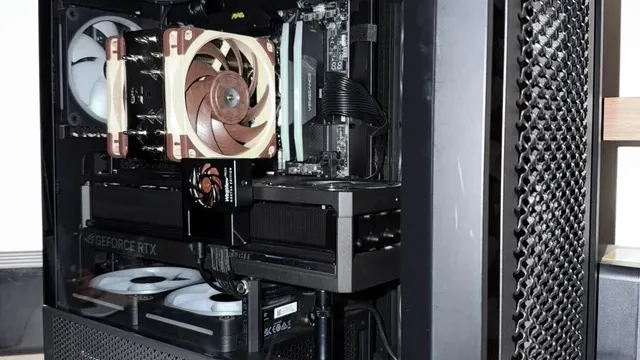
- What we compared
- We lined up five AIO coolers on fan size, pump display, cabling and sockets named from manufacturer specifications. We did not test them in-house, and fan size and pump display are missing for at least one pick.
- The shared baseline
- All 5, from the Coreliquid A13 360 White to the Nautilus II 240 RS White, state sockets named.
- Where the specs have gaps
- The Coreliquid A13 360 White gives no fan size; the Coreliquid A13 360 White, the Liquid Freezer III Pro 420 and the Nautilus II 240 RS White give no pump display.
- Price range
- From the Coreliquid A13 360 White to the Nautilus II 240 RS White, all sat in the $50 to $100 tier when we checked.
What to Look for in an AIO Cooler Under $100
Key buying criteria so you get the right fit the first time.
Features beyond the spec table
The Liquid Freezer III Pro 420: native offset mounting. The Kraken Plus 240: RGB fans. The Peerless Vision 360: splice-connected fans.
Where your budget lands
Price does little to separate these 5: the Coreliquid A13 360 White through the Nautilus II 240 RS White all landed in the $50 to $100 tier, which leaves features to decide it.
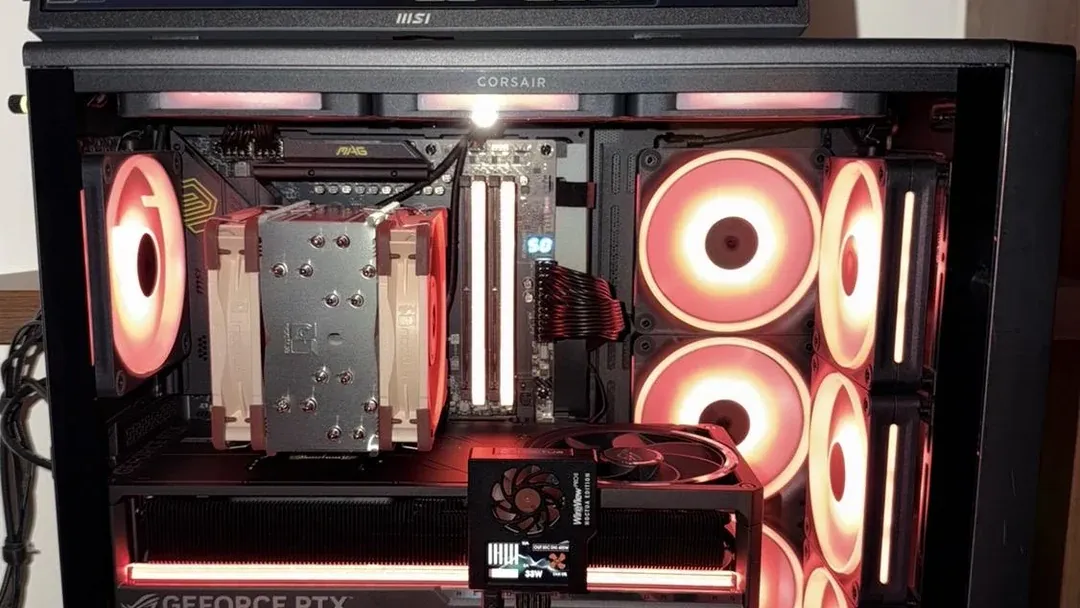
A tower air cooler in a case with red-lit fans Match the pick to your priority
Buyers who would rather put the savings elsewhere than into the Liquid Freezer III Pro 420: the Coreliquid A13 360 White. Spending more than the Peerless Vision 360 costs for the fullest feature set in this group: the Nautilus II 240 RS White.
Count the cables and headers
Some AIOs daisy-chain fans or run everything through one hub; others need several fan headers and a USB header. Check what your motherboard has free.
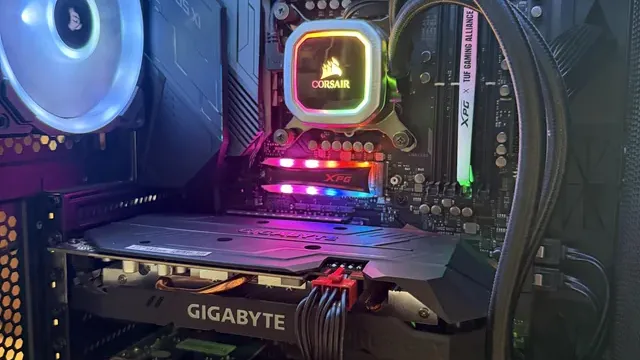
An all-in-one liquid cooler pump block above a graphics card Confirm radiator support in your case
Cases list which radiator sizes fit at the front, top and side. A top mount also has to clear the motherboard's heatsinks and tall RAM.
Check the case's clearance figure for radiator plus fans.
How to Choose an AIO Cooler Under $100
By priority
| Priority | Consider | Why |
|---|---|---|
| Buyers who would rather put the savings elsewhere than into the Liquid Freezer III Pro 420 | Coreliquid A13 360 White | Undercutting the Liquid Freezer III Pro 420 on price when we checked |
| Buyers who want P14 PRO fans | Liquid Freezer III Pro 420 | P14 PRO fans |
| Buyers who want NZXT's Turbine pump | Kraken Plus 240 | NZXT's Turbine pump |
| Buyers who want magnetic screen with a 60Hz refresh rate | Peerless Vision 360 | A magnetic screen with a 60Hz refresh rate |
| Spending more than the Peerless Vision 360 costs for the fullest feature set in this group | Nautilus II 240 RS White | The top of this price range, adding RS II fans on a unified frame |
Scroll sideways to see every column.
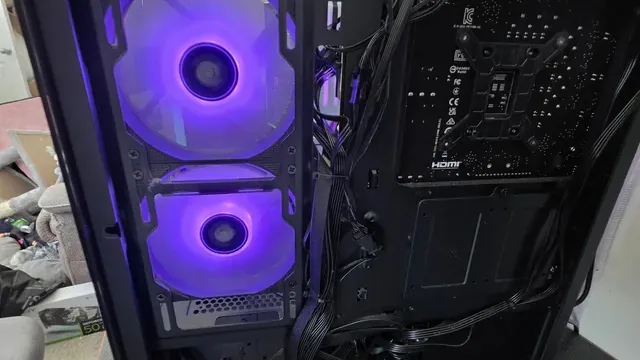
Key specs side by side
The Coreliquid A13 360 White, the Liquid Freezer III Pro 420 and the rest, as their makers list them.
| AIO cooler | Fan size | Pump display | Cabling | Sockets named |
|---|---|---|---|---|
| Coreliquid A13 360 White | Not listed | Not listed | Not listed | AM5, AM4, LGA1851, LGA1700 |
| Liquid Freezer III Pro 420 | 140mm | Not listed | Fan cables routed inside the tube sleeving | AM5, AM4, LGA1851, LGA1700 |
| Kraken Plus 240 | 120mm | 1.54-inch | Not listed | AM5, AM4, LGA1851, LGA1700 |
| Peerless Vision 360 | 120mm | 3.95-inch | Not listed | AM5, AM4, LGA1851, LGA1700 |
| Nautilus II 240 RS White | 120mm | Not listed | Daisy-chained fans that connect straight to the motherboard | AM5, AM4, LGA1851, LGA1700 |
Scroll sideways to see every column.
Frequently Asked Questions
What makes the Coreliquid A13 360 White the Lowest Price Here?
It carries the badge for undercutting the Liquid Freezer III Pro 420 on price when we checked. It is aimed at anyone who would rather put the savings elsewhere than into the Liquid Freezer III Pro 420.
Do the Kraken Plus 240 and the Peerless Vision 360 differ on pump display?
The Kraken Plus 240 uses 1.54-inch; the Peerless Vision 360 uses 3.95-inch. The makers of the Coreliquid A13 360 White, the Liquid Freezer III Pro 420 and the Nautilus II 240 RS White don't state pump display, so 2 of 5 picks are covered here.
Beyond the specs, what sets the Coreliquid A13 360 White and the Liquid Freezer III Pro 420 apart?
The Coreliquid A13 360 White: a split-flow radiator with the pump built into it. The Liquid Freezer III Pro 420: P14 PRO fans. The Kraken Plus 240: NZXT's Turbine pump.
Who should choose the Nautilus II 240 RS White?
The Nautilus II 240 RS White carries our Premium Pick label for the top of this price range, adding RS II fans on a unified frame. It ranks fifth of 5 here and sat in the $50 to $100 tier at our last price check; it suits spending more than the Peerless Vision 360 costs for the fullest feature set in this group.
Should I pick the Coreliquid A13 360 White or the Nautilus II 240 RS White?
The Coreliquid A13 360 White suits buyers who would rather put the savings elsewhere than into the Liquid Freezer III Pro 420; the Nautilus II 240 RS White suits spending more than the Peerless Vision 360 costs for the fullest feature set in this group.
Bottom Line
Our first pick is the Coreliquid A13 360 White, chosen for undercutting the Liquid Freezer III Pro 420 on price when we checked. Look at the Liquid Freezer III Pro 420 for P14 PRO fans, the Kraken Plus 240 for NZXT's Turbine pump and the Peerless Vision 360 for a magnetic screen with a 60Hz refresh rate if those matter more to you.
A thicker radiator needs room for the fans; check tube length against where the radiator mounts.
Related Guides
- Related guideThe Best 360mm AIO Liquid Coolers
- Related guideThe Best 240mm AIO Liquid Coolers
- Related guideThe Best CPU Air Coolers
- Lower budgetThe Best AIO Coolers Under $80
- Higher budgetThe Best AIO Coolers Under $120
- ExplainerPC Airflow Explained
- ExplainerHow Many Case Fans Do You Need?
- Check compatibility: processorsHow to Choose a CPU for Your PC
- Similar guideThe Best AIO Coolers Under $60
- Topic hubAll cpu coolers and cooling guides
About the author
PC Hardware Editor
Alex covers PC hardware, monitors, components, upgrades and peripherals for The PC Journal, with a focus on helping readers understand specifications, compatibility and meaningful product trade-offs.
Covers: Monitors, Graphics cards, Processors, PC components, Peripherals, Upgrades and compatibility
View all articles