
Buying Guide
The Best AIO Coolers Under $120
From the Pure Loop 3 280 to the H115i RGB: five liquid coolers ranked on fan size and cabling, with who should skip each one.
By Alex Morgan, PC Hardware Editor
12 min read5 products evaluated
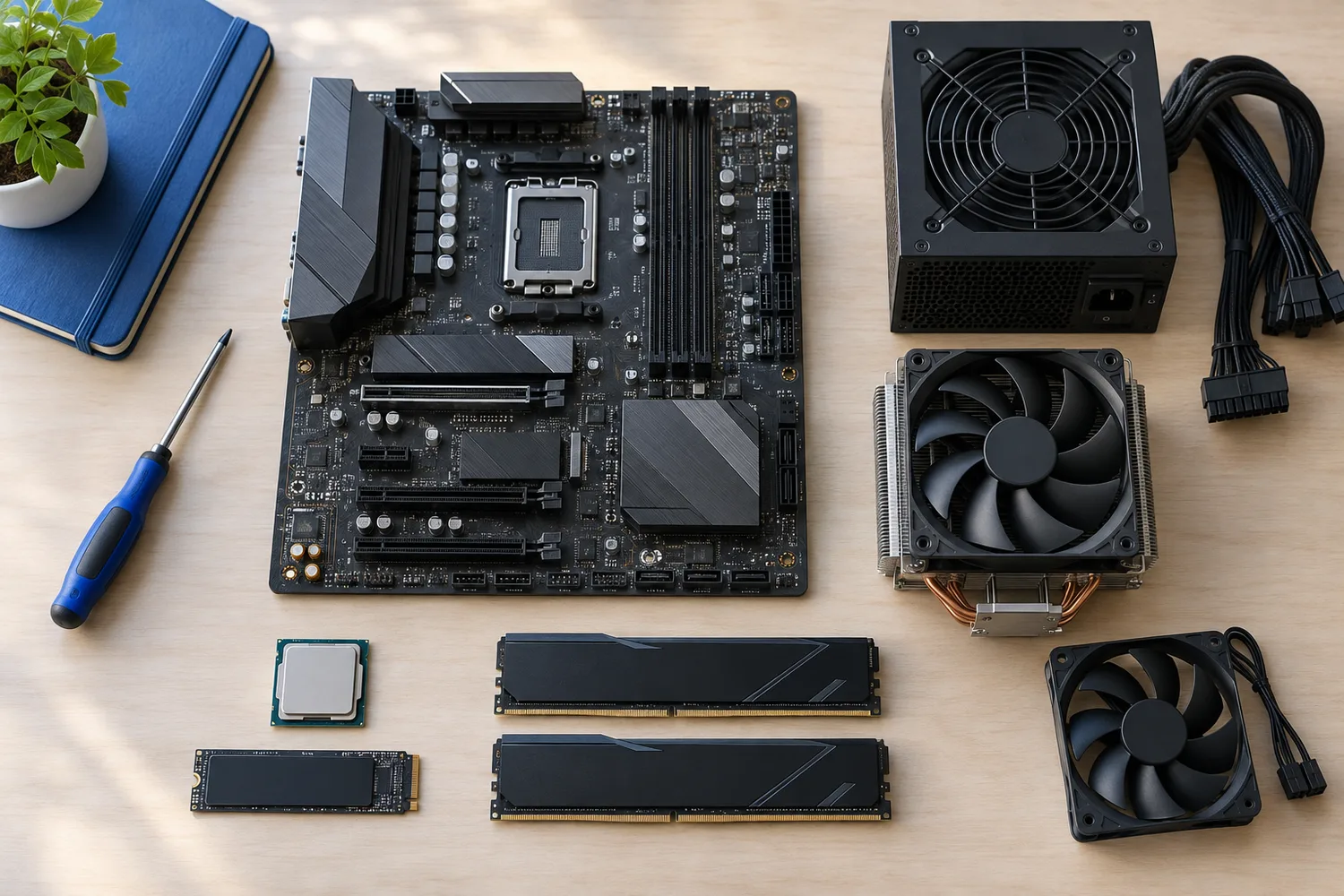
Close to $120 the picks include larger radiators with extra fans and software control. Every pick cost 80 to 120 when we checked and is a sealed liquid cooler with a stated radiator size.
This is a research roundup, not a lab test: fan size, cabling and sockets named come from each maker's published specs; nothing here was tested in-house, and a missing cabling is flagged, not filled in.
Quick Picks
Which of the 5 picks to look at first. Tap a name for the full analysis.

Premium Pick
CORSAIR iCUE LINK H115i RGBThe top of this price range, adding QX140 RGB fans.
Best for: Spending more than the Prime LC 360 White costs for the fullest feature set in this group.
Check price for CORSAIR iCUE LINK H115i RGB on Amazon (opens in a new tab)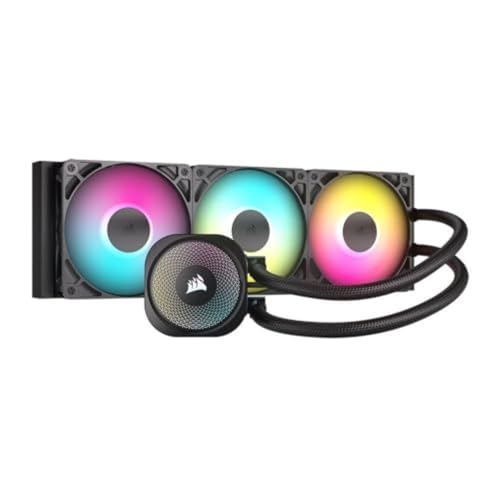
Also Consider
CORSAIR Nautilus 360 RS ARGBA pump rated at 20 dBA.
Best for: Buyers who want pump rated at 20 dBA.
Check price for CORSAIR Nautilus 360 RS ARGB on Amazon (opens in a new tab)
Strong Alternative
ASUS Prime LC 360 ARGB White EditionAn infinity-mirror pump cap.
Best for: Buyers who want infinity-mirror pump cap.
Check price for ASUS Prime LC 360 ARGB White Edition on Amazon (opens in a new tab)
Worth a Look
CORSAIR Nautilus II 240 RS ARGB WhiteRS II fans on a unified frame.
Best for: Buyers who want RS II fans on a unified frame.
Check price for CORSAIR Nautilus II 240 RS ARGB White on Amazon (opens in a new tab)
Lowest Price Here
be quiet! Pure Loop 3 280mmThe lowest price of the group at our last check.
Best for: Buyers who would rather put the savings elsewhere than into the Nautilus II 240 RS White.
Check price for be quiet! Pure Loop 3 280mm on Amazon (opens in a new tab)
Our Picks
Premium Pick1 of 5
CORSAIR iCUE LINK H115i RGB
The H115i RGB runs pump and fans through Corsair's iCUE LINK hub, with fans up to 2000 RPM and zero RPM mode.
Best for
- Spending more than the Prime LC 360 White costs for the fullest feature set in this group.
Skip if
- Look at the others if this bothers you: lighting and display control need iCUE.
Why we like it
It belongs in Corsair-based builds. Check that your case offers 280mm radiator support at the front or top, and allow for the radiator's thickness plus fans above the motherboard's heatsinks. The maker doesn't spell out LGA1851 mounting, so confirm it on the maker's site for a Core Ultra build.
Plan to install iCUE for lighting control; fan and pump speed can also run from the motherboard's headers. Another plus: 20-LED pump cap. Before buying, weigh one limit: costs more than the Pure Loop 3 280 at the time of writing. At our last price check it topped the group, with the Prime LC 360 White the nearest cheaper option.
Key specs
- Max fan speed
- 2000 RPM
- Fan size
- 140mm
- Zero RPM mode
- Yes
- Cabling
- One-cable iCUE LINK hub for pump and fans
- Software
- iCUE
- Sockets named
- AM5, AM4, LGA1700
Pros
- Zero RPM mode stops the fans at light load
- One-cable iCUE LINK hub for pump and fans
- QX140 RGB fans
- 20-LED pump cap
Cons
- Lighting and display control need iCUE
- Costs more than the Pure Loop 3 280 at the time of writing
Also Consider2 of 5
CORSAIR Nautilus 360 RS ARGB
The Nautilus 360 RS keeps things simple: its fans daisy-chain and connect straight to the motherboard, with no hub or software needed.
Best for
- Buyers who want pump rated at 20 dBA.
Skip if
- Skip it if price comes first: the Pure Loop 3 280 cost less when we checked.
Why we like it
Corsair rates the pump at 20 dBA. Its convex cold plate comes with pre-applied paste in an optimised pattern, and the RS120 ARGB fans use magnetic dome bearings for low noise. Check that your case offers 360mm radiator support at the front or top, and allow for the radiator's thickness plus fans above the motherboard's heatsinks.
It supports both AM5 and Intel LGA1851. Before buying, weigh one limit: costs more than the Pure Loop 3 280 at the time of writing. On price it sat third of 5, between the cheaper Nautilus II 240 RS White and the pricier Prime LC 360 White, at the time of writing.
Key specs
- Fan size
- 120mm
- Cabling
- Daisy-chained fans that connect straight to the motherboard
- Sockets named
- AM5, AM4, LGA1851, LGA1700
Pros
- Daisy-chained fans that connect straight to the motherboard
- Mounts on both AM5 and Intel LGA1851
- Pump rated at 20 dBA
Cons
- Costs more than the Pure Loop 3 280 at the time of writing
Strong Alternative3 of 5
ASUS Prime LC 360 ARGB White Edition
The Prime LC 360 White has an infinity-mirror pump cap and is styled to match ASUS Prime boards.
Best for
- Buyers who want infinity-mirror pump cap.
Skip if
- If budget leads, the Pure Loop 3 280 was cheaper at our last price check.
Why we like it
It has infinity mirror lenses on the fans and sleeved tubing, and it is styled to match ASUS Prime motherboards. It comes with pre-installed ARGB fans, Aura lighting support and a specially designed CPU contact area, and ASUS gives it a 6-year warranty. Check that your case offers 360mm radiator support at the front or top, and allow for the radiator's thickness plus fans above the motherboard's heatsinks.
It supports both AM5 and Intel LGA1851. You also get this: white finish. Before buying, weigh one limit: costs more than the Pure Loop 3 280 at the time of writing.
Key specs
- Fan size
- 120mm
- Sockets named
- AM5, AM4, LGA1851, LGA1700
Pros
- Mounts on both AM5 and Intel LGA1851
- Infinity-mirror pump cap
- Reinforced sleeved tubing
- White finish
Cons
- Costs more than the Pure Loop 3 280 at the time of writing
Worth a Look4 of 5
CORSAIR Nautilus II 240 RS ARGB White
The Nautilus II 240 RS White stands out for RS II fans on a unified frame, and it adds a white finish.
Best for
- Buyers who want RS II fans on a unified frame.
Skip if
- If budget leads, the Pure Loop 3 280 was cheaper at our last price check.
Why we like it
It also offers a 120mm fan size. It is tuned for AM5 and also fits AM4 and Intel LGA 1851/1700. Unified-frame RS II fans daisy-chain with standard 4-pin PWM and 5V ARGB connections to the motherboard.
Check that your case offers 240mm radiator support at the front or top, and allow for the radiator's thickness plus fans above the motherboard's heatsinks. When we checked, only the Pure Loop 3 280 cost less, and the Nautilus 360 RS cost more.
Key specs
- Fan size
- 120mm
- Cabling
- Daisy-chained fans that connect straight to the motherboard
- Sockets named
- AM5, AM4, LGA1851, LGA1700
Pros
- Daisy-chained fans that connect straight to the motherboard
- Mounts on both AM5 and Intel LGA1851
- RS II fans on a unified frame
- White finish
Cons
- Costs more than the Pure Loop 3 280 at the time of writing
Lowest Price Here5 of 5
be quiet! Pure Loop 3 280mm
The Pure Loop 3 280 is be quiet!'s low-noise take, with Pure Wings 3 fans that daisy-chain and a PWM pump.
Best for
- Buyers who would rather put the savings elsewhere than into the Nautilus II 240 RS White.
Skip if
- Look at the other picks if you need a feature not covered above.
Why we like it
It suits quiet builds that skip RGB software. Its PWM pump has a six-pole motor for low vibration, and flexible sleeved tubes make mounting simple. Check that your case offers 280mm radiator support at the front or top, and allow for the radiator's thickness plus fans above the motherboard's heatsinks.
The maker doesn't spell out LGA1851 mounting, so confirm it on the maker's site for a Core Ultra build. It makes the most sense for buyers who would rather put the savings elsewhere than into the Nautilus II 240 RS White, since it offers the lowest price of the group at our last check. It undercut the Nautilus II 240 RS White and every other pick on price at the time of writing.
Key specs
- Fan size
- 140mm
- Cabling
- Daisy-chained PWM fans
- Sockets named
- AM5, AM4, Intel
Pros
- Daisy-chained PWM fans
- PWM pump with a six-pole motor
- Pure Wings 3 fans
- The lowest price of the group at our last check
How We Chose These AIO Coolers Under $120
Alex Morgan compared the manufacturer specifications, connectivity, warranty terms and compatibility of every pick. Figures come from the makers unless a third-party source is named; we did not test these products ourselves.
- How these picks were ranked
- We lined up five AIO coolers on fan size, cabling and sockets named, using each maker's published specs. These are research figures, not bench results: 1 of 5 picks leave out cabling.
- The shared baseline
- All 5, from the H115i RGB to the Pure Loop 3 280, state fan size and sockets named.
- Where the specs have gaps
- The Prime LC 360 White gives no cabling.
- Price range
- At our last check the picks ran from the Pure Loop 3 280 ($50 to $100) to the H115i RGB ($100 to $150).
What to Look for in an AIO Cooler Under $120
Key buying criteria so you get the right fit the first time.
Features beyond the spec table
The Prime LC 360 White: reinforced sleeved tubing. The Nautilus II 240 RS White: a white finish. The Pure Loop 3 280: Pure Wings 3 fans.
Where your budget lands
$50 to $100 buys the Pure Loop 3 280, the Nautilus II 240 RS White, the Nautilus 360 RS and the Prime LC 360 White; $100 to $150 buys the H115i RGB at our last check.
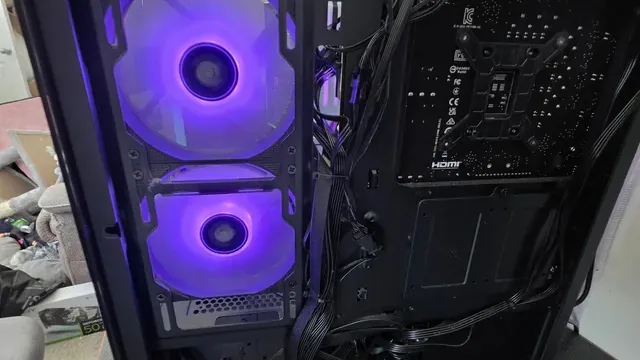
A case with purple-lit front fans and the motherboard area behind them Match the pick to your priority
Spending more than the Prime LC 360 White costs for the fullest feature set in this group: the H115i RGB. Buyers who would rather put the savings elsewhere than into the Nautilus II 240 RS White: the Pure Loop 3 280.
Confirm radiator support in your case
Cases list which radiator sizes fit at the front, top and side. A top mount also has to clear the motherboard's heatsinks and tall RAM.
Check the case's clearance figure for radiator plus fans.
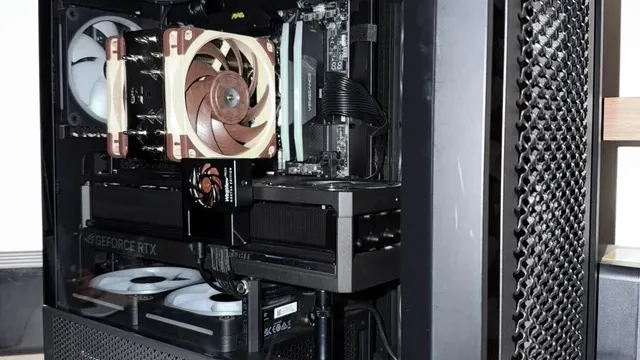
A tower air cooler with brown fans installed in a PC Count the cables and headers
Some AIOs daisy-chain fans or run everything through one hub; others need several fan headers and a USB header. Check what your motherboard has free.
How to Choose an AIO Cooler Under $120
By priority
| Priority | Consider | Why |
|---|---|---|
| Spending more than the Prime LC 360 White costs for the fullest feature set in this group | H115i RGB | The top of this price range, adding QX140 RGB fans |
| Buyers who want pump rated at 20 dBA | Nautilus 360 RS | A pump rated at 20 dBA |
| Buyers who want infinity-mirror pump cap | Prime LC 360 White | An infinity-mirror pump cap |
| Buyers who want RS II fans on a unified frame | Nautilus II 240 RS White | RS II fans on a unified frame |
| Buyers who would rather put the savings elsewhere than into the Nautilus II 240 RS White | Pure Loop 3 280 | The lowest price of the group at our last check |
Scroll sideways to see every column.
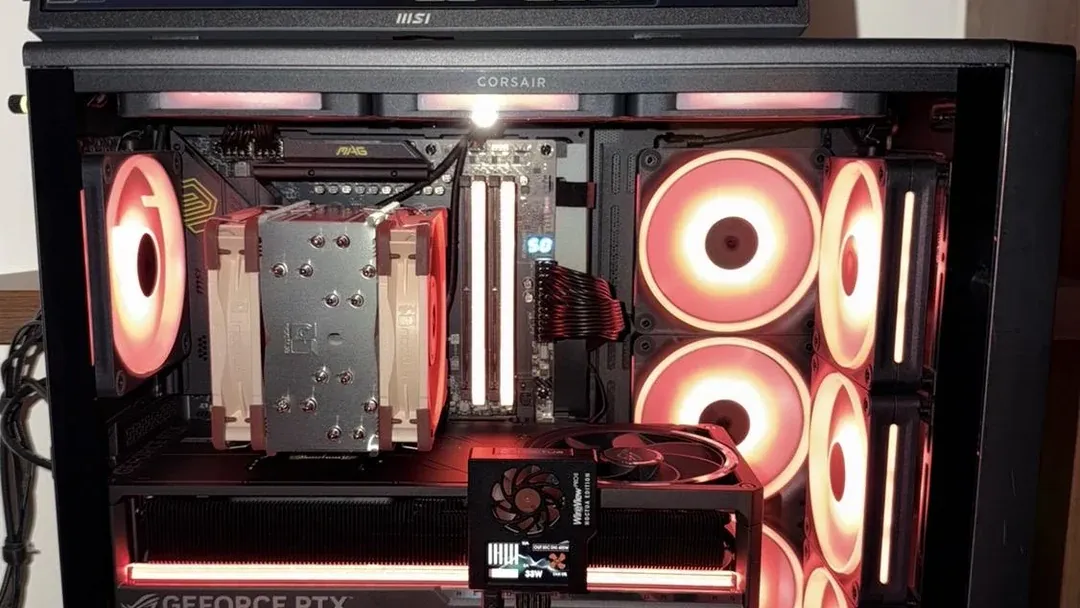
Key specs side by side
The H115i RGB, the Nautilus 360 RS and the rest, as their makers list them.
| AIO cooler | Fan size | Cabling | Sockets named |
|---|---|---|---|
| H115i RGB | 140mm | One-cable iCUE LINK hub for pump and fans | AM5, AM4, LGA1700 |
| Nautilus 360 RS | 120mm | Daisy-chained fans that connect straight to the motherboard | AM5, AM4, LGA1851, LGA1700 |
| Prime LC 360 White | 120mm | Not listed | AM5, AM4, LGA1851, LGA1700 |
| Nautilus II 240 RS White | 120mm | Daisy-chained fans that connect straight to the motherboard | AM5, AM4, LGA1851, LGA1700 |
| Pure Loop 3 280 | 140mm | Daisy-chained PWM fans | AM5, AM4, Intel |
Scroll sideways to see every column.
By price at the time of writing
At our last check the cheapest pick, the Pure Loop 3 280, sat in the $50 to $100 tier, 2 tiers in all up to the H115i RGB at $100 to $150; Amazon prices move, so recheck before buying.
| Price tier | AIO coolers |
|---|---|
| About $50 to $100 | Pure Loop 3 280, Nautilus II 240 RS White, Nautilus 360 RS, Prime LC 360 White |
| About $100 to $150 | H115i RGB |
Frequently Asked Questions
What makes the H115i RGB the Premium Pick?
It earns the label for the top of this price range, adding QX140 RGB fans. The Pure Loop 3 280, the cheapest pick, sat in the $50 to $100 tier against $100 to $150 here, without out-ranking it on any listed spec. It suits spending more than the Prime LC 360 White costs for the fullest feature set in this group.
Beyond the specs, what sets the H115i RGB and the Nautilus 360 RS apart?
The H115i RGB: QX140 RGB fans. The Nautilus 360 RS: a pump rated at 20 dBA. The Prime LC 360 White: an infinity-mirror pump cap.
Who should choose the Pure Loop 3 280?
The Pure Loop 3 280 carries our Lowest Price Here label for the lowest price of the group at our last check. It ranks fifth of 5 here and sat in the $50 to $100 tier at our last price check; it suits anyone who would rather put the savings elsewhere than into the Nautilus II 240 RS White.
Should I pick the H115i RGB or the Pure Loop 3 280?
The H115i RGB suits spending more than the Prime LC 360 White costs for the fullest feature set in this group; the Pure Loop 3 280 suits buyers who would rather put the savings elsewhere than into the Nautilus II 240 RS White.
What else do the Nautilus II 240 RS White and the Pure Loop 3 280 offer?
The Nautilus II 240 RS White: a white finish. The Pure Loop 3 280: Pure Wings 3 fans.
Bottom Line
Our first pick is the H115i RGB, chosen for the top of this price range, adding QX140 RGB fans. Look at the Nautilus 360 RS for a pump rated at 20 dBA, the Prime LC 360 White for an infinity-mirror pump cap and the Nautilus II 240 RS White for RS II fans on a unified frame if those matter more to you.
Confirm the pump and fan connectors your board has before choosing a unit that needs several.
Related Guides
- Related guideThe Best 360mm AIO Liquid Coolers
- Related guideThe Best 240mm AIO Liquid Coolers
- Related guideThe Best CPU Air Coolers
- Lower budgetThe Best AIO Coolers Under $100
- Higher budgetThe Best Liquid CPU Coolers Under $150
- ExplainerPC Airflow Explained
- ExplainerHow Many Case Fans Do You Need?
- Check compatibility: processorsHow to Check CPU and Motherboard Compatibility
- Similar guideThe Best AIO Coolers Under $60
- Topic hubAll cpu coolers and cooling guides
About the author
PC Hardware Editor
Alex covers PC hardware, monitors, components, upgrades and peripherals for The PC Journal, with a focus on helping readers understand specifications, compatibility and meaningful product trade-offs.
Covers: Monitors, Graphics cards, Processors, PC components, Peripherals, Upgrades and compatibility
View all articles