
Buying Guide
The Best Thermal Paste in Large Tubes
Three thermal pastes ranked on tube size and amount; the MX-6 8g is the cheapest route in.
By Alex Morgan, PC Hardware Editor
11 min read3 products evaluated
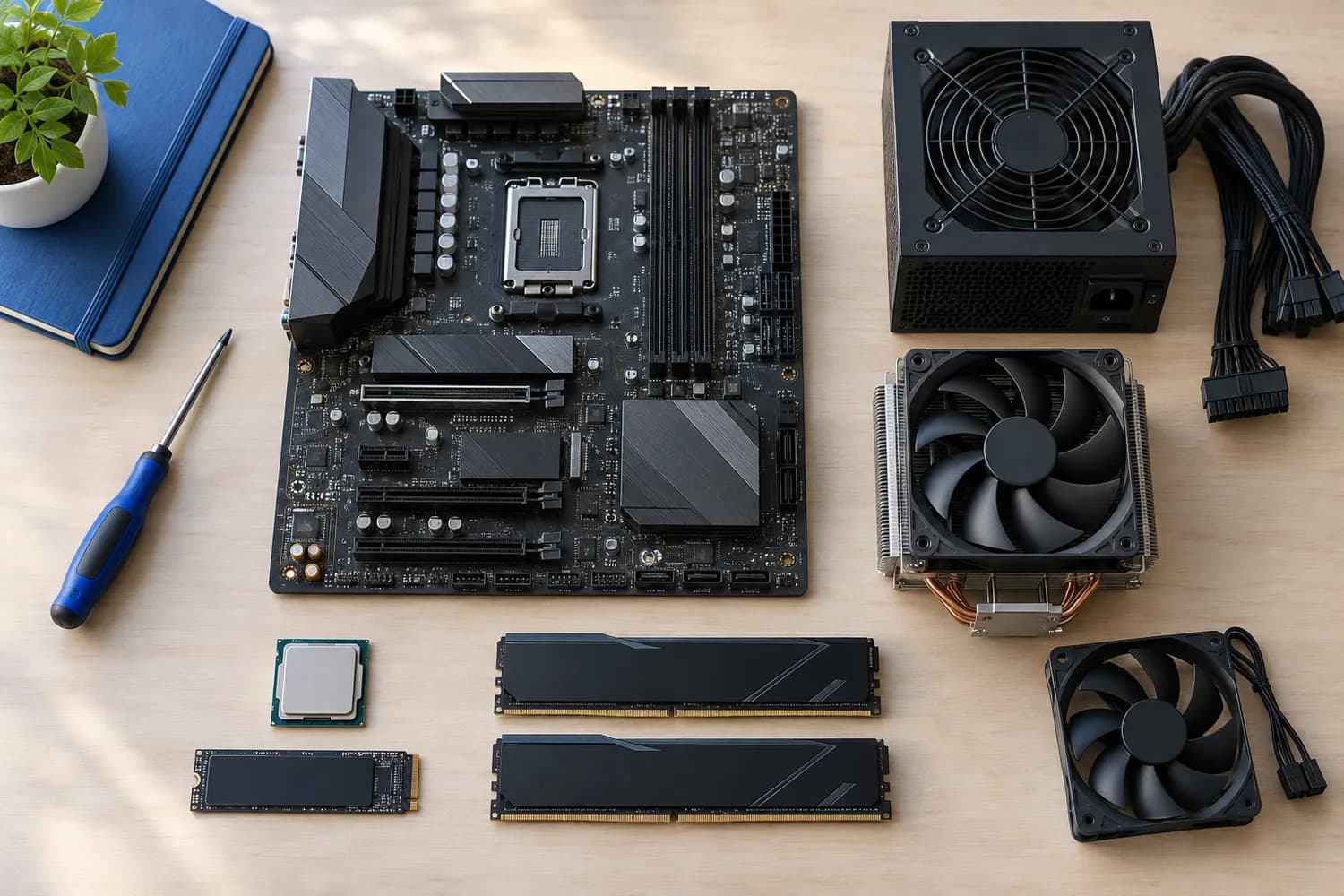
If you build or repaste several machines, a large tube costs less per application. Every pick holds 5g or more, ordered from the lowest price.
We ranked these thermal pastes on amount and electrically non-conductive using manufacturer specifications; where a maker leaves out electrically non-conductive, we say so rather than guess, since we have not benched them.
Quick Picks
Which of the 3 picks to look at first. Tap a name for the full analysis.

Lowest Price Here
ARCTIC MX-6 (8g)The cheapest way into this group, below the MX-7 8g.
Best for: Spending as little as possible, with the MX-7 8g the next step up.
Check price for ARCTIC MX-6 (8g) on Amazon (opens in a new tab)
Also Consider
ARCTIC MX-7 (8g)A dense, high-filler formula.
Best for: Buyers who want dense, high-filler formula.
Check price for ARCTIC MX-7 (8g) on Amazon (opens in a new tab)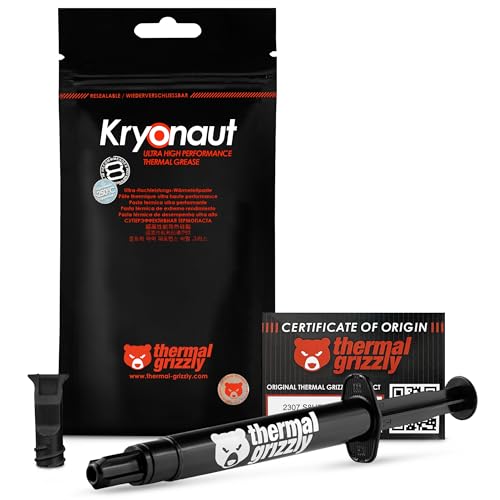
Premium Pick
Thermal Grizzly Kryonaut (5.55g)The top of this price range, adding a maker claim that it does not dry out at 80°C.
Best for: Spending more than the MX-7 8g costs for the fullest feature set in this group.
Check price for Thermal Grizzly Kryonaut (5.55g) on Amazon (opens in a new tab)
| Pick | Why it stands out | Best for | Check price |
|---|---|---|---|
| The cheapest way into this group, below the MX-7 8g. | Spending as little as possible, with the MX-7 8g the next step up. | Check price for ARCTIC MX-6 (8g) on Amazon (opens in a new tab) |
| A dense, high-filler formula. | Buyers who want dense, high-filler formula. | Check price for ARCTIC MX-7 (8g) on Amazon (opens in a new tab) |
| The top of this price range, adding a maker claim that it does not dry out at 80°C. | Spending more than the MX-7 8g costs for the fullest feature set in this group. | Check price for Thermal Grizzly Kryonaut (5.55g) on Amazon (opens in a new tab) |
Our Picks
Lowest Price Here1 of 3
ARCTIC MX-6 (8g)
MX-6 improves on MX-4's thermal resistance by ARCTIC's own measure and is thin enough for direct-die GPU and console chips.
Best for
- Spending as little as possible, with the MX-7 8g the next step up.
Skip if
- Look at the other picks if you need a feature not covered above.
Why we like it
The 8g tube is the value size for anyone who repastes more than one machine. Its viscosity also suits direct-die work on graphics cards and consoles, where a thin layer matters. It is neither electrically conductive nor capacitive, so a little overflow onto nearby parts does no harm.
Clean off old paste with isopropyl alcohol first, then apply a pea-sized dot or a thin line on the heatspreader; on large Intel chips an X or a line covers the longer die better. It was the cheapest of the group when we checked; the MX-7 8g was the next step up.
Key specs
- Amount
- 8g
- Electrically non-conductive
- Yes
Pros
- 8g is enough for several applications
- Electrically non-conductive, so spills are harmless
- Lower thermal resistance than ARCTIC's MX-4, by the maker's measure
- Viscosity suited to direct-die GPU and console chips
Also Consider2 of 3
ARCTIC MX-7 (8g)
MX-7 is ARCTIC's densest paste, built to resist pump-out, drying and bleeding across repeated heat cycles.
Best for
- Buyers who want dense, high-filler formula.
Skip if
- Price-first buyers should look at the MX-6 8g, which cost less when we checked.
Why we like it
It is designed to be pressed out by the cooler rather than spread, and the 8g tube lasts for many builds. On tube size it ties with the MX-6 8g at 8g. You also get a dense, high-filler formula.
Clean off old paste with isopropyl alcohol first, then apply a pea-sized dot or a thin line on the heatspreader; on large Intel chips an X or a line covers the longer die better. Do not pre-spread it; let the cooler's mounting pressure distribute it. It was priced above the MX-6 8g and below the Kryonaut 5.55g at the time of writing.
Key specs
- Amount
- 8g
- Electrically non-conductive
- Yes
- Application
- Cannot be spread by hand; cooler pressure distributes it
Pros
- 8g is enough for several applications
- Electrically non-conductive, so spills are harmless
- Dense, high-filler formula
- Resistance to pump-out, dry-out and bleeding over repeated heat cycles
Cons
- Costs more than the MX-6 8g at the time of writing
Premium Pick3 of 3
Thermal Grizzly Kryonaut (5.55g)
Kryonaut is Thermal Grizzly's enthusiast paste, sold with a syringe and spatula for a precise thin layer.
Best for
- Spending more than the MX-7 8g costs for the fullest feature set in this group.
Skip if
- Skip it if tube size matters most to you; the MX-6 8g offers 8g.
Why we like it
The 5.55g size suits overclockers who remount often, and the maker says it does not dry out at 80°C. It is popular with overclockers and suits standard builds too. The 5.55g size covers many repastes.
Its 5.55g tube size is the smallest in this group; the MX-6 8g leads at 8g. Clean off old paste with isopropyl alcohol first, then apply a pea-sized dot or a thin line on the heatspreader; on large Intel chips an X or a line covers the longer die better. It was the most expensive pick when we checked, so weigh what it adds over the MX-7 8g.
Key specs
- Amount
- 5.55g
- In the box
- a syringe and spatula
Pros
- 5.55g is enough for several applications
- Includes a syringe and spatula
- Maker claim that it does not dry out at 80°C
- Formula Thermal Grizzly aims at overclockers
Cons
- Tube size trails the MX-6 8g (8g)
- Costs more than the MX-6 8g at the time of writing
How We Chose
Alex Morgan compared the manufacturer specifications, connectivity, warranty terms and compatibility of every pick. Figures come from the makers unless a third-party source is named; we did not test these products ourselves.
- How these picks were ranked
- We set side by side three pastes on tube size and electrically non-conductive from manufacturer specifications. Nothing was tested in-house; 1 of the 2 fields compared are stated for every pick, while electrically non-conductive has gaps.
- What every pick has in common
- All 3, from the MX-6 8g to the Kryonaut 5.55g, state tube size.
- Where the specs have gaps
- The Kryonaut 5.55g gives no electrically non-conductive.
- Price range
- From the MX-6 8g to the Kryonaut 5.55g, all sat in the under $50 tier when we checked.
What to Look for in a Thermal Paste in Large Tubes
Key buying criteria so you get the right fit the first time.
Tube size
Across these 3 picks tube size spans 5.55g (the Kryonaut 5.55g) to 8g (the MX-6 8g). The MX-6 8g is the pick for tube size.
Extras that separate them
The MX-6 8g: a viscosity suited to direct-die GPU and console chips. The MX-7 8g: resistance to pump-out, dry-out and bleeding over repeated heat cycles. The Kryonaut 5.55g: a formula Thermal Grizzly aims at overclockers.
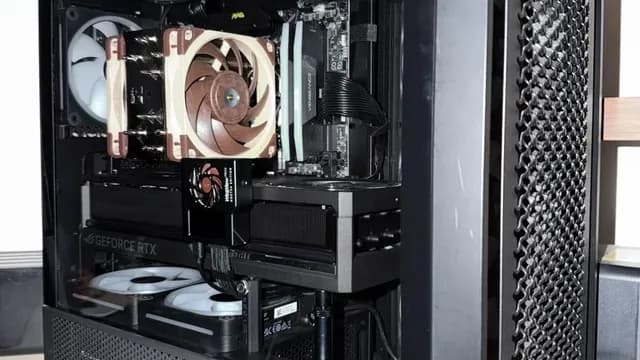
A tower air cooler with brown fans installed in a PC How much to spend
All 3 sat in the under $50 tier when we checked, from the MX-6 8g at the low end to the Kryonaut 5.55g at the top, so decide on features first.
Start from what matters most
Spending as little as possible, with the MX-7 8g the next step up: the MX-6 8g. Spending more than the MX-7 8g costs for the fullest feature set in this group: the Kryonaut 5.55g.
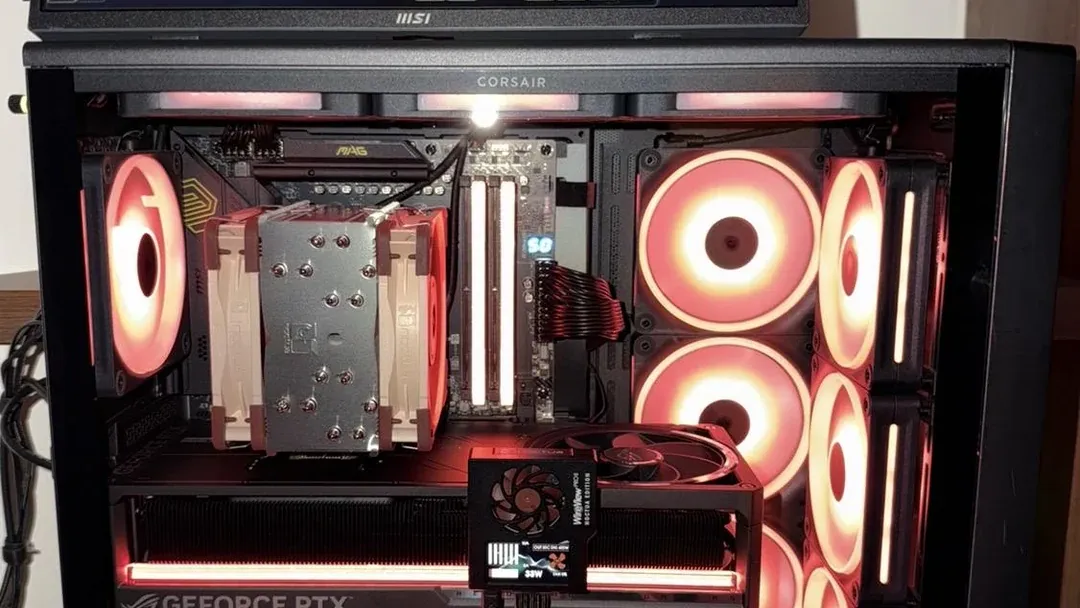
A tower air cooler in a case with red-lit fans Differences between good pastes are small
Among reputable pastes, temperatures usually differ by a few degrees at most. Mounting pressure and application matter as much as the paste.
How to Choose a Thermal Paste in Large Tubes
By priority
| Priority | Consider | Why |
|---|---|---|
| Spending as little as possible, with the MX-7 8g the next step up | MX-6 8g | The cheapest way into this group, below the MX-7 8g |
| Buyers who want dense, high-filler formula | MX-7 8g | A dense, high-filler formula |
| Spending more than the MX-7 8g costs for the fullest feature set in this group | Kryonaut 5.55g | The top of this price range, adding a maker claim that it does not dry out at 80°C |
Scroll sideways to see every column.
Key specs side by side
The MX-6 8g leads on tube size at 8g, ahead of the MX-7 8g at 8g. "Not listed" marks electrically non-conductive where the Kryonaut 5.55g leaves the figure out.
| Paste | Amount | Electrically non-conductive |
|---|---|---|
| MX-6 8g | 8g | Yes |
| MX-7 8g | 8g | Yes |
| Kryonaut 5.55g | 5.55g | Not listed |
Scroll sideways to see every column.
Frequently Asked Questions
What does the Kryonaut 5.55g add over the MX-6 8g?
The Kryonaut 5.55g matches or trails the MX-6 8g on tube size. The MX-6 8g leads on tube size (8g). Both sat in the under $50 tier when we checked, so choose on the features you need.
Why is the MX-6 8g our Lowest Price Here pick?
It carries the badge for the cheapest way into this group, below the MX-7 8g. It makes sense for spending as little as possible, with the MX-7 8g the next step up.
Does the MX-6 8g have electrically non-conductive, and which others do?
The MX-6 8g and the MX-7 8g have it. The Kryonaut 5.55g has no electrically non-conductive listed, so 2 of 3 picks are covered here.
What extras do the MX-6 8g and the MX-7 8g include?
The MX-6 8g: lower thermal resistance than ARCTIC's MX-4, by the maker's measure. The MX-7 8g: a dense, high-filler formula. The Kryonaut 5.55g: a maker claim that it does not dry out at 80°C.
Should I pick the MX-6 8g or the Kryonaut 5.55g?
The MX-6 8g suits spending as little as possible, with the MX-7 8g the next step up; the Kryonaut 5.55g suits spending more than the MX-7 8g costs for the fullest feature set in this group.
Bottom Line
Our first pick is the MX-6 8g, chosen for the cheapest way into this group, below the MX-7 8g. Look at the MX-7 8g for a dense, high-filler formula and the Kryonaut 5.55g for the top of this price range, adding a maker claim that it does not dry out at 80°C if those matter more to you.
Store the tube capped and upright; most pastes keep for about three years.
Related Guides
- Related guideThe Best Thermal Pastes for CPUs and GPUs
- Related guideThe Best CPU Air Coolers
- Related guideThe Best Air Coolers
- Lower budgetThe Best Thermal Paste Under $10
- Similar guideThe Best Thermal Paste in Small Tubes
- ExplainerPC Airflow Explained
- ExplainerHow Many Case Fans Do You Need?
- Check compatibility: processorsHow to Check CPU and Motherboard Compatibility
- Similar guideThe Best Thermal Paste Kits
- Topic hubAll cpu coolers and cooling guides
About the author
PC Hardware Editor
Alex covers PC hardware, monitors, components, upgrades and peripherals for The PC Journal, with a focus on helping readers understand specifications, compatibility and meaningful product trade-offs.
Covers: Monitors, Graphics cards, Processors, PC components, Peripherals, Upgrades and compatibility
View all articles