
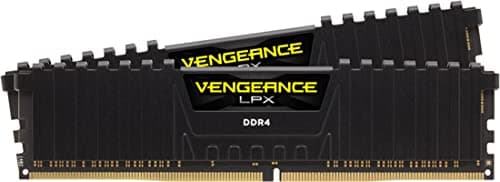
Components · Buying Guide
The Best 64GB RAM Kits
64GB suits heavy video editing, large datasets and virtual machines.
12 min read
Components
Memory has to match your motherboard's DDR generation before speed or capacity matter. These guides compare RAM kits by capacity, speed and platform.
43 buying guides and 7 explainers.
DDR4 or DDR5, as your motherboard requires
Kit speed against the board and CPU's supported range (EXPO or XMP)
Module height against a large air cooler
Capacity comes first, then channel configuration and speed; choose for the heaviest real workload plus reasonable headroom.
Effective memory performance combines transfer rate, timings, memory controller behavior, and application sensitivity.
Choose based on the whole platform cost and upgrade path; memory generations are physically incompatible and performance gains vary by workload.
ECC support requires alignment among CPU memory controller, motherboard firmware and traces, memory type, and operating mode.
Two modules usually make high-speed stability and future upgrades easier; four can be useful for capacity or aesthetics but loads the memory.
XMP and EXPO are stored memory profiles that simplify tuning, but enabling them is still an overclock and stability should be checked.
Use the CPU page, the board's memory table and the QVL to confirm RAM before you order.
Components · Buying Guide
64GB suits heavy video editing, large datasets and virtual machines.
12 min read
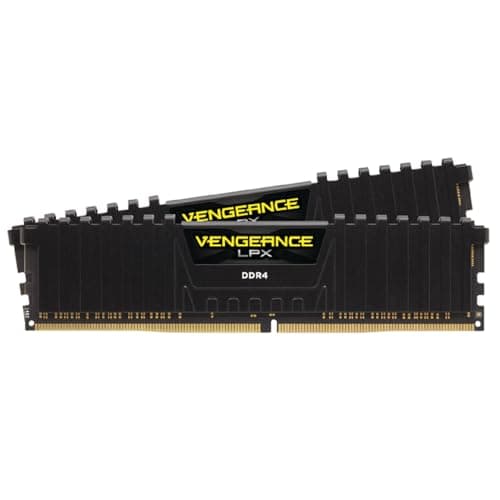
Components · Buying Guide
DDR4 fits AM4 and DDR4 Intel boards only; 3200 CL16 or 3600 CL18 covers most of them.
13 min read
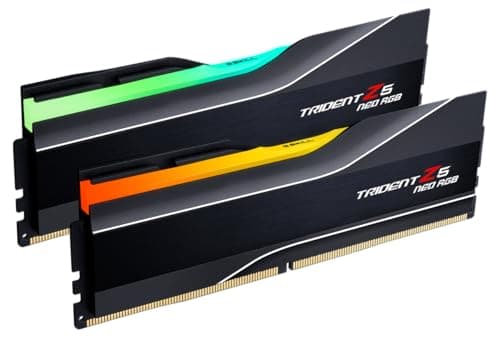
Components · Buying Guide
6000MT/s CL30 suits most DDR5 builds; go faster only on Intel boards that list support.
12 min read
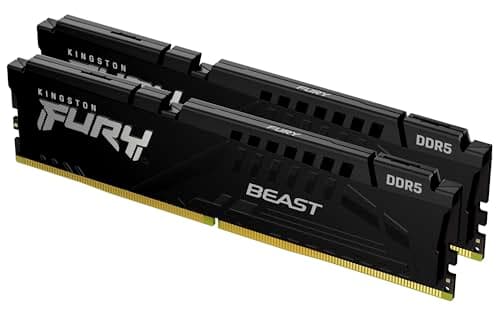
Components · Buying Guide
Match the memory type to your board first; then choose capacity, speed and height.
12 min read
Components · Buying Guide
128GB builds usually use two 64GB kits or four sticks; the largest kits here start at 64GB.
11 min read
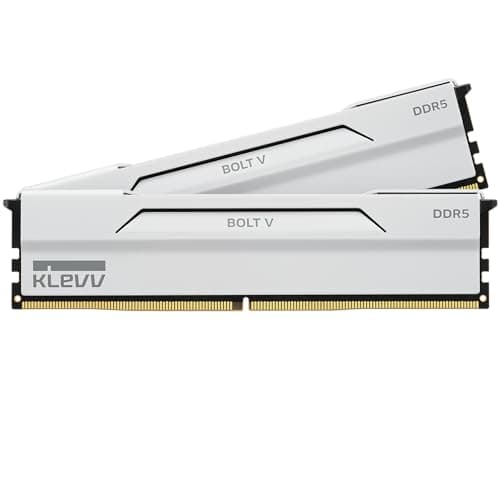
Components · Buying Guide
White kits match the fastest black ones; choose between plain and RGB, then check timings.
12 min read