
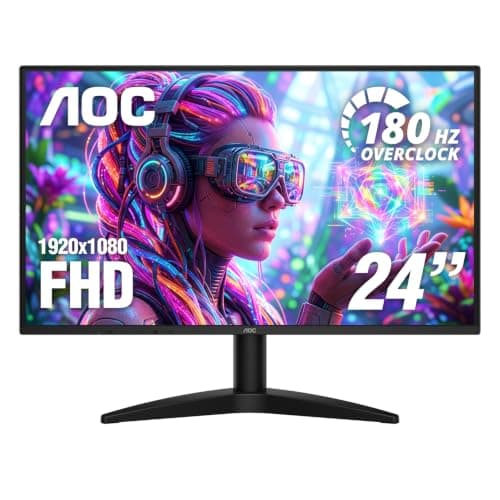
Monitors · Buying Guide
The Best VA Monitors
VA panels offer much higher contrast than IPS, which suits dark games and films.
12 min read
Monitors
A work monitor should suit your laptop's ports, your desk and hours of reading text. These guides compare monitors for office work, Mac setups and everyday use.
50 buying guides and 6 explainers.
USB-C with enough power delivery for your laptop
Height, tilt and swivel adjustment on the stand
Pixel density for sharp text at your screen size
Match size and resolution to your desk, then confirm your graphics outputs support the refresh rate you want.
Choose size together with resolution and desk distance; screen size alone says little about sharpness or comfort.
Plan physical placement, matching scale, connection bandwidth, and task roles before adjusting software settings.
Refresh rate sets how often the display can update, but perceived motion also depends on response time, frame rate, synchronization, and overshoot.
Use a simple pixels-per-inch calculation to compare monitors and pick a size that suits how far you sit.
Tell a monitor that accepts an HDR signal from one that displays HDR well, and set up Windows HDR properly.
Monitors · Buying Guide
VA panels offer much higher contrast than IPS, which suits dark games and films.
12 min read
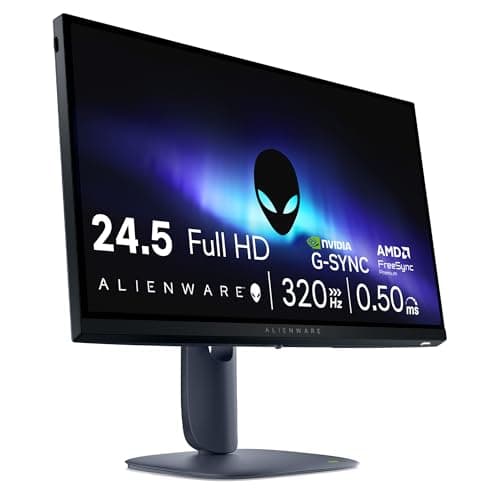
Monitors · Buying Guide
IPS panels keep colour consistent from wide angles.
12 min read
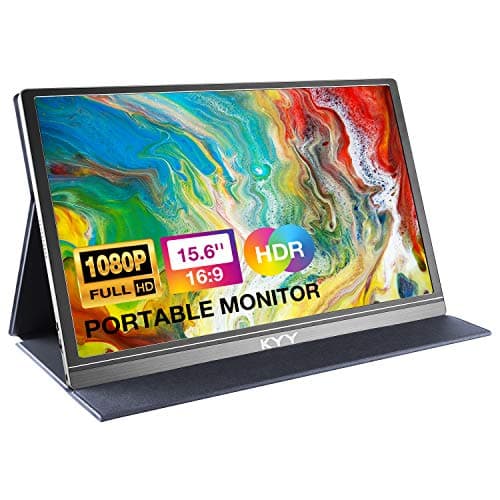
Monitors · Buying Guide
A USB-C monitor can carry video, data and laptop charging over one cable.
12 min read
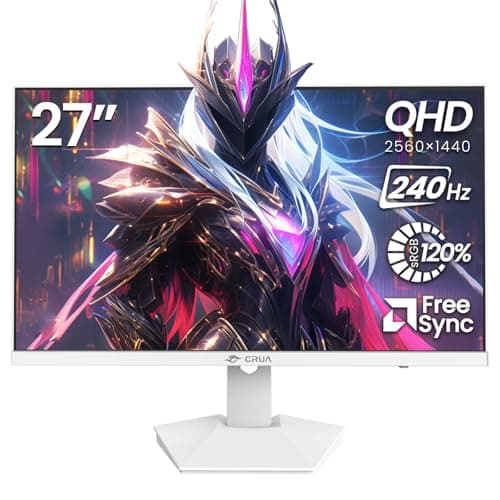
Monitors · Buying Guide
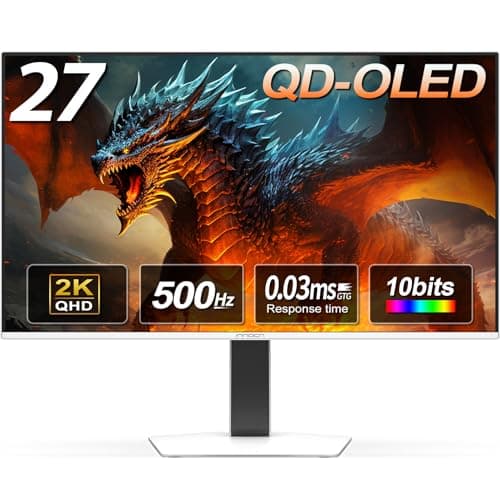
White monitors suit light-themed setups.
12 min read
Monitors · Buying Guide
G-SYNC Compatible monitors run variable refresh with NVIDIA cards.
12 min read
Monitors · Buying Guide
A VR PC still needs a good monitor for mirroring and flat games.
12 min read