
Buying Guide
The Best Monitors for VR Streaming
From the ARZOPA Z3FC to the 27GS60QC: five monitors ranked on refresh rate and screen size, with who should skip each one.
By Alex Morgan, PC Hardware Editor
12 min read5 products evaluated
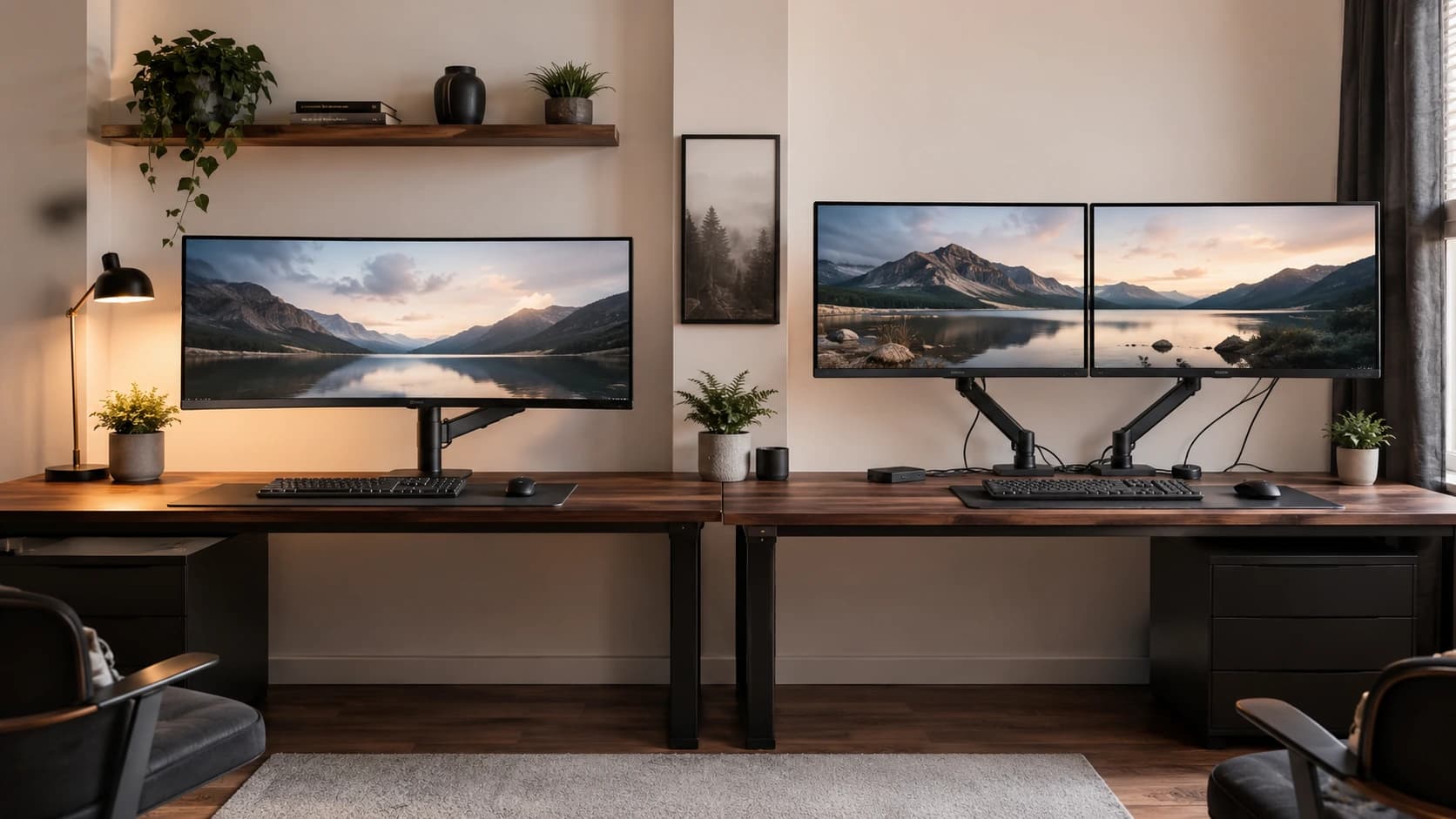
A VR PC still needs a good monitor for mirroring and flat games. Every pick is 1440p at 144Hz or more, ordered from the lowest price.
This is a research roundup, not a lab test: refresh rate, resolution and size come from each maker's published specs; nothing here was tested in-house, and a missing response is flagged, not filled in.
Quick Picks
Which of the 5 picks to look at first. Tap a name for the full analysis.

Lowest Price Here
ARZOPA Z3FC 16.1-inch 2.5K 180Hz PortableUndercutting the G2725D on price when we checked.
Best for: Keeping the cost under $150.
Check price for ARZOPA Z3FC 16.1-inch 2.5K 180Hz Portable on Amazon (opens in a new tab)
Also Consider
Dell G2725D1440p at 180Hz at one of the lowest prices here at the time of writing.
Best for: Buyers who want 1440p at 180Hz at one of the lowest prices here at the time of writing.
Check price for Dell G2725D on Amazon (opens in a new tab)
Fastest Refresh
MSI MAG 274QF E20The highest refresh rate here (200Hz).
Best for: Competitive shooters where motion clarity matters most.
Check price for MSI MAG 274QF E20 on Amazon (opens in a new tab)
Strong Alternative
Acer Nitro EDA270U CurvedA 1500R curve.
Best for: Buyers who want 1500R curve.
Check price for Acer Nitro EDA270U Curved on Amazon (opens in a new tab)
Premium Pick
LG UltraGear 27GS60QC-B CurvedA steep 1000R curve at the highest price in the group.
Best for: Buyers for whom price is not the deciding factor, since the ARZOPA Z3FC costs less.
Check price for LG UltraGear 27GS60QC-B Curved on Amazon (opens in a new tab)
Our Picks
Lowest Price Here1 of 5
ARZOPA Z3FC 16.1-inch 2.5K 180Hz Portable
ARZOPA's Z3FC raises a 16.1-inch portable to 2560x1440 at 180Hz with 400 nits of listed brightness.
Best for
- Keeping the cost under $150.
Skip if
- Skip it if screen size matters most to you; the G2725D offers 27 inches.
Why we like it
It is the sharpest and fastest portable here. On refresh rate it ties with the G2725D, the EDA270U and the 27GS60QC at 180Hz. Its 16.1 inches screen size is the smallest in this group; the G2725D leads at 27 inches.
A 107% sRGB color gamut is unique to it among these picks, while the 27GS60QC uses a 99% sRGB color gamut. It also comes with two USB-C ports and mini HDMI and a listing that names PS5, Xbox and Steam Deck. You also get this: 1440p resolution, sharper than 1080p at 27 inches. No other pick here cost less at our last price check, and the G2725D was closest.
Key specs
- Refresh rate
- 180Hz
- Resolution
- 2560x1440 (1440p)
- Size
- 16.1 inches
- Color gamut
- 107% sRGB
- USB-C
- Yes
Pros
- 180Hz for smoother motion than a 60Hz office screen
- 1440p resolution, sharper than 1080p at 27 inches
- 107% sRGB colour coverage
- a USB-C input for laptops
Cons
- Screen size trails the G2725D (27 inches)
The catch
Screen size is its weakest area, and the G2725D covers it better at 27 inches.
Also Consider2 of 5
Dell G2725D
The G2725D offers 1440p at 180Hz with 99% sRGB at a very low price.
Best for
- Buyers who want 1440p at 180Hz at one of the lowest prices here at the time of writing.
Skip if
- Price-first buyers should look at the ARZOPA Z3FC, which cost less when we checked.
Why we like it
Dell doesn't name the panel type. It matches the ARZOPA Z3FC, the EDA270U and the 27GS60QC on refresh rate (180Hz). On screen size it ties with the MAG 274QF, the EDA270U and the 27GS60QC at 27 inches.
Like the 27GS60QC, it has a 99% sRGB color gamut, while the ARZOPA Z3FC uses a 107% sRGB color gamut. You also get 1440p at 180Hz at one of the lowest prices here at the time of writing. Worth noting: FreeSync to reduce screen tearing. On price it sat second of 5, between the cheaper ARZOPA Z3FC and the pricier MAG 274QF, at the time of writing.
Key specs
- Refresh rate
- 180Hz
- Resolution
- 2560x1440 (1440p)
- Size
- 27 inches
- Color gamut
- 99% sRGB
- Adaptive sync
- FreeSync
Pros
- 180Hz for smoother motion than a 60Hz office screen
- 1440p resolution, sharper than 1080p at 27 inches
- 99% sRGB colour coverage
- FreeSync to reduce screen tearing
Cons
- Costs more than the ARZOPA Z3FC at the time of writing
Fastest Refresh3 of 5
MSI MAG 274QF E20
The MAG 274QF runs 1440p at 200Hz on a Rapid IPS panel with FreeSync Premium.
Best for
- Competitive shooters where motion clarity matters most.
Skip if
- Price-first buyers should look at the ARZOPA Z3FC, which cost less when we checked.
Why we like it
It is a balanced step down from the AOC. The Rapid IPS panel is rated at 0.5ms GtG. MSI's AI Vision mode lifts detail in dark scenes and boosts brightness and saturation.
Its 200Hz refresh rate is the highest here; the ARZOPA Z3FC comes next at 180Hz. On screen size it ties with the G2725D, the EDA270U and the 27GS60QC at 27 inches. G-SYNC Compatible works on NVIDIA cards over DisplayPort, and FreeSync covers AMD cards.
You also get this: 200Hz for smoother motion than a 60Hz office screen. Its price falls between the G2725D and the EDA270U, based on our last check.
Key specs
- Refresh rate
- 200Hz
- Resolution
- 2560x1440 (1440p)
- Size
- 27 inches
- Panel
- Rapid IPS
- Response
- 0.5ms
- Adaptive sync
- FreeSync Premium, G-SYNC Compatible
Pros
- 200Hz for smoother motion than a 60Hz office screen
- 1440p resolution, sharper than 1080p at 27 inches
- a Rapid IPS panel with wide viewing angles
- FreeSync Premium, G-SYNC Compatible to reduce screen tearing
Cons
- Costs more than the ARZOPA Z3FC at the time of writing
Strong Alternative4 of 5
Acer Nitro EDA270U Curved
The EDA270U stands out for a 1500R curve, and it adds two 2W speakers.
Best for
- Buyers who want 1500R curve.
Skip if
- Price-first buyers should look at the ARZOPA Z3FC, which cost less when we checked.
Why we like it
It also offers a 180Hz refresh rate and offers a 27 inches screen size. The 27-inch 1440p panel curves at 1500R and refreshes at 180Hz with FreeSync Premium. It adds two 2W speakers, a zero-frame design and a 75x75mm VESA mount.
The 1500R curve, 180Hz refresh and FreeSync Premium come with two 2W speakers and a tilt-only stand. On refresh rate it ties with the ARZOPA Z3FC, the G2725D and the 27GS60QC at 180Hz. It matches the G2725D, the MAG 274QF and the 27GS60QC on screen size (27 inches).
It also comes with 1440p at a budget price tier. When we checked, only the MAG 274QF and cheaper picks cost less, and the 27GS60QC cost more.
Key specs
- Refresh rate
- 180Hz
- Resolution
- 2560x1440 (1440p)
- Size
- 27 inches
- HDR
- HDR
Pros
- 180Hz for smoother motion than a 60Hz office screen
- 1440p resolution, sharper than 1080p at 27 inches
- 1500R curve
- Two 2W speakers
Cons
- Costs more than the ARZOPA Z3FC at the time of writing
Premium Pick5 of 5
LG UltraGear 27GS60QC-B Curved
LG's 27GS60QC is a curved 27-inch 1440p screen at 180Hz with 99% sRGB coverage.
Best for
- Buyers for whom price is not the deciding factor, since the ARZOPA Z3FC costs less.
Skip if
- Look at the others if this bothers you: hDR10 support without a DisplayHDR certification.
Why we like it
It is one of the lowest-priced curved 1440p models here. On refresh rate it ties with the ARZOPA Z3FC, the G2725D and the EDA270U at 180Hz. It matches the G2725D, the MAG 274QF and the EDA270U on screen size (27 inches).
It shares a 99% sRGB color gamut with the G2725D; the ARZOPA Z3FC goes with a 107% sRGB color gamut. It also offers a steep 1000R curve and a budget 1440p price tier. Only the EDA270U came close to it on price at the time of writing; it cost the most of the 5 picks. It gives ground on refresh rate, where the MAG 274QF offers 200Hz.
Key specs
- Refresh rate
- 180Hz
- Resolution
- 2560x1440 (1440p)
- Size
- 27 inches
- Response
- 1ms
- HDR
- HDR10
- Color gamut
- 99% sRGB
- Adaptive sync
- FreeSync
Pros
- 180Hz for smoother motion than a 60Hz office screen
- 1440p resolution, sharper than 1080p at 27 inches
- 99% sRGB colour coverage
- FreeSync to reduce screen tearing
Cons
- HDR10 support without a DisplayHDR certification
- Refresh rate trails the MAG 274QF (200Hz)
- Costs more than the ARZOPA Z3FC at the time of writing
How We Chose These Monitors for VR Streaming
Alex Morgan compared the manufacturer specifications, connectivity, warranty terms and compatibility of every pick. Figures come from the makers unless a third-party source is named; we did not test these products ourselves.
- The figures behind the order
- We set side by side five monitors on refresh rate, resolution, screen size and response as the makers state them. Nothing was tested in-house; 3 of the 7 fields compared are stated for every pick, while response and HDR have gaps.
- The shared baseline
- All 5, from the ARZOPA Z3FC to the 27GS60QC, state refresh rate, resolution and screen size and share 2560x1440 (1440p) resolution.
- Where the specs have gaps
- The ARZOPA Z3FC, the G2725D and the EDA270U give no response; the ARZOPA Z3FC, the G2725D and the MAG 274QF give no HDR.
- Price range
- At our last check the picks ran from the ARZOPA Z3FC ($100 to $150) to the 27GS60QC ($150 to $250).
What to Look for in a Monitor for VR Streaming
Key buying criteria so you get the right fit the first time.
Refresh rate across these picks
Across these 5 picks refresh rate spans 180Hz (the 27GS60QC) to 200Hz (the MAG 274QF). The MAG 274QF is the pick for refresh rate.
Screen size
Here screen size runs from 16.1 inches on the ARZOPA Z3FC to 27 inches on the G2725D, a 68% spread. If screen size is your first filter, the G2725D sets the ceiling at 27 inches.
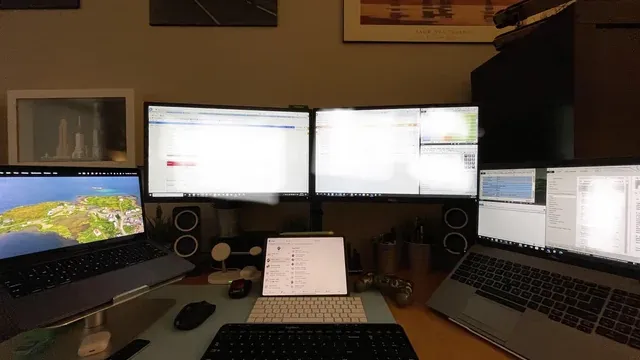
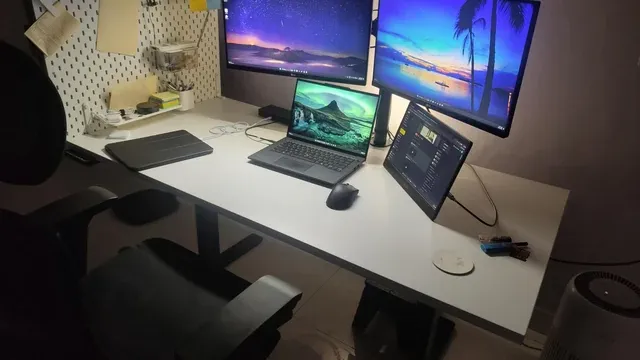
A three-monitor work desk beside a laptop Color gamut
The ARZOPA Z3FC lists 107% sRGB; the G2725D and the 27GS60QC list 99% sRGB.
Features beyond the spec table
The MAG 274QF: a 200Hz refresh rate at 1440p. The EDA270U: two 2W speakers. The 27GS60QC: 1440p at 180Hz.
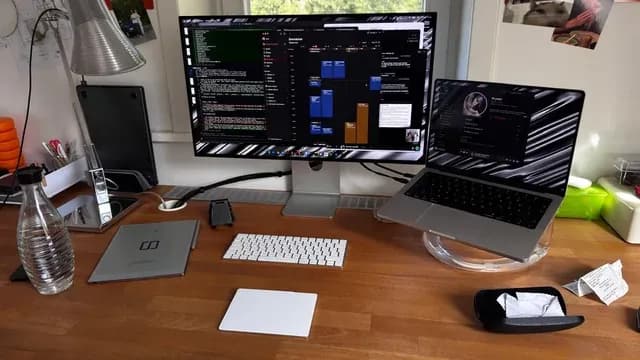
A desk with a monitor showing code next to a laptop Where your budget lands
$100 to $150 buys the ARZOPA Z3FC and the G2725D; $150 to $250 buys the MAG 274QF, the EDA270U and the 27GS60QC at our last check.
How to Choose a Monitor for VR Streaming
By priority
| Priority | Consider | Why |
|---|---|---|
| Keeping the cost under $150 | ARZOPA Z3FC | Undercutting the G2725D on price when we checked |
| Buyers who want 1440p at 180Hz at one of the lowest prices here at the time of writing | G2725D | 1440p at 180Hz at one of the lowest prices here at the time of writing |
| Competitive shooters where motion clarity matters most | MAG 274QF | The highest refresh rate here (200Hz) |
| Buyers who want 1500R curve | EDA270U | A 1500R curve |
| Buyers for whom price is not the deciding factor, since the ARZOPA Z3FC costs less | 27GS60QC | A steep 1000R curve at the highest price in the group |
Scroll sideways to see every column.
Key specs side by side
The MAG 274QF leads on refresh rate at 200Hz, ahead of the ARZOPA Z3FC at 180Hz. "Not listed" marks response where the ARZOPA Z3FC, the G2725D and the EDA270U leave the figure out.
| Monitor | Refresh rate | Resolution | Size | Response |
|---|---|---|---|---|
| ARZOPA Z3FC | 180Hz | 2560x1440 (1440p) | 16.1 inches | Not listed |
| G2725D | 180Hz | 2560x1440 (1440p) | 27 inches | Not listed |
| MAG 274QF | 200Hz | 2560x1440 (1440p) | 27 inches | 0.5ms |
| EDA270U | 180Hz | 2560x1440 (1440p) | 27 inches | Not listed |
| 27GS60QC | 180Hz | 2560x1440 (1440p) | 27 inches | 1ms |
Scroll sideways to see every column.
By price at the time of writing
At our last check the cheapest pick, the ARZOPA Z3FC, sat in the $100 to $150 tier, 2 tiers in all up to the 27GS60QC at $150 to $250; Amazon prices move, so recheck before buying.
| Price tier | Monitors |
|---|---|
| About $100 to $150 | ARZOPA Z3FC, G2725D |
| About $150 to $250 | MAG 274QF, EDA270U, 27GS60QC |
Frequently Asked Questions
Is the MAG 274QF ahead of the ARZOPA Z3FC on refresh rate?
The MAG 274QF tops refresh rate at 200Hz; the ARZOPA Z3FC follows at 180Hz, 11% apart.
Is the 27GS60QC worth paying more than the ARZOPA Z3FC?
On paper it adds screen size (27 inches against 16.1 inches). The ARZOPA Z3FC sat in the $100 to $150 tier and the 27GS60QC in the $150 to $250 tier when we checked, with 3 other picks between them; pay the difference only if screen size decides your purchase.
What makes the MAG 274QF the Fastest Refresh?
The label rests on the highest refresh rate here (200Hz). The ARZOPA Z3FC is next on refresh rate at 180Hz, so this pick's 200Hz is 11% further out. The ARZOPA Z3FC, the cheapest pick, sat in the $100 to $150 tier against $150 to $250 here, without out-ranking it on any listed spec. It suits competitive shooters where motion clarity matters most.
Do the MAG 274QF and the 27GS60QC differ on response?
The MAG 274QF uses 0.5ms; the 27GS60QC uses 1ms. The makers of the ARZOPA Z3FC, the G2725D and the EDA270U don't state response, so 2 of 5 picks are covered here.
Beyond the specs, what sets the ARZOPA Z3FC and the G2725D apart?
The ARZOPA Z3FC: 400 nits brightness. The G2725D: 1440p at 180Hz at one of the lowest prices here at the time of writing. The MAG 274QF: a 200Hz refresh rate at 1440p.
Bottom Line
Our first pick is the ARZOPA Z3FC, chosen for undercutting the G2725D on price when we checked. Look at the G2725D for 1440p at 180Hz at one of the lowest prices here at the time of writing, the EDA270U for a 1500R curve and the 27GS60QC for a steep 1000R curve at the highest price in the group if those matter more to you.
Mirror VR at a lower resolution to save GPU headroom.
Related Guides
- Related guideThe Best Gaming Monitors to Buy Now
- Related guideThe Best 1440p Gaming Monitors to Buy
- Related guideThe Best OLED Gaming Monitors
- Lower budgetThe Best Monitors Under $80
- Similar guideThe Best VA Monitors
- ExplainerHow to choose a monitor for your PC
- Explainer24 vs 27 vs 32-Inch Monitor
- Also see: monitor arms and accessoriesThe Best Ergonomic Monitor Stand
- Similar guideThe Best IPS Monitors
- Topic hubAll monitors for work and everyday use guides
About the author
PC Hardware Editor
Alex covers PC hardware, monitors, components, upgrades and peripherals for The PC Journal, with a focus on helping readers understand specifications, compatibility and meaningful product trade-offs.
Covers: Monitors, Graphics cards, Processors, PC components, Peripherals, Upgrades and compatibility
View all articles