
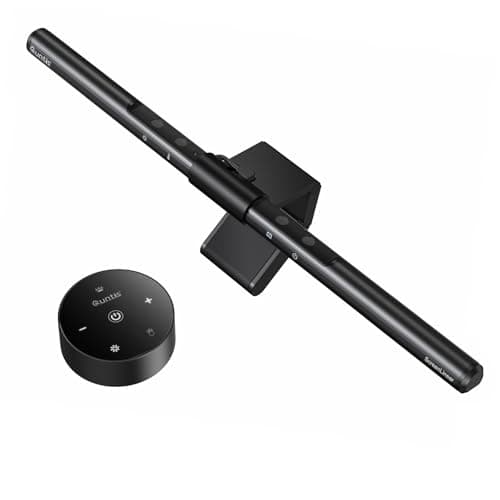
Peripherals · Buying Guide
The Best Monitor Light Bars
A monitor light bar aims light at the desk rather than the screen, so the clamp has to fit your monitor and the beam has to be asymmetric.
12 min read
Peripherals
Mounts and accessories have to match your monitor's VESA pattern and weight. These guides compare monitor arms, mounts and light bars.
5 buying guides.
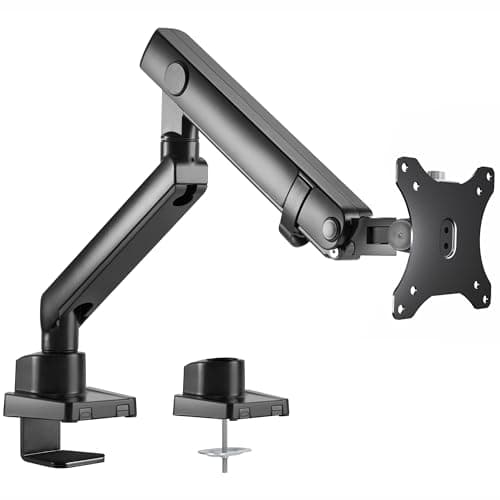
VESA pattern (75 or 100) on your monitor
Weight and size range of the arm
Desk clamp or grommet fit
Peripherals · Buying Guide
A monitor light bar aims light at the desk rather than the screen, so the clamp has to fit your monitor and the beam has to be asymmetric.
12 min read
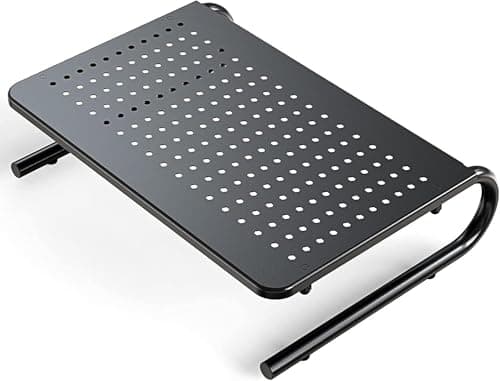
Peripherals · Buying Guide
Six risers, from plain platforms to dual-width drawers.
12 min read
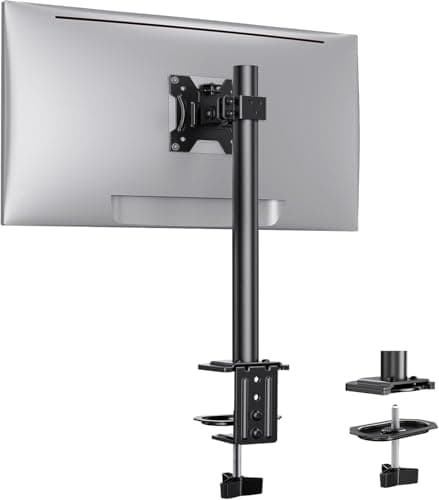
Peripherals · Buying Guide
A desk monitor mount frees the space under the screen and lets you set its height.
12 min read
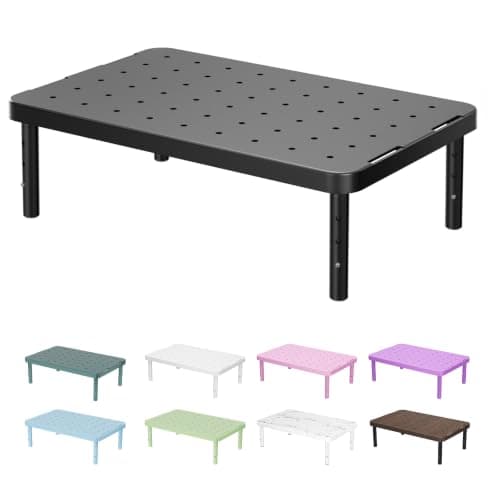
Peripherals · Buying Guide
A monitor stand raises the screen toward eye level and can add storage underneath.
11 min read
Peripherals · Buying Guide
An ergonomic monitor stand adjusts height, tilt and swivel so the screen meets your eyes.
12 min read