
Monitors · Buying Guide
The Best Portable Monitors
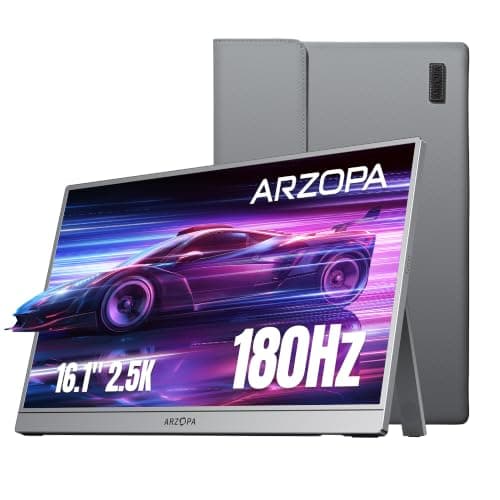
Six USB-C portable monitors from 15.6 to 16.1 inches, including 144Hz and 180Hz models.
12 min read
Monitors
A portable monitor depends on your laptop's USB-C port carrying video and enough power. These guides compare portable displays by size, input and power.
7 buying guides and 1 explainers.
USB-C port with DisplayPort Alt Mode on your laptop
Whether the screen needs a separate power source
Stand or case design for where you will use it
Identify a video-capable USB-C port, understand the power draw and fall back to HDMI when USB-C will not work.
Monitors · Buying Guide
Six USB-C portable monitors from 15.6 to 16.1 inches, including 144Hz and 180Hz models.
12 min read
Monitors · Buying Guide
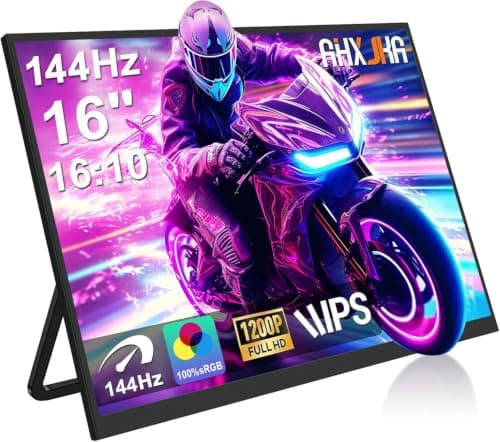
144Hz is the line where motion starts to look noticeably smoother for this kind of setup.
11 min read
Monitors · Buying Guide
A portable gaming monitor adds a screen to a laptop, console or handheld on the go.
11 min read
Monitors · Buying Guide
Portable monitors run from one cable in most cases, so check that your device outputs video over USB-C.
11 min read
Monitors · Buying Guide
A $100 ceiling rules out the premium models, which makes the differences between the rest matter more.
11 min read
Monitors · Buying Guide
Under $200, the trade-offs are sharper, so it helps to know which spec you can give up.
11 min read