
Peripherals · Buying Guide
The Best Surge Protectors for PC
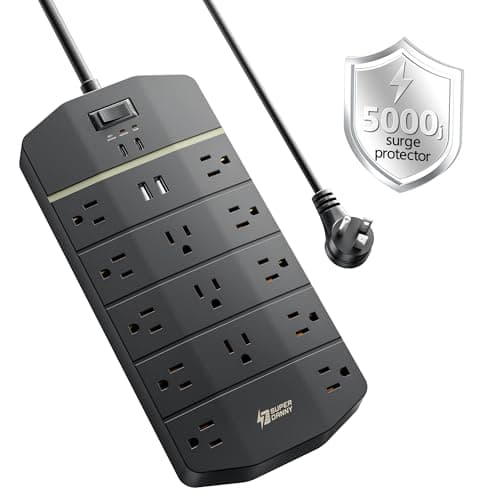
A desk full of a PC, monitors and chargers needs outlets with room for bulky adapters and a stated surge rating.
12 min read
Peripherals
A fast PC still waits on its network. These guides cover routers, mesh systems, switches and powerline adapters, and how to match them to your connection and rooms.
1 buying guides and 10 explainers.
Your internet plan speed and the router's WAN port
Wi-Fi standard on both router and PC (Wi-Fi 6, 6E, 7)
Wired option (Ethernet run, powerline or MoCA) for the gaming PC
Powerline performance depends on electrical wiring, circuits, interference, and outlets, so treat advertised speed as a ceiling, not a prediction.
A gaming router should solve a measured network problem through good queue management, coverage, stable firmware, and appropriate wired ports.
Match Wi-Fi generation, antenna placement, Bluetooth header needs, slot compatibility, drivers, and router capability.
Size mesh by floor plan, construction, client count, wired backhaul options, band design, and management requirements.
Adapter size, antenna design, placement, driver quality, Wi-Fi generation, and USB bandwidth determine practical performance.
Match link speed to the host USB bandwidth, connector, driver support, thermals, and the network at the other end.
Check the router, the PC's adapter and the driver before you pay for a newer Wi-Fi generation.
Confirm slot lanes, controller bandwidth, power input, port mix, driver support, and internal clearance before buying.
Choose port count, link speed, managed features, power delivery, fan noise, and uplink capacity for the actual network.
Check which category you actually need for 1, 2.5 or 10 Gbps, and what a cable and your ports must support.
Peripherals · Buying Guide
A desk full of a PC, monitors and chargers needs outlets with room for bulky adapters and a stated surge rating.
12 min read