
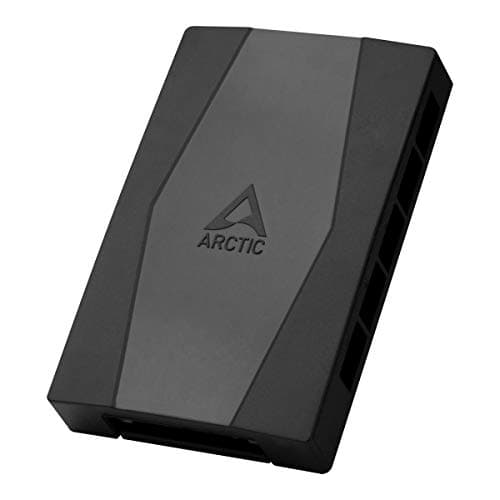
Components · Buying Guide
The Best PWM Fan Hubs
A fan hub lets one motherboard header run several fans, which matters when a case has more fans than headers.
12 min read
Components
Add-on cards and controllers depend on free PCIe slots, motherboard headers and lane sharing. These guides cover Wi-Fi and USB cards, risers, UPS units and lighting or fan controllers.
7 buying guides and 2 explainers.
A free PCIe slot of the right size, and whether it shares lanes
Motherboard headers (ARGB 5V, PWM fan, USB) the add-on needs
Clearance next to the GPU
A surge protector handles voltage spikes; a UPS also provides temporary battery power and may regulate voltage, so choose by outage risk and PC load.
Check each slot's physical size and electrical width in the manual so an add-in card gets the lanes it needs.
Components · Buying Guide
A fan hub lets one motherboard header run several fans, which matters when a case has more fans than headers.
12 min read
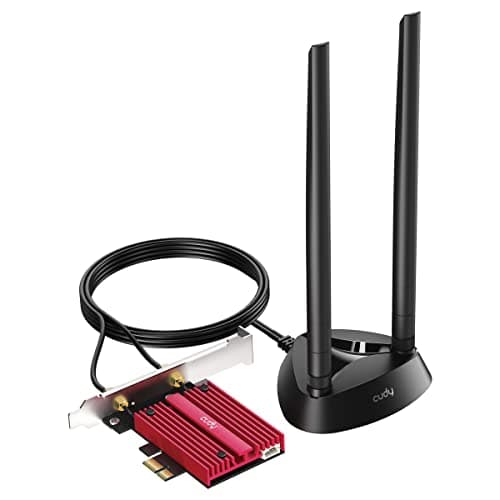
Components · Buying Guide
A PCIe Wi-Fi card swaps a desktop's missing or weak wireless for a card with external antennas, and the Wi-Fi standard has to match your router to matter.
12 min read
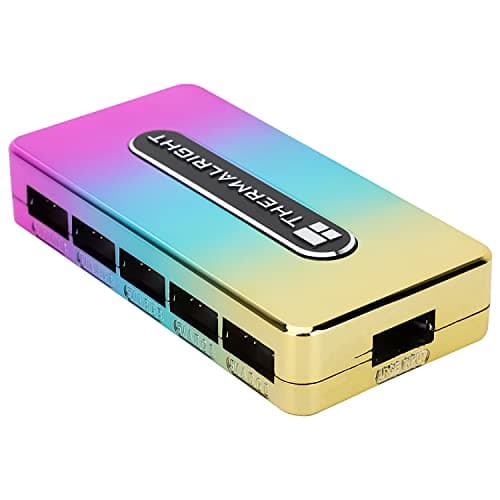
Components · Buying Guide
An ARGB controller adds lighting ports or lighting control beyond what the motherboard offers.
12 min read
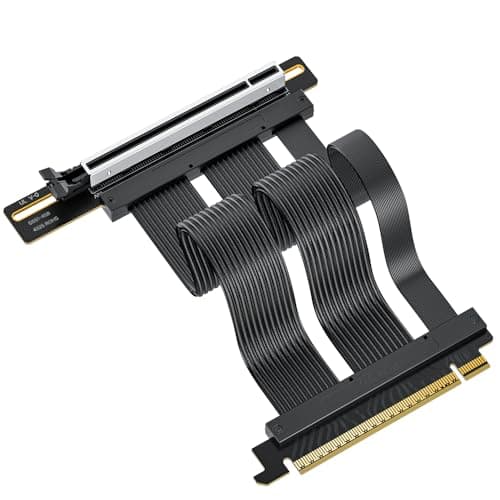
Components · Buying Guide
A riser cable moves the graphics card to a vertical mount, and the PCIe generation it supports decides whether a new card runs at full speed.
12 min read
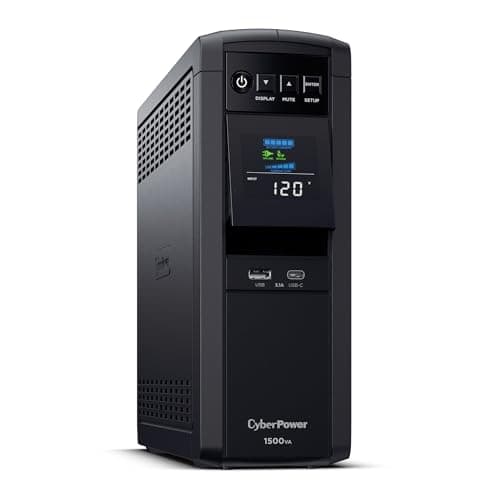
Components · Buying Guide
A gaming PC needs a UPS rated in watts well above its load, with sine wave output that suits active PFC power supplies.
12 min read
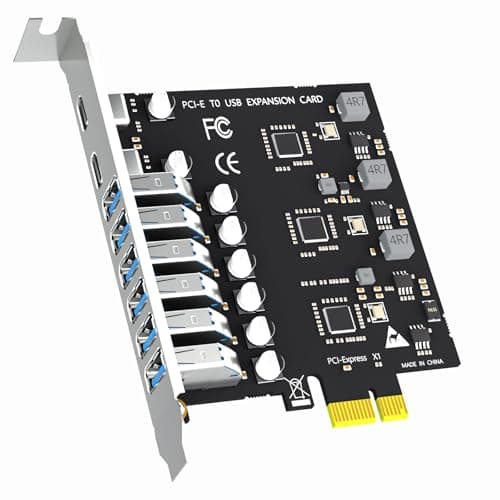
Components · Buying Guide
A PCIe USB card adds ports to a desktop that has run out, with stronger power delivery than a hub.
12 min read