
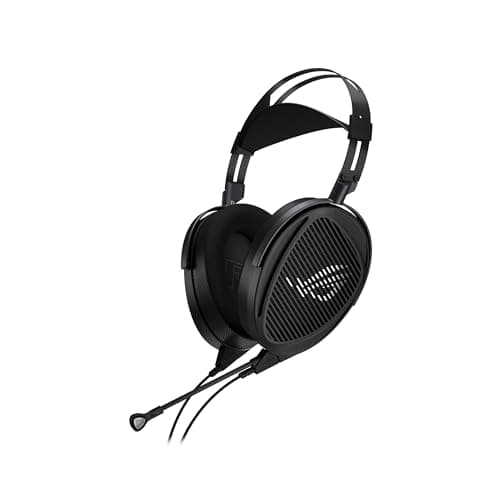
Peripherals · Buying Guide
The Best Headphones for PC Gaming and Music
Plain headphones give the best sound per dollar when you use a separate microphone.
11 min read
Peripherals
A headset has to connect to every device you use, and its mic has to suit your calls or streams. These guides compare headsets and headphones by platform and use.
123 buying guides and 3 explainers.
Connection (USB, 2.4 GHz, Bluetooth, 3.5 mm) for each device you use
Console compatibility listed by the maker
Mic type and weight for long sessions
Comfort, microphone clarity, connection reliability, and a suitable sound profile should come before virtual-surround marketing.
Check the connection type, the jack wiring and the platform listing so one headset works on the devices you own.
Pay for pc headset features that improve fit, reliability, and the tasks you repeat; skip headline specifications that your host, room, or software ca
Peripherals · Buying Guide
Plain headphones give the best sound per dollar when you use a separate microphone.
11 min read
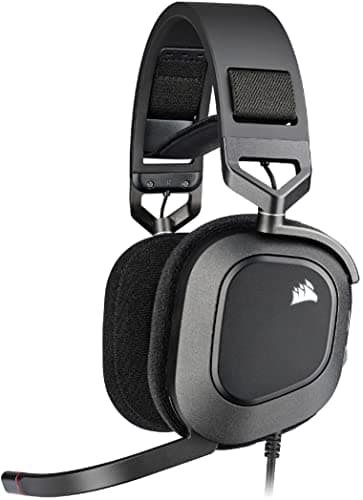
Peripherals · Buying Guide
RGB ear cups match a lit setup, usually at a small cost in battery life.
11 min read
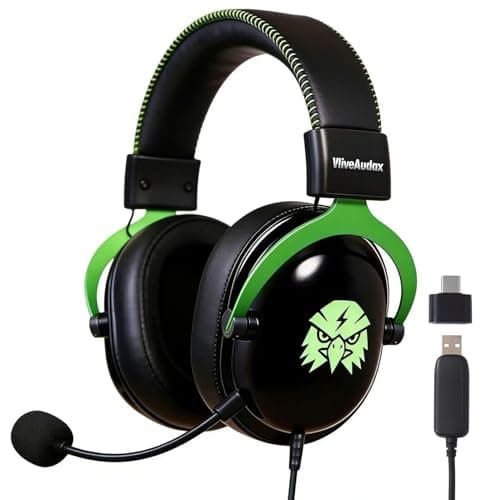
Peripherals · Buying Guide
A USB headset brings its own sound card, which helps on PCs with noisy onboard audio.
12 min read
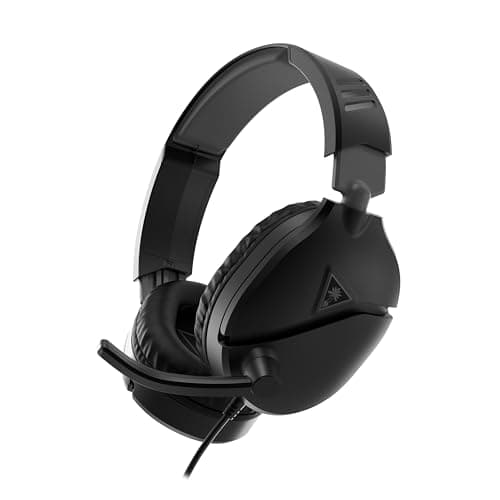
Peripherals · Buying Guide
An Xbox headset needs either a 3.5mm plug for the controller or Xbox-specific wireless.
12 min read
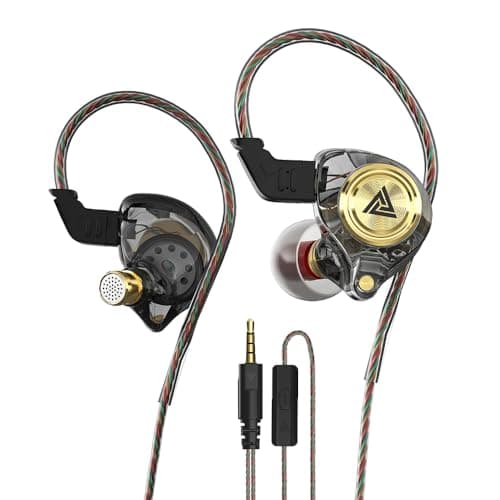
Peripherals · Buying Guide
Gaming earbuds and in-ear monitors trade the boom microphone for a lighter fit and passive noise isolation.
12 min read
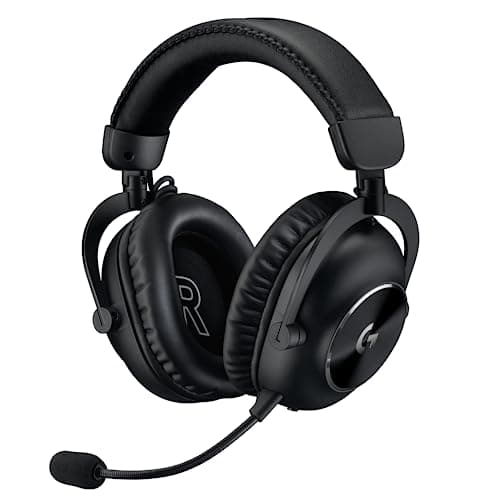
Peripherals · Buying Guide
Six headsets from a wired Cloud III to the tri-mode G PRO X 2.
12 min read