
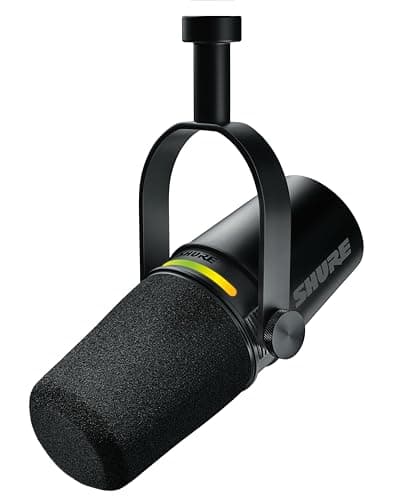
Peripherals · Buying Guide
The Best USB Microphones
USB mics now include hybrids with XLR outputs and onboard processing. These six cover streaming, podcasting and calls.
12 min read
Peripherals
A microphone choice comes down to connection (USB or XLR), polar pattern and the room you record in. These guides compare mics for streaming, calls and podcasts.
24 buying guides and 3 explainers.
USB or XLR, and whether you need an audio interface
Polar pattern for a noisy or quiet room
Mount thread for a boom arm or stand
Work out whether an interface and phantom power are worth it, or whether a USB mic already covers what you record.
Select a microphone around room noise, speaking distance, pickup pattern, mounting, monitoring, and software needs.
Pay for usb microphone features that improve fit, reliability, and the tasks you repeat; skip headline specifications that your host, room, or softwar
Peripherals · Buying Guide
USB mics now include hybrids with XLR outputs and onboard processing. These six cover streaming, podcasting and calls.
12 min read
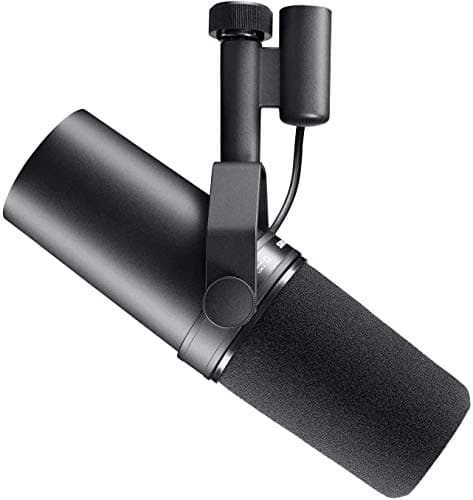
Peripherals · Buying Guide
An XLR mic needs an interface, but lets you upgrade parts separately. These seven cover budget to broadcast.
13 min read
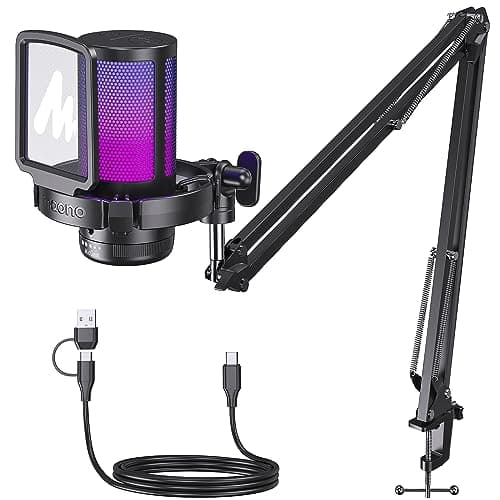
Peripherals · Buying Guide
A cheap USB mic sounds clearer than most headset mics. These six differ in mute, monitoring and what comes in the box.
12 min read
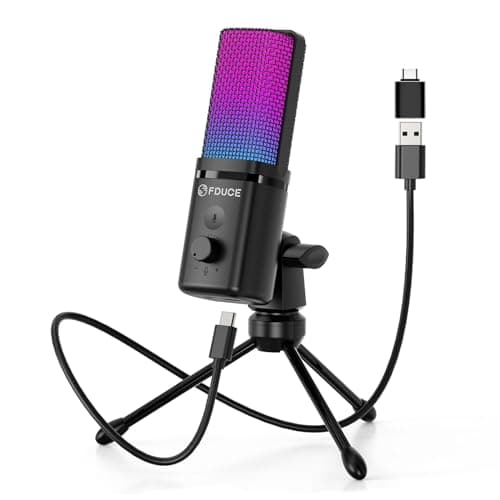
Peripherals · Buying Guide
Under $40 a USB microphone is a simple plug-in condenser for calls and basic streams.
11 min read
Peripherals · Buying Guide
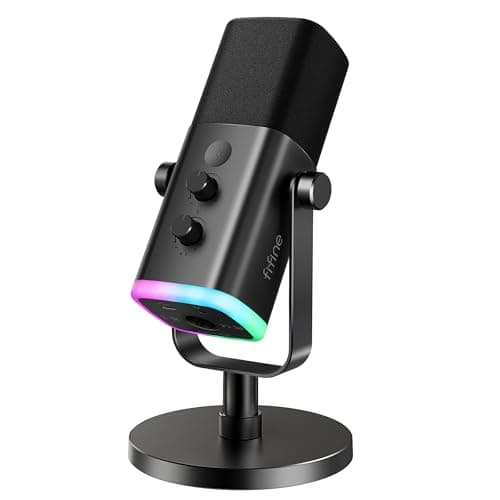
From $40 to $60 you find condenser mics with a mute button or a headphone output.
11 min read
Peripherals · Buying Guide
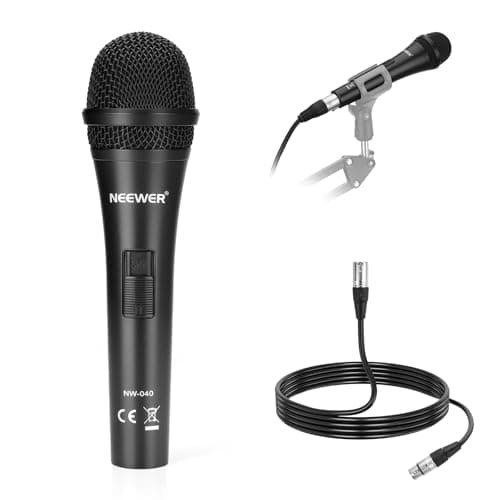
Around $75 a microphone can offer several pickup patterns and better capsules.
11 min read