
Buying Guide
The Best USB Microphones Under $50
We weighed three microphones on connection and capsule, and the TONOR TC310+ costs the least.
By Alex Morgan, PC Hardware Editor
11 min read3 products evaluated
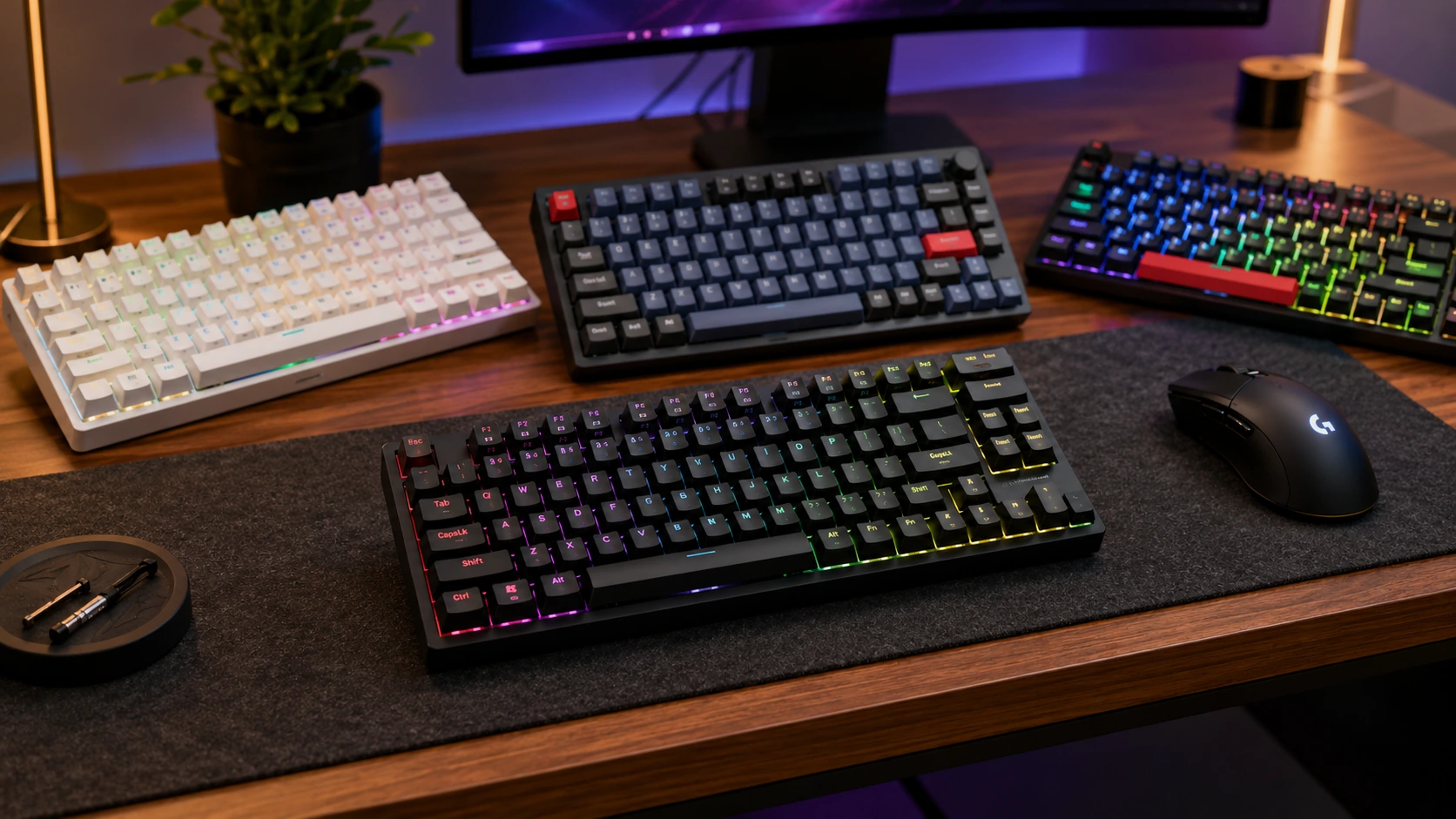
A USB microphone plugs straight into a PC and works without an interface, which suits a first streaming or call setup. Every pick here connects over USB and cost $50 or less when we checked.
Rankings weigh connection, capsule and polar pattern as the makers state them; we did not test these microphones ourselves, and any figure a maker omits is noted as missing.
Quick Picks
Which of the 3 picks to look at first. Tap a name for the full analysis.

Premium Pick
MAONO DGM20S USB Gaming Microphone KitA boom arm, shock mount and pop filter at the highest price in the group.
Best for: Buyers for whom price is not the deciding factor, since the TONOR TC310+ costs less.
Check price for MAONO DGM20S USB Gaming Microphone Kit on Amazon (opens in a new tab)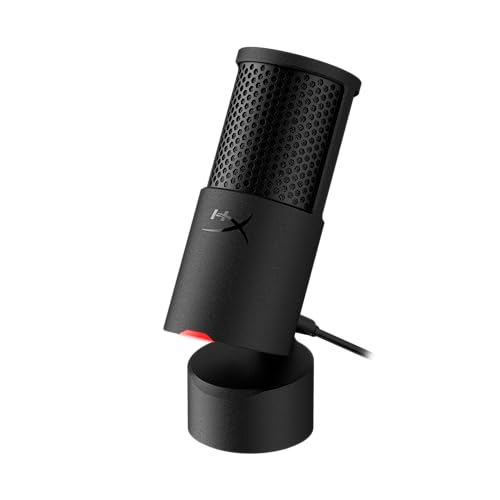
Also Consider
HyperX SoloCast 2 USB MicrophoneBuilt-in suspension.
Best for: Buyers who want built-in suspension.
Check price for HyperX SoloCast 2 USB Microphone on Amazon (opens in a new tab)
Lowest Price Here
TONOR TC310+ USB Microphone KitThe lowest price among these microphones at the time of writing.
Best for: Spending as little as possible, with the SoloCast 2 the next step up.
Check price for TONOR TC310+ USB Microphone Kit on Amazon (opens in a new tab)
| Pick | Why it stands out | Best for | Check price |
|---|---|---|---|
| A boom arm, shock mount and pop filter at the highest price in the group. | Buyers for whom price is not the deciding factor, since the TONOR TC310+ costs less. | Check price for MAONO DGM20S USB Gaming Microphone Kit on Amazon (opens in a new tab) |
| Built-in suspension. | Buyers who want built-in suspension. | Check price for HyperX SoloCast 2 USB Microphone on Amazon (opens in a new tab) |
| The lowest price among these microphones at the time of writing. | Spending as little as possible, with the SoloCast 2 the next step up. | Check price for TONOR TC310+ USB Microphone Kit on Amazon (opens in a new tab) |
Our Picks
Premium Pick1 of 3
MAONO DGM20S USB Gaming Microphone Kit
MAONO's DGM20S kit includes a boom arm, shock mount and pop filter with noise reduction and a gain knob.
Best for
- Buyers for whom price is not the deciding factor, since the TONOR TC310+ costs less.
Skip if
- Look at the others if this bothers you: no headphone jack listed.
Why we like it
It is the most complete cheap kit here. It comes with a metal boom arm and shock mount, works with PC, Mac and PS5 without drivers, and has controllable RGB. A button mute control is unique to it among these picks, while the TONOR TC310+ uses a tap mute control.
It plugs straight into a USB port and needs no interface. It was the highest-priced of the 3 picks at the time of writing, so the case for it rests on what it adds over the SoloCast 2 and the rest.
Key specs
- Connection
- USB
- Capsule
- Condenser
- Polar pattern
- Cardioid
- Mute control
- Button
- Headphone monitoring
- None stated
- In the box
- Boom arm, shock mount, pop filter
Pros
- Boom arm, shock mount and pop filter
- Noise reduction
- Gain knob
- Button mute control, the only one here
Cons
- No headphone jack listed
- Costs more than the TONOR TC310+ at the time of writing
Also Consider2 of 3
HyperX SoloCast 2 USB Microphone
HyperX's SoloCast 2 has built-in suspension, a foam pop filter and threads for both 3/8in and 5/8in arms.
Best for
- Buyers who want built-in suspension.
Skip if
- Pass on it if no headphone jack listed rules it out for your setup.
Why we like it
Tap-to-mute sits on top. A built-in suspension reduces desk vibration, and the foam pop filter, tilting stand and arm thread are all included. It needs no extras to start.
It shares a tap mute control with the TONOR TC310+; the MAONO DGM20S goes with a button mute control. It plugs straight into a USB port and needs no interface. Before buying, weigh one limit: costs more than the TONOR TC310+ at the time of writing. Its price falls between the TONOR TC310+ and the MAONO DGM20S, based on our last check.
Key specs
- Connection
- USB
- Capsule
- Condenser
- Polar pattern
- Cardioid
- Mute control
- Tap
- Headphone monitoring
- None stated
- In the box
- Stand with built-in suspension
Pros
- Built-in suspension
- Foam pop filter
- 3/8in and 5/8in threads for arms
Cons
- No headphone jack listed
- Costs more than the TONOR TC310+ at the time of writing
Lowest Price Here3 of 3
TONOR TC310+ USB Microphone Kit
TONOR's TC310+ ships as a kit with a boom arm, tap-to-mute and four RGB modes.
Best for
- Spending as little as possible, with the SoloCast 2 the next step up.
Skip if
- Pass on it if no headphone jack listed rules it out for your setup.
Why we like it
The arm keeps it off the desk. Tap the top to mute, long-press to dim the RGB, and it comes with a boom arm. It shares a tap mute control with the SoloCast 2; the MAONO DGM20S goes with a button mute control.
It plugs straight into a USB port and needs no interface. It makes the most sense for spending as little as possible, with the SoloCast 2 the next step up, since it offers the lowest price among these microphones at the time of writing. It undercut the SoloCast 2 and every other pick on price at the time of writing.
Key specs
- Connection
- USB
- Capsule
- Condenser
- Polar pattern
- Cardioid
- Mute control
- Tap
- Headphone monitoring
- None stated
- In the box
- Boom arm kit
Pros
- Boom arm in the box
- Tap-to-mute
- Four RGB modes
- The lowest price among these microphones at the time of writing
Cons
- No headphone jack listed
How We Chose These USB Microphones Under $50
Alex Morgan compared the manufacturer specifications, connectivity, warranty terms and compatibility of every pick. Figures come from the makers unless a third-party source is named; we did not test these products ourselves.
- The figures behind the order
- We set side by side three microphones on connection, capsule, polar pattern and mute control from manufacturer specifications. Nothing was tested in-house; 6 of the 6 fields compared are stated for every pick.
- What every pick has in common
- All 3, from the MAONO DGM20S to the TONOR TC310+, state connection, capsule and polar pattern and share USB connection and Condenser capsule.
- Who each pick suits
- The MAONO DGM20S for a boom arm, shock mount and pop filter at the highest price in the group; the SoloCast 2 for built-in suspension; the TONOR TC310+ for the lowest price among these microphones at the time of writing.
- Price range
- From the TONOR TC310+ to the MAONO DGM20S, all sat in the under $50 tier when we checked.
What to Look for in a USB Microphone Under $50
Key buying criteria so you get the right fit the first time.
Extras that separate them
The MAONO DGM20S: noise reduction. The SoloCast 2: a foam pop filter. The TONOR TC310+: tap-to-mute.
How much to spend
All 3 sat in the under $50 tier when we checked, from the TONOR TC310+ at the low end to the MAONO DGM20S at the top, so decide on features first.
A microphone on a stand beside a laptop on a purple desk mat Start from what matters most
Buyers for whom price is not the deciding factor, since the TONOR TC310+ costs less: the MAONO DGM20S. Spending as little as possible, with the SoloCast 2 the next step up: the TONOR TC310+.
Polar pattern
Cardioid rejects sound from behind and suits one voice. Multi-pattern mics add omni or figure-8 for groups or interviews.
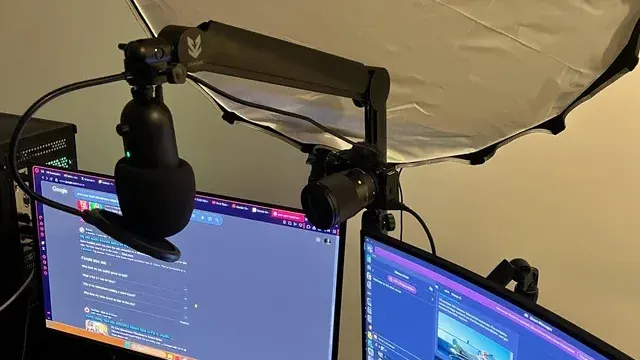
A microphone on a boom arm above two monitors Dynamic or condenser
Dynamic mics pick up less room noise and keyboard clatter, which suits untreated rooms. Condensers capture more detail and more of the room.
How to Choose a USB Microphone Under $50
By priority
| Priority | Consider | Why |
|---|---|---|
| Buyers for whom price is not the deciding factor, since the TONOR TC310+ costs less | MAONO DGM20S | A boom arm, shock mount and pop filter at the highest price in the group |
| Buyers who want built-in suspension | SoloCast 2 | Built-in suspension |
| Spending as little as possible, with the SoloCast 2 the next step up | TONOR TC310+ | The lowest price among these microphones at the time of writing |
Scroll sideways to see every column.
Key specs side by side
The MAONO DGM20S, the SoloCast 2 and the rest, as their makers list them.
| Microphone | Connection | Capsule | Polar pattern | Mute control |
|---|---|---|---|---|
| MAONO DGM20S | USB | Condenser | Cardioid | Button |
| SoloCast 2 | USB | Condenser | Cardioid | Tap |
| TONOR TC310+ | USB | Condenser | Cardioid | Tap |
Scroll sideways to see every column.
Frequently Asked Questions
Why is the TONOR TC310+ our Lowest Price Here pick?
The label rests on the lowest price among these microphones at the time of writing. It is aimed at spending as little as possible, with the SoloCast 2 the next step up.
Do the MAONO DGM20S and the SoloCast 2 differ on mute control?
The MAONO DGM20S uses button; the SoloCast 2 and the TONOR TC310+ use tap.
What extras do the MAONO DGM20S and the SoloCast 2 include?
The MAONO DGM20S: a boom arm, shock mount and pop filter. The SoloCast 2: built-in suspension. The TONOR TC310+: a boom arm in the box.
Who should choose the MAONO DGM20S?
The MAONO DGM20S carries our Premium Pick label for a boom arm, shock mount and pop filter at the highest price in the group. It ranks first of 3 here and sat in the under $50 tier at our last price check; it suits buyers for whom price is not the deciding factor, since the TONOR TC310+ costs less.
Should I pick the MAONO DGM20S or the TONOR TC310+?
The MAONO DGM20S suits buyers for whom price is not the deciding factor, since the TONOR TC310+ costs less; the TONOR TC310+ suits spending as little as possible, with the SoloCast 2 the next step up.
Bottom Line
Our first pick is the MAONO DGM20S, chosen for a boom arm, shock mount and pop filter at the highest price in the group. Look at the SoloCast 2 for built-in suspension and the TONOR TC310+ for the lowest price among these microphones at the time of writing if those matter more to you.
Check whether the microphone has a headphone jack if you want to hear yourself without delay.
Related Guides
- Related guideThe Best Microphones for Gaming
- Related guideThe Best USB Microphones
- Related guideThe Best XLR Microphones for a PC Setup
- Lower budgetThe Best Microphones Under $40
- Higher budgetThe Best Microphones Under $60
- ExplainerUSB vs XLR microphones: what each needs and what each gives you
- ExplainerHow to Choose a USB Microphone for Your PC
- Also see: webcams and streaming gearHow to Choose a Webcam for Your PC
- Similar guideThe Best Gaming Microphones Under $50
- Topic hubAll microphones guides
About the author
PC Hardware Editor
Alex covers PC hardware, monitors, components, upgrades and peripherals for The PC Journal, with a focus on helping readers understand specifications, compatibility and meaningful product trade-offs.
Covers: Monitors, Graphics cards, Processors, PC components, Peripherals, Upgrades and compatibility
View all articles