
Peripherals · Buying Guide
The Best 4K Webcams
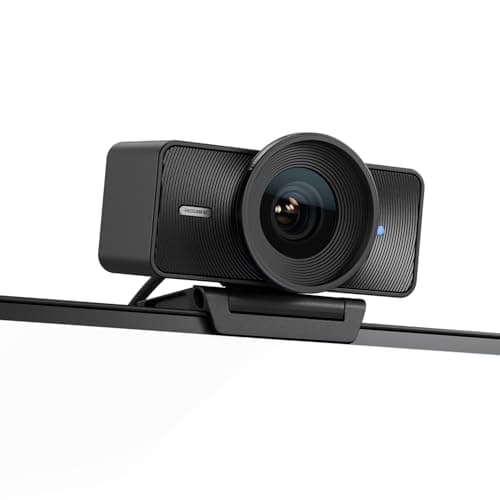
4K webcams differ in sensor size, focus and tracking more than in resolution. These six cover each approach.
12 min read
Peripherals
Streaming and video-call gear depends on USB bandwidth, software support and your lighting. These guides compare webcams, capture cards and stream controllers.
56 buying guides and 2 explainers.
Resolution and frame rate you will actually stream or call at
USB port type and bandwidth (USB 3.0 for 4K capture)
Support in OBS, Teams, Zoom or your console
Image quality depends on lighting, exposure, lens, framing, microphone needs, software, and mounting more than resolution alone.
Pay for webcam features that improve fit, reliability, and the tasks you repeat; skip headline specifications that your host, room, or software cannot
Peripherals · Buying Guide
4K webcams differ in sensor size, focus and tracking more than in resolution. These six cover each approach.
12 min read
Peripherals · Buying Guide
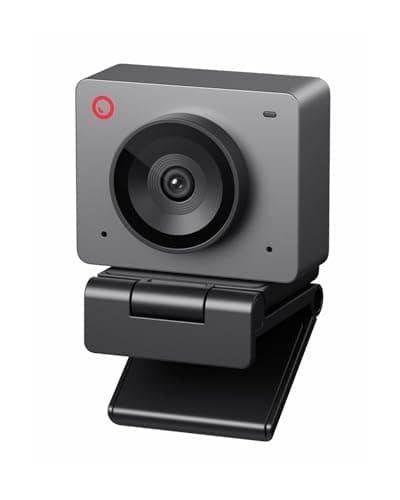
1080p is enough for calls and most streams.
12 min read
Peripherals · Buying Guide
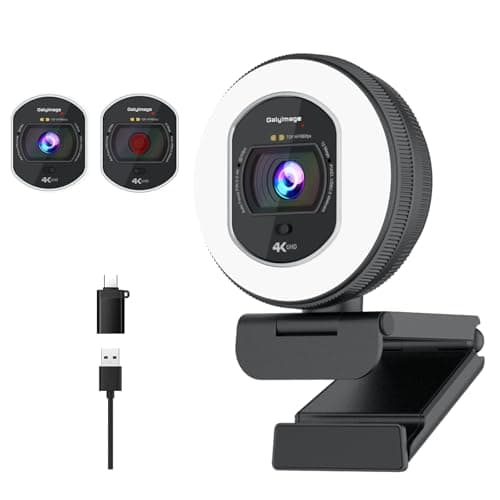
Autofocus keeps you sharp when you lean toward the screen.
12 min read
Peripherals · Buying Guide
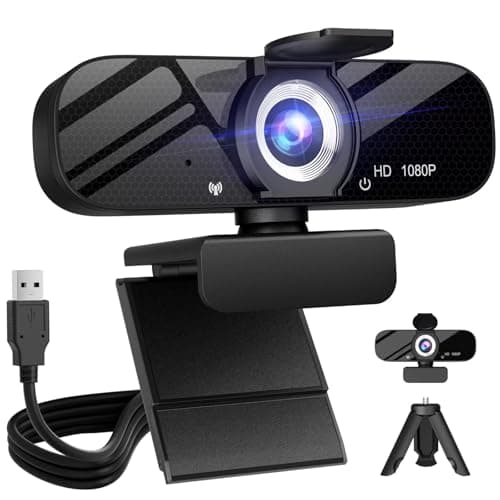
A PC webcam should give clear 1080p video, reliable focus and a privacy cover.
12 min read
Peripherals · Buying Guide
A 4K webcam gives detail for cropping and reframing.
12 min read
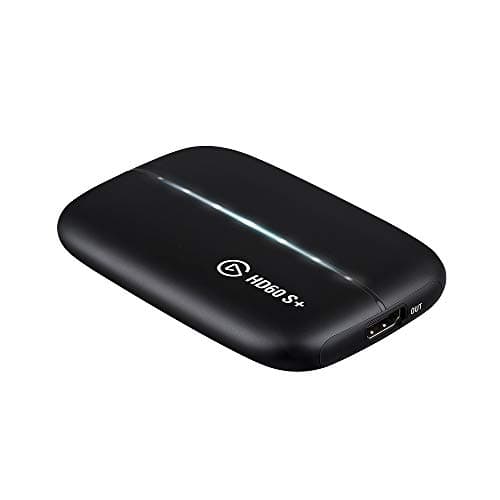
Peripherals · Buying Guide
A 4K capture device brings a 4K HDMI source into your PC.
12 min read