
Buying Guide
The Best Virtual 7.1 Surround Gaming Headsets
Five headsets ranked on driver size and connection; the Vliveaudax is the cheapest route in.
By Alex Morgan, PC Hardware Editor
12 min read5 products evaluated
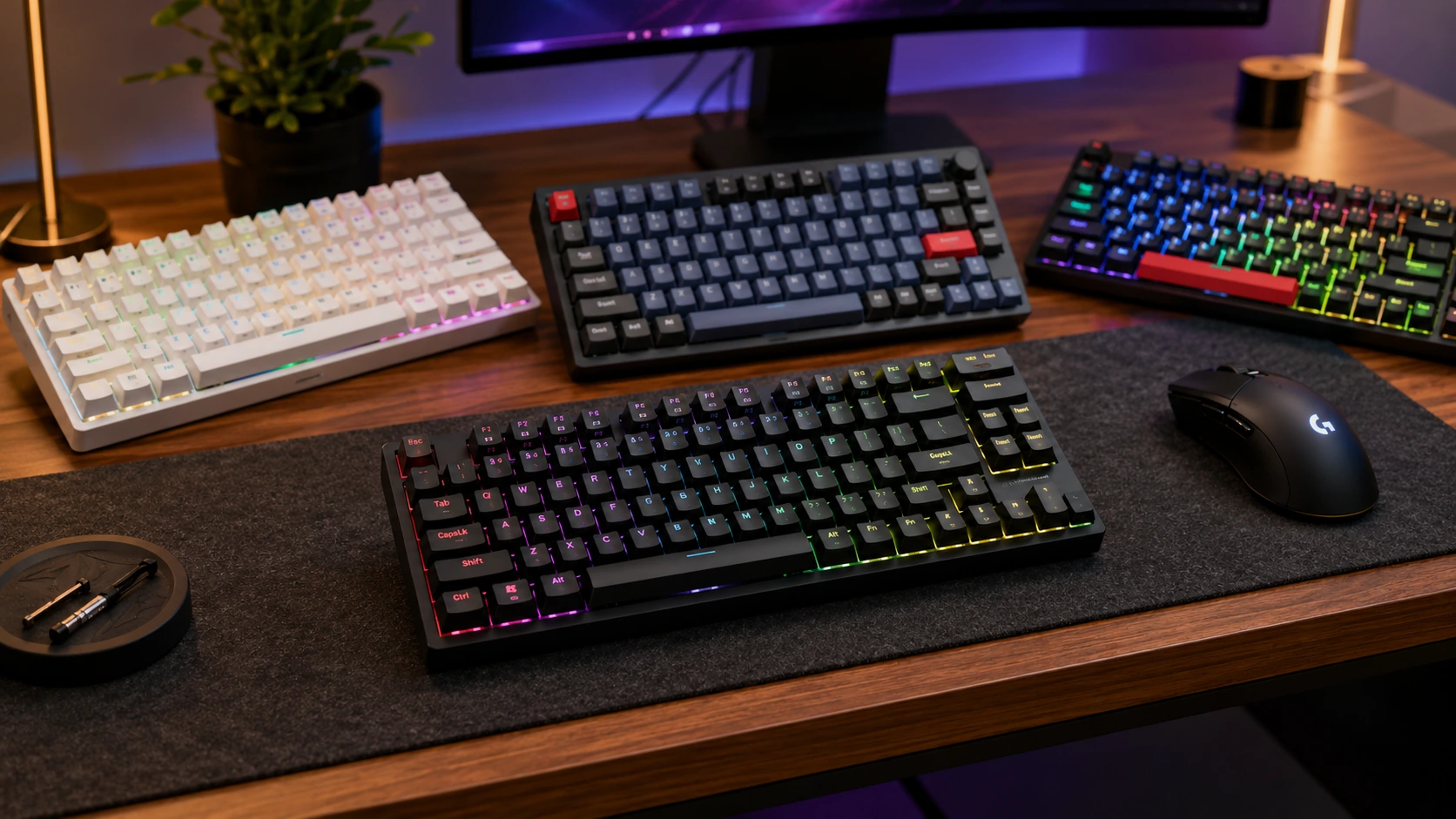
Virtual 7.1 surround is processed in software and can help with directional cues. Every pick lists 7.1 or spatial audio and has a microphone, ordered from the lowest price.
The order reflects driver size, connection and microphone from maker specifications; a missing driver size is flagged, not filled in rather than guess, since we have not benched them.
Quick Picks
Which of the 5 picks to look at first. Tap a name for the full analysis.

Lowest Price Here
Vliveaudax USB Gaming Headset with 7.1 SurroundThe cheapest way into this group, below the G432.
Best for: Spending as little as possible, with the G432 the next step up.
Check price for Vliveaudax USB Gaming Headset with 7.1 Surround on Amazon (opens in a new tab)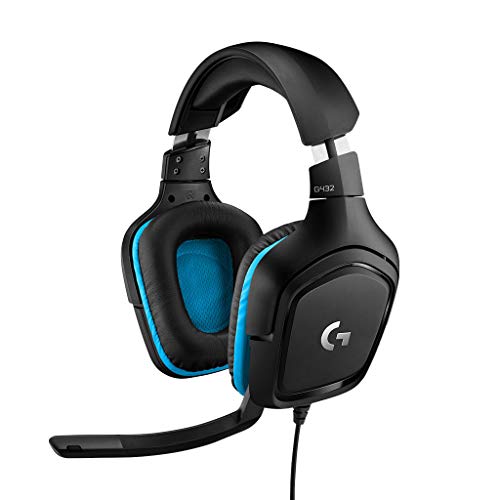
Also Consider
Logitech G432 Wired 7.1 Gaming HeadsetA USB DAC with 7.1 surround.
Best for: Buyers who want USB DAC with 7.1 surround.
Check price for Logitech G432 Wired 7.1 Gaming Headset on Amazon (opens in a new tab)
Strong Alternative
Corsair HS35 Surround v2Dolby 7.1 surround.
Best for: Buyers who want Dolby 7.1 surround.
Check price for Corsair HS35 Surround v2 on Amazon (opens in a new tab)
Flip-to-mute Microphone
Corsair HS65 Surround Wired Gaming HeadsetA flip-to-mute microphone.
Best for: Buyers who want a flip-to-mute microphone.
Check price for Corsair HS65 Surround Wired Gaming Headset on Amazon (opens in a new tab)
Premium Pick
HyperX Cloud Alpha WirelessThe highest-priced pick here at the time of writing, with DTS Headphone:X spatial audio.
Best for: Buyers who want DTS Headphone:X spatial audio and can spend more than the HS65 Surround costs.
Check price for HyperX Cloud Alpha Wireless on Amazon (opens in a new tab)
Our Picks
Lowest Price Here1 of 5
Vliveaudax USB Gaming Headset with 7.1 Surround
Vliveaudax's headset connects through a USB sound card with 7.1 virtual surround.
Best for
- Spending as little as possible, with the G432 the next step up.
Skip if
- Look at the other picks if you need a feature not covered above.
Why we like it
It is the lowest-priced USB headset here. Its noise-cancelling mic and ear-cup volume control are plug-and-play over USB-A or USB-C. No other pick in this guide offers a wired USB sound card connection; compare the G432, which has a wired USB DAC and 3.5mm connection.
A boom mic microphone is unique to it among these picks, while the HS35 Surround v2 uses a flexible omnidirectional microphone. It also comes with 50mm drivers. It connects over USB, which also handles the audio processing on your PC. It was the cheapest of the group when we checked; the G432 was the next step up.
Key specs
- Driver size
- 50mm
- Connection
- Wired USB sound card
- Microphone
- Boom mic
Pros
- 50mm drivers
- No charging or pairing needed
- USB sound card
- 7.1 virtual surround
Also Consider2 of 5
Logitech G432 Wired 7.1 Gaming Headset
Logitech's G432 is a wired headset with a USB DAC for 7.1 surround and a 3.5mm plug for consoles.
Best for
- Buyers who want USB DAC with 7.1 surround.
Skip if
- Skip it if price comes first: the Vliveaudax cost less when we checked.
Why we like it
Its 6mm mic flips up to mute. No other pick in this guide offers a wired USB DAC and 3.5mm connection; compare the Cloud Alpha Wireless, which has a 2.4GHz wireless connection. A 6mm flip-to-mute boom microphone is unique to it among these picks, while the HS35 Surround v2 uses a flexible omnidirectional microphone.
You also get 50mm drivers. USB and 3.5mm options let it move between a PC and a controller. You also get this: no charging or pairing needed.
Before buying, weigh one limit: costs more than the Vliveaudax at the time of writing. Its price falls between the Vliveaudax and the HS35 Surround v2, based on our last check.
Key specs
- Driver size
- 50mm
- Connection
- Wired USB DAC and 3.5mm
- Microphone
- 6mm flip-to-mute boom
Pros
- 50mm drivers
- No charging or pairing needed
- USB DAC with 7.1 surround
- 6mm flip-to-mute mic
Cons
- Costs more than the Vliveaudax at the time of writing
Strong Alternative3 of 5
Corsair HS35 Surround v2
The HS35 Surround v2 stands out for Dolby 7.1 surround.
Best for
- Buyers who want Dolby 7.1 surround.
Skip if
- Price-first buyers should look at the Vliveaudax, which cost less when we checked.
Why we like it
It also offers a 50mm driver size. No other pick in this guide offers a wired 3.5mm connection; compare the Vliveaudax, which has a wired USB sound card connection. A flexible omnidirectional microphone is unique to it among these picks, while the G432 uses a 6mm flip-to-mute boom microphone.
A 3.5mm plug means it works with a controller or front-panel jack; on PC, a separate mic and headphone jack may need a splitter. Another plus: no charging or pairing needed. Before buying, weigh one limit: costs more than the Vliveaudax at the time of writing. Its price falls between the G432 and the HS65 Surround, based on our last check.
Key specs
- Driver size
- 50mm
- Connection
- Wired 3.5mm
- Microphone
- Flexible omnidirectional
Pros
- 50mm drivers
- No charging or pairing needed
- Dolby 7.1 surround
- Flexible omnidirectional microphone, the only one here
Cons
- Costs more than the Vliveaudax at the time of writing
Flip-to-mute Microphone4 of 5
Corsair HS65 Surround Wired Gaming Headset
The HS65 Surround is the wired value pick, with 50mm drivers, 3.5mm and USB connections and flip-to-mute.
Best for
- Buyers who want a flip-to-mute microphone.
Skip if
- Skip it if price comes first: the Vliveaudax cost less when we checked.
Why we like it
Leatherette memory foam cups with a soft fabric layer sit on an adjustable headband reinforced with aluminum. Its custom-tuned 50mm neodymium drivers support Dolby Atmos spatial audio on PC. You get a flip-to-mute microphone here, which sets it apart from the Cloud Alpha Wireless and its an included microphone.
USB and 3.5mm options let it move between a PC and a controller. Worth noting: no charging or pairing needed. On price it sat fourth of 5, between the cheaper HS35 Surround v2 and the pricier Cloud Alpha Wireless, at the time of writing. The trade-off is driver size; for more, the Vliveaudax comes in at 50mm.
Key specs
- Driver size
- 50mm
- Weight
- 282g
- Connection
- Wired 3.5mm, USB
- Microphone
- Flip-to-mute
Pros
- 50mm drivers
- No charging or pairing needed
- Dolby Atmos support
- Flip-to-mute microphone, the only one here
Cons
- Costs more than the Vliveaudax at the time of writing
Premium Pick5 of 5
HyperX Cloud Alpha Wireless
The Cloud Alpha Wireless stands apart on battery: HyperX offers up to 300 hours, several times any other claim here.
Best for
- Buyers who want DTS Headphone:X spatial audio and can spend more than the HS65 Surround costs.
Skip if
- Its driver size is not published, which rules it out if you need that number.
Why we like it
It pairs that with DTS Headphone:X spatial audio and dual-chamber drivers in an aluminum frame. It is the only pick here with a 2.4GHz wireless connection; the HS35 Surround v2 has a wired 3.5mm connection instead. You get an included microphone here, which sets it apart from the HS65 Surround and its a flip-to-mute microphone.
It connects through a USB wireless dongle, so keep a free USB port near your desk for the best range. It was the highest-priced of the 5 picks at the time of writing, so the case for it rests on what it adds over the HS65 Surround and the rest. The maker doesn't give its driver size; if that figure matters, the Vliveaudax comes in at 50mm.
Key specs
- Battery life
- 300 hours
- Connection
- 2.4GHz wireless
- Microphone
- Included
Pros
- Up to 300 hours of battery life
- DTS Headphone:X spatial audio
- Dual-chamber drivers in a durable aluminum frame
- 2.4GHz wireless connection, the only one here
Cons
- No published driver size
- Costs more than the Vliveaudax at the time of writing
How We Chose These Virtual 7.1 Surround Gaming Headsets
Alex Morgan compared the manufacturer specifications, connectivity, warranty terms and compatibility of every pick. Figures come from the makers unless a third-party source is named; we did not test these products ourselves.
- What we compared
- We compared five headsets on driver size, connection and microphone from manufacturer specifications. Nothing was tested in-house; 2 of the 3 fields compared are stated for every pick, while driver size has gaps.
- What every pick has in common
- All 5, from the Vliveaudax to the Cloud Alpha Wireless, state connection and microphone.
- Where the specs have gaps
- The Cloud Alpha Wireless gives no driver size.
- Price range
- At our last check the picks ran from the Vliveaudax (under $50) to the Cloud Alpha Wireless ($100 to $150).
What to Look for in a Virtual 7.1 Surround Gaming Headset
Key buying criteria so you get the right fit the first time.
Extras that separate them
The HS35 Surround v2: Dolby 7.1 surround. The HS65 Surround: Dolby Atmos support. The Cloud Alpha Wireless: dual-chamber drivers in a durable aluminum frame.
Where your budget lands
Under $50 buys the Vliveaudax and the G432; $50 to $100 buys the HS35 Surround v2 and the HS65 Surround; $100 to $150 buys the Cloud Alpha Wireless at our last check.
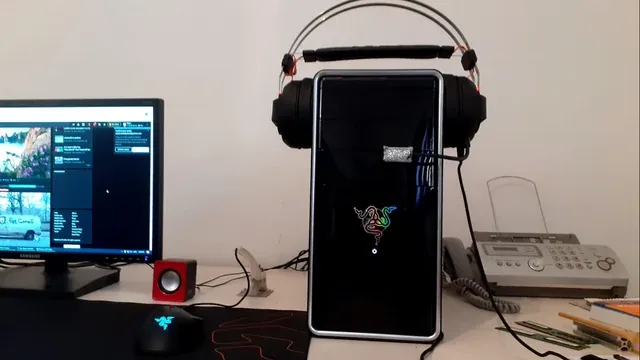
A headset hanging on a PC case next to a monitor Start from what matters most
Spending as little as possible, with the G432 the next step up: the Vliveaudax. Buyers who want a flip-to-mute microphone: the HS65 Surround. Buyers who want DTS Headphone:X spatial audio and can spend more than the HS65 Surround costs: the Cloud Alpha Wireless.
Console versions are not always interchangeable
Some wireless headsets come in PC, PlayStation and Xbox versions with different dongles. An Xbox-specific model may not connect wirelessly to a PlayStation.
Buy the version that matches every system you plan to use.
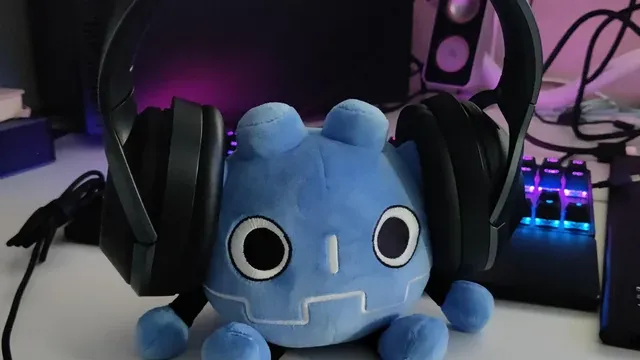
A gaming headset beside a desk with backlit speakers Check the microphone type
Detachable microphones let the headset double as everyday headphones. Some audiophile headphones have no microphone at all, so you would need a separate one.
If you stream or join calls, a cardioid or noise-rejecting mic is worth prioritising.
How to Choose a Virtual 7.1 Surround Gaming Headset
By priority
| Priority | Consider | Why |
|---|---|---|
| Spending as little as possible, with the G432 the next step up | Vliveaudax | The cheapest way into this group, below the G432 |
| Buyers who want USB DAC with 7.1 surround | G432 | A USB DAC with 7.1 surround |
| Buyers who want Dolby 7.1 surround | HS35 Surround v2 | Dolby 7.1 surround |
| Buyers who want a flip-to-mute microphone | HS65 Surround | A flip-to-mute microphone |
| Buyers who want DTS Headphone:X spatial audio and can spend more than the HS65 Surround costs | Cloud Alpha Wireless | The highest-priced pick here at the time of writing, with DTS Headphone:X spatial audio |
Scroll sideways to see every column.
Key specs side by side
The Vliveaudax, the G432 and the rest, as their makers list them.
| Headset | Driver size | Connection | Microphone |
|---|---|---|---|
| Vliveaudax | 50mm | Wired USB sound card | Boom mic |
| G432 | 50mm | Wired USB DAC and 3.5mm | 6mm flip-to-mute boom |
| HS35 Surround v2 | 50mm | Wired 3.5mm | Flexible omnidirectional |
| HS65 Surround | 50mm | Wired 3.5mm, USB | Flip-to-mute |
| Cloud Alpha Wireless | Not listed | 2.4GHz wireless | Included |
Scroll sideways to see every column.
By price at the time of writing
The Vliveaudax was the lowest-priced pick (under $50) and the Cloud Alpha Wireless the highest ($100 to $150) when we checked; tiers move with Amazon pricing.
| Price tier | Headsets |
|---|---|
| Under $50 | Vliveaudax, G432 |
| About $50 to $100 | HS35 Surround v2, HS65 Surround |
| About $100 to $150 | Cloud Alpha Wireless |
Frequently Asked Questions
Why is the HS65 Surround our Flip-to-mute Microphone pick?
It carries the badge for a flip-to-mute microphone. The Vliveaudax, the cheapest pick, sat in the under $50 tier against $50 to $100 here, without out-ranking it on any listed spec. It suits anyone who wants a flip-to-mute microphone.
Do the Vliveaudax and the G432 differ on microphone?
The Vliveaudax uses boom mic; the G432 uses 6mm flip-to-mute boom; the HS35 Surround v2 uses Flexible omnidirectional; the HS65 Surround uses flip-to-mute; the Cloud Alpha Wireless uses Included.
What extras do the Vliveaudax and the G432 include?
The Vliveaudax: a USB sound card. The G432: a USB DAC with 7.1 surround. The HS35 Surround v2: Dolby 7.1 surround.
Who should choose the Vliveaudax?
The Vliveaudax carries our Lowest Price Here label for the cheapest way into this group, below the G432. It ranks first of 5 here and sat in the under $50 tier at our last price check; it suits spending as little as possible, with the G432 the next step up.
Should I pick the Vliveaudax or the Cloud Alpha Wireless?
The Vliveaudax suits spending as little as possible, with the G432 the next step up; the Cloud Alpha Wireless suits buyers who want DTS Headphone:X spatial audio and can spend more than the HS65 Surround costs.
Bottom Line
Our first pick is the Vliveaudax, chosen for the cheapest way into this group, below the G432. Look at the G432 for a USB DAC with 7.1 surround, the HS35 Surround v2 for Dolby 7.1 surround and the HS65 Surround for a flip-to-mute microphone if those matter more to you.
Turn spatial audio off for music.
Related Guides
- Related guideThe Best Gaming Headsets Right Now
- Related guideThe Best Wireless Gaming Headsets Now
- Related guideThe Best Budget Gaming Headsets Under $50
- Lower budgetThe Best Gaming Headsets Under $20
- Similar guideThe Best Gaming Headsets
- ExplainerHow to Choose a PC Headset
- ExplainerHeadset connection types for PC, PS5 and Xbox
- Also see: microphonesUSB vs XLR microphones: what each needs and what each gives you
- Similar guideThe Best PC Gaming Headsets
- Topic hubAll headsets and headphones guides
About the author
PC Hardware Editor
Alex covers PC hardware, monitors, components, upgrades and peripherals for The PC Journal, with a focus on helping readers understand specifications, compatibility and meaningful product trade-offs.
Covers: Monitors, Graphics cards, Processors, PC components, Peripherals, Upgrades and compatibility
View all articles