
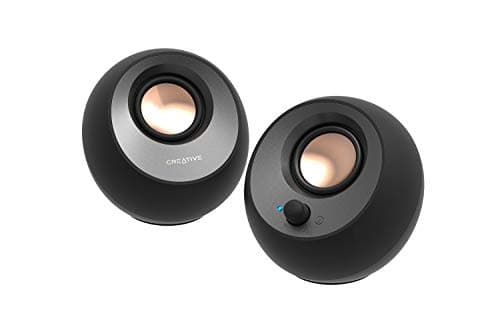
Peripherals · Buying Guide
The Best PC Speakers for Your Desk
Decide between USB-powered, bookshelf and 2.1 sets first; that choice sets the inputs, the desk space and how much bass you get.
12 min read
Peripherals
Desktop speakers have to suit your inputs, desk space and whether you want a subwoofer. These guides compare PC and computer speakers by size and use.
32 buying guides and 3 explainers.
Inputs (USB, 3.5 mm, optical, Bluetooth) your PC offers
Desk space for the speakers and any subwoofer
Whether they need a separate power outlet
Choose speakers by desk distance, room size, connection type, subwoofer tolerance, and the balance between clarity and bass.
Match a speaker's inputs to the ports on your PC and check what each connection can and cannot do.
Pay for desktop speaker features that improve fit, reliability, and the tasks you repeat; skip headline specifications that your host, room, or softwa
Peripherals · Buying Guide
Decide between USB-powered, bookshelf and 2.1 sets first; that choice sets the inputs, the desk space and how much bass you get.
12 min read
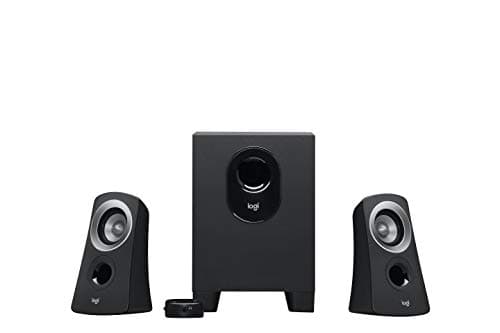
Peripherals · Buying Guide
A subwoofer adds bass that small desk speakers can't reach.
12 min read
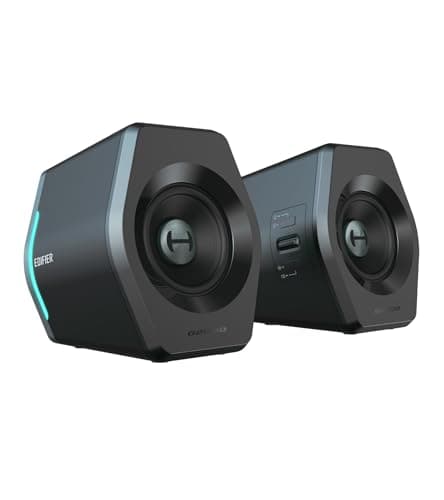
Peripherals · Buying Guide
Surround systems place sound behind you in games and films.
12 min read
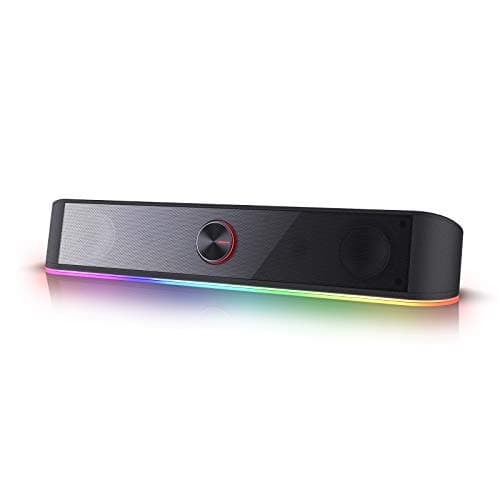
Peripherals · Buying Guide
A desktop soundbar fits under a monitor and runs from USB or 3.5mm without a TV connection.
11 min read
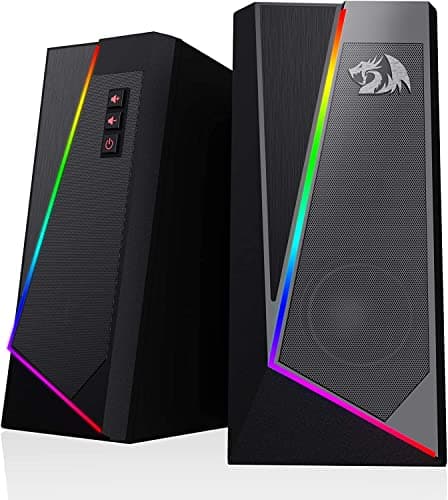
Peripherals · Buying Guide
RGB speakers match a lit desk and often sync to audio.
11 min read
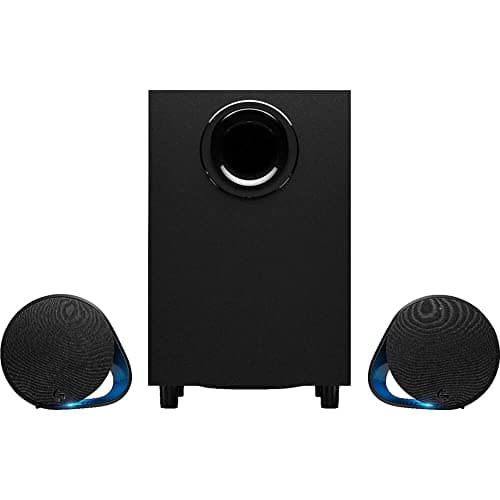
Peripherals · Buying Guide
Gaming speakers add punch and lighting to a desk.
11 min read