
Buying Guide
The Best 750W Power Supplies for Upper Mid-Range Gaming PCs
Six ATX 3.1 units compared on GPU connectors, fan design, warranty and cables, for upper mid-range builds that need headroom.
By Alex Morgan, PC Hardware Editor
11 min read6 products evaluated
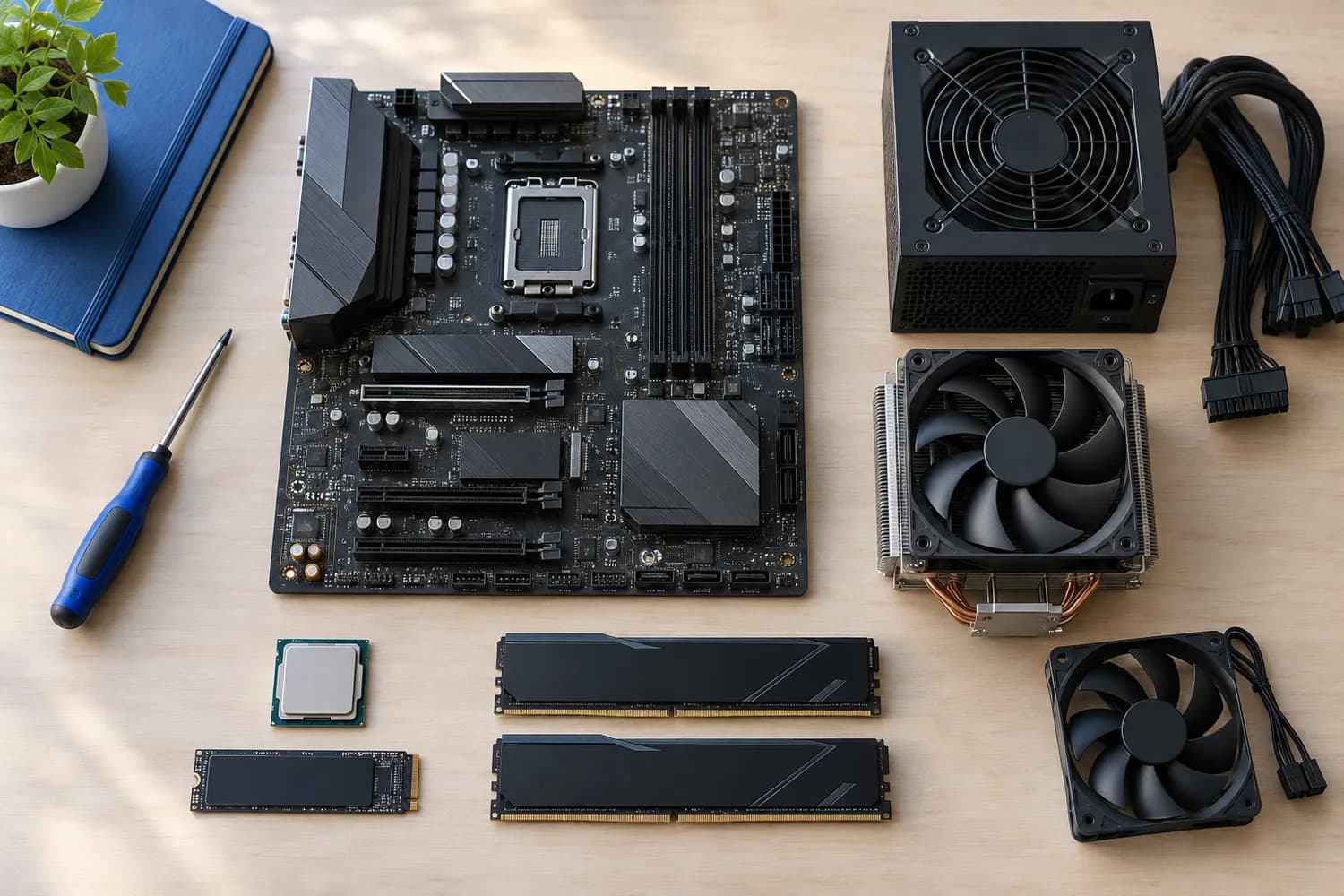
A 750W unit gives an upper mid-range gaming PC comfortable headroom, and it is the most crowded wattage on the market. Several of the units here sell for almost the same price, so the useful differences are in connectors, fan design and what comes in the box.
We compared six ATX 3.1 units using the specifications in their Amazon listings. We did not test them ourselves, and where a listing is silent on a detail we leave it out rather than assume.
If your graphics card still uses three 8-pin connectors, count connectors first. If it uses a single 12V-2x6 socket, every unit here will power it with a native cable.
Quick Picks
Which of the 6 picks to look at first. Tap a name for the full analysis.

Most GPU Connectors Listed
be quiet! Pure Power 13 M 750WFour 8-pin (6+2) GPU connectors and a native 12V-2x6 cable, the most here.
Best for: Cards that still use three 8-pin connectors, or a 12V-2x6 card.
Check price for be quiet! Pure Power 13 M 750W on Amazon (opens in a new tab)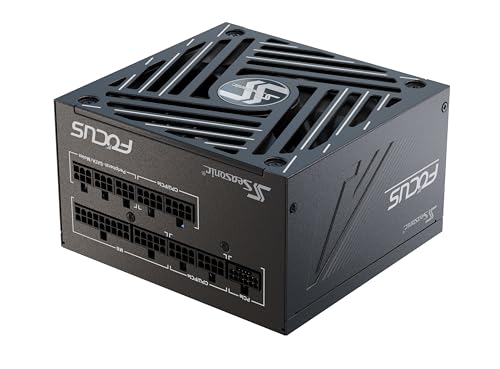
Largest Fan
Seasonic Focus GX-750 (ATX 3.1)The largest fan here (135mm).
Best for: Warm cases where airflow through the PSU matters.
Check price for Seasonic Focus GX-750 (ATX 3.1) on Amazon (opens in a new tab)
Best Budget Pick
ASRock Phantom Gaming PG-750GThe lowest price in this group when we checked.
Best for: Budget builds that still need the core features.
Check price for ASRock Phantom Gaming PG-750G on Amazon (opens in a new tab)
Best Compact Mainstream Pick
MSI MAG A750GL PCIE5A 10-year warranty and a compact body at a mid-range price.
Best for: Mid-tower builds that want a long warranty without paying Seasonic prices.
Check price for MSI MAG A750GL PCIE5 on Amazon (opens in a new tab)
Best Cable Routing
CORSAIR RM750x (ATX 3.1)Embossed cables with low-profile combs.
Best for: Windowed cases where tidy cables are part of the look.
Check price for CORSAIR RM750x (ATX 3.1) on Amazon (opens in a new tab)
Best for Fast Wake from Sleep
CORSAIR RM750e (ATX 3.1)Modern Standby support for faster wake from sleep.
Best for: PCs that sleep often and should wake quickly.
Check price for CORSAIR RM750e (ATX 3.1) on Amazon (opens in a new tab)
Our Picks
Most GPU Connectors Listed1 of 6
be quiet! Pure Power 13 M 750W
The be quiet!
Best for
- Cards that still use three 8-pin connectors, or a 12V-2x6 card.
Skip if
- You want a clearly stated warranty term before buying.
Why we like it
Pure Power 13 M 750W is the most flexible 750W unit here, listing four PCIe 6+2 connectors plus a native 12V-2x6. That covers older three-socket cards and current 12V-2x6 cards alike. Cybenetics rates it Platinum even though its 80 Plus badge is Gold, and the fan switches off at low load.
The maker doesn't state a warranty length, which the ASRock and MSI units spell out. Its fan stops completely at low load, and one strong 12V rail handles GPU power spikes. LLC topology gives tight voltage regulation.
It is 80 Plus Gold with up to 94.3% efficiency and an ATX 3.1 design with a native 12V-2x6 connector. All 750W sit on a single 12V rail, which handles short GPU power spikes. On efficiency tier it ties with the Seasonic Focus GX-750 and the ASRock Phantom Gaming PG-750G at Platinum. Buyers who need a confirmed warranty should compare it with the ASRock Phantom Gaming PG-750G, which offers 10-year.
Key specs
- Form factor
- ATX, ATX 3.1
- Efficiency
- 80 Plus Gold, Cybenetics Platinum
- Fan
- zero-RPM mode
- GPU cables
- 1× 12V-2x6, 4× PCIe 6+2
Pros
- 80 Plus Gold, Cybenetics Platinum efficiency
- Fan stops at low load
- Native 12V-2x6 cable
- 4 PCIe 6+2 connectors
Cons
- No published warranty term
- No Cybenetics noise class
Largest Fan2 of 6
Seasonic Focus GX-750 (ATX 3.1)
The Seasonic Focus GX-750 is the premium option, with a 135mm fluid dynamic bearing fan under hybrid control and a Cybenetics Platinum rating.
Best for
- Warm cases where airflow through the PSU matters.
Skip if
- You want a clearly stated warranty term before buying.
Why we like it
It costs noticeably more than the other 750W units here, so it makes most sense if you value Seasonic's build and a large, slow fan. The ASRock PG-750G offers the same Cybenetics tier for much less. It is 80 Plus Gold and Cybenetics Platinum certified with a native 12V-2x6 connector.
On efficiency tier it ties with the be quiet! Pure Power 13 M 750W and the ASRock Phantom Gaming PG-750G at Platinum. You also get Seasonic's OptiSink design. Worth noting: largest fan size of the picks (135mm). The maker doesn't give its warranty; if that figure matters, the ASRock Phantom Gaming PG-750G offers 10-year.
Key specs
- Form factor
- ATX, ATX 3.1
- Efficiency
- 80 Plus Gold, Cybenetics Platinum
- Fan
- 135mm fluid dynamic bearing, zero-RPM mode
- GPU cables
- 1× 12V-2x6
Pros
- 80 Plus Gold, Cybenetics Platinum efficiency
- Fan stops at low load
- Native 12V-2x6 cable
- Fluid dynamic bearing fan
Cons
- No published warranty term
- No Cybenetics noise class
Best Budget Pick3 of 6
ASRock Phantom Gaming PG-750G
The ASRock Phantom Gaming PG-750G is the value standout: Cybenetics Platinum, a 10-year warranty and the lowest price in this group when we checked.
Best for
- Budget builds that still need the core features.
Skip if
- You want a fan that stops at idle; none is rated for this unit.
Why we like it
Its 90-degree 12V-2x6 cable includes a temperature sensor, and the individually braided cables look tidy without extra sleeving. At 150mm long it fits most mid-towers, though it is not the shortest option on the market. It is fully modular with braided cables and a 90-degree PCIe 5.1 connector that has a temperature sensor.
ASRock rates its efficiency 2% above the Gold standard. The 12V-2x6 cable is dual-color and rated to 105 degrees C, and ASRock lists iCOOL intelligent fan control and 220% total power excursion. It measures 5.91 x 5.91 x 3.39 inches, and ASRock notes it is not compatible with all prebuilt systems.
On efficiency tier it ties with the be quiet! Pure Power 13 M 750W and the Seasonic Focus GX-750 at Platinum. Buyers who need a confirmed fan size should compare it with the Seasonic Focus GX-750, which comes in at 135mm.
Key specs
- Form factor
- ATX, ATX 3.1
- Efficiency
- 80 Plus Gold, Cybenetics Platinum
- Length
- 150mm
- GPU cables
- 1× 12V-2x6
- Cabling
- fully modular
- Warranty
- 10 years
Pros
- 80 Plus Gold, Cybenetics Platinum efficiency
- 10-year warranty
- Native 12V-2x6 cable
- Fully modular cables
Cons
- No zero-RPM mode
- No Cybenetics noise class
Best Compact Mainstream Pick4 of 6
MSI MAG A750GL PCIE5
The MSI MAG A750GL PCIE5 pairs a 10-year warranty with fully modular cables at a mainstream price.
Best for
- Mid-tower builds that want a long warranty without paying Seasonic prices.
Skip if
- You want a fan that stops at idle; none is rated for this unit.
Why we like it
MSI markets it as a compact unit, and it includes a native 12V-2x6 cable. It lacks the Cybenetics Platinum listing of the ASRock, which costs less, so choose it mainly if you prefer MSI or find it discounted. It is 80 Plus Gold rated and carries a 10-year limited warranty.
It is fully modular, rated 80 Plus Gold, ATX 3.1 with PCIe 5.1, and carries a 10-year warranty. The cable is a native dual-color 12V-2x6 for 16-pin graphics cards, and the unit is ATX 3.1 and PCIe 5.1 ready. On efficiency tier it ties with the CORSAIR RM750x at Gold.
It also offers a compact body MSI markets for easier fitting. Buyers who need a confirmed fan size should compare it with the Seasonic Focus GX-750, which comes in at 135mm.
Key specs
- Form factor
- ATX, ATX 3.1
- Efficiency
- 80 Plus Gold
- GPU cables
- 1× 12V-2x6
- Cabling
- fully modular
- Warranty
- 10 years
Pros
- 80 Plus Gold certified
- 10-year warranty
- Native 12V-2x6 cable
- Fully modular cables
Cons
- No zero-RPM mode
- No Cybenetics noise class
Best Cable Routing5 of 6
CORSAIR RM750x (ATX 3.1)
The Corsair RM750x is the tidiest unit to install, thanks to embossed cables with low-profile combs.
Best for
- Windowed cases where tidy cables are part of the look.
Skip if
- You want a clearly stated warranty term before buying.
Why we like it
Cybenetics rates it Gold, and it ships with a native 12V-2x6 cable. It costs more than the RM750e below it, and the extra money mostly goes on the cable set and Corsair's x-series positioning. It is Cybenetics Gold rated at up to 91% efficiency, and its embossed cables with low-profile combs are easy to route.
It is ATX 3.1 compliant. On efficiency tier it ties with the MSI MAG A750GL PCIE5 at Gold. If efficiency tier is your priority, the be quiet! Pure Power 13 M 750W (Platinum) is the stronger choice.
Key specs
- Form factor
- ATX, ATX 3.1
- Efficiency
- Cybenetics Gold
- GPU cables
- 1× 12V-2x6
- Cabling
- fully modular
Pros
- Cybenetics Gold certified
- Native 12V-2x6 cable
- Fully modular cables
- Embossed cables with low-profile combs
Cons
- No published warranty term
- No zero-RPM mode
Best for Fast Wake from Sleep6 of 6
CORSAIR RM750e (ATX 3.1)
The Corsair RM750e adds Modern Standby support for faster wake from sleep, with fully modular cables and 105°C-rated capacitors.
Best for
- PCs that sleep often and should wake quickly.
Skip if
- You prefer a fluid dynamic bearing fan for long service life.
Why we like it
Its 120mm fan uses a rifle bearing, and the maker doesn't state an efficiency tier or warranty term. It is a sensible Corsair option at a mainstream price, but the ASRock and be quiet! units list more for similar money. It is Intel ATX 3.1 certified and handles 2x GPU transient spikes, and a 120mm rifle-bearing fan follows a quiet fan curve.
Its fully modular cabling keeps a build tidy. There is no published efficiency tier figure, whereas the be quiet! Pure Power 13 M 750W offers Platinum.
Key specs
- Form factor
- ATX, ATX 3.1
- Fan
- 120mm rifle bearing
- Cabling
- fully modular
Pros
- Fully modular cables
- 105°C-rated capacitors
- Modern Standby support
Cons
- Rifle-bearing fan
- No published warranty term
- No zero-RPM mode
How We Chose These 750W Power Supplies
Alex Morgan compared the manufacturer specifications, connectivity, warranty terms and compatibility of every pick. Figures come from the makers unless a third-party source is named; we did not test these products ourselves.
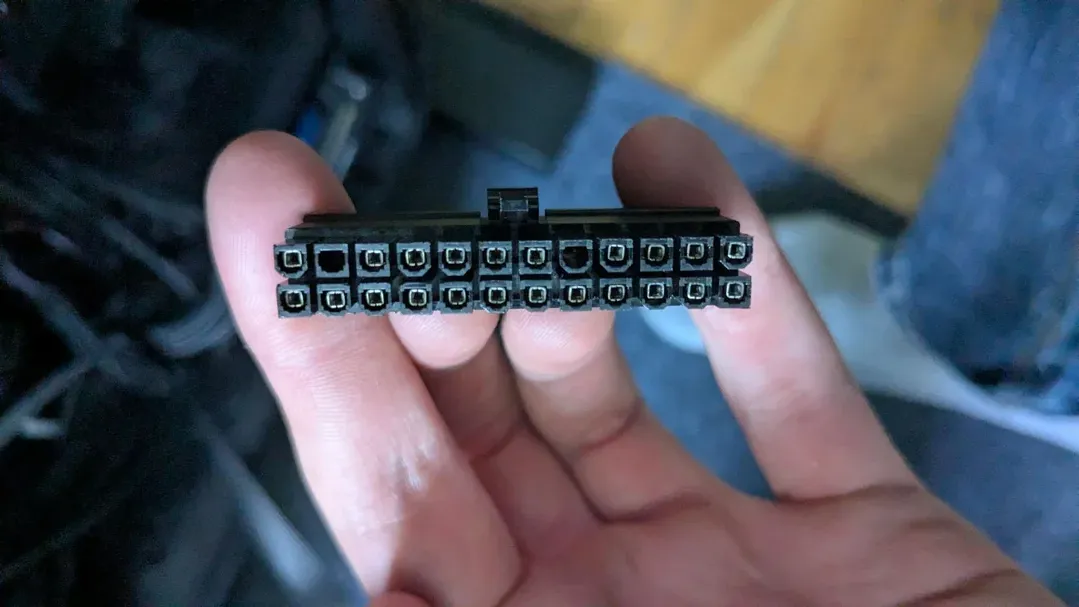
- Efficiency certification
- We compared 80 Plus and Cybenetics tiers, noting where a unit carries both.
- Connectors
- We recorded native 12V-2x6 support and PCIe connector counts from each listing, because connectors decide GPU compatibility.
- Physical fit
- We recorded form factor and stated length, which decide whether a unit fits your case at all.
- Fan and noise
- We compared fan size, bearing, semi-passive modes and listed noise certifications.
What to Look for in 750W Power Supplies
Key buying criteria so you get the right fit the first time.
Match cables to your graphics card
Before comparing wattage, look up the power sockets on your exact graphics card. Each socket needs its own matching cable from the power supply.
Partner cards built on the same GPU can differ, so use the model number, not the chip name.
Read Cybenetics, not just 80 Plus
80 Plus checks efficiency at a few load points. Cybenetics measures across many load levels and also rates noise, from A++ down.
When a listing gives both, the Cybenetics rating tells you more about everyday use.
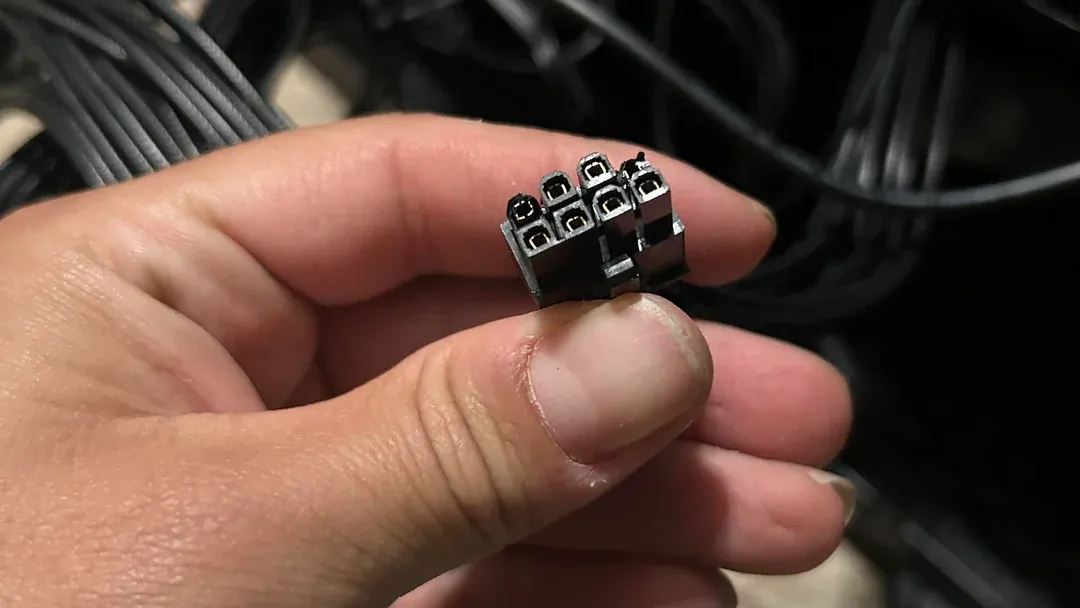
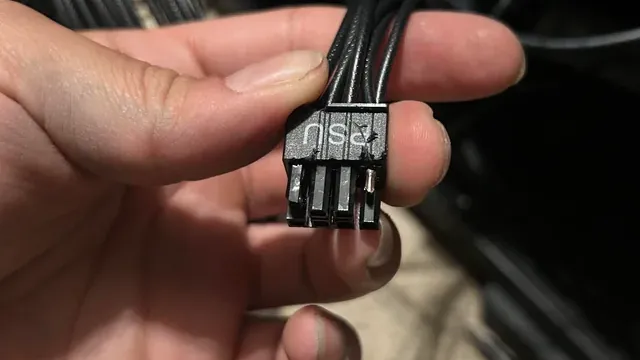
An 8-pin power connector held up to the camera Look for a fan that stops at low load
A semi-passive fan switches off when the load is light, so the power supply makes no noise during everyday tasks.
Not every unit has it, and a listing that doesn't mention it probably runs its fan all the time.
Check depth against your case
Case manuals list a maximum power supply length. Subtract room for the modular plugs, which stick out of the back of the unit, and for any fan or drive cage behind it.
Most ATX units here are 140mm to 160mm deep; high-wattage units can reach 180mm.
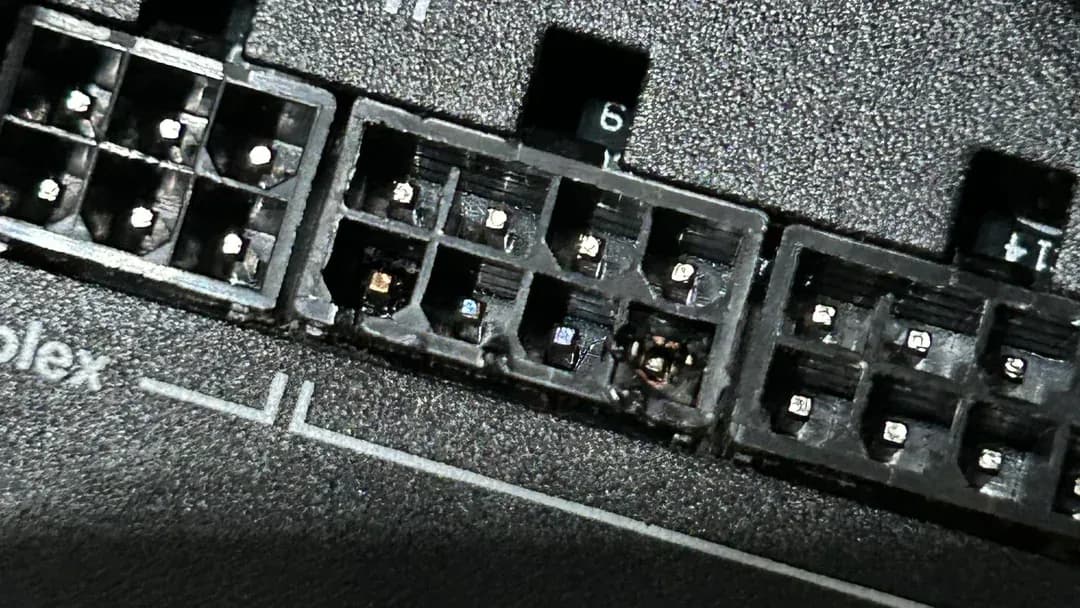
Modular cable sockets on the back of a power supply Keep each unit's own cables
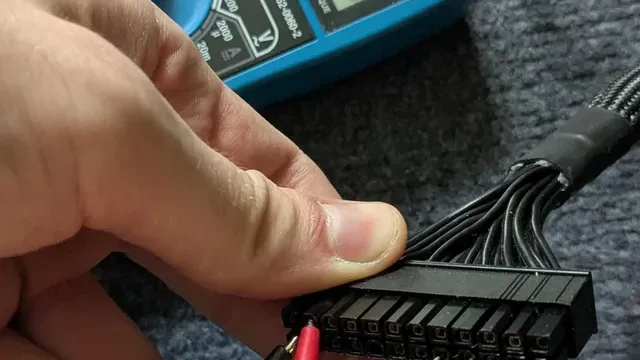
It is tempting to keep the cables already routed in your case. Don't: pinouts at the PSU end vary between brands and models, and a mismatched cable can destroy components.
Use only the cables supplied with the new unit.
12V-2x6 is a socket change
ATX 3.1 replaced the 12VHPWR socket with 12V-2x6, whose shorter sense pins keep power off until the plug is fully inserted. The cable itself did not change.
Push the plug in until it clicks and avoid bending the cable sharply at the connector.
How to Choose 750W Power Supplies
By priority
| Priority | Consider | Why |
|---|---|---|
| Cards that still use three 8-pin connectors, or a 12V-2x6 card | be quiet! Pure Power 13 M 750W | Four 8-pin (6+2) GPU connectors and a native 12V-2x6 cable, the most here |
| Warm cases where airflow through the PSU matters | Seasonic Focus GX-750 | The largest fan here (135mm) |
| Budget builds that still need the core features | ASRock Phantom Gaming PG-750G | The lowest price in this group when we checked |
| Mid-tower builds that want a long warranty without paying Seasonic prices | MSI MAG A750GL PCIE5 | A 10-year warranty and a compact body at a mid-range price |
| Windowed cases where tidy cables are part of the look | CORSAIR RM750x | Embossed cables with low-profile combs |
| PCs that sleep often and should wake quickly | CORSAIR RM750e | Modern Standby support for faster wake from sleep |
Scroll sideways to see every column.
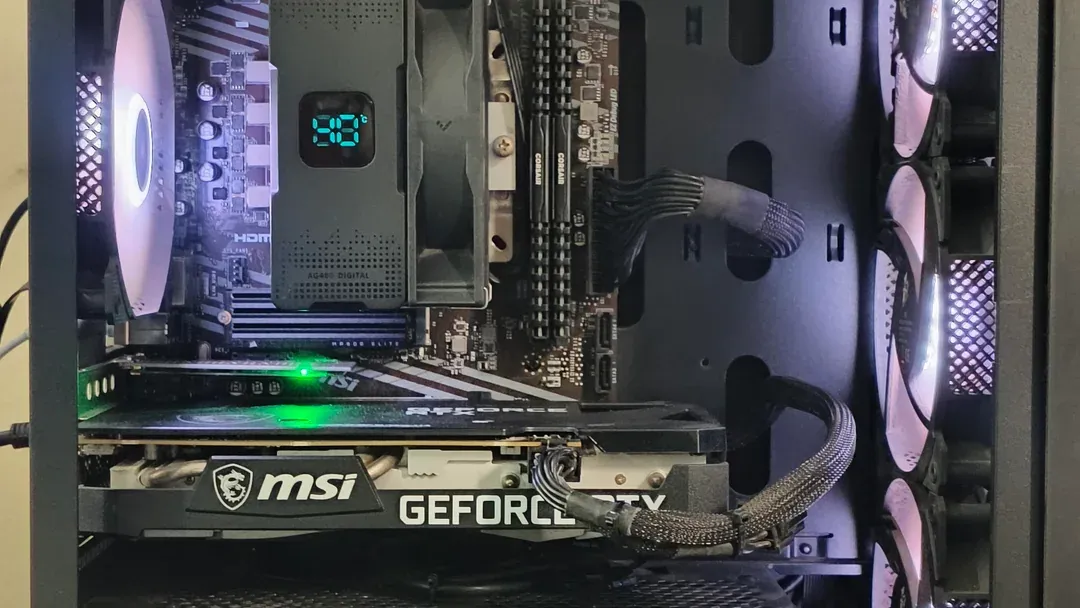
By graphics card cables
Counts as stated in each listing; check your card's power sockets against them.
| Power supply | Native 12V-2x6 | PCIe 6+2 |
|---|---|---|
| be quiet! Pure Power 13 M 750W | 1 | 4 |
| Seasonic Focus GX-750 | 1 | Not listed |
| ASRock Phantom Gaming PG-750G | 1 | Not listed |
| MSI MAG A750GL PCIE5 | 1 | Not listed |
| CORSAIR RM750x | 1 | Not listed |
| CORSAIR RM750e | Not listed | Not listed |
Scroll sideways to see every column.
By price at the time of writing
Prices change often; these tiers reflect Amazon prices when this guide was updated.
| Price tier | Power supplies |
|---|---|
| About $70 to $100 | ASRock Phantom Gaming PG-750G, be quiet! Pure Power 13 M 750W, MSI MAG A750GL PCIE5, CORSAIR RM750e |
| About $100 to $150 | CORSAIR RM750x |
| About $150 to $250 | Seasonic Focus GX-750 |
Frequently Asked Questions
Are modular cables interchangeable between brands?
No. They fit the same sockets on your components but are wired differently at the power supply end. Mixing them can damage hardware.
Will a power supply be silent when I'm not gaming?
Units with a zero-RPM or semi-passive mode stop their fan at light load. Check the product page for that feature.
Is a Platinum power supply worth paying more for?
Mainly for heavy, sustained loads or very quiet builds. For typical gaming, fit, connectors and warranty matter more.
What changed between ATX 3.0 and ATX 3.1?
Mainly the GPU power socket: ATX 3.1 uses 12V-2x6, whose shorter sense pins cut power if the plug isn't fully seated.
How do I know a power supply will fit my case?
Find the maximum PSU length in your case manual and compare it with the unit's depth, leaving room for the modular plugs.
Do I need an adapter for a 12V-2x6 graphics card?
Not with the picks here. Every unit offers a native 12V-2x6 cable or suitable PCIe connectors, so an adapter adds an extra plug for no benefit.
Bottom Line
The be quiet! Pure Power 13 M 750W is the most flexible pick, with four PCIe connectors, a native 12V-2x6 cable and a Cybenetics Platinum rating. The Seasonic Focus GX-750 is the premium alternative with a 135mm FDB fan, and the ASRock Phantom Gaming PG-750G gives you a 10-year warranty and Cybenetics Platinum for less.
The MSI MAG A750GL also carries a 10-year warranty, the Corsair RM750x has the tidiest cables, and the RM750e adds Modern Standby support.
Related Guides
- Related guideThe Best 850W Power Supplies for a Single-GPU Gaming PC
- Related guideThe Best 650W Power Supplies for Mid-Range Gaming PCs
- Related guideHow to choose a power supply for a PC build
- Lower budgetThe Best Power Supplies Under $75
- Similar guideThe Best Power Supplies for Gaming PCs
- Explainer80 Plus Ratings Explained
- Check compatibility: graphics cardsWhen Is Integrated Graphics Enough for a PC?
- Check compatibility: pc casesHow to Choose a PC Case
- Similar guideThe Best PC Power Supplies
- Topic hubAll power supplies guides
About the author
PC Hardware Editor
Alex covers PC hardware, monitors, components, upgrades and peripherals for The PC Journal, with a focus on helping readers understand specifications, compatibility and meaningful product trade-offs.
Covers: Monitors, Graphics cards, Processors, PC components, Peripherals, Upgrades and compatibility
View all articles