
Buying Guide
The Best RX 9070 XT Graphics Cards
We weighed three graphics cards on video memory and GPU, and the XFX Swift RX 9070 XT costs the least.
By Alex Morgan, PC Hardware Editor
11 min read3 products evaluated
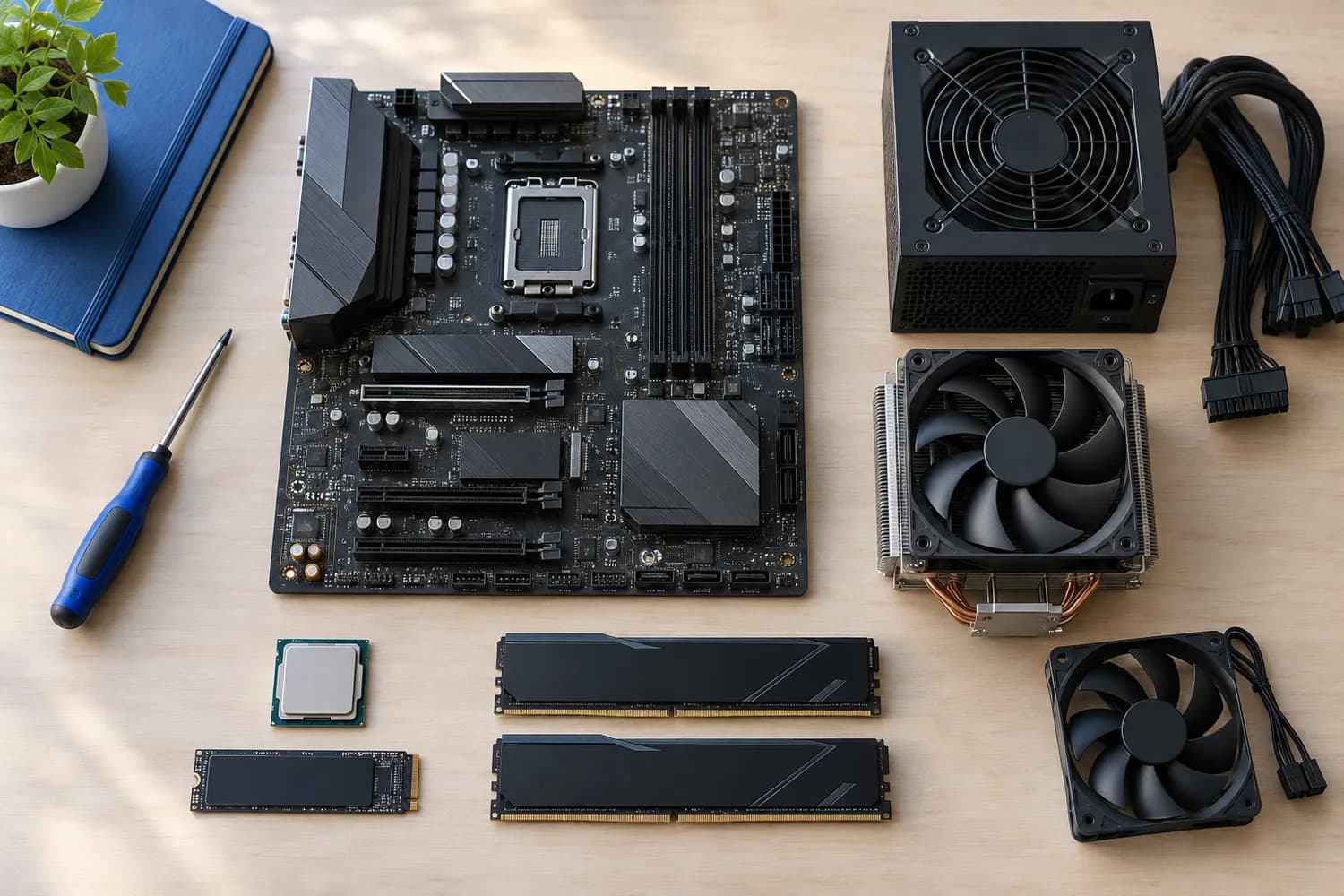
The RX 9070 XT is AMD's high-end 1440p and entry 4K card for this generation. Every pick uses the RX 9070 XT with 16GB of GDDR6, ordered from the lowest price.
Rankings weigh GPU, VRAM and memory as the makers state them; we did not test these graphics cards ourselves, and if a maker skips boost clock, the guide says so.
Quick Picks
Which of the 3 picks to look at first. Tap a name for the full analysis.

Lowest Price Here
XFX Swift Radeon RX 9070 XT Triple Fan Gaming EditionA lower price than the Gigabyte RX 9070 XT Gaming OC and the rest when we checked.
Best for: Buyers who would rather put the savings elsewhere than into the Gigabyte RX 9070 XT Gaming OC.
Check price for XFX Swift Radeon RX 9070 XT Triple Fan Gaming Edition on Amazon (opens in a new tab)
Also Consider
GIGABYTE Radeon RX 9070 XT Gaming OC 16GA WINDFORCE cooler with Hawk fans.
Best for: Buyers who want WINDFORCE cooler with Hawk fans.
Check price for GIGABYTE Radeon RX 9070 XT Gaming OC 16G on Amazon (opens in a new tab)
Premium Pick
ASRock Radeon RX 9070 XT Steel Legend 16GBThe highest-priced pick here at the time of writing, with 64 compute units.
Best for: Buyers who want 64 compute units and can spend more than the Gigabyte RX 9070 XT Gaming OC costs.
Check price for ASRock Radeon RX 9070 XT Steel Legend 16GB on Amazon (opens in a new tab)
| Pick | Why it stands out | Best for | Check price |
|---|---|---|---|
| A lower price than the Gigabyte RX 9070 XT Gaming OC and the rest when we checked. | Buyers who would rather put the savings elsewhere than into the Gigabyte RX 9070 XT Gaming OC. | Check price for XFX Swift Radeon RX 9070 XT Triple Fan Gaming Edition on Amazon (opens in a new tab) |
| A WINDFORCE cooler with Hawk fans. | Buyers who want WINDFORCE cooler with Hawk fans. | Check price for GIGABYTE Radeon RX 9070 XT Gaming OC 16G on Amazon (opens in a new tab) |
| The highest-priced pick here at the time of writing, with 64 compute units. | Buyers who want 64 compute units and can spend more than the Gigabyte RX 9070 XT Gaming OC costs. | Check price for ASRock Radeon RX 9070 XT Steel Legend 16GB on Amazon (opens in a new tab) |
Our Picks
Lowest Price Here1 of 3
XFX Swift Radeon RX 9070 XT Triple Fan Gaming Edition
XFX's Swift RX 9070 XT uses AMD's top RDNA 4 chip with 16GB of memory and a 2970MHz boost.
Best for
- Buyers who would rather put the savings elsewhere than into the Gigabyte RX 9070 XT Gaming OC.
Skip if
- Look at the other picks if you need a feature not covered above.
Why we like it
It is the card to choose for a 240Hz 1440p monitor. It also comes with an XFX SWFT triple-fan cooler. No dimensions are published for the XFX Swift RX 9070 XT; get length and thickness from the maker's page first.
Its power connector and recommended PSU are not published, so confirm both for the XFX Swift RX 9070 XT with the maker. You also get this: 16GB of VRAM for high-resolution textures. It undercut the Gigabyte RX 9070 XT Gaming OC and every other pick on price at the time of writing.
Key specs
- GPU
- RX 9070 XT
- VRAM
- 16GB
- Memory
- GDDR6
- Boost clock
- 2970MHz
- Outputs
- 1 x HDMI, 3 x DisplayPort
Pros
- 16GB of VRAM for high-resolution textures
- XFX SWFT triple-fan cooler
- A lower price than the Gigabyte RX 9070 XT Gaming OC and the rest when we checked
Also Consider2 of 3
GIGABYTE Radeon RX 9070 XT Gaming OC 16G
Gigabyte's RX 9070 XT Gaming OC pairs AMD's top RDNA 4 chip with 16GB of GDDR6 and a WINDFORCE cooler.
Best for
- Buyers who want WINDFORCE cooler with Hawk fans.
Skip if
- If budget leads, the XFX Swift RX 9070 XT was cheaper at our last price check.
Why we like it
At the time of writing it cost about half as much as the RTX 5080 cards we researched, which makes it the strongest value in the upper tiers. It also offers server-grade thermal conductive gel and RGB lighting. No dimensions are published for the Gigabyte RX 9070 XT Gaming OC; get length and thickness from the maker's page first.
Its power connector and recommended PSU are not published, so confirm both for the Gigabyte RX 9070 XT Gaming OC with the maker. On price it sat second of 3, between the cheaper XFX Swift RX 9070 XT and the pricier ASRock RX 9070 XT Steel Legend, at the time of writing.
Key specs
- GPU
- RX 9070 XT
- VRAM
- 16GB
- Memory
- GDDR6
Pros
- 16GB of VRAM for high-resolution textures
- WINDFORCE cooler with Hawk fans
- Server-grade thermal conductive gel
- RGB lighting
Cons
- Costs more than the XFX Swift RX 9070 XT at the time of writing
Premium Pick3 of 3
ASRock Radeon RX 9070 XT Steel Legend 16GB
ASRock's RX 9070 XT Steel Legend is the AMD route to 4K, with 16GB of GDDR6 and a reinforced metal frame.
Best for
- Buyers who want 64 compute units and can spend more than the Gigabyte RX 9070 XT Gaming OC costs.
Skip if
- Worth skipping when calls for a 800W or larger PSU is a problem.
Why we like it
It uses two 8-pin plugs, which suits power supplies without a 16-pin cable, but the maker recommends 800W. The card measures 298 x 131 x 58mm, and its 16GB of GDDR6 runs at 20Gbps on a 256-bit bus. Outputs are DisplayPort 2.1a and HDMI 2.1b, and the game clock is 2400MHz.
You also get 64 compute units and Polychrome SYNC lighting. Measure for 298mm and 2.9 slots before ordering the ASRock RX 9070 XT Steel Legend. Power for the ASRock RX 9070 XT Steel Legend comes through 2 x 8-pin, with 800W the maker's minimum PSU. It was the highest-priced of the 3 picks at the time of writing, so the case for it rests on what it adds over the Gigabyte RX 9070 XT Gaming OC and the rest.
Key specs
- GPU
- RX 9070 XT
- VRAM
- 16GB
- Memory
- GDDR6
- Length
- 298mm
- Thickness
- 2.9-slot
- Recommended PSU
- 800W
- Power connector
- 2 x 8-pin
- Boost clock
- 2970MHz
- Outputs
- DisplayPort 2.1a, HDMI 2.1b
Pros
- 16GB of VRAM for high-resolution textures
- 64 compute units
- Polychrome SYNC lighting
- Reinforced metal frame
Cons
- Calls for a 800W or larger PSU
- Needs two 8-pin PCIe power cables
- Costs more than the XFX Swift RX 9070 XT at the time of writing
The catch
The trade-off is video memory; for more, the XFX Swift RX 9070 XT offers 16GB.
How We Chose These RX 9070 XT Graphics Cards
Alex Morgan compared the manufacturer specifications, connectivity, warranty terms and compatibility of every pick. Figures come from the makers unless a third-party source is named; we did not test these products ourselves.
- How these picks were ranked
- We set side by side three cards on GPU, video memory, memory and boost clock, using each maker's published specs. We did not test them in-house, and boost clock and outputs are missing for at least one pick.
- What every pick has in common
- All 3, from the XFX Swift RX 9070 XT to the ASRock RX 9070 XT Steel Legend, state GPU, video memory and memory and share RX 9070 XT GPU and GDDR6 memory.
- Where the specs have gaps
- The Gigabyte RX 9070 XT Gaming OC gives no boost clock; the Gigabyte RX 9070 XT Gaming OC gives no outputs.
- Price range
- From the XFX Swift RX 9070 XT to the ASRock RX 9070 XT Steel Legend, all sat in the $500 to $1000 tier when we checked.
What to Look for in an RX 9070 XT Graphics Card
Key buying criteria so you get the right fit the first time.
What to check at home
No dimensions are published for the XFX Swift RX 9070 XT; get length and thickness from the maker's page first. Measure for 298mm and 2.9 slots before ordering the ASRock RX 9070 XT Steel Legend.
Extras that separate them
The XFX Swift RX 9070 XT: an XFX SWFT triple-fan cooler. The Gigabyte RX 9070 XT Gaming OC: server-grade thermal conductive gel. The ASRock RX 9070 XT Steel Legend: Polychrome SYNC lighting.
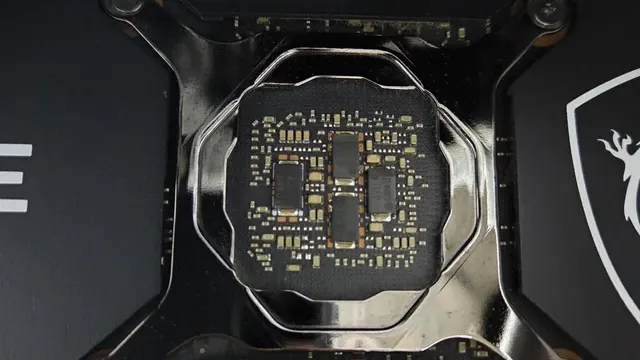
A graphics card's bare circuit board around the GPU die Budget
All 3 sat in the $500 to $1000 tier when we checked, from the XFX Swift RX 9070 XT at the low end to the ASRock RX 9070 XT Steel Legend at the top, so decide on features first.
Start from what matters most
Buyers who would rather put the savings elsewhere than into the Gigabyte RX 9070 XT Gaming OC: the XFX Swift RX 9070 XT. Buyers who want 64 compute units and can spend more than the Gigabyte RX 9070 XT Gaming OC costs: the ASRock RX 9070 XT Steel Legend.
Count the display outputs
Most cards offer three DisplayPort outputs and one HDMI, but some swap that balance. Check that the ports match your monitors, TV or VR headset.
How to Choose an RX 9070 XT Graphics Card
By priority
| Priority | Consider | Why |
|---|---|---|
| Buyers who would rather put the savings elsewhere than into the Gigabyte RX 9070 XT Gaming OC | XFX Swift RX 9070 XT | A lower price than the Gigabyte RX 9070 XT Gaming OC and the rest when we checked |
| Buyers who want WINDFORCE cooler with Hawk fans | Gigabyte RX 9070 XT Gaming OC | A WINDFORCE cooler with Hawk fans |
| Buyers who want 64 compute units and can spend more than the Gigabyte RX 9070 XT Gaming OC costs | ASRock RX 9070 XT Steel Legend | The highest-priced pick here at the time of writing, with 64 compute units |
Scroll sideways to see every column.
Key specs side by side
The XFX Swift RX 9070 XT, the Gigabyte RX 9070 XT Gaming OC and the rest, as their makers list them.
| Card | GPU | VRAM | Memory | Boost clock |
|---|---|---|---|---|
| XFX Swift RX 9070 XT | RX 9070 XT | 16GB | GDDR6 | 2970MHz |
| Gigabyte RX 9070 XT Gaming OC | RX 9070 XT | 16GB | GDDR6 | Not listed |
| ASRock RX 9070 XT Steel Legend | RX 9070 XT | 16GB | GDDR6 | 2970MHz |
Scroll sideways to see every column.
Frequently Asked Questions
Why is the ASRock RX 9070 XT Steel Legend our Premium Pick?
It earns the label for the highest-priced pick here at the time of writing, with 64 compute units. It is aimed at anyone who wants 64 compute units and can spend more than the Gigabyte RX 9070 XT Gaming OC costs.
Will the Gigabyte RX 9070 XT Gaming OC work with my setup?
No dimensions are published for the Gigabyte RX 9070 XT Gaming OC; get length and thickness from the maker's page first. Its power connector and recommended PSU are not published, so confirm both for the Gigabyte RX 9070 XT Gaming OC with the maker. In this guide it ranks second of 3.
What extras do the XFX Swift RX 9070 XT and the Gigabyte RX 9070 XT Gaming OC include?
The XFX Swift RX 9070 XT: an XFX SWFT triple-fan cooler. The Gigabyte RX 9070 XT Gaming OC: a WINDFORCE cooler with Hawk fans. The ASRock RX 9070 XT Steel Legend: 64 compute units.
Who should choose the XFX Swift RX 9070 XT?
The XFX Swift RX 9070 XT carries our Lowest Price Here label for a lower price than the Gigabyte RX 9070 XT Gaming OC and the rest when we checked. It ranks first of 3 here and sat in the $500 to $1000 tier at our last price check; it suits anyone who would rather put the savings elsewhere than into the Gigabyte RX 9070 XT Gaming OC.
Should I pick the XFX Swift RX 9070 XT or the ASRock RX 9070 XT Steel Legend?
The XFX Swift RX 9070 XT suits buyers who would rather put the savings elsewhere than into the Gigabyte RX 9070 XT Gaming OC; the ASRock RX 9070 XT Steel Legend suits buyers who want 64 compute units and can spend more than the Gigabyte RX 9070 XT Gaming OC costs.
Bottom Line
Our first pick is the XFX Swift RX 9070 XT, chosen for a lower price than the Gigabyte RX 9070 XT Gaming OC and the rest when we checked. Look at the Gigabyte RX 9070 XT Gaming OC for a WINDFORCE cooler with Hawk fans and the ASRock RX 9070 XT Steel Legend for the highest-priced pick here at the time of writing, with 64 compute units if those matter more to you.
Turn on FSR 4 in games that support it for the best image quality.
Related Guides
- Related guideThe Best Graphics Cards
- Related guideThe Best Graphics Cards for 1440p Gaming
- Related guideThe Best Budget Graphics Cards
- Lower budgetThe Best NVIDIA Gaming GPUs Under $300
- Higher budgetThe Best High-End GPUs
- ExplainerHow Much VRAM Do You Need?
- ExplainerGPU Power Connectors Explained
- Check compatibility: power suppliesHow to choose a power supply for a PC build
- Similar guideThe Best RX 9070 Graphics Cards
- Topic hubAll graphics cards guides
About the author
PC Hardware Editor
Alex covers PC hardware, monitors, components, upgrades and peripherals for The PC Journal, with a focus on helping readers understand specifications, compatibility and meaningful product trade-offs.
Covers: Monitors, Graphics cards, Processors, PC components, Peripherals, Upgrades and compatibility
View all articles