
Buying Guide
The Best Vertical GPU PC Cases
We weighed three PC cases on radiator size; the Pure Base 501 has the largest radiator size, and it also costs the least.
By Alex Morgan, PC Hardware Editor
11 min read3 products evaluated
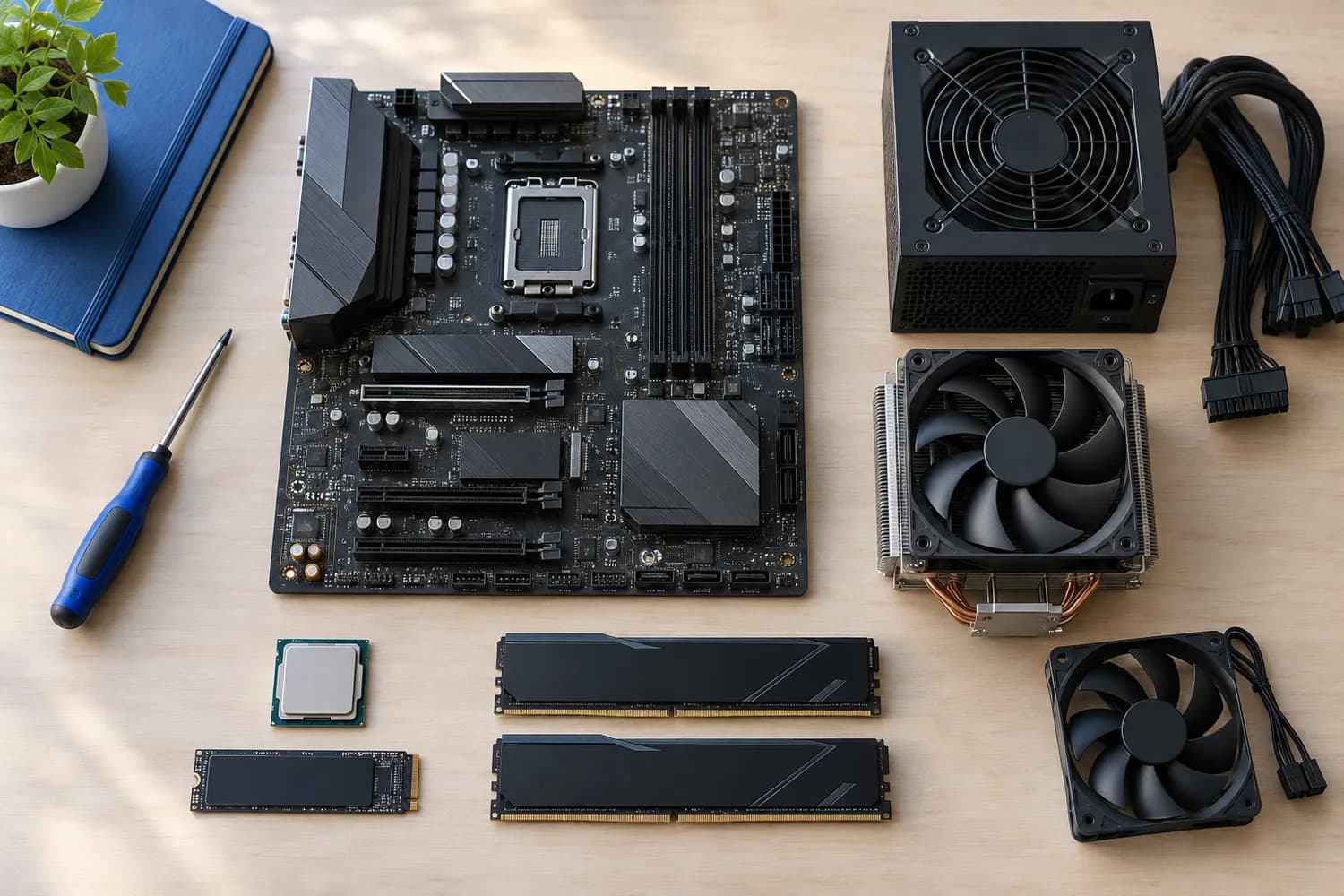
Mounting the GPU vertically shows off the card but moves it close to the side panel, which can starve its fans. Every pick supports a vertical mount, ordered from the lowest price.
The order reflects largest radiator from maker specifications; we did not test these PC cases ourselves, and gaps in the specs are flagged, not filled in.
Quick Picks
Which of the 3 picks to look at first. Tap a name for the full analysis.

Largest Radiator Size
be quiet! Pure Base 501 AirflowThe largest radiator size here (360mm).
Best for: Buyers who put largest radiator size first.
Check price for be quiet! Pure Base 501 Airflow on Amazon (opens in a new tab)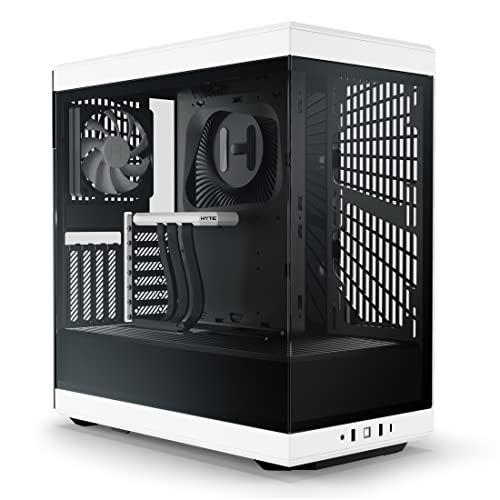
Also Consider
HYTE Y40A vertical GPU layout with a riser cable included.
Best for: Buyers who want vertical GPU layout with a riser cable included.
Check price for HYTE Y40 on Amazon (opens in a new tab)
Premium Pick
Cooler Master NR200P V2 WhiteA white finish at the highest price in the group.
Best for: Buyers for whom price is not the deciding factor, since the Pure Base 501 costs less.
Check price for Cooler Master NR200P V2 White on Amazon (opens in a new tab)
| Pick | Why it stands out | Best for | Check price |
|---|---|---|---|
| The largest radiator size here (360mm). | Buyers who put largest radiator size first. | Check price for be quiet! Pure Base 501 Airflow on Amazon (opens in a new tab) |
| A vertical GPU layout with a riser cable included. | Buyers who want vertical GPU layout with a riser cable included. | Check price for HYTE Y40 on Amazon (opens in a new tab) |
| A white finish at the highest price in the group. | Buyers for whom price is not the deciding factor, since the Pure Base 501 costs less. | Check price for Cooler Master NR200P V2 White on Amazon (opens in a new tab) |
Our Picks
Largest Radiator Size1 of 3
be quiet! Pure Base 501 Airflow
The Pure Base 501 Airflow is a quieter-minded be quiet!
Best for
- Buyers who put largest radiator size first.
Skip if
- Look at the other picks if you need a feature not covered above.
Why we like it
design whose expansion slots rotate for a vertical graphics card. It takes a 360mm radiator at the front and a 240mm on top. A Pure Wings 3 140mm PWM fan comes installed, and the design balances airflow with noise reduction. It suits a quiet mid-tower build.
Its minimal front and top keep the look clean in a work or studio setup. Its 360mm largest radiator size is the largest here; the Y40 comes next at 280mm. Confirm GPU length for the Pure Base 501 with its maker.
The Pure Base 501 takes 360mm radiators; mind RAM height. It undercut the Y40 and every other pick on price at the time of writing.
Key specs
- Largest radiator
- 360mm
Pros
- Fits a 360mm radiator
- Pure Wings 3 140mm PWM fan
- PCIe slots that rotate 90 degrees for a vertical GPU
- Room for a 240mm radiator on top as well as 360mm at the front
Also Consider2 of 3
HYTE Y40
The Y40 turns the graphics card to face the glass using an included riser, and a side 280mm radiator can sit beside it.
Best for
- Buyers who want vertical GPU layout with a riser cable included.
Skip if
- Skip it if price comes first: the Pure Base 501 cost less when we checked.
Why we like it
Two fans come fitted, one under the PSU shroud and one at the rear. A PCIe 4.0 riser cable comes in the box, so the graphics card sits vertically behind the front glass. Two 120mm fans are included.
Its colour-matched canopy hides the riser cable for a clean finish. On largest radiator size it ties with the NR200P V2 White at 280mm. Confirm GPU length for the Y40 with its maker.
The Y40 takes 280mm radiators; mind RAM height. On price it sat second of 3, between the cheaper Pure Base 501 and the pricier NR200P V2 White, at the time of writing.
Key specs
- Largest radiator
- 280mm
- Fans included
- 2
- Glass
- Panoramic tempered glass
Pros
- Panoramic tempered glass
- Vertical GPU layout with a riser cable included
- Side 280mm radiator mount with up to 120mm combined thickness
Cons
- Costs more than the Pure Base 501 at the time of writing
Premium Pick3 of 3
Cooler Master NR200P V2 White
What the NR200P V2 White brings to the table is a white finish, plus a vertical GPU mount with a PCIe 4.0 riser in the box.
Best for
- Buyers for whom price is not the deciding factor, since the Pure Base 501 costs less.
Skip if
- Look at the others if this bothers you: needs an SFX power supply.
Why we like it
It also offers a 357mm GPU clearance and offers a 280mm largest radiator size. It also offers tool-free quick-release panels. GPU limit in the NR200P V2 White: 357mm, before front fans.
The NR200P V2 White takes 280mm radiators; mind RAM height. Boards: Mini-ITX. You also get this: A compact 18.25L footprint.
It makes the most sense for buyers for whom price is not the deciding factor, since the Pure Base 501 costs less, since it offers a white finish at the highest price in the group. It was the most expensive pick when we checked, so weigh what it adds over the Y40. If largest radiator size is your priority, the Pure Base 501 (360mm) is the stronger choice.
Key specs
- Max GPU length
- 357mm
- Largest radiator
- 280mm
- Volume
- 18.25L
- Motherboards
- Mini-ITX
- PSU type
- SFX only
Pros
- A compact 18.25L footprint
- White finish
- Vertical GPU mount with a PCIe 4.0 riser in the box
- Tool-free quick-release panels
Cons
- Needs an SFX power supply
- Largest radiator size trails the Pure Base 501 (360mm)
- Costs more than the Pure Base 501 at the time of writing
How We Chose These Vertical GPU PC Cases
Alex Morgan compared the manufacturer specifications, connectivity, warranty terms and compatibility of every pick. Figures come from the makers unless a third-party source is named; we did not test these products ourselves.
- What we compared
- We set side by side three cases on largest radiator size from manufacturer specifications. Nothing was tested in-house; 1 of the 1 fields compared are stated for every pick.
- What every pick has in common
- All 3, from the Pure Base 501 to the NR200P V2 White, state largest radiator size.
- Who each pick suits
- The Pure Base 501 for the largest radiator size here (360mm); the Y40 for a vertical GPU layout with a riser cable included; the NR200P V2 White for a white finish at the highest price in the group.
- Price range
- At our last check the picks ran from the Pure Base 501 ($50 to $100) to the NR200P V2 White ($150 to $250).
What to Look for in a Vertical GPU PC Case
Key buying criteria so you get the right fit the first time.
Largest radiator size
Across these 3 picks largest radiator size spans 280mm (the NR200P V2 White) to 360mm (the Pure Base 501). The Pure Base 501 is the pick for largest radiator size.
What to check at home
Confirm GPU length for the Pure Base 501 with its maker. Confirm GPU length for the Y40 with its maker. GPU limit in the NR200P V2 White: 357mm, before front fans.
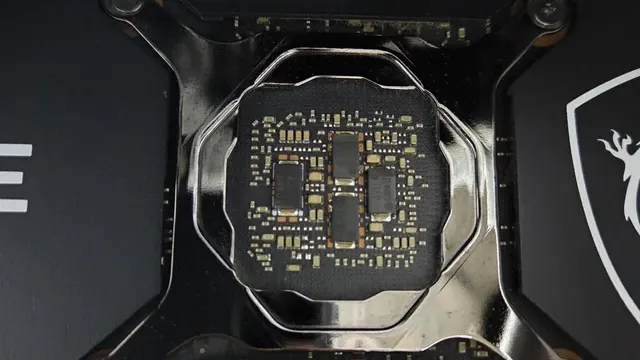
A graphics card's bare circuit board around the GPU die Extras that separate them
The Pure Base 501: PCIe slots that rotate 90 degrees for a vertical GPU. The Y40: a side 280mm radiator mount with up to 120mm combined thickness. The NR200P V2 White: a vertical GPU mount with a PCIe 4.0 riser in the box.
Where your budget lands
$50 to $100 buys the Pure Base 501; $100 to $150 buys the Y40; $150 to $250 buys the NR200P V2 White at our last check.
Start from what matters most
Buyers who put largest radiator size first: the Pure Base 501. Buyers for whom price is not the deciding factor, since the Pure Base 501 costs less: the NR200P V2 White.
How to Choose a Vertical GPU PC Case
By priority
| Priority | Consider | Why |
|---|---|---|
| Buyers who put largest radiator size first | Pure Base 501 | The largest radiator size here (360mm) |
| Buyers who want vertical GPU layout with a riser cable included | Y40 | A vertical GPU layout with a riser cable included |
| Buyers for whom price is not the deciding factor, since the Pure Base 501 costs less | NR200P V2 White | A white finish at the highest price in the group |
Scroll sideways to see every column.
Key specs side by side
The Pure Base 501 leads on largest radiator size at 360mm, ahead of the Y40 at 280mm.
| Case | Largest radiator |
|---|---|
| Pure Base 501 | 360mm |
| Y40 | 280mm |
| NR200P V2 White | 280mm |
By price at the time of writing
The Pure Base 501 was the lowest-priced pick ($50 to $100) and the NR200P V2 White the highest ($150 to $250) when we checked; tiers move with Amazon pricing.
| Price tier | Cases |
|---|---|
| About $50 to $100 | Pure Base 501 |
| About $100 to $150 | Y40 |
| About $150 to $250 | NR200P V2 White |
Frequently Asked Questions
Is the Pure Base 501 ahead of the Y40 on largest radiator size?
The Pure Base 501 tops largest radiator size at 360mm; the Y40 follows at 280mm, 29% apart.
What does the NR200P V2 White add over the Pure Base 501?
The NR200P V2 White matches or trails the Pure Base 501 on largest radiator size, so pay more only for a feature the spec sheet doesn't cover. The Pure Base 501 leads on largest radiator size (360mm). On our last price check the Pure Base 501 was in the $50 to $100 tier and the NR200P V2 White in the $150 to $250 tier, with 1 other pick between them.
Why is the Pure Base 501 our Largest Radiator Size pick?
It carries the badge for the largest radiator size here (360mm). On largest radiator size it leads the Y40, 360mm against 280mm, a 29% margin. It makes sense for anyone who puts largest radiator size first.
Will the NR200P V2 White work with my setup?
GPU limit in the NR200P V2 White: 357mm, before front fans. The NR200P V2 White takes 280mm radiators; mind RAM height. In this guide it ranks third of 3, as our Premium Pick, and third of 3 on largest radiator size (280mm).
What extras do the Pure Base 501 and the Y40 include?
The Pure Base 501: a Pure Wings 3 140mm PWM fan. The Y40: a vertical GPU layout with a riser cable included. The NR200P V2 White: a white finish.
Bottom Line
Our first pick is the Pure Base 501, chosen for the largest radiator size here (360mm). Look at the Y40 for a vertical GPU layout with a riser cable included and the NR200P V2 White for a white finish at the highest price in the group if those matter more to you.
A vertical mount needs a PCIe riser cable; check whether it's included and which PCIe version it supports.
Related Guides
- Related guideThe Best PC Cases
- Related guideThe Best PC Cases for Gaming
- Related guideThe Best White PC Cases
- Lower budgetThe Best GPUs Under $300
- Higher budgetThe Best High-End GPUs
- ExplainerHow Much VRAM Do You Need?
- ExplainerGPU Power Connectors Explained
- Check compatibility: power suppliesHow to choose a power supply for a PC build
- Similar guideThe Best AMD GPUs
- Topic hubAll graphics cards guides
About the author
PC Hardware Editor
Alex covers PC hardware, monitors, components, upgrades and peripherals for The PC Journal, with a focus on helping readers understand specifications, compatibility and meaningful product trade-offs.
Covers: Monitors, Graphics cards, Processors, PC components, Peripherals, Upgrades and compatibility
View all articles