
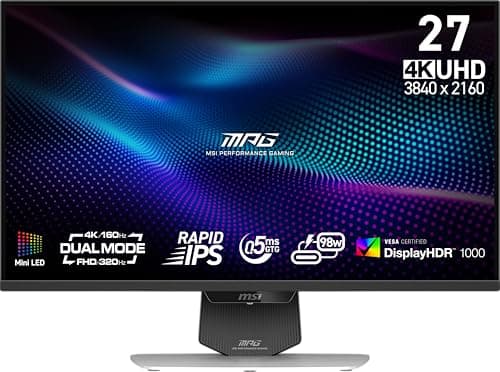
Monitors · Buying Guide
The Best 4K Monitors
4K needs a strong GPU for games, but it gives the sharpest desktop at this size.
12 min read
Monitors
4K pays off when your GPU or console can drive it and the panel size makes the detail visible. These guides compare 4K monitors by use, size and refresh rate.
64 buying guides and 4 explainers.
HDMI 2.1 or DisplayPort 1.4/2.1 for 4K at high refresh
GPU headroom for 4K in your games
Panel size and Windows scaling at your viewing distance
Choose 4K by size, scaling, GPU or application demands, connectivity, color performance, and refresh-rate needs.
Resolution should match screen size, viewing distance, workload, GPU performance, and desired refresh rate.
Pick a scale percentage for your 4K monitor, fix blurry programs and confirm full colour detail over the cable.
A 4k monitor is worth it only when its strengths match your viewing distance, workload, GPU capability, and daily mix of static work and motion.
Monitors · Buying Guide
4K needs a strong GPU for games, but it gives the sharpest desktop at this size.
12 min read
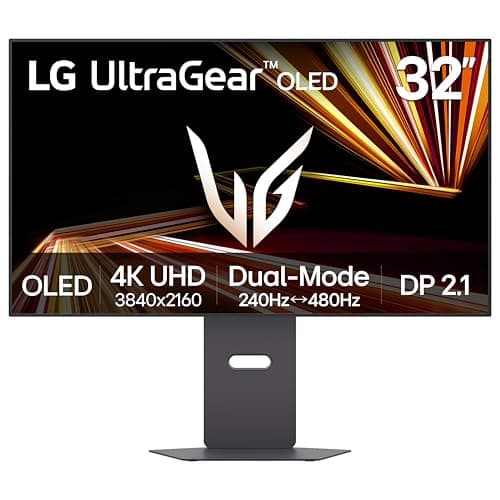
Monitors · Buying Guide
LG's monitor range is wide, so the model number decides what you get.
12 min read
Monitors · Buying Guide
A 4K panel quadruples the pixels of 1080p, so plan for upscaling in demanding games.
12 min read
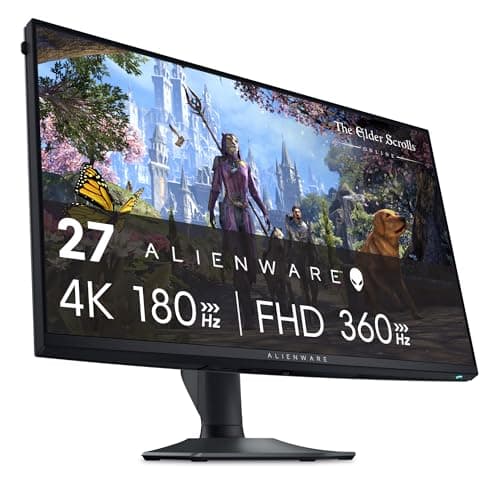
Monitors · Buying Guide
A 4K panel quadruples the pixels of 1080p, so plan for upscaling in demanding games.
12 min read
Monitors · Buying Guide
MSI's monitor range is wide, so the model number decides what you get.
11 min read
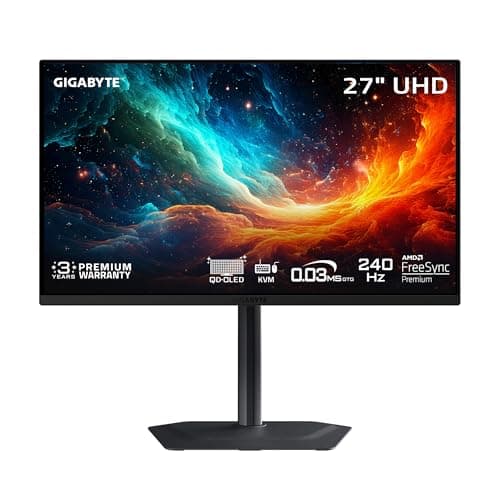
Monitors · Buying Guide
4K OLED pairs per-pixel contrast with sharp text; burn-in care still matters.
12 min read