
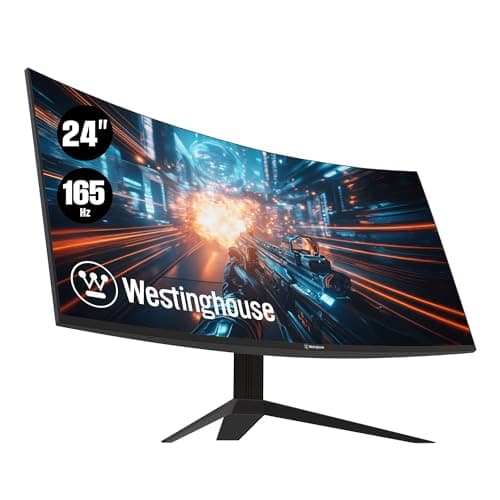
Monitors · Buying Guide
The Best Curved Gaming Monitors
A curve keeps the edges of a large screen at a similar distance from your eyes.
12 min read
Monitors
Ultrawide and curved screens need desk depth, GPU headroom and games or apps that support the aspect ratio. These guides compare them by size and use.
16 buying guides and 3 explainers.
Desk depth and width for the panel
Aspect ratio support in your main games or apps
GPU headroom for the extra pixels
Ultrawide value depends on aspect ratio, curve, desk depth, application support, GPU load, and alternatives such as dual monitors.
Use pixel counts to see how heavy each ultrawide format is for your graphics card, and what to check in games.
A ultrawide monitor is worth it only when its strengths match your viewing distance, workload, GPU capability, and daily mix of static work and motion
Monitors · Buying Guide
A curve keeps the edges of a large screen at a similar distance from your eyes.
12 min read
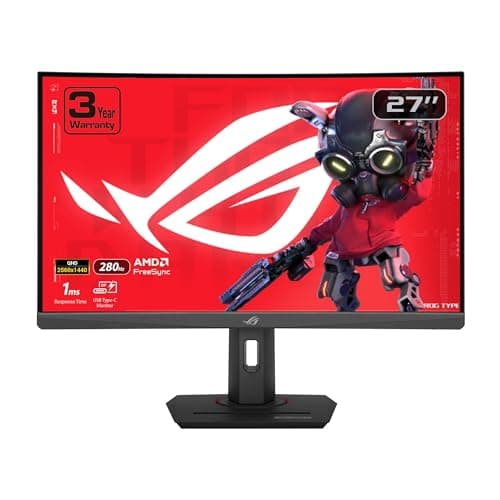
Monitors · Buying Guide
Curved screens matter most when you sit close to a large or wide panel.
11 min read
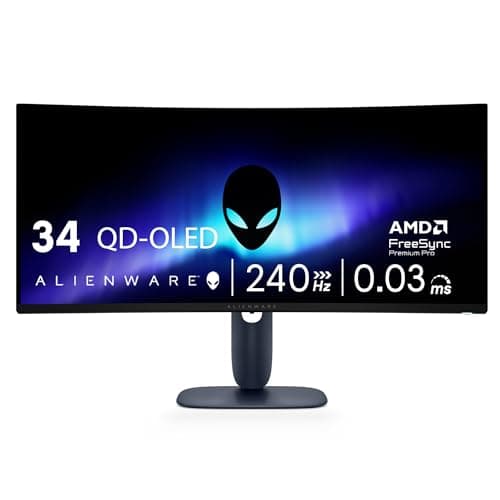
Monitors · Buying Guide
Six curved monitors from 24 to 40 inches, including OLED and VA ultrawides.
12 min read
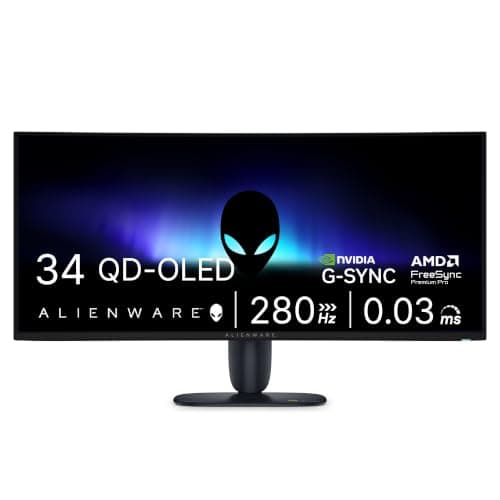
Monitors · Buying Guide
34-inch screens fit a standard desk depth, but resolution changes how close you can sit.
11 min read
Monitors · Buying Guide
Curved screens matter most when you sit close to a large or wide panel.
11 min read
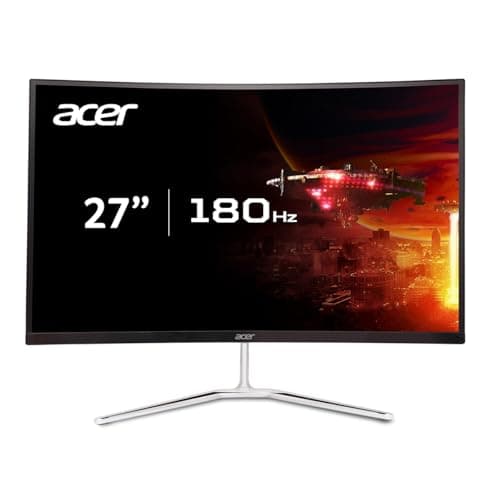
Monitors · Buying Guide
A mild curve on a 27-inch screen keeps the edges closer to your eyes.
11 min read