
Buying Guide
The Best Hard Gaming Mousepads
From the Sphex V3 to the XVX glass: five mouse pads ranked on width and depth, with who should skip each one.
By Alex Morgan, PC Hardware Editor
12 min read5 products evaluated

Hard pads glide faster than cloth and are easy to clean. Every pick has a glass, polycarbonate or hard polymer surface, ordered from the lowest price.
Our comparison rests on published figures for width, depth and thickness; nothing here was tested in-house, and where a maker leaves out thickness, we say so.
Quick Picks
Which of the 5 picks to look at first. Tap a name for the full analysis.

Lowest Price Here
Razer Sphex V3 Hard Gaming Mouse MatThe cheapest way into this group, below the G440.
Best for: Keeping the cost under $50.
Check price for Razer Sphex V3 Hard Gaming Mouse Mat on Amazon (opens in a new tab)
Thickest Pick
Logitech G440 Hard Gaming Mouse PadThe thickest thickness here (5mm).
Best for: Buyers who put thickness first.
Check price for Logitech G440 Hard Gaming Mouse Pad on Amazon (opens in a new tab)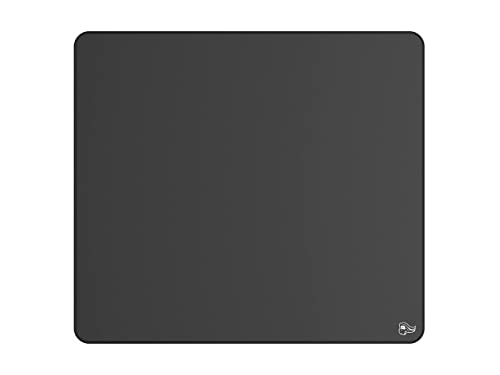
Widest Pick
Glorious Elements Ice XLThe widest width here (17 in).
Best for: Buyers who put width first.
Check price for Glorious Elements Ice XL on Amazon (opens in a new tab)
Also Consider
Glazir Glass Gaming Mouse PadA micro-etched tempered glass surface.
Best for: Buyers who want micro-etched tempered glass surface.
Check price for Glazir Glass Gaming Mouse Pad on Amazon (opens in a new tab)
Premium Pick
XVX Glass Gaming Mouse PadThe top of this price range, adding a glass surface.
Best for: Spending more than the Glazir glass pad costs for the fullest feature set in this group.
Check price for XVX Glass Gaming Mouse Pad on Amazon (opens in a new tab)
Our Picks
Lowest Price Here1 of 5
Razer Sphex V3 Hard Gaming Mouse Mat
Razer's Sphex V3 is a 0.4mm polycarbonate pad with an adhesive base.
Best for
- Keeping the cost under $50.
Skip if
- Look at the others if this bothers you: mouse-only 10.6-inch width.
Why we like it
It sits almost flush with the desk. On width it trails the group at 10.6 in, while the Glorious Elements XL comes in at 17 in. Its 8.5 in depth is the shallowest in this group; the Glorious Elements XL leads at 15 in.
Its 0.4mm thickness is the thinnest in this group; the G440 leads at 5mm. It is the only pick here with a polycarbonate surface; the G440 has a hard polymer surface instead. It also offers an ultra-thin 0.4mm polycarbonate build and a 270 x 215mm size.
The Sphex V3 fits the mouse only, so the keyboard sits on the bare desk at a different height. A hard surface like the Sphex V3's wears mouse feet faster than cloth; spare skates help. No other pick here cost less at our last price check, and the G440 was closest.
Key specs
- Width
- 10.6 in
- Depth
- 8.5 in
- Thickness
- 0.4mm
- Surface
- Polycarbonate
- Extras
- Adhesive base
Pros
- Ultra-thin 0.4mm polycarbonate build
- Adhesive base
- 270 x 215mm size
- Polycarbonate surface, the only one here
Cons
- Mouse-only 10.6-inch width
- Width trails the Glorious Elements XL (17 in)
- Depth trails the Glorious Elements XL (15 in)
The catch
Width is its weakest area, and the Glorious Elements XL covers it better at 17 in.
Thickest Pick2 of 5
Logitech G440 Hard Gaming Mouse Pad
Logitech's G440 is a hard pad at 340 x 280 x 5mm.
Best for
- Buyers who put thickness first.
Skip if
- Worth skipping when mouse-only 13.4-inch width is a problem.
Why we like it
The hard surface lets the mouse glide with little friction. Its 13.4 in width ranks fourth of 5 here, behind the Glorious Elements XL (17 in) and ahead of the Sphex V3 (10.6 in). On depth it sits mid-pack at 11 in: the Glorious Elements XL comes in at 15 in, and the Sphex V3 comes in at 8.5 in.
Its 5mm thickness is the thickest here; the XVX glass comes next at 3.2mm. You get a hard polymer surface here, which sets it apart from the XVX glass and its a glass surface. The G440 fits the mouse only, so the keyboard sits on the bare desk at a different height.
A hard surface like the G440's wears mouse feet faster than cloth; spare skates help. On price it sat second of 5, between the cheaper Sphex V3 and the pricier Glorious Elements XL, at the time of writing.
Key specs
- Width
- 13.4 in
- Depth
- 11 in
- Thickness
- 5mm
- Surface
- Hard polymer
Pros
- 5mm cushioned base
- Hard low-friction surface
- 340 x 280 x 5mm size
- Width of 13.4 in, ahead of the Sphex V3
Cons
- Mouse-only 13.4-inch width
- Costs more than the Sphex V3 at the time of writing
Widest Pick3 of 5
Glorious Elements Ice XL
What the Glorious Elements XL brings to the table is a flexible glass-infused cloth surface.
Best for
- Buyers who put width first.
Skip if
- Skip it if you need to know its thickness before buying; the maker doesn't publish one.
Why we like it
It also offers a 17 in width and offers a 15 in depth. On width it leads this guide at 17 in, ahead of the XVX glass (16.1 in). Its 15 in depth is the deepest here; the XVX glass comes next at 12.2 in.
It is the only pick here with a glass-infused cloth surface; the Sphex V3 has a polycarbonate surface instead. The Glorious Elements XL fits the mouse only, so the keyboard sits on the bare desk at a different height. A hard surface like the Glorious Elements XL's wears mouse feet faster than cloth; spare skates help. When we checked, only the G440 and cheaper picks cost less, and the Glazir glass pad cost more.
Key specs
- Width
- 17 in
- Depth
- 15 in
- Surface
- Glass-infused cloth
Pros
- Flexible glass-infused cloth surface
- Widest width of the picks (17 in)
- Deepest depth of the picks (15 in)
Cons
- No published thickness
- Costs more than the Sphex V3 at the time of writing
The catch
If you want a confirmed thickness, look to the G440 instead: it comes in at 5mm, while this one gives no figure.
Also Consider4 of 5
Glazir Glass Gaming Mouse Pad
The Glazir glass pad is built around a micro-etched tempered glass surface.
Best for
- Buyers who want micro-etched tempered glass surface.
Skip if
- Choose another pick if you can't accept this: mouse-only 13.7-inch width.
Why we like it
On the spec sheet, it offers a 13.7 in width and offers a 9.8 in depth. Its 13.7 in width ranks third of 5 here, behind the Glorious Elements XL (17 in) and ahead of the Sphex V3 (10.6 in). On depth it sits mid-pack at 9.8 in: the Glorious Elements XL comes in at 15 in, and the Sphex V3 comes in at 8.5 in.
A tempered glass surface is unique to it among these picks, while the G440 uses a hard polymer surface. The Glazir glass pad fits the mouse only, so the keyboard sits on the bare desk at a different height. A hard surface like the Glazir glass pad's wears mouse feet faster than cloth; spare skates help. Its price falls between the Glorious Elements XL and the XVX glass, based on our last check.
Key specs
- Width
- 13.7 in
- Depth
- 9.8 in
- Surface
- Tempered glass
Pros
- Micro-etched tempered glass surface
- Width of 13.7 in, ahead of the G440
- Depth of 9.8 in, ahead of the Sphex V3
Cons
- Mouse-only 13.7-inch width
- No published thickness
- Costs more than the Sphex V3 at the time of writing
The catch
Buyers who need a confirmed thickness should compare it with the G440, which comes in at 5mm.
Premium Pick5 of 5
XVX Glass Gaming Mouse Pad
XVX's glass pad measures 410 x 310 x 3.2mm.
Best for
- Spending more than the Glazir glass pad costs for the fullest feature set in this group.
Skip if
- Skip it if price comes first: the Sphex V3 cost less when we checked.
Why we like it
It is a lower-cost entry to glass surfaces. On width it sits mid-pack at 16.1 in: the Glorious Elements XL comes in at 17 in, and the Sphex V3 comes in at 10.6 in. Its 12.2 in depth ranks second of 5 here, behind the Glorious Elements XL (15 in) and ahead of the Sphex V3 (8.5 in).
It is the only pick here with a glass surface; the Sphex V3 has a polycarbonate surface instead. You also get a 410 x 310 x 3.2mm size and a lower price than the other glass pads here. The XVX glass fits the mouse only, so the keyboard sits on the bare desk at a different height.
A hard surface like the XVX glass's wears mouse feet faster than cloth; spare skates help. At our last price check it topped the group, with the Glazir glass pad the nearest cheaper option.
Key specs
- Width
- 16.1 in
- Depth
- 12.2 in
- Thickness
- 3.2mm
- Surface
- Glass
Pros
- Glass surface
- 410 x 310 x 3.2mm size
- Lower price than the other glass pads here
- Width of 16.1 in, ahead of the Glazir glass pad
Cons
- Costs more than the Sphex V3 at the time of writing
How We Chose These Hard Gaming Mousepads
Alex Morgan compared the manufacturer specifications, connectivity, warranty terms and compatibility of every pick. Figures come from the makers unless a third-party source is named; we did not test these products ourselves.
- How these picks were ranked
- We compared five mouse pads on width, depth, thickness and surface as the makers state them. Nothing was tested in-house; 3 of the 4 fields compared are stated for every pick, while thickness has gaps.
- The shared baseline
- All 5, from the Sphex V3 to the XVX glass, state width, depth and surface.
- Where the specs have gaps
- The Glorious Elements XL and the Glazir glass pad give no thickness.
- Price range
- From the Sphex V3 to the XVX glass, all sat in the under $50 tier when we checked.
What to Look for in a Hard Gaming Mousepad
Key buying criteria so you get the right fit the first time.
Width
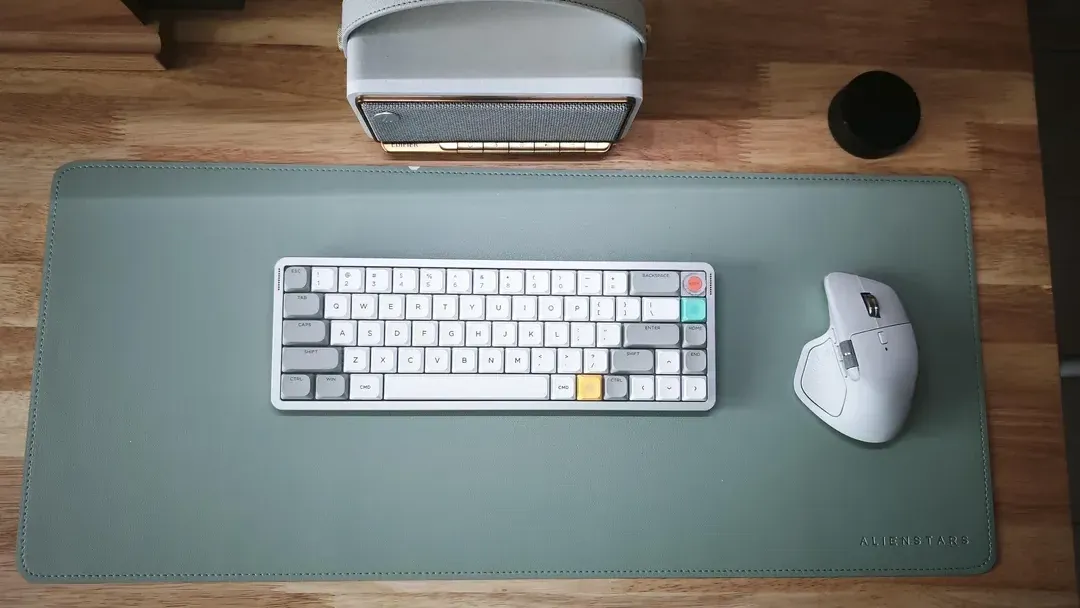
Here width runs from 10.6 in on the Sphex V3 to 17 in on the Glorious Elements XL, a 60% spread. The Glorious Elements XL is the pick for width.
How much depth you need
The Glorious Elements XL tops depth at 15 in and the Sphex V3 sits lowest at 8.5 in. If depth is your first filter, the Glorious Elements XL sets the ceiling at 15 in.
A black cloth mousepad with a wireless mouse Thickness across these picks
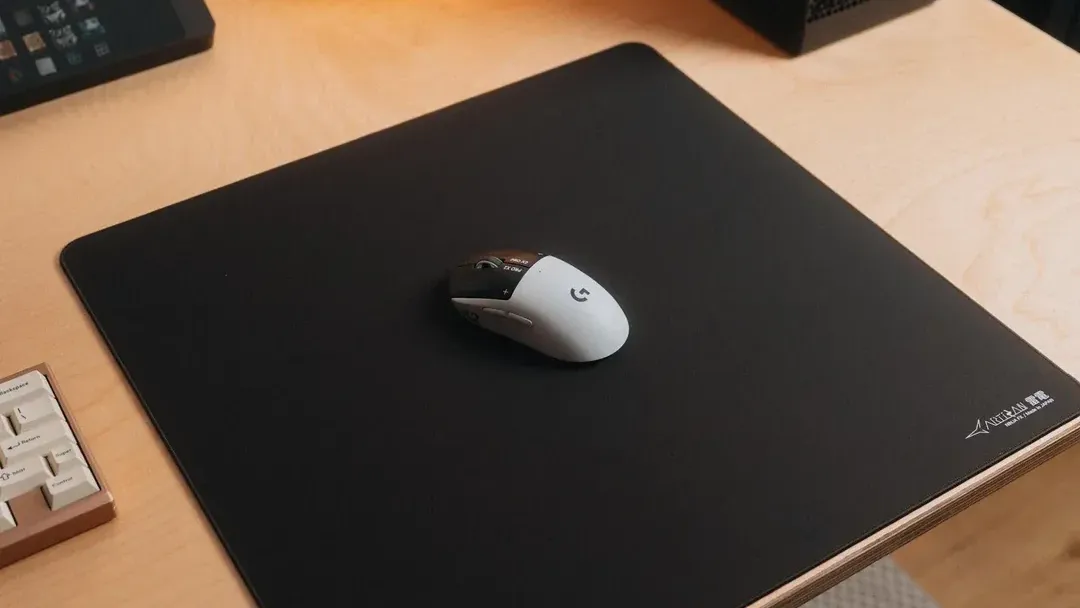
The G440 tops thickness at 5mm and the Sphex V3 sits lowest at 0.4mm. Start with the G440 if thickness decides it. The Glorious Elements XL and the Glazir glass pad give no thickness figure, so 3 of 5 picks are compared here.
Setup checks
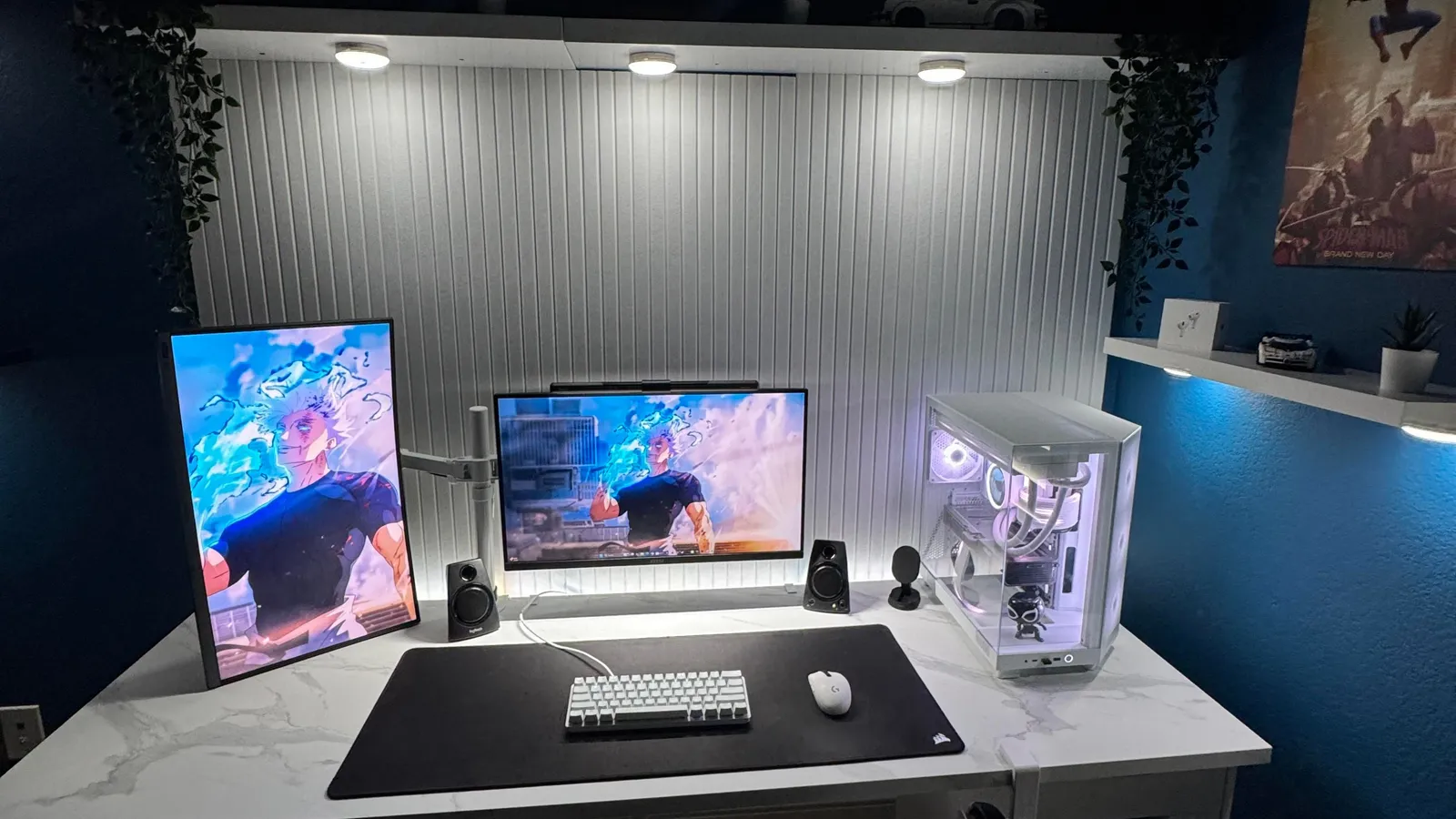
The Sphex V3 fits the mouse only, so the keyboard sits on the bare desk at a different height.
A wide black desk mat in front of two monitors and a white PC Features beyond the spec table
The Glorious Elements XL: a flexible glass-infused cloth surface. The Glazir glass pad: a micro-etched tempered glass surface. The XVX glass: a 410 x 310 x 3.2mm size.
How to Choose a Hard Gaming Mousepad
By priority
| Priority | Consider | Why |
|---|---|---|
| Keeping the cost under $50 | Sphex V3 | The cheapest way into this group, below the G440 |
| Buyers who put thickness first | G440 | The thickest thickness here (5mm) |
| Buyers who put width first | Glorious Elements XL | The widest width here (17 in) |
| Buyers who want micro-etched tempered glass surface | Glazir glass pad | A micro-etched tempered glass surface |
| Spending more than the Glazir glass pad costs for the fullest feature set in this group | XVX glass | The top of this price range, adding a glass surface |
Scroll sideways to see every column.
Key specs side by side
The Glorious Elements XL leads on width at 17 in, ahead of the XVX glass at 16.1 in. "Not listed" marks thickness where the Glorious Elements XL and the Glazir glass pad leave the figure out.
| Mouse Pad | Width | Depth | Thickness | Surface |
|---|---|---|---|---|
| Sphex V3 | 10.6 in | 8.5 in | 0.4mm | Polycarbonate |
| G440 | 13.4 in | 11 in | 5mm | Hard polymer |
| Glorious Elements XL | 17 in | 15 in | Not listed | Glass-infused cloth |
| Glazir glass pad | 13.7 in | 9.8 in | Not listed | Tempered glass |
| XVX glass | 16.1 in | 12.2 in | 3.2mm | Glass |
Scroll sideways to see every column.
Frequently Asked Questions
How does the XVX glass compare with the Glorious Elements XL on width?
Between the top two, it is 17 in on the Glorious Elements XL against 16.1 in on the XVX glass, a 6% difference. The Sphex V3 is at the other end of this group with 10.6 in.
Is the Glorious Elements XL ahead of the XVX glass on depth?
The Glorious Elements XL leads at 15 in, with the XVX glass at 12.2 in. The Sphex V3 closes the ranking at 8.5 in.
Is the G440 ahead of the XVX glass on thickness?
The G440 leads at 5mm, with the XVX glass at 3.2mm. The spread runs down to the Sphex V3 at 0.4mm. No thickness figure is published for the Glorious Elements XL and the Glazir glass pad, which leaves 3 of 5 picks ranked here.
Is the XVX glass worth paying more than the Sphex V3?
What it brings is width (16.1 in against 10.6 in), depth (12.2 in against 8.5 in) and thickness (3.2mm against 0.4mm). Both sat in the under $50 tier when we checked, so the gains in width and depth cost little extra by tier.
What makes the Glorious Elements XL the Widest Pick?
It carries the badge for the widest width here (17 in). The XVX glass is next on width at 16.1 in, so this pick's 17 in is 6% further out. It makes sense for anyone who puts width first.
Do the Sphex V3 and the G440 differ on surface?
The Sphex V3 uses polycarbonate; the G440 uses Hard polymer; the Glorious Elements XL uses Glass-infused cloth; the Glazir glass pad uses Tempered glass; the XVX glass uses glass.
Bottom Line
Our first pick is the Sphex V3, chosen for the cheapest way into this group, below the G440. Look at the G440 for the thickest thickness here (5mm), the Glorious Elements XL for the widest width here (17 in) and the Glazir glass pad for a micro-etched tempered glass surface if those matter more to you.
Check that your mouse feet suit a hard surface; some wear faster.
Related Guides
- Related guideThe Best Gaming Mousepads
- Related guideThe Best Desk Mats for Gaming
- Related guideThe Best Big Mouse Pads
- Similar guideThe Best XL Gaming Mousepads
- Similar guideThe Best Gaming Mousepads for Every Grip and Surface
- ExplainerHow to Choose a Mouse Pad for Gaming and Work
- ExplainerMouse Pad Features Explained: What Is Worth Paying For?
- Also see: miceMouse polling rate and DPI: what each number changes
- Similar guideThe Best Gaming Desk Mats
- Topic hubAll mouse pads and desk mats guides
About the author
PC Hardware Editor
Alex covers PC hardware, monitors, components, upgrades and peripherals for The PC Journal, with a focus on helping readers understand specifications, compatibility and meaningful product trade-offs.
Covers: Monitors, Graphics cards, Processors, PC components, Peripherals, Upgrades and compatibility
View all articles