
Buying Guide
The Best XL Gaming Mousepads
Five extended pads at 35 inches wide or more.
By Alex Morgan, PC Hardware Editor
12 min read5 products evaluated

XL pads cover the keyboard and mouse area at once. These five are 35 inches wide or more.
Sizes are converted from each listing.
Quick Picks
Which of the 5 picks to look at first. Tap a name for the full analysis.

Largest
Razer Gigantus V2 Pro 3XL BalanceA 47.2 x 20.9 inch size.
Best for: Large desks.
Check price for Razer Gigantus V2 Pro 3XL Balance on Amazon (opens in a new tab)
Best Printed XXL
Razer Gigantus V2 XXL Wuthering Waves Edition940 x 410mm with a 4mm base.
Best for: Themed setups.
Check price for Razer Gigantus V2 XXL Wuthering Waves Edition on Amazon (opens in a new tab)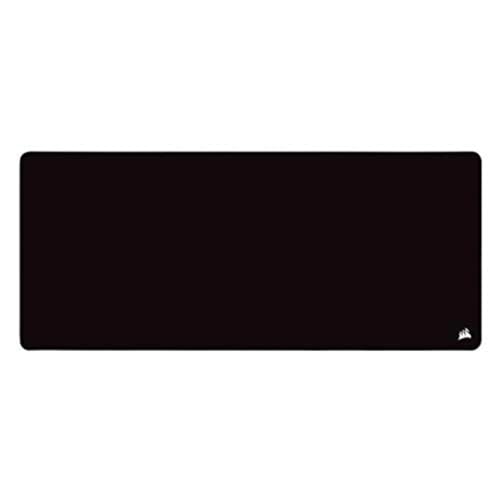
Best Stitched XL
Corsair MM350 PRO Extended XL Mouse PadStitched edges and a spill-proof cloth.
Best for: Heavy daily use.
Check price for Corsair MM350 PRO Extended XL Mouse Pad on Amazon (opens in a new tab)
Best Budget XL
KTRIO XXXL Gaming Mouse Pad35.4 x 15.7 inches at a low price.
Best for: Tight budgets.
Check price for KTRIO XXXL Gaming Mouse Pad on Amazon (opens in a new tab)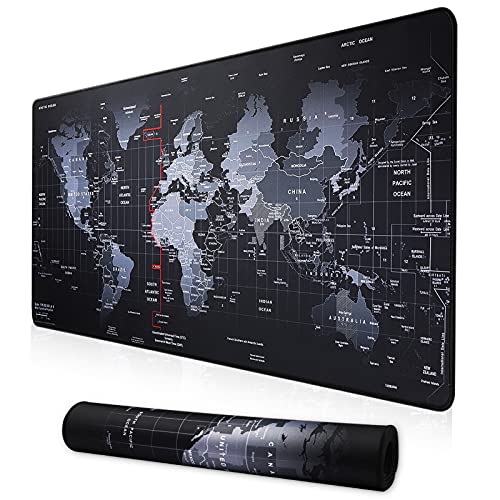
Thinnest XL
Cmhoo XXL Extended Mouse PadA 0.1 inch base.
Best for: Low keyboards.
Check price for Cmhoo XXL Extended Mouse Pad on Amazon (opens in a new tab)
| Pick | Why it stands out | Best for | Check price |
|---|---|---|---|
| A 47.2 x 20.9 inch size. | Large desks. | Check price for Razer Gigantus V2 Pro 3XL Balance on Amazon (opens in a new tab) |
| 940 x 410mm with a 4mm base. | Themed setups. | Check price for Razer Gigantus V2 XXL Wuthering Waves Edition on Amazon (opens in a new tab) |
| Stitched edges and a spill-proof cloth. | Heavy daily use. | Check price for Corsair MM350 PRO Extended XL Mouse Pad on Amazon (opens in a new tab) |
| 35.4 x 15.7 inches at a low price. | Tight budgets. | Check price for KTRIO XXXL Gaming Mouse Pad on Amazon (opens in a new tab) |
| A 0.1 inch base. | Low keyboards. | Check price for Cmhoo XXL Extended Mouse Pad on Amazon (opens in a new tab) |
Our Picks
Largest1 of 5
Razer Gigantus V2 Pro 3XL Balance
Razer's Gigantus V2 Pro 3XL Balance measures 47.2 x 20.9 inches.
Best for
- Large desks.
Skip if
- Its thickness is not published, which rules it out if you need that number.
Why we like it
It is the largest pad here. On width it leads this guide at 47.2 in, ahead of the Gigantus V2 XXL Wuthering Waves (37 in). Nothing else here matches its 20.9 in depth; the Gigantus V2 XXL Wuthering Waves comes closest at 16.1 in.
You get a balance cloth surface here, which sets it apart from the Cmhoo XXL and its a cloth surface. Measure your desk first: the Gigantus V2 Pro 3XL is 47.2 inches wide and needs a flat surface for its full length. It was the highest-priced of the 5 picks at the time of writing, so the case for it rests on what it adds over the Gigantus V2 XXL Wuthering Waves and the rest.
Key specs
- Width
- 47.2 in
- Depth
- 20.9 in
- Surface
- Balance cloth
Pros
- 47.2-inch width covers keyboard and mouse
- 47.2 x 20.9 inch size
- Balance cloth
- Deepest depth of the picks (20.9 in)
Cons
- No published thickness
- Costs more than the Cmhoo XXL at the time of writing
The catch
The maker doesn't give its thickness; if that figure matters, the Gigantus V2 XXL Wuthering Waves comes in at 4mm.
Best Printed XXL2 of 5
Razer Gigantus V2 XXL Wuthering Waves Edition
This Gigantus V2 XXL edition prints Wuthering Waves art across a 940 x 410mm cloth on a 4mm base.
Best for
- Themed setups.
Skip if
- Price-first buyers should look at the Cmhoo XXL, which cost less when we checked.
Why we like it
This Wuthering Waves edition of the Gigantus V2 uses a high-thread-count micro-weave cloth. Razer tunes it to balance speed and control. On width it sits mid-pack at 37 in: the Gigantus V2 Pro 3XL comes in at 47.2 in, and the Cmhoo XXL comes in at 35.4 in.
Its 16.1 in depth ranks second of 5 here, behind the Gigantus V2 Pro 3XL (20.9 in) and ahead of the Cmhoo XXL (15.7 in). It matches the MM350 PRO XL on thickness (4mm). Measure your desk first: the Gigantus V2 XXL Wuthering Waves is 37 inches wide and needs a flat surface for its full length. It was priced above the MM350 PRO XL and below the Gigantus V2 Pro 3XL at the time of writing.
Key specs
- Width
- 37 in
- Depth
- 16.1 in
- Thickness
- 4mm
- Surface
- Cloth
Pros
- 37-inch width covers keyboard and mouse
- 4mm cushioned base
- 940 x 410mm size
- Wuthering Waves artwork
Cons
- Costs more than the Cmhoo XXL at the time of writing
Best Stitched XL3 of 5
Corsair MM350 PRO Extended XL Mouse Pad
Corsair's MM350 PRO Extended XL is 930 x 400mm with a 4mm base.
Best for
- Heavy daily use.
Skip if
- If budget leads, the Cmhoo XXL was cheaper at our last price check.
Why we like it
The cloth is spill-proof and the edges are stitched. Its 4mm-thick base cushions the wrist, and a spill-proof coating lets liquids slide off. The micro-weave surface gives a fast glide.
Its 36.6 in width ranks third of 5 here, behind the Gigantus V2 Pro 3XL (47.2 in) and ahead of the Cmhoo XXL (35.4 in). On depth it ties with the KTRIO XXXL and the Cmhoo XXL at 15.7 in. On thickness it ties with the Gigantus V2 XXL Wuthering Waves at 4mm.
Measure your desk first: the MM350 PRO XL is 36.6 inches wide and needs a flat surface for its full length. Its price falls between the KTRIO XXXL and the Gigantus V2 XXL Wuthering Waves, based on our last check.
Key specs
- Width
- 36.6 in
- Depth
- 15.7 in
- Thickness
- 4mm
- Surface
- Cloth
- Edges
- Stitched
- Extras
- Spill-proof
Pros
- 36.6-inch width covers keyboard and mouse
- 4mm cushioned base
- Stitched edges
- 930 x 400mm size
Cons
- Costs more than the Cmhoo XXL at the time of writing
Best Budget XL4 of 5
KTRIO XXXL Gaming Mouse Pad
KTRIO's XXXL pad stretches to 35.4 x 15.7 inches.
Best for
- Tight budgets.
Skip if
- Pass if a published thickness matters; this one has none.
Why we like it
It is a low-cost way to cover a wide desk. On width it ties with the Cmhoo XXL at 35.4 in. It matches the MM350 PRO XL and the Cmhoo XXL on depth (15.7 in).
You also get a 35.4 x 15.7 inch size and a low price for its width. Measure your desk first: the KTRIO XXXL is 35.4 inches wide and needs a flat surface for its full length. It was priced above the Cmhoo XXL and below the MM350 PRO XL at the time of writing. There is no published thickness figure, whereas the Gigantus V2 XXL Wuthering Waves comes in at 4mm.
Key specs
- Width
- 35.4 in
- Depth
- 15.7 in
- Surface
- Cloth
Pros
- 35.4-inch width covers keyboard and mouse
- 35.4 x 15.7 inch size
- Low price for its width
- 35.4 x 15.7 inches at a low price
Cons
- No published thickness
- Costs more than the Cmhoo XXL at the time of writing
Thinnest XL5 of 5
Cmhoo XXL Extended Mouse Pad
Cmhoo's XXL pad measures 35.4 x 15.7 inches on a thin 0.1 inch base.
Best for
- Low keyboards.
Skip if
- Skip it if width matters most to you; the Gigantus V2 Pro 3XL offers 47.2 in.
Why we like it
It keeps the keyboard low. At 35.4 x 15.7 inches it is wider than most extended pads. Anti-fray stitching runs around the edge.
On width it ties with the KTRIO XXXL at 35.4 in. It matches the MM350 PRO XL and the KTRIO XXXL on depth (15.7 in). Its 2.5mm thickness is the thinnest in this group; the Gigantus V2 XXL Wuthering Waves leads at 4mm.
Measure your desk first: the Cmhoo XXL is 35.4 inches wide and needs a flat surface for its full length. No other pick here cost less at our last price check, and the KTRIO XXXL was closest. Width is its weakest area, and the Gigantus V2 Pro 3XL covers it better at 47.2 in.
Key specs
- Width
- 35.4 in
- Depth
- 15.7 in
- Thickness
- 2.5mm
- Surface
- Cloth
Pros
- 35.4-inch width covers keyboard and mouse
- 35.4 x 15.7 inch size
- 0.1 inch base
Cons
- Width trails the Gigantus V2 Pro 3XL (47.2 in)
- Thickness trails the Gigantus V2 XXL Wuthering Waves (4mm)
How We Chose These XL Gaming Mousepads
Alex Morgan compared the manufacturer specifications, connectivity, warranty terms and compatibility of every pick. Figures come from the makers unless a third-party source is named; we did not test these products ourselves.
- What we compared
- We compared five mouse pads on width, depth, thickness and surface from manufacturer specifications. Nothing was tested in-house; 3 of the 4 fields compared are stated for every pick, while thickness has gaps.
- What every pick has in common
- All 5, from the Gigantus V2 Pro 3XL to the Cmhoo XXL, state width, depth and surface.
- Where the specs have gaps
- The Gigantus V2 Pro 3XL and the KTRIO XXXL give no thickness.
- Price range
- At our last check the picks ran from the Cmhoo XXL (under $50) to the Gigantus V2 Pro 3XL ($50 to $100).
What to Look for in an XL Gaming Mousepad
Key buying criteria so you get the right fit the first time.
Width across these picks
Here width runs from 35.4 in on the Cmhoo XXL to 47.2 in on the Gigantus V2 Pro 3XL, a 33% spread. The Gigantus V2 XXL Wuthering Waves comes second at 37 in, in the under $50 tier against $50 to $100 for the Gigantus V2 Pro 3XL.
How much depth you need
Across these 5 picks depth spans 15.7 in (the Cmhoo XXL) to 20.9 in (the Gigantus V2 Pro 3XL). For less, the Gigantus V2 XXL Wuthering Waves is the runner-up at 16.1 in (under $50 tier).
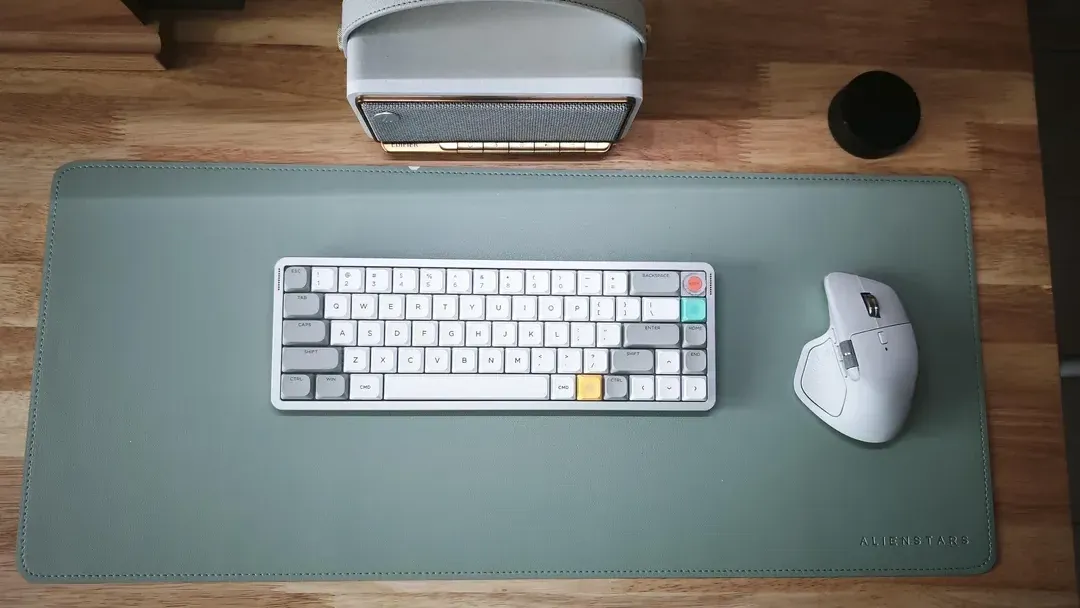
A green desk mat under a compact keyboard and an ergonomic mouse How much thickness you need
The Gigantus V2 XXL Wuthering Waves tops thickness at 4mm and the Cmhoo XXL sits lowest at 2.5mm; 2 picks share the top figure. The MM350 PRO XL comes second at 4mm, in the same price tier as the Gigantus V2 XXL Wuthering Waves. The Gigantus V2 Pro 3XL and the KTRIO XXXL give no thickness figure, so 3 of 5 picks are compared here.
Fit and compatibility
Measure your desk first: the Gigantus V2 Pro 3XL is 47.2 inches wide and needs a flat surface for its full length.
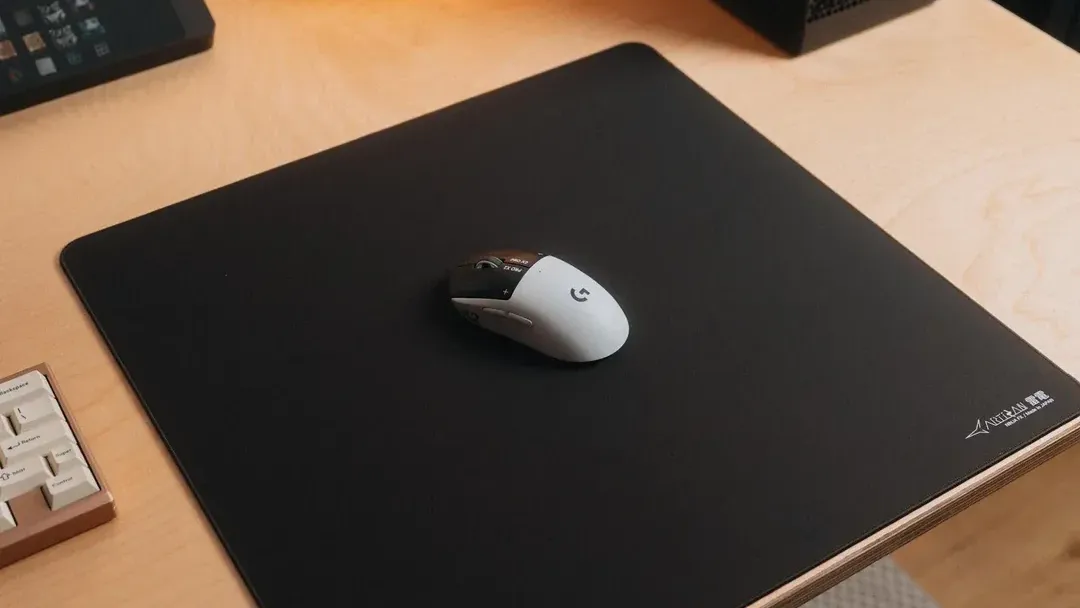
A black cloth mousepad with a wireless mouse Extras that separate them
The MM350 PRO XL: a spill-proof cloth. The KTRIO XXXL: a low price for its width. The Cmhoo XXL: a 0.1 inch base.
How to Choose an XL Gaming Mousepad
By priority
| Priority | Consider | Why |
|---|---|---|
| Large desks | Gigantus V2 Pro 3XL | A 47.2 x 20.9 inch size |
| Themed setups | Gigantus V2 XXL Wuthering Waves | 940 x 410mm with a 4mm base |
| Heavy daily use | MM350 PRO XL | Stitched edges and a spill-proof cloth |
| Tight budgets | KTRIO XXXL | 35.4 x 15.7 inches at a low price |
| Low keyboards | Cmhoo XXL | A 0.1 inch base |
Scroll sideways to see every column.
Key specs side by side
The Gigantus V2 Pro 3XL leads on width at 47.2 in, ahead of the Gigantus V2 XXL Wuthering Waves at 37 in. "Not listed" marks thickness where the Gigantus V2 Pro 3XL and the KTRIO XXXL leave the figure out.
| Mouse Pad | Width | Depth | Thickness | Surface |
|---|---|---|---|---|
| Gigantus V2 Pro 3XL | 47.2 in | 20.9 in | Not listed | Balance cloth |
| Gigantus V2 XXL Wuthering Waves | 37 in | 16.1 in | 4mm | Cloth |
| MM350 PRO XL | 36.6 in | 15.7 in | 4mm | Cloth |
| KTRIO XXXL | 35.4 in | 15.7 in | Not listed | Cloth |
| Cmhoo XXL | 35.4 in | 15.7 in | 2.5mm | Cloth |
Scroll sideways to see every column.
By price at the time of writing
The Cmhoo XXL was the lowest-priced pick (under $50) and the Gigantus V2 Pro 3XL the highest ($50 to $100) when we checked; tiers move with Amazon pricing.
| Price tier | Mouse Pads |
|---|---|
| Under $50 | Cmhoo XXL, KTRIO XXXL, MM350 PRO XL, Gigantus V2 XXL Wuthering Waves |
| About $50 to $100 | Gigantus V2 Pro 3XL |

Frequently Asked Questions
Is the Gigantus V2 Pro 3XL ahead of the Gigantus V2 XXL Wuthering Waves on width?
The Gigantus V2 Pro 3XL tops width at 47.2 in; the Gigantus V2 XXL Wuthering Waves follows at 37 in, 28% apart. The Cmhoo XXL is at the other end of this group with 35.4 in.
How does the Gigantus V2 XXL Wuthering Waves compare with the Gigantus V2 Pro 3XL on depth?
The Gigantus V2 Pro 3XL leads at 20.9 in, with the Gigantus V2 XXL Wuthering Waves at 16.1 in. The spread runs down to the Cmhoo XXL at 15.7 in.
What does the Gigantus V2 Pro 3XL add over the Cmhoo XXL?
On paper it adds width (47.2 in against 35.4 in) and depth (20.9 in against 15.7 in). On our last price check the Cmhoo XXL was in the under $50 tier and the Gigantus V2 Pro 3XL in the $50 to $100 tier, with 3 other picks between them; pay the difference only if width and depth decide your purchase.
Why is the Cmhoo XXL our Thinnest XL pick?
It earns the label for a 0.1 inch base. It is aimed at low keyboards.
Do the Gigantus V2 Pro 3XL and the Gigantus V2 XXL Wuthering Waves differ on surface?
The Gigantus V2 Pro 3XL uses balance cloth; the Gigantus V2 XXL Wuthering Waves, the MM350 PRO XL, the KTRIO XXXL and the Cmhoo XXL use cloth.
Will the MM350 PRO XL work with my setup?
Measure your desk first: the MM350 PRO XL is 36.6 inches wide and needs a flat surface for its full length. In this guide it ranks third of 5, as our Best Stitched XL pick, and third of 5 on width (36.6 in).
Bottom Line
Razer's Gigantus V2 Pro 3XL is the pick for 47.2 x 20.9 inches of coverage. Corsair's MM350 PRO XL adds stitching and spill-proofing, and KTRIO's XXXL is the budget pick.
Related Guides
- Related guideThe Best Big Mouse Pads
- Related guideThe Best Gaming Desk Mats
- Related guideThe Best Gaming Mousepads
- Similar guideThe Best Hard Gaming Mousepads
- Similar guideThe Best Gaming Mousepads for Every Grip and Surface
- ExplainerHow to Choose a Mouse Pad for Gaming and Work
- ExplainerMouse Pad Features Explained: What Is Worth Paying For?
- Also see: miceWired, 2.4 GHz dongle or Bluetooth: which connection for a mouse or keyboard?
- Similar guideThe Best Large Cloth Desk Mats for Gaming
- Topic hubAll mouse pads and desk mats guides
About the author
PC Hardware Editor
Alex covers PC hardware, monitors, components, upgrades and peripherals for The PC Journal, with a focus on helping readers understand specifications, compatibility and meaningful product trade-offs.
Covers: Monitors, Graphics cards, Processors, PC components, Peripherals, Upgrades and compatibility
View all articles